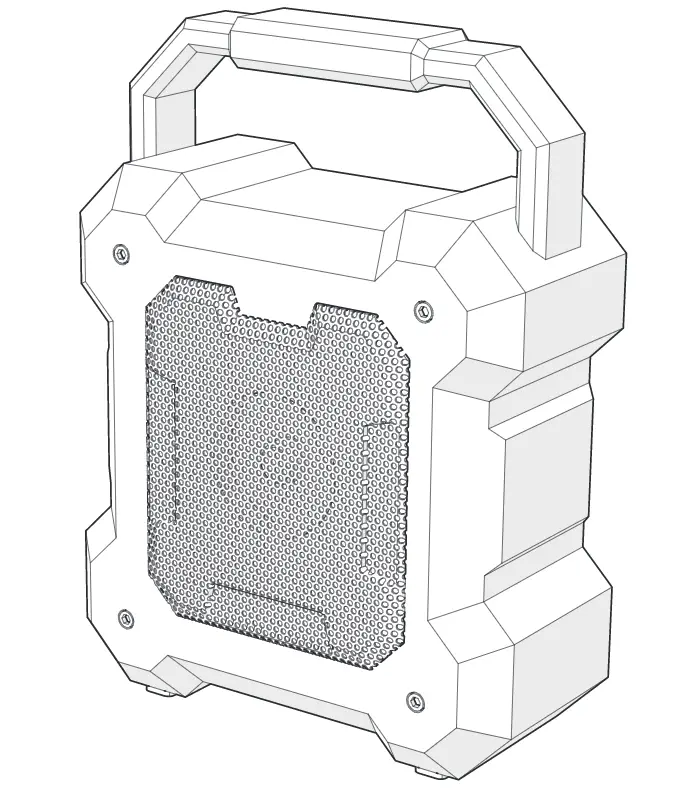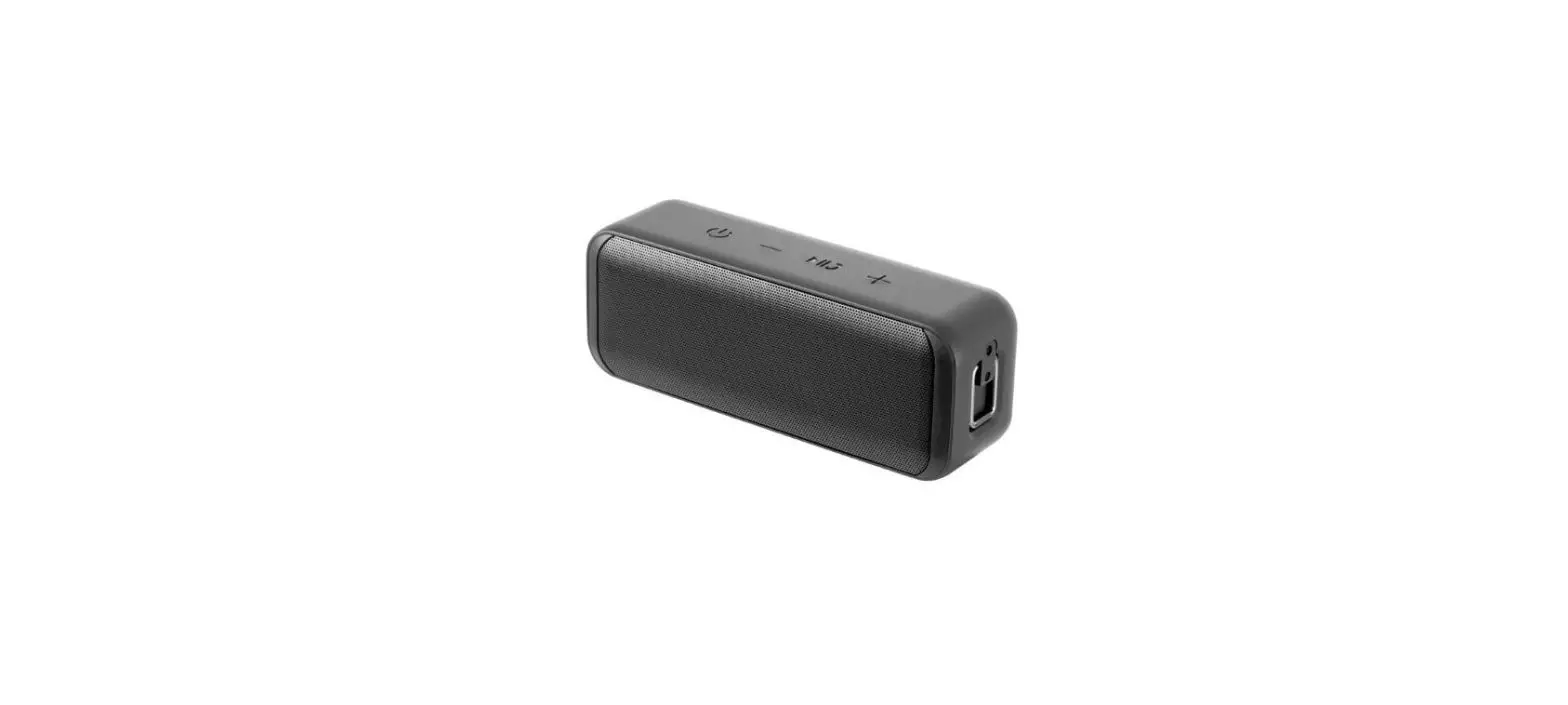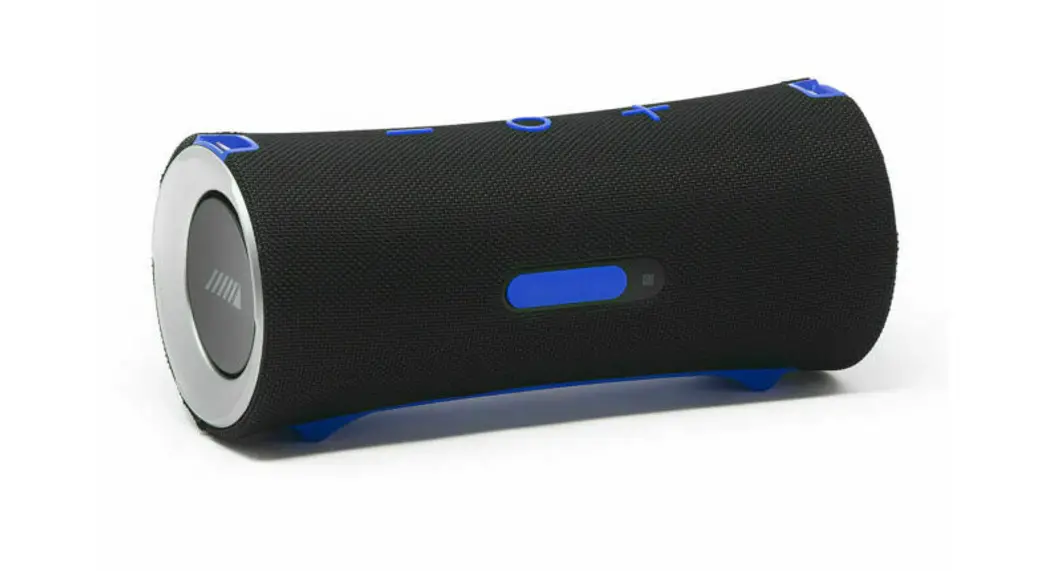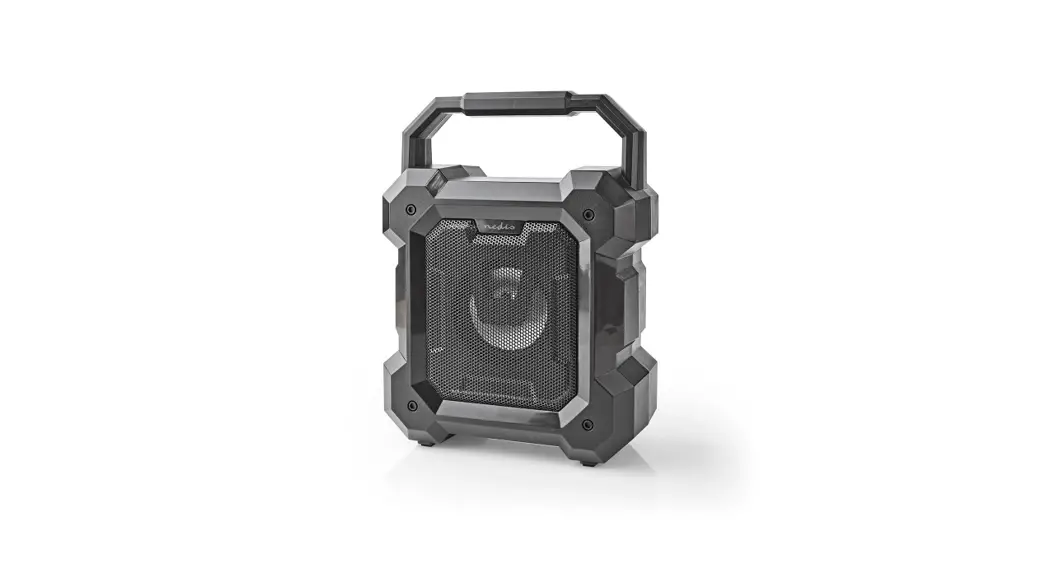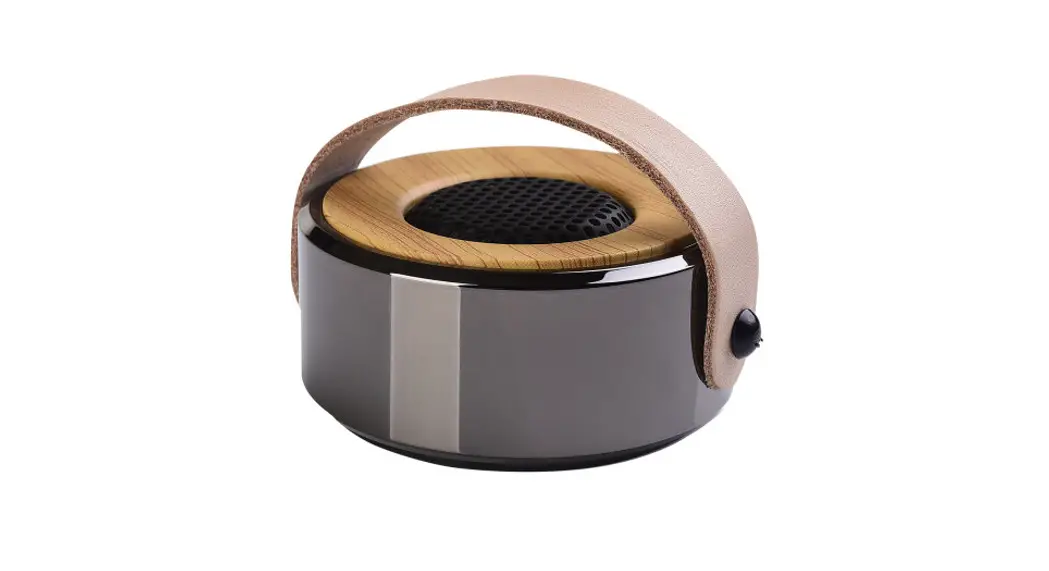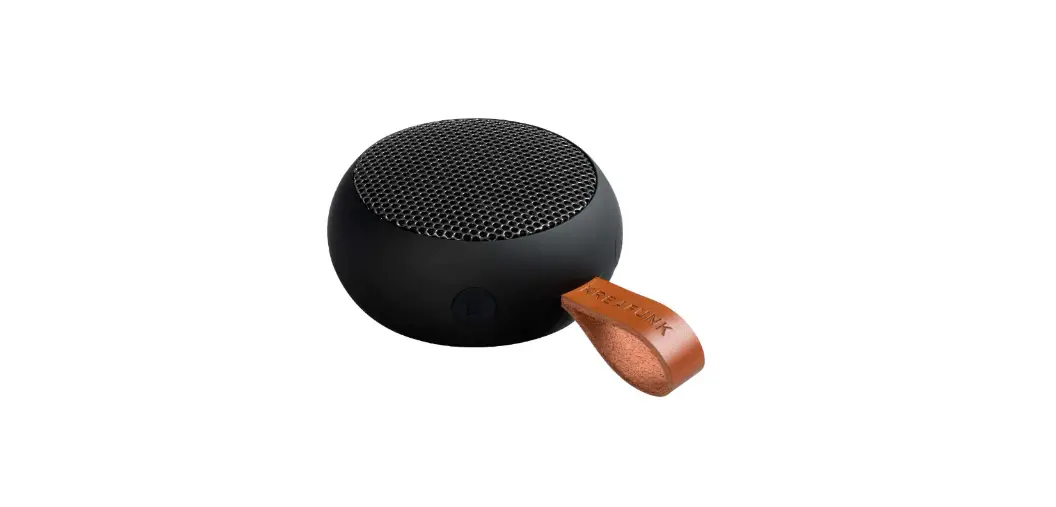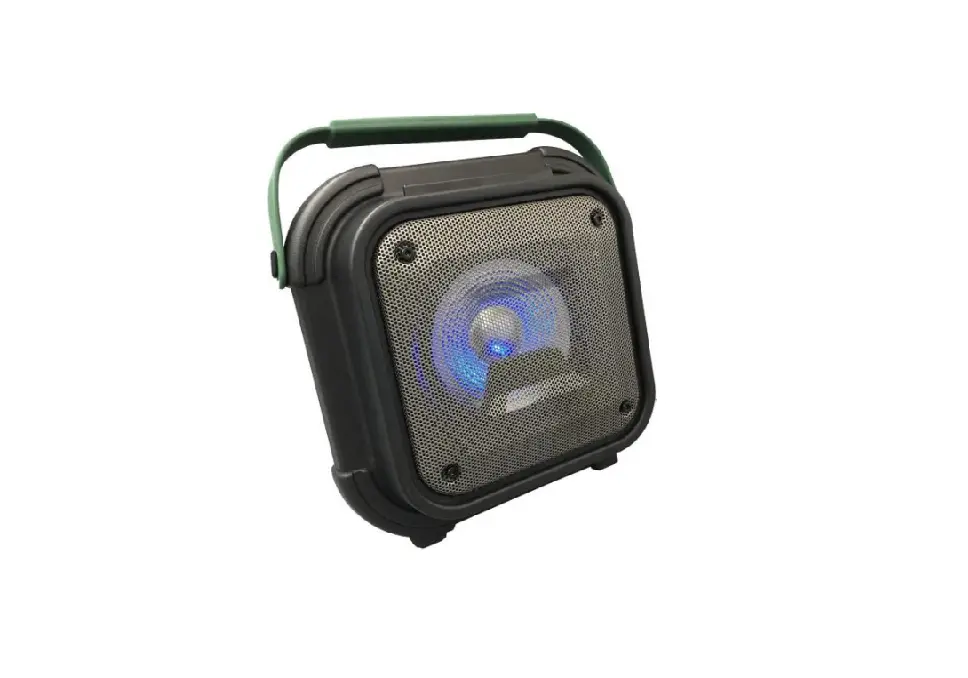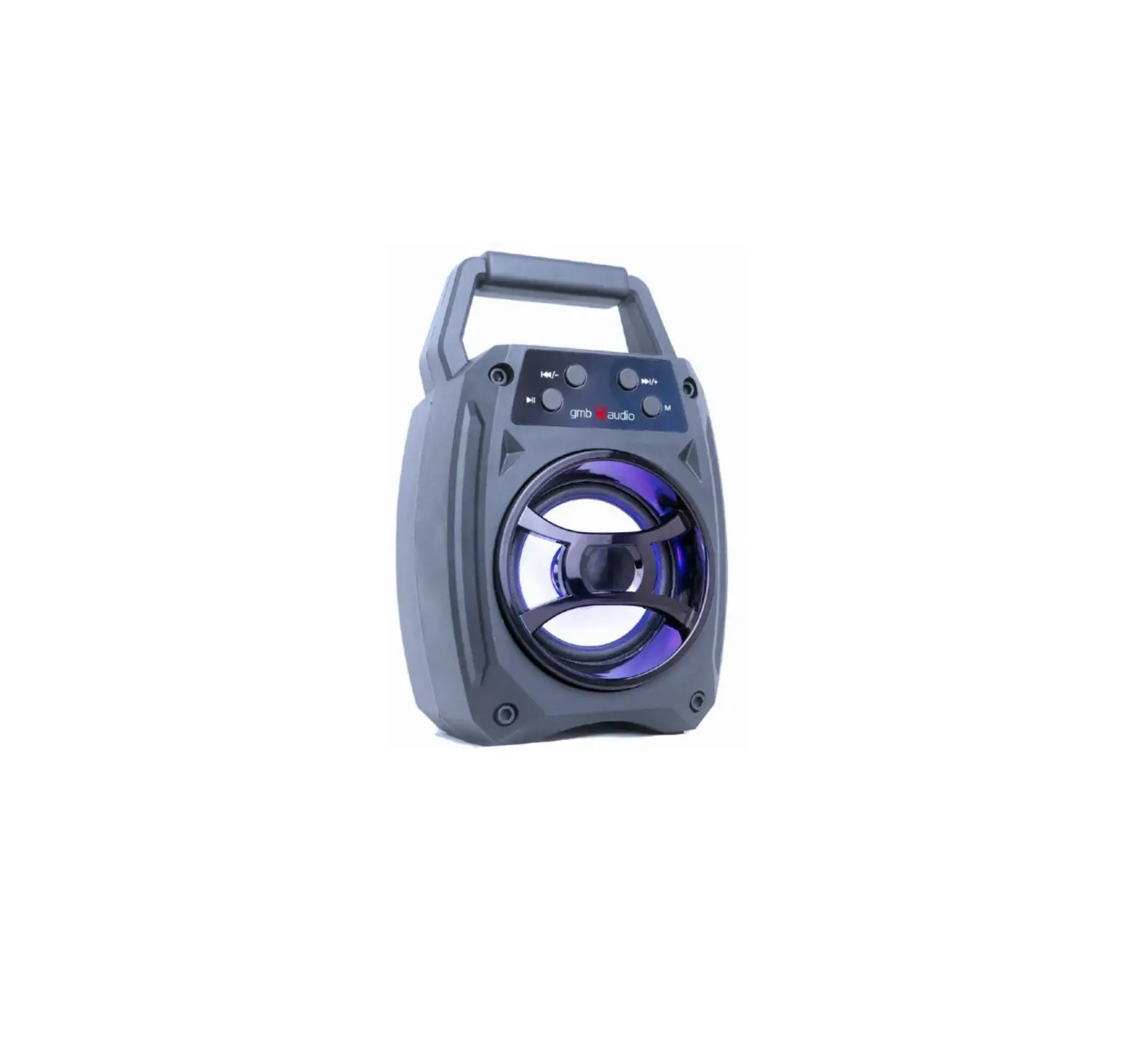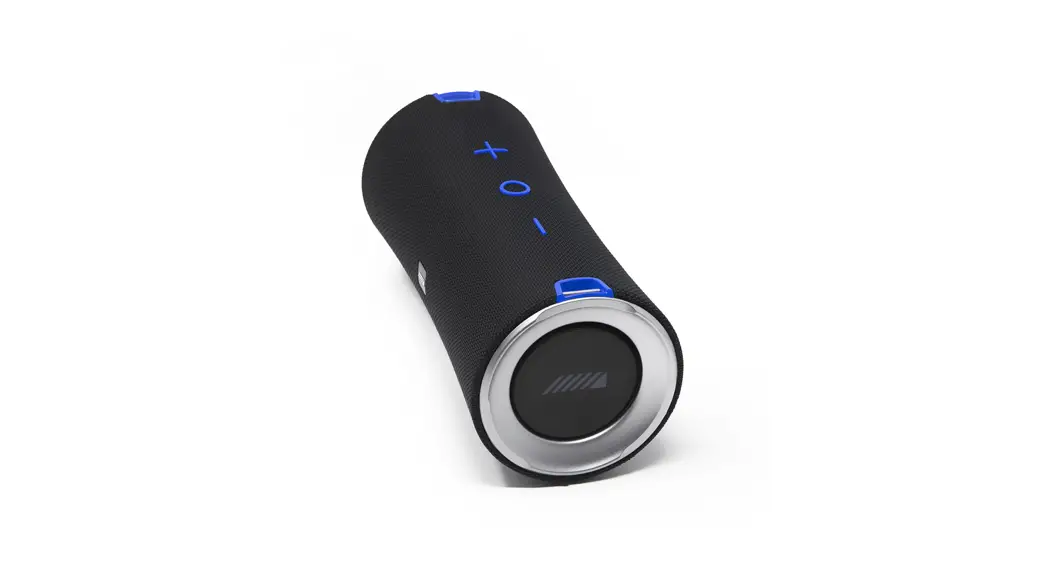

BLUETOOTH SPEAKER
User Manual
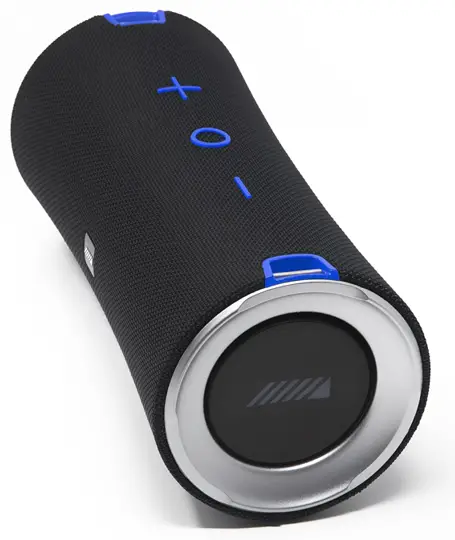
BLUETOOTH PAIRING
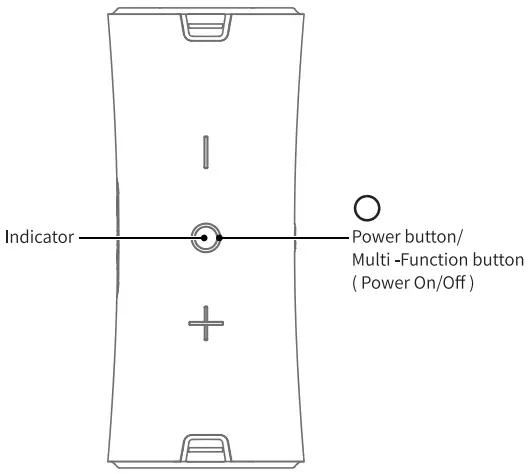
Step 1 Power on
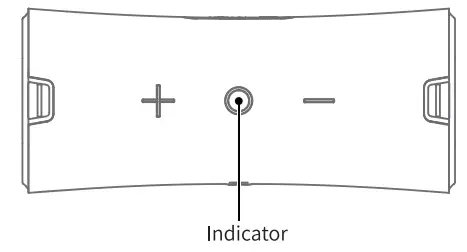
Long press the “O” button 2-3 seconds to power on, and you will hear a prompt tone of power on. Then the speaker will enter into Bluetooth pairing mode with the blue indicator blinking.
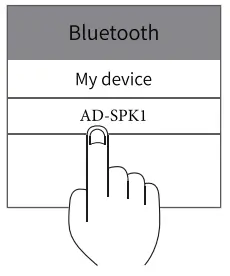
Step 2 Choose the device
Find “AD-SPKI” in your Bluetooth list and select it.
Step 3 Pairing success
The LED indicator on the speaker will stay blue Bluetooth is paired and a beep sound will be heard. You can play music now..
TWS PAIRING OPERATIONS
Operation Instruction
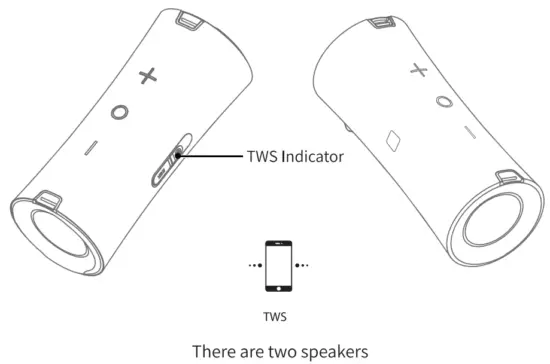
Turn on the two speakers, short press “ ” buttons on each speaker, which will come into TWS pairing mode with sound notification, and the white TWS indicator will blink. They will pair automatically. And once paired successfully, there will be a sound notification and the white TWS indicator will stay on. Open the setting and select “AD-SPKI” on the Bluetooth name list on the phone, click it, then the smartphone can pair the two speakers together. Short press the” ” button of any speaker to disconnect TWS pairing the white TWS indicator goes off.
Note: Once the two speakers are connected with TWS use the smartphone to connect with the master speaker.
Note: TWS not supported with Aux-in mode
BASIC OPERATION
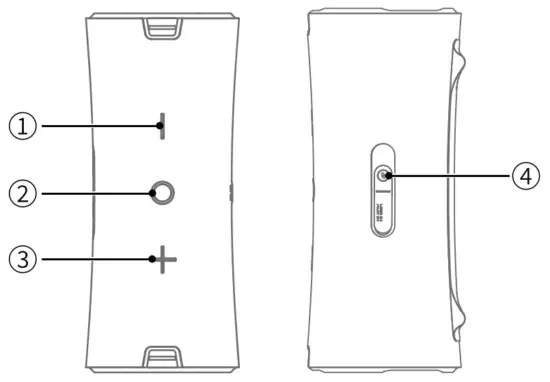
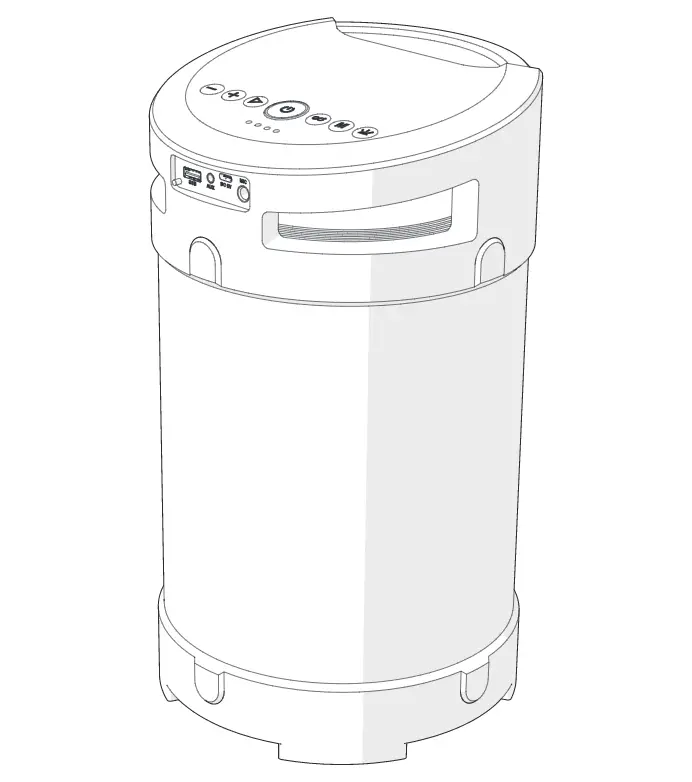
② Power button/Multi-Function button
Long press C) 2-3S, power on/off
When a call is coming, short press C) to answer
When a call is coming, double press C) to refuse
During a call conversation, short press C) to end call Short press C) when playing music for Play/Pause
①③Volume button
Short press ® for volume down,
Long press ® for previous track Short press ® for volume up, Long press ® for next track
④ TWS button
Short press ® to turn on/off the TWS function
Long press C) 2-35 to disconnect Bluetooth
LED INSTRUCTION
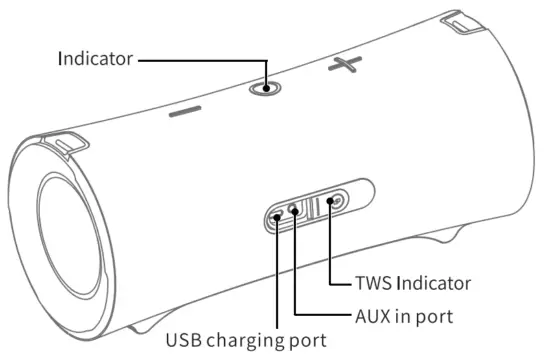
POWER ON | Blue light flashes |
| BLUETOOTH MODE | Play/Pause: Blue light is on. |
| When it is over the Bluetooth connection range, the Blue light flashes (back to pairing status). When the speaker is left in pairing mode for over 10 minutes without any activity, it will power off automatically. | |
| AUXIN MODE | Greenlight is on |
| CHARGING STATUS | The red light is on when charging; The red light will be off once fully charged |
| LOW BATTERY INDICATOR | Red light flashes when the battery is running low |
| TWS | The TWS indicators will stay white after TWS connection is successful. |
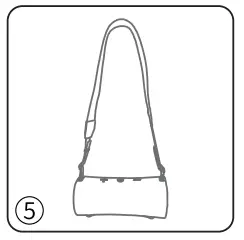
STRAP INSTALLATION
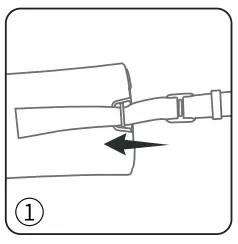
- Insert the end of the strap through the metal part in the direction of the arrow.

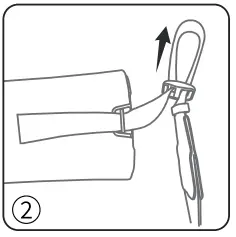
- Pull the strap out in the direction of the arrow.

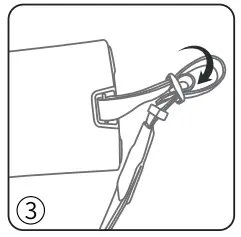
- Insert the end of the strap through the buckle in the direction of the arrow.

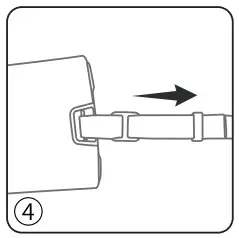
- Tighten straps

- Fix the other side strap as in the above steps.

PRODUCT SPECIFICATION
| Product Name | BLUETOOTH SPEAKER |
| Model Name | AD-SKI |
| Bluetooth Version | 5.0 |
| Battery Capacity | 3600mAh |
| Working Time | 12-14 hours (50 46 Volume) |
| Charging Time | 4-6 hours |
| Cha raging Current | 5V-1.8A |
| Driver Unit | 40W= 20Wx2 |
| Dimension | 11 x 4.6 x 4.7 inches |
| Weight | 3lbs, 13oz |
FREQUENTLY ASKED QUESTIONS
Q: What kind of charger should we use for the speaker?
A: All common USB chargers can be used, while we suggest the ones 5V/1.8A.
Q: What is the working sequence of the speaker?
A: The priority is AUX-IN input, a phone call in Bluetooth mode, and then playing music in Bluetooth mode.
Q: The speaker cannot be started up in a normal situation.
A: Please plug in the charger and try in a few minutes.
Q: What if there is noise or discontinuous sound when playing?
A: The speaker can be normally used within 33ft under a no obstruction environment. If it is over 33ft or with obstruction, there might be noise or discontinuous sound.
Q: Why will the speaker shut down automatically when it is working?
A: When there is no Bluetooth pairing or AUX IN within 10 minutes, the speaker will shut down automatically to reduce power consumption.
Q: The speaker cannot connect the once-paired cellphone.
A: First, remove the speaker’s pairing name from the cellphone’s Bluetooth list and then short press the Bluetooth Disconnection Button to restart paring mode.
* This speaker supports mobile phones and tablet PCs etc. Here this User Manual is illustrated based on mobile phones.
FCC STATEMENT :
This device complies with Part 15 of the FCC Rules. Operation is subject to the following two conditions:
- This device may not cause harmful interference, and
- This device must accept any interference received, including interference that may cause undesired operation.
Warning: Changes or modifications not expressly approved by the party responsible for compliance could void the user’s authority to operate the equipment.
NOTE: This equipment has been tested and found to comply with the limits for a Class B digital device, pursuant to Part 15 of the FCC Rules. These limits are designed to provide reasonable protection against harmful interference in a residential installation. This equipment generates uses and can radiate radio frequency energy and, if not installed and used in accordance with the instructions, may cause harmful interference to radio communications. However, there is no guarantee that interference will not occur in a particular installation. If this equipment does cause harmful interference to radio or television reception, which can be determined by turning the equipment off and on, the user is encouraged to try to correct the interference by one or more of the following measures:
Reorient or relocate the receiving antenna.
Increase the separation between the equipment and receiver.
Connect the equipment into an outlet on a circuit different from that to which the receiver is connected.
Consult the dealer or an experienced radio/TV technician for help.
RF scone statement
The device compliance RF exposure requirement and can install and used without restriction.
WARNING contains a lithium-ion battery
DO NOT LEAVE IN VEHICLE FOR EXTENDED AMOUNT OF TIME Recommended Storage Temp (I4F-104F)

MADE IN CHINA