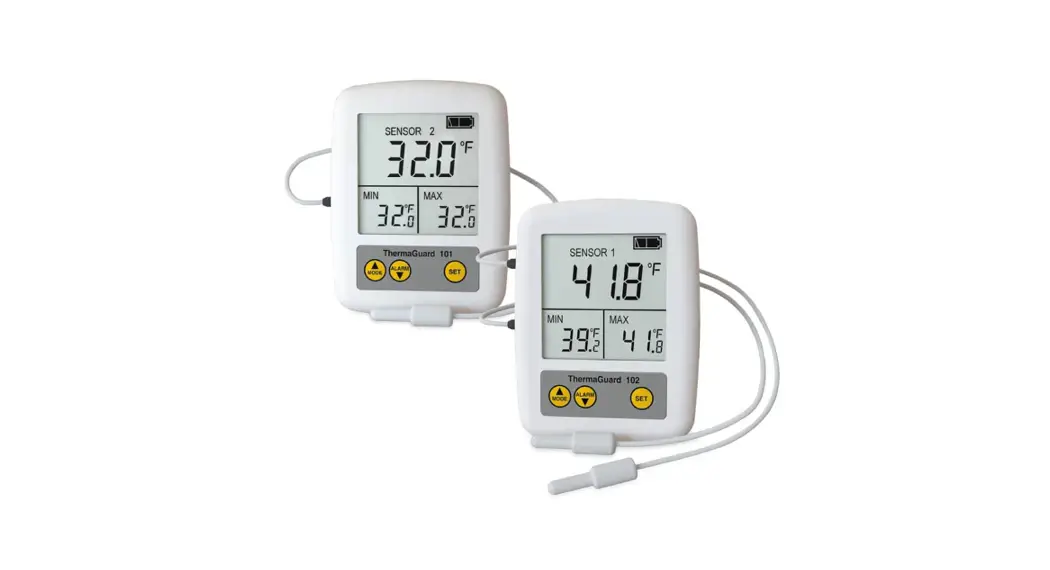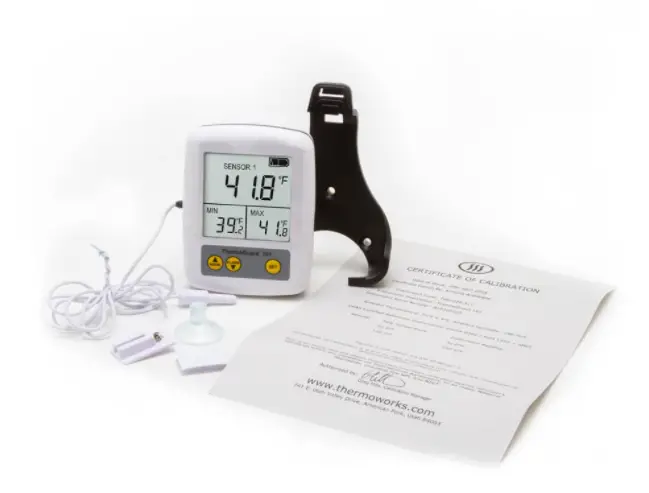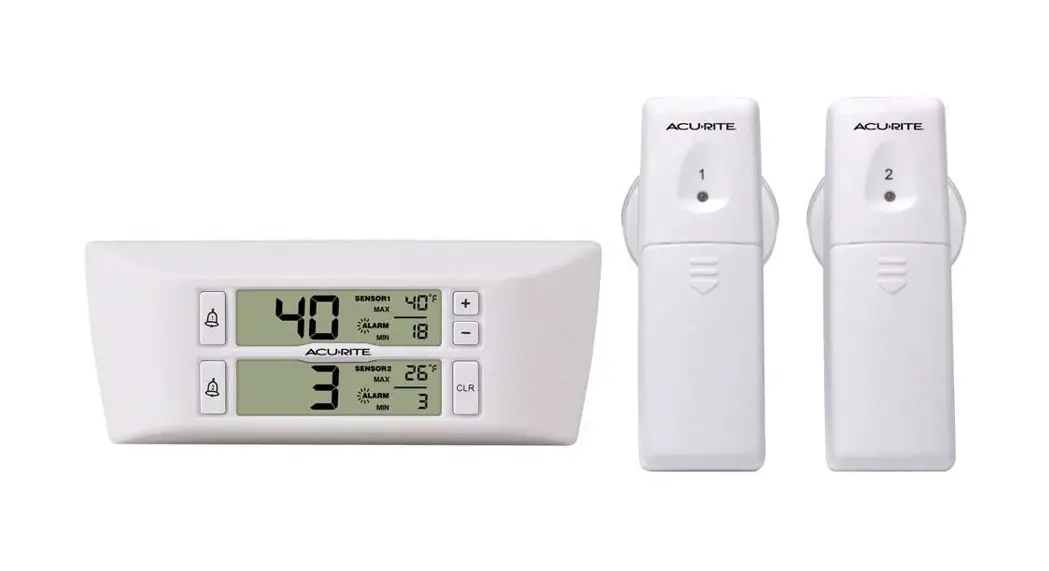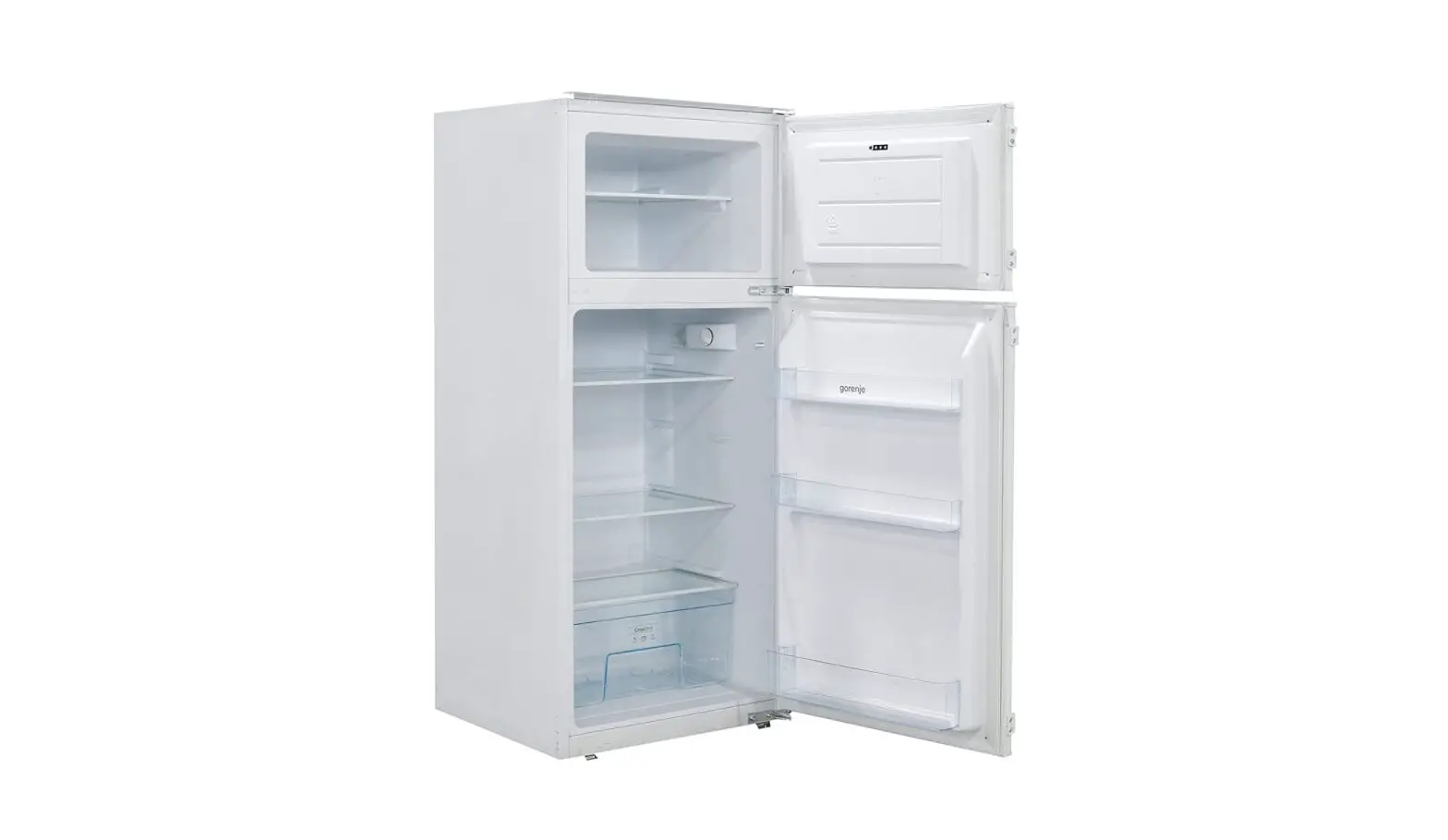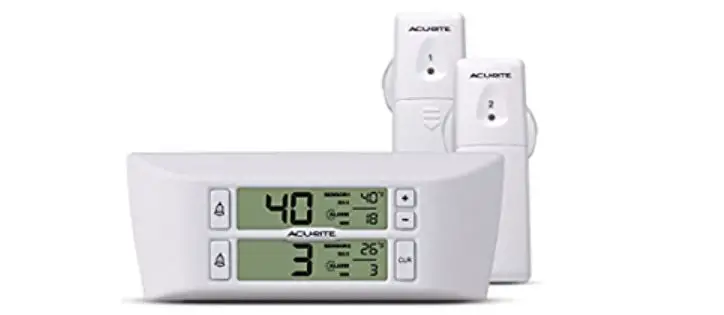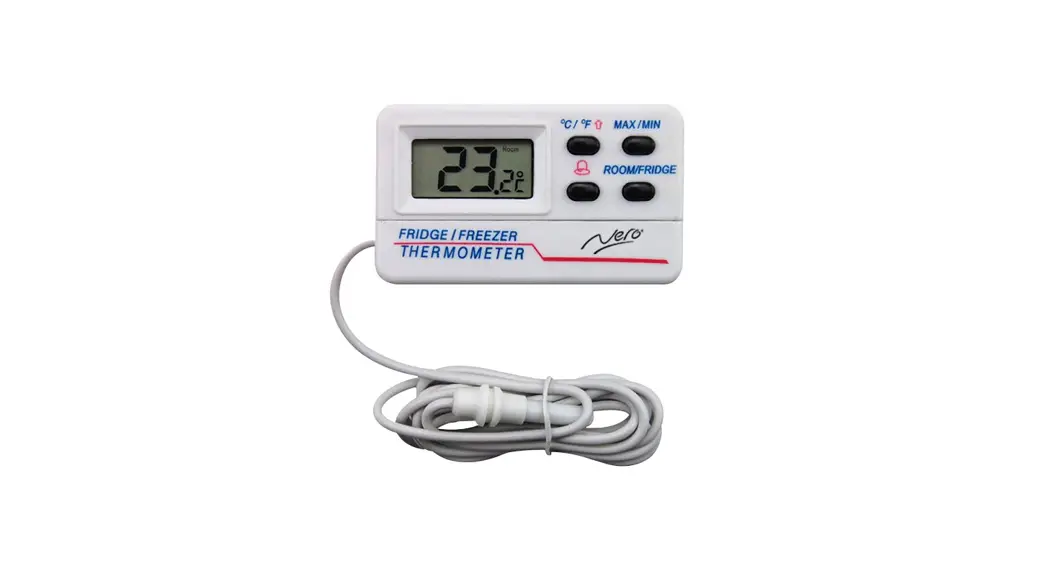
 FRIDGE/FREEZER AND ROOM
DIGITAL THERMOMETER
Product No: 745542
- Fridge/Freezer
- Indoor rooms
- Memory settings for max/min
- Alarm setting high/low
- C° and F° settings
Room Temperature: -10+50°C/14+122°F
Freezer/Fridge Temperature: -50+70°C/-58+158°F
Operating Instructions
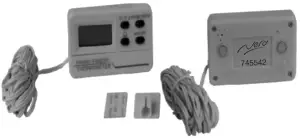
Pull down the battery cover and install the battery. The thermometer with have a full Segment display for around 3 seconds and then it will display the fridge sensor. Attach the sensor to the desired position within the fridge/freezer and insert the sensor into the holder. Attach the thermometer to the desired location outside the fridge/freezer by Using the supplied Velcro tape or magnets
Press °C/°F to toggle between the different measuring units
Press Room/Fridge to toggle display between room or fridge/freezer temperature
Press MIN/MAX to display max measured value and press again to display the min value and a third time to go back to the current reading. Press and hold for at least 2 seconds to reset.
Press and hold the ALARM button (bell symbol) for at least 2seconds and the HIGH and FRIDGE icons will flash.
Press °C/°F to set the alarm high limit.
Press and hold the ALARM button (bell symbol) again for at least 2seconds and the LOW and FRIDGE icons will flash.
Press °C/°F to set the alarm low limit. If the fridge/freezer sensor reading is out of the set limit the alarm will sound Press the ALARM button (bell symbol) to switch the alarm on or off.
Backed by the Nero 1 Year Warranty
Imported By R. Weatherdon & Co Pty Ltd
www.weatherdon.com.au
Made In China