GQ-600BV1 Portable Power Miner
Product Information: GQ-600BV1 Portable Power Miner
Product Introduction:
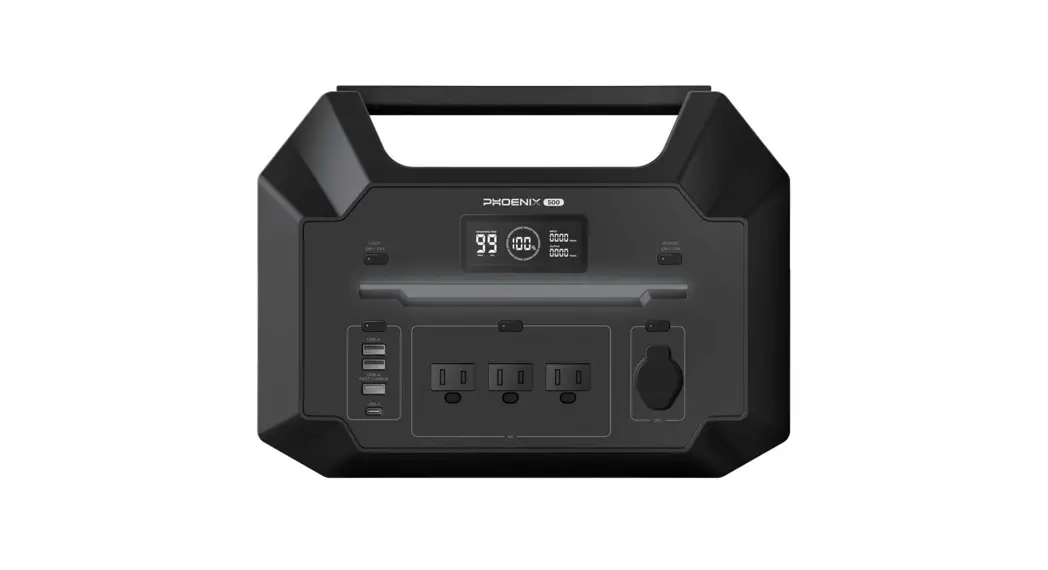
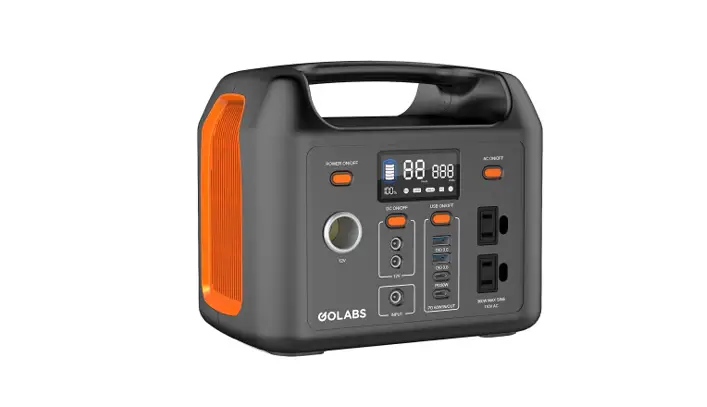
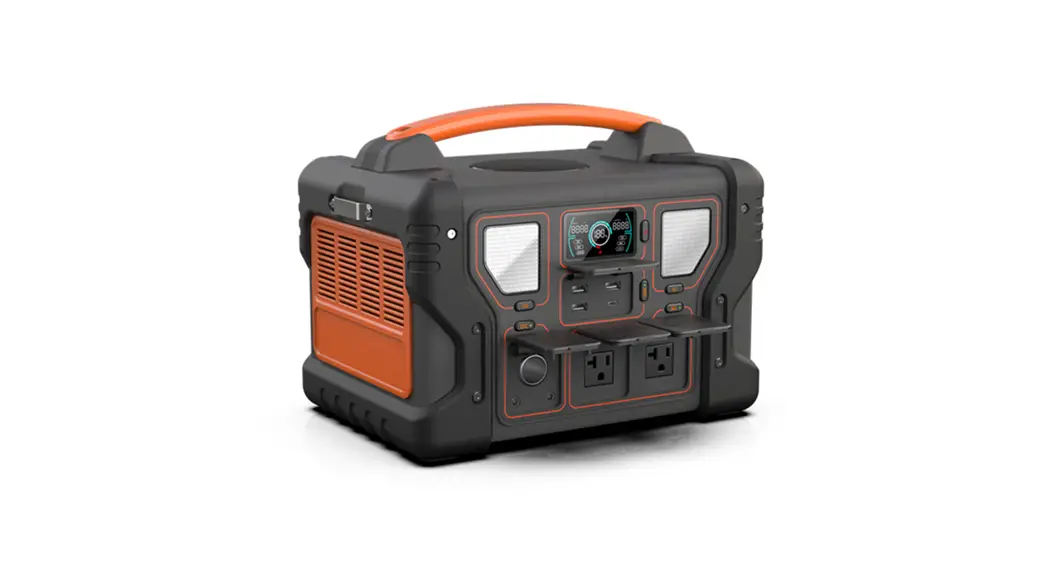
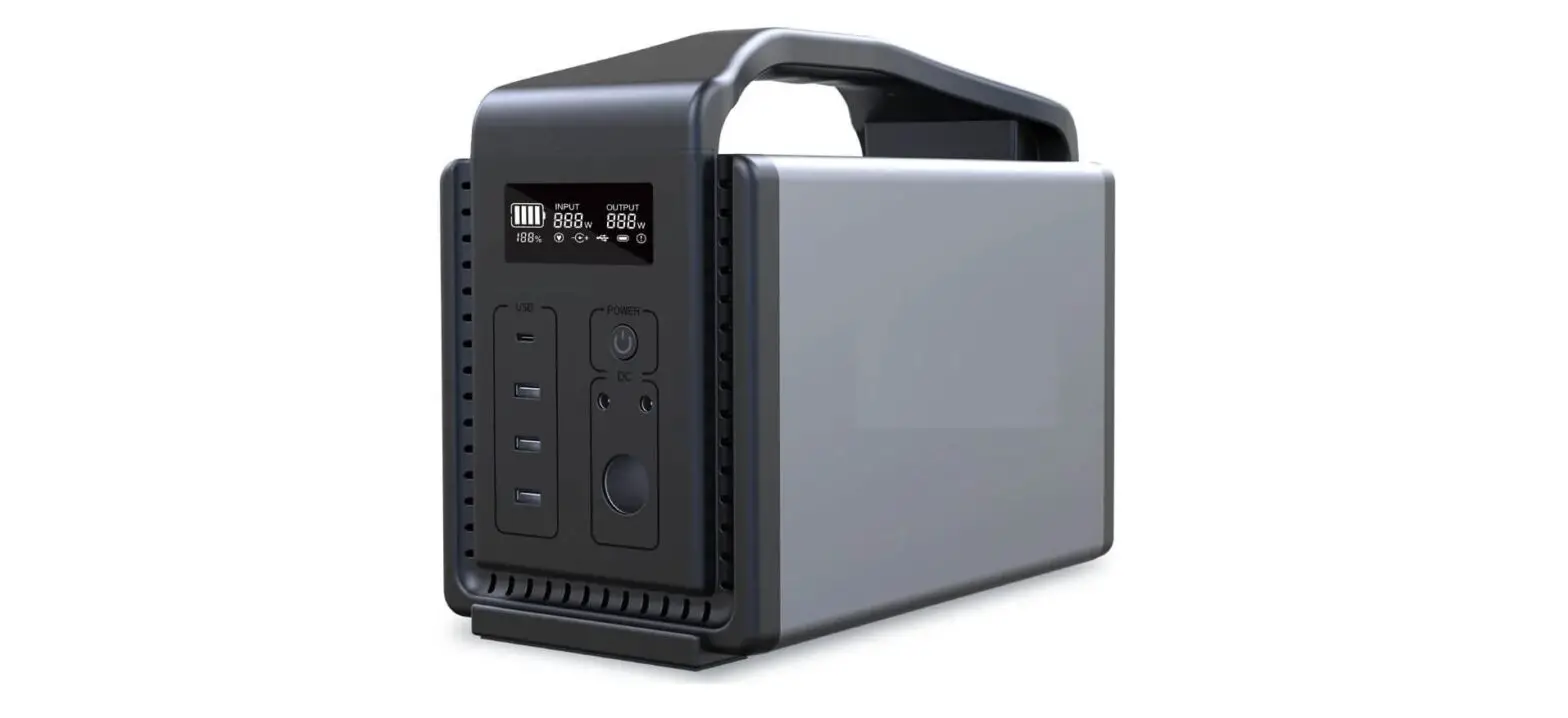
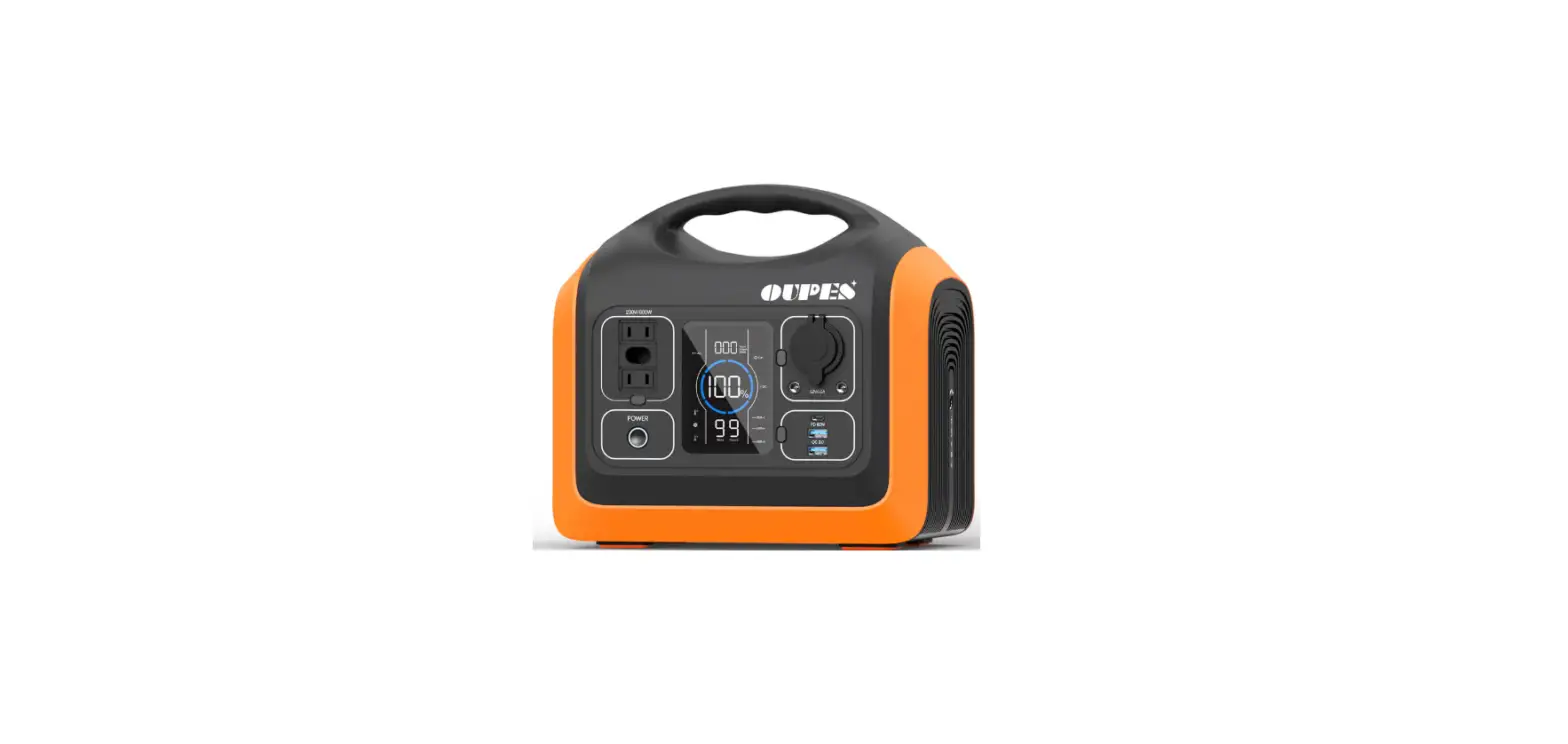
The GQ-600BV1 Portable Power Miner is an energy storage power
station designed for home and outdoor use. It has a large capacity,
small size, light weight, high safety, and large output power. It
can be connected to the Internet of Things and controlled through a
mobile app. The product utilizes blockchain technology to obtain
Energy Coins through the use of clean energy.
Product Details:
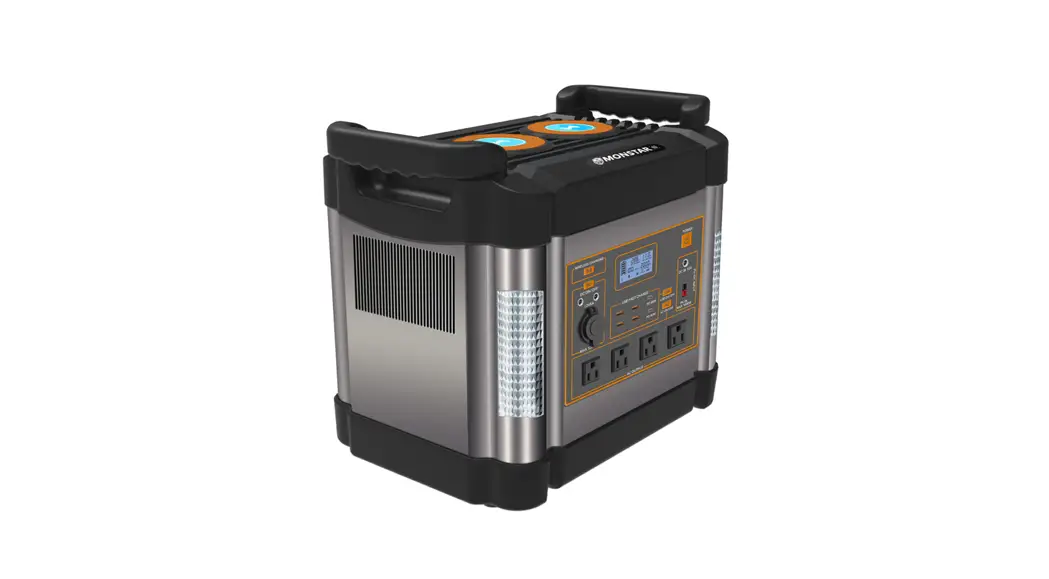
- LCD display screen
- DC button
- AC button
- DC input
- DC output
- AC output
- Car port
- Handle
- LED light button
- LED light USB-A2 QC3.0 18w(max)
- USB-C2 USB-A1 Share 15W output USB-C1 (60W input, 65W
output) - Networking Button
- Networking indicator
- Equipment QR code
Screen Icon Introduction:
- Frequency: 50Hz
- Percentage of electricity quantity
- Remaining discharge time
- AC: AC output is on
- DC/USB-A: DC/USB output is on
Instructions:
2.1 How to Charge?
Attention: To extend battery life, ensure that
the GQ-600BV1 is fully charged before operating or storing it. To
shorten the charging time of the GQ-600BV1, it is recommended to
disconnect all loads when charging the device.
2.1.1 110V AC Adaptor Charging
Use the provided adapter to connect the mains supply and the DC
input ports of the portable power station, then the portable power
station will be charged automatically. When the portable power
station is full, the LCD screen will display 100% power. When fully
charged, disconnect the charging cable.
Attention: The above charging time is based on
GQ-600BV1 charging at full speed and no load connection.
2.1.2 Vehicle Output Charging
The DC charging cable is used to connect the vehicle output port
and the energy storage DC input port. The portable power station
will be charged automatically. When the portable power station is
full, the LCD screen will display 100% power. When fully charged,
disconnect the charging cable.
Attention: The above charging time is based on
GQ-600BV1 charging at full speed and no load connection.
2.1.3 Solar Charging
Use the provided solar energy transfer cable, connect it to the
energy storage DC input port. The portable power station will be
charged automatically. When the portable power station is full, the
LCD screen will display 100% power. When fully charged, disconnect
the charging cable.
2.2 How to Use?
(Instructions not provided in user manual)
2.3 How to Connect to the Internet of Things?
(Instructions not provided in user manual)
2.4 How to Use Mobile App to Remotely Control this
Machine?
(Instructions not provided in user manual)
2.5 How to Obtain Energy Coins?
(Instructions not provided in user manual)
2.6 FAQS
(Instructions not provided in user manual)
2.7 Safety Instructions
(Instructions not provided in user manual)
Service Information:
3.1 Specifications
(Specifications not provided in user manual)
3.2 Storage & Maintenance
(Storage & maintenance instructions not provided in user
manual)
3.3 Display and handling of exceptions
(Instructions not provided in user manual)
3.4 What’s In the Box
- GQ-600BV1 Portable Power Miner
- 110V AC Adaptor
- DC Charging Cable
- Solar Energy Transfer Cable
3.5 Contact us
For any questions or concerns, please visit
http://www.jr-ma.cn
Disclaimer: Read all safety tips, warning
messages, terms of use, and disclaimers carefully. Refer to the
terms of use and disclaimer in User Manual and stickers on the
product before use. Users take full responsibility for all usage
and operations. Familiarize yourself with the related regulations
in your area. You are solely responsible for being aware of all
relevant regulations and using this product in a compliant way.
GQ-600BV1
Portable Power Miner
User Manual
Catalogue
1.Prosuct Introduction
1.1 Product appearance introduction 1.2 Introduction to display screen
2.Instructions
2.1 How to charge? 2.2 How to use? 2.3 How to connect the Internet of Things? 2.4 How to use mobile app to remotely control this machine? 2.5 How to obtain Energy Coins? 2.6 FAQS 2.7 Safety Instructions
3.Service Information
3.1 Specifications 3.2 Storage & Maintenance 3.3 Display and handling of exceptions 3.4 What’s In the Box 3.5 Contact us
http://www.jr-ma.cn
1
2 3
4 5 6 7 7 7 9
10 11 12 14 14
Copyright©2023
Disclaimer
Read all safety tips, warning messages, terms of use, and disclaimers carefully. Refer to the terms of use and disclaimer in User Manual and stickers on the product before use.Users take full responsibility for all usage and operations. Familiarize yourself with the related regulations in your area. You are solely responsible for being aware of all relevant regulations and using this products in a compliant way.
1.Prosuct Introduction
This product is a portable energy storage power station for home and outdoors, with large capacity, small size, light weight, high safety, and large output power. It is an creative product which can connect to the loT and be easily controlled by mobile App. Also could get additioal benefits from Energy Coins that obtained while using the clean energy of this product by utilize blockchain technology.
1.1 Product Details
LCD display screen DC button AC button DC input DC output
AC output
Car port
Handle
LED light button
LED light USB-A2 QC3.0 18w(max)
USB-C2 USB-A1 Share 15W output USB-C1 (60W input, 65W output)
http://www.jr-ma.cn
2
Copyright©2023
Networking Button
Networking indicator
Equipment QR code
1.2 Introduction of screen icon
Frequency
50Hz
Percentage of electricity quantity Remaining discharge time
AC DC USB-A
AC output is on
Input/Output power DC/USB output is on
http://www.jr-ma.cn
3
Copyright©2023
2.Instructions
2.1 How to charge?
Attention
To extend battery life, ensure that the GQ-600BV1 is fully charged before operating or storing it. To shorten the charging time of the GQ-600BV1, it is recommended to disconnect all loads when charging the device.
2.1.1 110V AC Adaptor Charging
Use the provided adapter to connect the mains supply and the DC input ports of the portable power station, then the portable power station will be charged automatically. When the portable power station is full, the LCD screen will displays 100% power. When fully charged, disconnect the charging cable.
Attention
The above charging time is based on GQ-600BV1 charging at full speed and no load connection.
2.1.2 Vehicle Output Charging
The DC charging cable is used to connect the vehicle output port and the energy storage DC input port. The portable power station will be charged automatically. When the portable power station is full, the LCD screen will displays 100% power. When fully charged, disconnect the charging cable.
Attention
The above charging time is based on GQ-600BV1 charging at full speed and no load connection.
2.1.3 Solar charging
Use the provided solar energy transfer cable, connect it to the energy storage DC input port. The portable power station will be charged automatically. When the portable power station is
http://www.jr-ma.cn
4
Copyright©2023
full, the LCD screen will displays 100% power. When fully charged, disconnect the charging cable.
For optimal charging performance, it is highly recommended to use a compatible solar panel to charge the GQ-600BV1 on a sunny day with no scattered clouds. Place solar panels in direct sunlight to prevent trees or branches from blocking the panels otherwise will slowing down the charging process. Use the solar panel DC output cable, connect it to the DC input port of the GQ-600BV1, and keep the GQ-600BV1 in a cool place to prevent overheating during charging operation.
Attention
Electric shock may occur if the solar panel connector to the DC adapter cable is damaged or worn. Do not use damaged or worn cables to charge the GQ-600BV1. Ensure that the open circuit voltage of the solar panel does not exceed 30V or less than 10V. Solar charging time is highly dependent on solar irradiance and ambient temperature.
2.1.4 Type-C Charging
The Type-C port is connected to the Type-C input port of the energy storage power. The energy storage power will be charged automatically. When the energy storage power supply is full, the LCD display will displays 100% power. When fully charged, disconnect the charging cable.
2.1.5 Attention
The energy storage power can be charged by DC input terminal and Type-C input terminal at the same time, and the charging power can be superimposed. The portable power station can be charged and discharged simultaneously. The charging time will vary depending on the charging method.
2.2 How to use?
2.2.1 212100VVAAC Output
Press and hold the AC button for at least 3s to turn on the AC output. After the LCD screen lights up and the AC icon appears on the LCD screen, plug in the AC electrical device to use.
http://www.jr-ma.cn
5
Copyright©2023
2.2.2 Vehicle Port Output
Press and hold the DC button for at least 3s to turn on the DC&USB output. After the LCD screen lights up, and the DC and USB-A icons appear on the screen, plug in the electrical device to vehicle port to use.
2.2.3 Type-C Output
Press and hold the DC button for at least 3s to turn on the DC&USB output. After the LCD screen lights up, and the DC and USB-A icons appear on the screen, plug in the electrical device to Type-C port to use.
2.2.4 USB Output
Press and hold the DC button for at least 3s to turn on the DC&USB output. After the LCD screen lights up, and the DC and USB-A icons appear on the screen, plug in the electrical device to USB port to use.
2.2.5 Lights
Press and hold the AC or DC button for at least 3s to light up the screen. Press and hold the LED light button for at least 3s to turn on the light. Press the LED button again, and the light will show 50% brightness. Then press the LED button once more, and the light will show SOS mode. After pressing the LED button again, the light will return to normal brightness. Press and hold the LED button for 3 seconds to turn off the light.
2.2.6 Power Off
Check whether the AC or DC icon on the screen is on. When the AC or DC icon appears, press and hold the AC or DC button for more than 3s to turn off the AC or DC output. Then the screen is off and the power is powered off.
2.3 How to connect the internet of things
2.3.1 How to connect the internet of things Via WIFI
Power on the device. Open the mobile App, enter the device list interface, click “+” in the upper right corner, click the “Networking” option in the drop-down menu, and select the network option in the pop-up window Click “Get WiFi name” and enter the corresponding
http://www.jr-ma.cn
6
Copyright©2023
WiFi password, then click the “Connect to loT” option, and then press and hold the Networking button on the back of the machine for more than 3 seconds, then release it. At this time, the local networking indicator starts to flash, indicating that networking is in progress After successful connection, this indicator will remain on.
2.4 How to use mobile app to remotely control this machine
See “Mobile App Operation Guide” for details.
2.4 How to use mobile app to remotely control 2.5 Hthoiws mtoaochbitnaein Energy Coins
See “Mobile App Operation Guide” for details.
2.6 FAQS
1. What type of battery is used in this product?
This product uses a high-quality ternary lithium-ion battery.
2. Why can’t my GQ-600BV1 power other devices
First, press the corresponding port on/off button to make sure the output port is open .Then
check the battery level of the device. Please charge the device as soon as possible in case the
2. Wehleyctcriacnity’tqmuaynGtitQy-i6s 0to0oBlVow1.pFoinwalelyr, cohtehcekrwdheevthiceer sthe connected device meets the
Fspirestc,ifpcraetsios nthseofcothrreeospuotpnudtinpgorpto. rlnt dounc/otiffvebaupttpolinantocemstaskuecshuraes tRheefroiguetprauttoprso, rAtiirsCoopnednit. iTohneenrs cahnedcAkitrhPeubmapttsehryavleevlealrgoef tshtaerdtienvgi(cpee. aPkle) apsoewcehrawrgheetnhienduesvei,cIef eaxscseoeodn. as possible in case the
electricity quantity is too low. Finally, check whether the connected device meets the
specifications of the output port. Inductive appliancest such as Refrigerators, Air Conditioners
and Air Pumps have large starting(peak) power when in use, If it exceed
http://www.jr-ma.cn
7
Copyright©2023
the rated power or peak power of outdoor power supply would lead to overload protection of outdoor power supply and shut down the output. Some devices may not be able to use due to mismatch of outdoor power supply caused by charger compatibility or battery temperature protection etc. If the device is still unable to power your device, please refer to trouble shooting or contact us for assistance.
3. Can I change the battery pack in the GQ-600BV1
No, the battery pack in the GQ-600BV1 cannot be replaced. Do not attempt to remove the GQ-600BV1 and replace the battery yourself. Doing so may cause irreversible damage to the device and cause the battery to explode.
4. Can GQ-600BV1 be interconnected?
No, GQ-600BV1 cannot be connected to other power stations. If you are looking for a rechargeable AC power station with a larger capacity, please visit our official website or contact us for more options.
5. Is the GQ-600BV1 waterproof?
No, the GQ-600BV1 is not waterproof. Please keep the device away from moisture. Do not immerse the device in water or operate it in the rain. Doing so may result in short circuits, electric shocks and fires.
6. Can this product be brought on board a plane
No.
7. Can you use it while charging with solar energy?
Yes, pay close attention to the battery capacity when charging. The charging speed is slower than the power consumption speed, which is easy to damage the battery.
8. The machine makes a sound when using outdoor power.
In the process of using the machine, because of the heat dissipation of the product, the fan will make a sound, which is a normal phenomenon. Protect the power supply effectively.
2.7 Safety Instructions
http://www.jr-ma.cn
8
Copyright©2023
1. It is strictly prohibited to place this product near heat sources, such as fire or stove etc.
2. It is strictly prohibited for this product to come into contact with any liquid. Do not immerse this product in water or allow it to get wet. Do not use this product in the rain, damp conditions, or wet environments.
3. Using this product in strong static or strong magnetic field environments is prohibited.
4. It is prohibited to disassemble this product in any way or puncture this product with sharp objects.
5. It is prohibited to use wires or other metal objects to cause this product to short-circuit.
6. Do not use unofficial components or accessories. If replacements are necessary, please contact with official sales channel for the relevant purchase information.
7. When using this product, please strictly follow the ambient temperature requirement in this user manual. Overly high temperatures may cause the battery to catch fire or even explode; while overly low temperatures will seriously degrade product performance to the point that it can no longer meet normal use requirements.
8. It is prohibited to stack heavy objects on this product.
9. It is prohibited to block the fan during use, or keep the product in unventilated or dusty spaces.
10. Please avoid impacts, falling, dropping, or strong vibrations. In the case of severe external impact, please turn off the power immediately and stop using the product. Please keep the product properly secured during transport to avoid vibration and impact.
11. If the product accidentally falls into the water during use, place it in a safe open area, and keep away from the product until it has completely dried. Once dried, the product should not be re-used, and should be properly disposed of according to the method described in the relevant chapters of the user manual.If the product catches fire, please use a fire extinguisher or fire-fighting equipment in the following recommended order: water or mist, sand, fire blanket, dry powder,and carbon dioxide fire extinguisher.
12. If the interface of this product becomes dirty, wipe it off with a dry cloth.
13. Handle this product with care to prevent it from being damaged due to overturning. If the product is overturned and seriously damaged, immediately turn off the power and place the
http://www.jr-ma.cn
9
Copyright©2023
battery in an open area, being sure to keep it away from combustible materials and people; And dispose it following the requirements of local laws and regulations.
14. Keep this product out of reach of children and pets.
15. When conditions permit, be sure to fully discharge the battery of this product before placing the product in a designated battery recycling box. This product contains a battery, which is a hazardous chemical and is strictly prohibited from being placed in an ordinary garbage can. For relevant details, please comply with the local laws and regulations regarding battery recycling and disposal.
16. If the battery cannot be fully discharged due to the fault the product itself, do not dispose the battery in a battery recycling box directly. Contact a specialized battery recycling company for further disposal.
17. An over-discharged battery cannot be started. Please dispose of it as waste.
3.Service Information
3.1 Specifications
General Info Power/Peak Power Capacity Net weight Dimensions
600W/1200W 518 Wh 5 kg 200*140*215 mm
Output Ports AC Output Car port
http://www.jr-ma.cn
Pure sine wave, 110V (60Hz), 600W
13.6V 10A, 120W Max
10
Copyright©2023
DC Output USB Type-C Input Ports AC Input DC input Solar charging input Battery Info Cell chemistry Cycle life
Protection type
http://www.jr-ma.cn
DC5521*2, 13.6V Max 120W 5V3A / 9V2A / 12V1.5A 15W*1 18W*1 PD 65W*1,PD 15W*1
AC110V Max120W 5h Fully charged 12V 60W 10h Fully charged DC10-30V Max120W 5h Fully charged
Ternary lithium battery
The remaining capacity is still above 80% after 500 cycles
High-temperature protection, low-temperature protection, over-discharge protection, over-charge protection, overload protection, short-circuit protection, and over-current protection
11
Copyright©2023
Environmental Operating Temperature
Optimal operating temperature
20 to 30¥
Discharge temperature Charge temperature Storage temperature
-10 to 40¥ 0 to 40¥ -10 to 45
3.2 Storage & Maintenance
1. Ideally, use and store the product between 20 (68°F) to 30 (86°F), and always keep it away from water, intense heat, and sharp metal objects. Do not store in temperatures above 45¥ (113°F) or below -10 (14°F) for an extended period.
2. If long-term storage is required, please check the status of the device every three months. The specific inspection items and requirements are as follows:The power of device shall meet the requirements, it’s range should within 50% – 60%; If the power exceeds the above range, when the total power is less than 30% need perform charging maintenance; The specific maintenance operation method is plug in the AC 110V power adaptor and recharge the battery to 50% – 60%.
3. Do not store this product in an environment higher than 45 or lower than – 10 for a long time.
4. If the power of the product is seriously insufficient and the idle time is too long, the product will enter the deep sleep mode, and the product needs to be charged before being used again.
5. The product has a 12-month limited warranty from the original purchase date. If there are any problems, please contact us for help.
http://www.jr-ma.cn
12
Copyright©2023
3.3 Display and handling of exceptions
Display of exceptions
Declaration of exceptions
Recovery method of exceptions
“Input Error” blinks
DC input interface
overvoltage
pro-
tection/under- v oltage
protection (unsuitable
power adapter or
power input)
1. Use provided the AC adapter to charge the energy storage power. 2. Please use a PD charging adapter or a solar module with an output voltage of 10-30V.
The AC/DC/C type/USB is on “Output Error” blinks
1. The corresponding interface triggers short-circuit protection. 2. The corresponding interface triggers overcurrent protection. 3. The AC indicator and output error blink at the same time to trigger the high-temperature protection of the AC.
1. The output port corresponding to the flash is faulty. Remove the corresponding device.
2. Restart and the device can be used normally.
3.Check whether the parameters of the electrical equipment are within the adaptive range of the energy storage (check the rated current and rated voltage of the equipment);
4.If the equipment cannot be used normally after reconnection, it is necessary to confirm wheter there is a problem with the wire or whether the electrical equipment is short circuit;
http://www.jr-ma.cn
13
Copyright©2023
1) When the product is not connected to the device, the output is normal.
2) Separately connected the wire, if the product protection is triggered, the wire has a problem;
3) If the product protection is not triggered by a single connection wire, but is triggered by a connected device, there is a problem with the device.
Input OTP blinks; Output OTP blinks
The battery temperature is not within the safe charging and discharging operating temperature.
Let the product cool to room temperature.
Output cannot be operated when the power indicator indicates 0%.
Battery undervoltage protection
Recharge the device.
The AC output shuts down automatically.
1.The AC output power is lower than 7W for more than 12 hours.
Disconnect the device and recharge it.
http://www.jr-ma.cn
14
Copyright©2023
2.The battery electricity quantity is less than 1%.
3.4 What’s In the Box
1. Outdoor Portable Power Miner 2. Power Supply Adapter 3. Qualification Certificate 4. User Manual 5. Portable Solar Panel(Optional)
3.5 Contact us
Gangqi Electronics (Shenzhen) Co., Ltd. Website: https:/://wewnewrg.jyr-mminaecrn.myshopify.com Email: [email protected] Phone: +86-135 1003 6648
http://www.jr-ma.cn
15
Copyright©2023
Gangqi Electronics (Shenzhen) Co., Ltd. Website: http://www.jr-ma.cn Model: GQ-600BV1
FCC WARNING This device complies with part 15 of the FCC Rules. Operation is subject to the following two conditions: (1) this device may not cause harmful interference, and (2) this device must accept any interference received, including interference that may cause undesired operation. Any changes or modifications not expressly approved by the party responsible for compliance could void the user’s authority to operate the equipment. NOTE: This equipment has been tested and found to comply with the limits for a Class B digital device, pursuant to Part 15 of the FCC Rules. These limits are designed to provide reasonable protection against harmful interference in a residential installation. This equipment generates, uses and can radiate radio frequency energy and, if not installed and used in accordance with the instructions, may cause harmful interference to radio communications. However, there is no guarantee that interference will not occur in a particular installation. If this equipment does cause harmful interference to radio or television reception, which can be determined by turning the equipment off and on, the user is encouraged to try to correct the interference by one or more of the following measures: — Reorient or relocate the receiving antenna. — Increase the separation between the equipment and receiver. — Connect the equipment into an outlet on a circuit different
from that to which the receiver is connected. — Consult the dealer or an experienced radio/TV technician for help. To maintain compliance with FCC’s RF Exposure guidelines, This equipment should be installed and operated with minimum distance between 20cm the radiator your body: Use only the supplied antenna.
 Shenzhen JR-MA Electronics Co., Ltd.