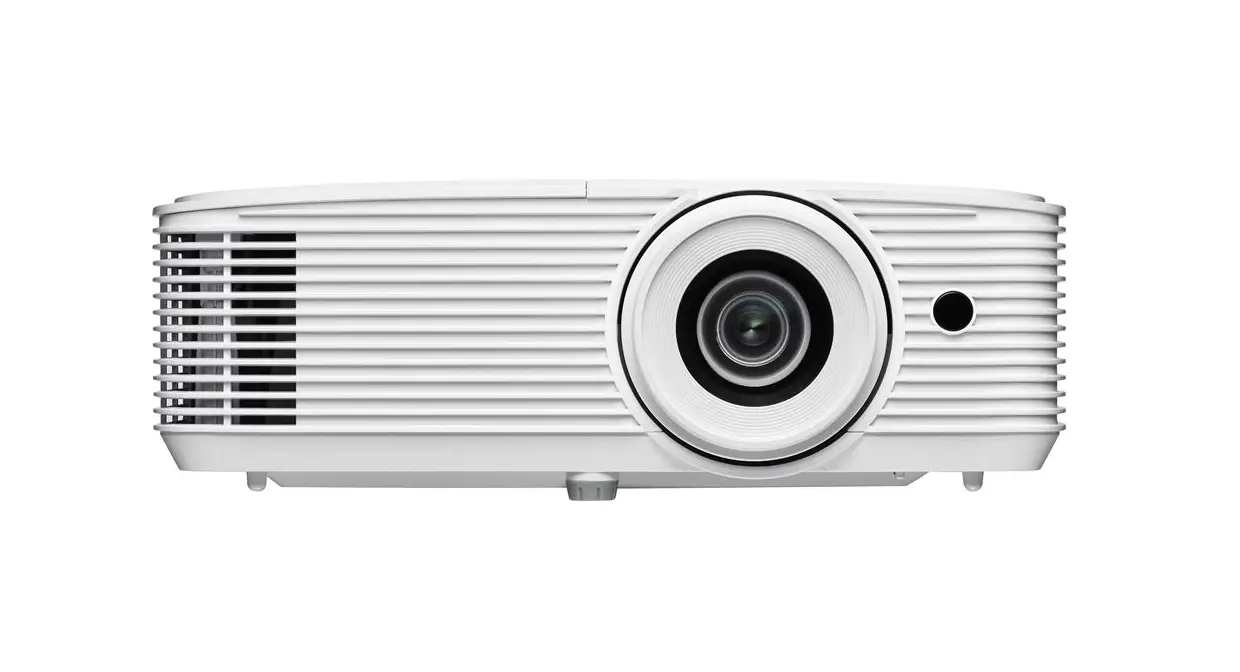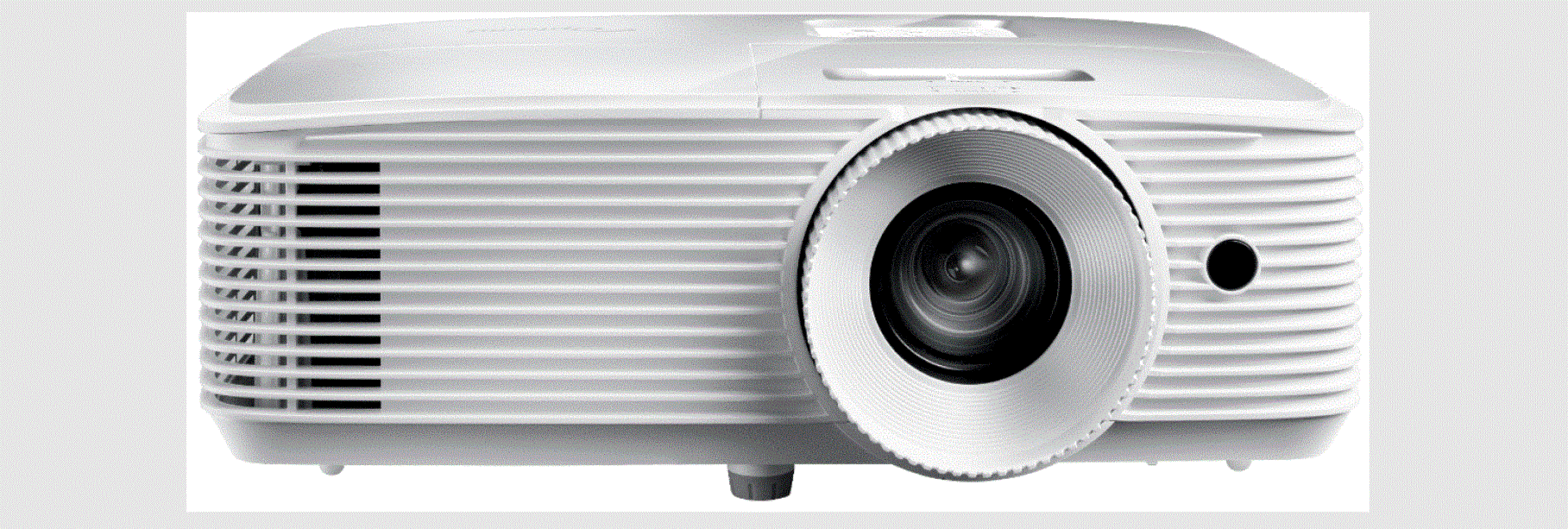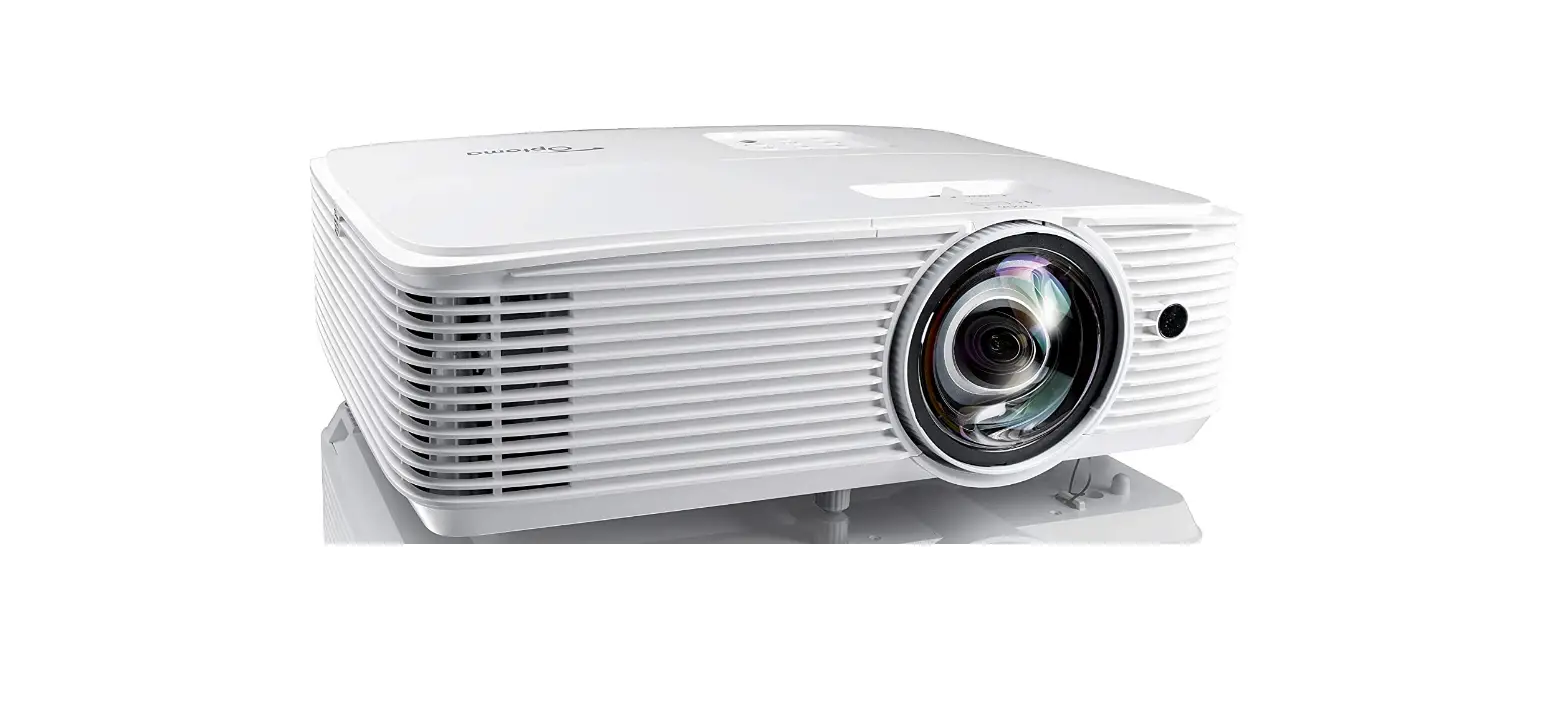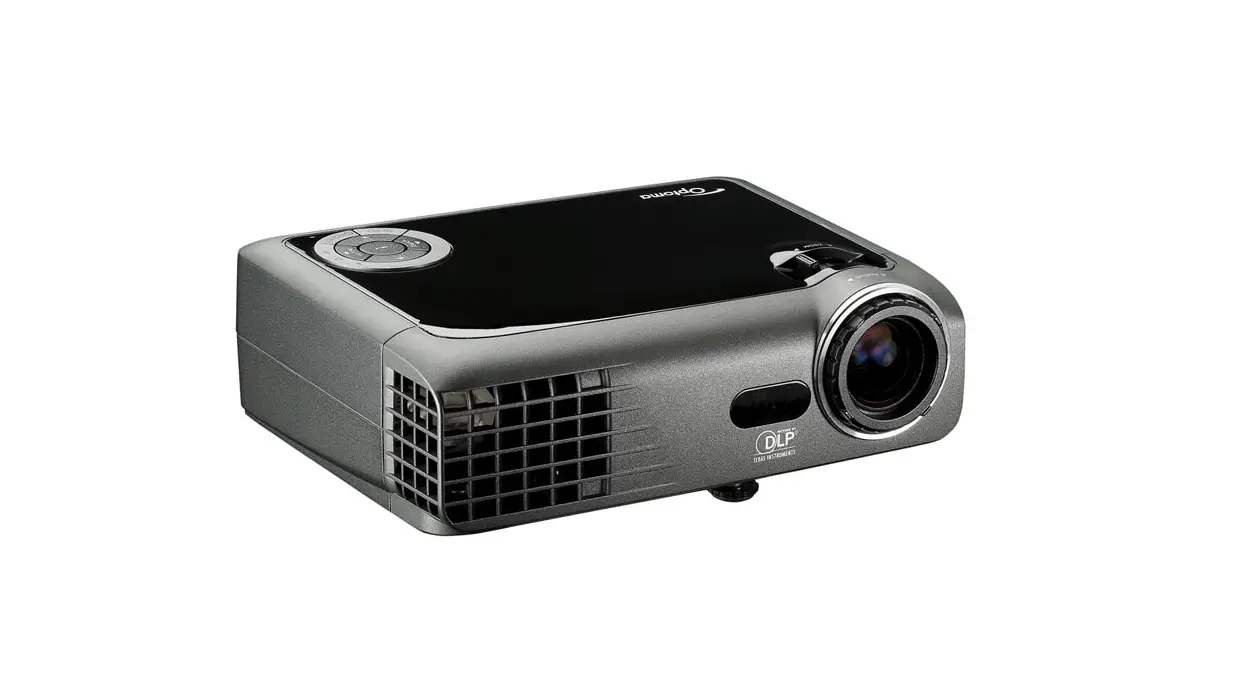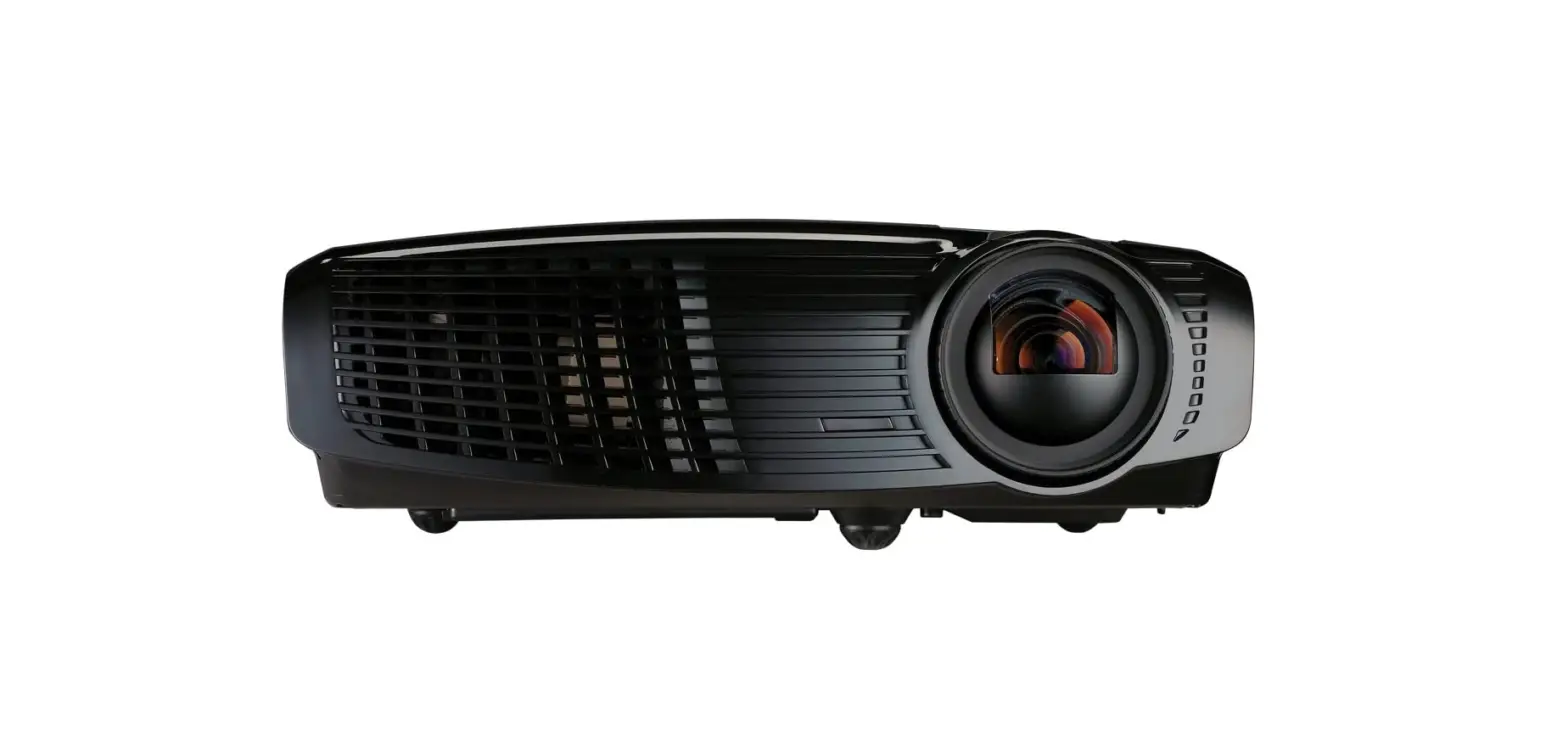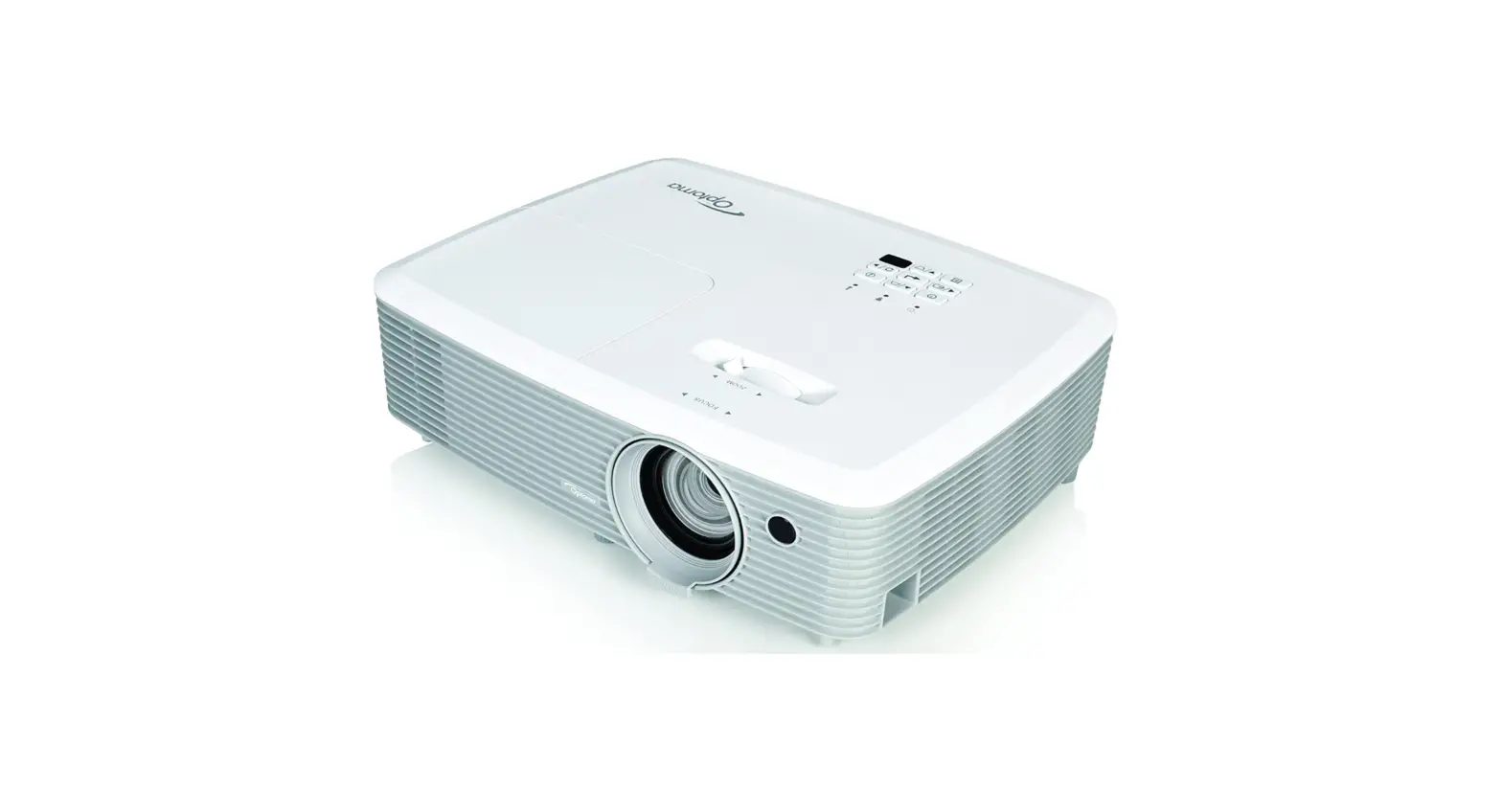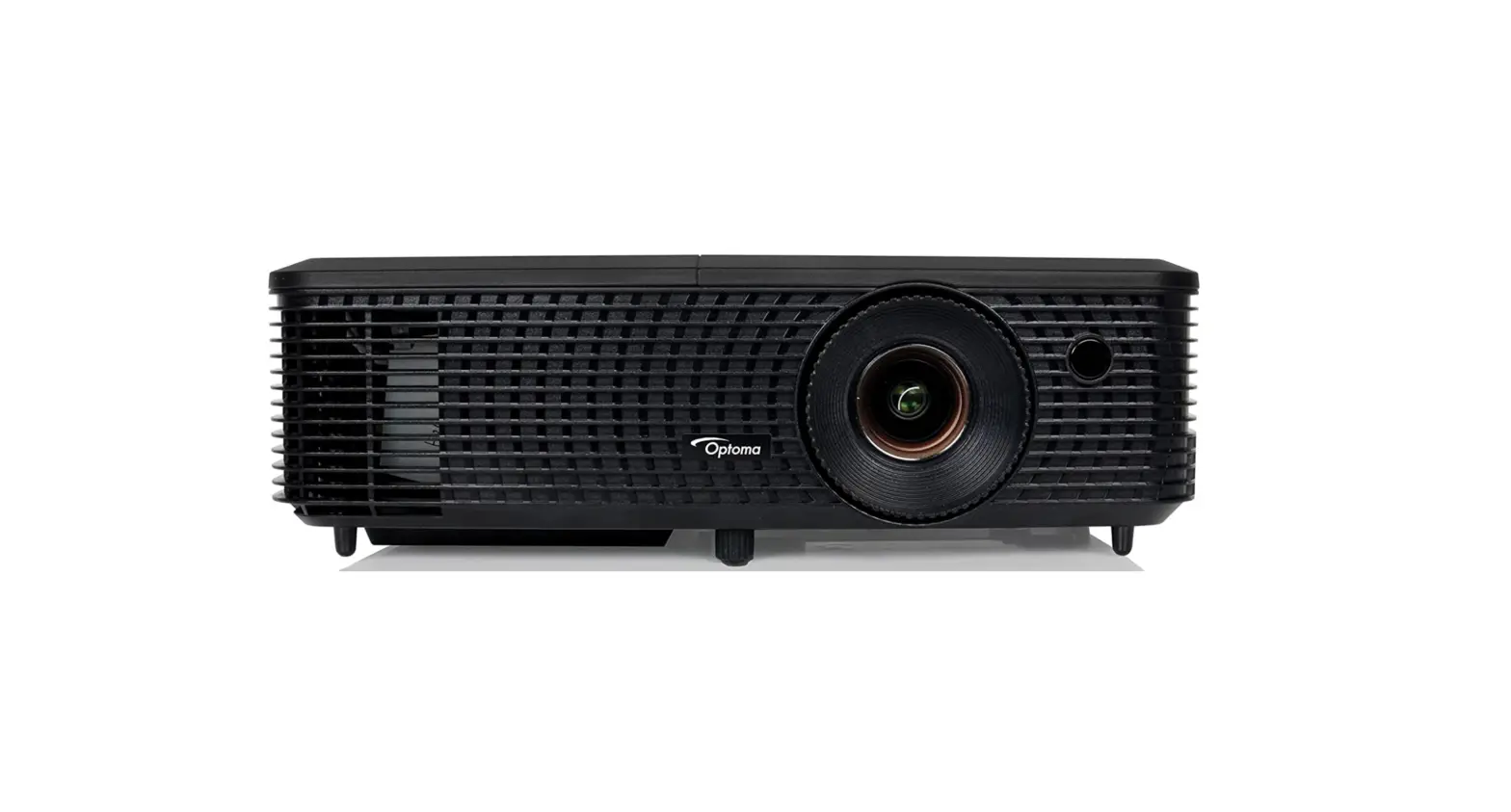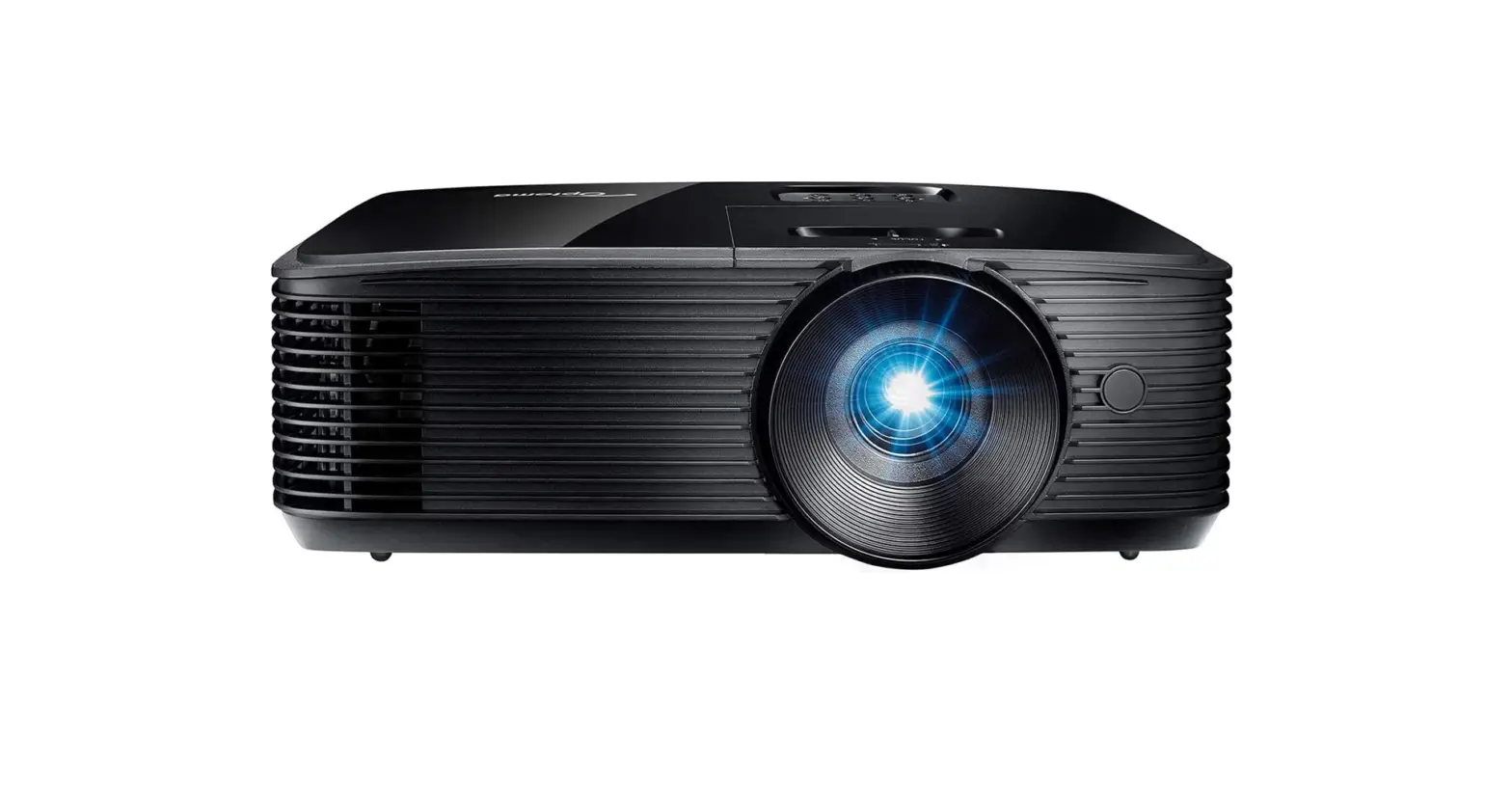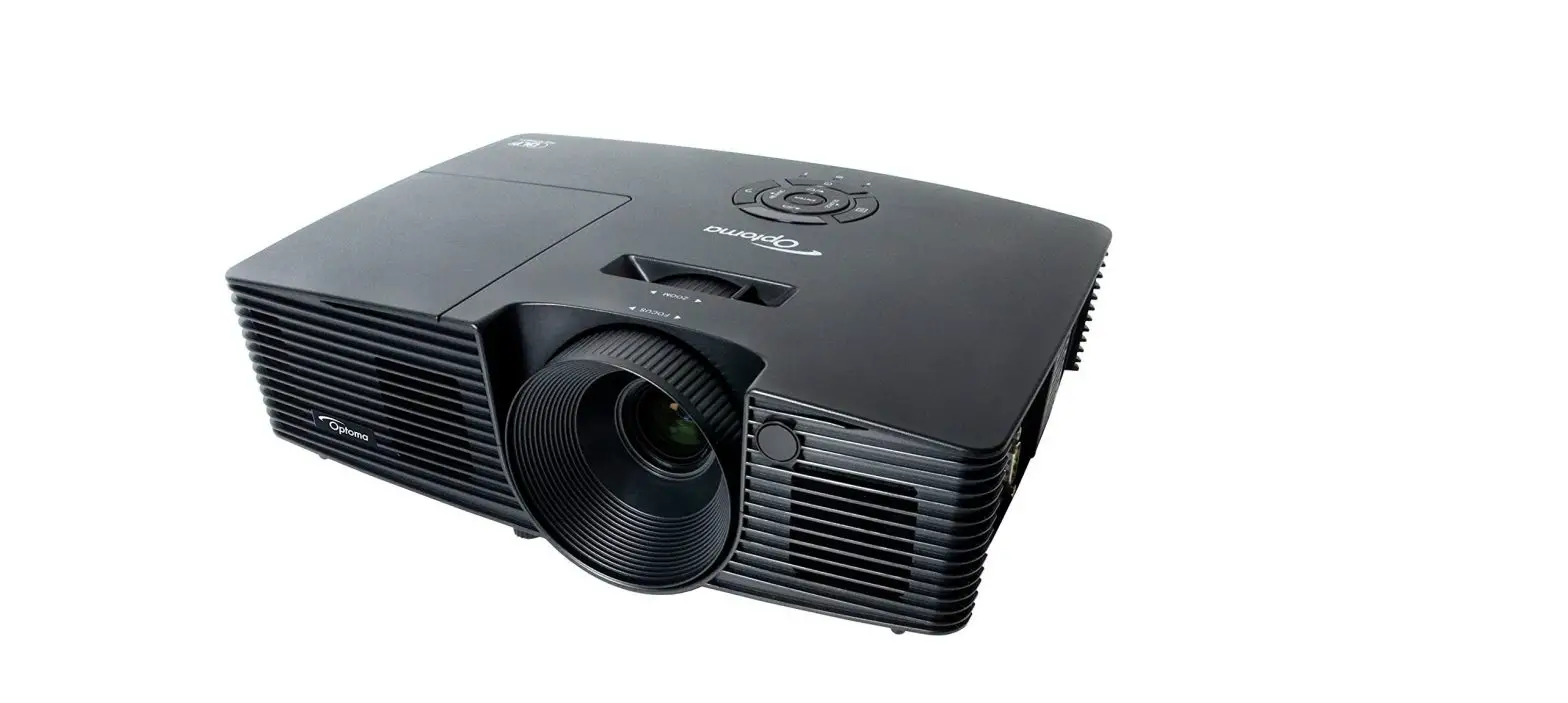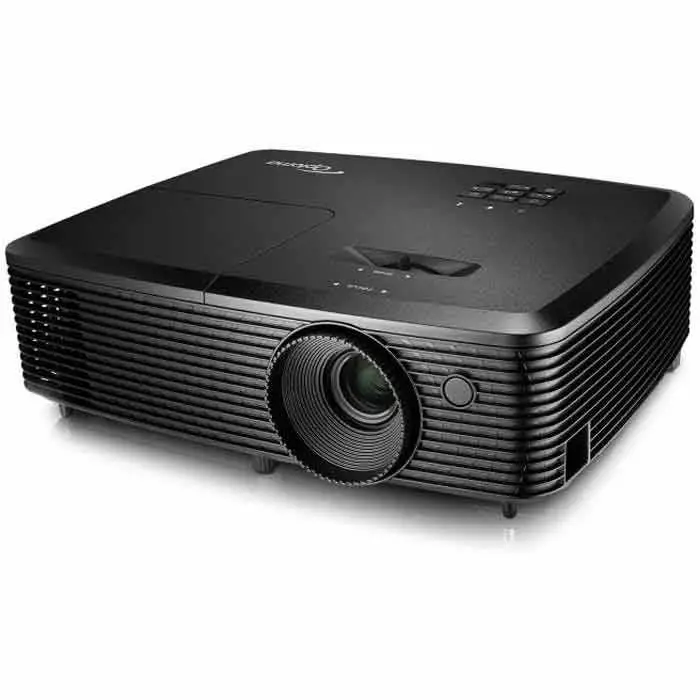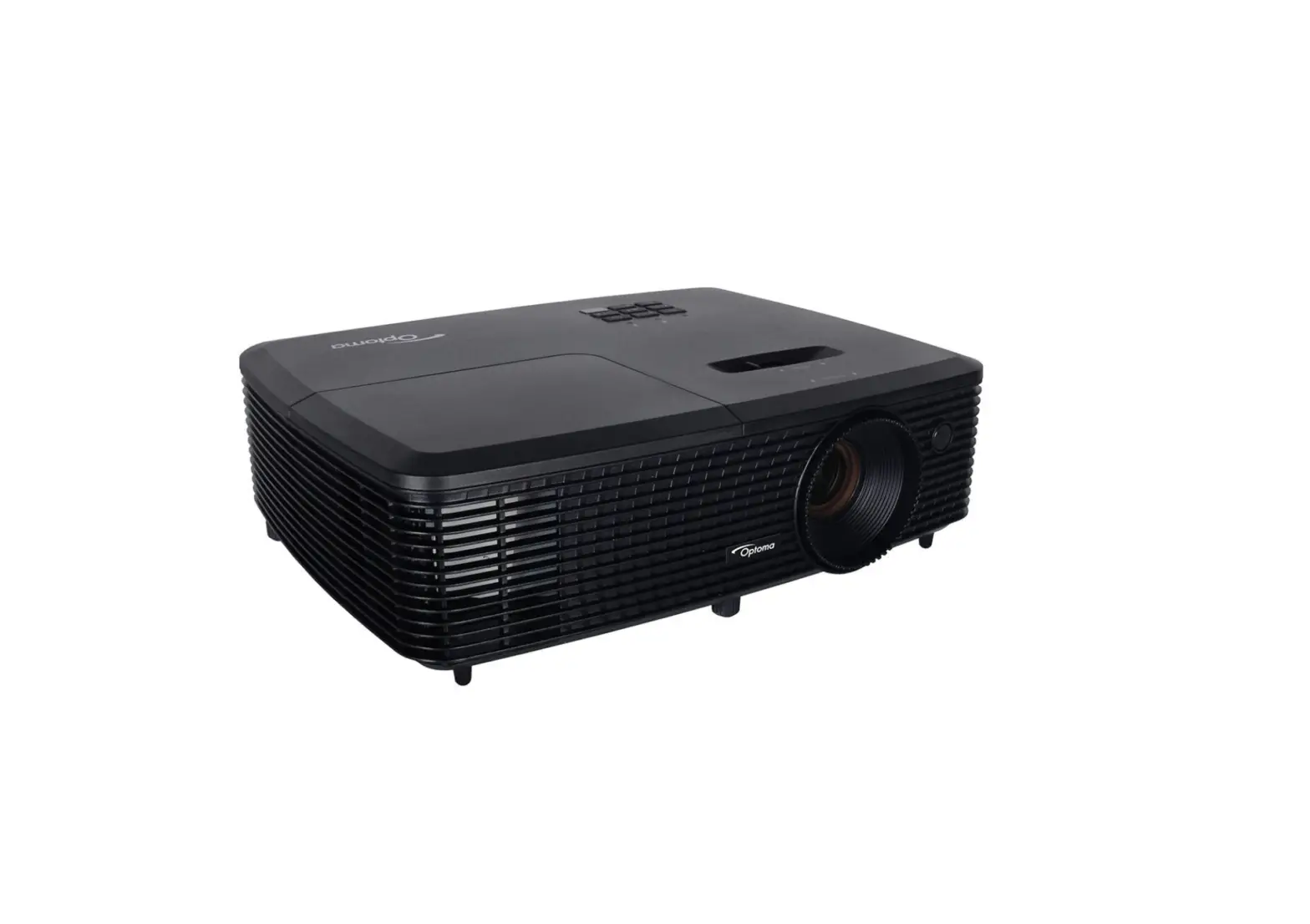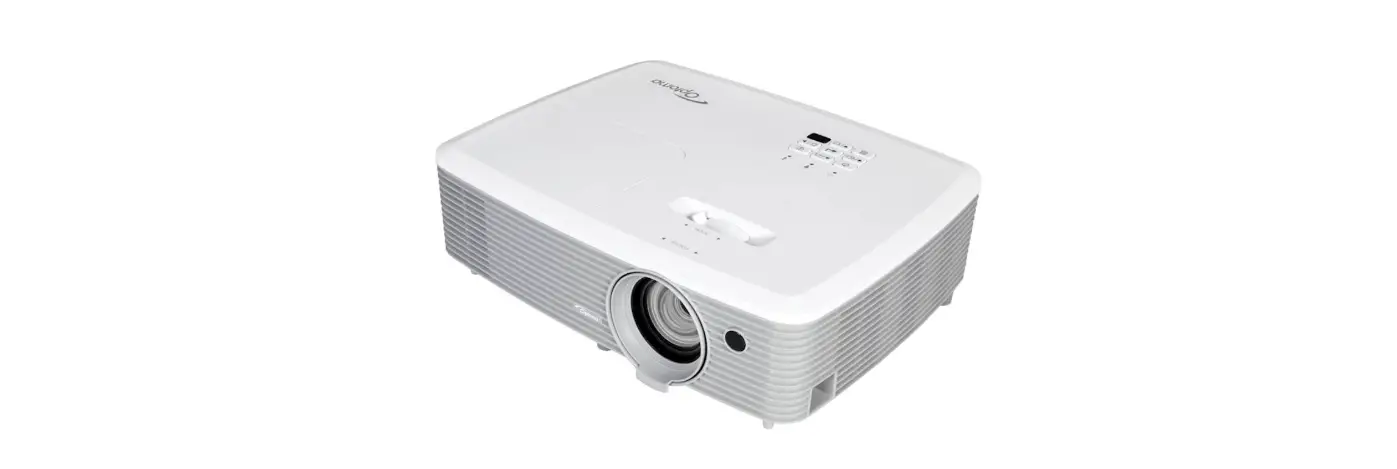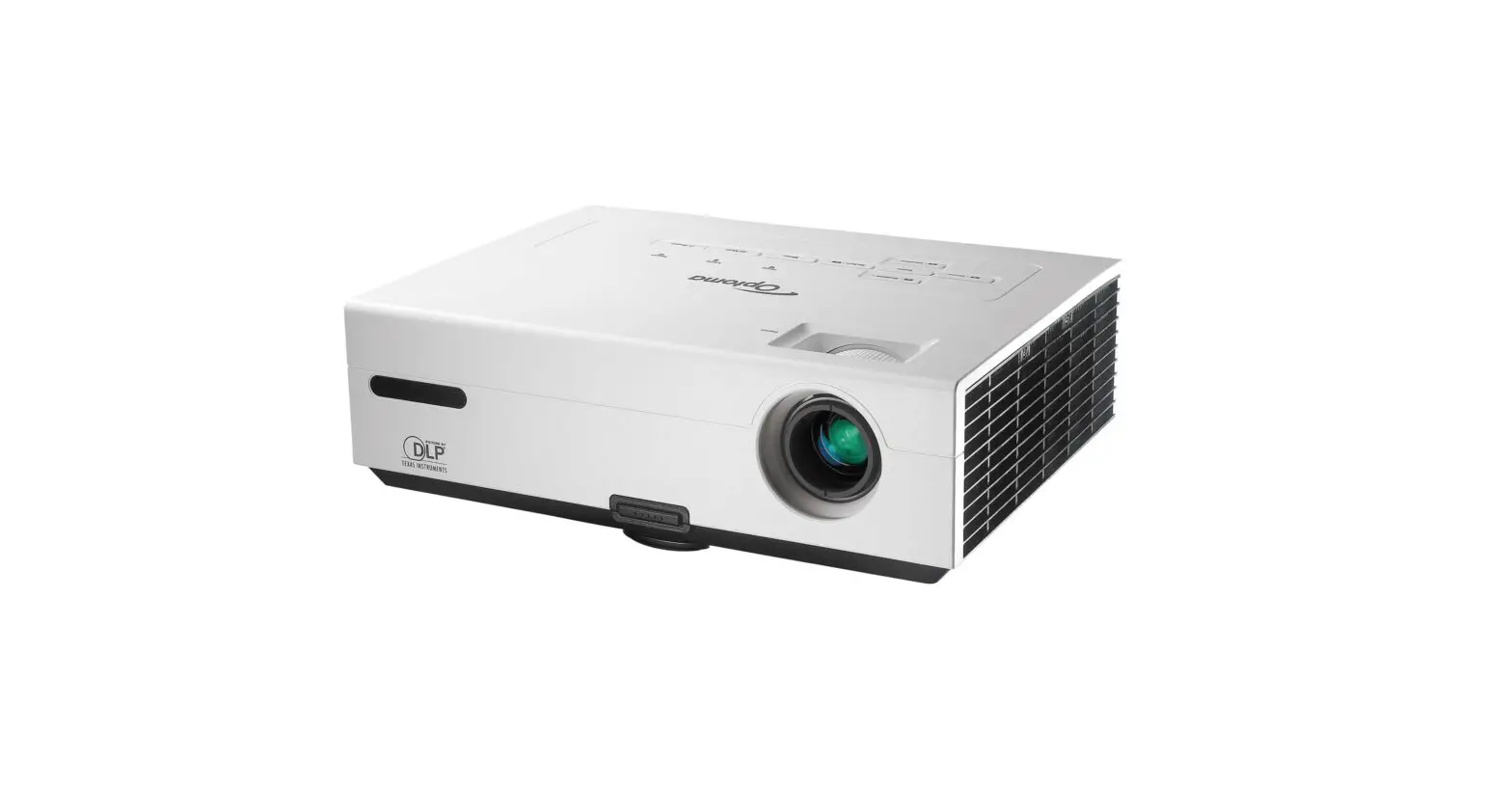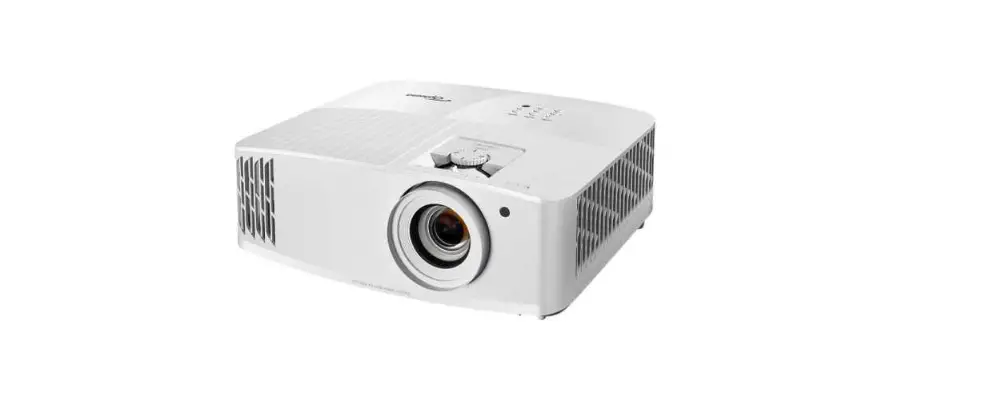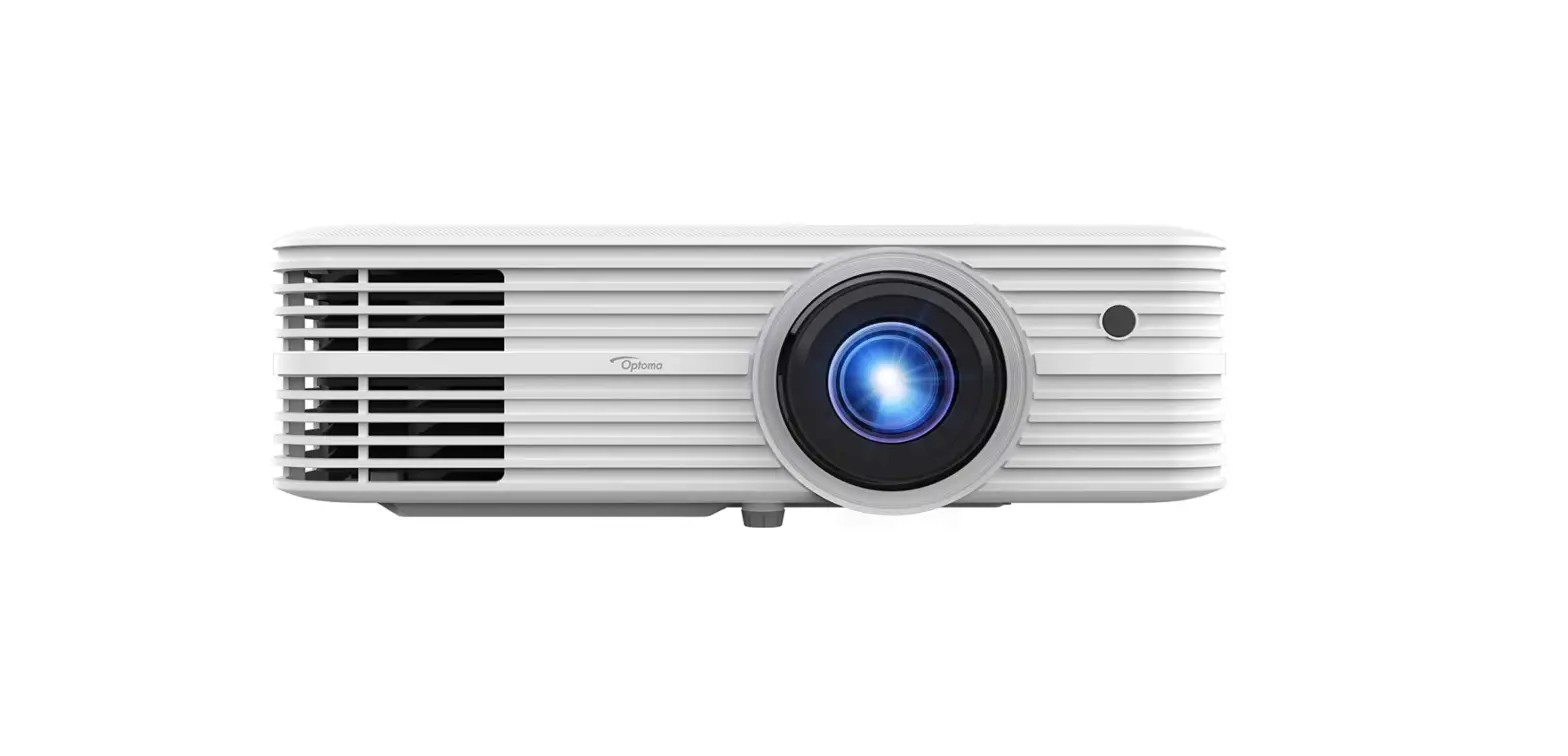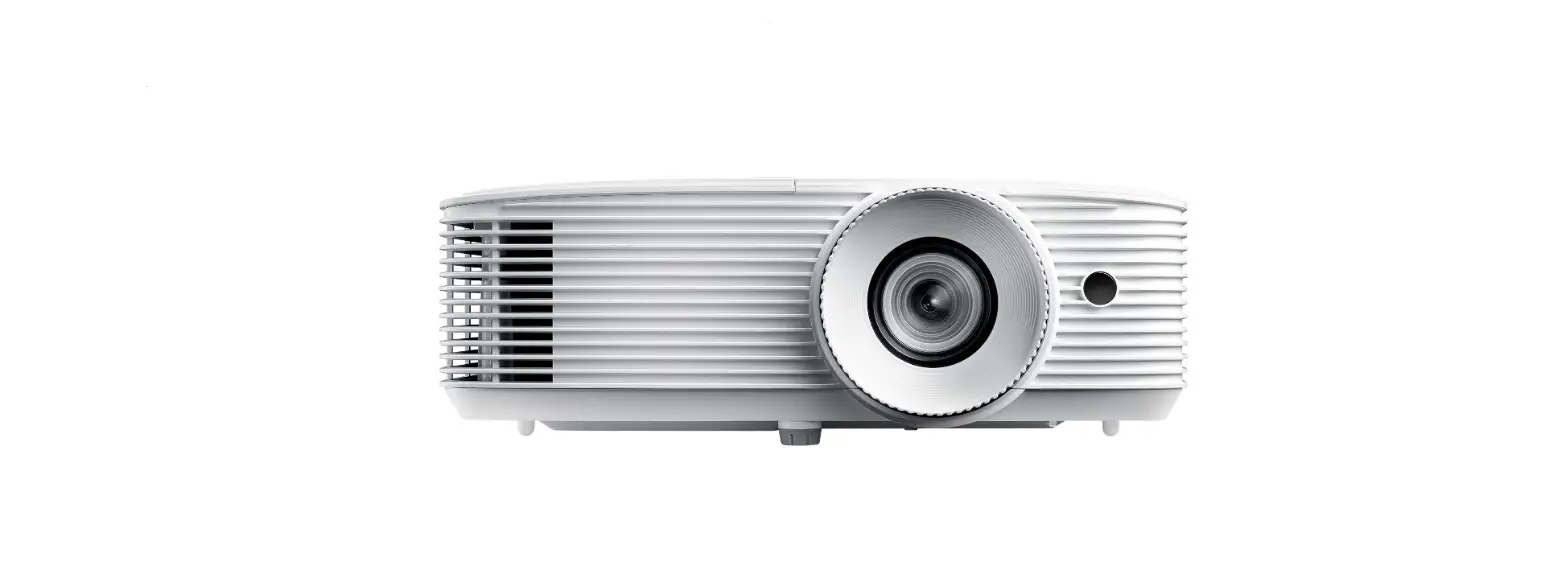

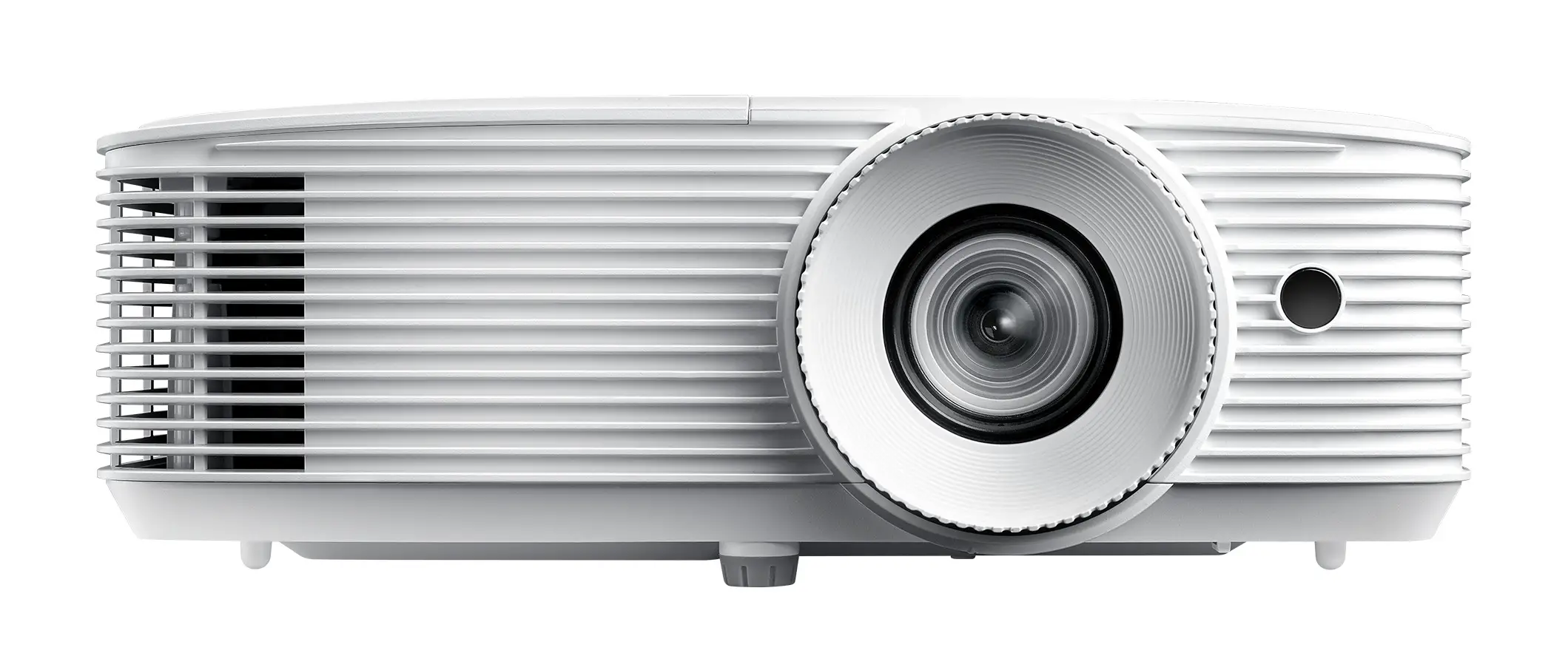
Optoma EH336 Compact and Powerful Projector
Safety information
- Before operating the projector, it is essential to read the full safety information in the user manual.
- Do not look into the projector lens during operation. The bright light may harm your eyes.
- Do not block projector inlet or outlet air vents. Do not place the projector on an unstable surface as it may damage the projector or injure the personnel.
- Only use attachments/accessories specified by the manufacturer.
- Do not let objects or liquids enter the projector as it may cause the fire or electric shock.
- To reduce the risk of fire or electric shock, do not expose this appliance to rain or moisture. Make sure that the operating environment meets the requirements in the user manual.
- Do not install near heat sources such as radiators, heaters, stoves or any other apparatus such as amplifiers that emits heat.
- Please do not open or disassemble the projector as this may cause electric shock. The unit should only be repaired by authorized service personnel.
- Turn off the projector and unplug the power cord before you maintain, install or change the lamp.
- Remove battery/batteries from remote control before storage. If the battery/batteries are left in the remote for long periods, they may leak.
- *Use a power strip and or surge protector. As power outages and brown-outs can KILL devices.
INSTALLATION
STEP1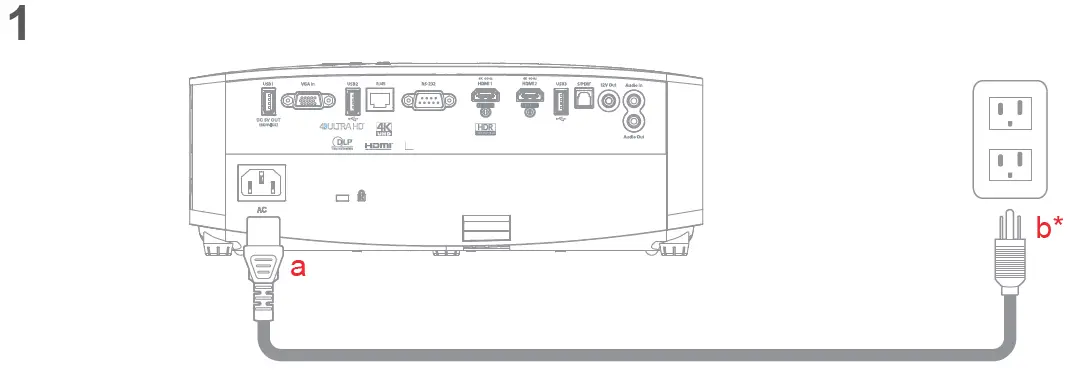 STEP2
STEP2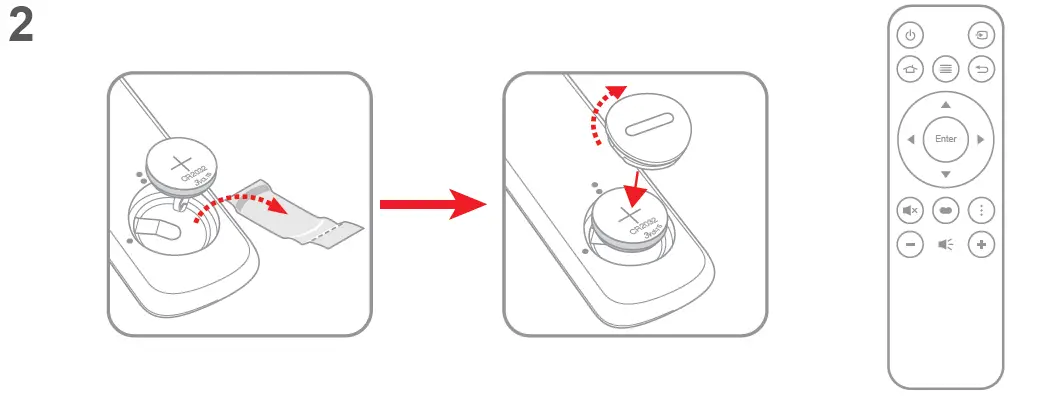 STEP3
STEP3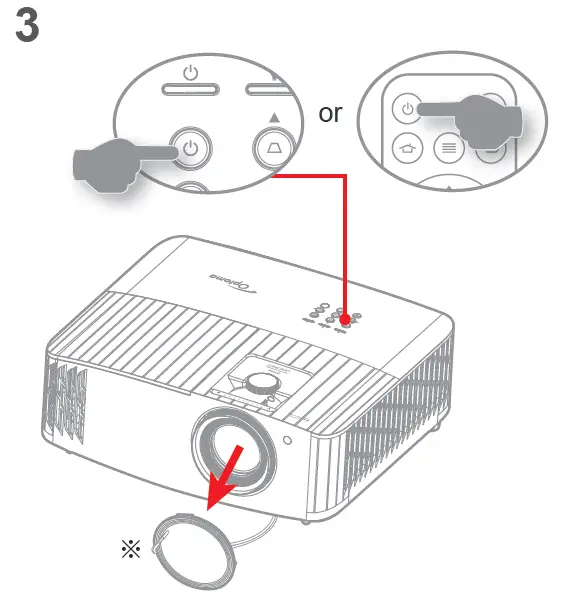 STEP4
STEP4
STEP5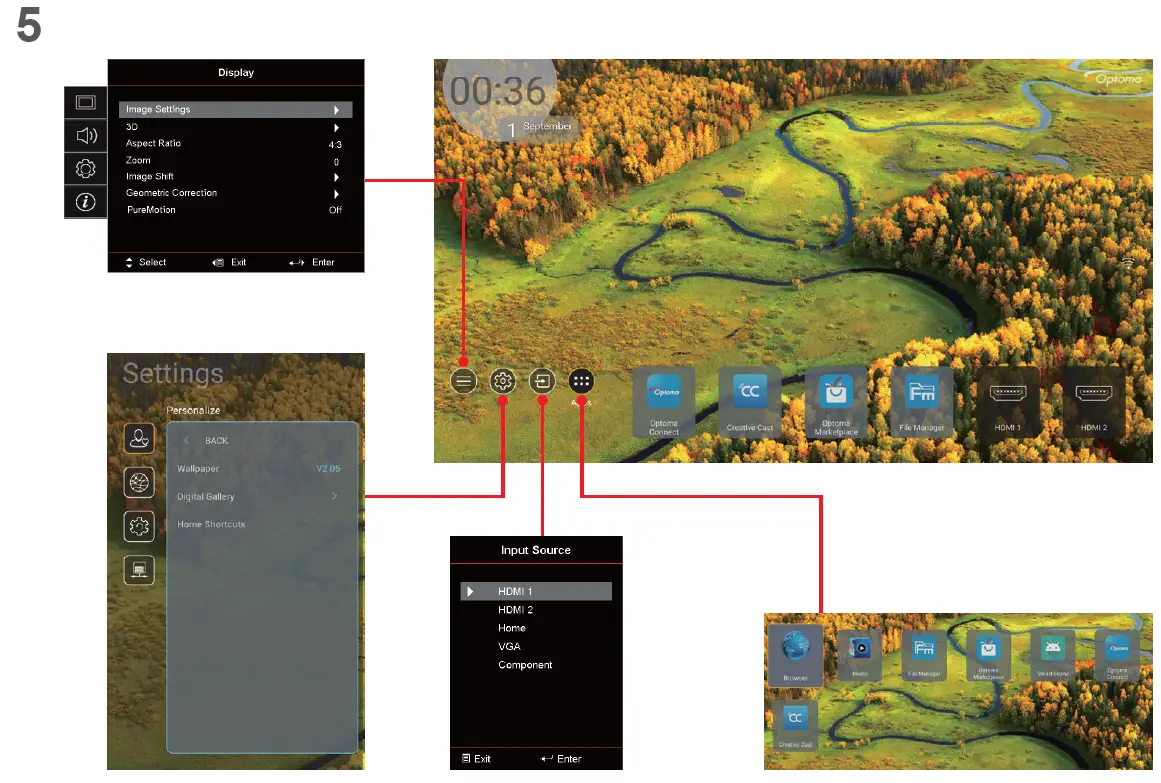 STEP6
STEP6 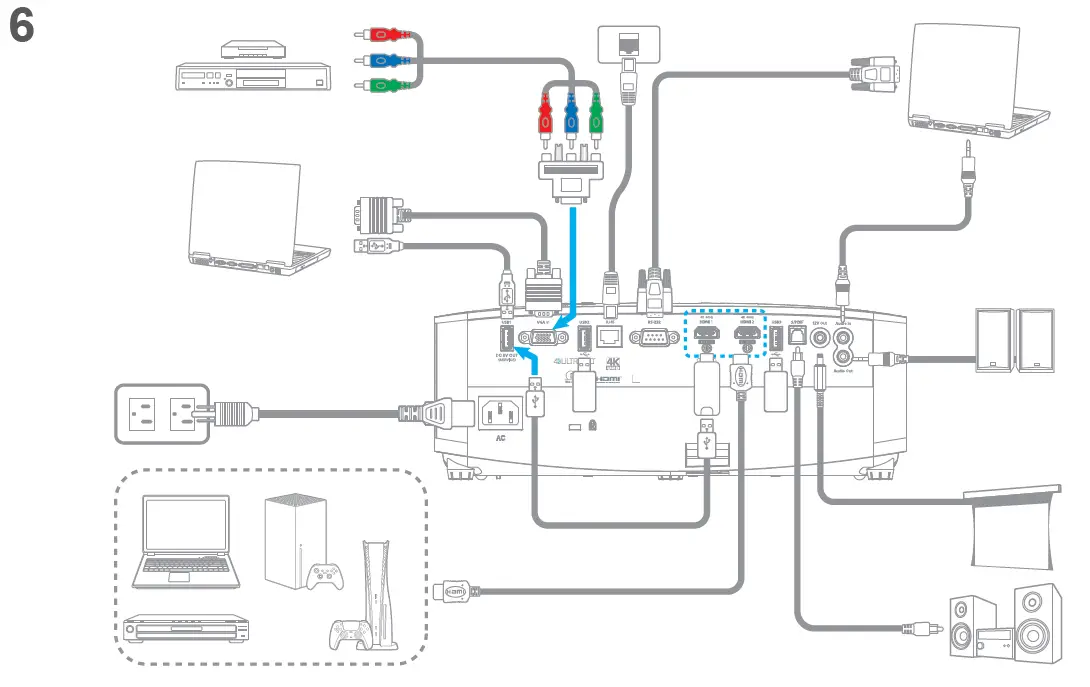
Note:
- Lens cap and CD UM are optional accessories depending on the region and model.
- For warranty information in the Europe/Middle East/Africa /ASIA Pacific region, please visit our website: https://www.optoma.com
- For warranty information in the USA region, please visit our website: https://www.optoma.com/us/support/warranty-and-return-policy/
Address:
Optoma Technology, Inc 47697 Westinghouse Drive Fremont, CA 94539 (6am – 5pm PST)
USA
Telephone:
510-897-8600
1-888-289-6786
For access to the setup information, user manual, warranty information, and product updates – please scan the QR Code or visit the following URL: https://www.optoma.com/support/download
Note:
- To prolong the effective life of the lamp, make sure to keep the lamp on for at least 60 seconds and avoid performing force shutdown.
- The remote control may vary depending on the region and model. ※
- For warranty information, please visit our website: www.optoma.com
- For detailed instructions, please scan the QR code or visit the URL: https://www.optoma.com/support/download
 Optoma Global