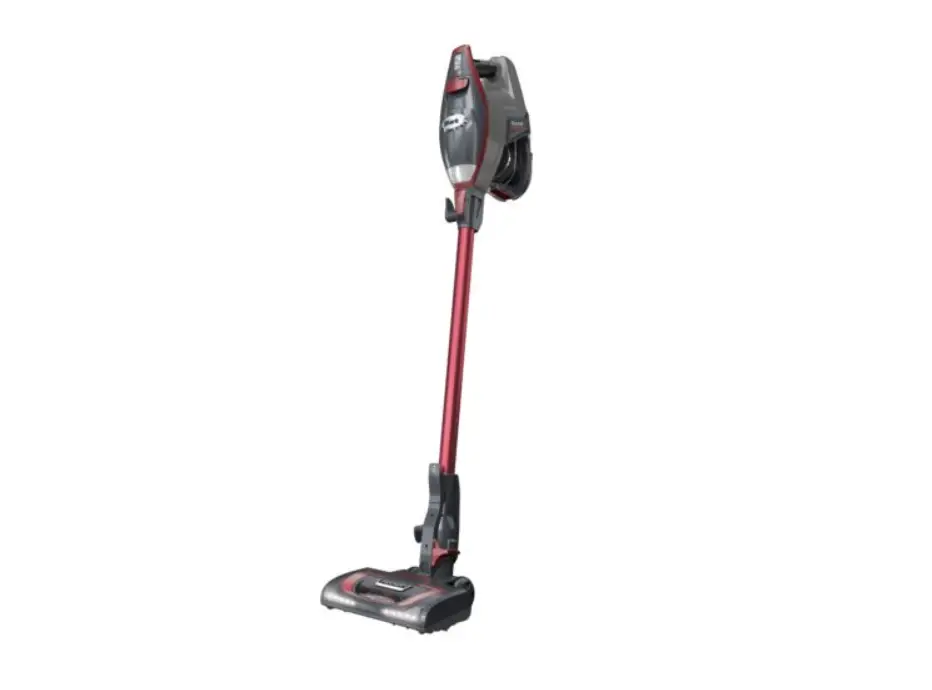
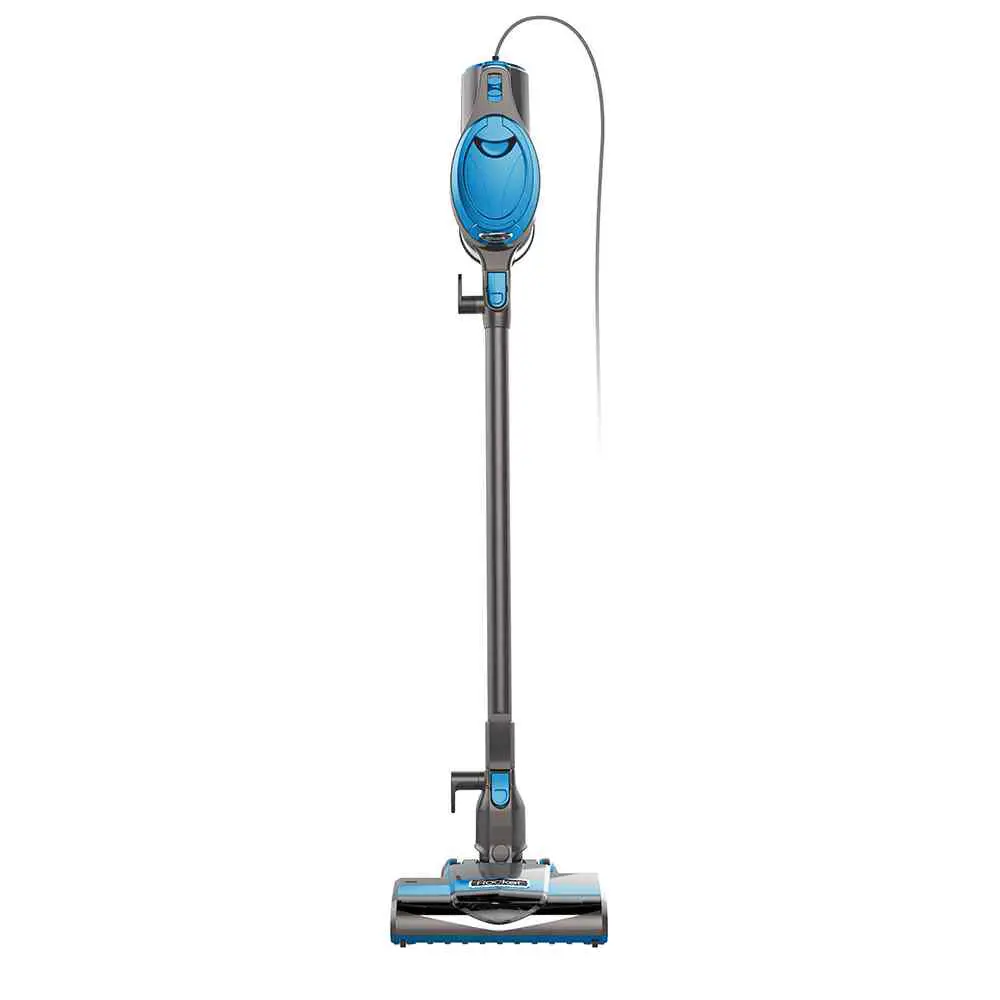
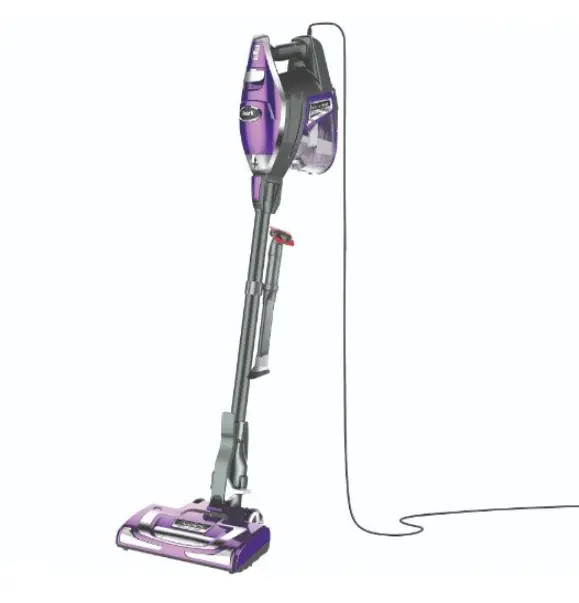
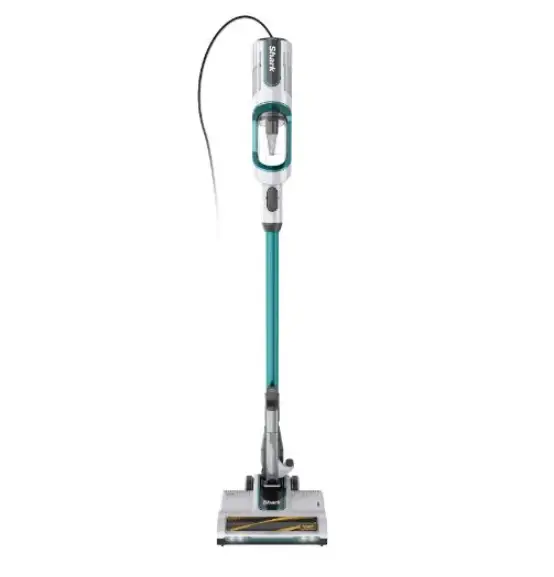
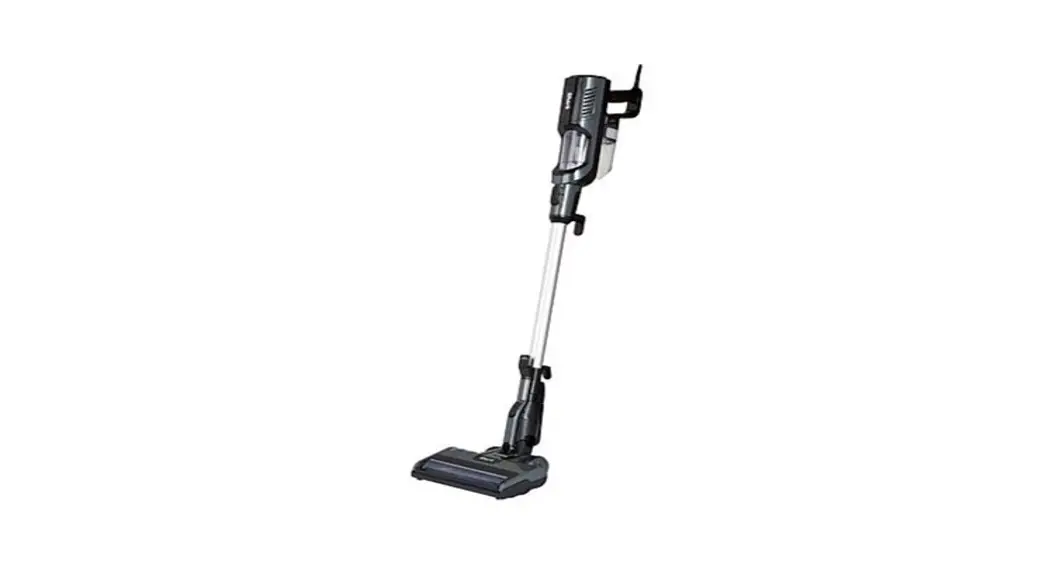
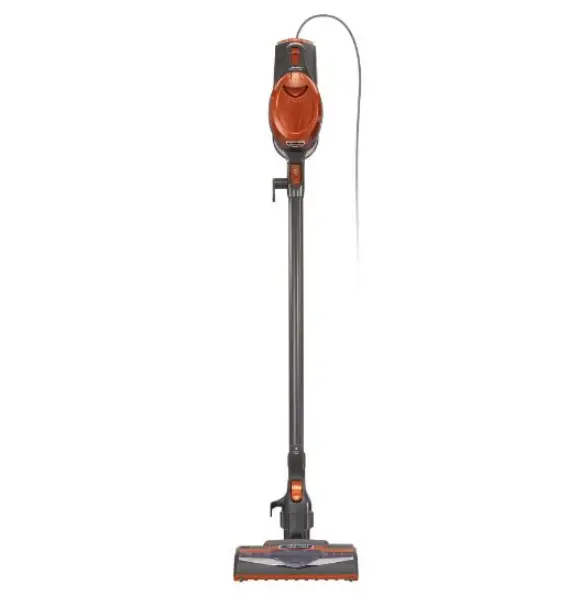
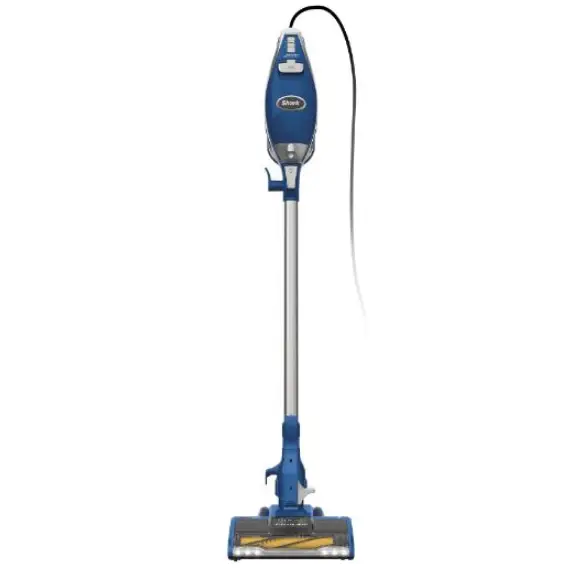
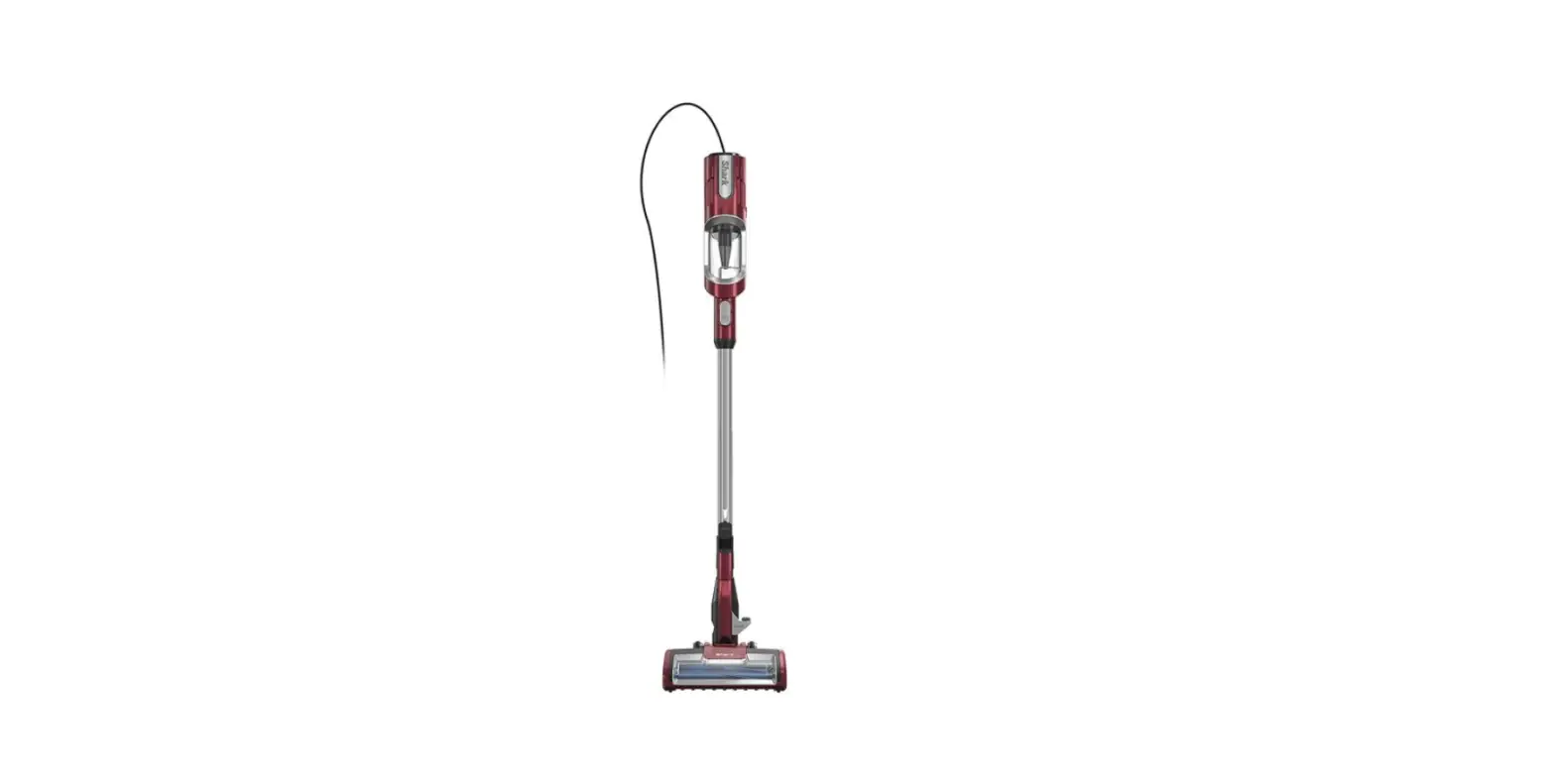
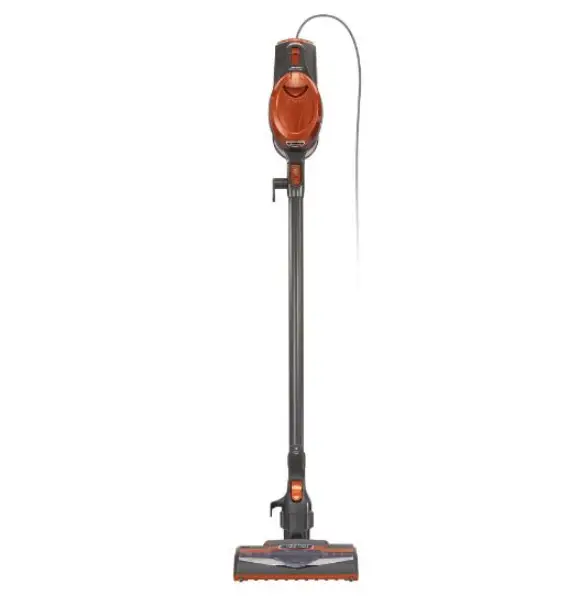
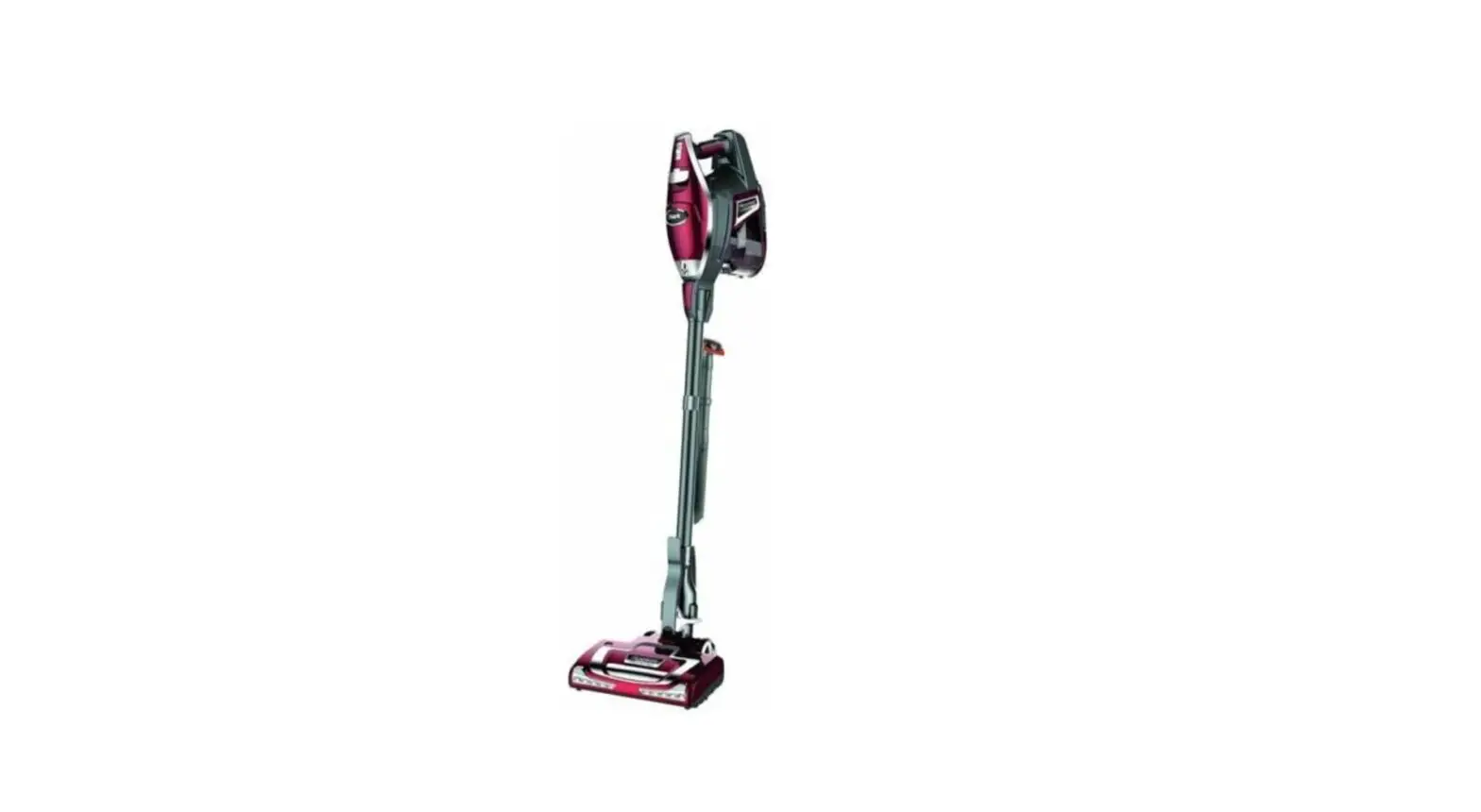
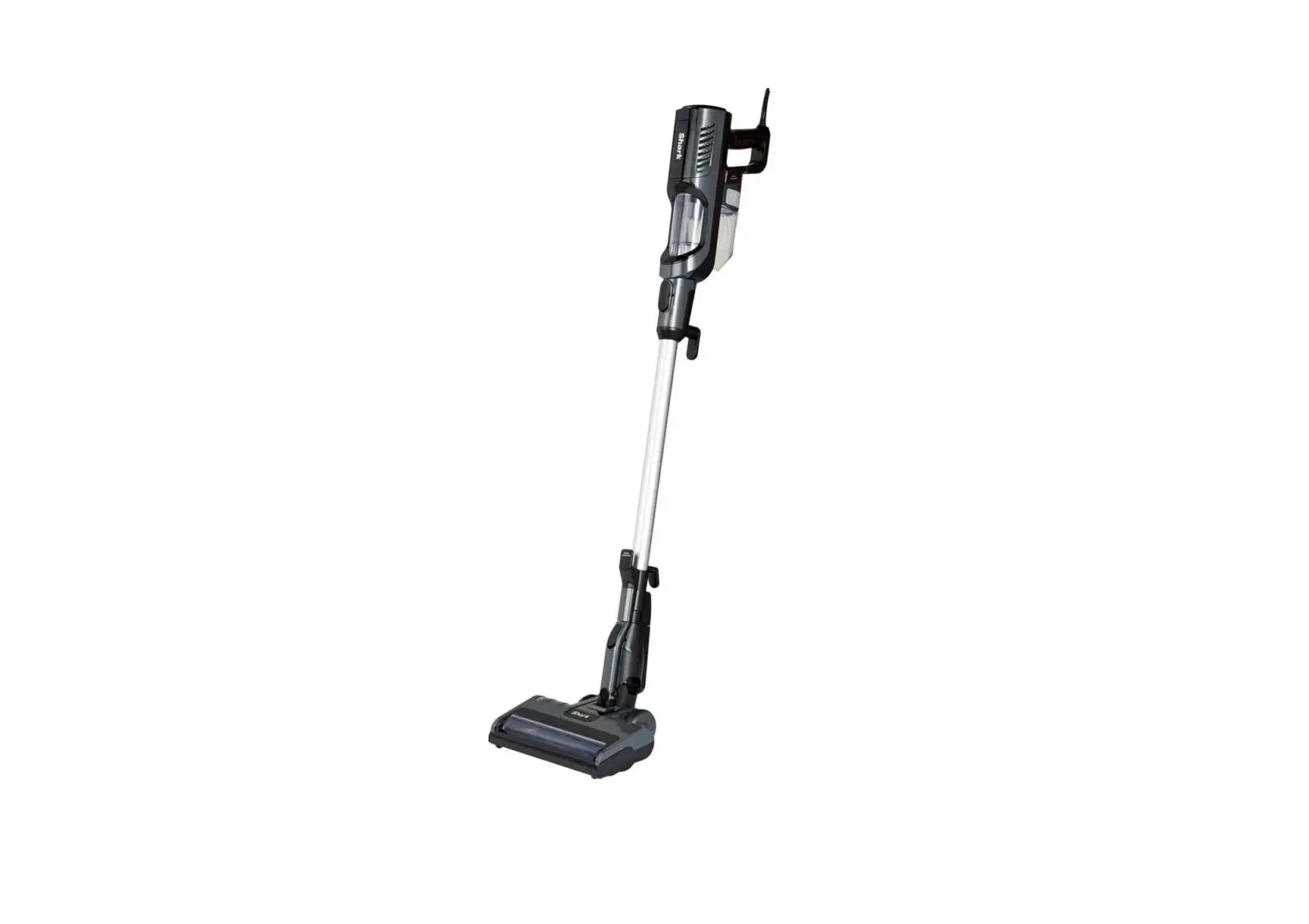
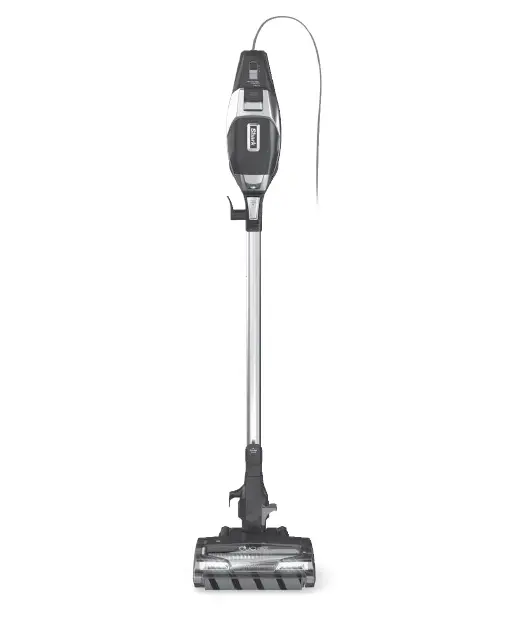
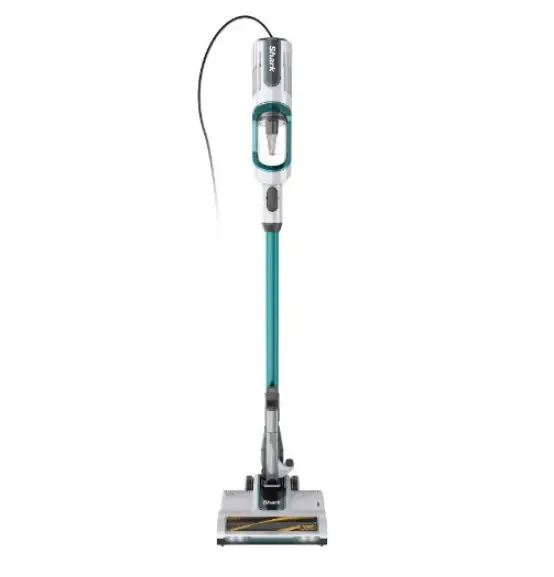
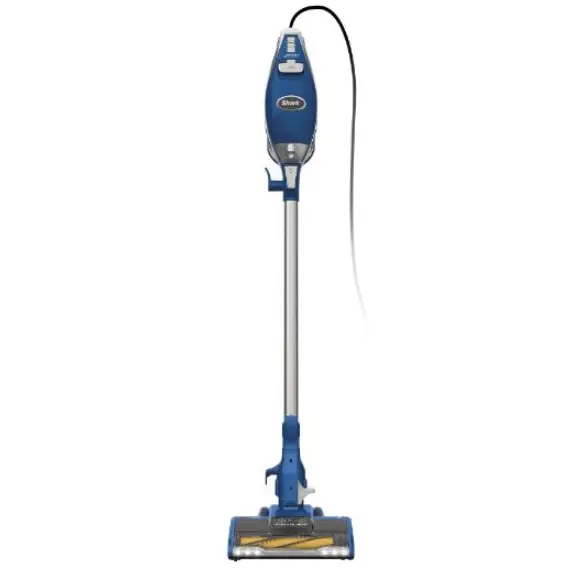
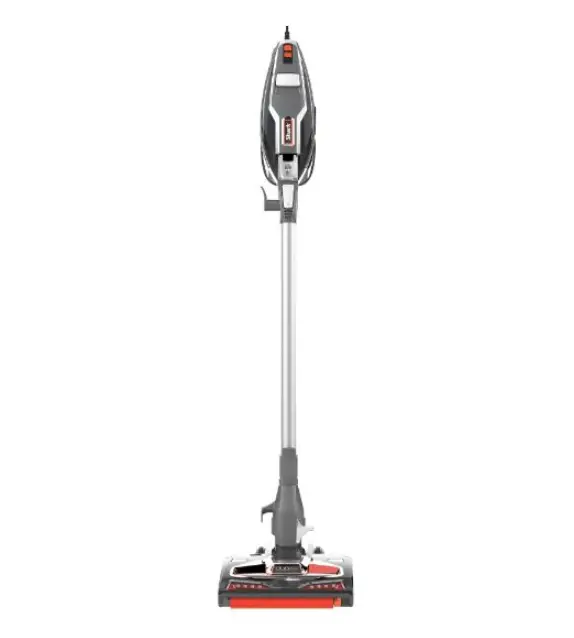
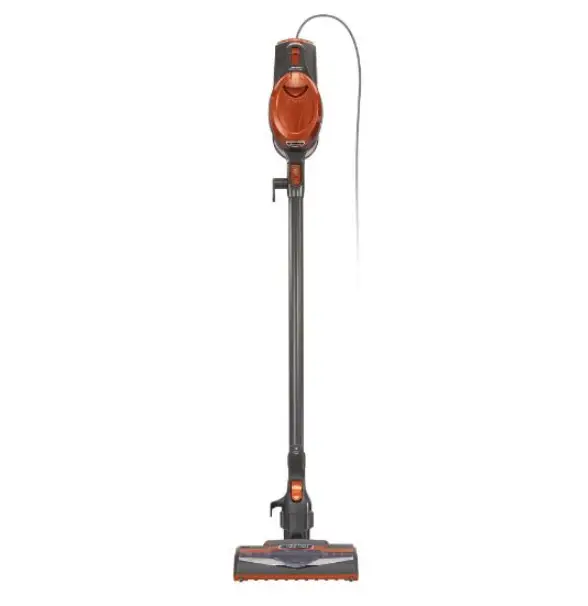
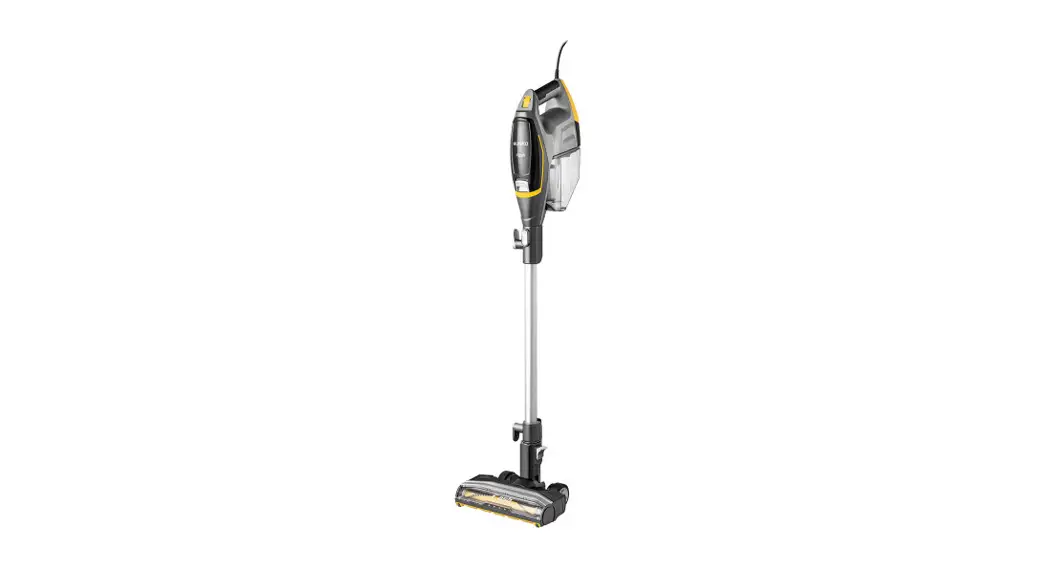
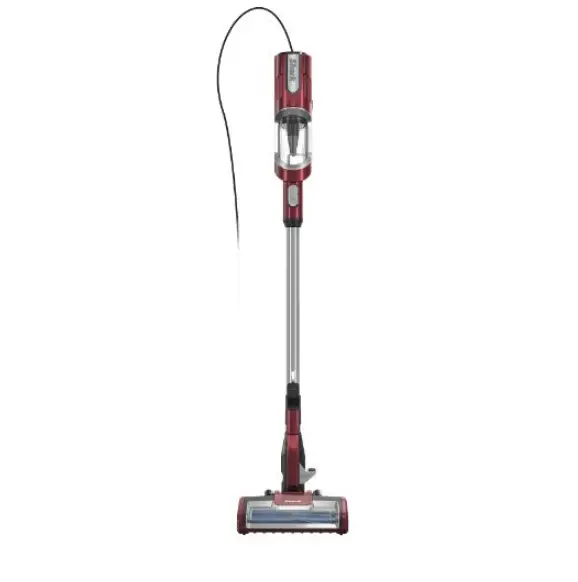
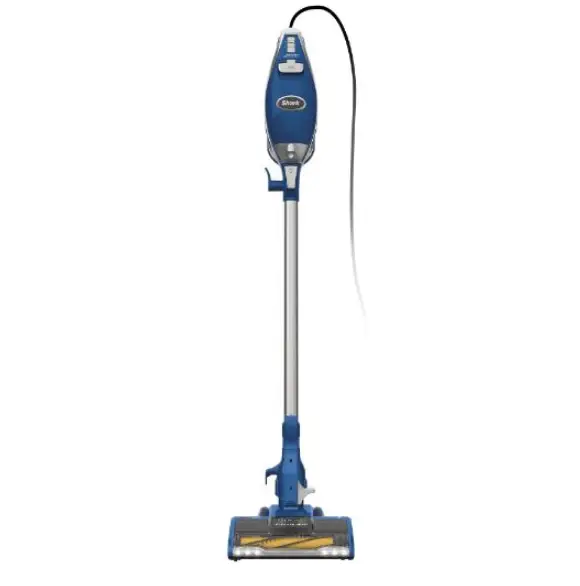
Rocket DeluxePro Ultra-Light Upright Corded Stick Vacuum Cleaner
Product Information
| Product Name | DELUXE PRO Ultra-Light Upright |
|---|---|
| What’s Inside |
|
| Assembly | Two storage options are available: |
| Option 1: Onboard Hook – Hang the handheld vacuum on the hook on the bottom of the wand and wrap the power cord around the cord hooks. The unit can be stored easily in a closet or along a wall. | |
| Option 2: Wall Mount – Follow the instructions provided in the included instruction sheet for wall mount installation. | |
| Maintenance |
|
Product Usage Instructions
Floor Cleaning
- Plug in the vacuum.
- Place your foot gently on the floor nozzle and tilt the handle
back to stand the vacuum upright. - To disconnect the wand from the motorized floor nozzle, step on
the foot pedal and pull the wand up. Alternatively, press the Wand
Release button on the top of the wand to disconnect it from the
handheld vacuum. - Choose the desired setting:
- Setting I: Gentle on bare floors and delicate area rugs. The
brushroll spins slowly to clean bare floors and delicate area
rugs. - Setting II: Deep cleans carpets by removing embedded dirt. The
brushroll spins faster to pick up debris below the surface of your
carpets.
- Setting I: Gentle on bare floors and delicate area rugs. The
Above-Floor Cleaning
- Attach the desired cleaning accessory.
- Use Setting I for all above-floor accessories.
For deep cleaning per ASTM F 608 (embedded dirt in carpet),
please use Setting II (high pile carpet mode).
For questions or to register your product, contact us at
1-800-798-7398 or visit us online at @sharkcleaning.
Please be sure to read the enclosed Owner’s Guide prior to using your unit.
DELUXE PRO
Ultra-Light Upright
QUICK START GUIDE
WHAT’S INSIDE
A Handheld Vacuum B Motorized Floor Nozzle C Wand D Onboard Tool Clip E 12 Crevice Tool
F Dusting Brush G Upholstery Tool H Dust-AwayTM Hard Floor
Attachment with Pad
I Wall Mount
ASSEMBLY
STORAGE
Option 1: Onboard Hook
For compact, convenient storage, hang the handheld vacuum on the hook on the bottom of the wand, and wrap the power cord around the cord hooks. The unit stores easily in a closet or along a wall.
Handheld Vacuum Storage Hook
A
2
(Click)
E
F
G
3
C
H D
4
I
1
(Click)
B
Handheld Vacuum Catch
Option 2: Wall Mount
Please see included instruction sheet for wall mount installation information.
MAINTENANCE
Empty the dust cup every time debris reaches the MAX fill line.
RDeulsetaCseup
TIP: Wash filters every month to keep the suction strong.
Rinse filters and allow to air-dry completely. Tap loose dirt from foam filters as needed between washes.
Empty
Brushroll Maintenance
A portion of the base is removable to allow for better access to the brushroll and exposure to the airway. Remove any string, carpet fibers, or hair that may be wrapped around the brushroll. Loosen debris by cutting across the groove on the brushroll with a pair of scissors.
HV320_QSG_170103
VERSATILE FLOOR-TO-CEILING CLEANING
FLOOR CLEANING
ABOVE-FLOOR CLEANING
1 Plug In Vacuum
Then place your foot
gently on the floor nozzle
and tilt the handle back.
1 Stand the vacuum upright. Step on the foot pedal and pull the wand up to disconnect it from the motorized floor nozzle.
OR
Press the Wand Release button on the top of the wand to disconnect it from the handheld vacuum.
Wand Release
Wand Release
2 Choose Setting
The Rocket® Deluxe Pro has a 2-speed power slider switch on the handle. Slide the power switch to the appropriate floor setting and start cleaning.
Setting I Gentle on bare floors and delicate area rugs. The brushroll spins slowly to clean bare floors and delicate area rugs.
Setting II Deep cleans carpets by removing embedded dirt. The brushroll spins faster to pick up debris below the surface of your carpets.
Floor Nozzle Release
2 Attach desired cleaning accessory.
NOTE: For deep cleaning per ASTM F 608 (embedded dirt in carpet) please use Setting II, high pile carpet mode.
NOTE: Use Setting I for all above-floor accessories.
For questions or to register your product, contact us at 1-800-798-7398 or visit us online at sharkclean.com @sharkcleaning
 Vacuum Cleaners, Steam Mops, Hair Care & Air Purifiers | Shark Home Cleaning