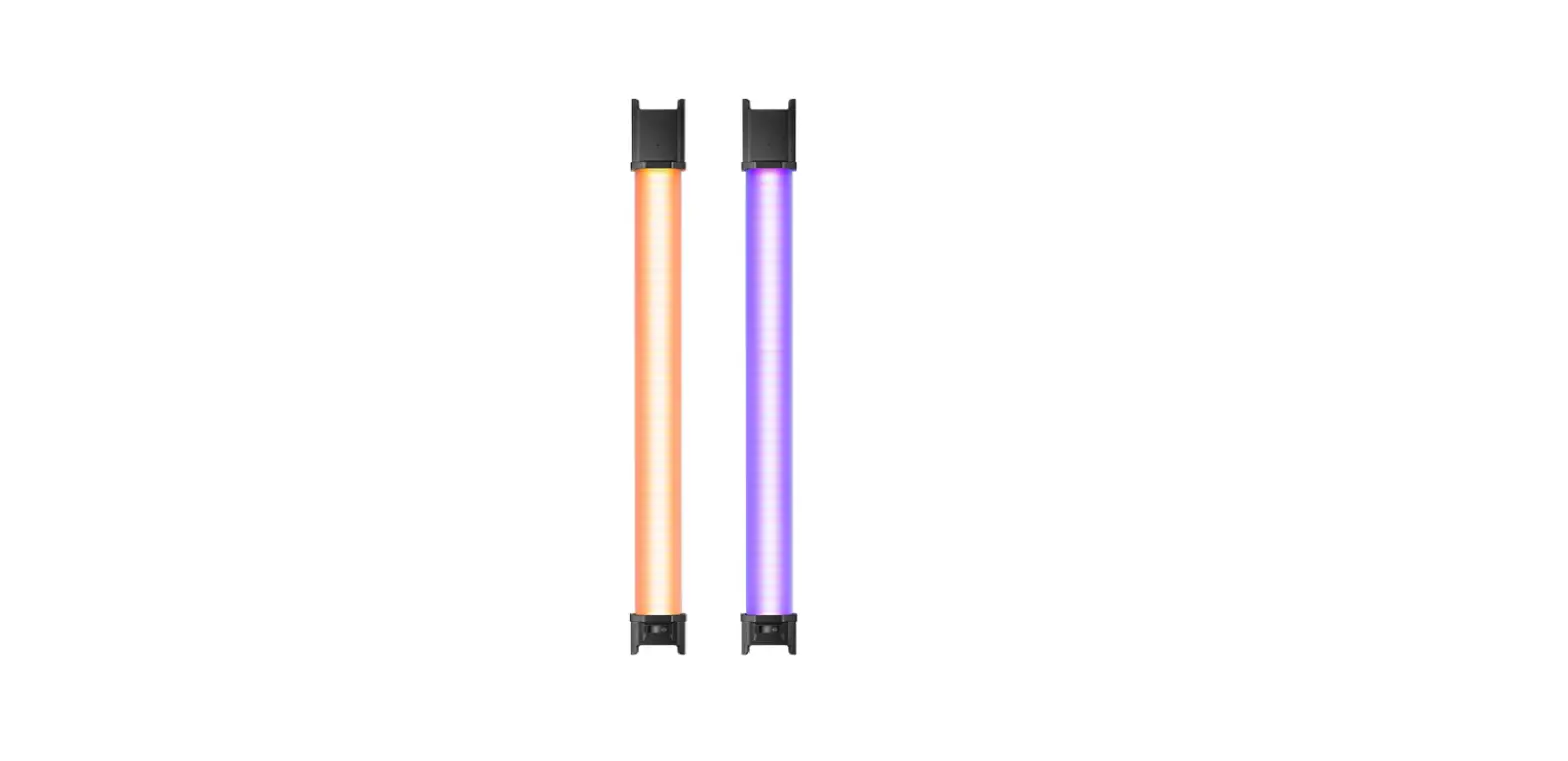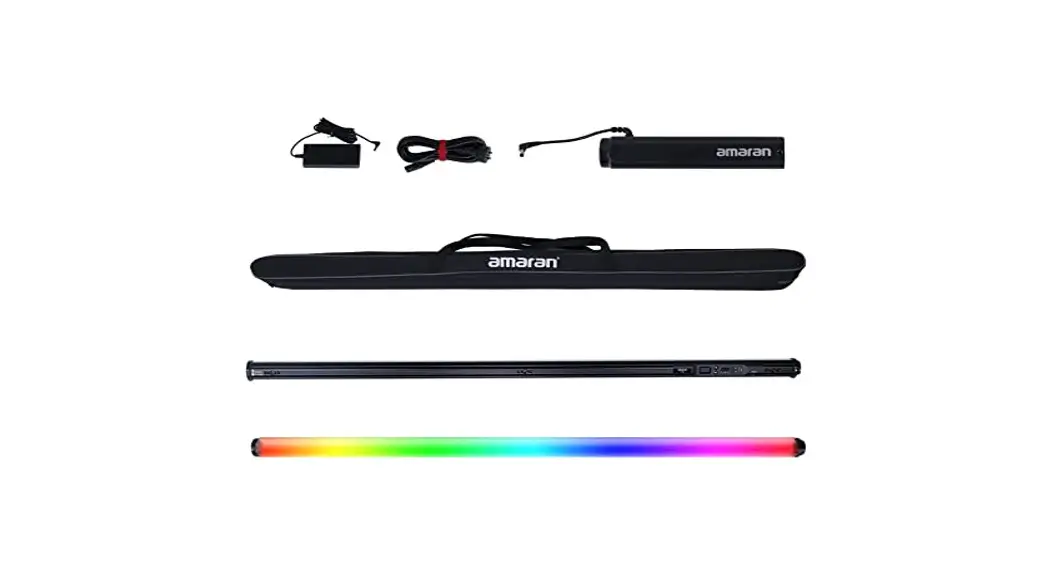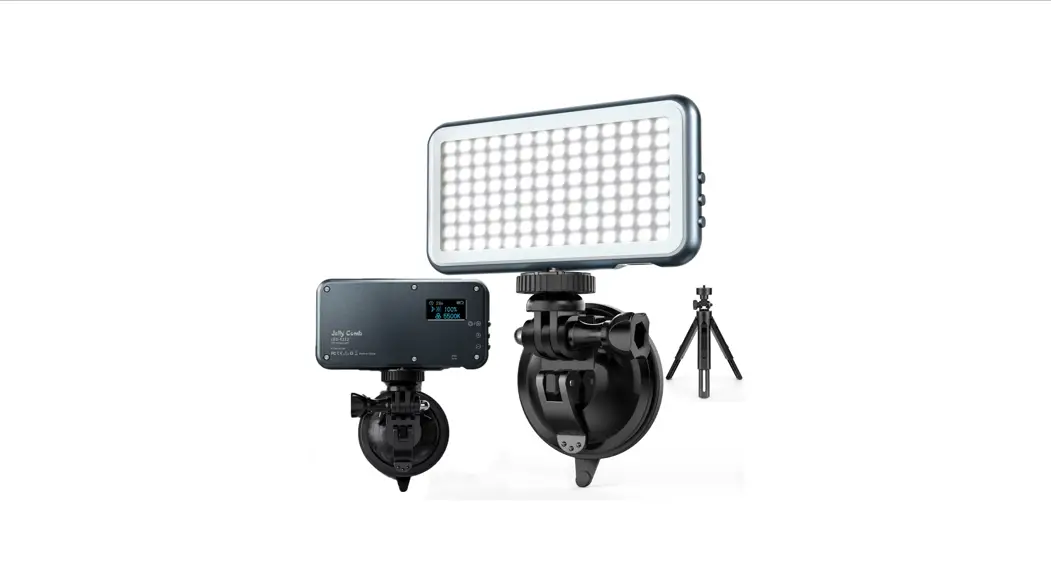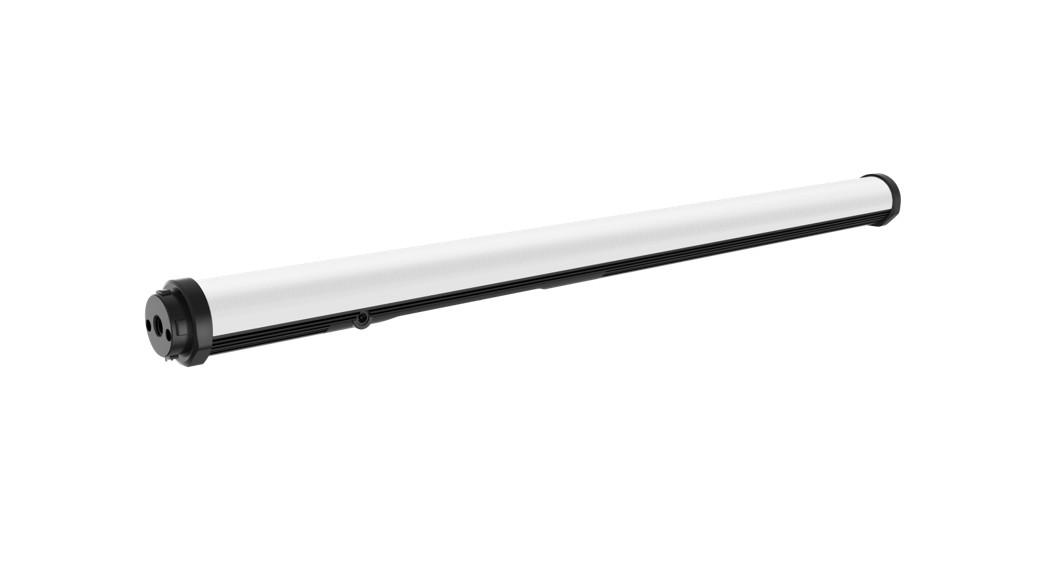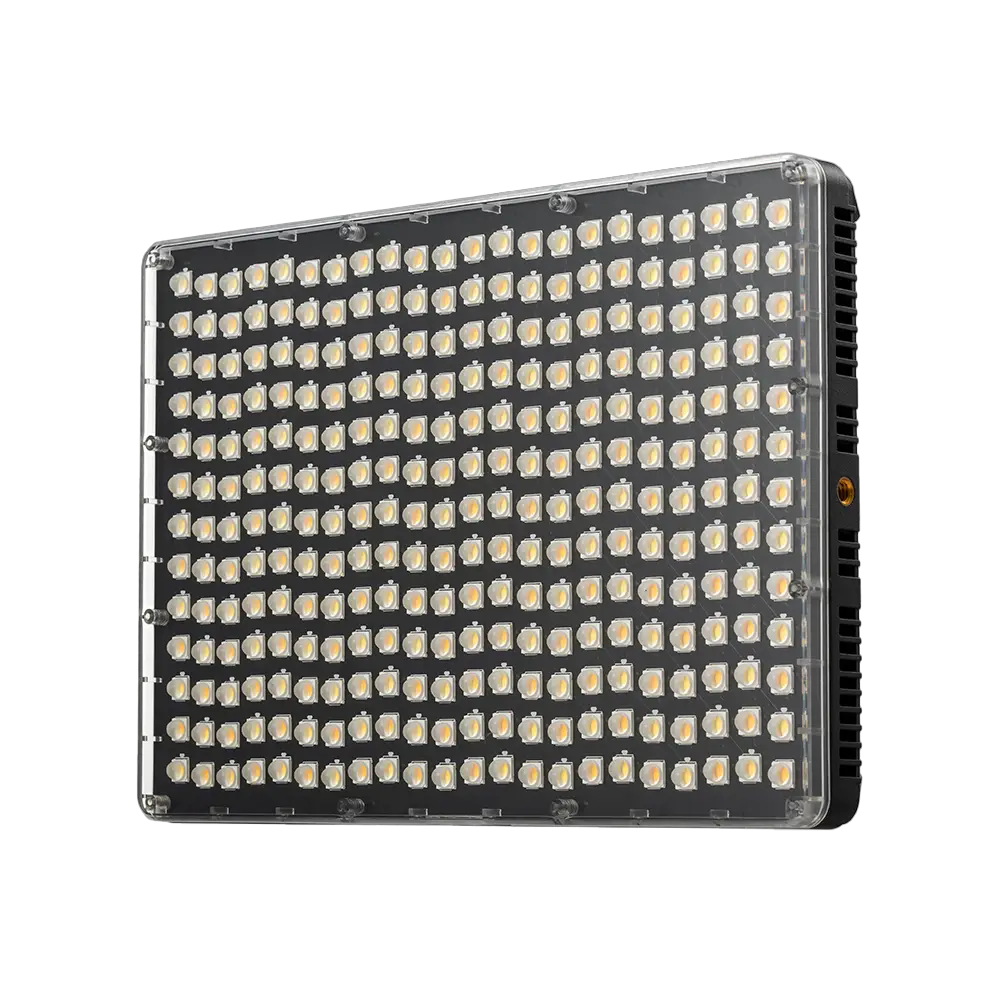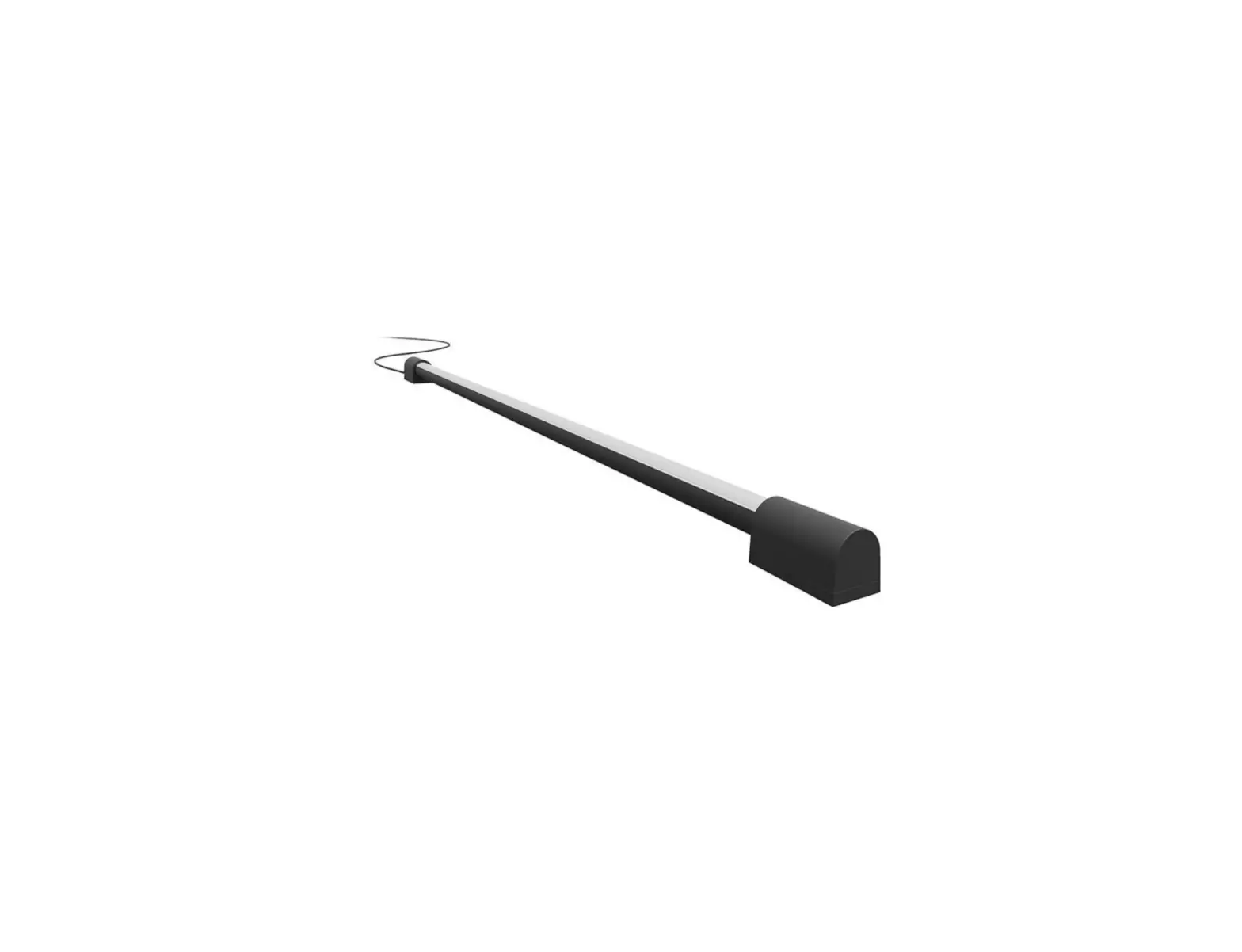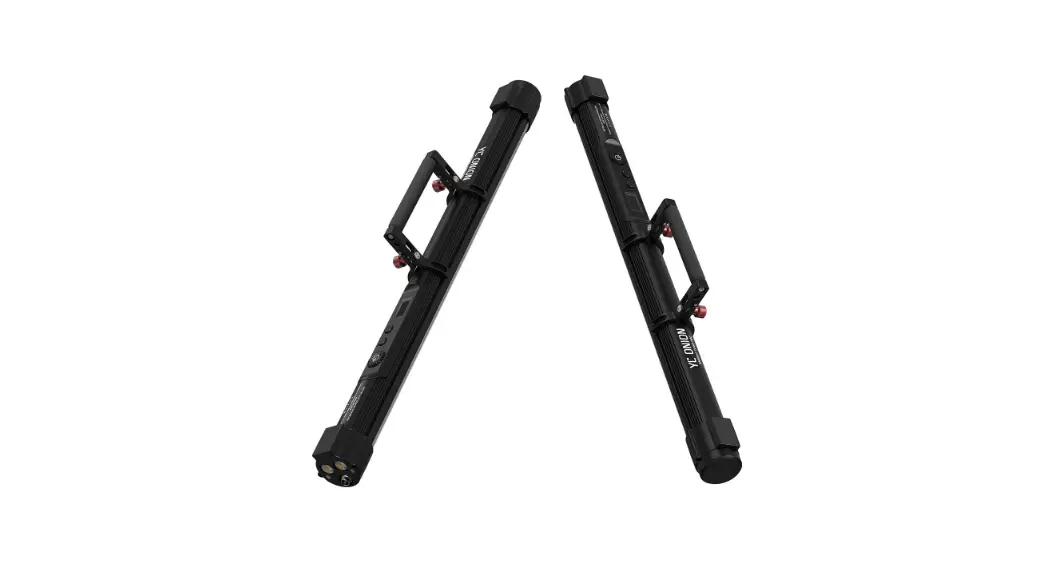
 Energy Tube Pro 120 Video Light
User Manual
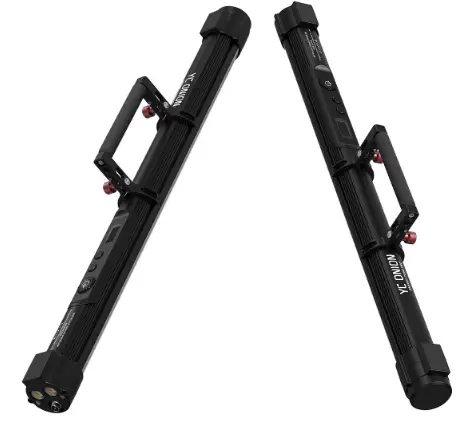
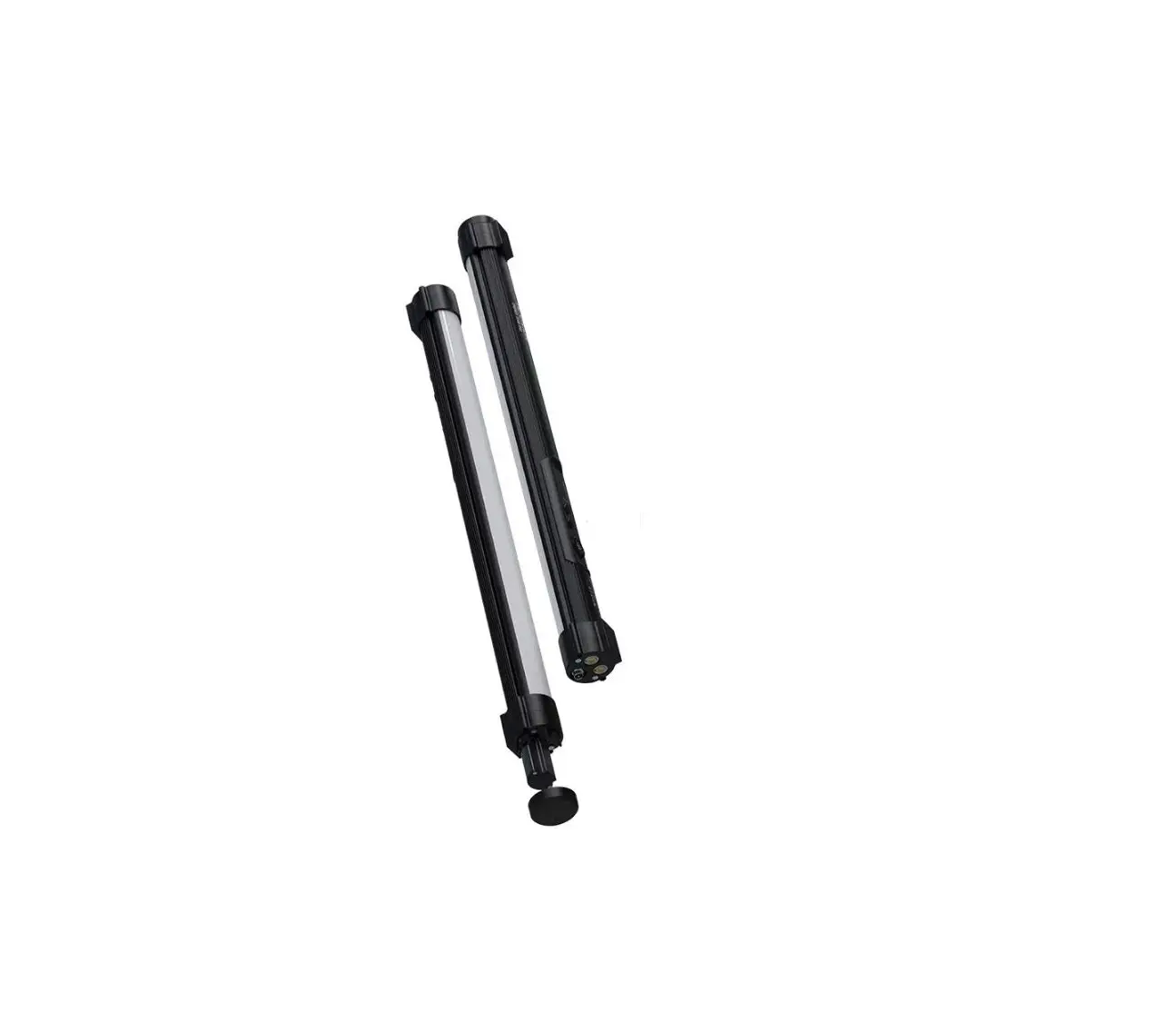
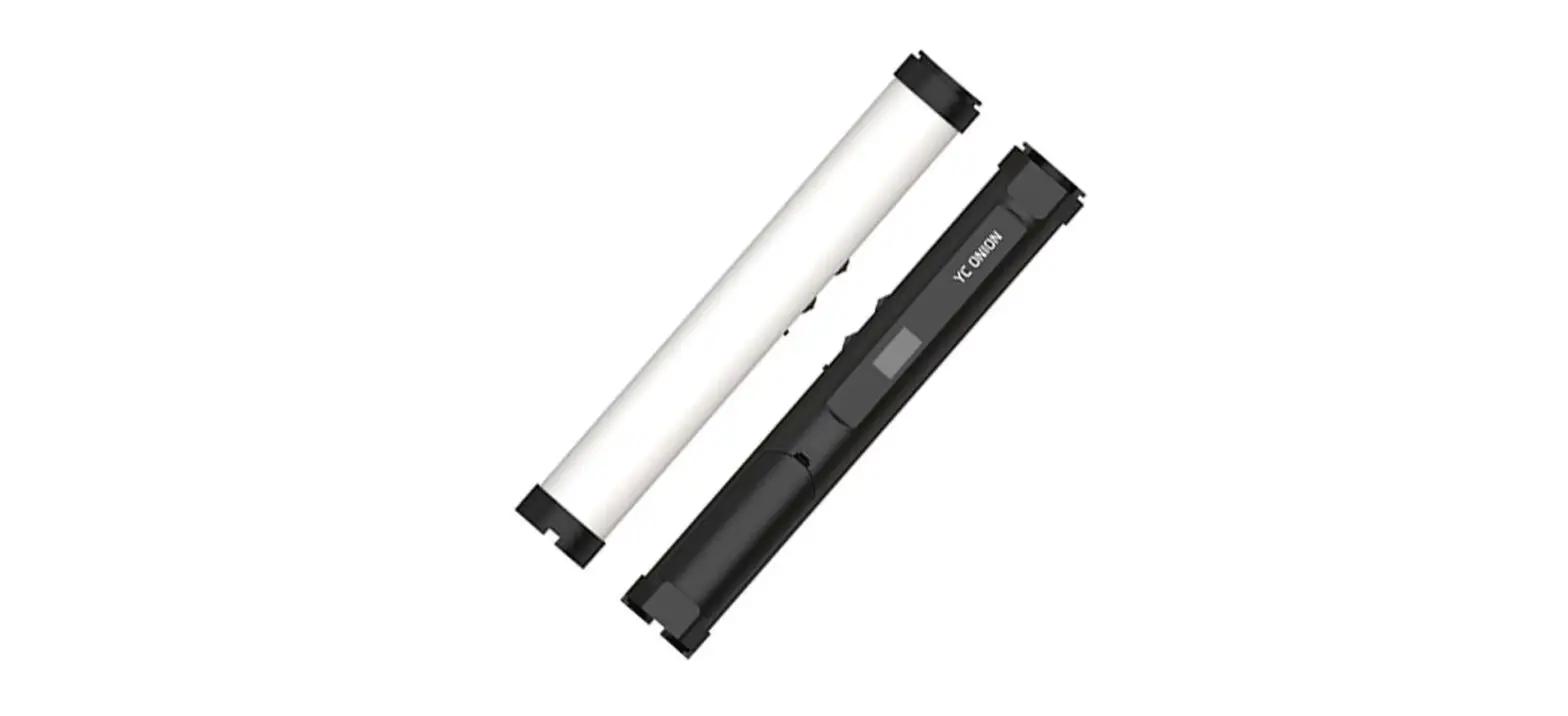
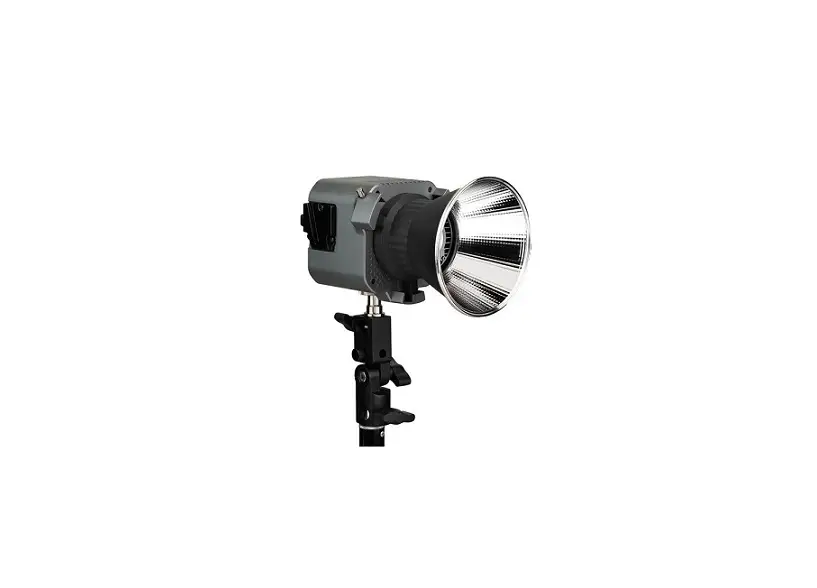
Product Overview
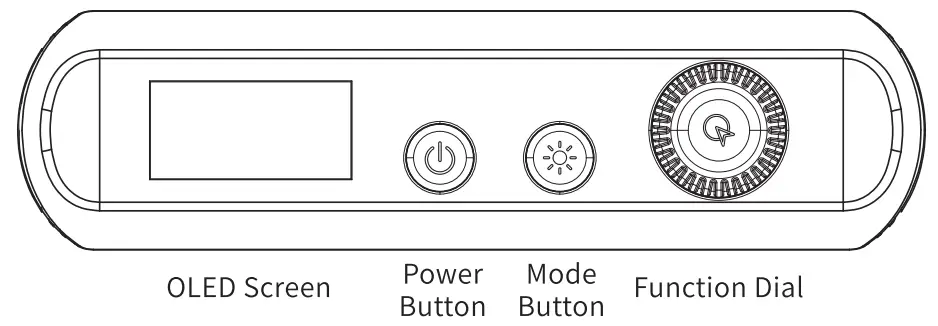
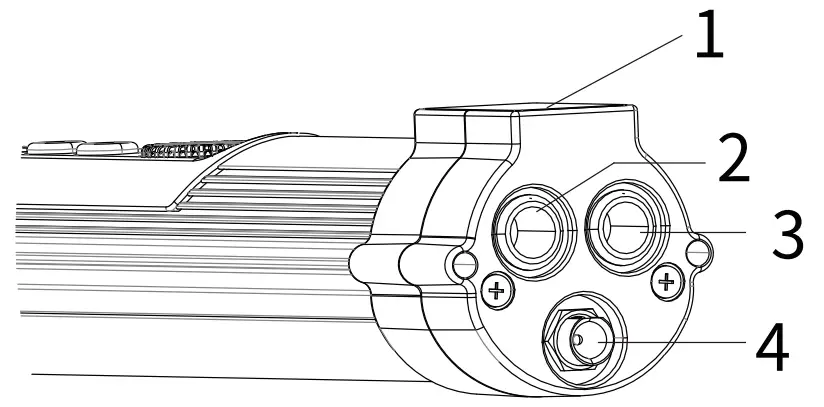
Instruction
1.Power on/off
Long press the Power Button to power on
2. HSI mode
Short press the Mode Button to enter HSI Mode
Turn the Function Dial to adjust hue, HUE range:0-360°
Press the Function Dial to switch to Brightness, turn it to adjust
Press the Function Dial to switch to Saturation, turn it to adjust SAT range: 0-100%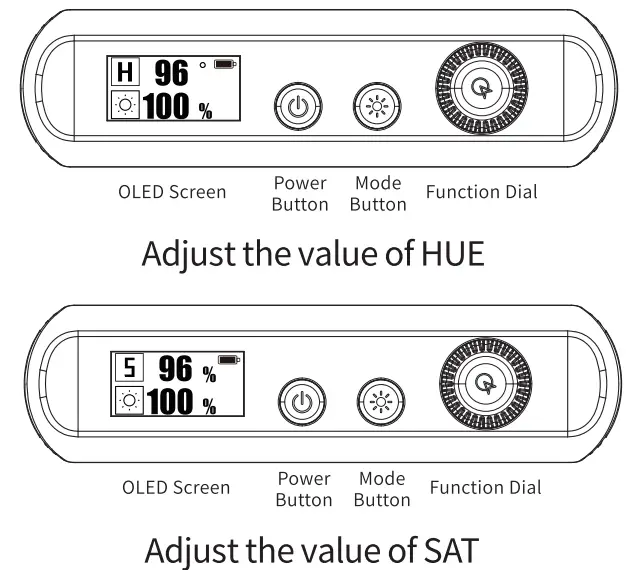
CCT Mode
Short press the Mode Button to enter CCT Mode
Turn the Function Dial to adjust CCT, CCT: 3200k-6200k
Press the Function Dial to switch to Brightness, turn it to adjust
Press the Function Dial to switch to G/M Compensation, turn it to adjust, Magenta: -10, Green: +10 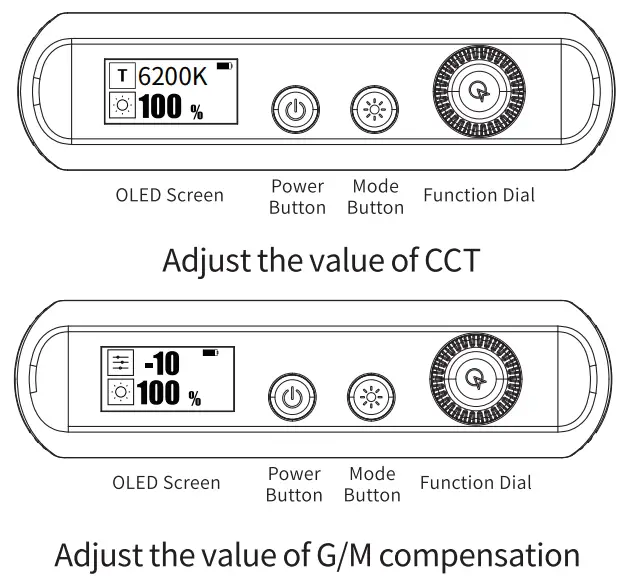
FX Special Effect
Short press the Mode Button to enter Bi-color special effect mode Turn the Funtion Dial to switch FX special effects(A- Lighting mode/ B- Cold breathing/ C- Warm breathing/ D- CCT Cycle)
Press the Function Dial to adjust the speed, speed range: 0-100%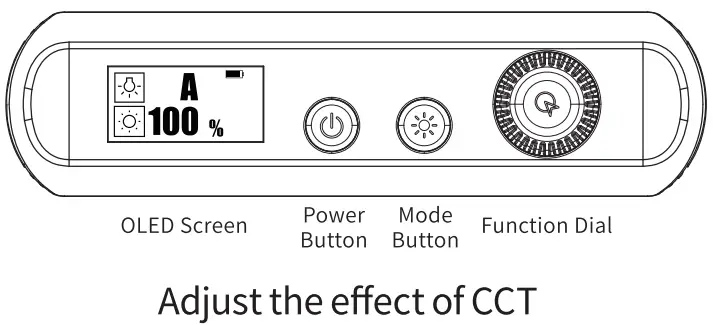 Short press the Mode Button to enter RGB effect mode Turn the Function Dial to switch FX special effects(A- RGB Cycle/ B- Red breathing/ C- Green breathing/ D- Blue breathing/ E- Disco light)
Press the Function Dial to adjust speed, speed:0-100%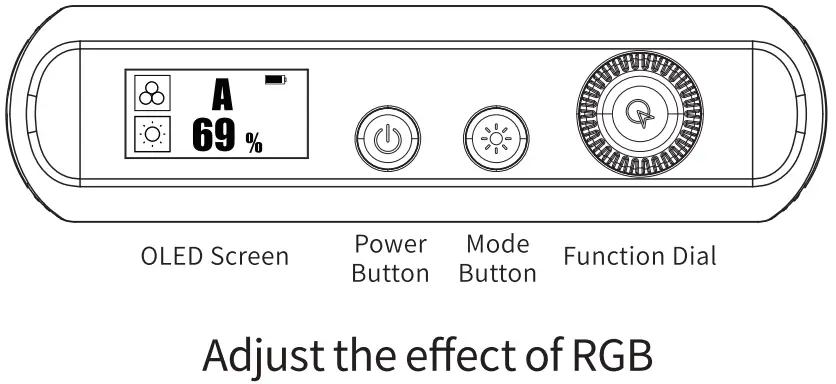 Short press the Mode Button to enter Flash Light Mode
Turn Function Dial to switch FX Special Effects
(A- Red and Blue police light/ B- Red and Green flash/ C- Blue and Green flash/ D- Red flash fire light/ E -Green flash/ F- Blue flash ambulence light)
Press the Function Dial to adiust the sewed. sneed range: 0-100%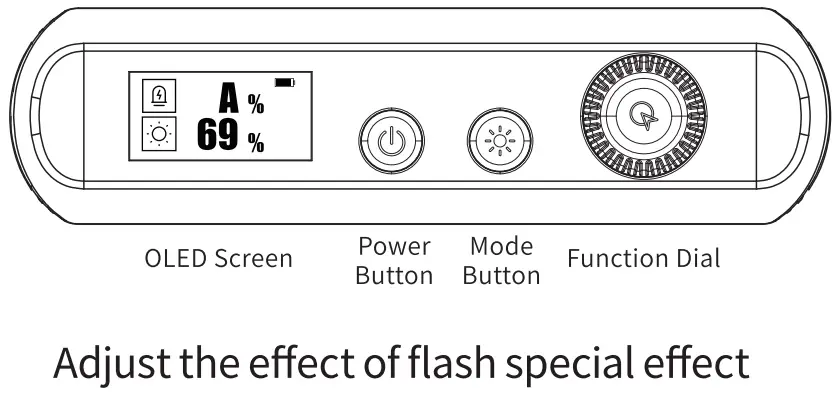 Short press the Mode Button to enter Pixel effect mode
Rotate the Function Dial to switch the pixel effects
(A-Hue Loop/ B-Hue Drip /C-Paparazzi /D-White Drip /E-White Crash)
Press the Function Dial to adjust the pixel effects frequency(0-100%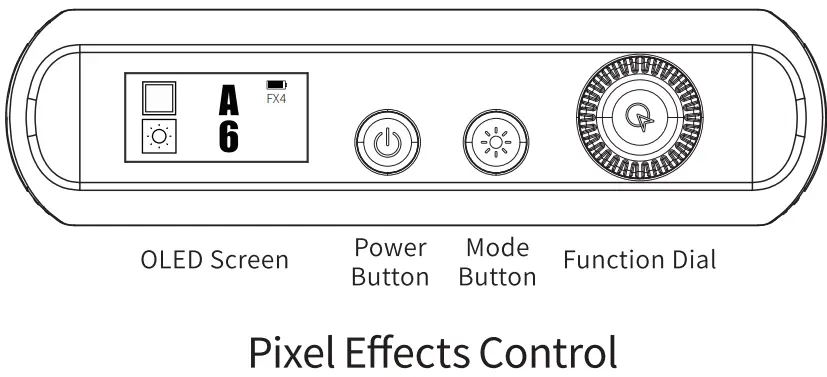
Channel Grouping for Sync Control
Press the Mode Button and Function Dial at the same time to enter the Sync Control Mode
Rotate the function dial to switch between Master mode and Slave mode
Short press the function dial to select the options on the screen.
Rotate the function dial to adjust channel (CH: 0-99) or sync (SYNC: 0-512).
*it is viable to achieve channel grouping under same channel and sync.
Press the Mode Button and Function Dial at the same time to quit the Sync Control Mode
Setting one light as the master light and the other lights as the slave ones in the same channel to achieve the sync control function with multiple devices.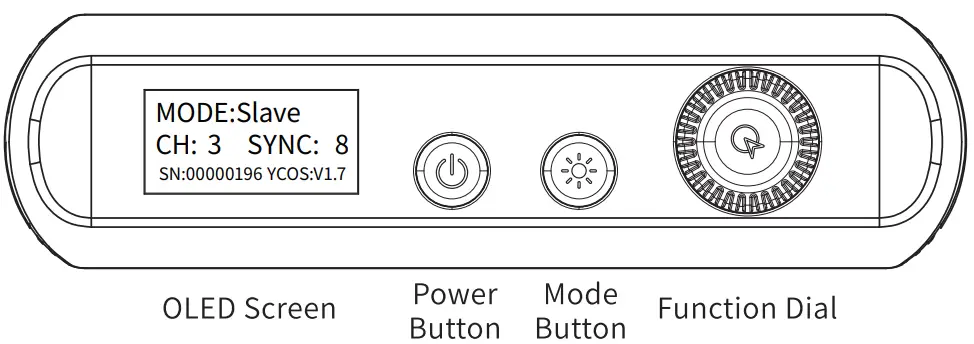
App Sync Control Mode Setting Guidance
Click the setting button in the upper left corner on the home page.
Click the Sync Control Mode. Click the “+” in the upper right corner to add devices.
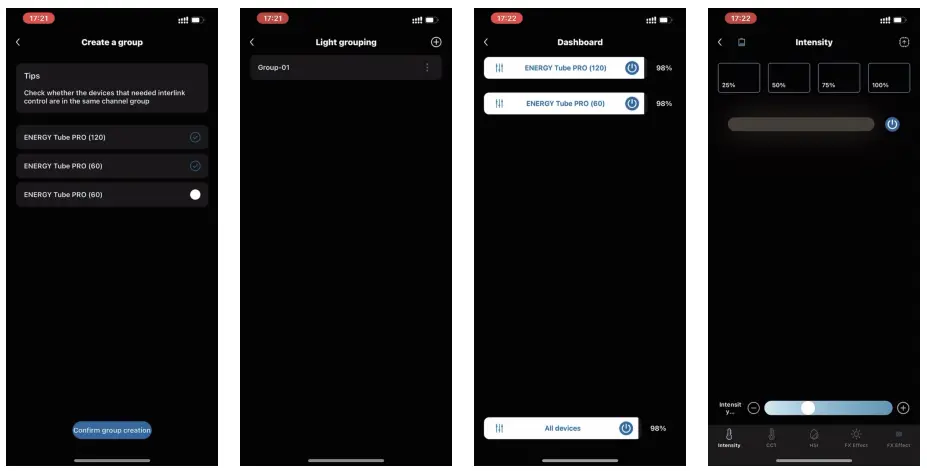
Choose the devices you need (60 and 120 Energy Tube Pro are available).
Confirm Grouping to create a group.
Click the group to enter the control page.
Control the lights separately or simultaneously by clicking the button in the left of the function bar.
Adjust the intensity and frequency freely under the Sync Control Mode.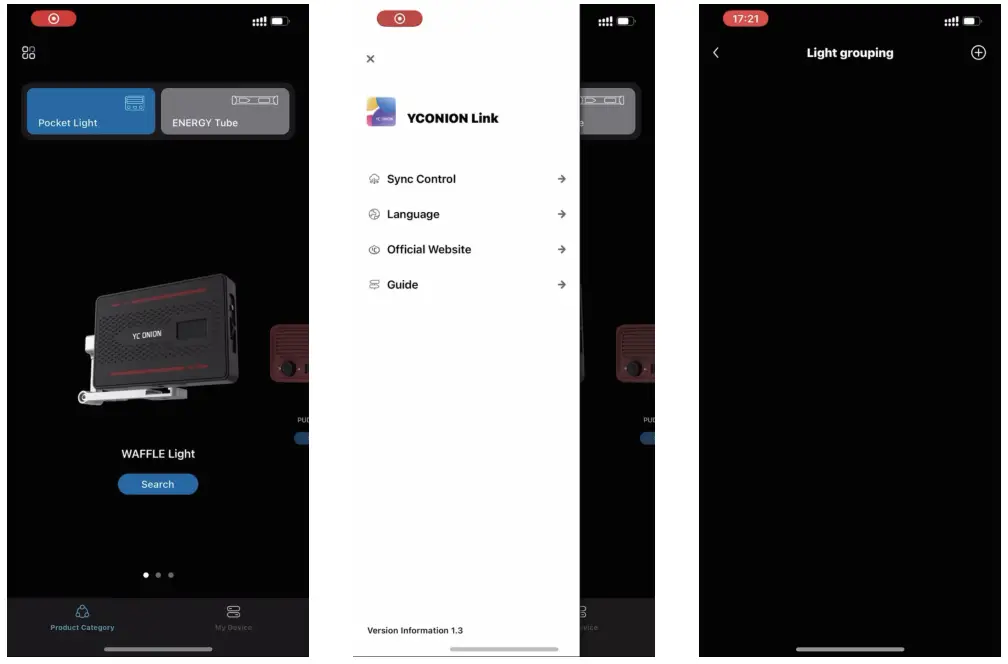
DMX
Press the Mode Button and Power Button to enterchannel group setting.
Press the Function Dial to switch the channel offset (CH:0-512), switch the preset configuration (P:1-5)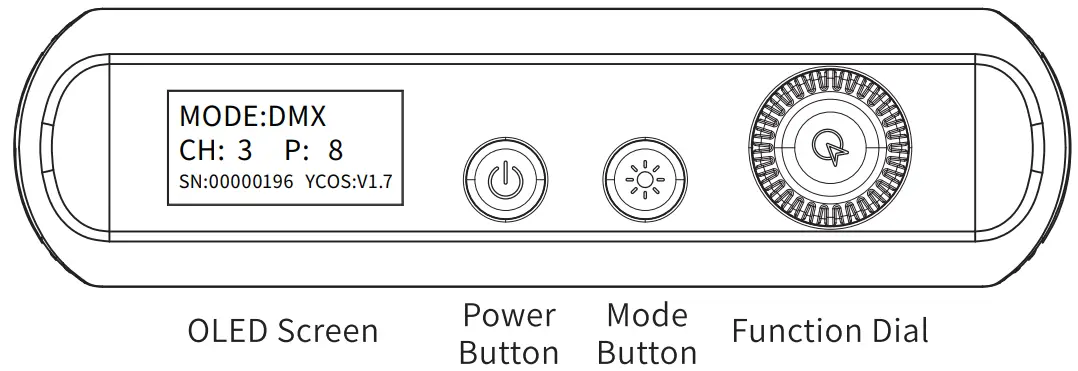
| P1: DMX Channel Value Chart | |||
| Mode Adjustment 1 (0-255) | t 2 (0-255) Adiustment | Effect Adjustment 3 (0-255) | Function Ad iustment 4 (0-255 |
| 0->10: Mode 1 (HSI) | Brightness (0-100%) | HUE (0-360) | Saturation (0-100%) |
| 11->20: Mode 2 (CCT) | Brightness (0-100%) | CCT (3200-6200k) | G/MCompensation (+-10) |
| 21->30: Mode 3 (CCT_FX) | Brightness (0-100%) | CCT Special Effects (A-F) | SPEED(0-100%) |
| 31-’40: Mode 4 (RGB_FX) | Brightness (0-100%) | RGB Special Effects (A-F) | SPEED(0-100%) |
| 41-’50: Mode 5 (FLASH_FX) | Brightness (0-100%) | Flash Special Effects (A-F) | SPEED(0-100%) |
| 51-2.60: Mode 6 (PixeLeffect) | Brightness (0-100%) | Pixel Effect Mode(A-F) | SPEED(0-100%) |
| P2:DMX-H IS Mode Control Channel Value Chart | ||
| Brightness Adjustment 1(0-255) | HUE Adjustment 2 (0-255) | Saturation Adjustment 3 (0-255) |
| Brightness (0-100%) | HUE (0-360) | Saturation (0-100%) |
| P3:DMX-CCT Mode Control Channel Value Chart | ||
| Brightness Adjustment 1(0-255) | CCT Adjustment 2 (0-255) | G/M Compensation Adjustment 3 (0-255) |
| Brightness (0-100%) | Ca (3200k-6200k) | G/M Compensation (-10-+10) |
| P4:DMX-CCT_FX Special Effect Mode Control Channel Value Chart | ||
| Brightness Adjustment 1(0-255) | FX Special Effect Adjustment 2 (0-255) | Speed Adjustment 3 (0-255) |
| Brightness (0-100%) | A-Lighting mode/ B-Cold breathing/ C-Warm breathing/ D-CCT Cycle | Speed (0-100%) |
| PS: DMX-RGB_FX Special Effect Mode Control Channel Value Chart | ||
| Brightness Adjustment 1(0-255) | FX Special Effect Mode Adjustment 2 (0-255) | Speed Adjustment 3 (0-255) |
| Brightness (0-100%) | A- RGB Cycle/ B- Red breathing/ C-Green breathing/ D-Blue breathing/ E-Disco light | Speed (0-100%) |
| P6: DMX-FLASH_FX Special Effect Mode Control Channel Value Chart | ||
| Brightness Adjustment 1(0-255) | FX Special Effect Mode Adjustment 2 (0-255) | Speed Adjustment 3 (0-255) |
| Brightness (0-100%) | A- Red and Blue police light/ B- Red and Green flash/ C- Blue and Green flash/ D- Red flash the light/ E -Green flash/ F-Blue flash ambulence light | Speed (0-100%) |
APP Control
Turn on the Bluetooth and GPS. Open the Colorist X App and click the lightings. Choose the corresponding lights and search your device. Click the available device and control it in the control page. If fail in searching the device, please re-open the light as well as the App and repeat the above steps.
APP Download Please enter the official APP website(http://app.yconion.com ) to download the Colorist X App, or scan the QR Code to get the download link.
Colorist X App is supported by Android 6.0 or above, and iOS 11.0 or above.
Multiple languages are supported, with more to come. 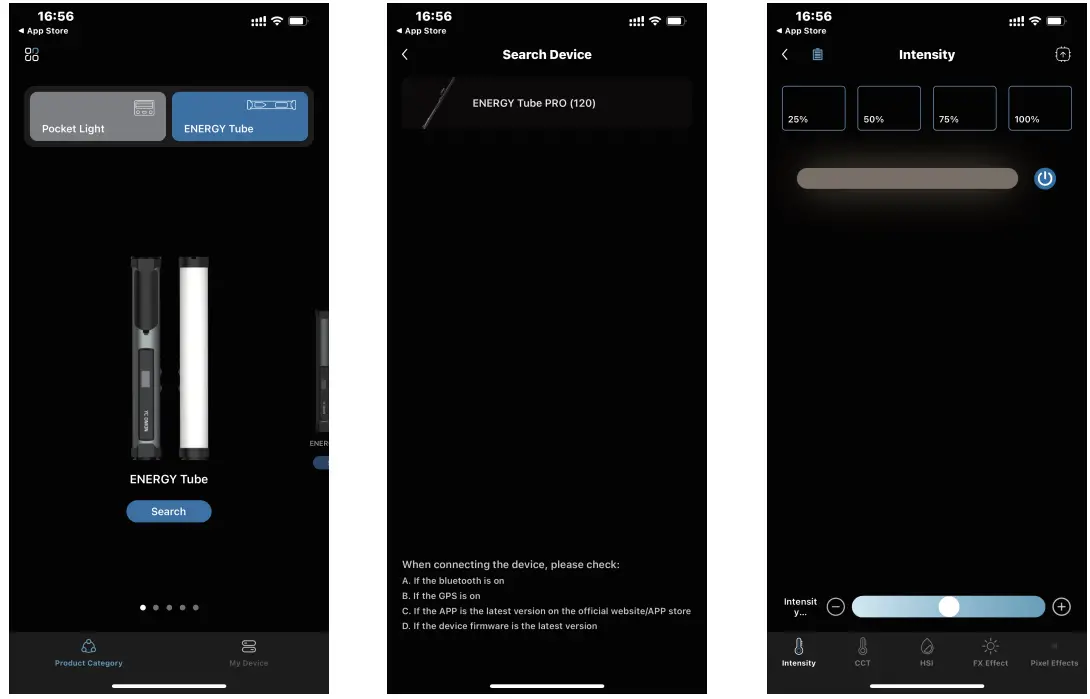
Specifications
| Model | ENERGY TUBE Pro 120 |
| Size | 1057’48’45mm |
| Weight | 1200g |
| Main Material | Alumium Alloy/PC |
| CCT | 3200k-6200k |
| Number of LED Beads | Bi-color: 240’2 pcs, RGB: 120pcs |
| Run Time | Up to 12 hours maximum, 90 mins at full-power output |
| Brightness | 096-100% |
| RGB Color Range | 0-360°All Color |
| CRI (Ra) | 98 |
| InputVoltage/Current | DC18V/4.5A |
| Battery Capacity | Lithium Battery (14.8V 4000 mAh) |
| Output | 40W |
 |  |
| https://space.bilibili.com/352104082 | https://www.yconion.com/ |
DISCLAIMER
- The Company assumes no liability for any risks related to or resulting from the debug and use of this product (including the direct, indirect or third-party losses).
- For any unknown sources of acquitting this product, we will not be at any services.
- The updating and changes of product firmware ano program may cause changes in function descriptions in this user manual, please read the instructions carefully before upgrading the firmware and use the correspond- ing user manual.
- There may be a description that does not conform to this specification after firmware upgrade of the product Please be subject to the latest product information which is issued in official website.
- The Company reserves all rights of interpretation to this product.

 YC.Onion
 YC.Onion
 YC.Onion
 Yconionfilm
 www.yconion.com