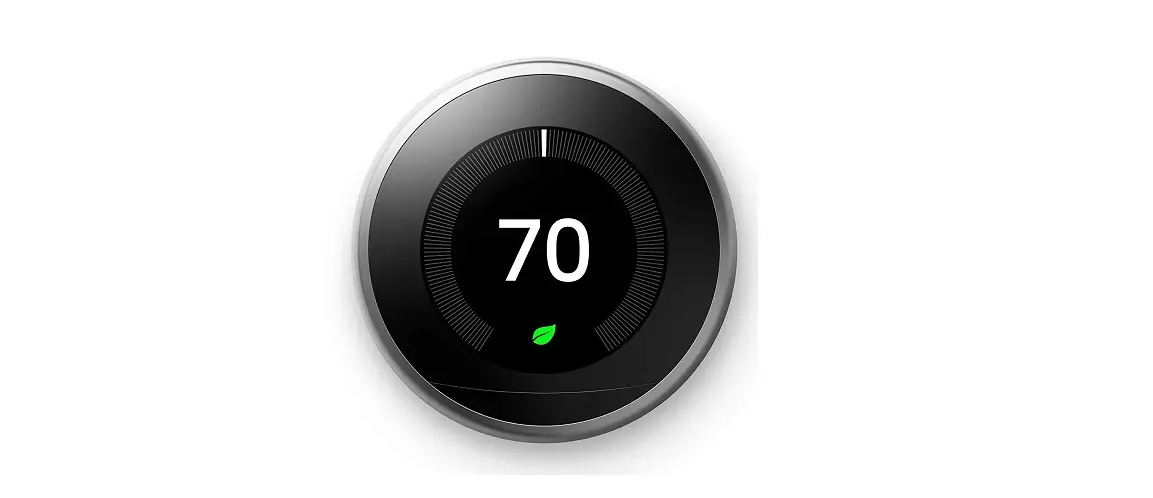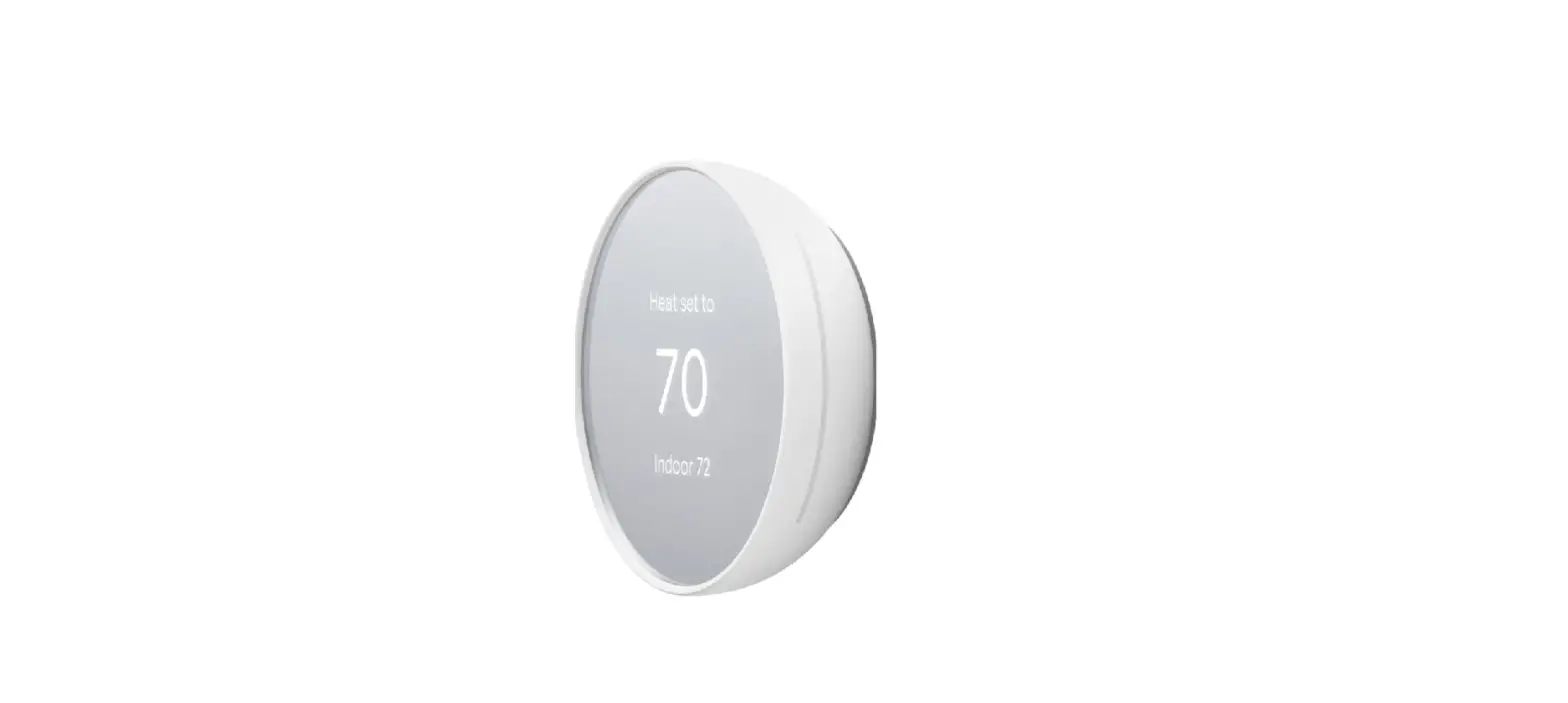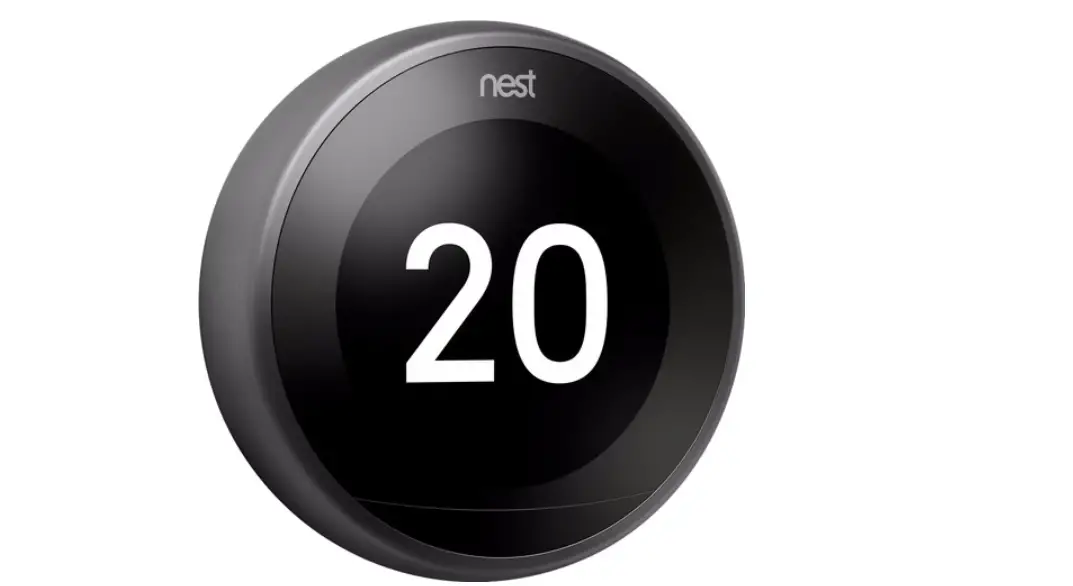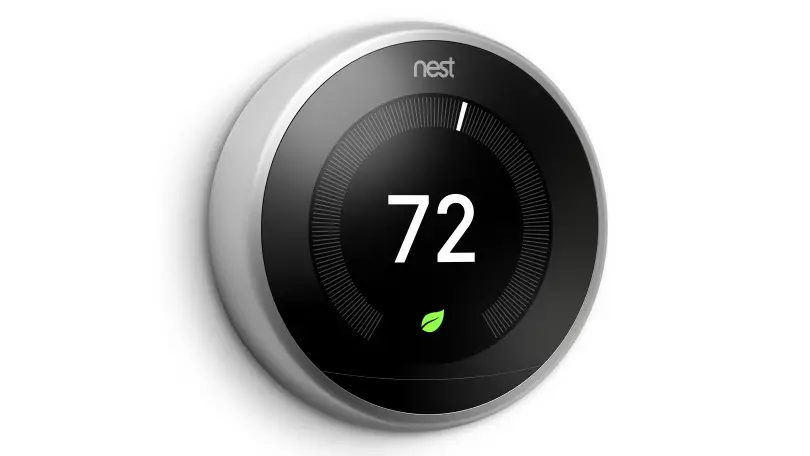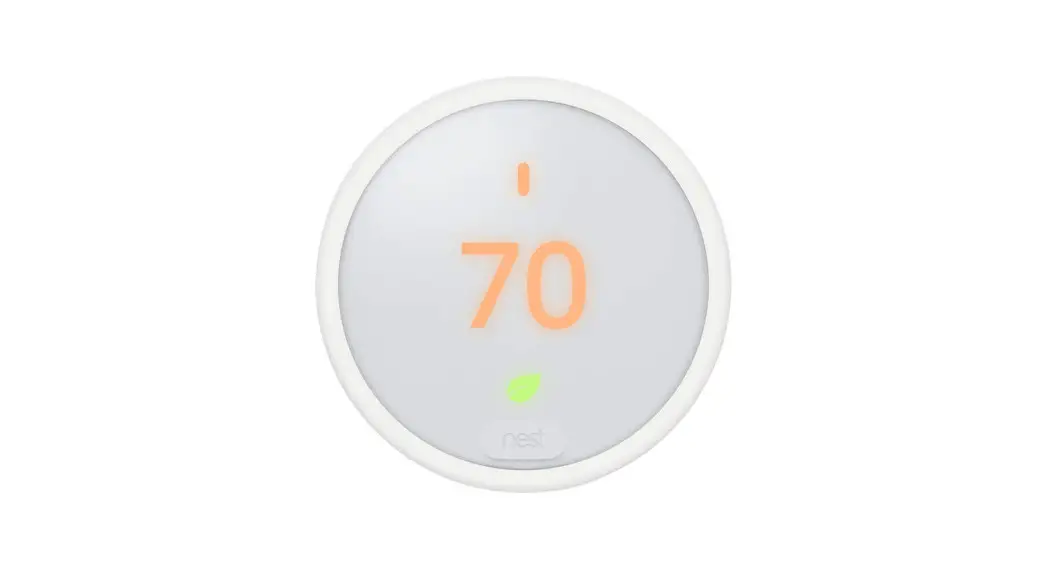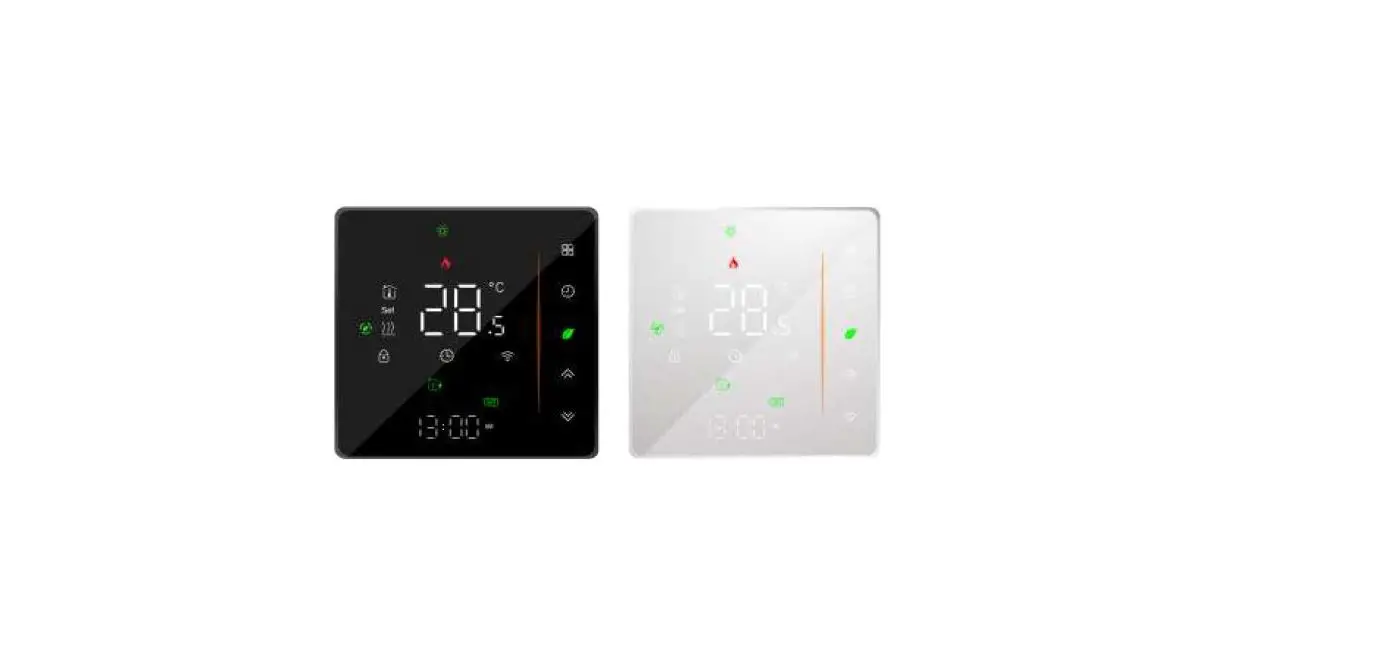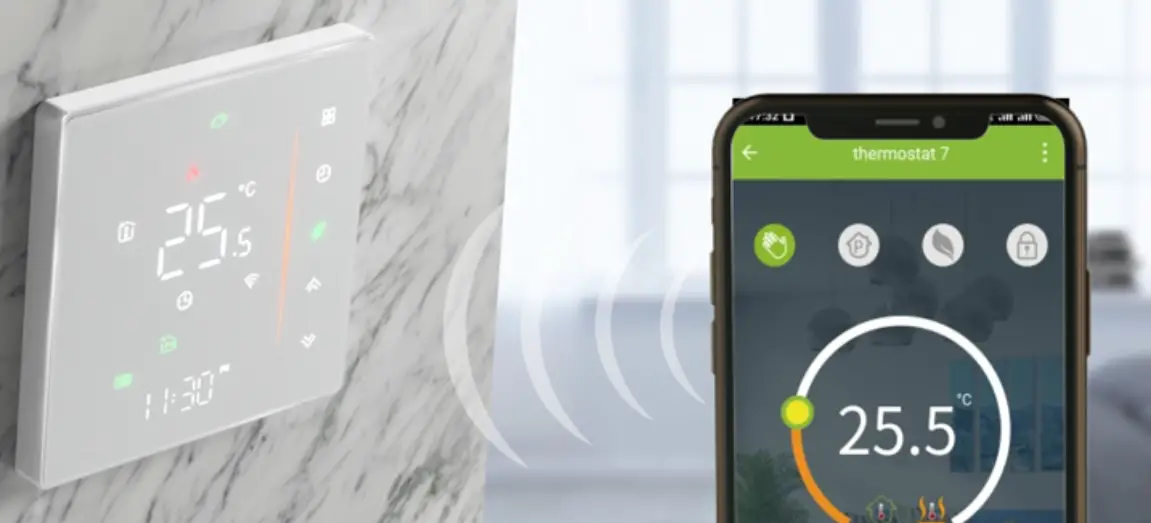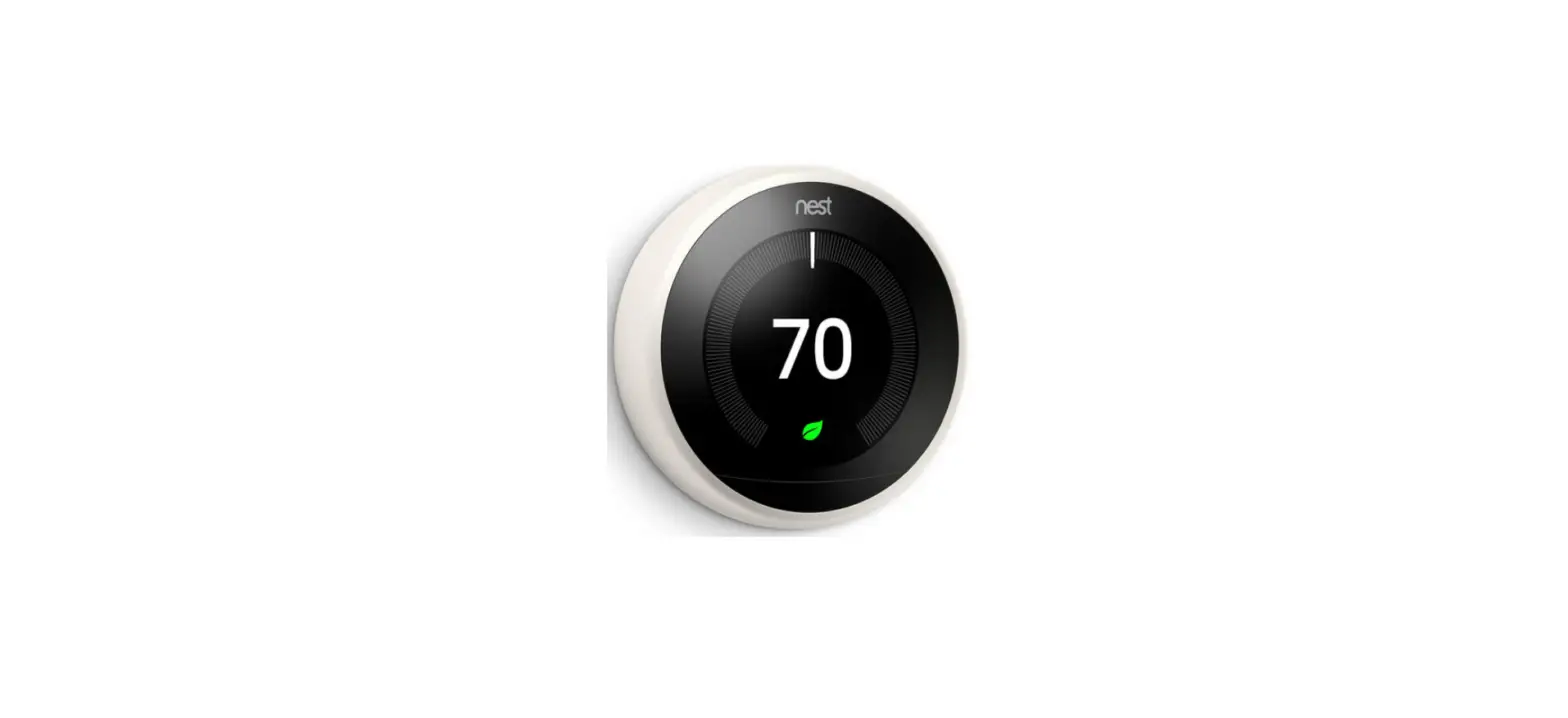
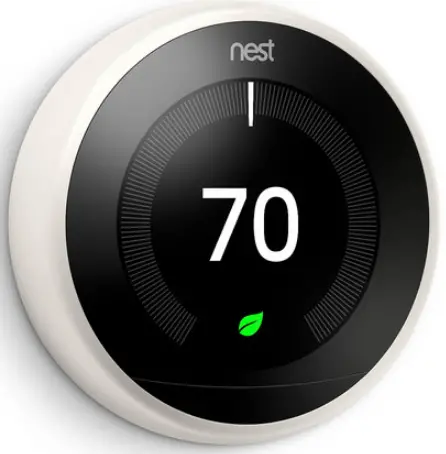
Google Nest 3rd Generation Learning Thermostat White
Troubleshooting Steps
Can’t connect Nest thermostat to the app
If you’re able to connect your Google Nest thermostat to Wi-Fi but you can’t add it to your account in the Nest or Google Home app, or an error message appears on your thermostat, follow these steps to fix the problem.
Note: If you can’t connect your thermostat to Wi-Fi or all your Nest products are offline, refer to Troubleshoot Wi-Fi and connection issues article.
- Make sure your internet service is working
- Check your app version
- Restart your Nest thermostat
- Restart your router and modem
- Check the settings on your Wi-Fi router or access point
Note: For more troubleshooting queries visit Google Support https://support.google.com/googlenest/topic/9361783?hl=en&ref_topic=9361189,9371069,7029808,