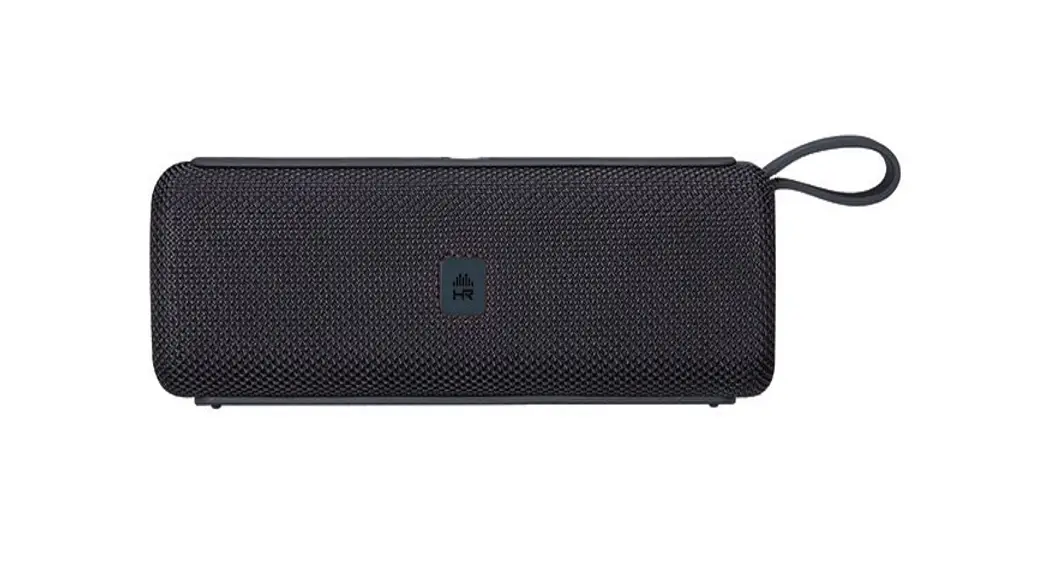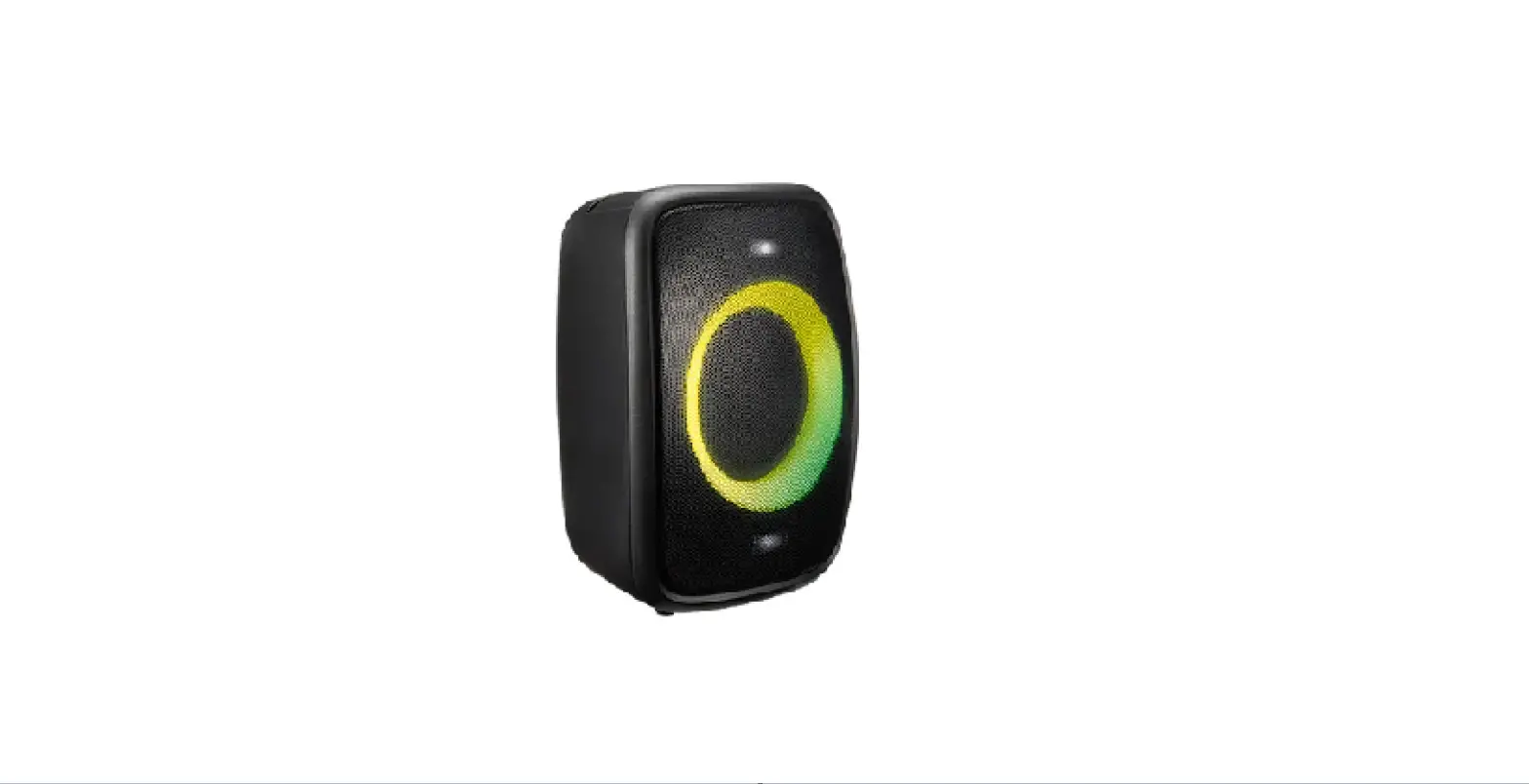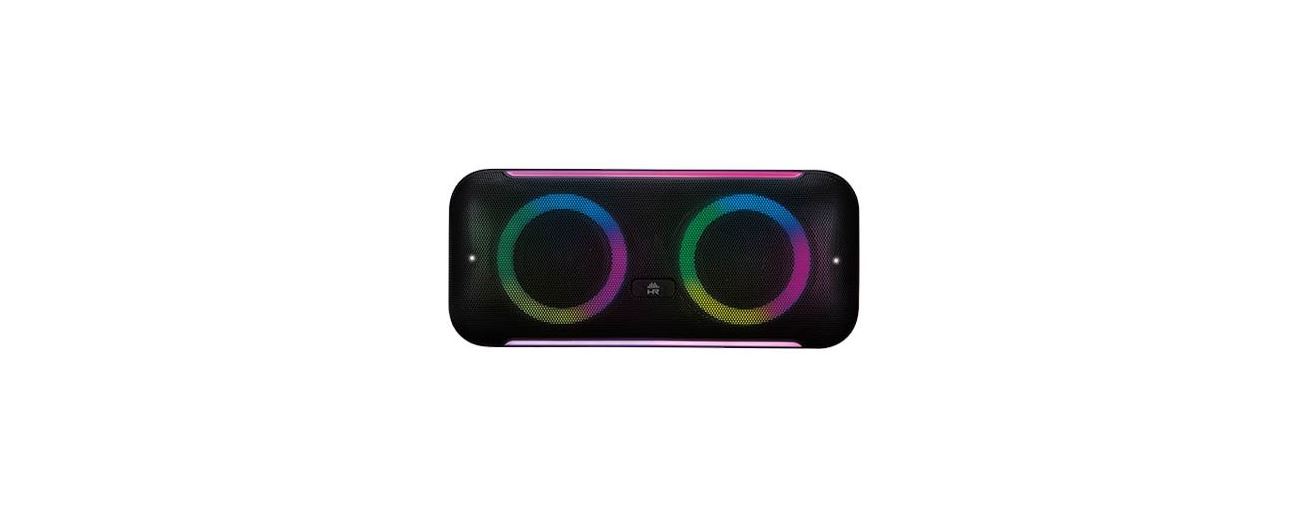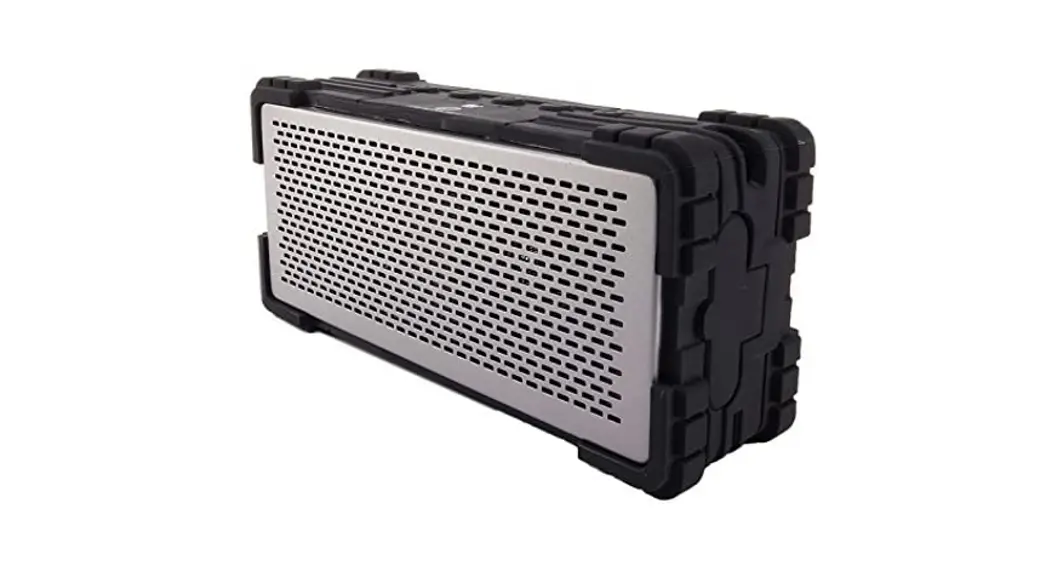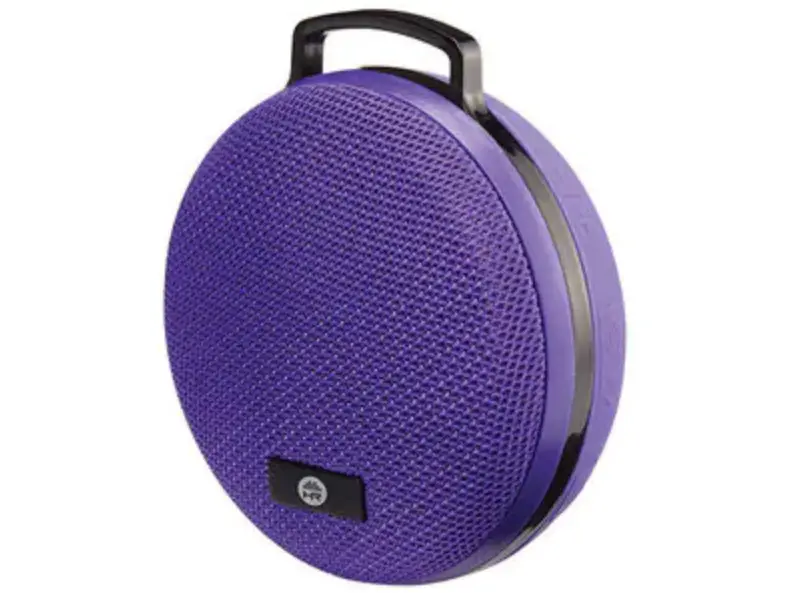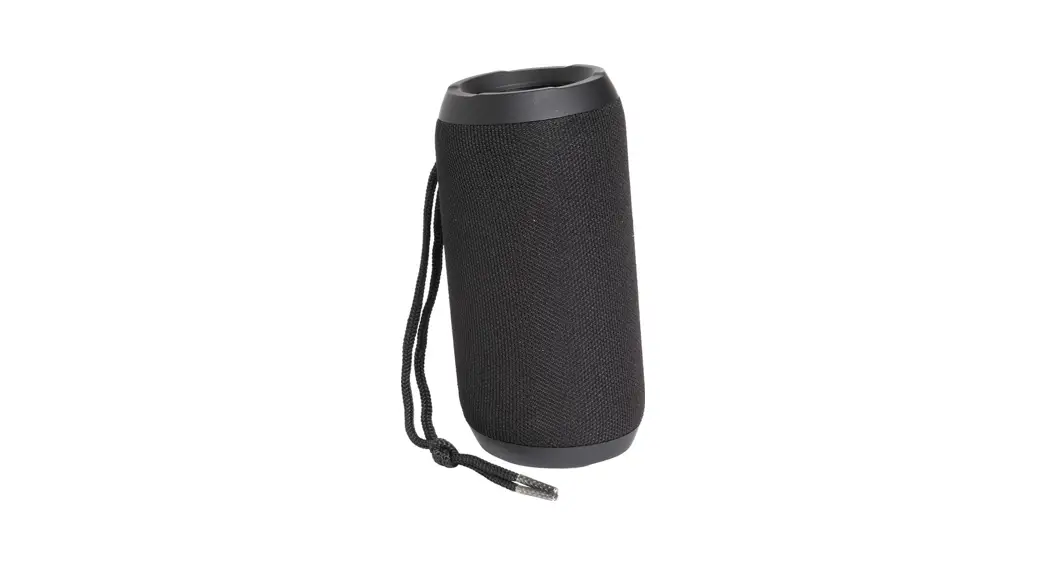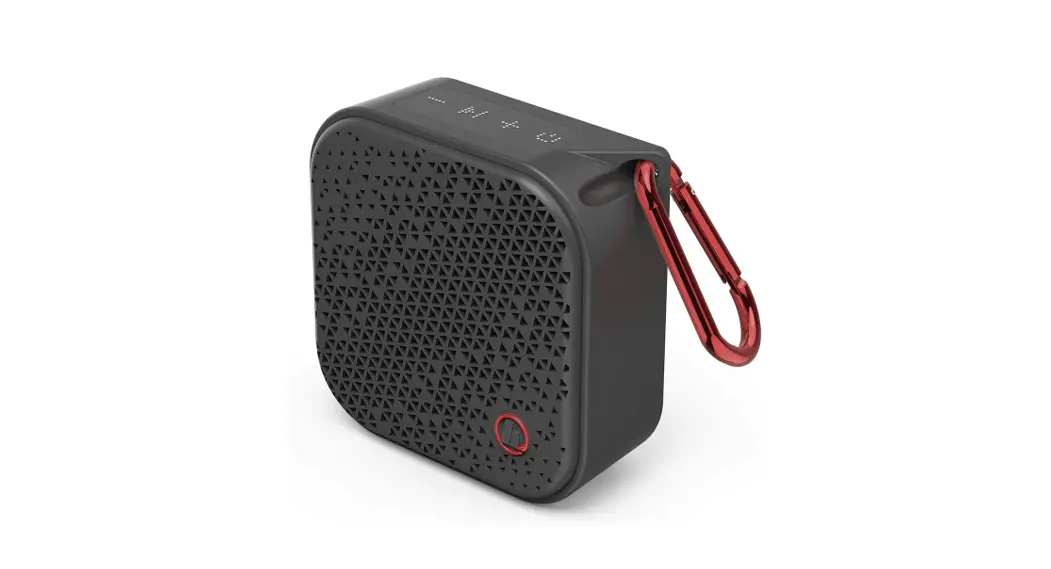

WIRELESS SPEAKER
HR BLUETOOTH SPEAKER
8092991
INSTRUCTION MANUAL
WHAT’S INCLUDED:
- Speaker
- USB-C charging cable
- 3.5mm audio cable
- Instruction Manual

The Bluetooth® word mark and logos are registered trademarks owned by Bluetooth® SIG, Inc., and any use of such marks by The Source (Bell) Electronics Inc. is under license. Other trademarks and trade names are those of their respective owners.
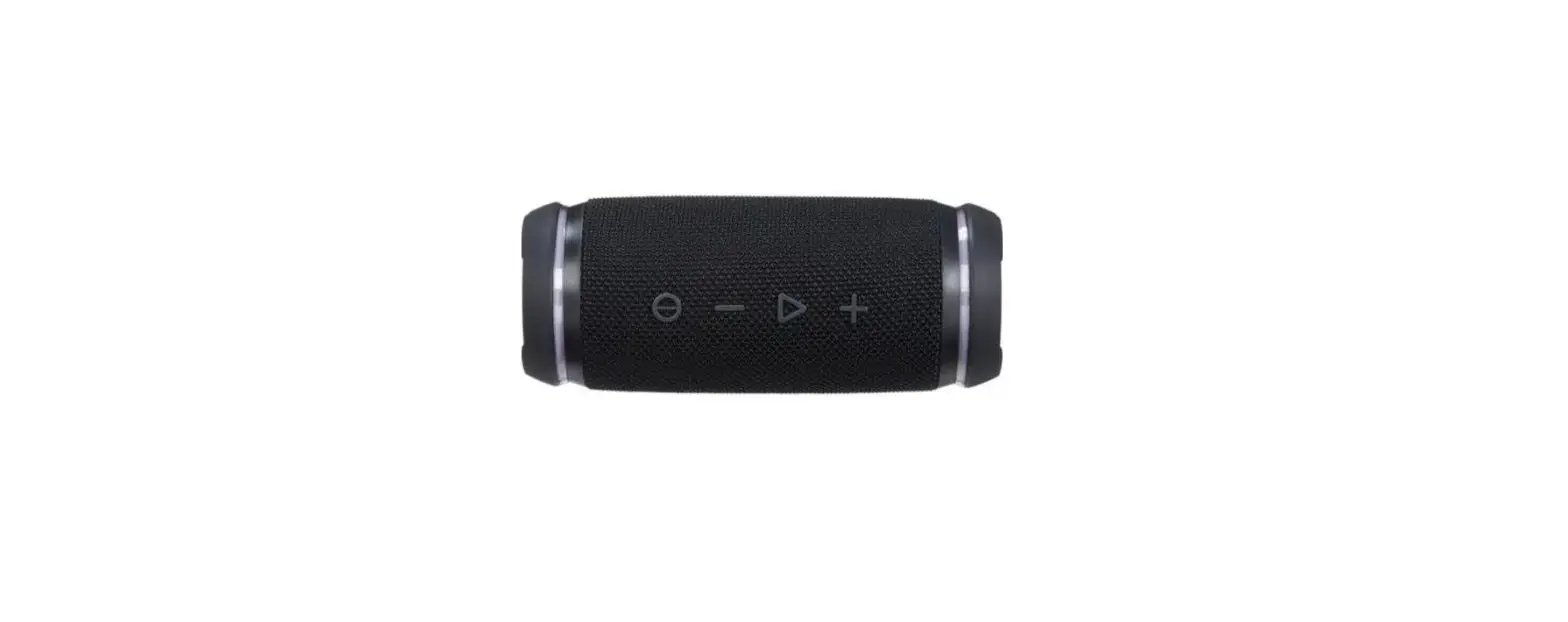
COMPONENT IDENTIFICATION
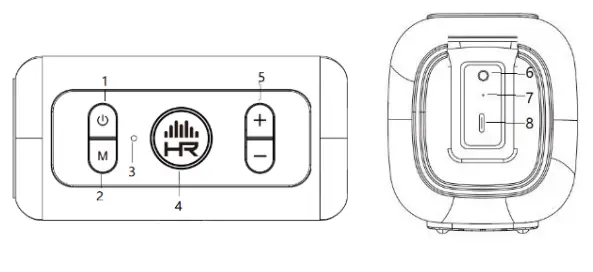
- Power button
- Mode control
- Mic hole
- Play/Pause/mode indicator
- Volume controls
- Line in port
- Charging indicator
- Charging port
PRODUCT OVERVIEW
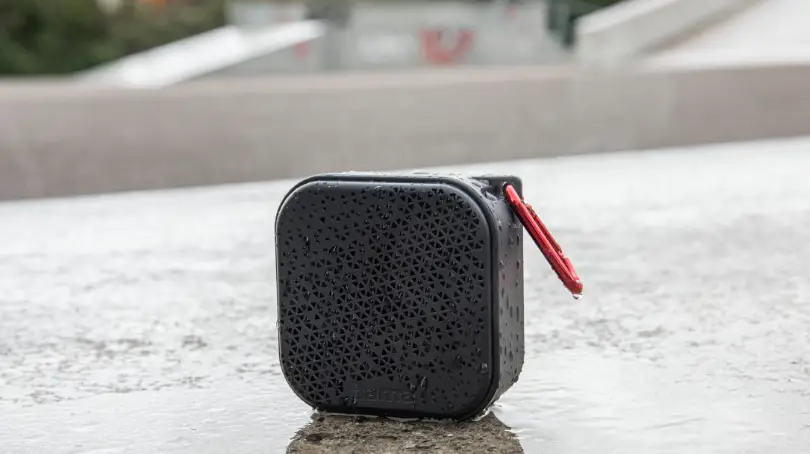
You can use this item with any compatible, Bluetooth®-enabled device to stream music and enjoy hands-free calling. Please read this manual first before using it. This speaker has an IPX6 rating: protected against high-pressure water jets from all directions.
OPERATION
| TO | DO THIS |
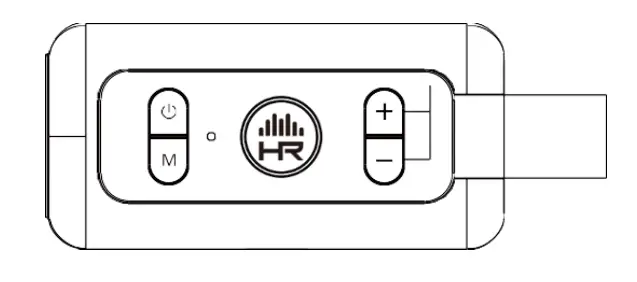
| Play/pause | Press the  H R button to play, press H R button to play, pressagain to resume. |
| Next track | Press and hold the + button for 2 seconds. |
| Previous track | Press and hold the ± button for 2 seconds. |
| Increase volume | Short Press the + button. |
| Decrease volume | Short Press the – button. |
| Answer/ End the call | Press the HR button |
| Reject the call | Press and hold the HR Button for 2 second |
| TWINS | Press +and – button at the same times and hold for 2 seconds |
| Reset | Press + and M buttons at the same times and hold for 2 seconds |
| Mode indicator | Rapidly flashing blue | Pairing mode |
| Steady blue | Paired | |
| Steady red | Line in mode | |
| Charge indicator | Steady red | Charging + |
| Steady green | Fully charged |
CHARGING
Use the included charging cable to fully charge the speaker before first use. It will take approximately 4 hours to fully charge.
- The red LED will be ON while the speaker is charging
- The red LED will turn green once charging is complete
Tip: When the battery is low, the speaker will beep every few seconds, please charge the speaker. If it is not plugged in to charge within approximately 15 minutes, it will turn OFF.
PAIRING
- Press and hold the button to turn the speaker ON. The blue LED will flash.
- Turn Bluetooth° ON in your device settings and select “HRSP 5041”.
- Once paired successfully, the blue LED will be ON and the speaker will chime.
- If you fail to pair your device or you want to pair it with a new device, please repeat the steps outlined above.
NOTE: While in pairing mode, the speaker will beep. If there is no device paired within 10 minutes the speaker will turn OFF. To un-pair, press the  button or disconnect in your device settings.
NOTE: The speaker will automatically pair with previously paired devices provided the Bluetootteis ON and within range. The speaker will chime to indicate that it has been successfully repaired.
TWS (TRUE WIRELESS STEREO) CONNECTION
Connect two 8092991 speakers for a true wireless stereo experience. To connect:
- Ensure neither speaker is connected to your device via Bluetooth and turn Bluetooth OFF on your device.
- Press and hold the button on both speakers to turn it ON. The
 HR button on both speakers will flash.
 HR button on both speakers will flash.
- On either of the speakers press and hold “+” and “-” buttons at the same time for about 2 or 3 seconds until a prompt is heard. Another prompt will be heard in 2 seconds. It represents TWS connected successfully.
- Turn Bluetooth® ON in your device settings and select “HRSP 5041” for Bluetooth pairing
- When you hear the prompt and both buttons LED stays ON, Bluetooth connection to your device is completed successfully.
Note: During your device under BT connection with TWS modes in use, you can press both “M” and “+” buttons at the same time for 3 seconds to clear all the pairing records.
TECHNICAL SPECIFICATIONS
Output Power:4W
Carrier Frequency: Bluetooth
Battery Capacity: 3.7V/1400mAh
Charging time: 2-3 hours
Frequency Response: 90Hz -18kHz
Operation Distance: Up to 10m (33ft.)
TWS Distance: 3.5m (11.5ft.)
Playtime: 6 hours
Warranty: One year limited
NOTE: This speaker is in compliance with the specified Bluetooth “version. It does not guarantee compatibility with all the functions on every Bluetooth-enabled device. Please check your mobile phone’s user manual for compatibility and functionality.
TROUBLESHOOTING
No Sound:
- Ensure the speaker is charged and has enough battery per for operation
- Ensure the speaker is switched ON
- Ensure Bluetooth&device is ON
- The volume of the speaker is too low, adjust the volume to an appropriate level
NOTE:
- If the speaker beeps every few seconds, the battery is low. Please recharge the speaker.
- When using the HR Speaker for your Persons) computer.
- Select playback device “HRSP 5041 Stereo” for music listening
- Select playback device “HR SP 5041 Hands-Free AG Audio” when calling is coming. check the volume when the call Is coming. Also please test the speaker levels before using as speakerphone.
FCC Caution:
Any changes or modifications not expressly approved by the party responsible for compliance could void the user’s authority to operate the equipment.
This device complies with part 15 of the FCC Rules. Operation is subject to the following two conditions: (1) This device may not cause harmful interference, and (2) this device must accept any interference received, including interference that may cause undesired operation.
IMPORTANT NOTE:
Note: This equipment has been tested and found to comply with the limits for a Class B digital device, pursuant to part 15 of the FCC Rules. These limits are designed to provide reasonable protection against harmful interference in a residential installation. This equipment generates, uses, and can radiate radio frequency energy and, if not installed and used in accordance with the instructions, may cause harmful interference to radio communications. However, there is no guarantee that interference will not occur in a particular installation. If this equipment does cause harmful interference to radio or television reception, which can be determined by turning the equipment off and on, the user is encouraged to try to correct the interference by one or more of the following measures:
- Reorient or relocate the receiving antenna.
- Increase the separation between the equipment and receiver.
- Connect the equipment into an outlet on a circuit different from that to which the receiver is
- Consult the dealer or an experienced radio/TV technician for help.
FCC Radiation Exposure Statement:
This equipment complies with FCC radiation exposure limits set forth for an uncontrolled environment.
ISEDC Warning
This device complies with Innovation, Science, and Economic Development Canada licence-exempt RSS standard(s). Operation is subject to the following two conditions:
- this device may not cause interference, and
- this device must accept any interference, including interference that may cause undesired operation of the device.
The device is in compliance with RF exposure guidelines, users can obtain Canadian information on RF exposure and compliance.
The Source warrants that this product will be free from defects in materials and workmanship for a period of six (6) months from the date of purchase. Within this period, simply take the product and your proof of purchase to any The Source store or participating dealer and the product will be replaced (where available) without charge. Any product which has been subject to misuse or accidental damage is excluded from this warranty.
This warranty is only applicable to a product purchased through The Source company-owned stores or participating dealers in Canada where the warranty is included with the product. While this warranty does not confer any legal rights other than those set out above, you may have additional statutory rights which will vary under the laws of the various countries, states, provinces and other governmental entities in which The Source operates. This warranty is subject to all statutory rights you may have in Canada.
Imported by:
The Source, Barrie, Ontario, Canada, L4M 4W5
Manufactured in China
www.thesource.ca
©2021 The Source. All rights reserved.

Please Recycle
IC: 255A-8092991
FCC ID: ZHW-8092991