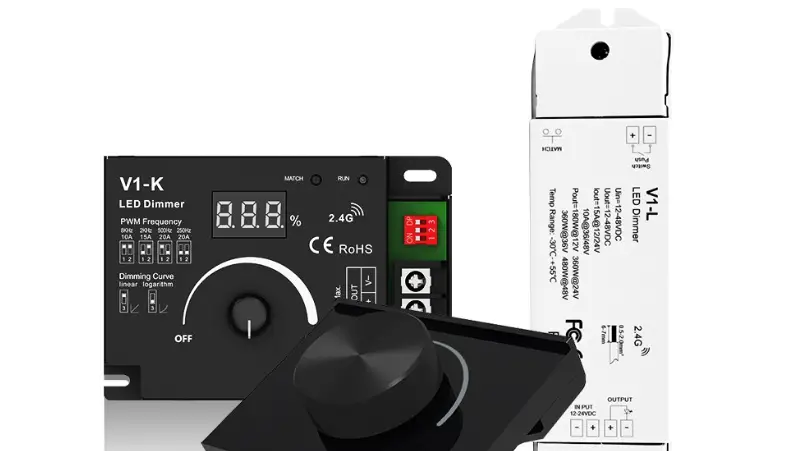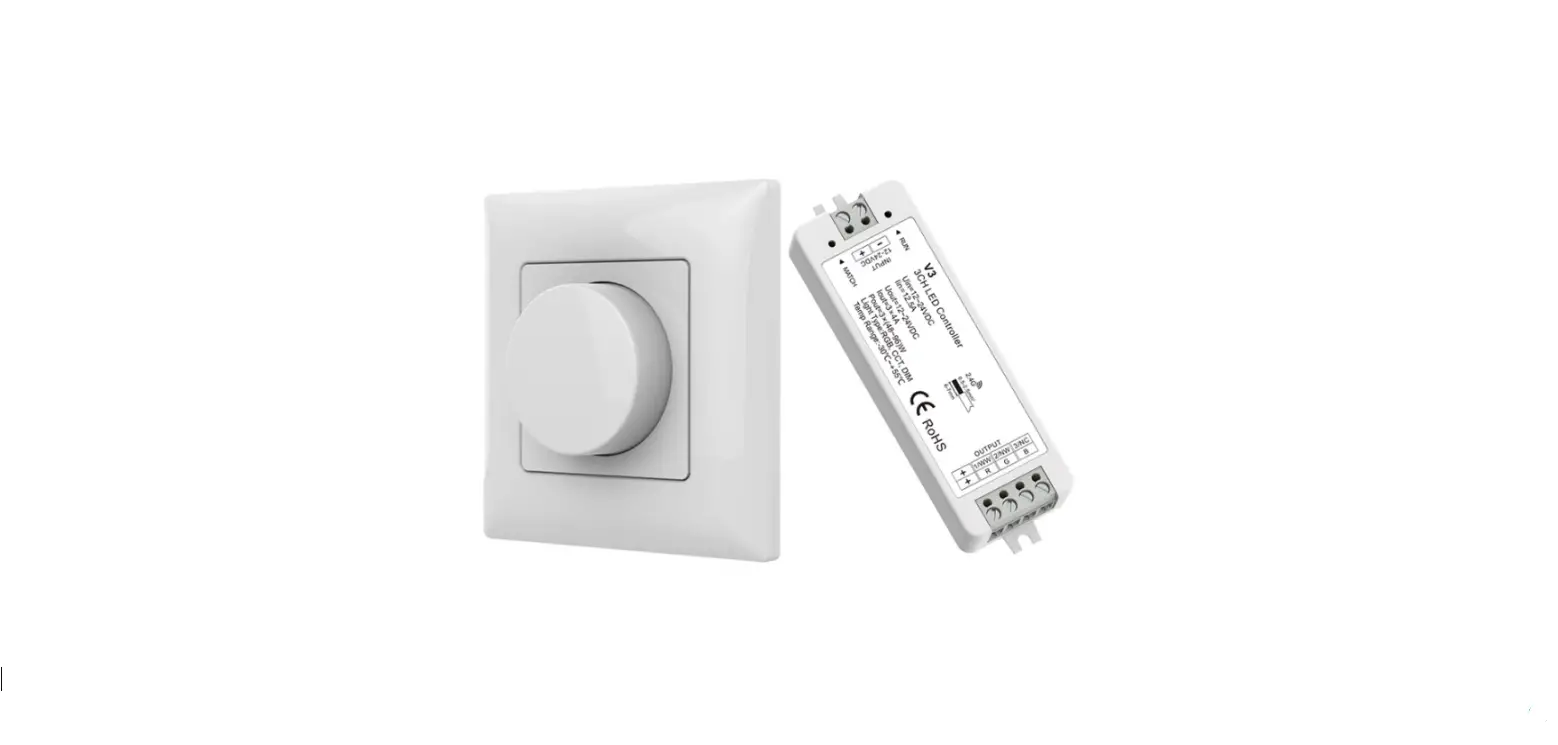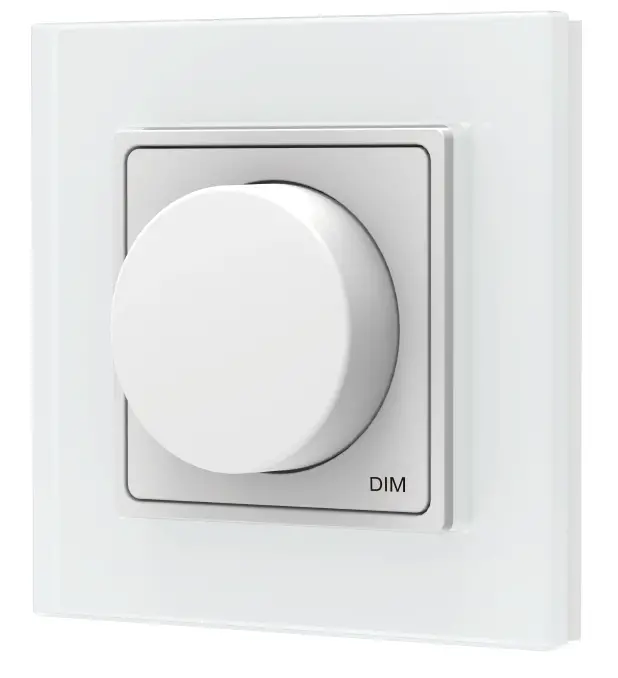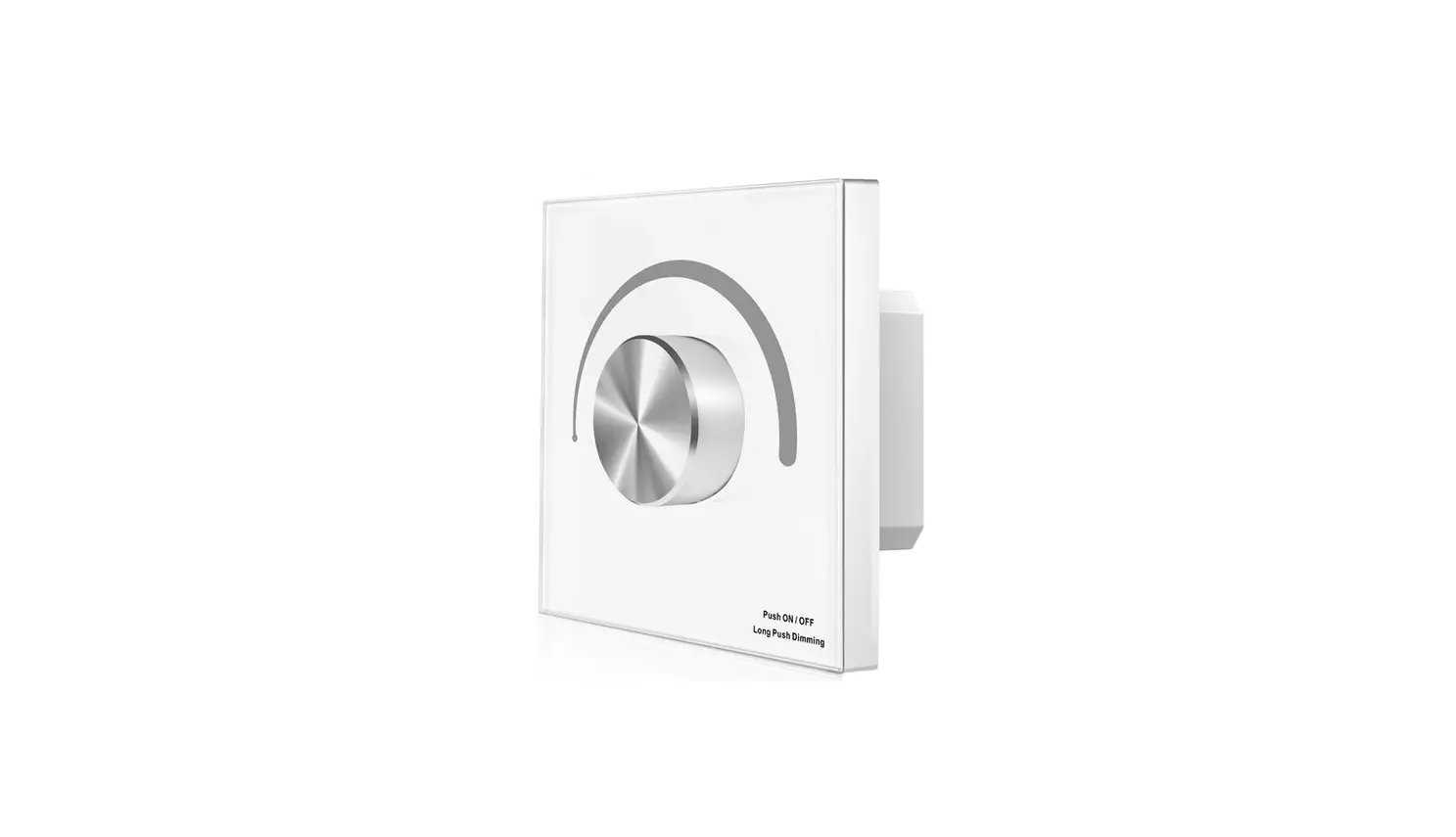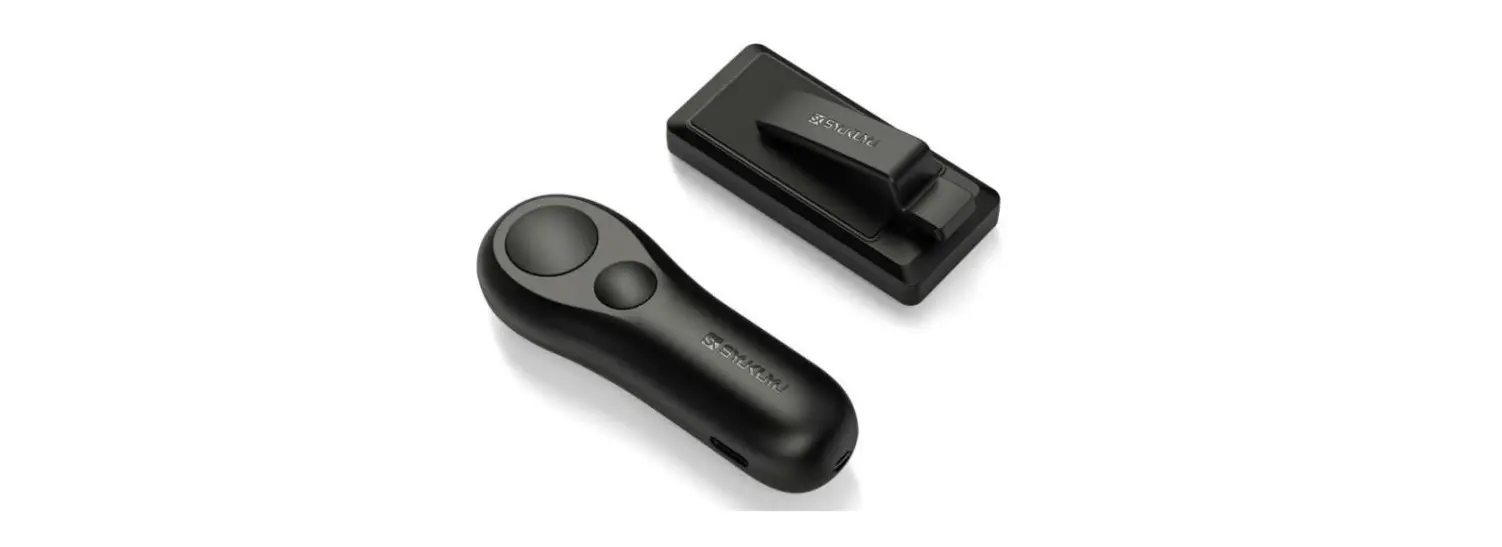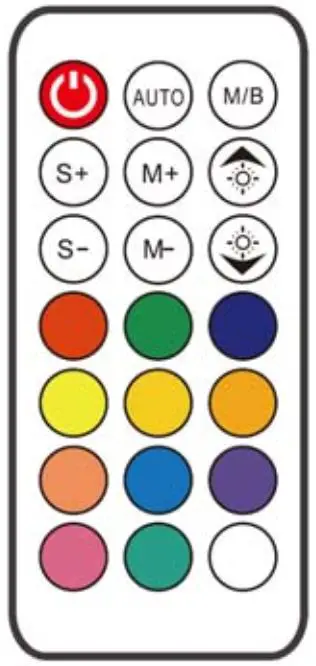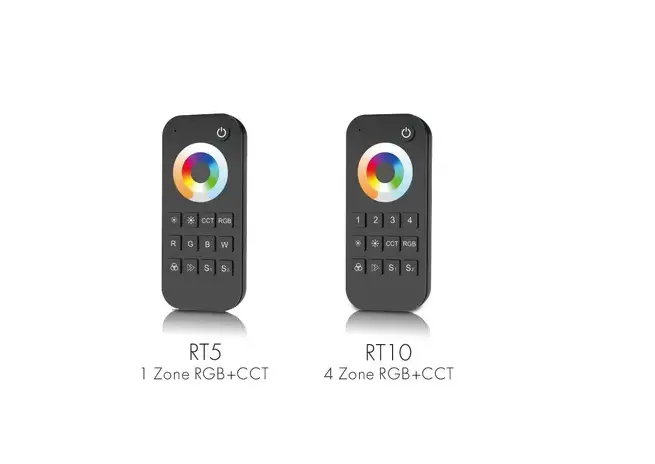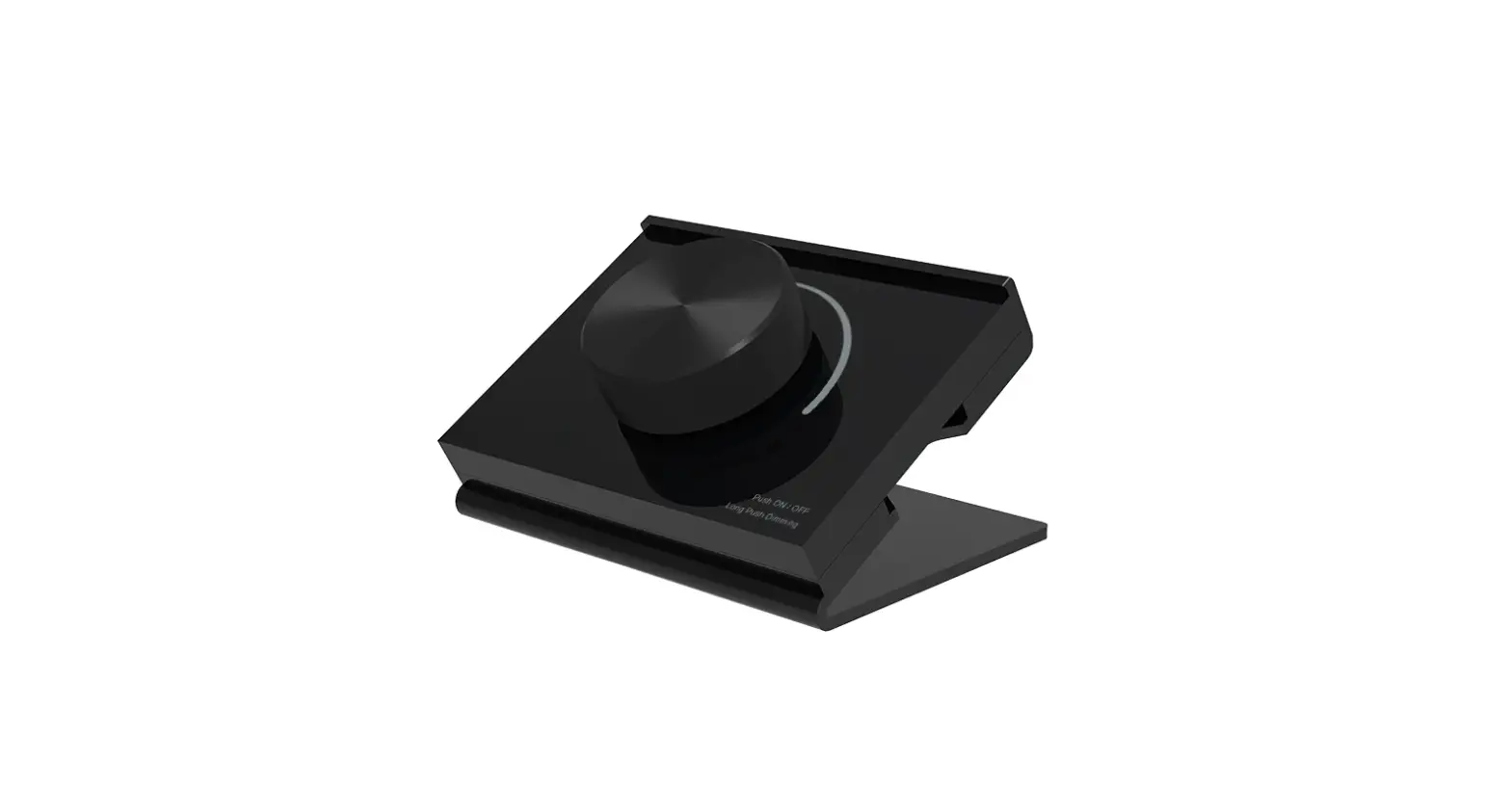

Lisxchda RK Series Desk Mount Rotary Panel RF Remote Controller
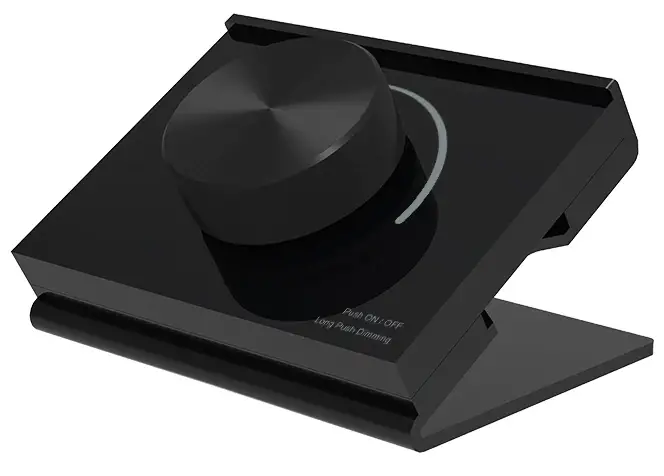
Model No
- RK1, RK2, RK3
Rotary dimming/1-3 color/Wireless remote 30m distance/CR2032 battery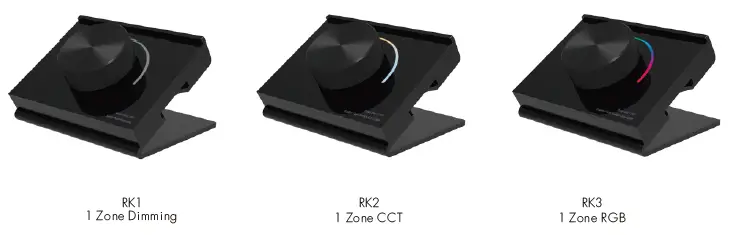
Features
- ● Apply to single color, dual color or RGB LED controller.
● Rotate knob to change RGB color, color temperature or brightness, support long press or twice click operation.
● Each remote can match one or more receiver.
● CR2032 battery-powered.
● Desk mount, removable anywhere easily.
Technical Parameters
| Input and Output | |
| Output signal | RF(2.4GHz) |
| Working voltage | 3VDC(CR2032) |
| Working current | <5mA |
| Standby current | <10μA |
| Standby time | 1 year |
| Remote distance | 30m(Barrier-free space) |
| Environment | |
| Operation temperature | Ta: -30 OC ~ +55 OC |
| IP rating | IP20 |
| Safety and EMC | |
| EMC standard (EMC) | ETSI EN 301 489-1 V2.2.3 ETSI EN 301 489-17 V3.2.4 |
| Safety standard(LVD) | EN 62368-1:2020+A11:2020 |
| Radio Equipment(RED) | ETSI EN 300 328 V2.2.2 |
| Certification | CE,EMC,LVD,RED |
| Weight | |
| Net weight | 61g |
| Gross weight | 118g |
Warranty
- Warranty 5 years
Mechanical Structures and Installations
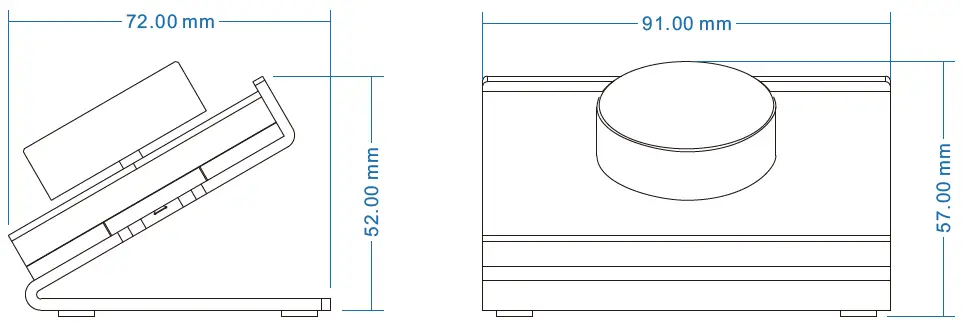
Replace battery:
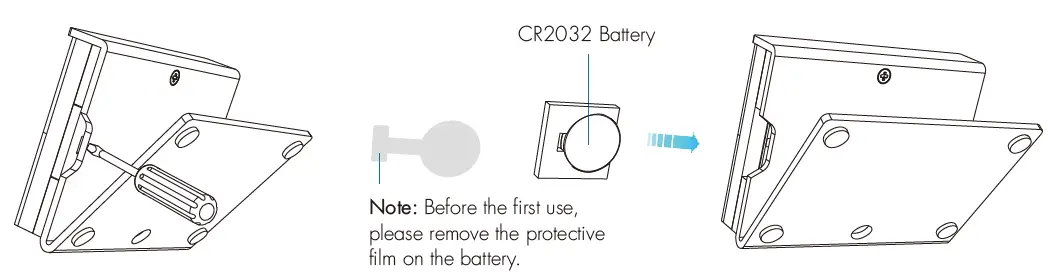
Match Remote Control (two match ways)
End user can choose the suitable match/delete ways. Two options are offered for selection:
Use the controller’s Match key
Match:
Short press match key, and immediately push the knob. The LED indicator fast flash a few times means the match is successful.
Delete:
Press and hold match key for 5s to delete all match, The LED indicator fast flash a few times means all matched remotes were deleted.
Use Power Restart
Match:
Switch off the power, then switch on the power, and repeat again. Immediately push the knob 3 times. The light blinks 3 times means the match is successful.
Delete:
Switch off the power, then switch on the power, and repeat again. Immediately push the knob 5 times. The light blinks 5 times means all matched remotes were deleted.
Knob function
| Knob function
RK1 Single color dimming remote ● Push: Turn on or off light. After turn on light: ● Rotate: Rotate knob to adjust brightness(2.5 turns, 50 levels). ● Long push(1-6s): Continuous 256 levels brightness adjustment. |
| RK2 Color temperature remote ● Push: Turn on or off light. After turn on light: ● Rotate: Rotate knob to change color temperature or brightness (2.5 turns, 50 levels). ● Push twice: Switch between color temperature or brightness adjustment. ● Long push(1-6s): Continuous 256 levels brightness adjustment. |
| RK3 RGB remote ● Push: Turn on or off the light. After turn on light: ● Rotate: Rotate the knob to change RGB color (3 turns, 60 colors) or brightness (2.5 turns, 50 levels). ● Push twice: Switch between RGB color or brightness adjustment. ● Long push(1-6s): Continuous 256 levels of brightness adjustment. |
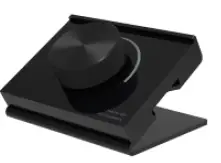
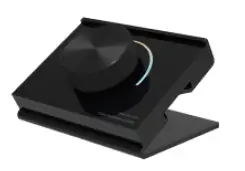
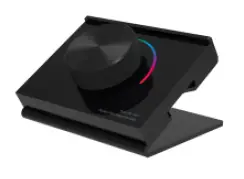
Safety information
- Read all instructions carefully before you begin this installation.
- When installing the battery, pay attention to the battery’s positive and negative polarity. After a long time without the remote control, remove the battery. When remote distance becomes smaller and insensitive, replace the battery.
- If no response from the receiver, please re-match the remote.
- Gently handle the remote, beware of falling.
- For indoor and dry location use only.
RK1, RK2, RK3 Desk Mount Rotary Panel RF Remote Controller.