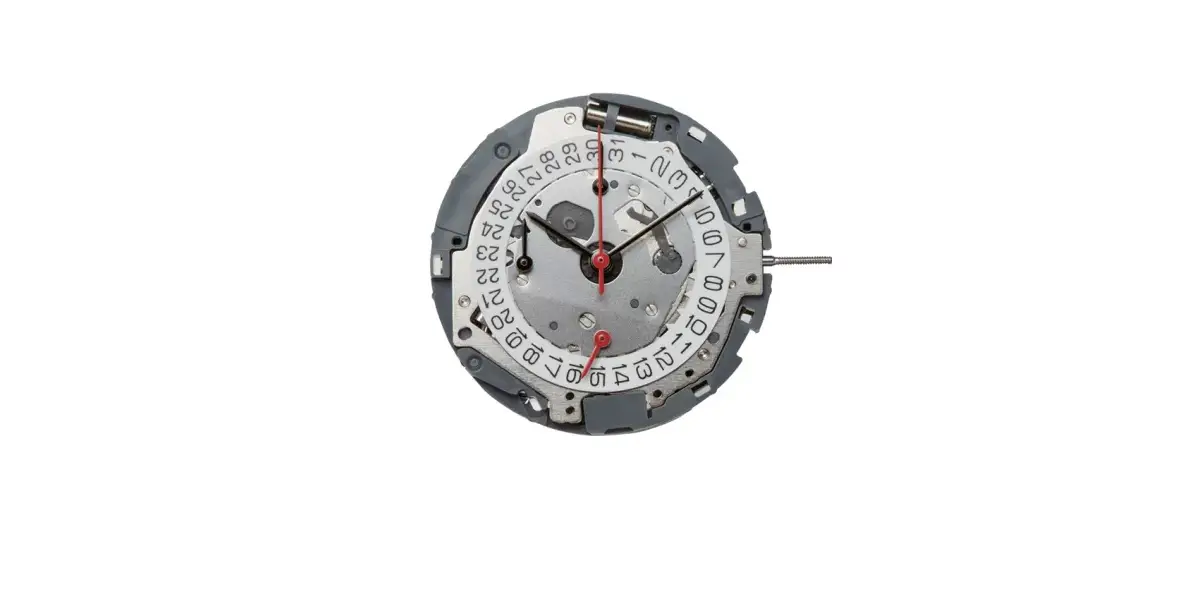
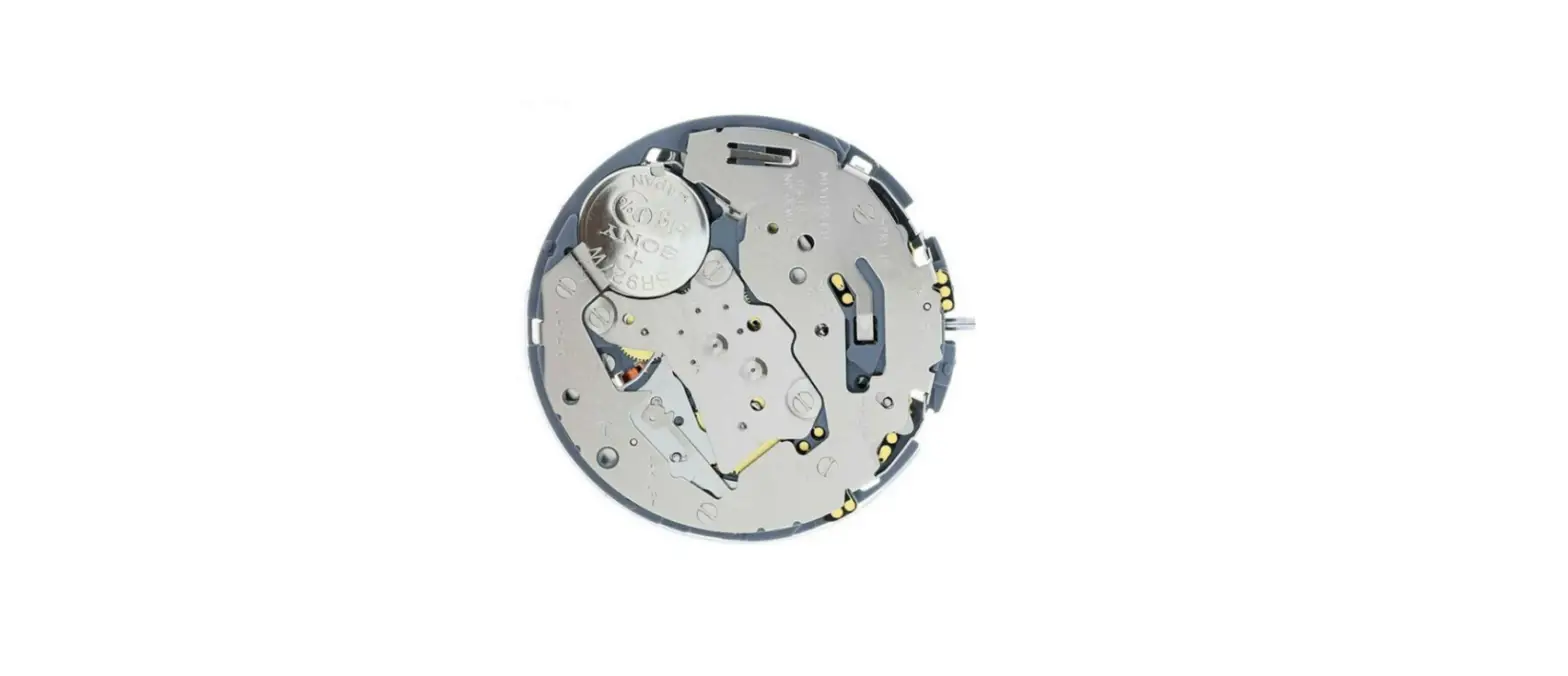
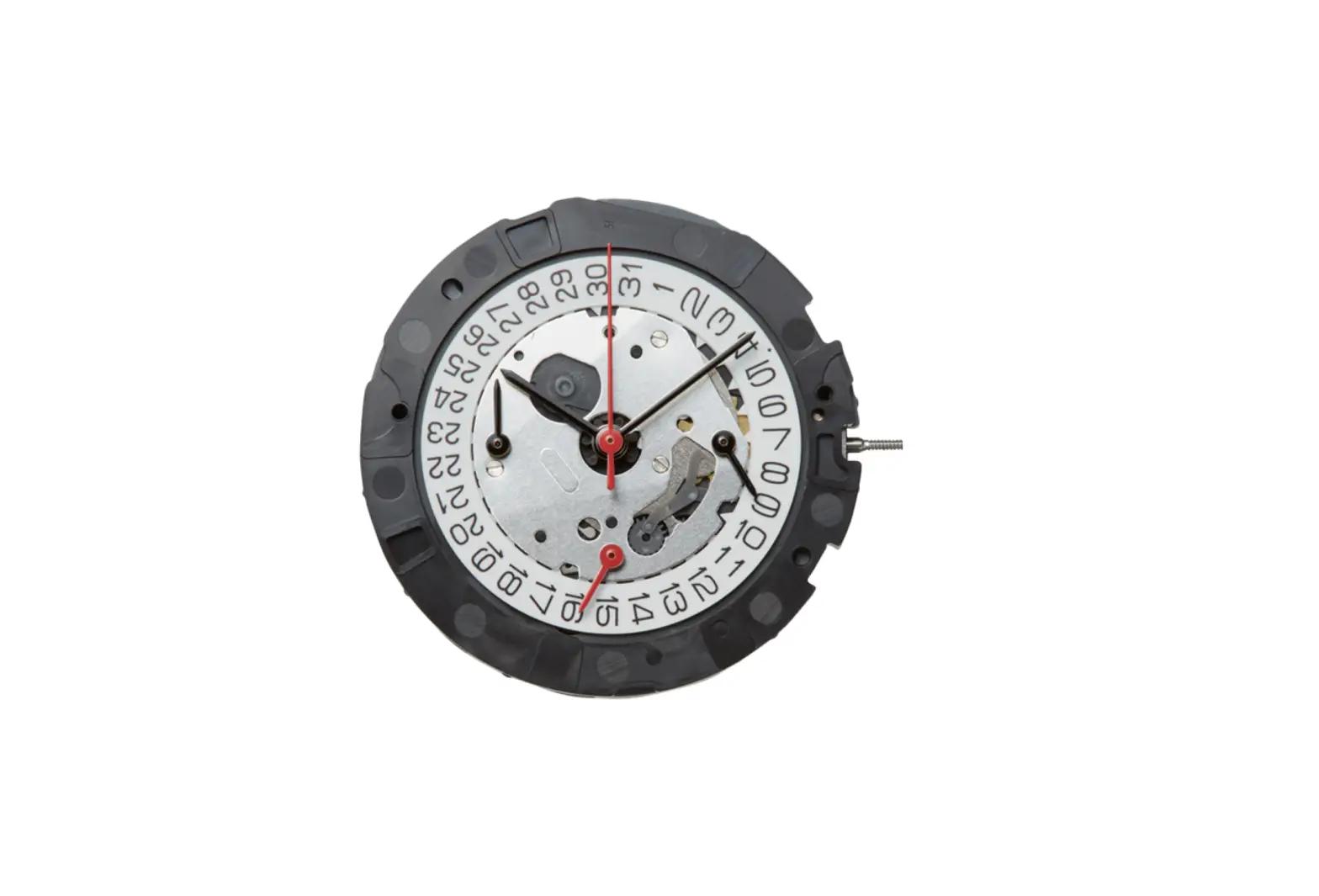
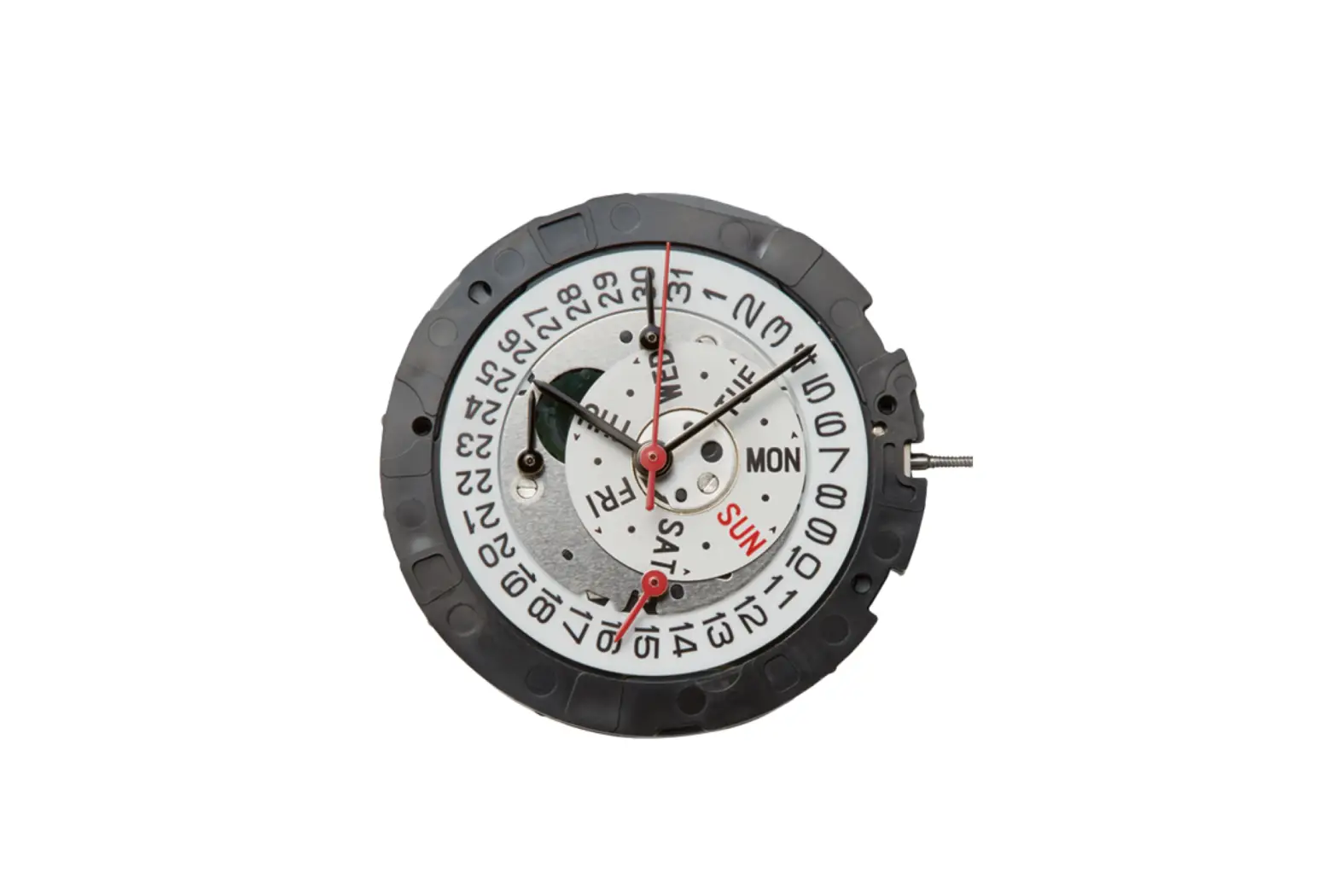
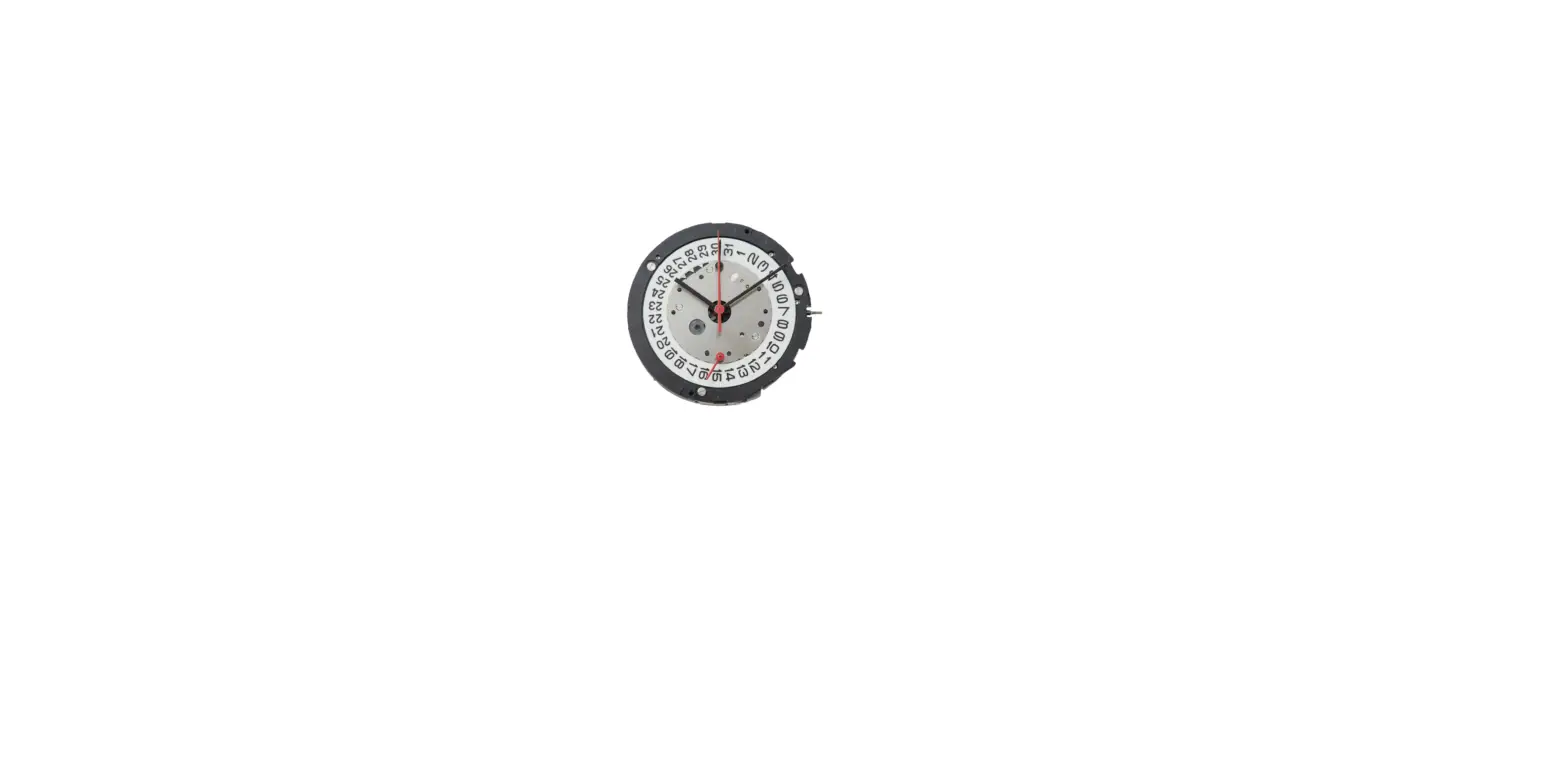
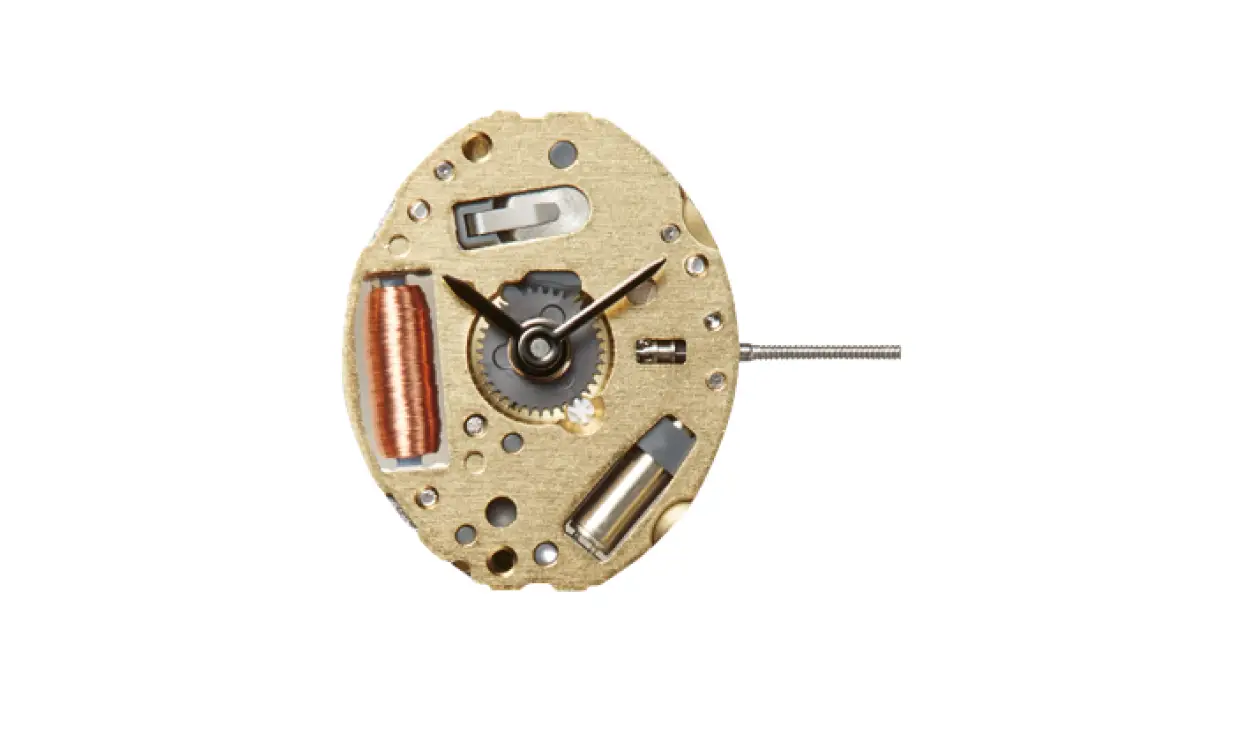
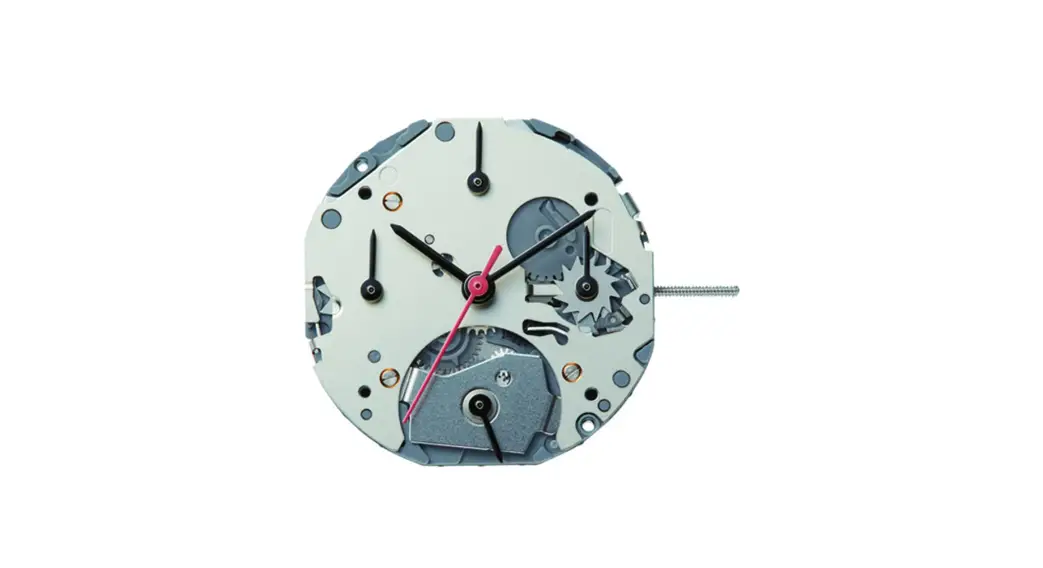
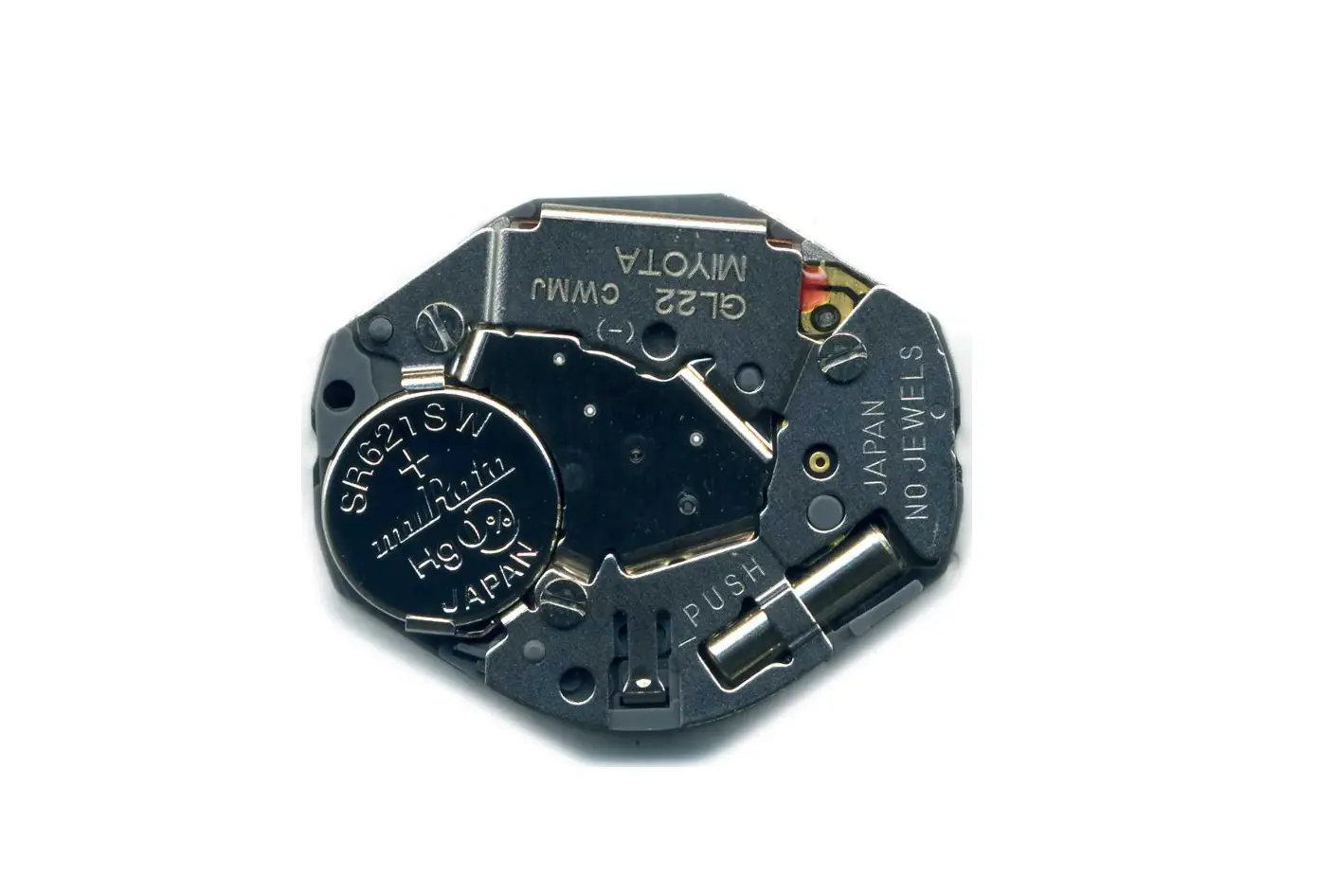
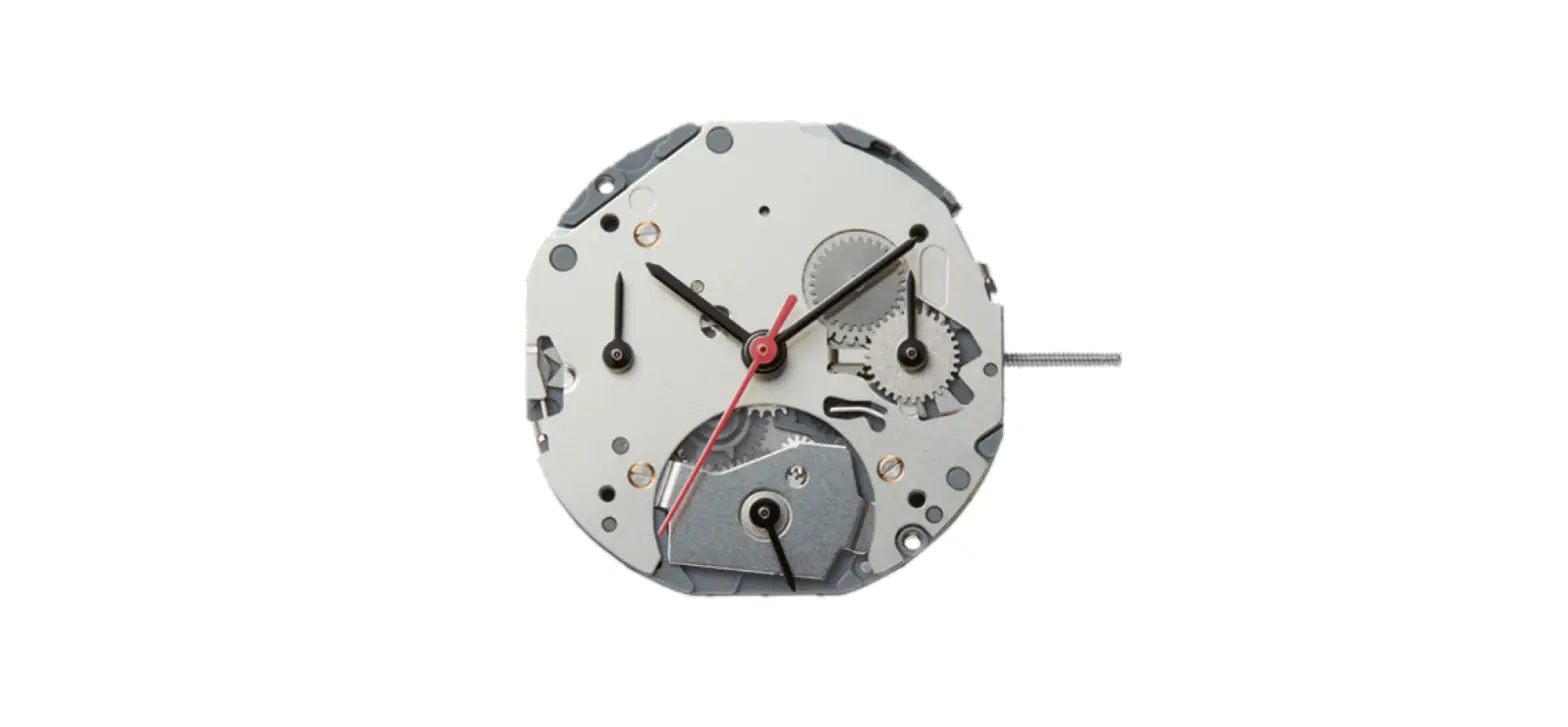
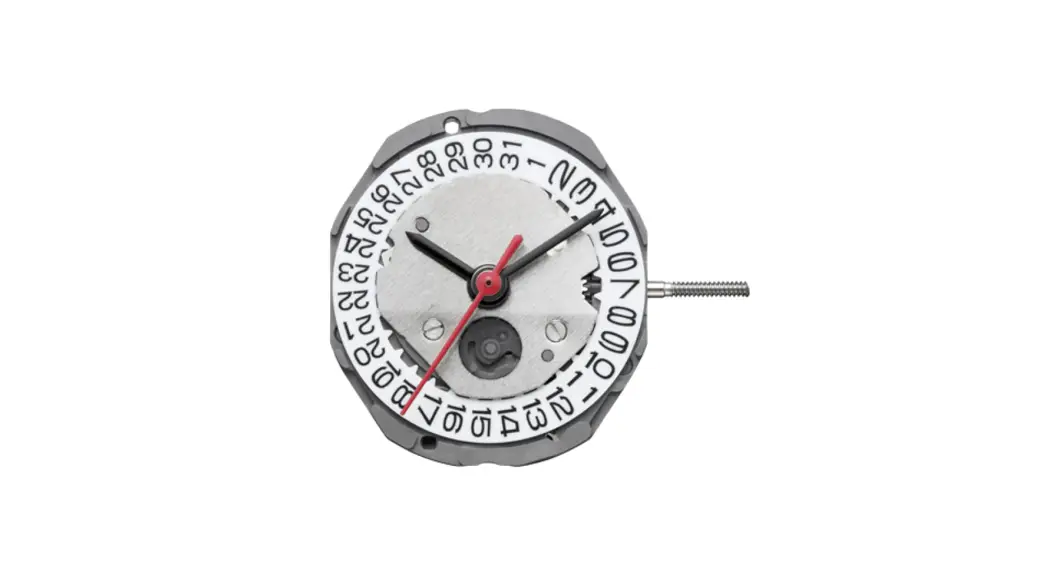
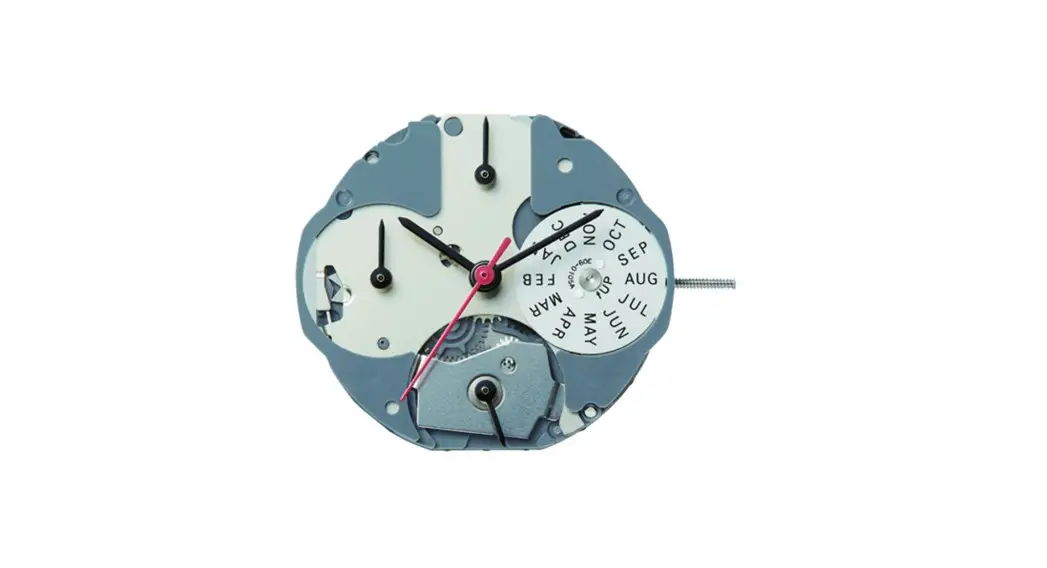
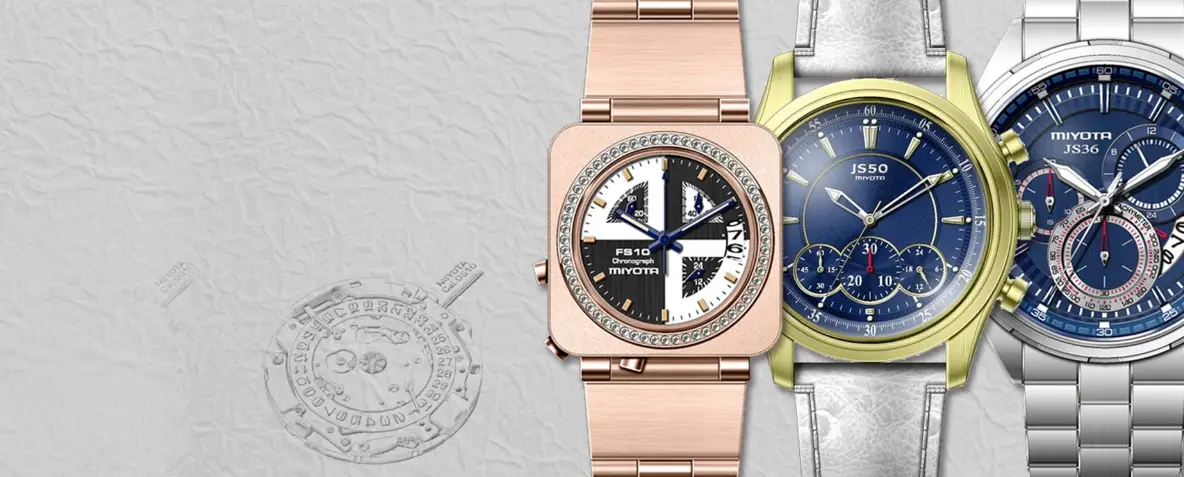
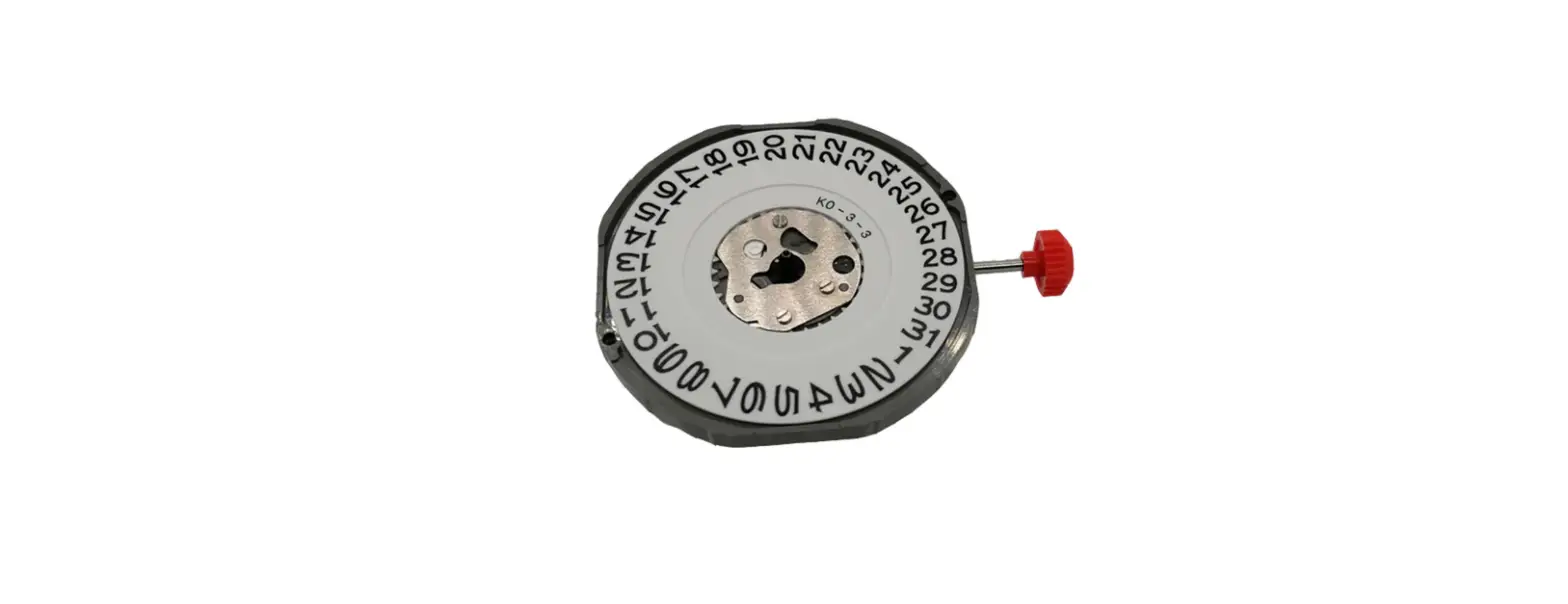
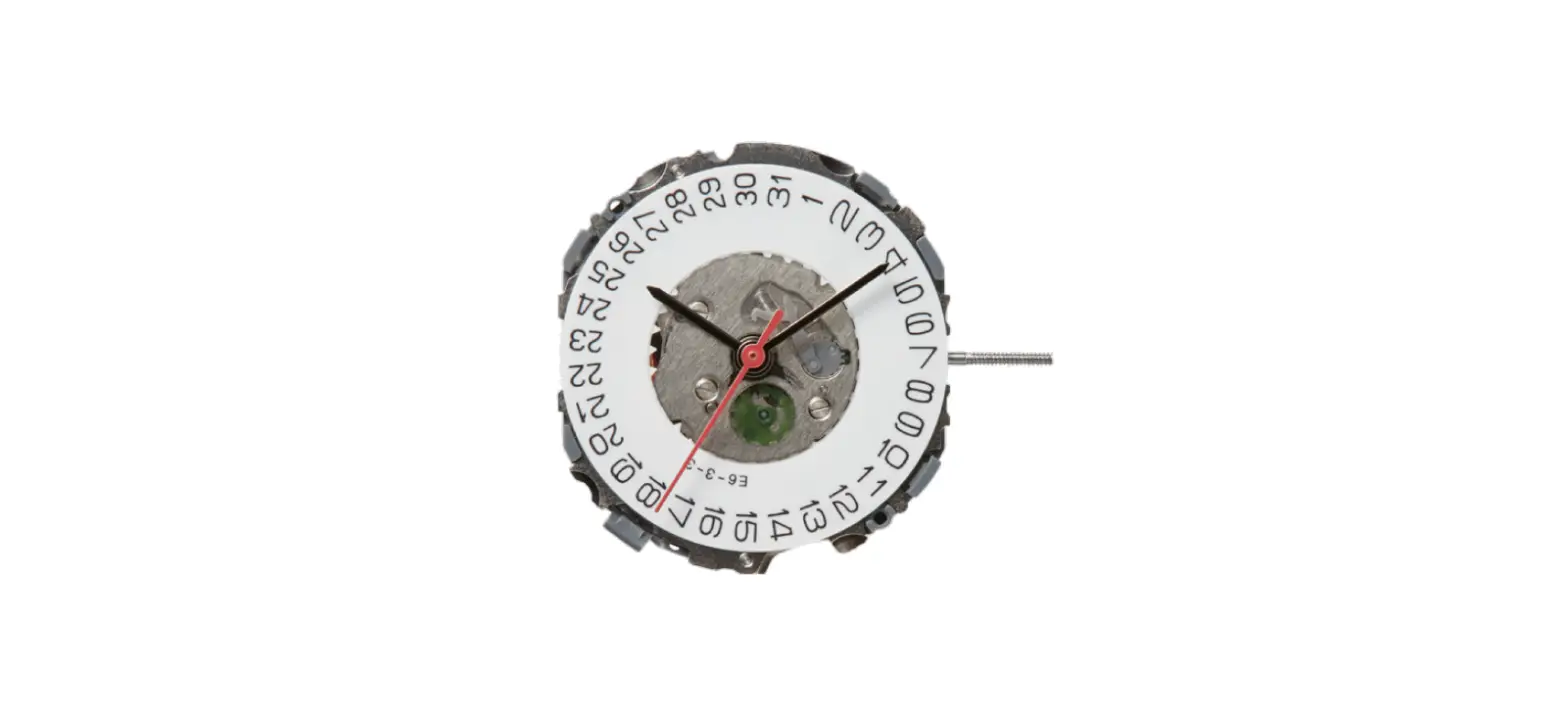
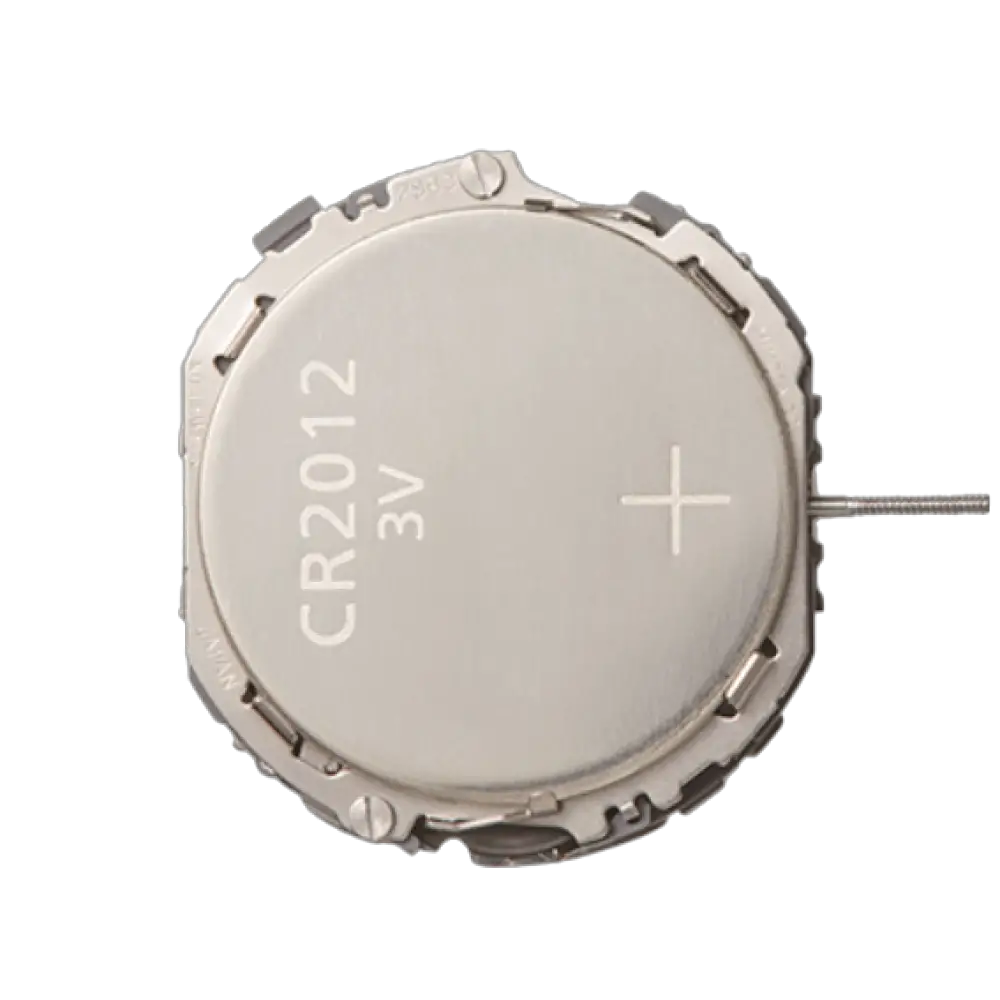
FS10 Chronograph 3 Eyes Quartz Watch
Product Information:
The product is a watch with chronograph functionality. It has
three different models: Cal. FS10, Cal. FS11, and Cal. FS13. The
watch can measure time up to 59 minutes and 59 seconds with a
timing accuracy of 1/1 second. It has multiple displays and
buttons, including hour hand, minute hand, second hand, chronograph
minute hand, chronograph second hand, button A, button B, and a
crown. The watch also has a date display.
Product Usage Instructions:
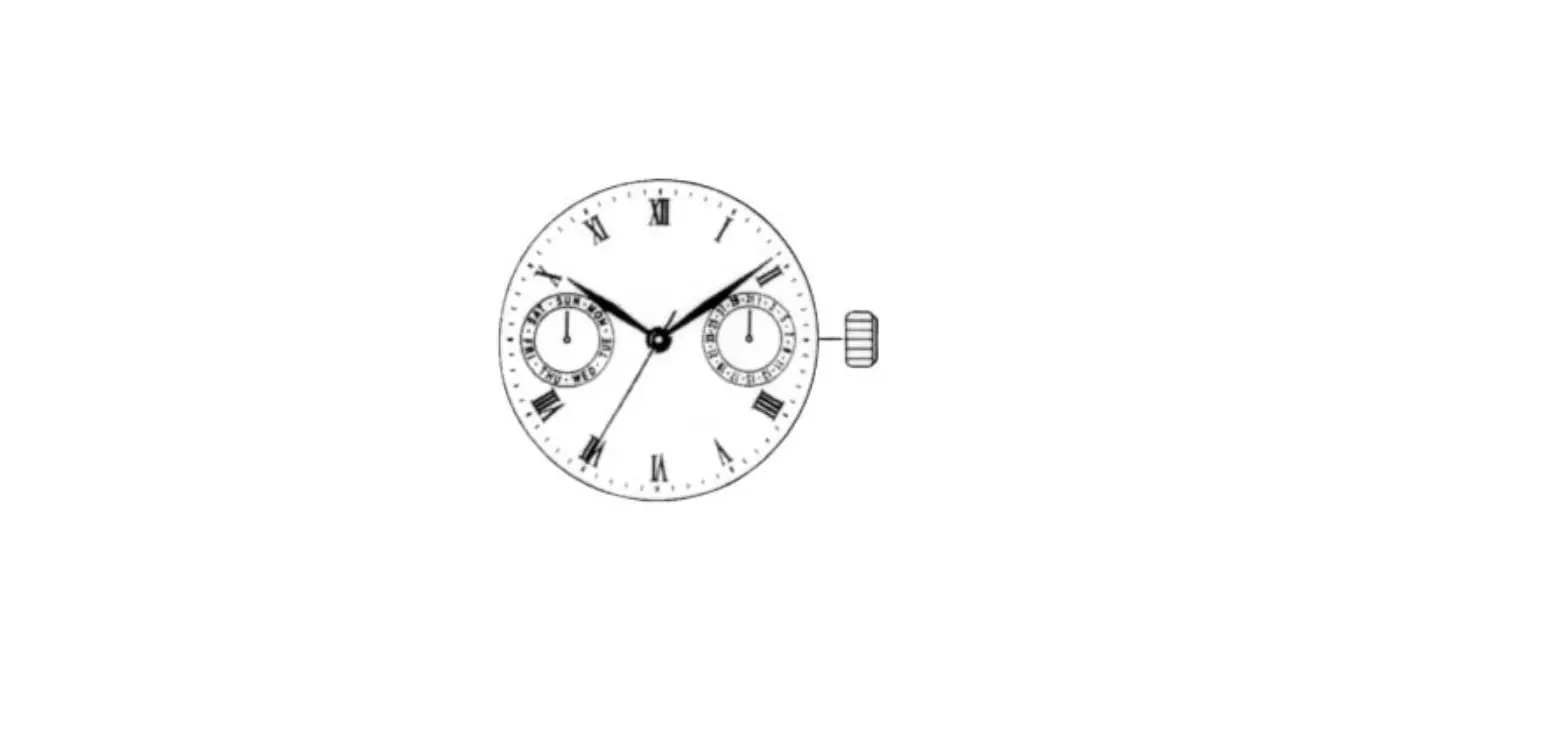
The watch has the following displays and buttons: – Hour hand –
Chronograph minute hand – Second hand – Chronograph second hand –
Button A – 24-hour hand – Minute hand – Crown – Button B – Date
B) Setting the Time
If the crown is of the screw-lock type, follow these steps: 1.
Loosen the screw by turning the crown to the left before operating
it. 2. After performing the desired operation, return the crown to
its normal position. 3. While pushing in the crown, turn it to the
right to securely retighten the screw.
C) Setting the Date
To set the date, follow these steps: 1. Pull the crown out to
the time correction position when the second hand is at the 0
seconds position. 2. Turn the crown to set the time. The 24-hour
hand moves along with the hour hand, so pay attention to AM and PM.
3. Securely return the crown to its normal position in
synchronization with a telephone or other time service.
D) Using the Chronograph
The chronograph function of the watch can measure and display
elapsed time up to 59 minutes and 59 seconds with a timing accuracy
of 1 second. After reaching 59 minutes and 59 seconds, it resumes
timing from 0 seconds. The chronograph minute hand continues to
move even after 55 minutes and 59 seconds have elapsed. To use the
chronograph, follow these steps: 1. Start timing by pressing button
A. 2. Press button A to stop the chronograph. 3. To reset the
chronograph to 0 seconds, press button B.
E) Chronograph Reset (including after replacing battery)
If the chronograph second hand does not return to the 0 seconds
position or has shifted out of position due to a strong impact or
after replacing the battery, perform the zero positioning of the
chronograph hands according to the following procedure: 1. Start
timing by pressing button A. 2. Press button B to reset the
chronograph to 0 seconds.
Cal. FS10/FS11/FS13 Instruction manual
CHRONOGRAPH FUNCTION: : CENTER SECOND HAND CHRONOGRAPH 1/1 sec. Timing up to 59 minutes 59 seconds.
A) DISPLAYS AND BUTTONS B) SETTING THE TIME C) SETTING THE DATE D) USING THE CHRONOGRAPH E) CHRONOGRAPH RESET (INCL. AFTER REPLACING BATTERY)
A) DISPLAYS AND BUTTONS Hour hand
Chronograph minute hand Second hand
Chronograph second hand
Button A 24 hour hand Minute hand Crown
Button B
Date
B) SETTING THE TIME
In the case the crown is of the screw-lock type.loosen the screw by turning the crown to the left before operating crown,and after having returned the crown to the normal position following operation,turn the crown to the right while push-ing it in to securely retighten it.
1/4
C) SETTING THE DATE 1. Pull the Crown out to the time correction position when the second hand
has reached the O seconds position. 2.Turn the crown to set the time.
*The 24 hour hand moves in conjunction with the hour hand. pay attention to AM and PM when setting the time.
3.Securely return the crown to the normal position in synchronization with a telephone or other time service.
[Hint for Accurately Setting the Time] After stopping the second hand at the O seconds position. turn the minute hand 4-5 minutes past the conect time and then turn it back to the correct time The time on the watch can then be set to the correct time by pushing in the crown in synchromzation with a time service tone.
D) USING THE CHRONOGRAPH The chronograph function of this watch is able to measure and display elapsed time up to 59 minutes 59 seconds in I second units. After the chronograph dis plays elapsed time 59minutes 59 seconds. It resumes timing from 0 seconds. The chronograph minute hand continucs to move until the chronograph is stopped by pressing button(A)even after 55 minutes 59 seconds have elapsed.
2/4
1. pull the crown out to the date correction position. 2.Turn the crown to the right to set the date.
* The crown turns freely and the date does not change if the crown is turned to The left. *If the date is set while the time on the watch is between the hours of about 9:00PM and 1:00
the date may not change on the followind day/ If this happens,set the date after temporarily moving the hands to a time other than between the above times. *The date is based on a 31 -day Calendar. The date must be changed from the last day Of the month to the first day of the following month for those months not having 31 days (months having 30 days and February). 3. Once the date has finished being set, return the Crown to the normal position.
E) CHRONOGRAPH RESET (INCL. AFTER REPLACING BATTERY)
When resetting the chronograph after replacing the battery, if the chronograph second hand does not return to the 0 seconds position or if the chronograph second hans has shifted Out of position due to a strong impact,perfornl zero positioning of the chronograph hands according to the procedure described below.
[Chronograph Timing] 1. Start timing by pressing button (A).* The chronograph is repeatedly stalled and Stopped by pressing button (A). 2. Pressing button (B) resets the chronograph to O seconds.
“A”
TIME
RESET
“A”
MEASUREMENT
“A”
“B”
STOP
“B”
3/4
[Chronograph Hand Zero Positioning] 1. pull the crown out to the time correction position. 2.press button (A) to position the chronograph second at the 0 position.*The chronograph second hand can be advanced rapidly by depressing button (A) continuousl 3.Once the chronograph second hand has been positioned at the O position,
reset the time and return the crown to the normal position. 4.press button (B) to check that each of the chronograph hands has been reset to the O positio
These specifications might be changed without prior notice.
4/4