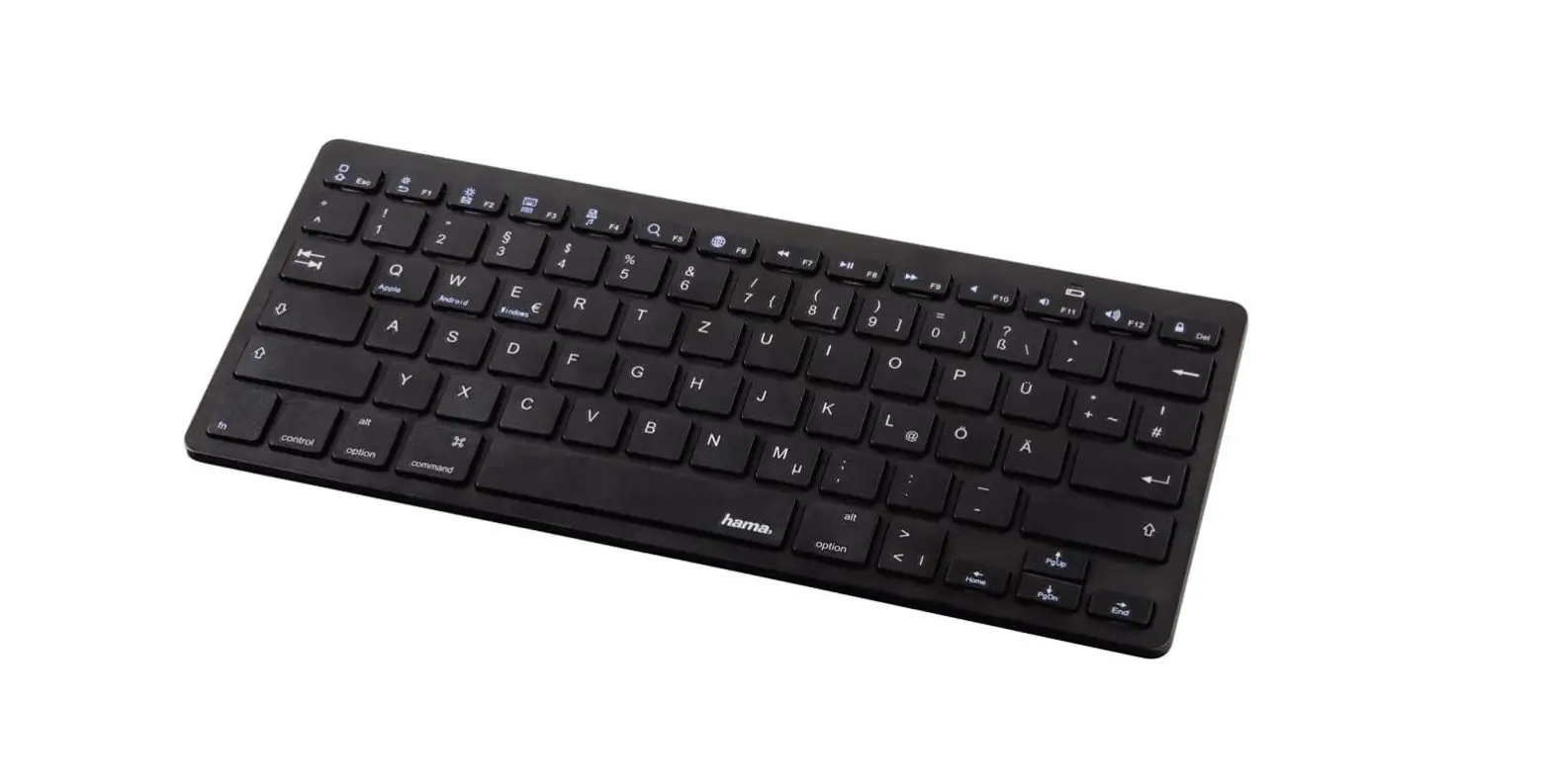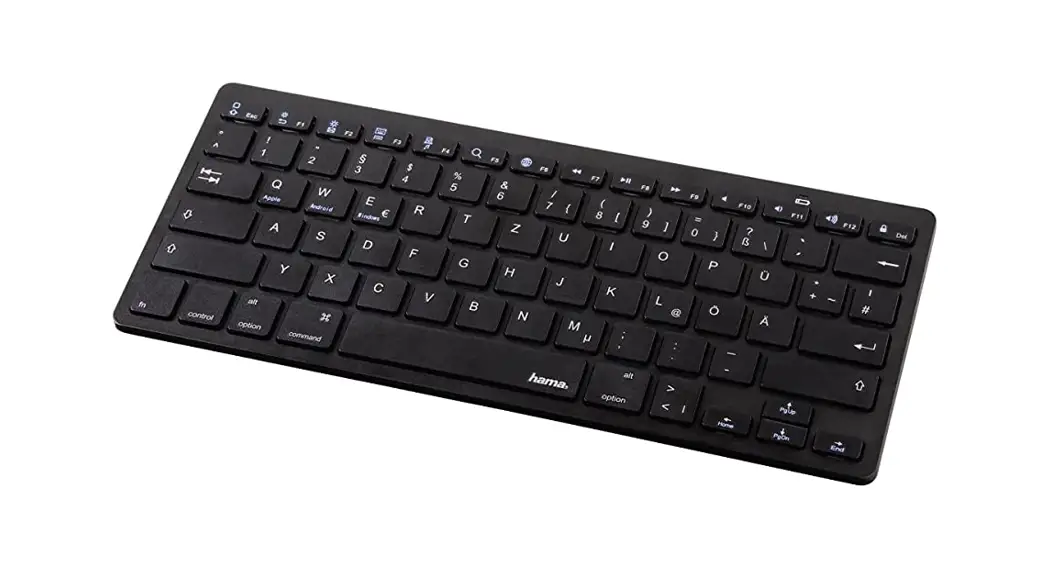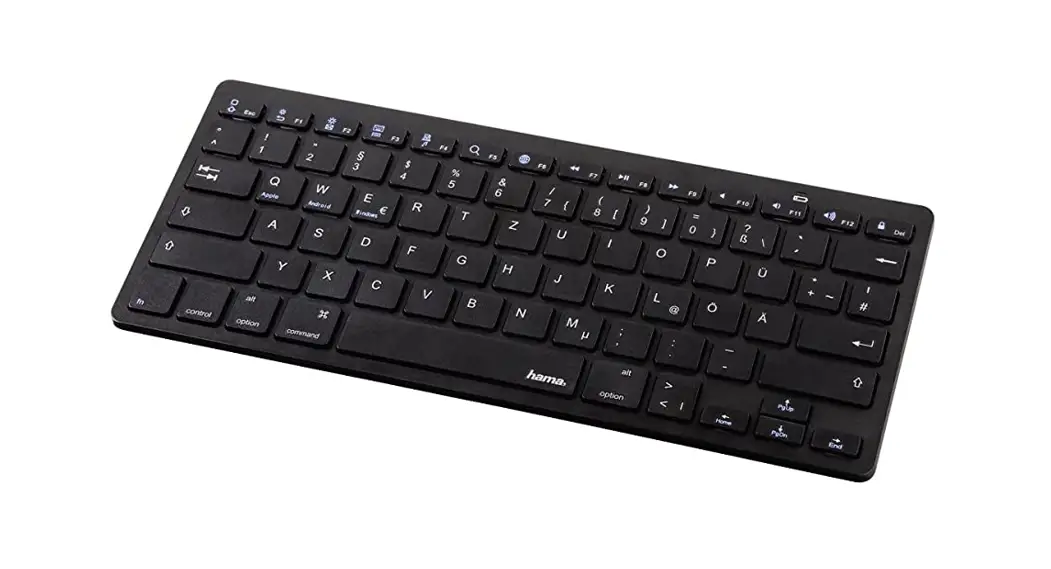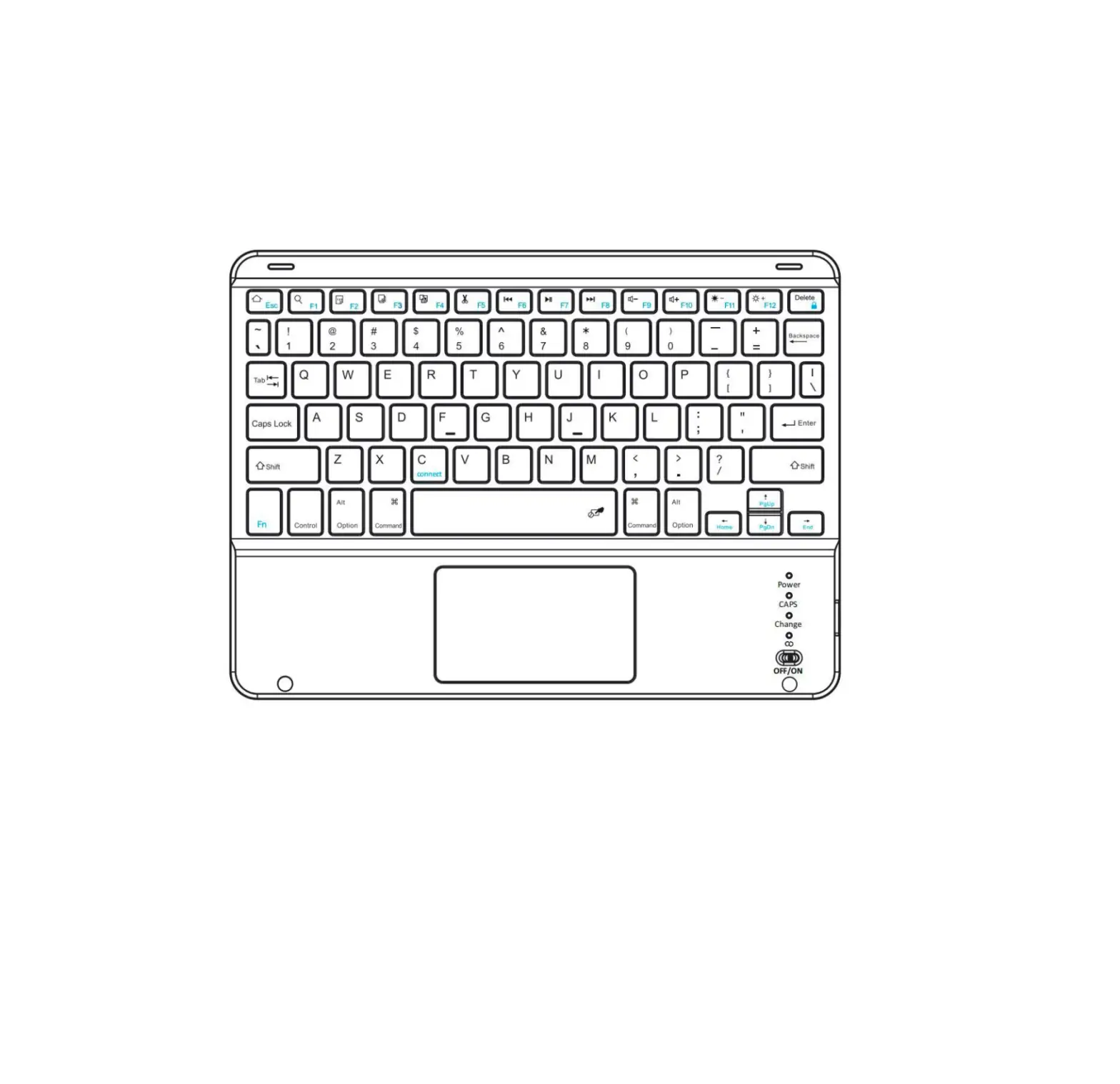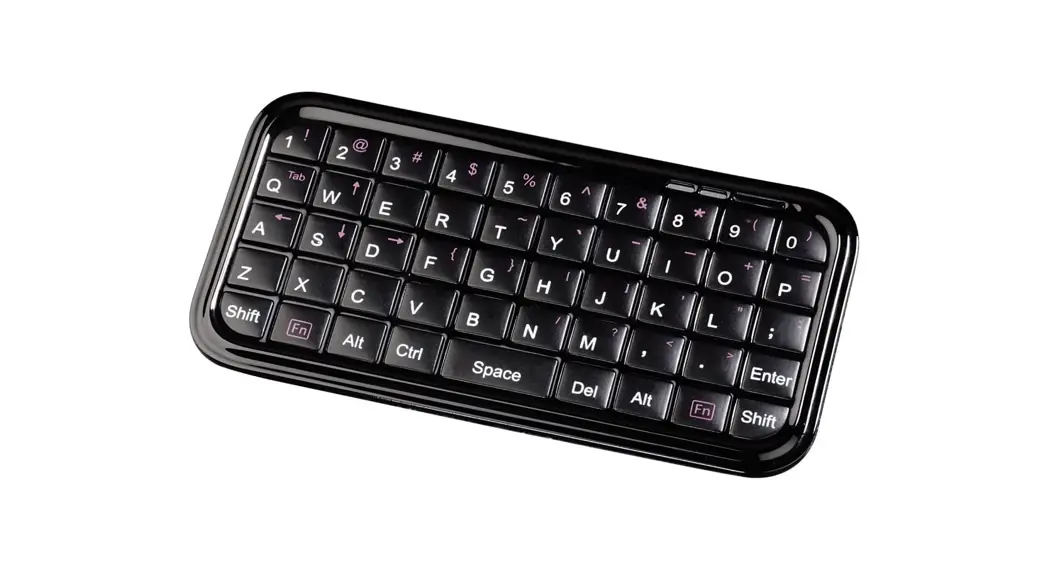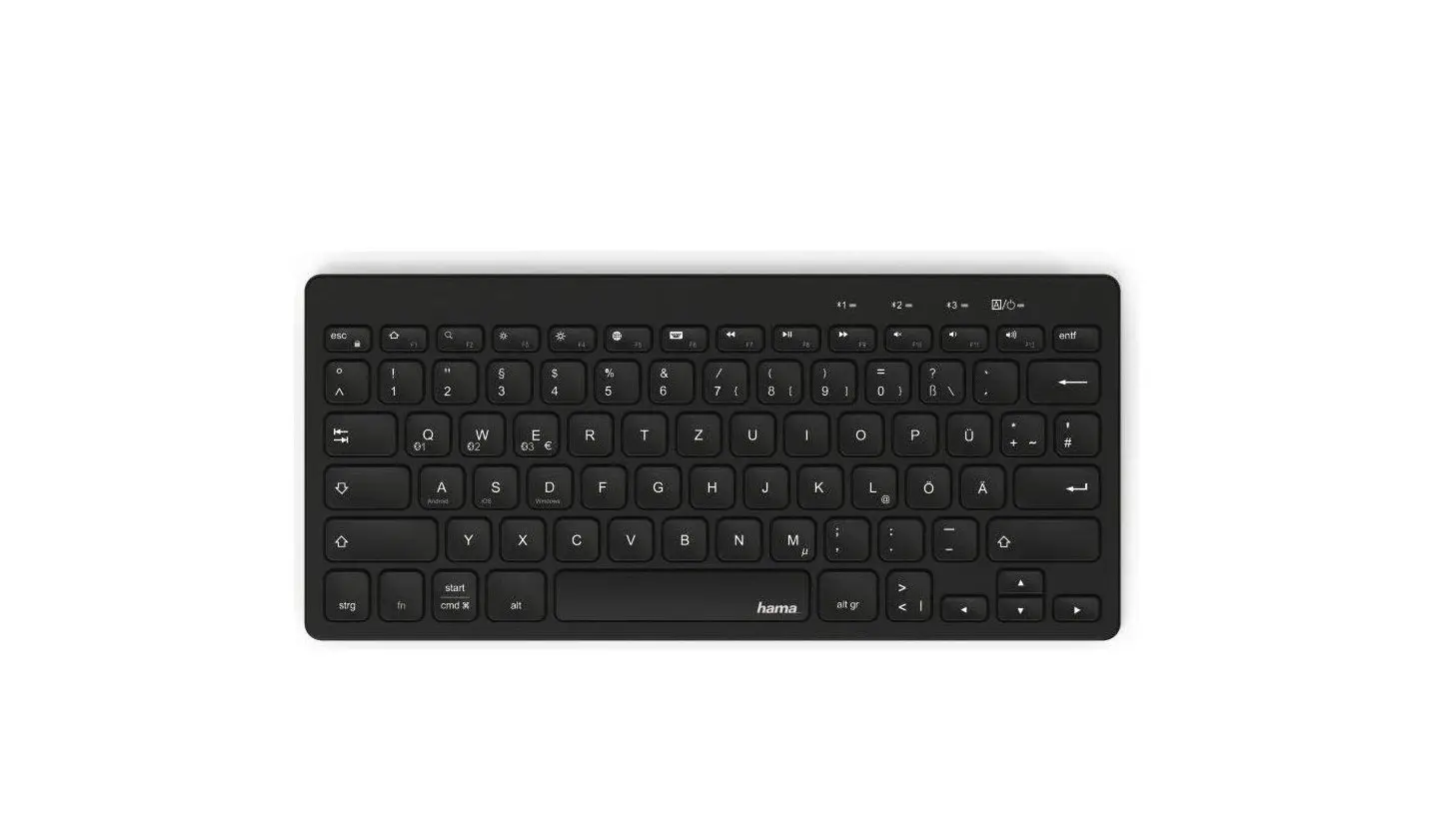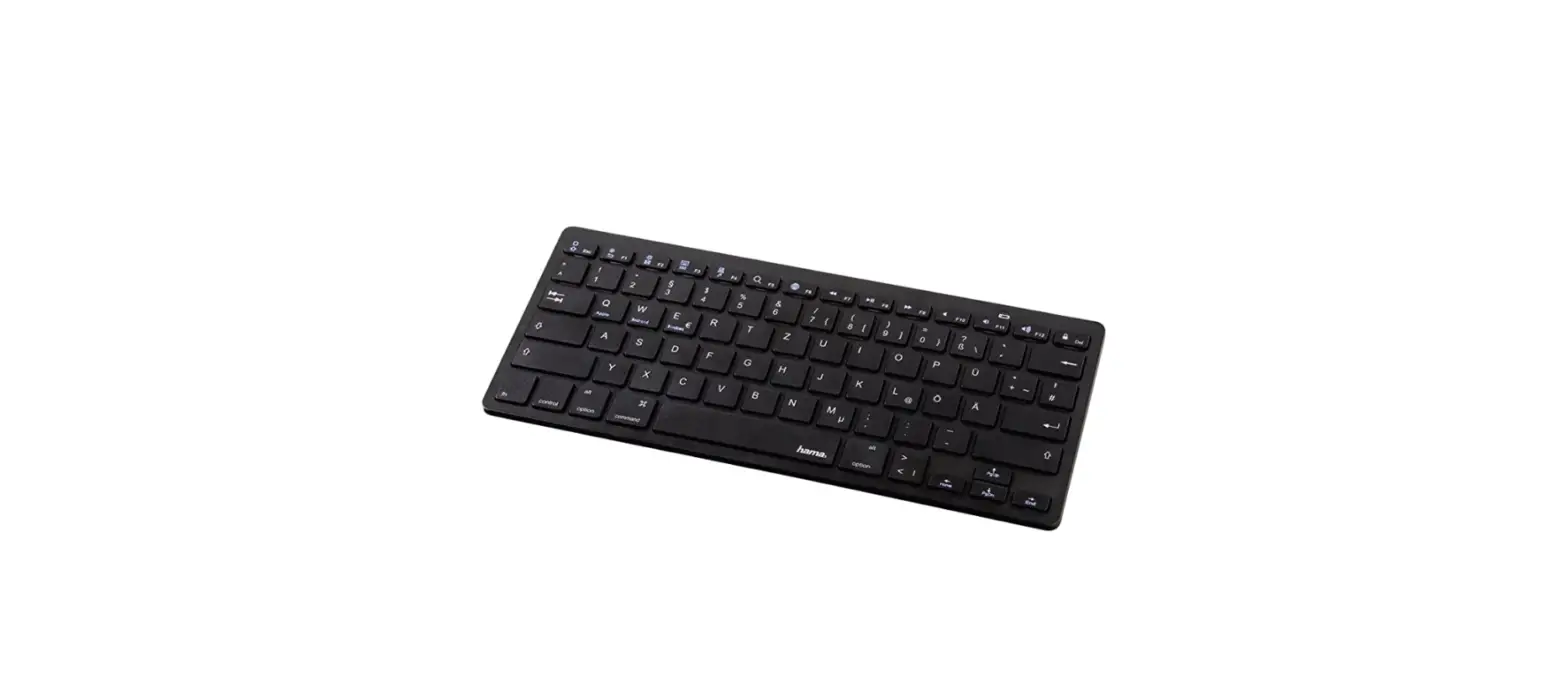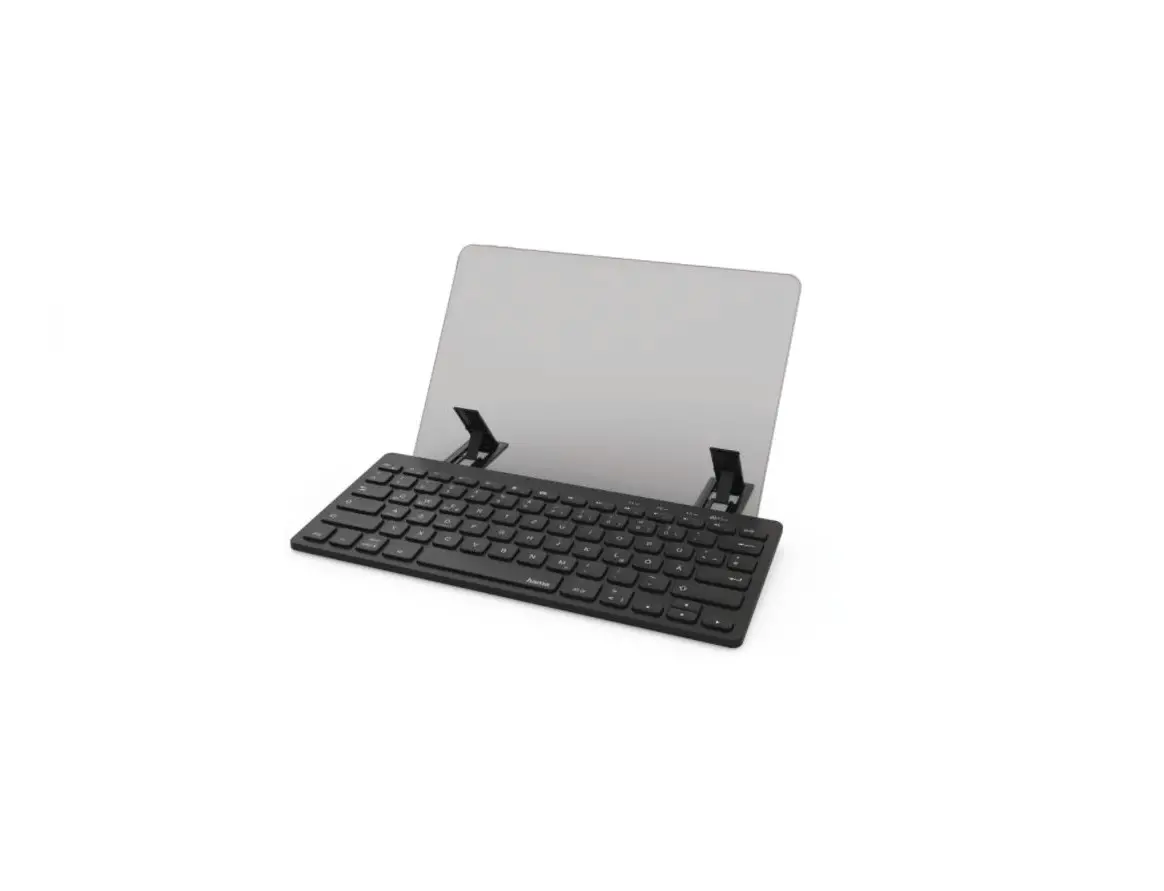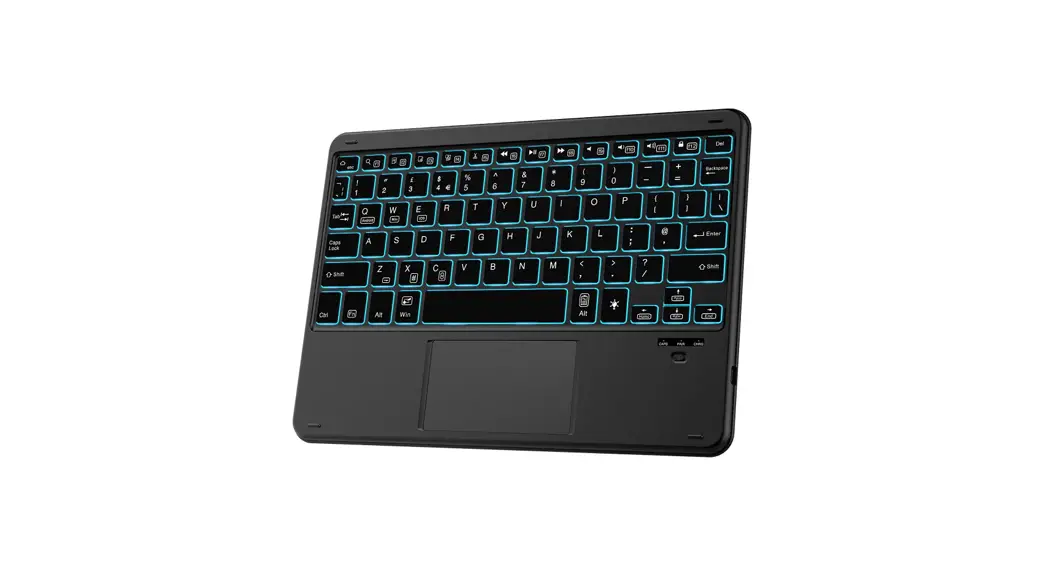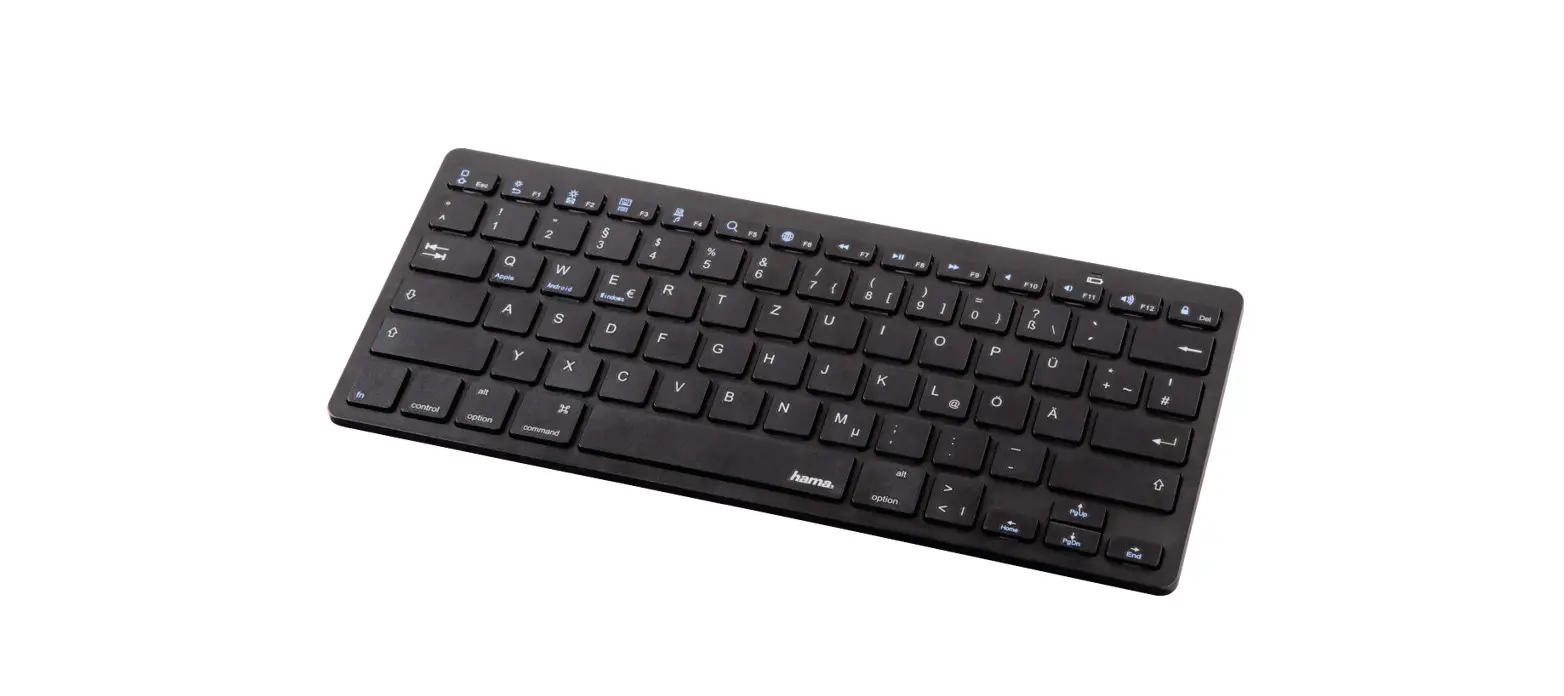
 00108392 Bluetooth Keyboard
KEY4ALL X510”
Bluetooth®-Tastatur
Instruction Manual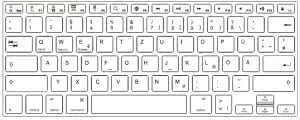
 |  |
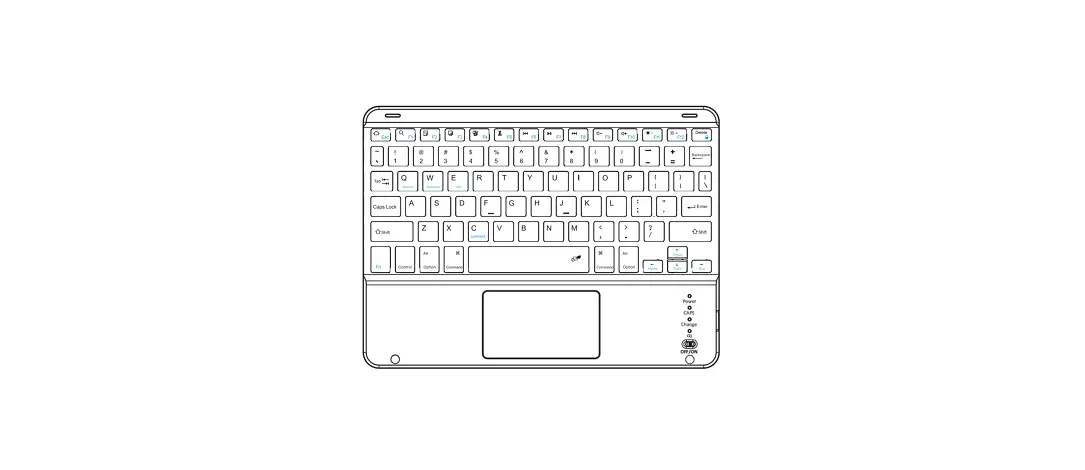
Controls and Displays
A Display bar
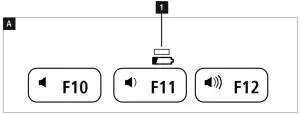
- Status LED –Bluetooth® connection /battery charge
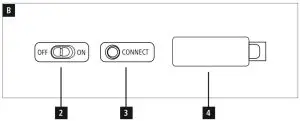
B Controls
- [OFF/ON] switch
- [CONNECT] button
- Battery compartment
Thank you for choosing the Hama product.
Take your time and read the following instructions and information completely. Please keep these instructions in a safe place for futurereference. If you sell the device, please pass these operating instructions on to the new owner.
Explanation of Warning Symbols and Notes
 Warning
This symbol is used to indicate safety instructions or to draw your attention to specifichazards and risks. Note
Note
This symbol is used to indicate additional information or important notes.
Package Contents
- ‘KEY4ALL X510’ Bluetooth® keyboard
- these operating instructions
- 2×1.5V (AAA) batteries
Safety Notes
- The product is intended for private, noncommercial use only.
- Protect the product from dirt, moisture, and overheating, and only use it in an adry environment.
- Disconnect the product from the network using the power button –if this is not available, unplug the power cord from the socket.
- Do not use the product in moist environments and avoid splashes.
- Do not drop the product and do not expose it to any major shocks.
- Dispose of packaging material immediately according to locally applicable regulations.
- Do not modify the product in any way. Doing so voids the warranty.
System requirements
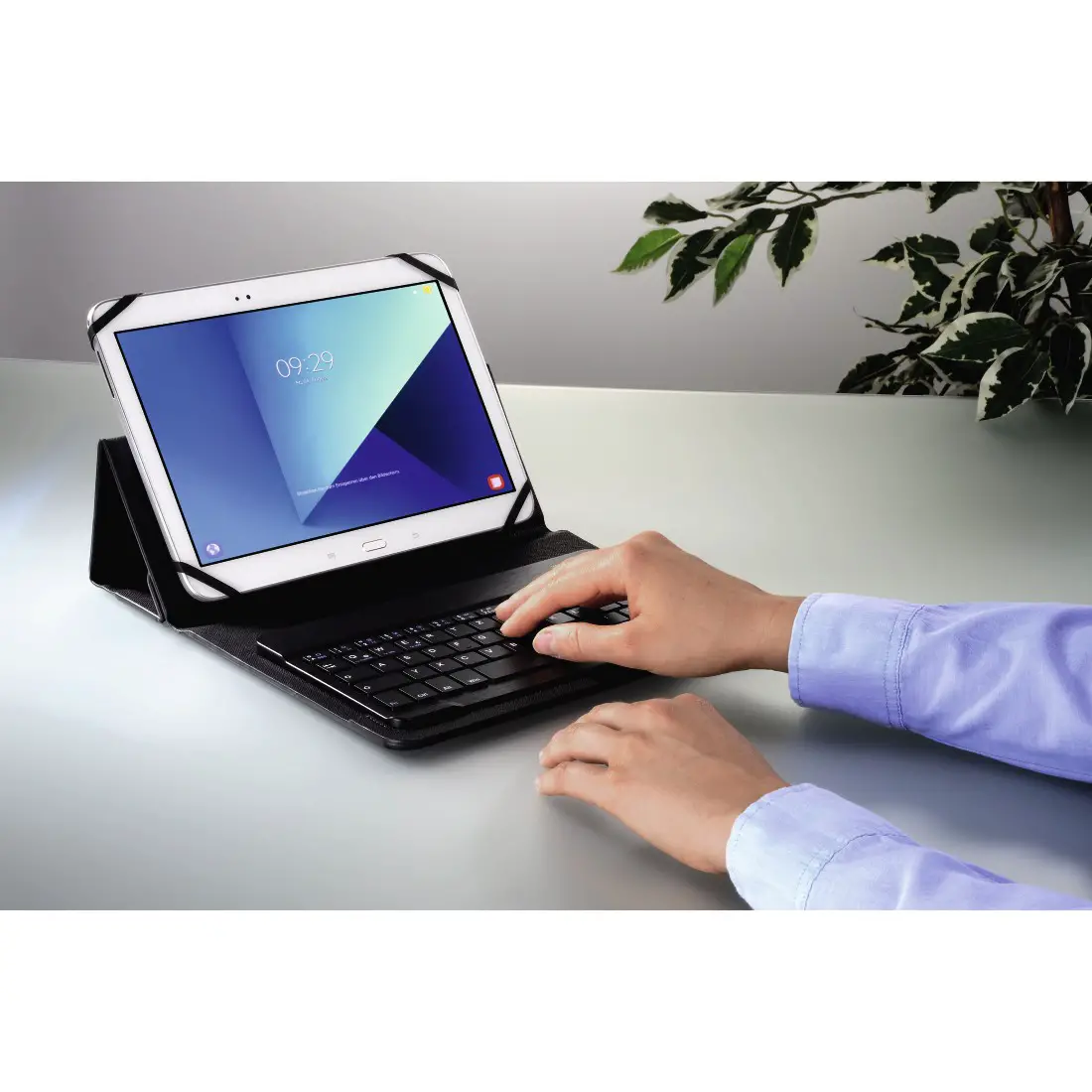
The keyboard works with Bluetooth® -enabled tablet
PCs and smartphones running iOS, Android and Windows.
The requirements for keyboards are as follows:
- All iPad and iPhone devices can be used.
- Android devices require Android 3.0 or newer.
- Bluetooth-enabled Windows devices require Windows XP, Windows 7, Windows 8orWindows 10. Check whether the latest version is installed and, if necessary, perform a software update.
Note
To ensurethat the keyboard functions properly, check that the right keyboard layout (QWERTZ, QWERTYetc.) is set in your device settings. • Note that support for certain key functions may vary depending on your device.
- Ifsome keys on the Bluetooth® keyboard do not work properly on your device for software reasons, you can run them via the virtual keyboard.
- Please refer to the operating instructions for the device you are using.
Getting Started
Warning –Batteries
- When inserting batteries, note the correct polarity (+ and -markings) and insert the batteries accordingly. Failuretodosocould results in the batteries leaking or exploding.
- Only use batteries (or rechargeable batteries) that match the specified type.
- Before you insert the batteries, clean the battery contacts and the polar contacts.
- Do not allow children to change batteries without supervision.
- Do not mix old and new batteries or batteries of a different type or make.
- Remove the batteries from products that aren’t being used for an extended period (unless these are being kept ready for an emergency).
- Do not short-circuit batteries.
- Do not charge batteries.
- Do not throw batteries in a fire.
- Keep batteries out of the reach of children.
- Never open, damage, or swallow batteries or allow them to enter the environment. They can contain toxic, environmentally harmful heavy metals.
- Immediately remove and dispose of dead batteries from the product.
- Avoid storing, charging, or using the device in extreme temperatures and extremely low atmospheric pressure(for example, at high altitudes).
- Open the battery compartment (4), insert two AAA batteries with the correct polarity, and close the battery compartment (4).
- If the battery charge is low, the Bluetooth/battery status LED (1) will begin to flash blue during operation. Replace the batteries immediately as described above.
Operation
Note
- The functions described in this section are only available for Bluetooth-capable terminal devices.
- Note that the maximum range for Bluetooth is 10 meters without obstacles such as walls, people, etc.
Bluetooth® pairingNote –Pairing
- Make surethat your Bluetooth® -capable terminal device is on and Bluetooth® is activated.
- Make surethat your Bluetooth® -capable terminal device is visible for other Bluetooth ® devices.
- For more information, please refer to the operating instructions of your terminal device.
- Slide the [OFF/ON] switch (2) to the ON position to switch on the Bluetooth® keyboard.
- Press and hold the [CONNECT] button (3) until the Bluetooth® /battery status LED (1) begins to continually flash blue. The keyboards searching for a Bluetooth® connection.
- Open the Bluetooth® settings on your terminal device and wait until Hama KEY4ALL appears in the list of Bluetooth® devices found.
- Select Hama KEY4ALL, follow any instructions on your terminal device, and wait until the keyboard is shown as connected in the Bluetooth® settings on your terminal device. The Bluetooth® /battery status LED (1) goes out.
- You can now use the Bluetooth® keyboard.
Automatic Bluetooth® connection (after successful pairing)
Note
- Make surethat your Bluetooth® -capable terminal device is on and Bluetooth® is activated.
- Make surethat your Bluetooth® -capable terminal device is visible for other Bluetooth® devices.
- For more information, please refer to the operating instructions of your terminal device.
- Slide the [OFF/ON]switch (2) to the ON position to switch on the Bluetooth® keyboard. The Bluetooth® /battery status LED (1) flashes blue.
- You can now use the Bluetooth® keyboard.
Note
After the devices have been paired once, the connection is then established automatically. If the Bluetooth® connection is not established automatically, check the following:
- Check the Bluetooth® settings of your terminal device to see whether Hama KEY4ALL is connected. If not, repeat the steps listed under 6.1 Bluetooth® pairing.
- Check whether obstacles are impairing the range. If so, move the devices closer together.
Changing the operating system
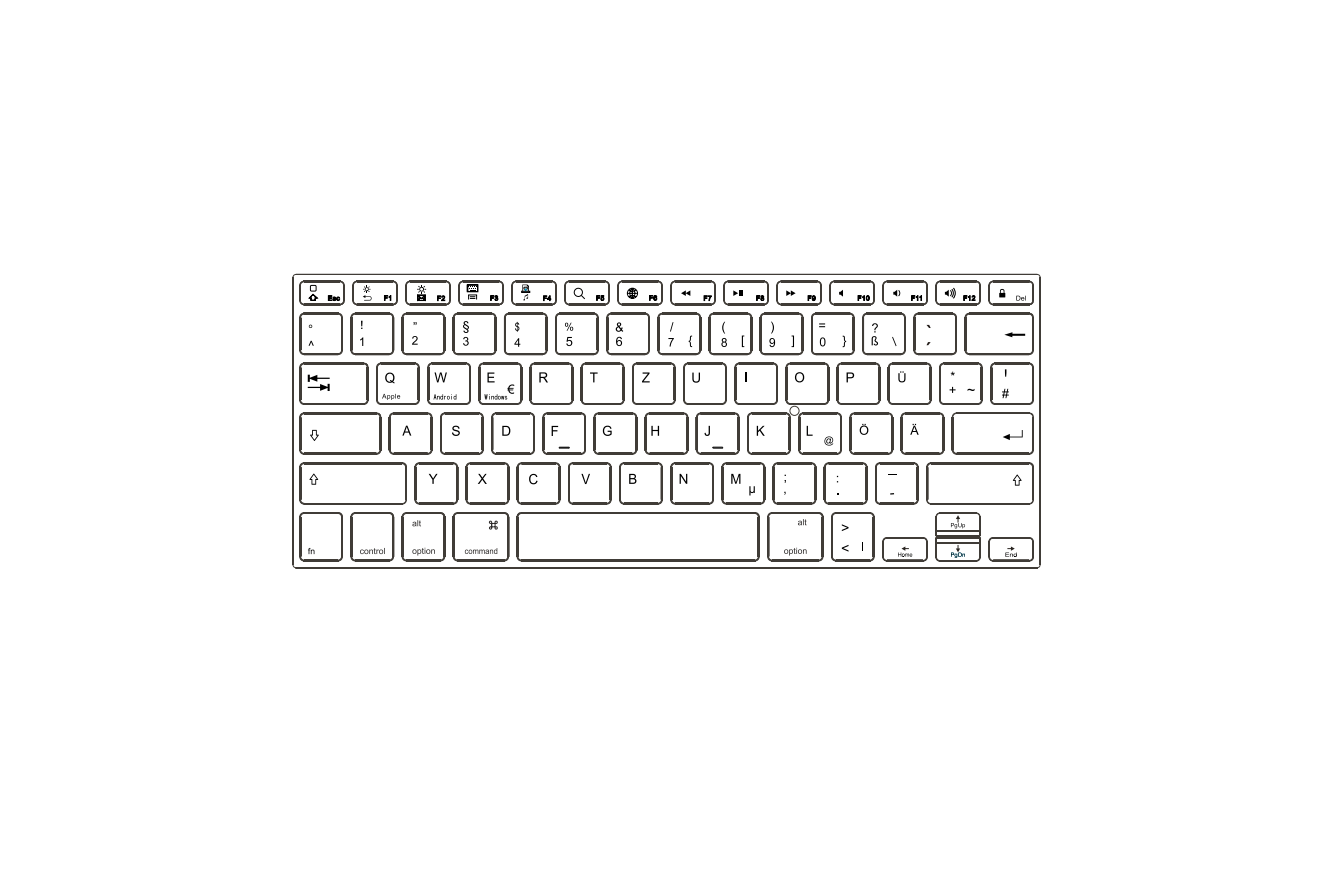
The Hama KEY4ALL X510 keyboard supports three different operating systems. You can use the following shortcut keys to select the desired operating system:
- fn+Qfor Apple iOS
- fn+Wfor Android
- fn+Efor Windows
Multimedia keys
The multimedia keys give you direct access to various applications and functions.
You can use them by pressing fn +the required multimedia key.
| Key symbol | Android | Windows | iOS |
 | Start screen | Start screen | Start screen |
 | Back | Back | Brightness down |
 | Brightness up | ||
 | Menu | Select link* | Virtual keyboard |
 | Media Player | Browse folders** | Screenshot |
 | Search | Search | Search |
 | Language exchange | Language exchange | Language exchange |
 | Previous track | Previous track | Previous track |
 | Play/Pause | Play/Pause | Play/Pause |
 | Next track | Next track | Next track |
 | Mute | Mute | Mute |
 | Decrease volume | Decrease volume | Decrease volume |
 | Increase volume | Increase volume | Increase volume |
 | Lock | Lock | Lock |
*Windows Explorer
** In Internet Explorer
Standby and switch off
- Ifyou do not use the keyboard for longer than 15 minutes, it will automatically switch to standby mode.
- Press any key to reactivate the keyboard.
- Slide the [OFF/ON] switch (2) to the OFF position to switch off the Bluetooth® keyboard.
Care and Maintenance
- Only clean this product with a slightly damp, lint-free cloth and do not use aggressive cleaning agents.
- Make surethat water does not get into the product.
Warranty Disclaimer
Hama GmbH &CoKGassumes no liability and provides no warranty for damage resulting from improper installation/mounting, improper use of the product or from failure to observe the operating instructions and/or safety notes.
Technical Data
| Bluetooth® version | 3 |
| Range | max. 10 m |
| Dimensions (L xWxH) | 28,5 x12,0 x1,8 cm |
| Number of keys | 78 incl. 14 media keys |
| Battery type | 2x 1.5V (AAA) |
| Frequency band | 2402 -2480 MHz |
| Maximum radiofrequency power transmitted | 2.09 mW EIRP |
Recycling Information
Note on environmental protection: After the implementation of the European Directive 2012/19/EU and 2006/66/EU in the national legal system, the following applies:
Electric and electronic devices, as well as batteries, must not be disposed of with household waste. Consumers areobliged by law to return electrical and electronic devices as well as batteries at the end of their service lives to the public collecting points set up for this purpose or point of sale. Details to this are defined by the national law of the respective country. This symbol on the product, the instruction manual or the package indicates that aproduct is subject to these regulations. By recycling, reusing the materials, or other forms of utilizing old devices/batteries, you aremaking an important contribution to protecting our environment.
Declaration of Conformity Hereby, Hama GmbH &CoKGdeclares that the radio equipment type [00108392 /00108393] is in compliance with Directive 2014/53/EU. The full text of the EU declaration of conformity is available at the following internet address: www.hama.com
  00108392 /00108393 Downloads.
Hama GmbH &CoKG
86652 Monheim /Germany
Service &Support www.hama.com +49 9091 502-0
 The Bluetooth® word mark and logos are registered trademarks owned by Bluetooth SIG, Inc. and any use of such marks by Hama GmbH & Co KG is under license. Other trademarks and trade names are those of their respective owners.All listed brands are trademarks of the corresponding companies. Errors and omissions excepted, and subject to technical changes. Our general terms of delivery and payment are applied.
 hama.com