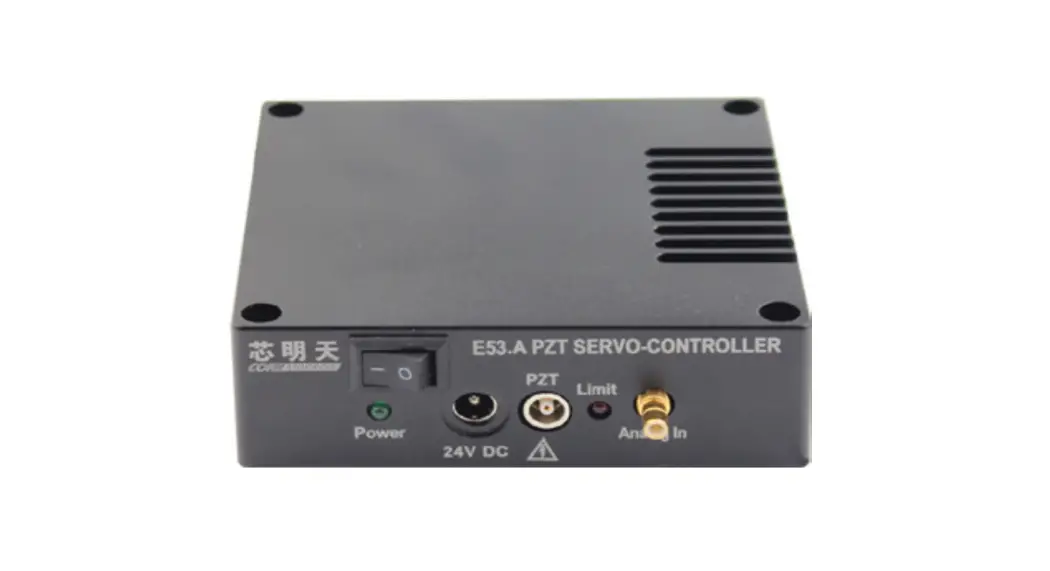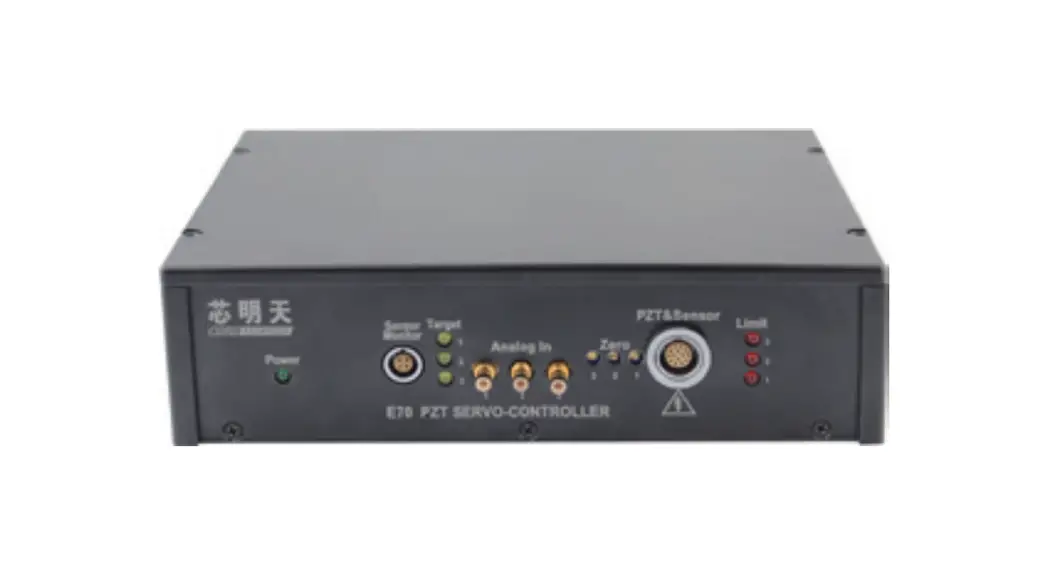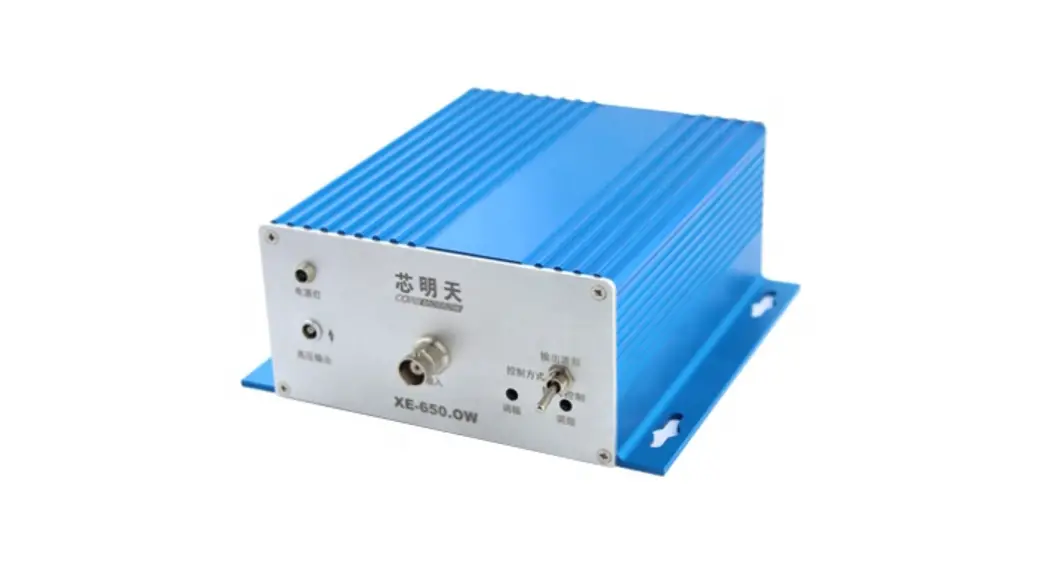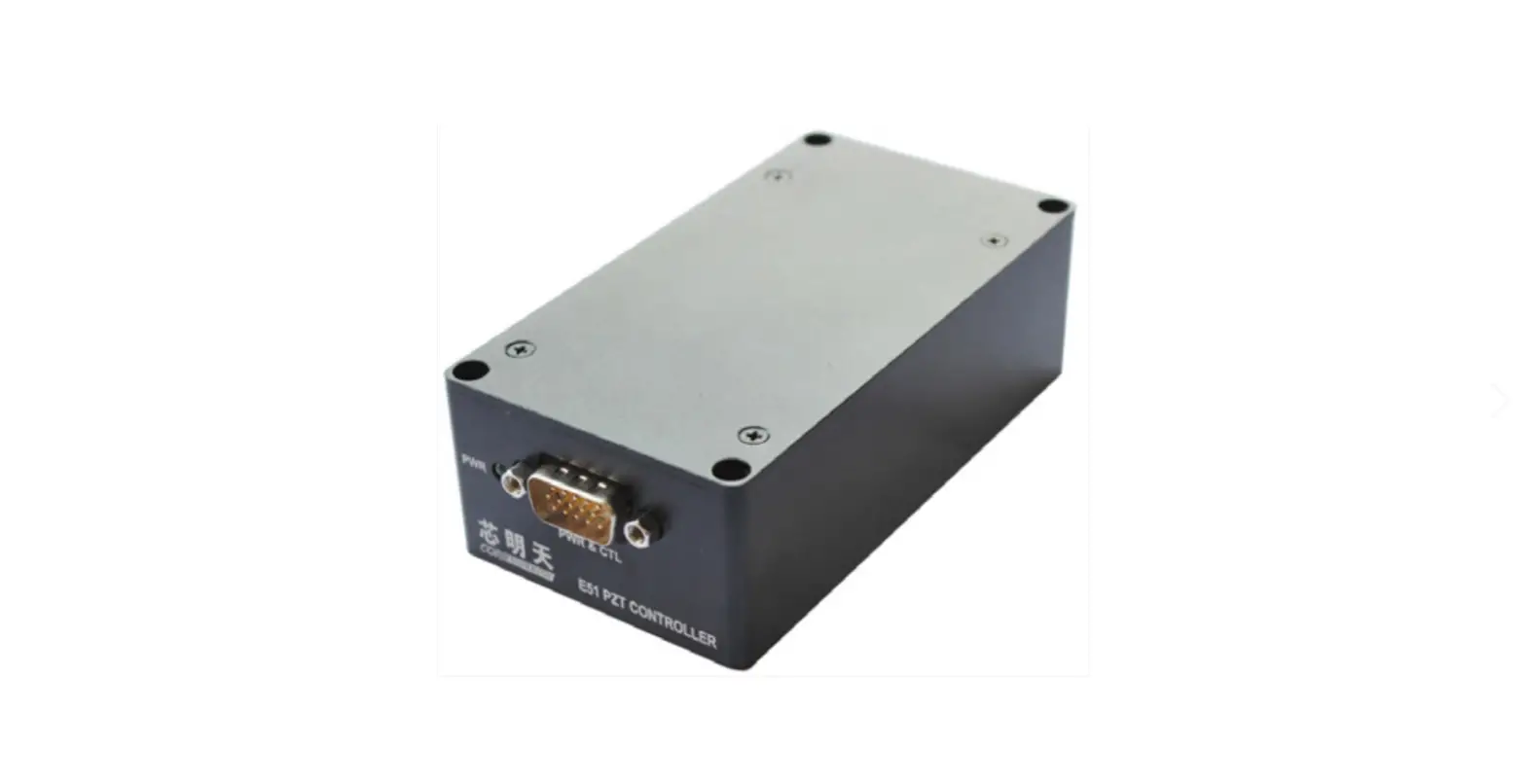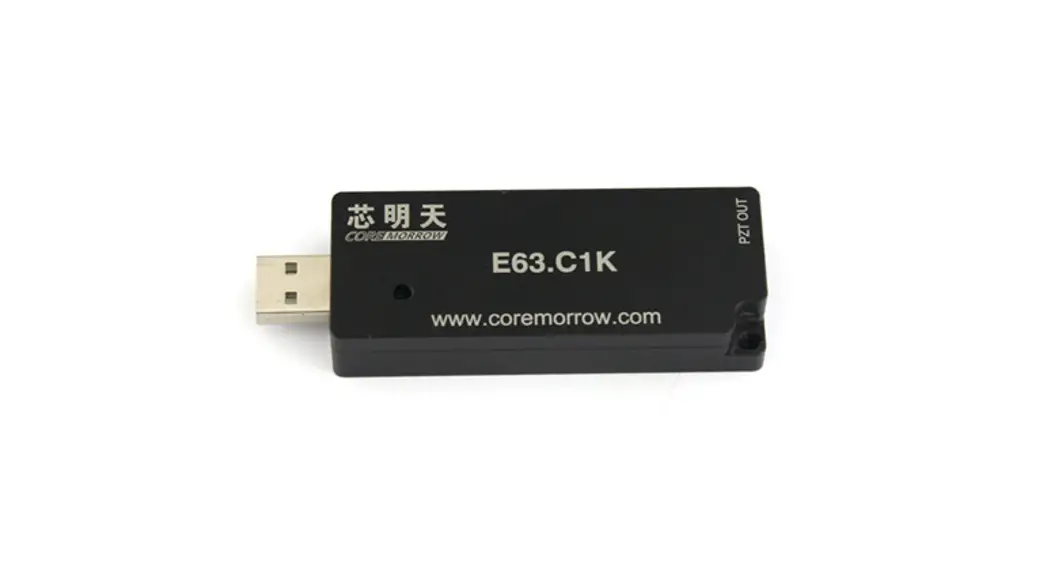
 E63.C1K Piezo Controller Software
User Manual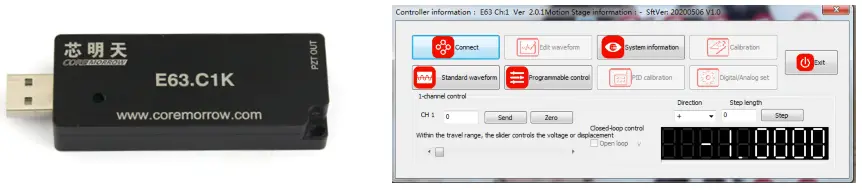
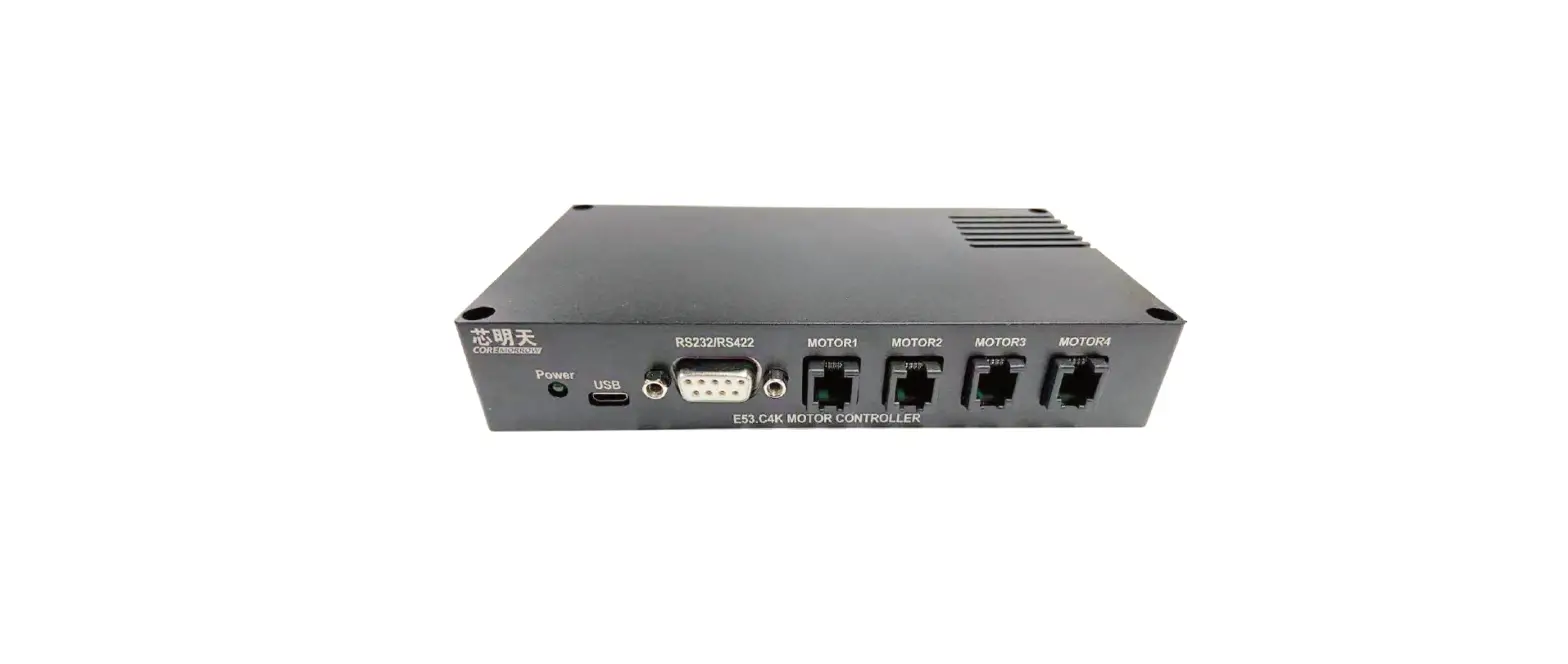
This document describes the following products:
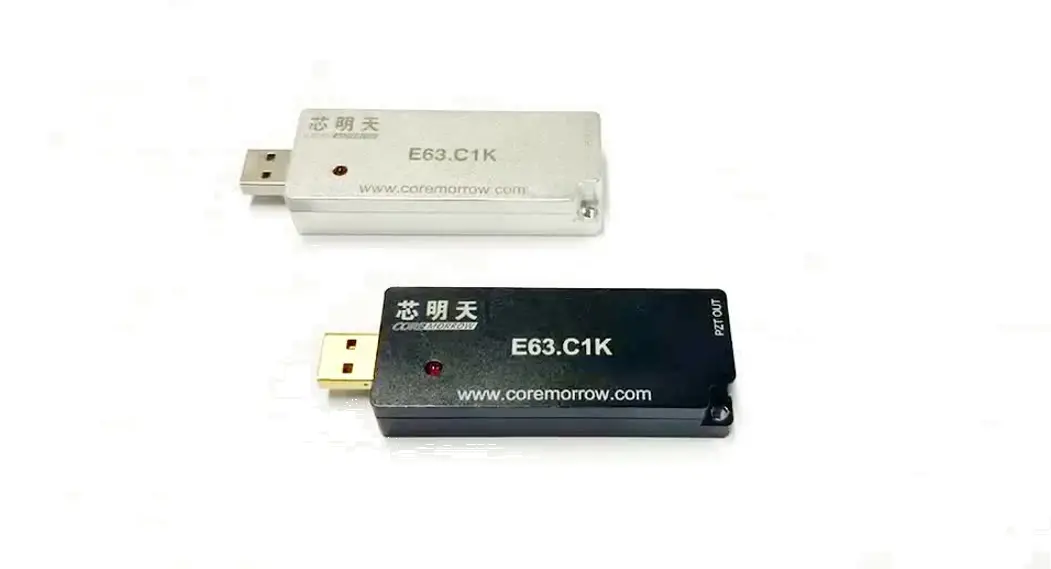
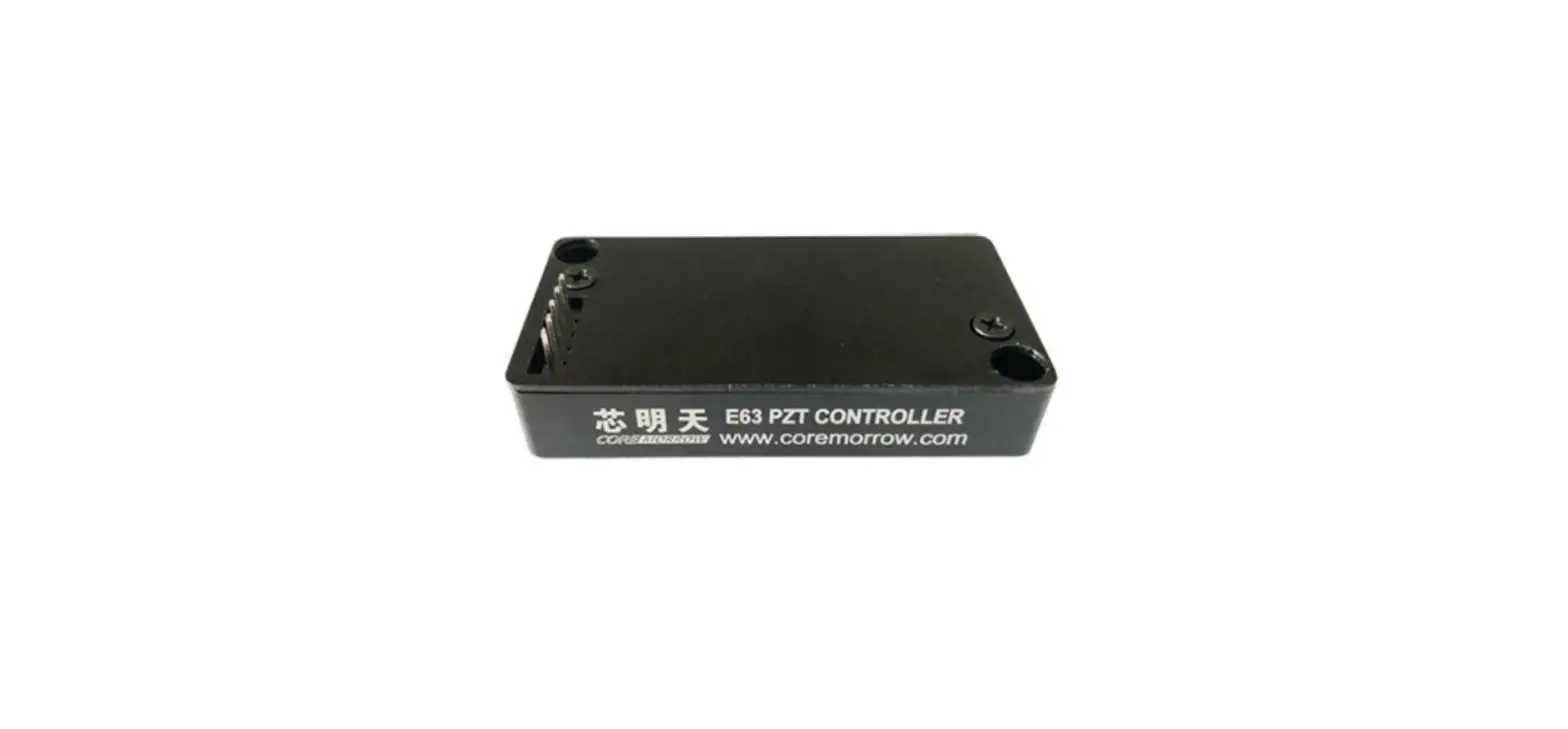
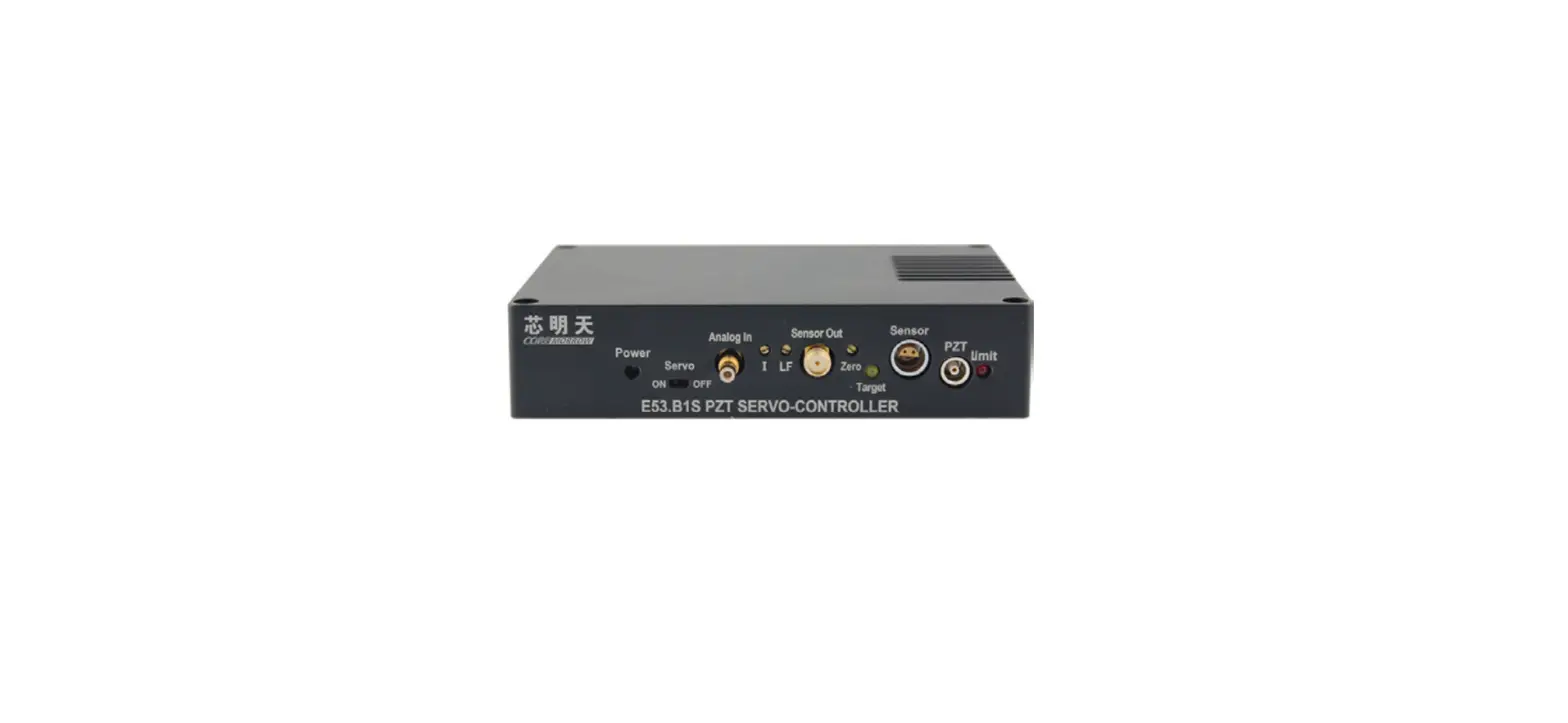
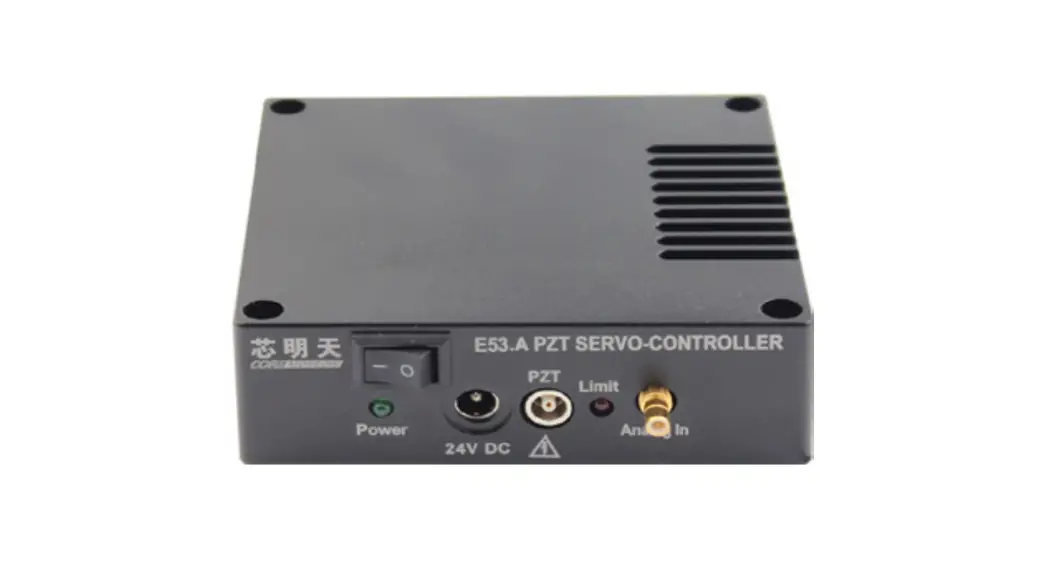
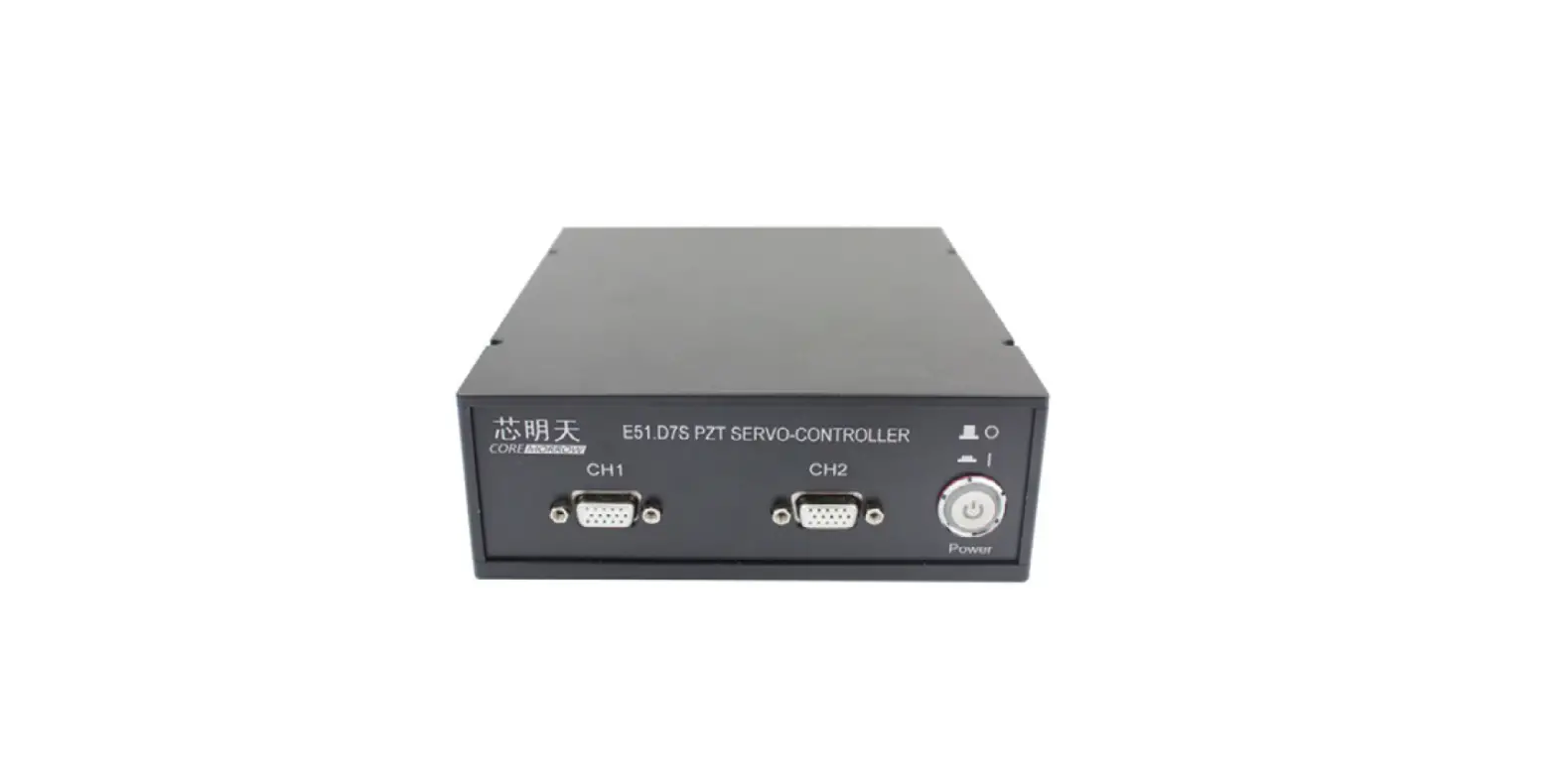
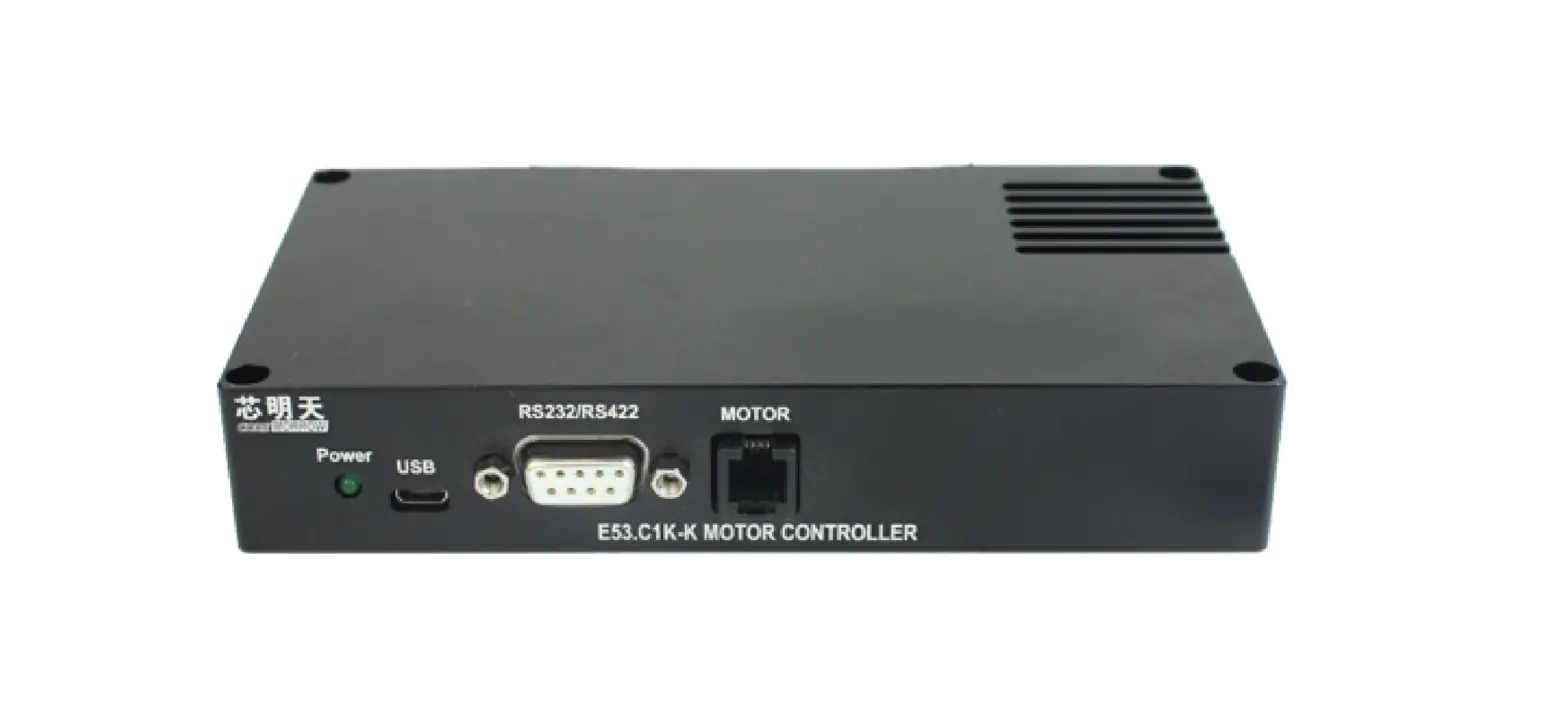
- E63.C1K Piezo Controller Open loop 1 channel
USB Connection
Install usb device driver: Check device manager.
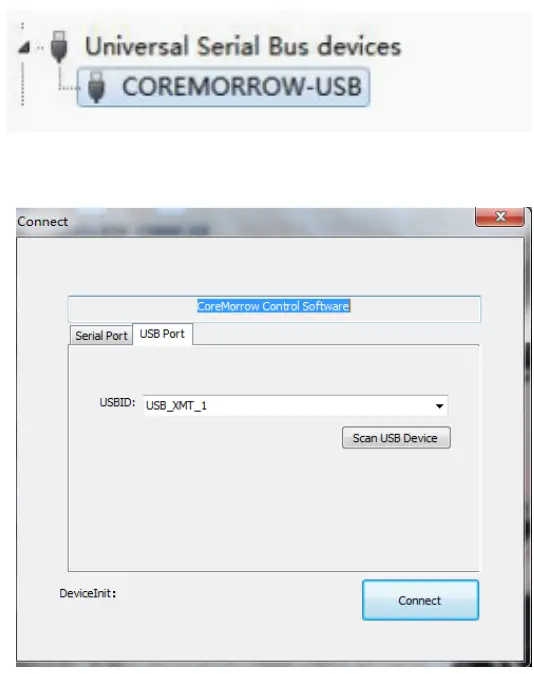
- Click “Scan USB Devices”;
- Then click the “Connect” button. If there is USB device, select the USB to be opened through the drop-down menu.
- Open the USB successfully.
Single Point Control
- Fill in the output voltage, and then click “Send” to complete the output voltage control; Accordingly, the actual output voltage is displayed in the lower right corner.
- Zero”: Fill “0” in the edit box and send 0 to the piezo controller to control the reset voltage.
- Step length: fill in the control amount of small step.
Select ” +” ,add the step size value to the current position.
Select “-” , subtract the step size from the current position.

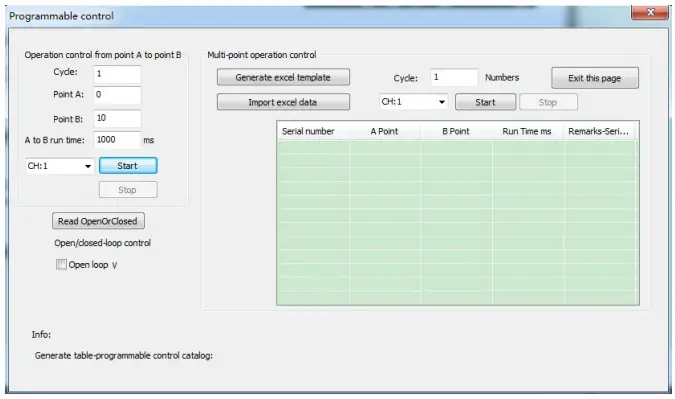
Programmable Control
Operational control from A to B, setting the coordinates of A and B, then run time from A to B which compose run track of A to B, run time of serial port and USB by sending points data.
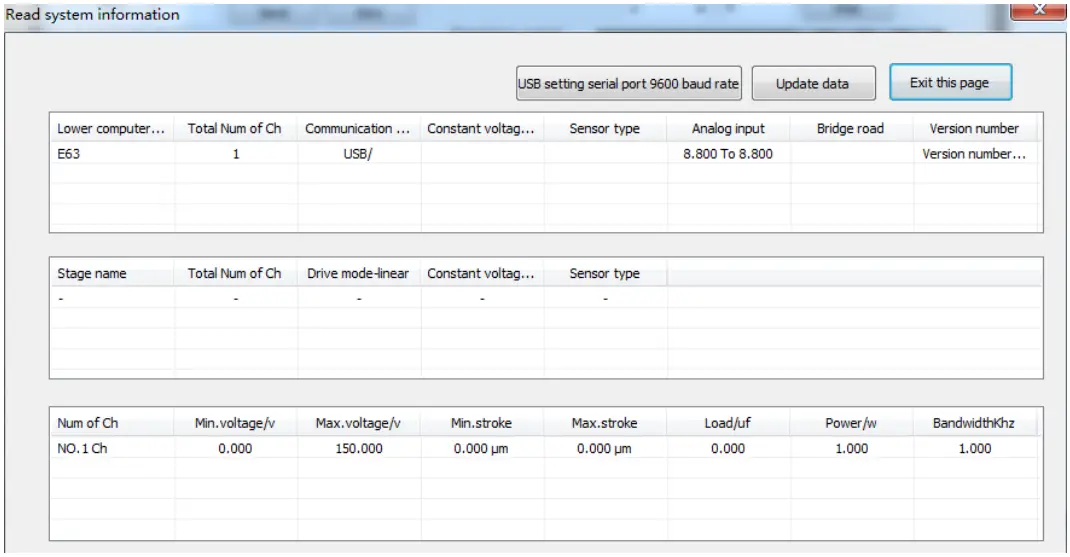
System Information
After scanning and turning on the USB, system parameters can be read with minimum voltage of 0V and maximum voltage;
The system reads the information automatically;The maximum displacement is filled in according to the experimental report.
Waveform Control
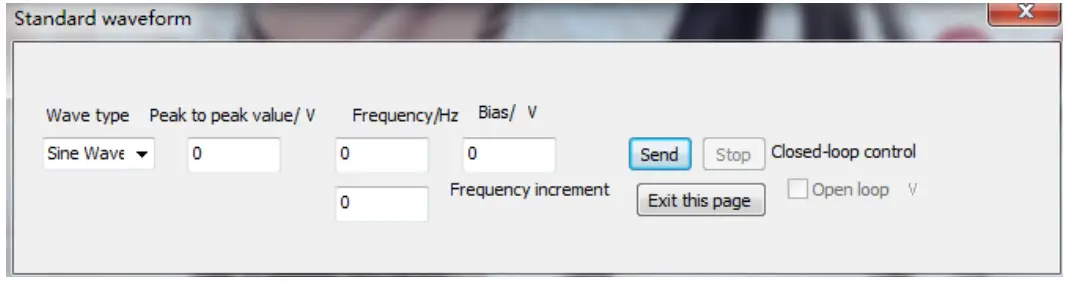
Fill in the waveform data: peak-to-peak value, frequency, bias and waveform information, and then click “Send” to complete the input of waveform, and the waveform is output until “stop” is clicked;
This intermittent control does not stop until the “stop” is clicked.
Contact us
Harbin Core Tomorrow Science & Technology Co., Ltd.
Tel: +86-451-86268790
Email: [email protected]
Website: www.coremorrow.com
Address: Building I2, No.191 Xuefu Road, Nangang District, Harbin, HLJ, China
CoreMorrow Official and CTO WeChat are below:
 |  |
| http://weixin.qq.com/r/PEzawqnEyfS2re2h9xku | https://u.wechat.com/EAOWfcTPsTfQdVIeK41V9hg |
Version: V1.0
 产品中心 - 芯明天-压电纳米定位与控制系统制造商