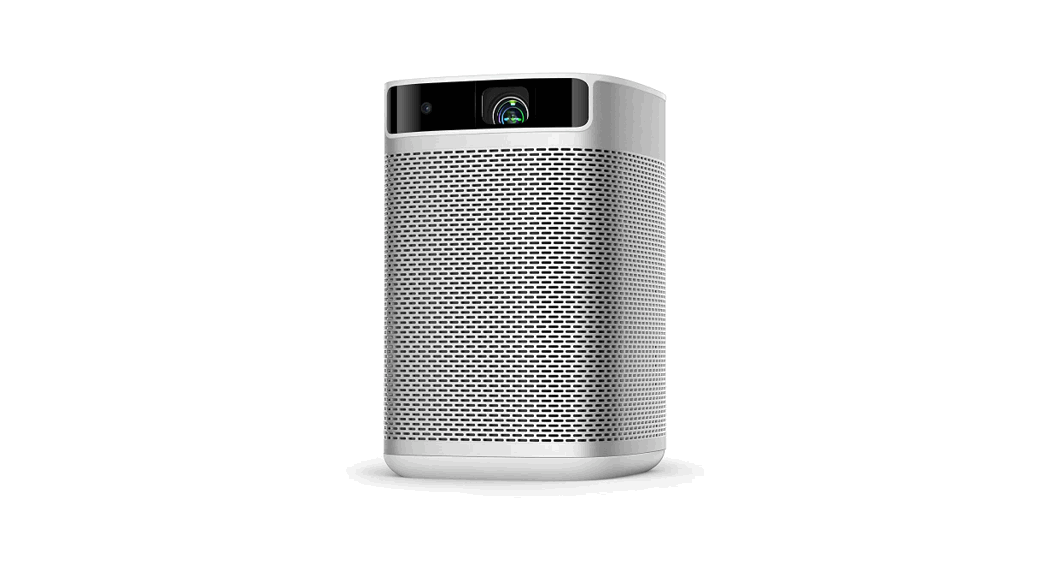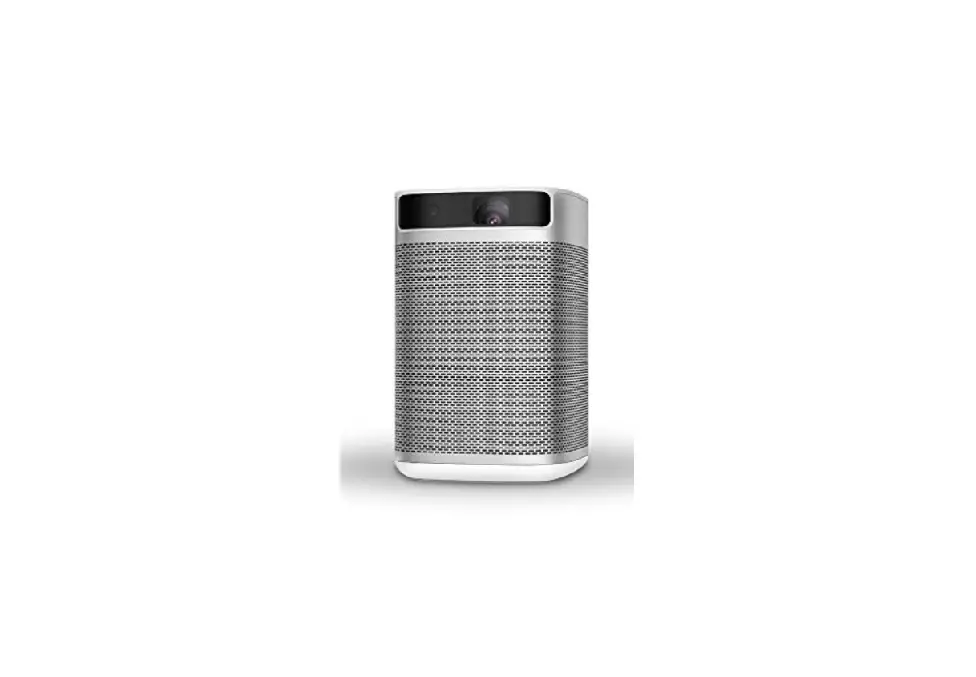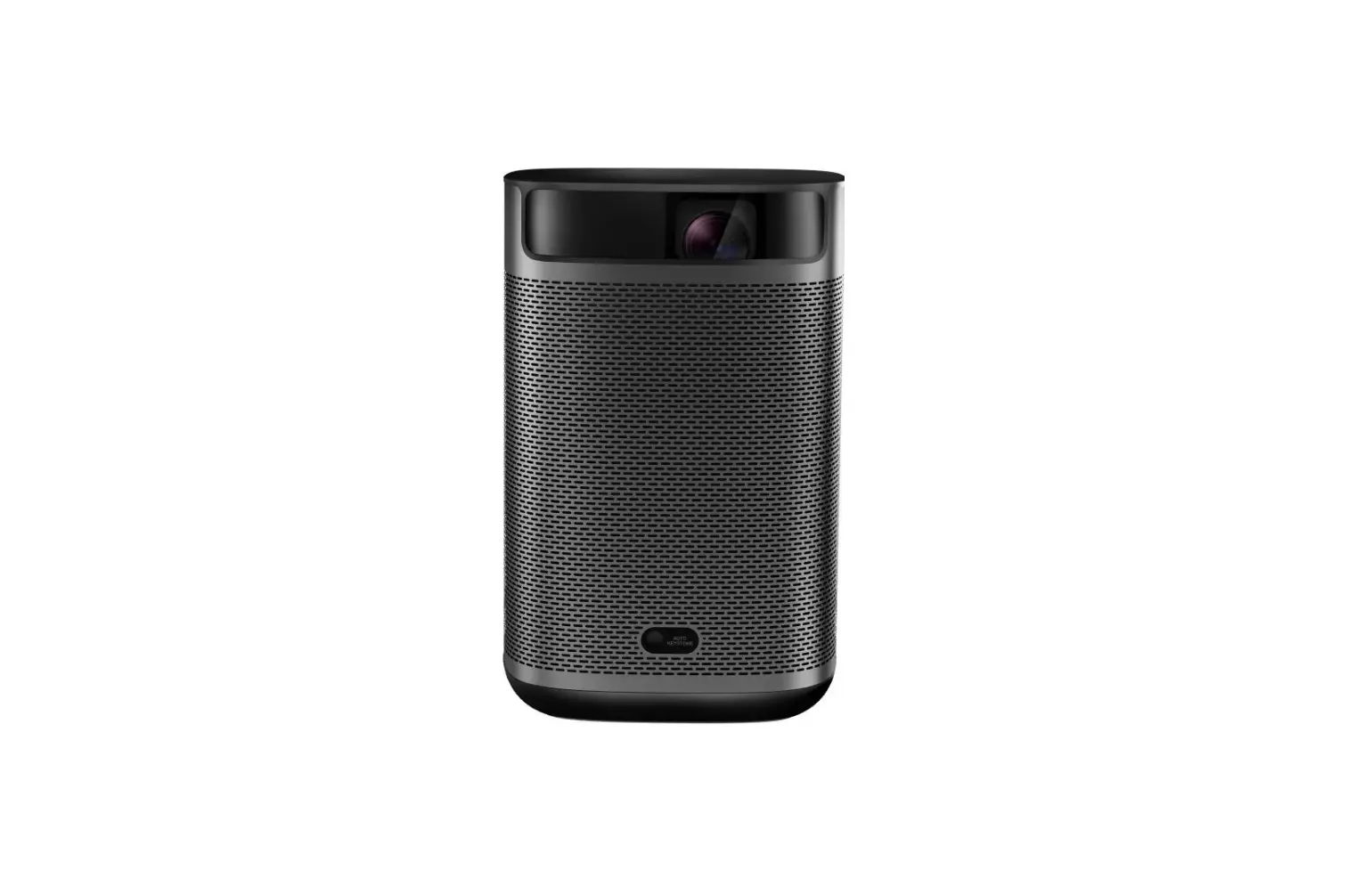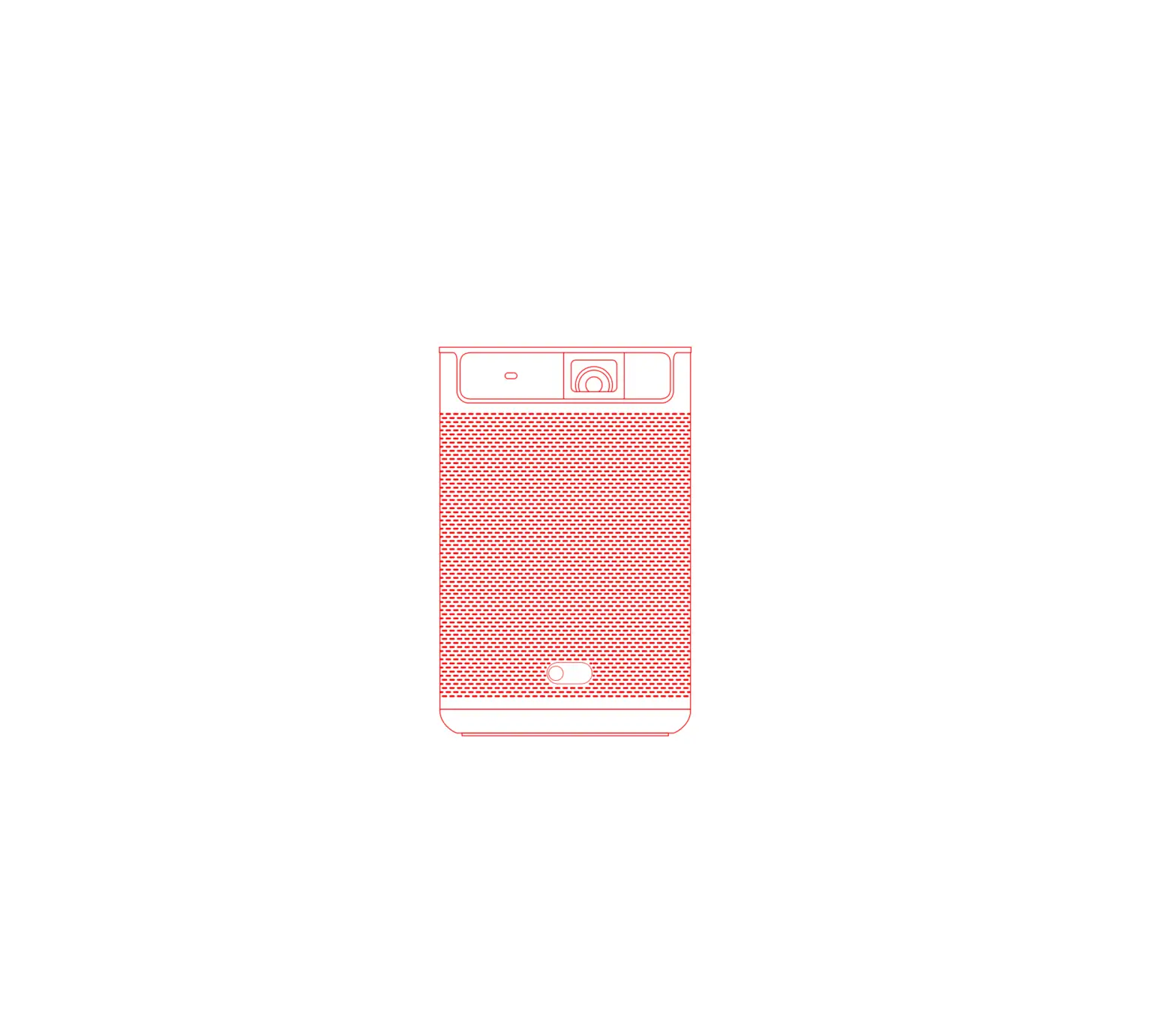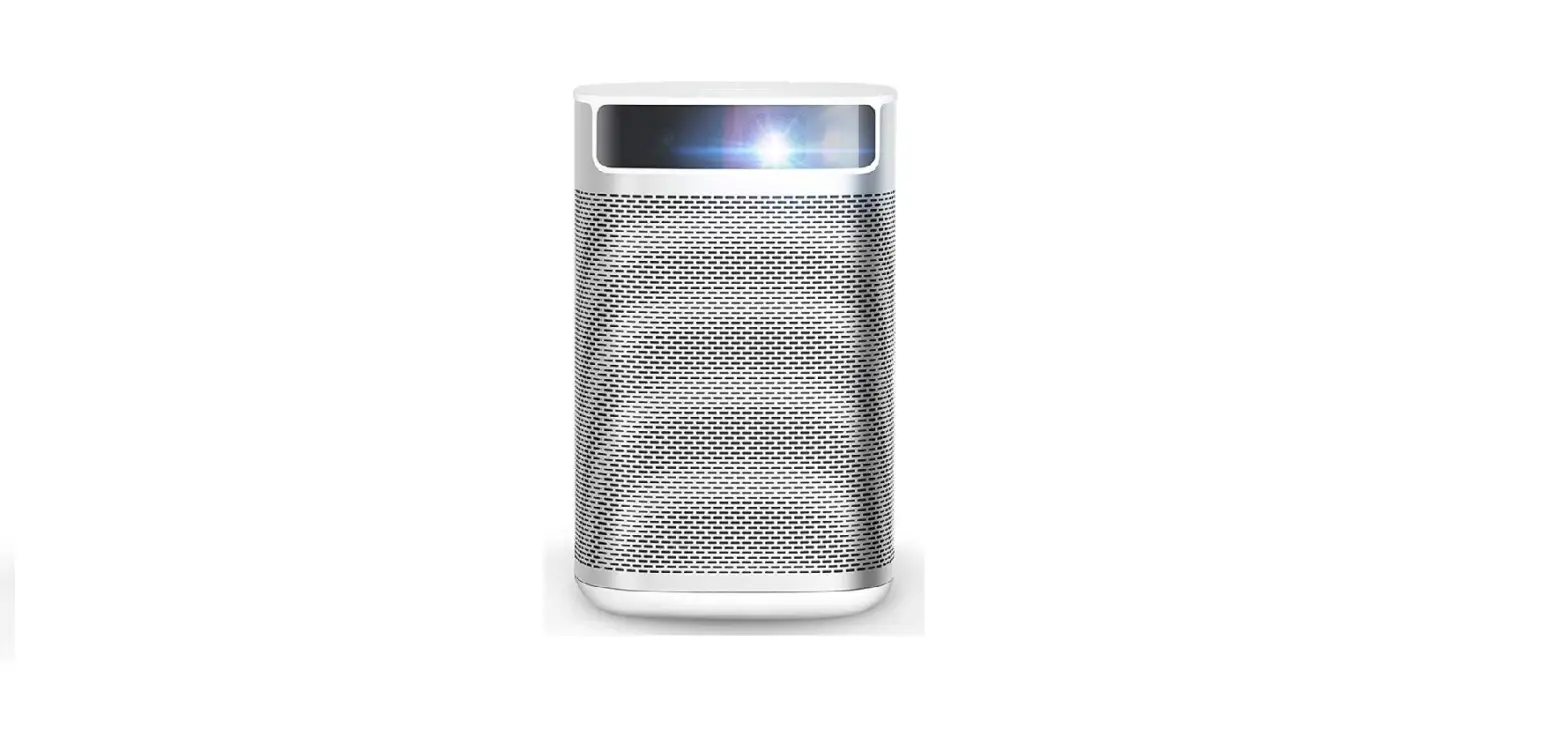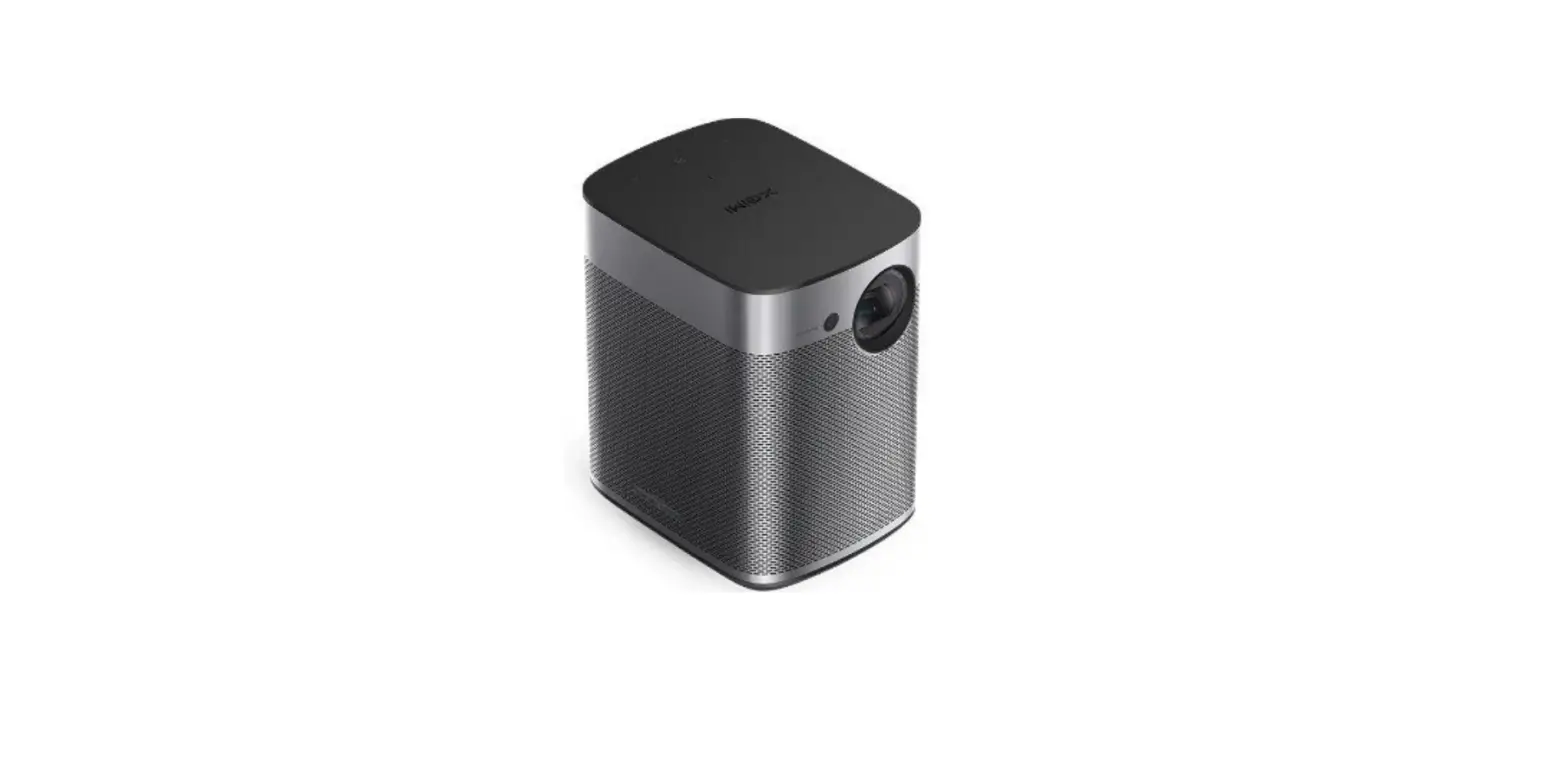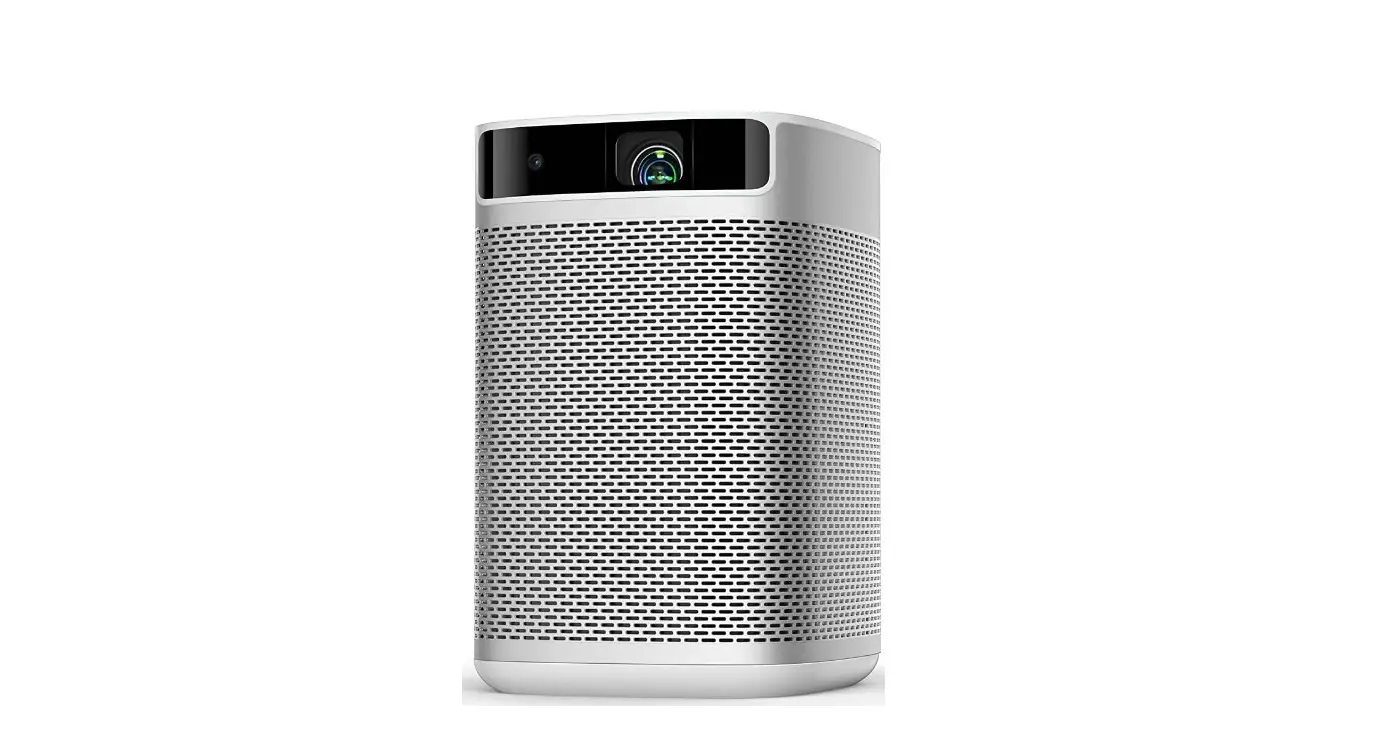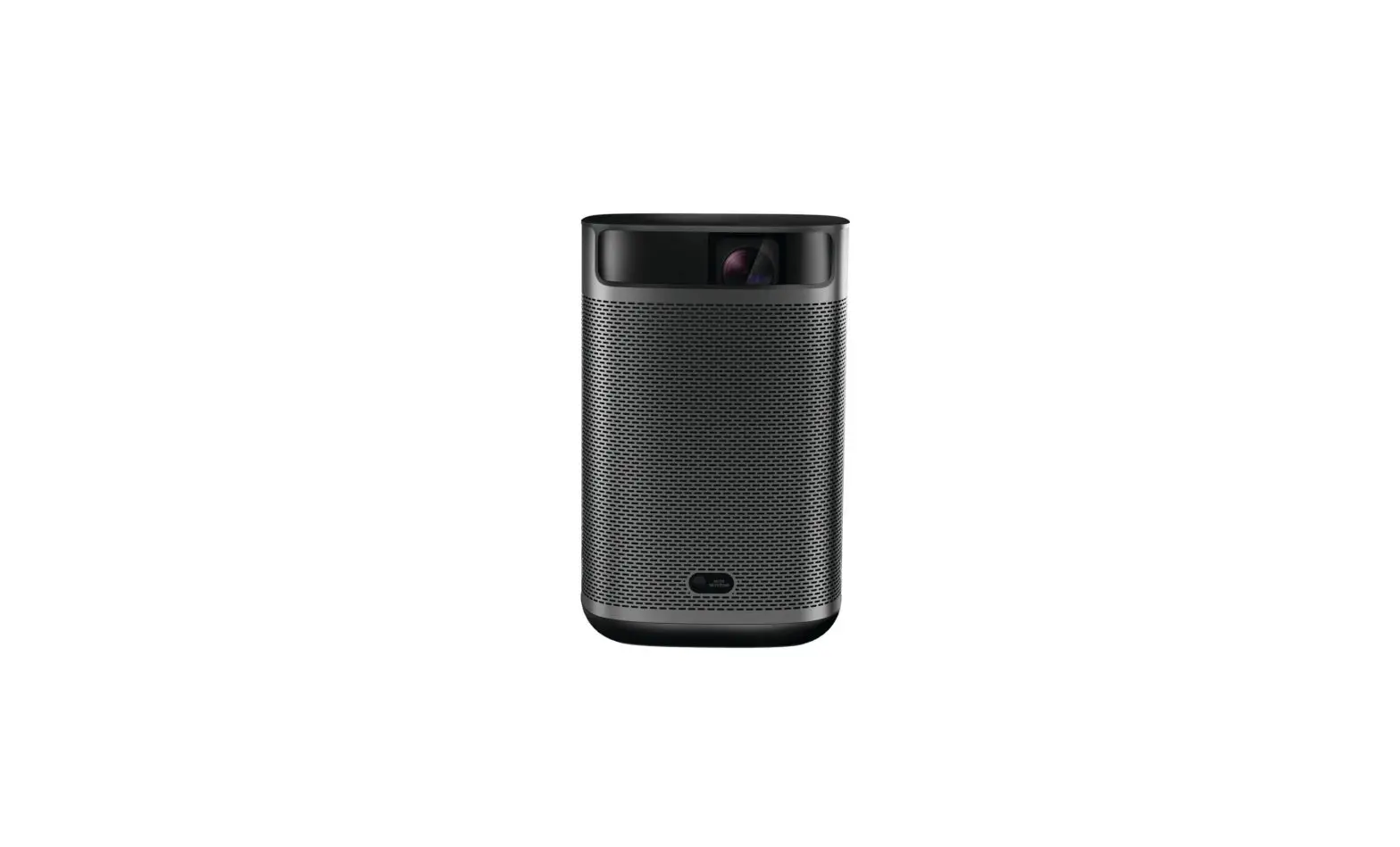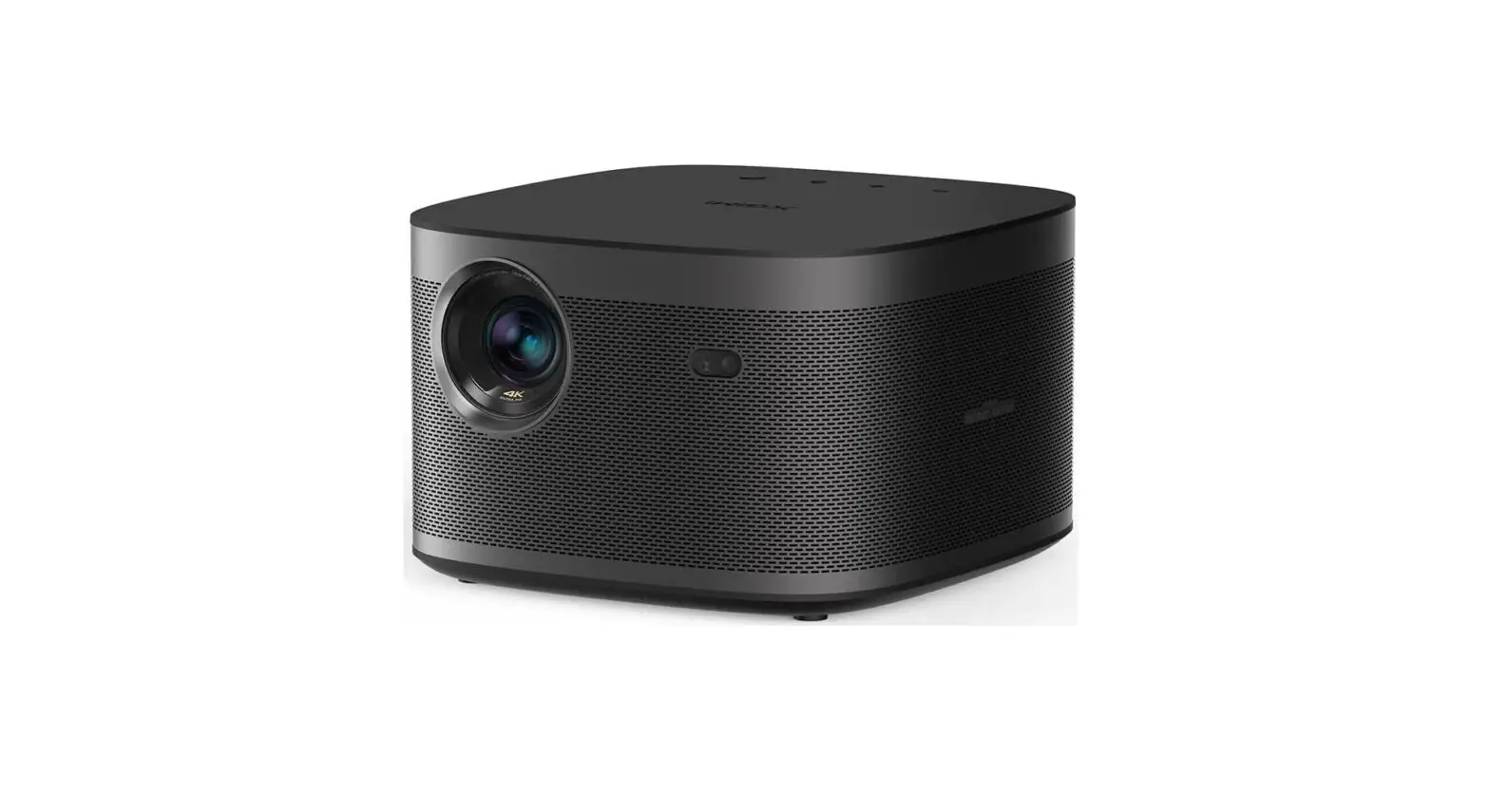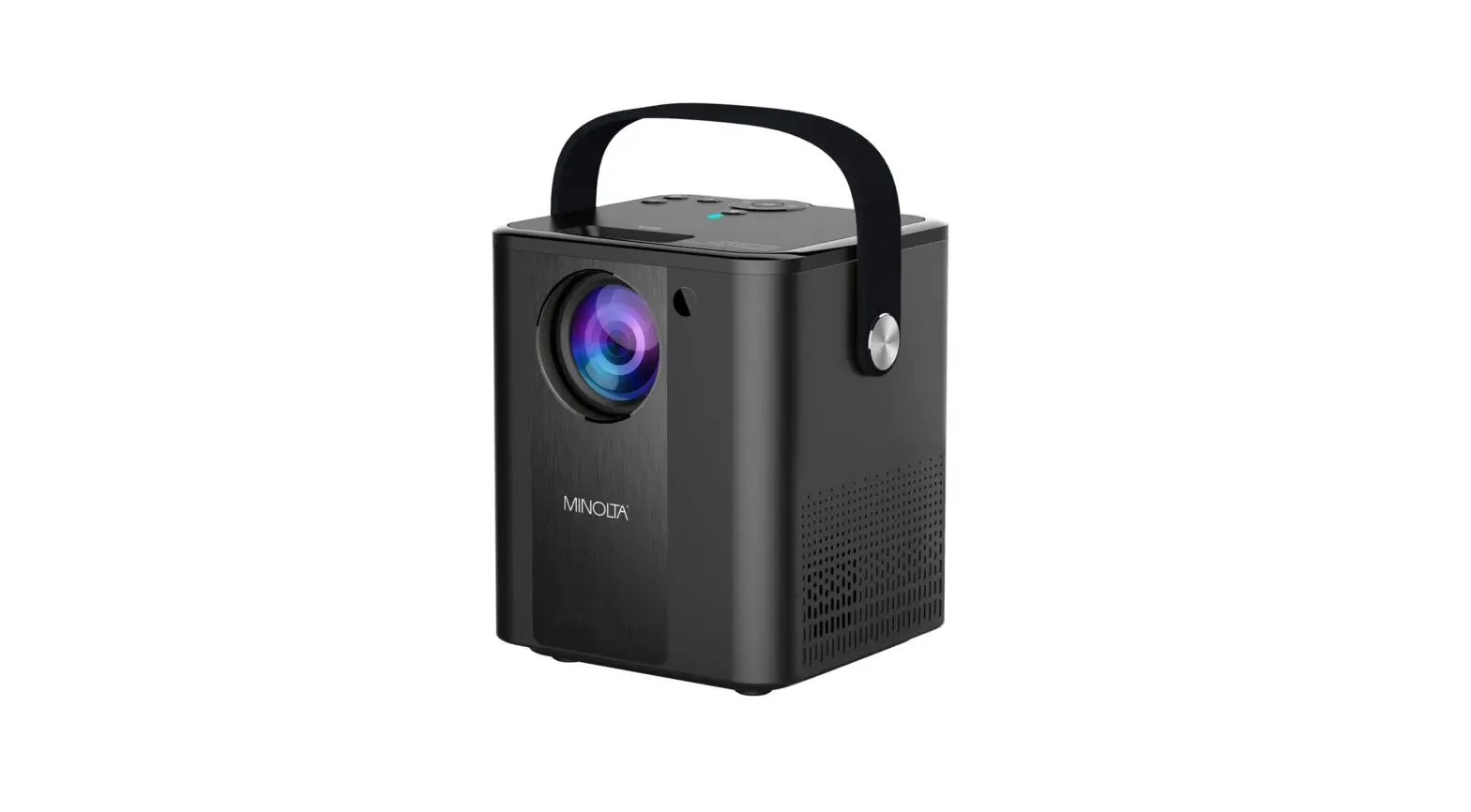
 MoGo Pro Smallest 1080P Android TV Portable Projector
Installation Guide
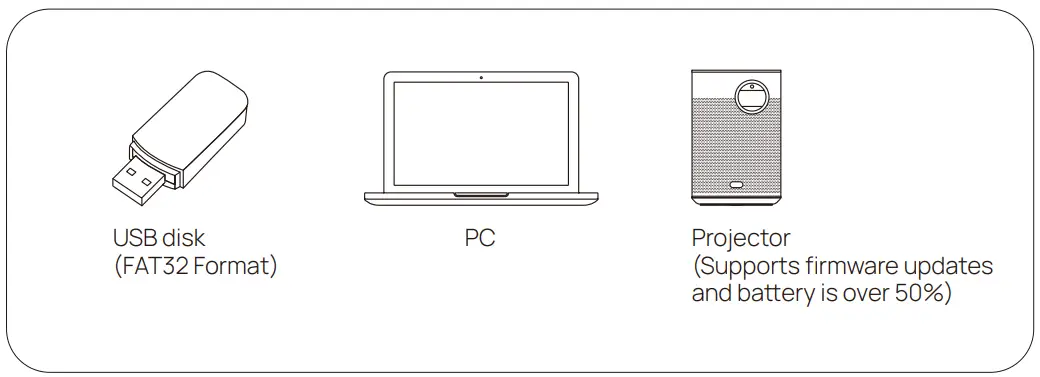
Necessary Components
Update Steps:
How to perform a force brush
- Charge the projector to over 50% and keep it plugged in;
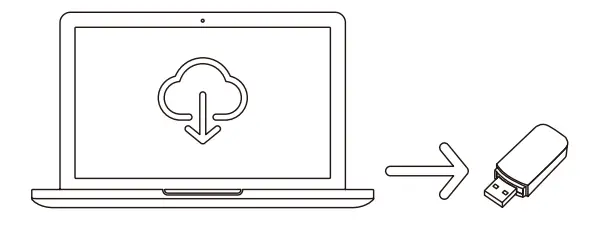
- Download the firmware via the provided link from a PC and copy it to any USB disk;
Note: (It should be formafied to FAT32)
- Please note: the firmware needs to be pasted to the root directory of the USB disk, not into any folders;
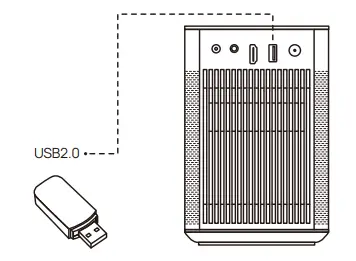
- Plug the USB disk into the projector; USB2.0

- When the projector is in Off mode (please don’t turn on the projector), long-press the “-” & “+” buttons on the projector at the same time for 5-7 seconds; release it when you hear the fan operating strongly.
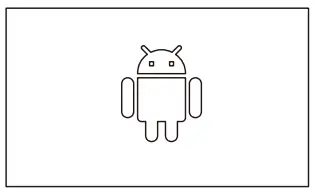
- You’ll see an Android robot and a progress bar; Then, the system will update automatically.