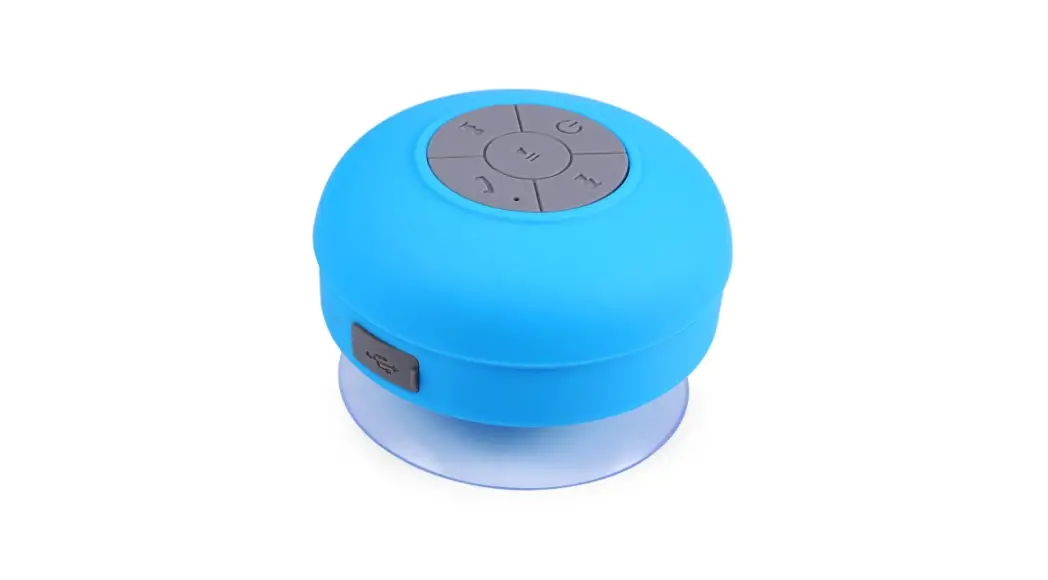
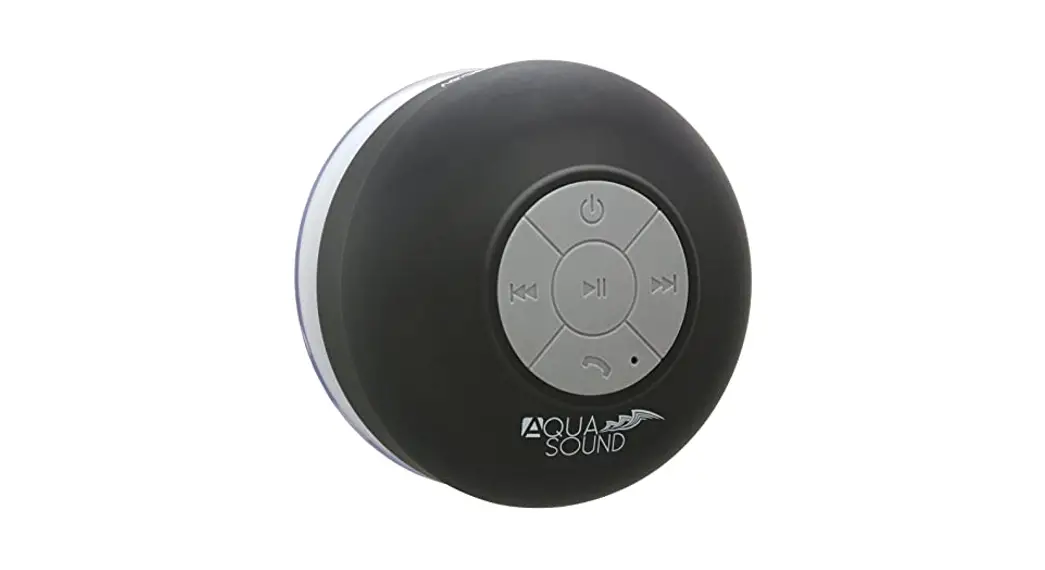
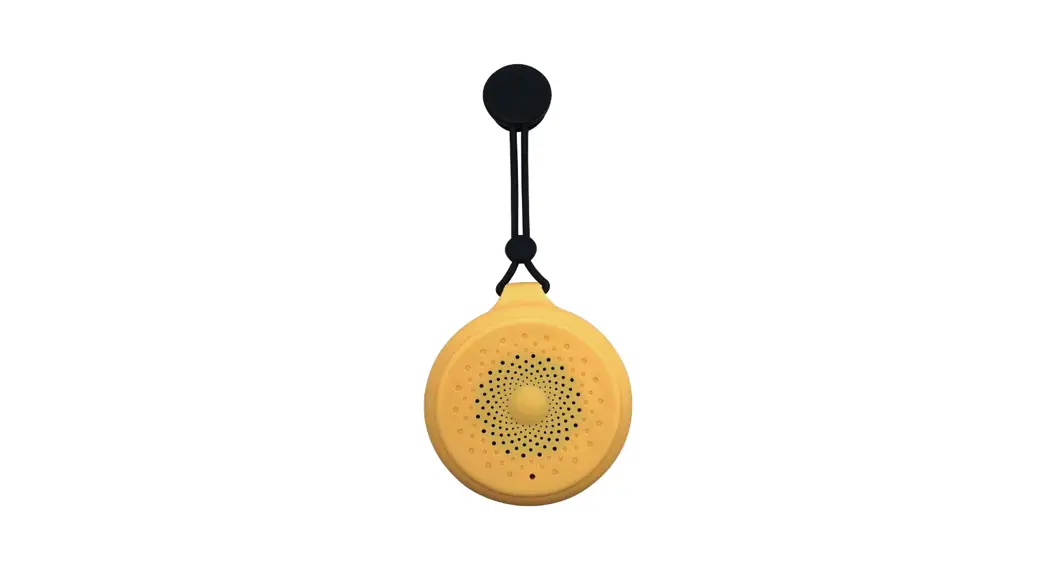
BTS06 Bluetooth Shower Speaker
Bluetooth Shower Speaker Instruction Booklet

Safety Instructions:
- Keep the device away from heat, direct sunlight and sharp
edges. - Keep the device away from naked flames.
- Do not insert any metal objects into the device. Risk of
shortcut.
Tips:
You can press Phone button twice quickly to redial the last
phone number.
This device complies with Part 15 of the FCC Rules, operation is
subject to the following two conditions: (1) This device may not
cause harmful interference, and (2) this device must accept any
interference received, including interference that may cause
undesired operation.

Product Overview:
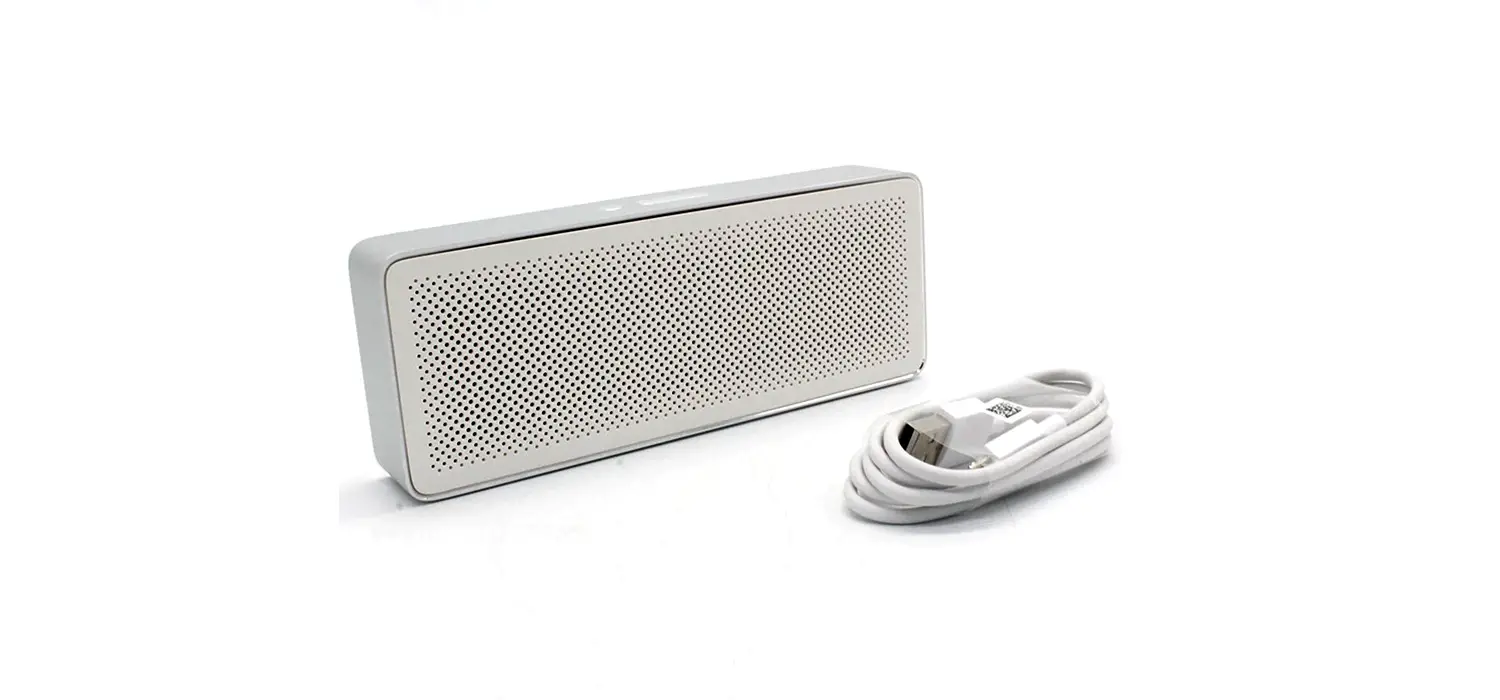
- Accessories Included: USB Charging cable.
- Charge Integrated Battery: This Bluetooth speaker is powered by
integrated rechargeable lithium battery. Charge the battery as
follows:- Insert the charging cable into the DC 5 V socket on the
unit. - Connect the USB plug into the PC or AC/DC adaptor. The LED
indicator turns red and the battery is being charged. - When the battery is fully charged, the red LED indicator goes
out.
- Insert the charging cable into the DC 5 V socket on the
- Pairing the BTS-06 to your phone or other devices:
- Activate the Bluetooth speaker’s pairing mode by pressing and
holding down the on/off button for about 6 seconds or until the red
LED or blue LED are flashing. Now the speaker is ready for
pairing. - Turn on your mobile phone and activate the Bluetooth
function. - Search for Bluetooth devices. BTS-06 will show up.
- Pair your device with BTS-06. If a password is needed, type in
0000. After BTS-06 is paired with your device, it is ready to
use. - Once this speaker is paired and connected to your mobile phone,
next time when you switch on this speaker, it will connect to your
mobile phone automatically as long as the Bluetooth in your mobile
is on.
- Activate the Bluetooth speaker’s pairing mode by pressing and
Product Usage Instructions:
To use the Bluetooth Shower Speaker, follow these steps:
- Charge the integrated rechargeable lithium battery by inserting
the charging cable into the DC 5 V socket on the unit and
connecting the USB plug into the PC or AC/DC adaptor. The LED
indicator turns red and the battery is being charged. When the
battery is fully charged, the red LED indicator goes out. - To pair the speaker to your device, activate the Bluetooth
speaker’s pairing mode by pressing and holding down the on/off
button for about 6 seconds or until the red LED or blue LED are
flashing. Turn on your mobile phone and activate the Bluetooth
function. Search for Bluetooth devices and select BTS-06. If a
password is needed, type in 0000. After BTS-06 is paired with your
device, it is ready to use. - Once the speaker is paired and connected to your mobile phone,
you can play music or take calls through the speaker. The Phone
button can be pressed twice quickly to redial the last phone
number.
Note that the device should be kept away from heat, direct
sunlight, sharp edges, and naked flames. Do not insert any metal
objects into the device as there is a risk of shortcut.
Bluetooth Shower Speaker Instruction Booklet
ARTWORK 1
SPEAKER USER MANUAL
DC5V
SIDE 1
Safety Instructions: 1) Keep the device away from heat, direct sunlight and sharp edges
2) Keep the device away from naked flames
3) Do not insert any metal objects into the device. Risk of shortcut
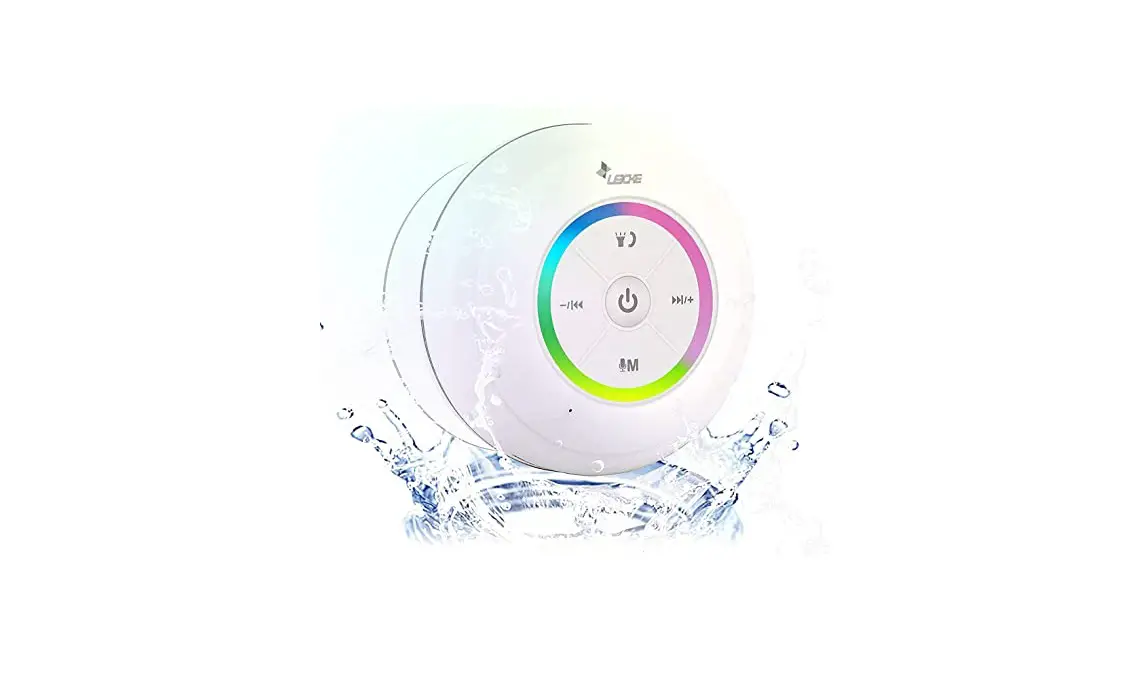
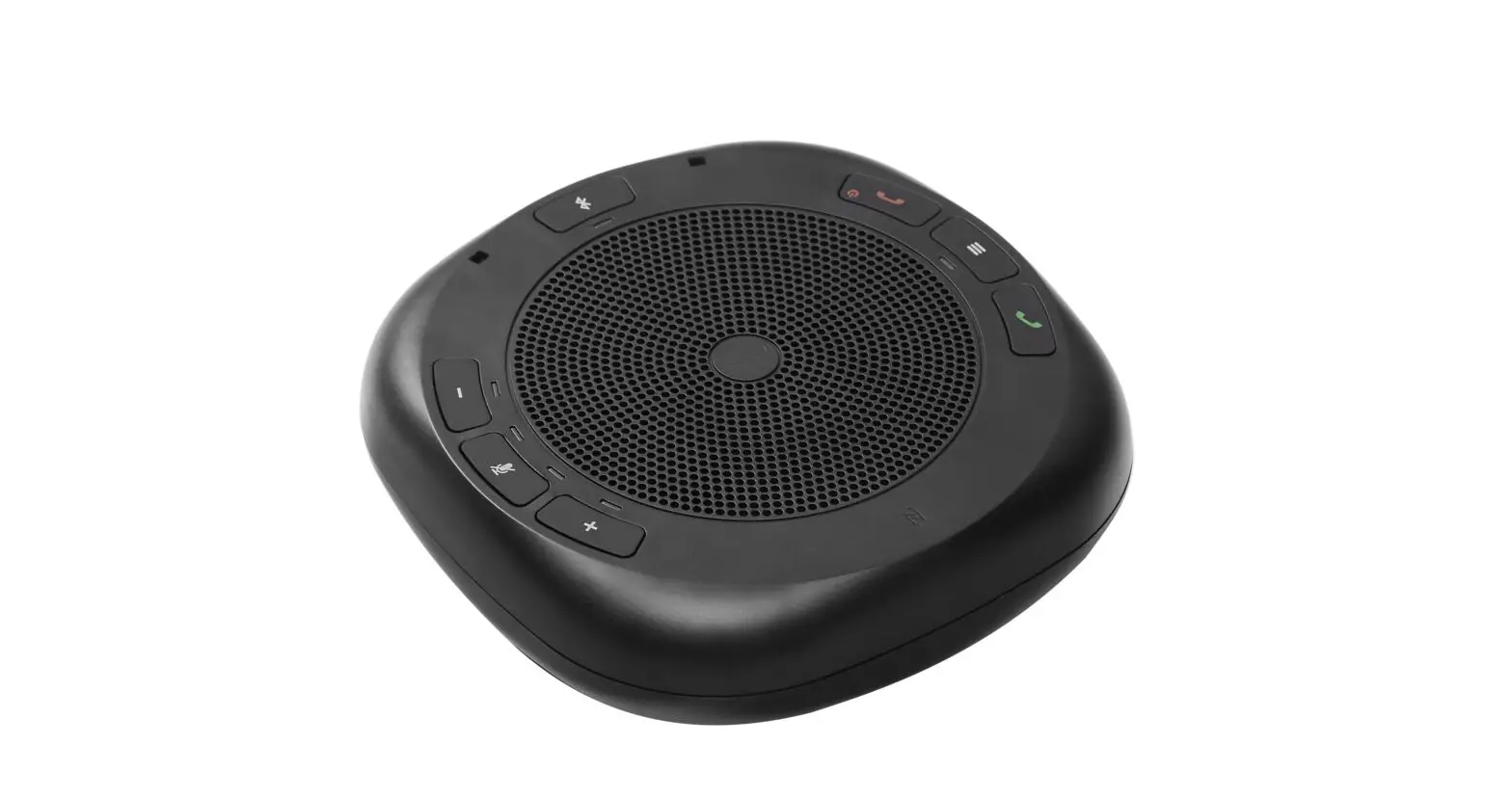
Button Descriptions On/off: to Switch on or off the unit Short press for the previous song. Long press for turning down the volume Short press for the next song. Long press for turning up the volume To pick up or hang up a phone call Play/Pause the music
Tips: You can press Phone button twice quickly to redial the last phone number.
This device complies with Part 15 of the FCC Rules, operation is subject to the following two conditions: (1) This device may not cause harmful interference, and (2) this device must accept any interference received, including interference that may cause undesired operation.
WIDTH = 76mm
WIDTH = 152mm
PRINT COLOUR BLACK
STEP 3
HEIGHT =89mm HEIGHT =89mm
ARTWORK 2
Product overview
DC5V
SIDE 2
Accessories Included: 1) USB Charging cable
Charge Integrated Battery: This Bluetooth speaker is powered by integrated rechargeable lithium battery. Charge the battery as follows: 1) Insert the charging cable into the DC 5 V socket on the unit. Connect the USB plug into the PC or AC/DC adaptor. The LED indicator turns red and the battery is being charged. 2) When the battery is fully charged, the red LED indicator goes out.
Pairing the BTS-06 to your phone or other devices: Activate the Bluetooth speaker’s pairing mode by pressing and holding down the on/off button for about 6 seconds or until the red LED or blue LED are flashing. Now the speaker is ready for pairing.
TIPS: 1) Turn on your mobile phone and activate the Bluetooth function.
2) Search for Bluetooth devices. BTS-06 will show up.
3) Pair your device with BTS-06. If a password is needed, type in “0000”. After BTS-06 is paired with your device, it is ready to use.
4) Once this speaker is paired and connected to your mobile phone, next time whem you switch on this speaker, it will connect to your mobile phone automatically as long as the Bluetooth in your mobile is on.
WIDTH = 76mm
WIDTH = 152mm