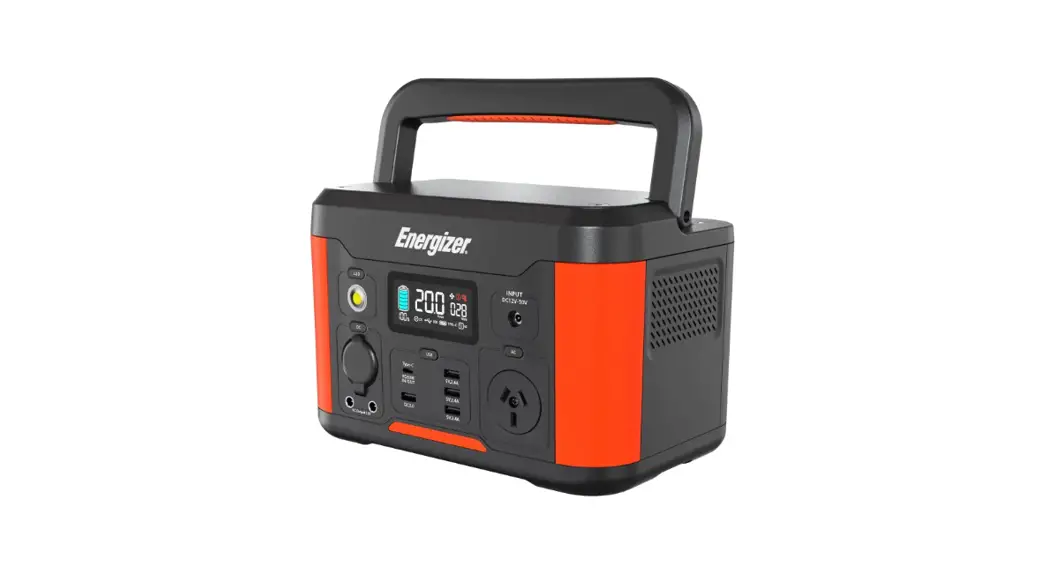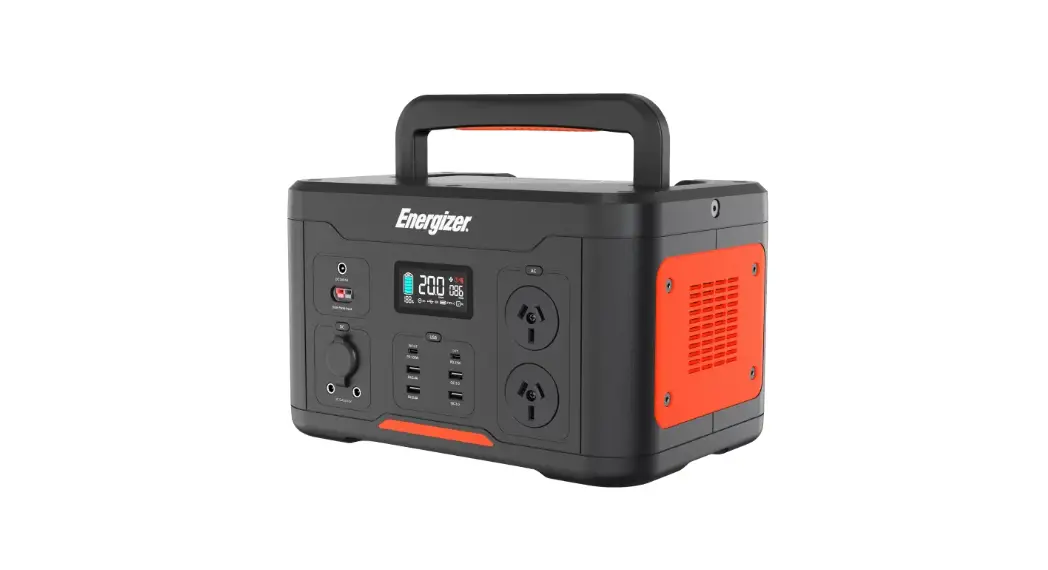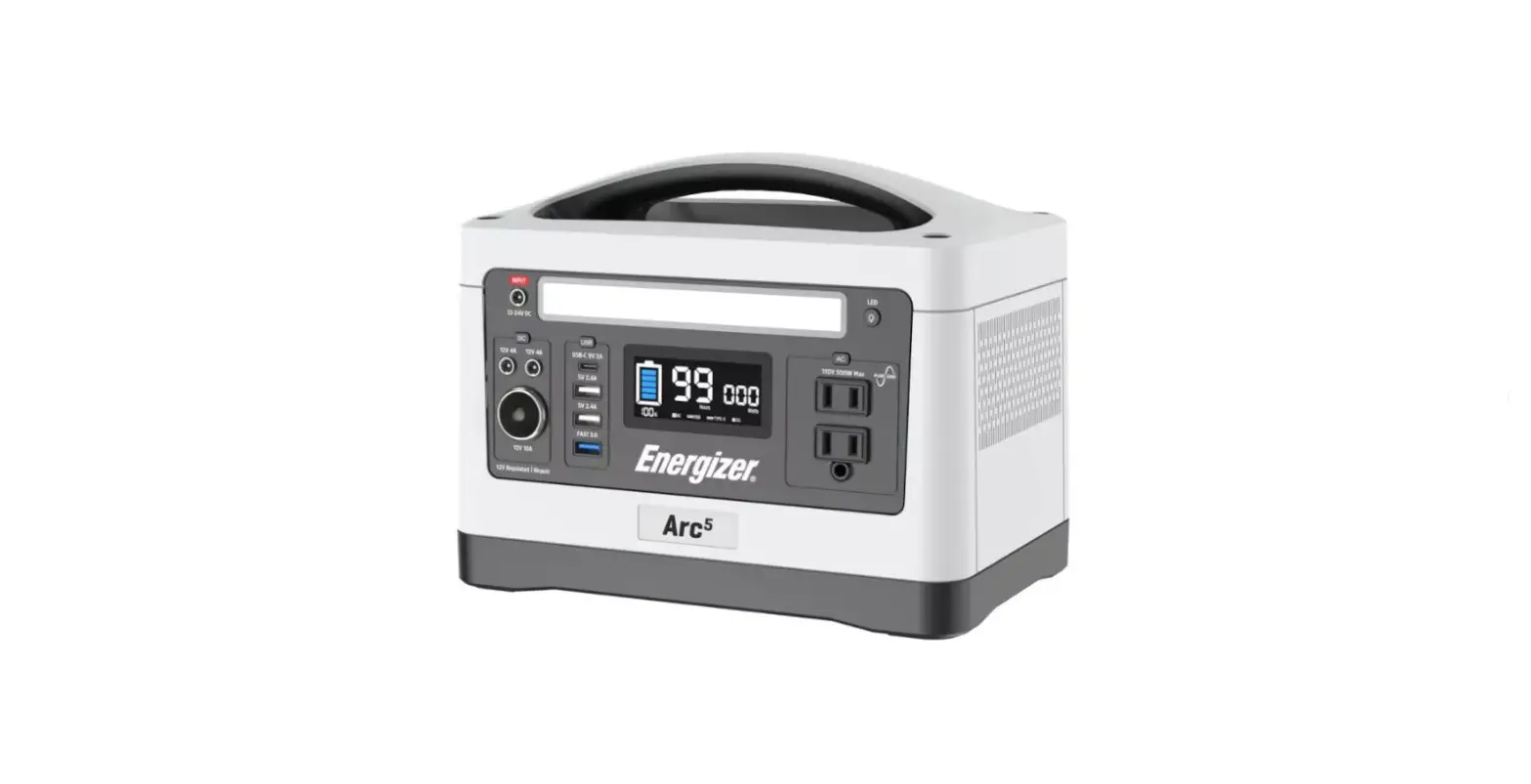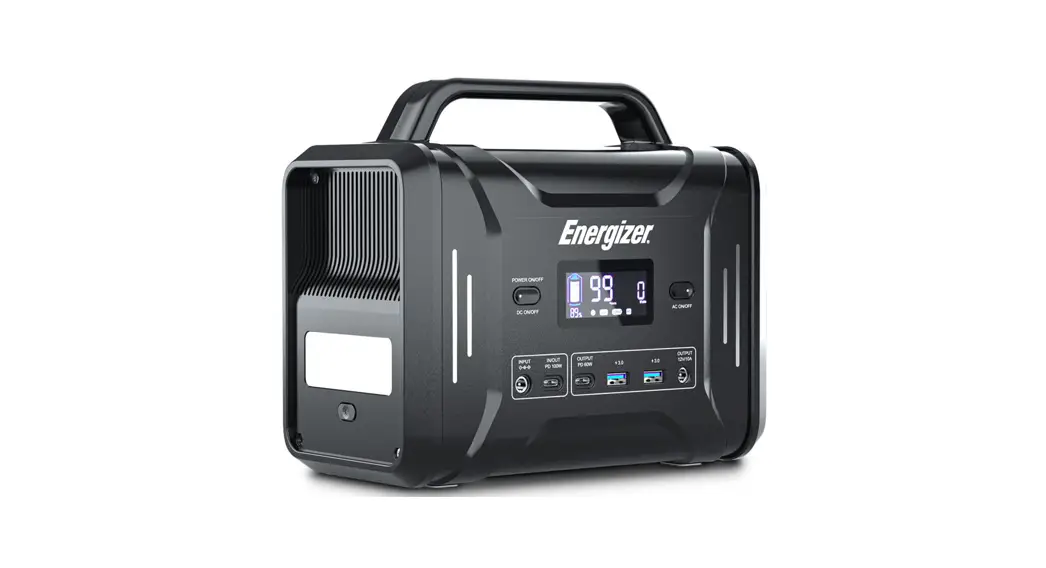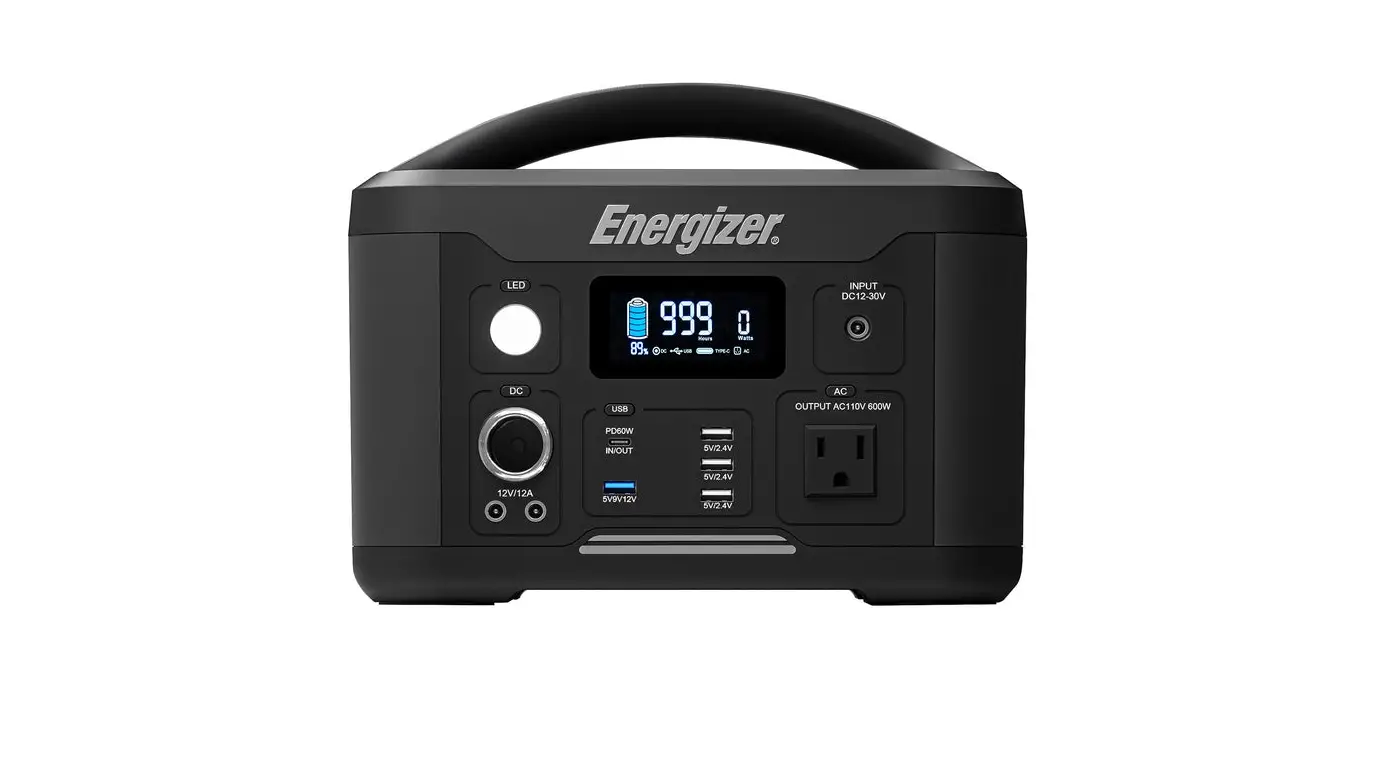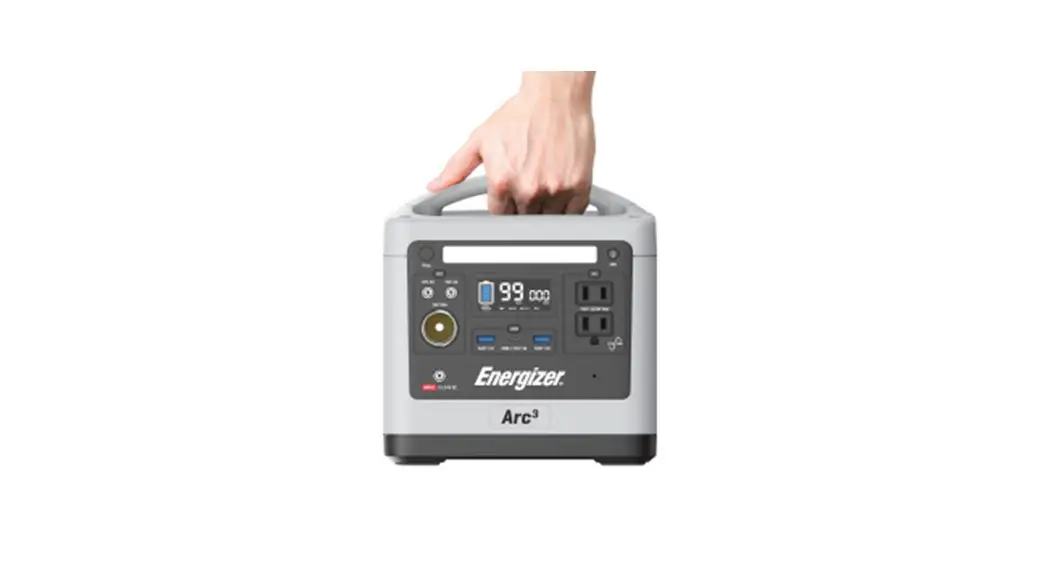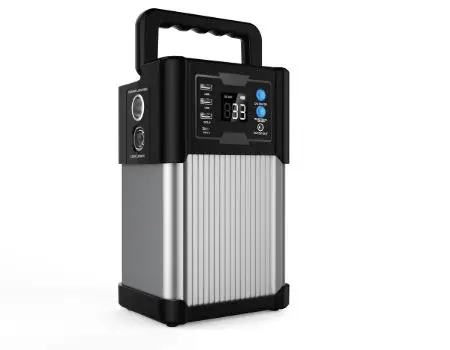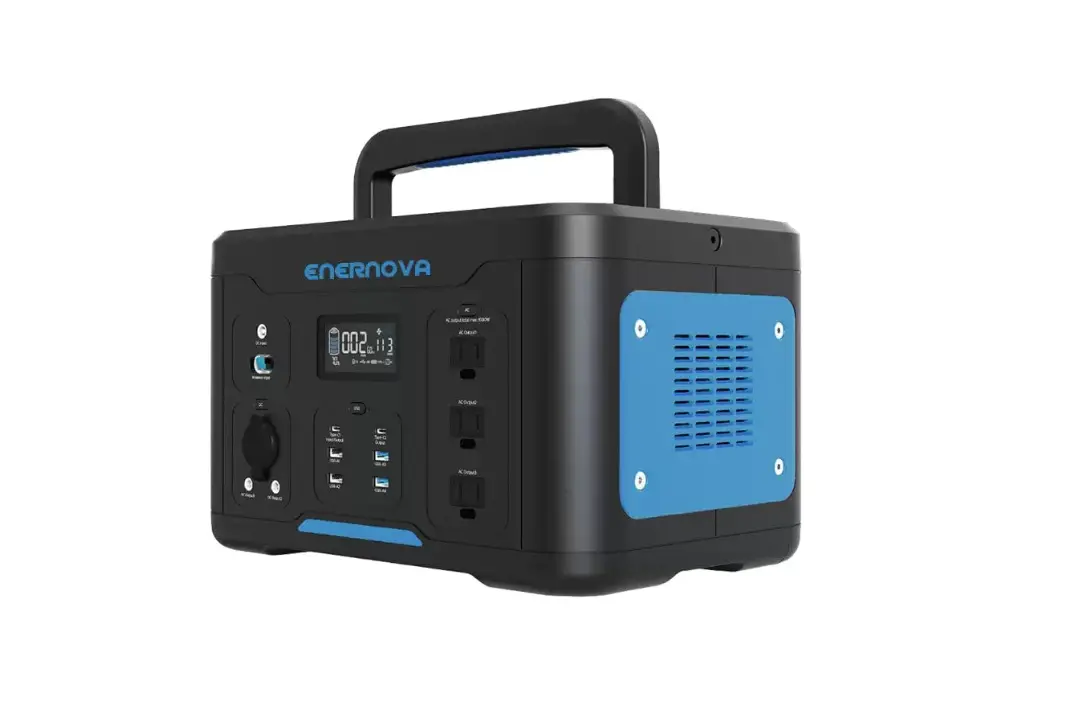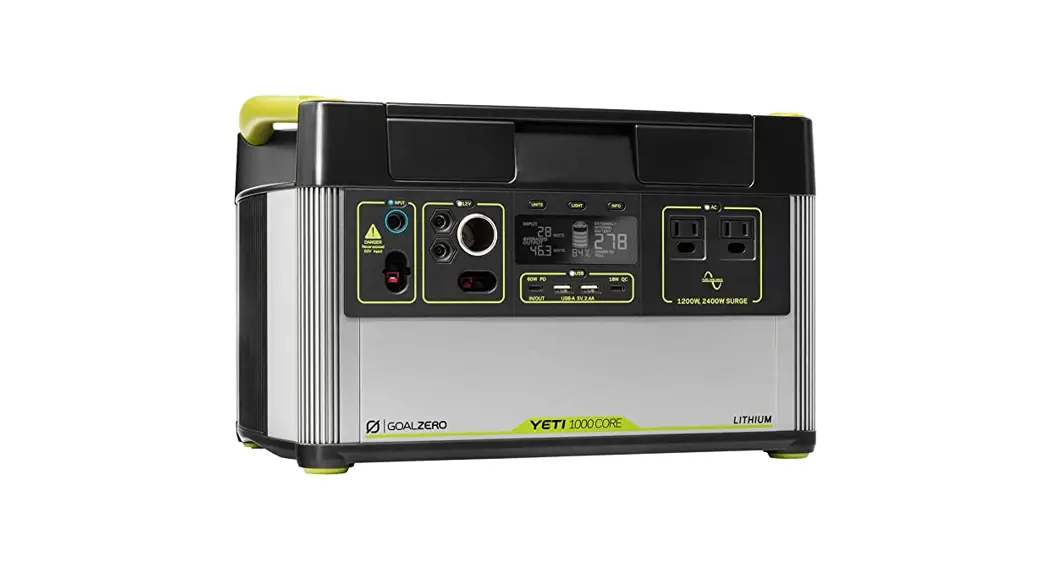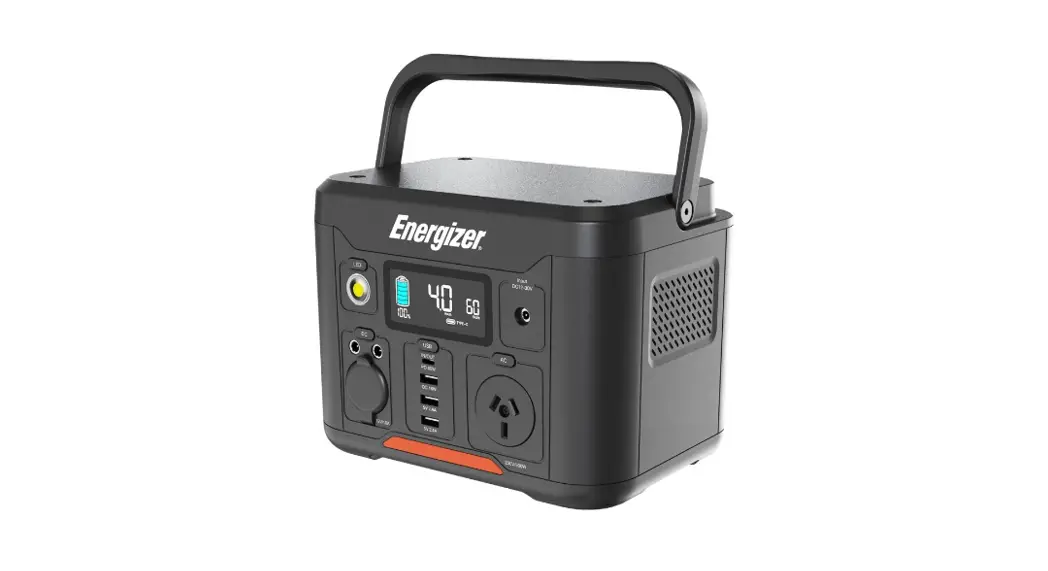
 Everest 300 Portable Power Station
User Guide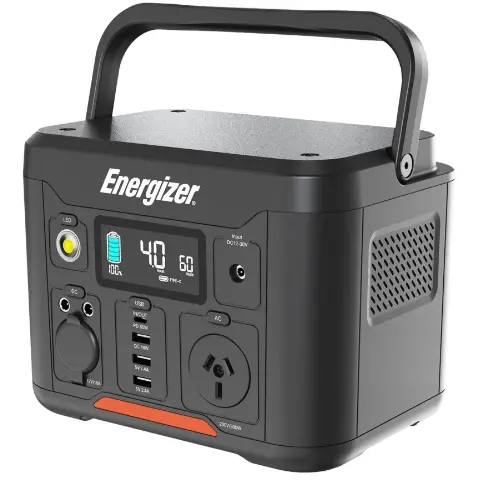 Portable Power Station
Everest 300
User Guide
What’s in the box
1 x Everest 300
1 x Car charger cable
1 x AC adapter
1 x User guide
Important information
Please read the user guide and follow all instructions carefully before using this product.
- Do not let children use the power station unless they are under close supervision by an adult at all times.
- Please store the product in a dry and ventilated area to avoid any damage.
- Please disconnect devices from the power station when not in use.
- Do not expose the product to fire or excessive temperatures.
- Do not disassemble the product. It may cause fire, explosion, electrocution, injury and unpredictable risks.
- Do not use the product with damaged wires or plugs, or damaged output cables. It may cause electric shock.
Product layout
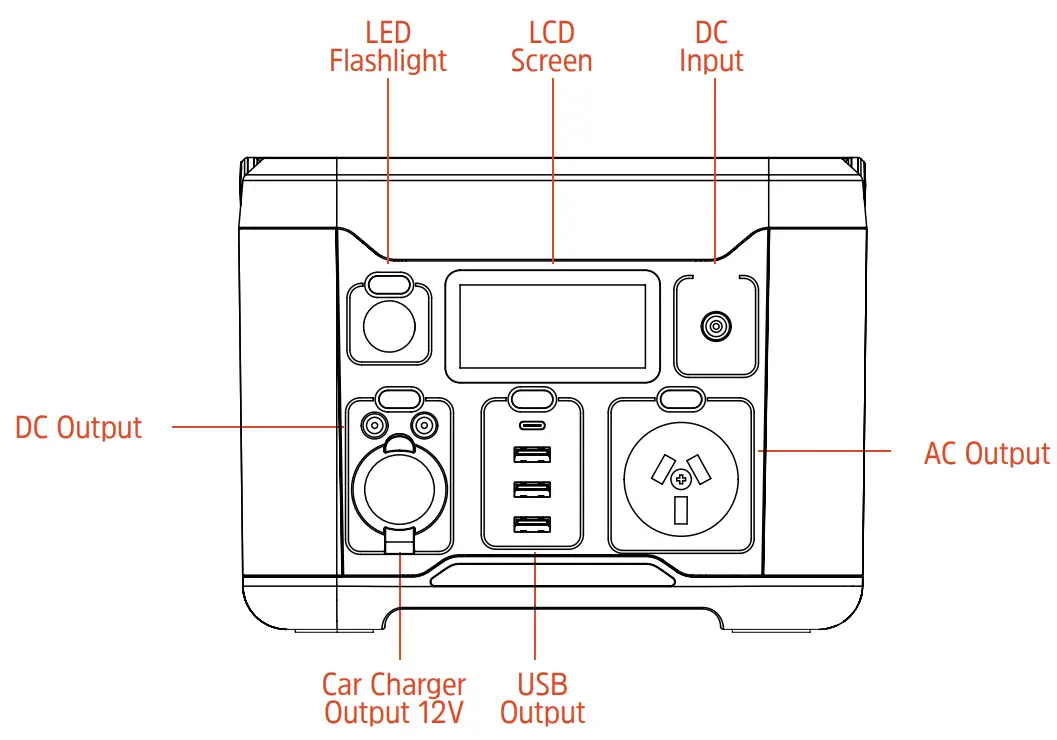 LCD screen
LCD screen will display charge and discharge. When product is in use, it will display the remaining power.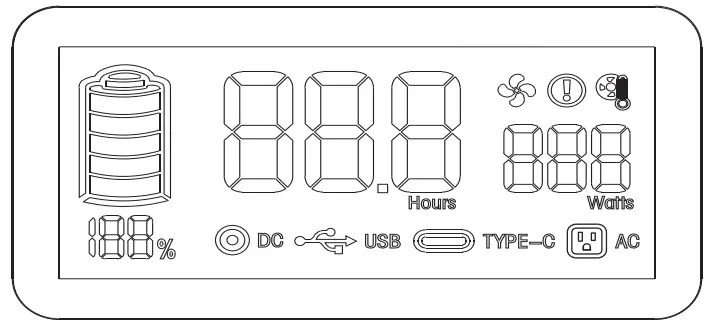
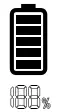 | The current charge capacity of the product is displayed as a percentage (%) |
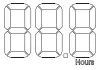 | The estimate usage time remaining at current power output |
 | The current total output power |
 | Press DC for DC outlet function |
 | Press USB for USB outlet function |
 | Press USB and plug Type-C cable for Type-C outlet function |
 | Press AC for AC outlet function |
 | The fan is working if the temperature is over 40°C |
 | Overload warning |
 | Inverter temperature warning of the inverter. Temperature range 90°C~95°C |
LED flashlight
Press once for low light, press twice for bright light, press three times for SOS, press four times to turn off the light.
DC input
- Supports AC adapter charging
- Supports car charger charging
- Supports Solar Panel charging (12-30V)
Instructions
How to use the product:
- Plug in your devices and press the button associated with the selected output outlet.
- When the outlet icon appears on the LCD screen, the output outlet will turn on for charging your device.
- The continuous AC output outlet can only charge/power devices the operate at less than 300 Watts. Once this limit is exceeded, the product will turn off automatically.
- To save power, the AC outlet output will turn off automatically after 30-45 minutes of power output of less than 2 Watts.
- To save power, the DC outlet and car charger outlet will turn off automatically after 8 hours of power output of less than 3 Watts.
- If the product is not used for an extended period, it should be recharged every 3 months and the charge capacity kept between 60% to 80%. Please store in a cool and dry place.
Note
Press the AC/DC or USB button to turn off the output. Save charge capacity by turning off power outputs when not in use.
What can it power
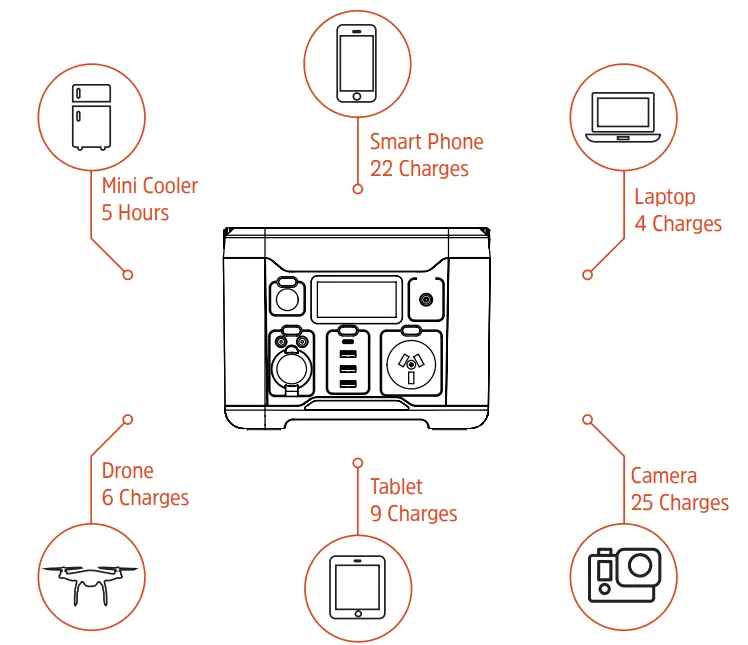 *The above figures are estimates only, based on average device power requirements and conditions.
Actual results will vary depending on the specific devices used and prevailing conditions.
Charging method
Before using or storing the product, plug the product into a wall charger until it is fully charged. The LCD screen will display the current charge and when it displays 100% it
means it is fully charged.
 | Wall charger around 5-6 hours |
 | Car charger around 10-11 hours |
 | Solar Panels (optional) around 8 hours (depending on weather) |
*The above figures are indicative only. Actual results will vary depending on conditions.
Specifications
| Battery capacity | 20000mAh, 14.8V (296Wh) |
| DC output | 2 x 12V⎓5A – Total 10A |
| AC output | 230V/50Hz – 300W (110/60Hz – US Model) |
| DC input | DC12-30V |
| Car charger output | 12V⎓10A |
| USB output | 2 x 5V⎓2.4A, 1 x QC3.0, 18W |
| Type-C input/output | PD60W |
| Inverter | Pure sine wave |
| Battery | Lithium-Ion |
| Operating temperatures | 0° ~ 45° |
| Recharging temperatures | 0° ~ 45° |
| Weight | 8.6lbs (3.9kg) |
| Dimensions | 8.5 x 6.2 x 6.4in 215 x 158 x 162mm |
| Warranty | 24 months |
| Lifecycles | >800 cycles |
| Certifications | CE/FCC/UKCA/RoHS/RCM |
| Special features | Temperature control Surge protection Short circuit protection High current protection Low voltage protection |
 Warning
*Keep the product away from extreme heat or cold, as well as any flammable items or damp places. Also avoid dropping, hitting or throwing the product.
*Please fully charge your power station at least once every 3 months to avoid shortening its lifespan.
8 Star Energy Pty Ltd | 8 Star Energy ESS Ltd | 8 Star Energy North America Inc
AU – Level 35/477 Collins St, Melbourne VIC 3000 Australia | +69 1300 757 827
EU – The Black Church, St Mary’s Place, Dublin DO7 P4AX Ireland | +353 1 254 8222
US – 888 Prospect Street, La Jolla, California 92037 | +1 858 888 9255
© 2022 Energizer. Energizer and certain graphic designs are trademarks of Energizer Brands,
LLC and related subsidiaries and are used under license by 8 Star Energy Pty Ltd. All
other brand names are trademarks of their respective owners. Neither 8 Star Energy Pty Ltd
nor Energizer Brands is affiliated with the respective owners of their trademarks.