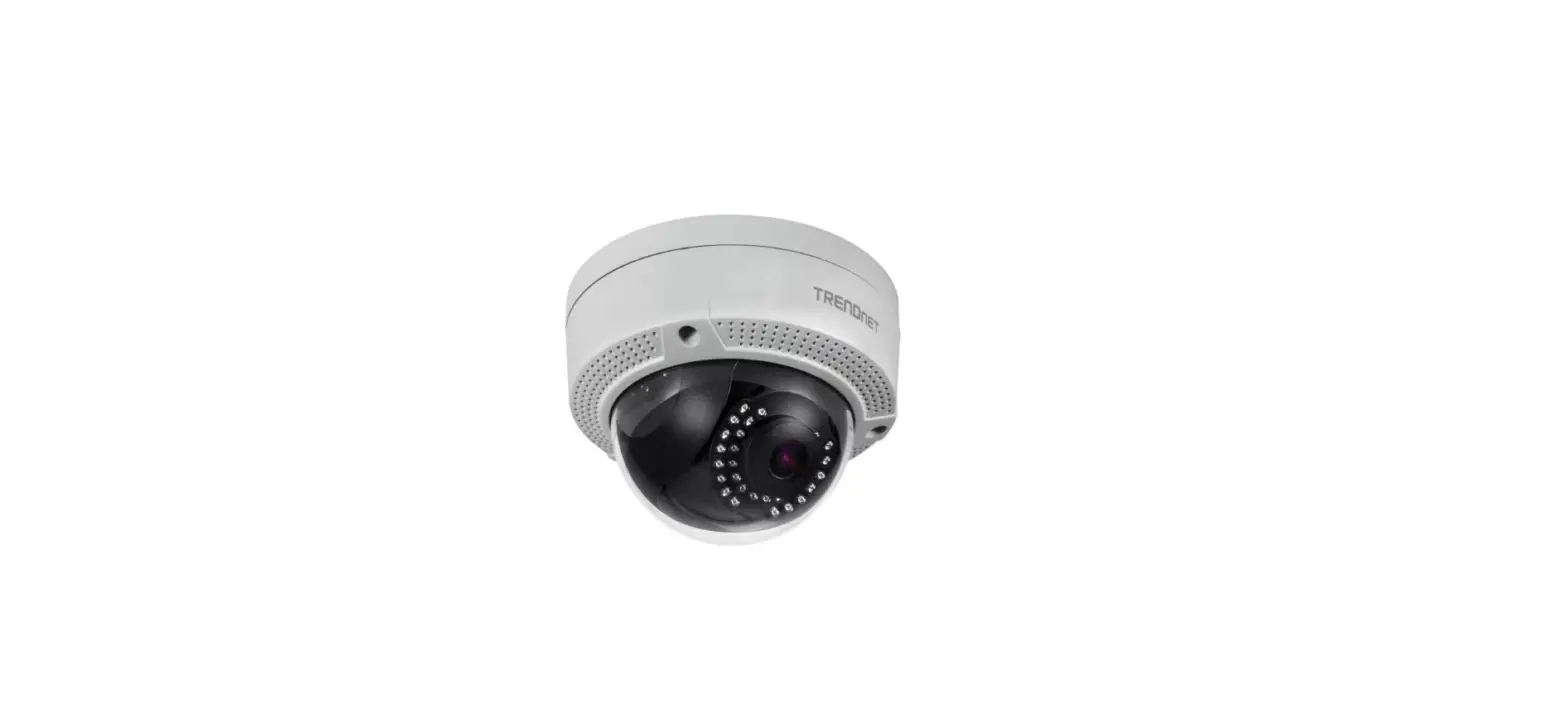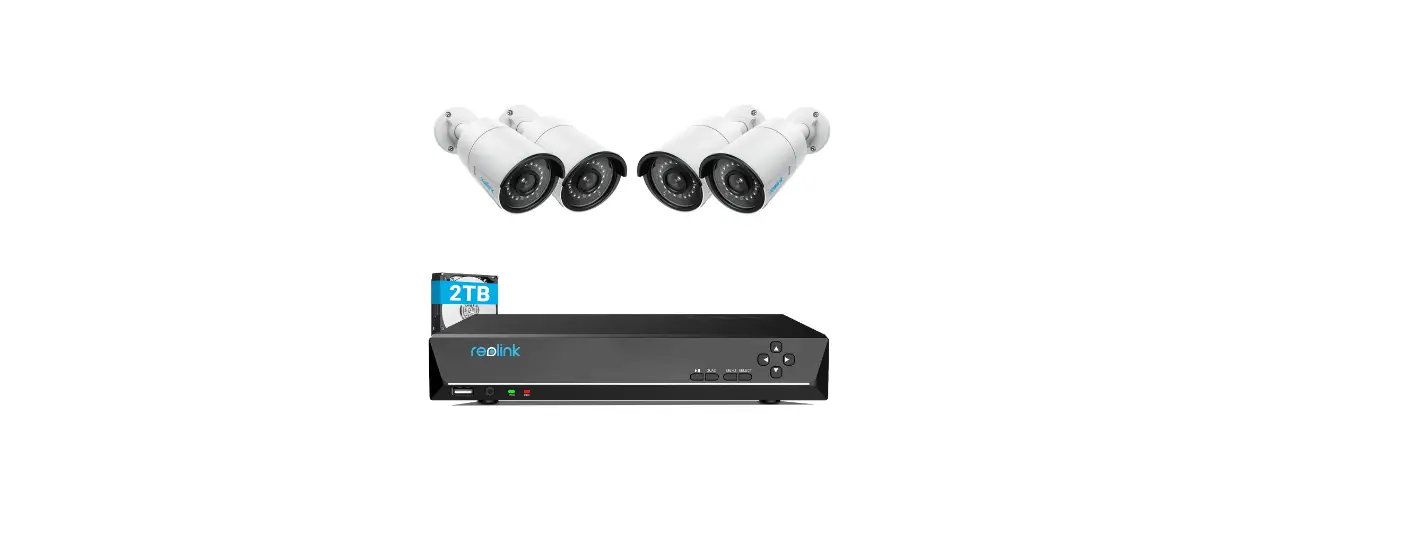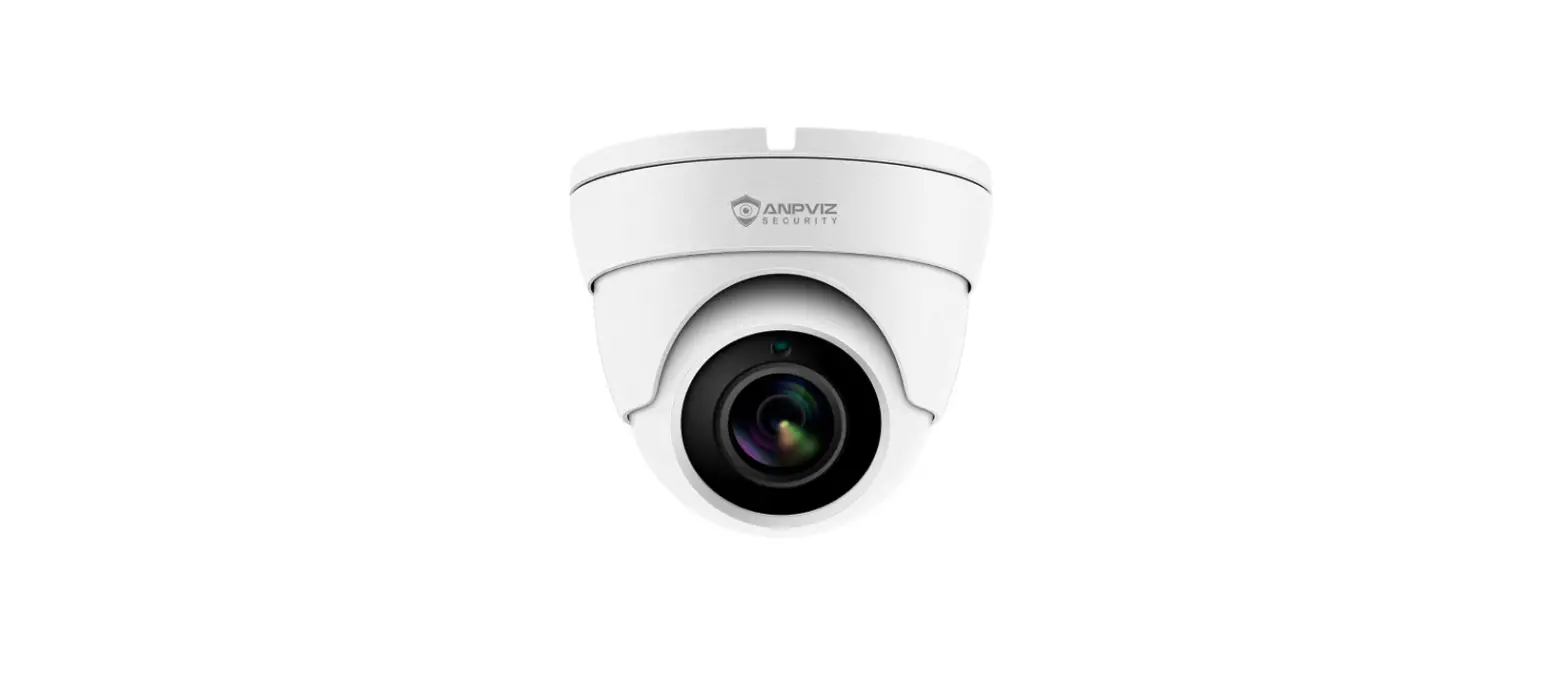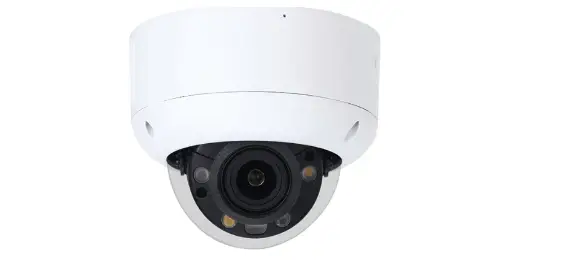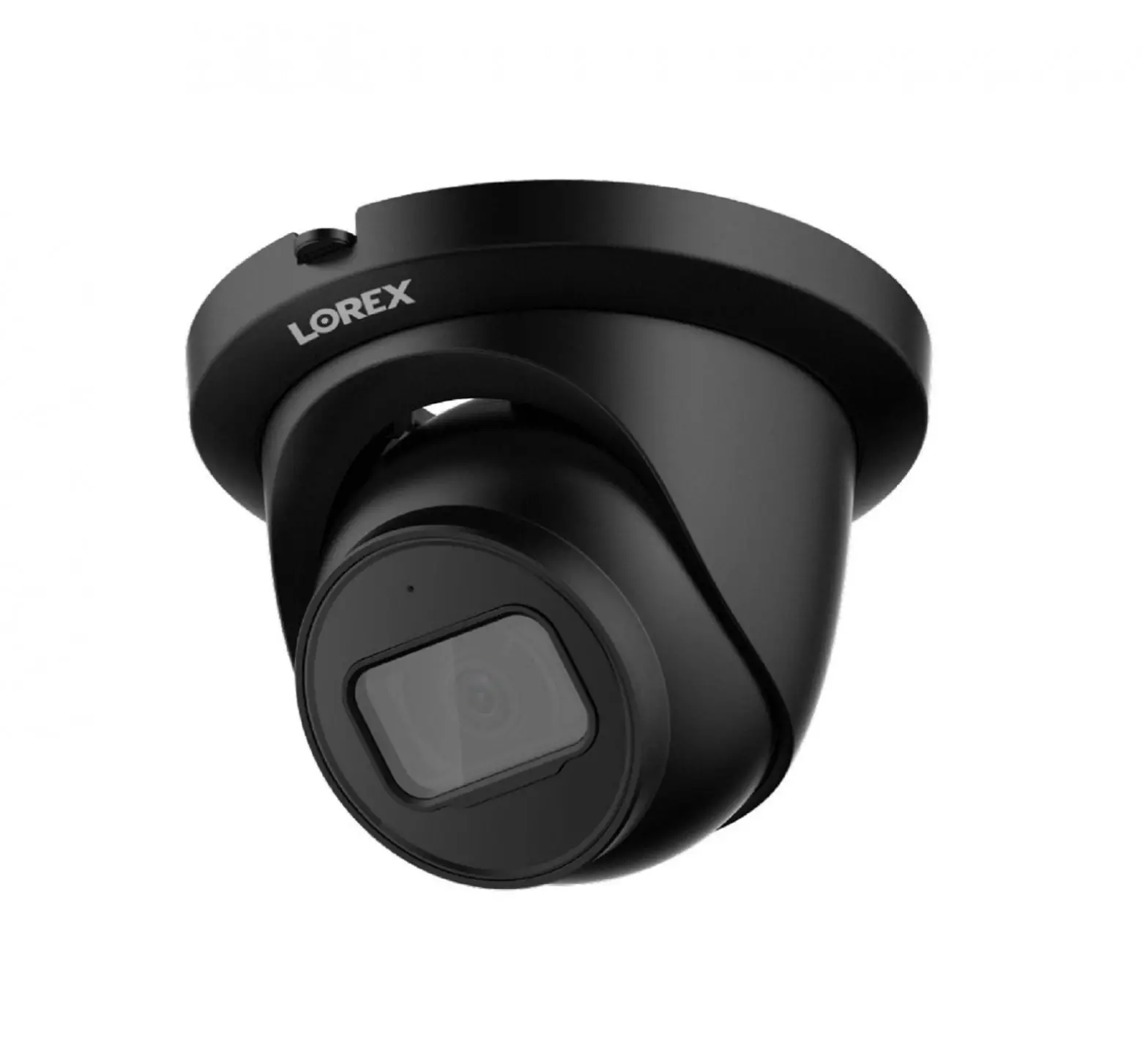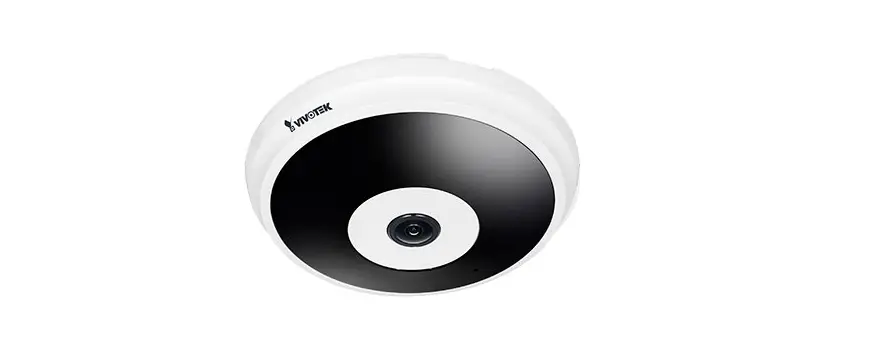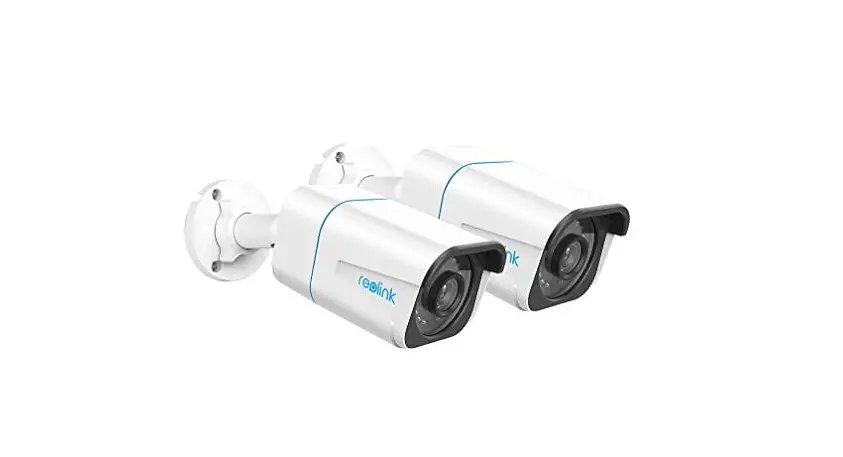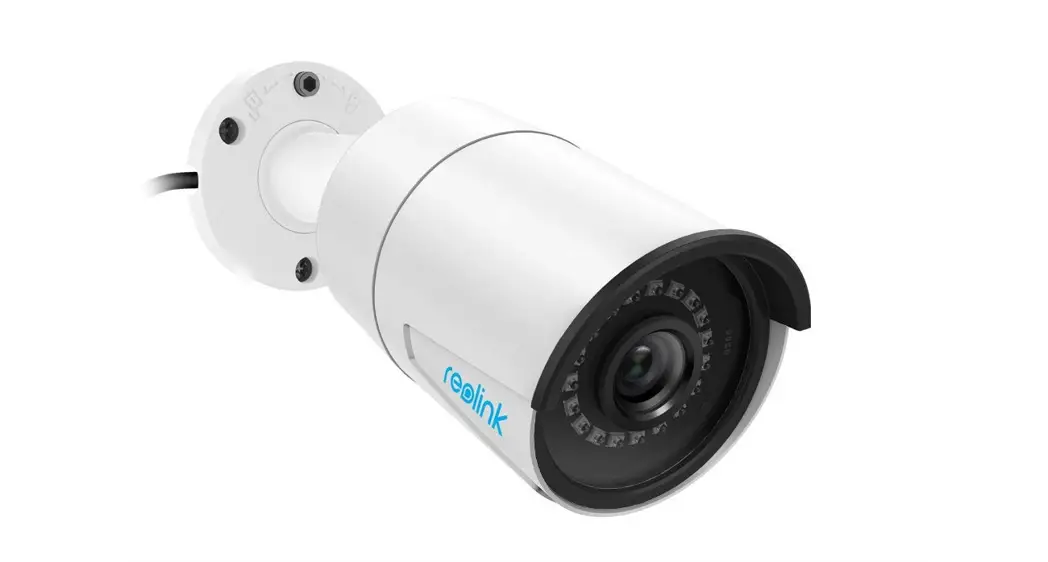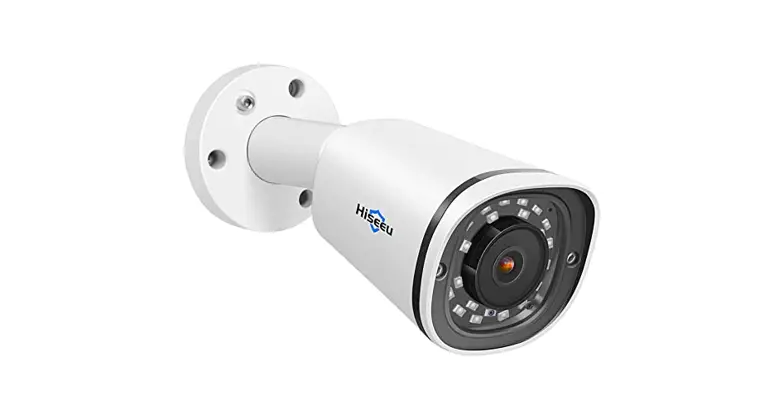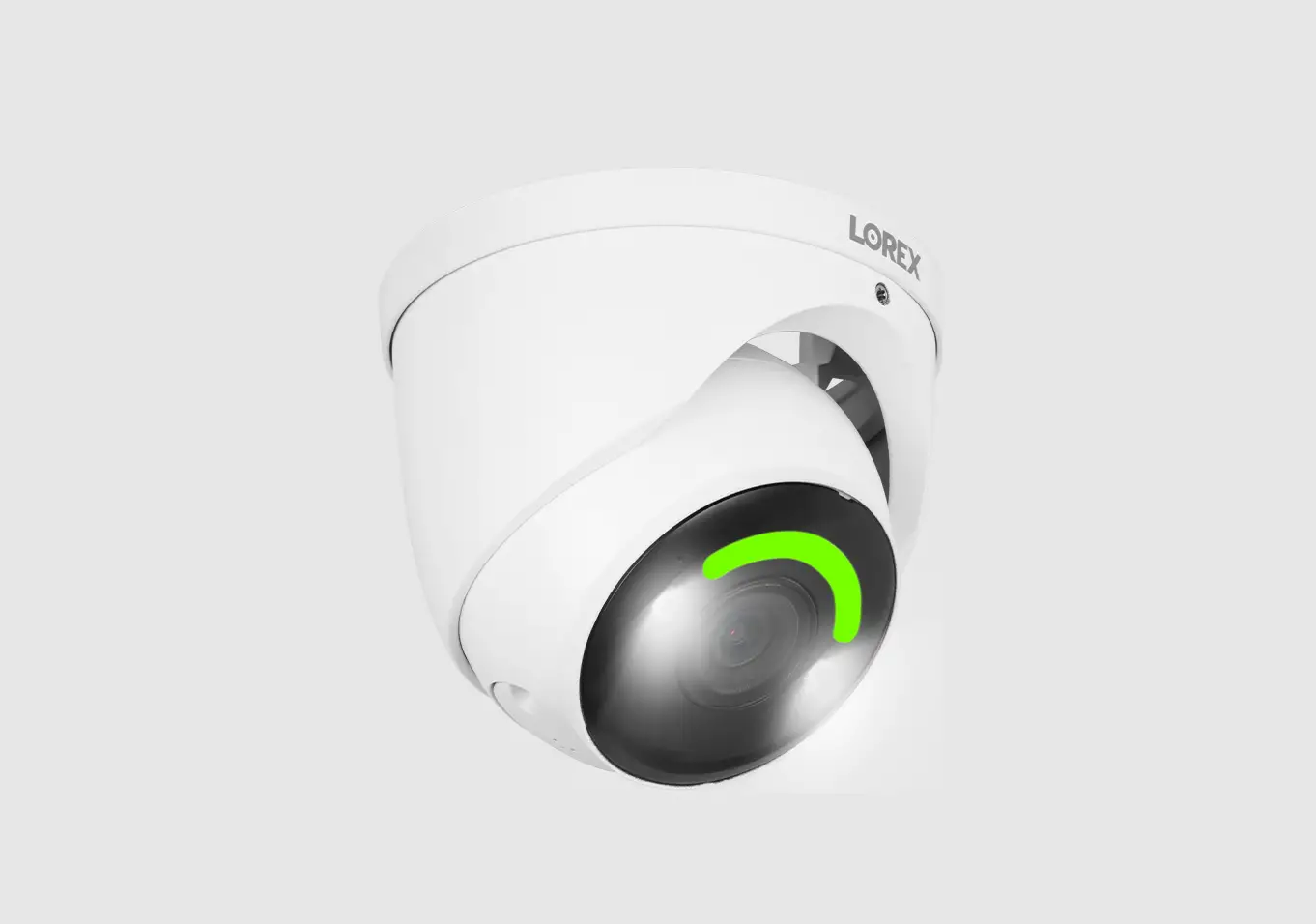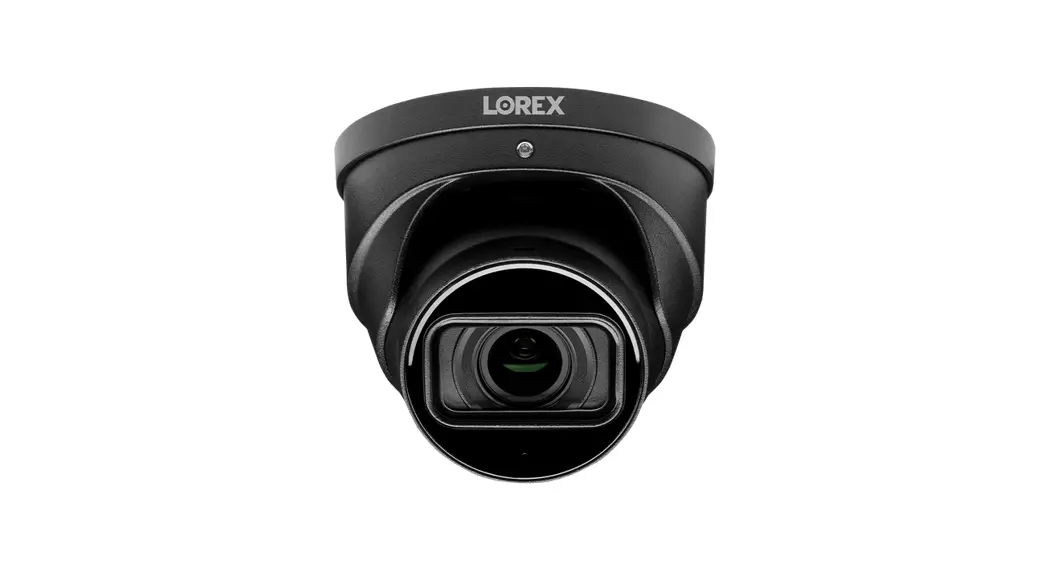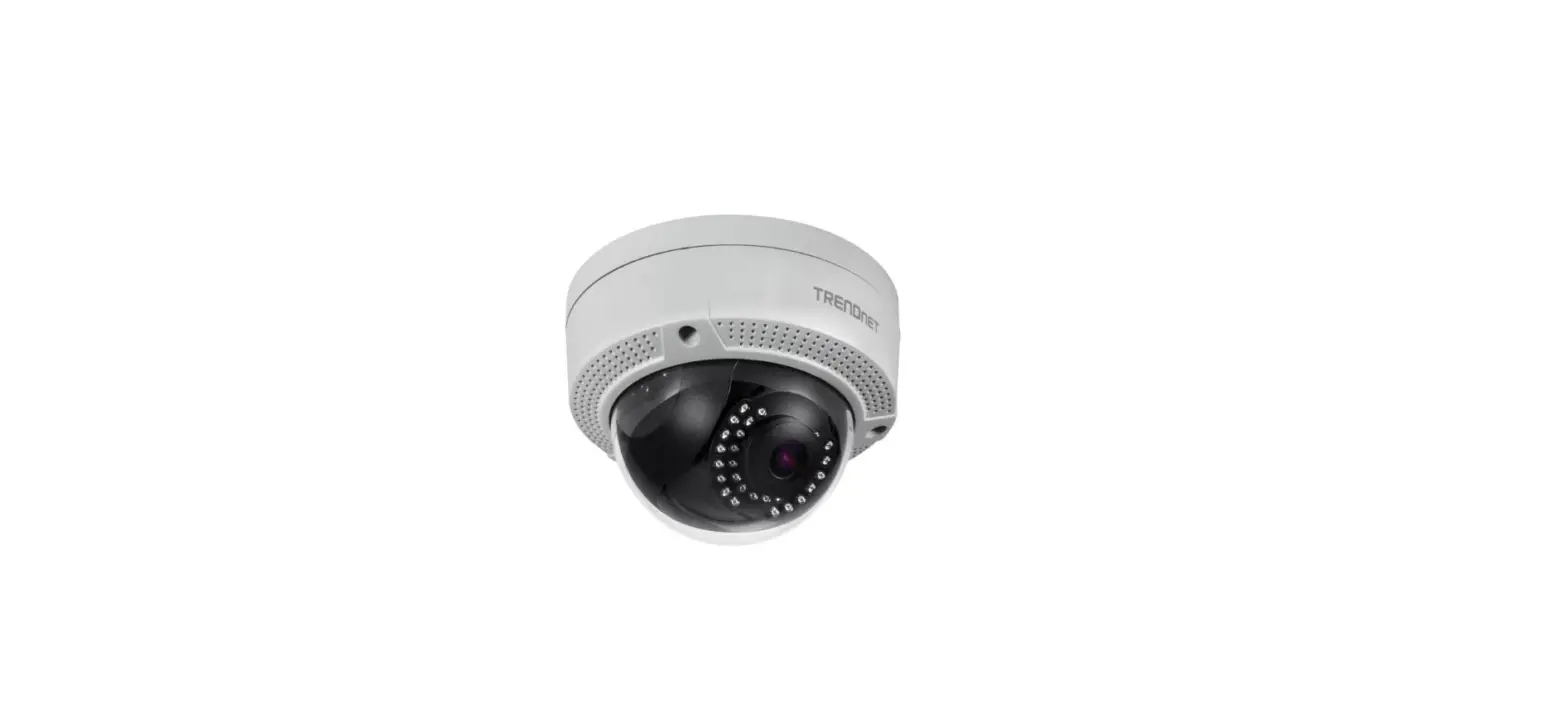

TRENDnet TV-IP1329PI PoE IR Dome Network Security Camera
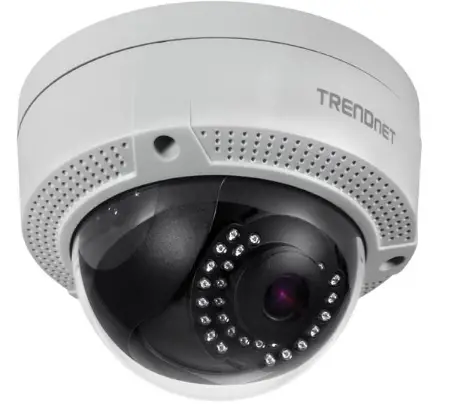
Before You Start
- Package Contents
- TV-IP1328PI / TV-IP1329PI
- Tone Security Allen Key (TV-IP1329PI only)
- Quick Installation Guide
- Weather Seal
Minimum Requirements
- An Android or iOS device
- Working internet service and Wi-Fi
- Existing PoE network
- Network cable
Supported Operating Systems
- Android (version 4.4 or above)
- iOS (version 8.2 or above)

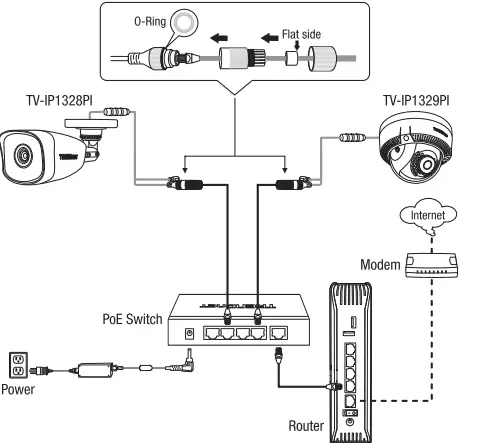
Using a PoE switch
Note:
- Connect the TV-IP1328PI / TV-IP1329PI to your network using an existing 802.Jaf/at compliant PoE switch or injector.
- For outdoor installation, please configure weather seal (included) per the diagram below, you will have to terminate the RJ-45 connector after the weather seal has been applied

Hardware Installation and Configuration
- Do not install or mount the IP camera until after you complete the installation steps below. Temporarily place the IP camera near you and connected to a network.
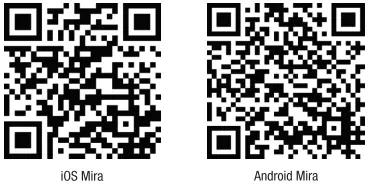
- Download and Install the TRENDnet Mira app on your mobile device, then open the app.

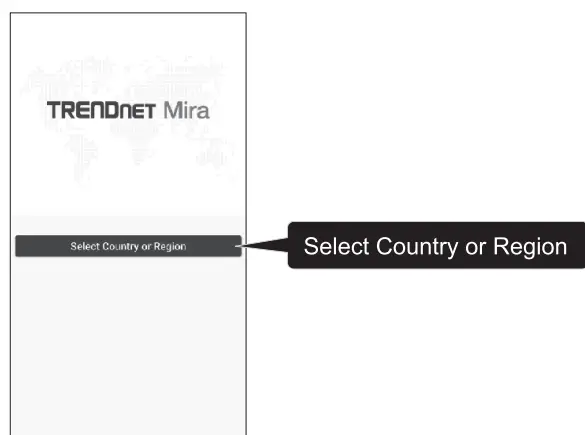
- Once you open the app, it will ask you to Select Country or Region. Please select your country or region and proceed to the login page

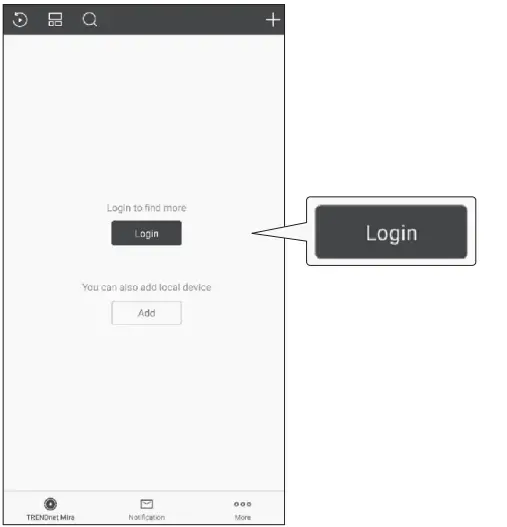
- Once you open the app, click the Login button.

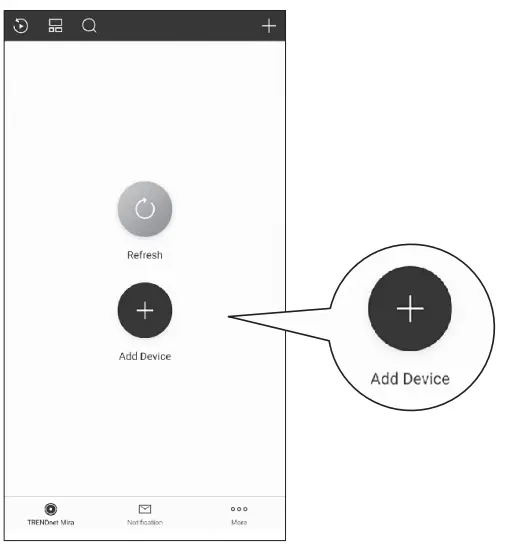
- Once you login, click the Add Device button

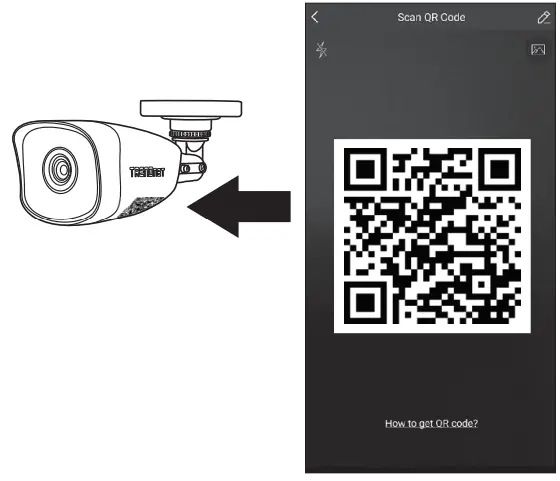
- After clicking Add Device, you will then have to scan the QR Code on the label of the camera with your mobile device

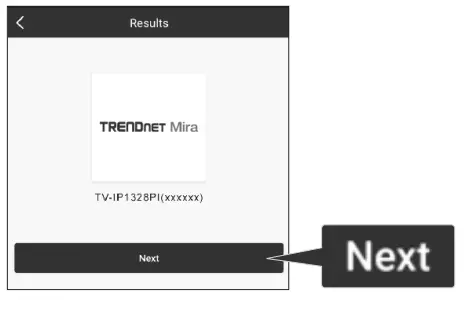
- Once you scan the QR code you will be asked to press Next.

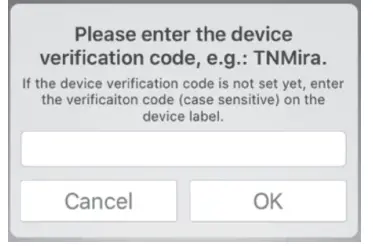
- Please enter the verification code. Default code is TNMira.

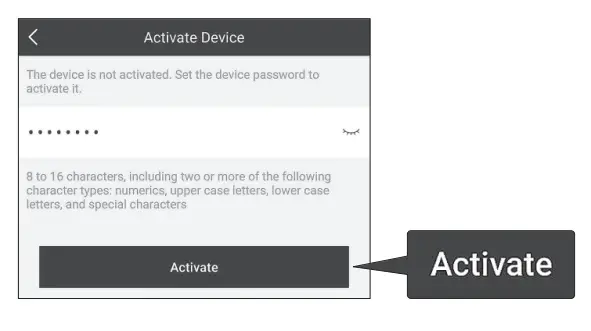
- To activate a new device, you will need to create a password and press Activate.

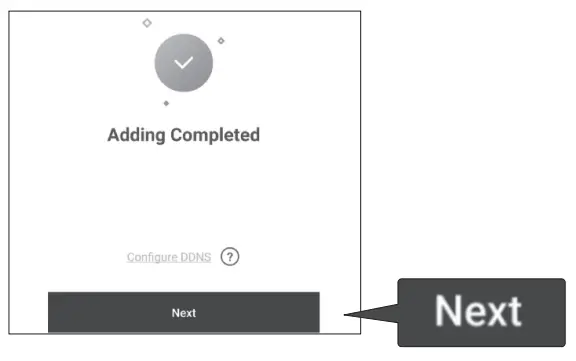
- Adding has been completed, Press Next

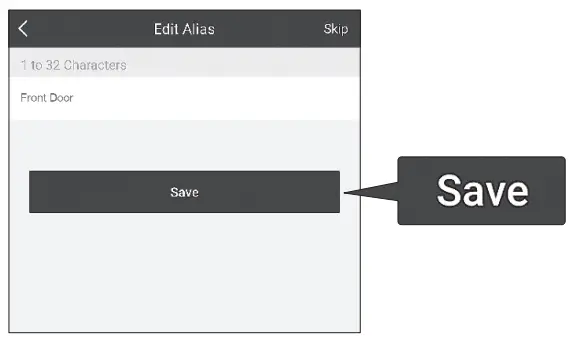
- Edit Alias of your camera and press Save. After this step you will be taken to the live view of your camera.

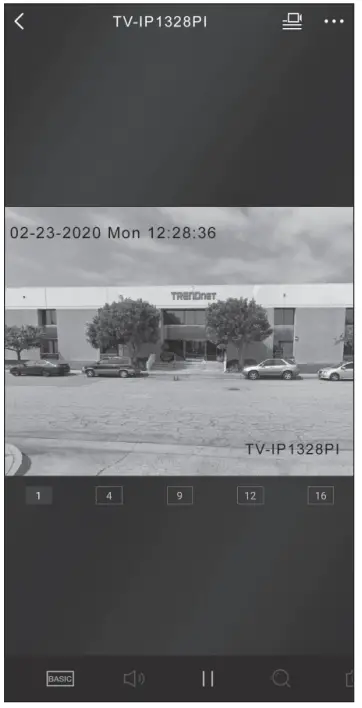
- Once added you should see a live image from the camera and you are finished.

- Please enter the verification code. Default code is TNMira.
Mounting the camera
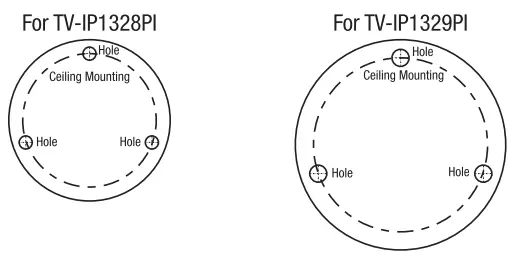
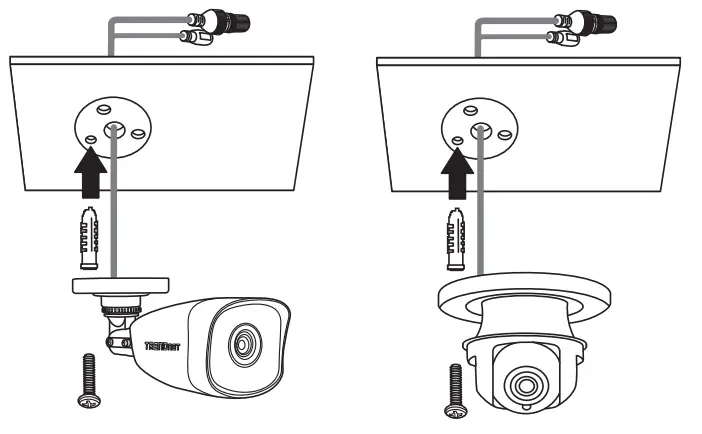
- Place the provided template label on the wall or ceiling

- Drill holes at each marked position on the template. Make sure the drill bit matches the size of the holes on the template.
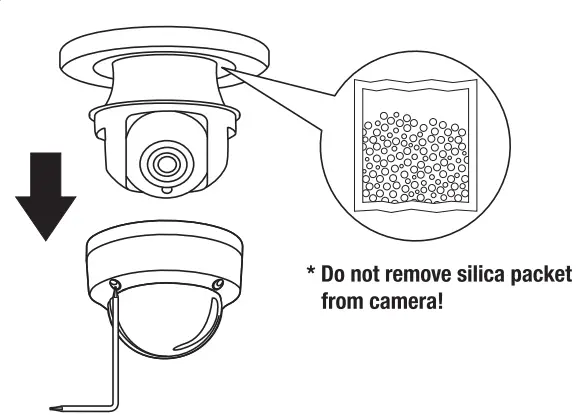
- (Dome) Remove the dome cover using the provided Ton< security alien key.

- Insert the screw anchors Into the holes, and align the mounting base over them. Then use the provided screws to secure the camera to the mounting surface.

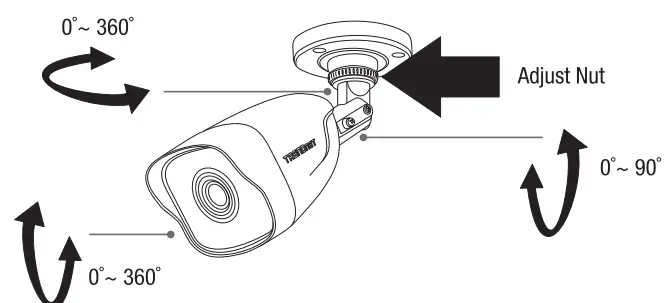
- (Bullet) Manually adjust your camera to the desired viewing position

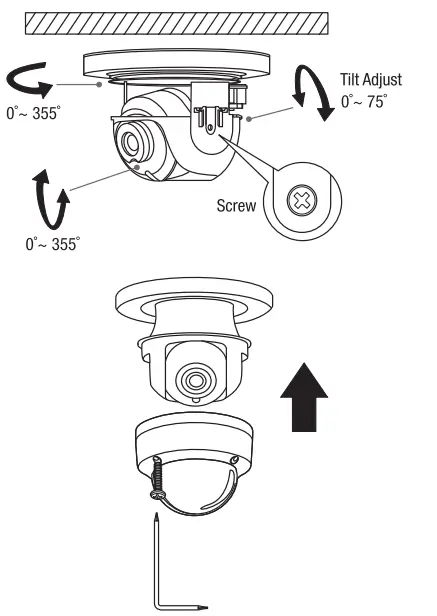
- (Dome) Manually adjust your camera to the desired viewing position.

- When finished, attach the dome cover back on the dome using the TorJC security alien key.
Declaration of Conformity
Manufadurer’s Name and Address
- TRENDnet, Inc.
- 20675 Manhattan Place
- Torrance, CA 90501 USA
- Zwolsestraat 156 2587 WB
- The Hague The Netherlands
Product Information
- Model Number: TV-IP1328PI / TV-IP1329PI
- Product Name: Indoor/Outdoor 4MP H.265 PoE IR Bullet Network Camera
- Indoor/Outdoor 4MP H.265 PoE IR Dome Network Camera
Trade Name: TRENDnet
TRENDnet hereby declare that the product is in compliance with the essential requirements and other relevant provisions under our sole responsibility.
EMC
- EN 55032: 2015
- EN 61000-3-2: 2014
- EN 61000-3-3: 2013
- EN 50130-4: 2011 + Al: 2014
Directives
- LVD Directive 2014/35/EU
- EMC Directive 2014/30/EU
- RoHS Directive 2011/65/EU
- REACH Regulation (EU) No.1907/2006
FCC
This device complies with Part 15 of the FCC Rules. Operation is subject to the following two conditions:
- this device may not cause harmful interference, and
- this device must accept any interference received. Including interference that may cause undesired operation.
Note The Manufacturer is not responsible for any radio or TV interference caused by unauthorized modifications to this equipment. Such modifications could void the user’s authority to operate the equipment.
Technical Support
You have any questions regarding the product installation, please contact our Technical Support. Toll free US/Ganada: 1-888-345-3673 Regional phone numben; available at www.trendnet.com/support
Product Warranty Registration
Please take a moment to register your product online. Go to TRENDnet’s website at: www.trandnat.com/raglstar
TRENDnet
- 20675 Manhattan Place
- Torrance, CA 90501
- USA
FAQS
What is IR Dome camera?
Dome cameras get their name from their dome-shaped structure. These security cameras are designed to withstand all elements, both inside and outside. Their construction allows for the camera to work even in low-light or no-light settings due to the built-in infrared LEDs
Are dome security cameras better?
One of the main benefits of dome cameras comes from its protective shell that covers the lens. This shell makes dome cameras extremely durable and less susceptible to vandalism.
What is the difference between IR and IP CCTV camera?
IP cameras offer higher resolution video and better picture quality than CCTV cameras. CCTV cameras offer lower resolution video and less picture quality than IP cameras
What is the range of a dome security camera?
Night Vision (Built-in IR Illuminators): Many dome cameras come equipped with infrared (IR) illuminators and a progressive CMOS sensor. This combination enables unparalleled low-light camera performance for up to ranges of 30 meters or more, for both indoor and outdoor use.
What is benefit of IR camera?
Infrared imaging cameras are instrumental in identifying and quantifying heat sources. This has a wide range of uses in the construction, agriculture, security, and surveillance industries
How does IR security camera work?
IR or night vision cameras use infrared light to illuminate images in the dark. We can’t see it, but infrared light is actually all around us.
How long do dome cameras store footage?
In general, most security camera footage is kept for 30 to 90 days (1 to 3 months the most). There isn’t really a standard answer to the question “how long does the average security camera store footage?” because each site and each security set up is different.
What is better bullet or dome cameras?
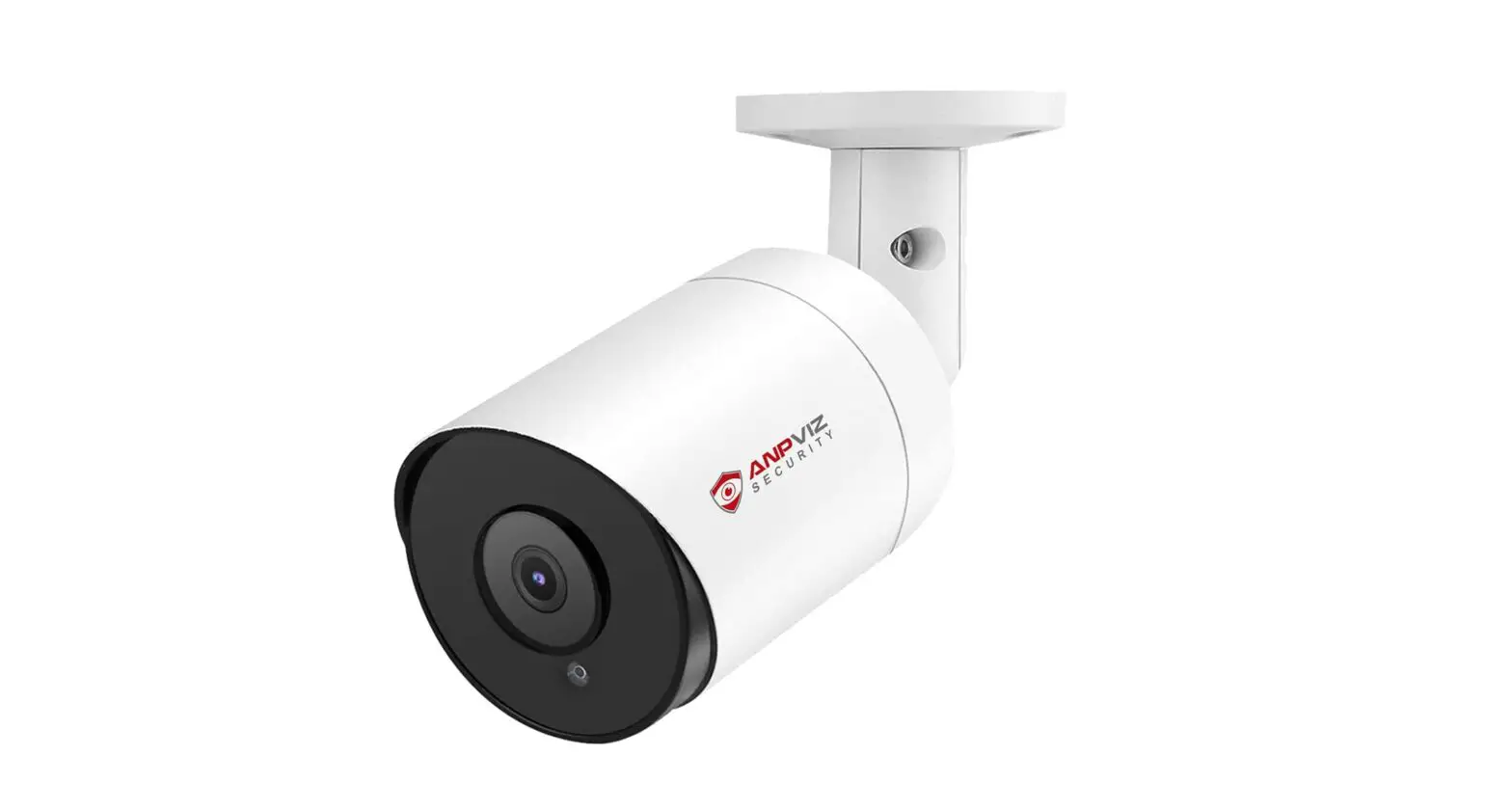
A bullet camera is great for long-range viewing and a dome camera is great for short-range viewing across a wide angle.
Do IR cameras attract bugs?
Unfortunately, insects are attracted to infrared light and will fly in front of the camera’s view. Lowering the sensitivity on the camera will help somewhat, but if insects fly in close, the IR will reflect off of them and still trigger motion.
What are the disadvantages of IR sensors?
Infrared frequencies are influenced by hard articles (for example dividers, entryways), smoke, dust, haze, daylight and so on Thus it doesn’t work through dividers or entryways Infrared waves at high force can harm eyes.
Do IR cameras work at night?
Because infrared cameras measure light that is not visible, they can work in darkness as well as daylight.
Can IR camera be hacked?
Night vision cameras use infrared (IR) light to see without illuminating the area in a way visible to humans
Can IR see through walls?
No, it can detect heat from the wall near the surface that there is an issue, but not what is behind the wall
What blocks IR camera?
Any electrically conductive material will block infrared radiation. The greater the conductivity, the greater the blocking.
Can IR sensor detect human?
Abstract: Human detection using sensors preserves the privacy. The Passive Infrared (PIR) sensor is used to detect the presence of human. But this detects the human only if they are in motion.