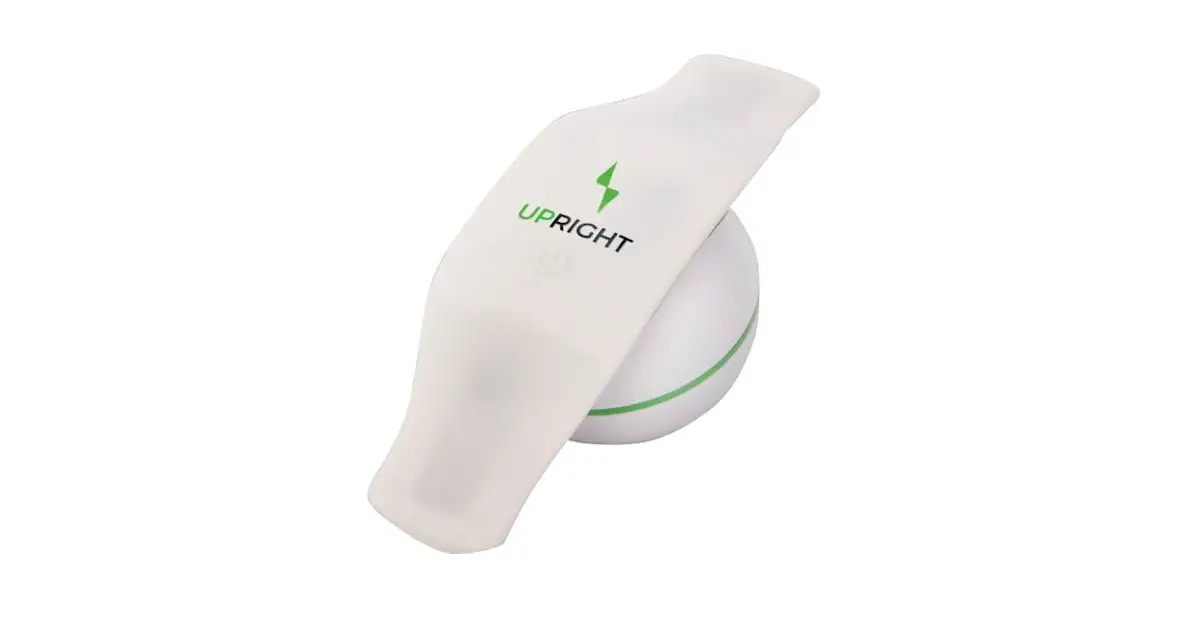

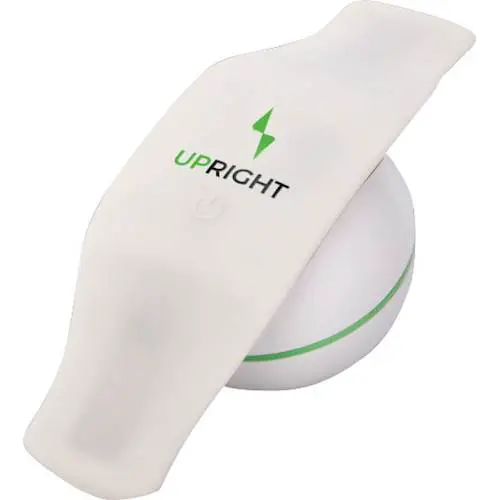
UPRIGHT UR02 Wearable Trainer
HOW TO GET STARTED
- Download the UPRIGHT GO app. Search “UPRIGHT GO” or simply click on the relevant button below.
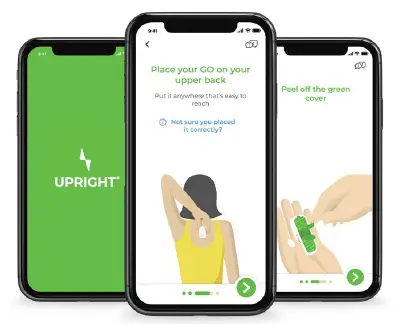
- Follow the tutorial in the app for a step-by-step guide on how to get started.

WHAT TO EXPECT IN THE APP TUTORIAL
- Set up your UPRIGHT GO with a step-by-step guide
- Learn how to find your ideal upright position
- Get your first daily goal
And more…
TIPS FOR SUCCESS
- For best results within 2 weeks, we highly recommend using the GO 2 daily
- Use your GO 2 throughout your workday, in a cool indoor environment
- Leave your GO 2 on your desk, in its case, as a reminder to train
- Finally, don’t forget to charge your GO 2
WHAT’S IN THE BOX
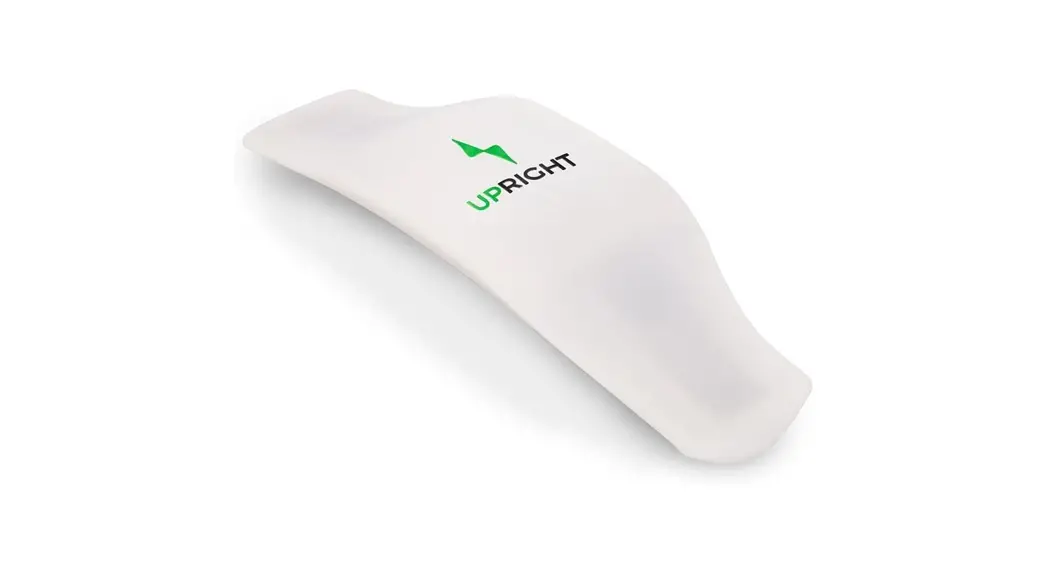
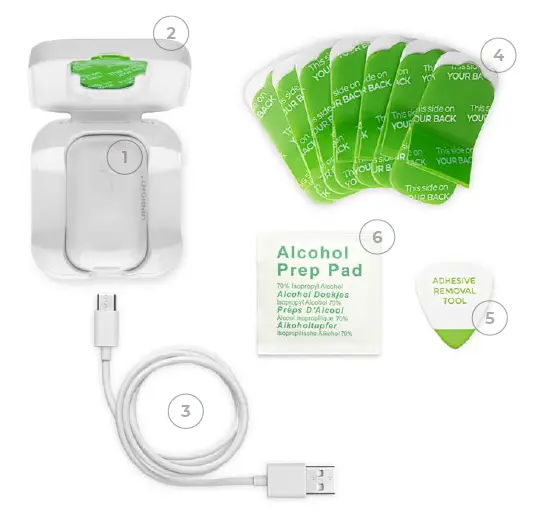
- UPRIGHT GO 2
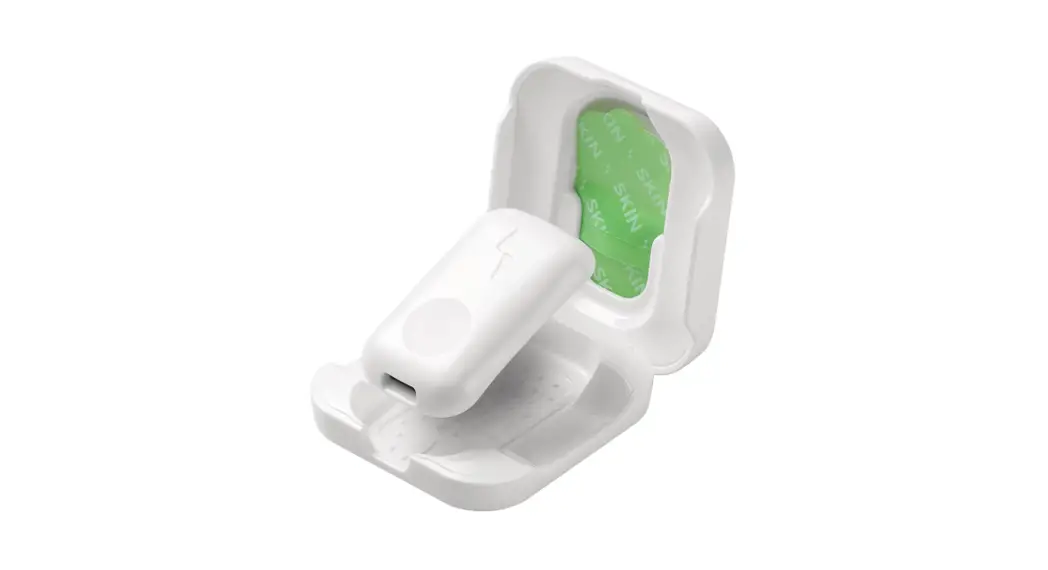
Your personal posture trainer, which measures your posture 100 times a second - CASE
Store your GO 2 in the case while charging it on your desk or when you’re on the go - CHARGING CABLE
A USB-C cable for charging your GO 2. Be sure to use the USB-C cable provided to charge your device - ADHESIVES
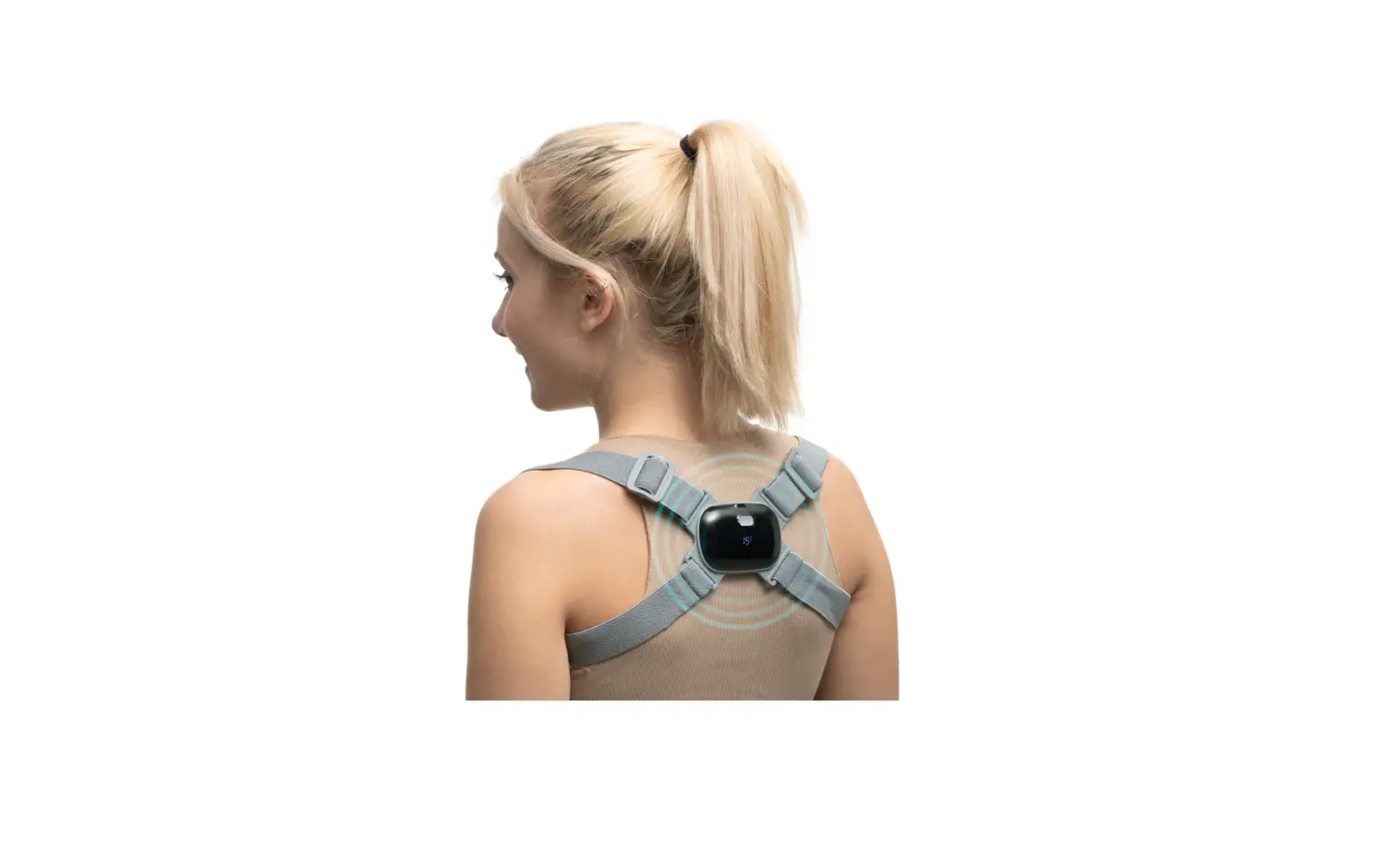
Attach the GO 2 to your upper back using the reusable silicone adhesives - ADHESIVE REMOVAL TOOL
Use it to peel off your old adhesive when replacing it with a new one - ALCOHOL PADS
Use the alcohol pads to clean the adhesives and/or your skin before use
DEVICE SHORTCUTS
- Turn On Short Click
Calibration Double Click - Turn Off Long Click
Turn the vibration feedback on/off One Click
LED INDICATORS
- GREEN
Connected to the app - BLUE
Not connected - RED
Battery needs charging
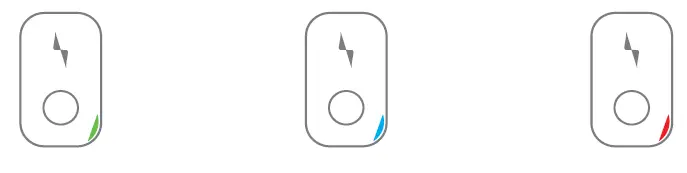
There are two additional LED indicator colors: yellow for airplane mode and purple for device update mode.
HOW TO CHARGE YOUR GO 2
Charging your battery regularly will allow you to use your GO 2 as often as you choose.
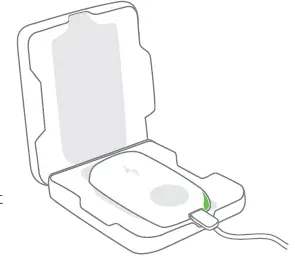
- Place your GO 2 in its case for safekeeping and charge it with the USB-C cable provided.
- A full charge takes about 3 hours.
- nce your battery is fully charged, the LED light will turn green.
- Your battery will last for ~35 hours.

ADHESIVES
CARE & MAINTENANCE
- With proper maintenance, each adhesive can be used about 3-10 times, depending on skin type.
- Make sure your skin is clean and dry before using the GO 2. You may use the alcohol pads provided to clean your skin.
- The adhesive doesn’t attach well to sweaty skin. Therefore, we recommend training indoors.
- When you’re not using your GO 2, store it in its case to keep the adhesive clean.
REPLACING THE ADHESIVE
- Remove the old adhesive from the GO 2. We recommend using the removal tool provided.
- Important: Make sure you remove ALL parts of the old adhesive completely, so there’s nothing green left on your GO 2.
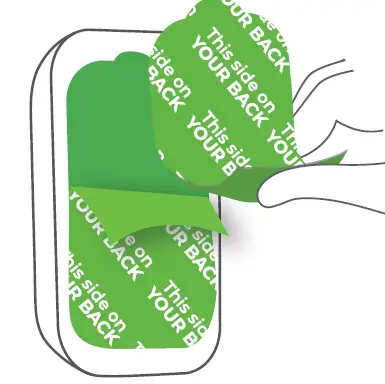
- Take a new adhesive and peel off just the white cover from one side.
REPLACING THE ADHESIVE
- Attach the sticky part to the GO 2, inside the thin gray frame.

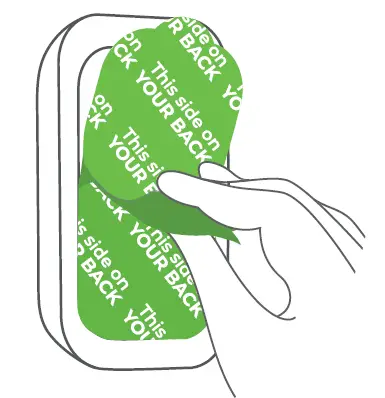
- When you want to start using your GO 2, peel off the green cover that says “This side on YOUR BACK”.

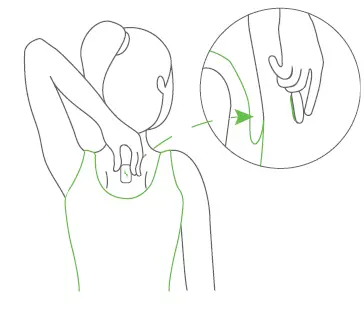
- Attach the GO 2 to your back.

PRODUCT SPECS
| Dimensions | 48x28x8.6mm |
| Weight | ~11gr |
| Bluetooth | BLE-Bluetooth Low Energy 4.2 |
| Battery | Single Cell, Lithium-Polymer, 3.7V, 150mAh, 0.55Wh |
| Battery life | ~35 hours |
| Charging cable | USB Type C |
| Input voltage Input current | 5V 100mA(max) |
| Mobile compatibility | iOS 11 & up Android 8 & up |
| Model number | M/N:UR-02B-02B |
Chat with us in the app or drop us a line at [email protected]