
Quick Start Manual
Introduction
 WARNING
See an Important Safety and Product Information guide in the product box for product warnings and other important information.
Always consult your physician before you begin or modify any exercise program.
Getting Started
When using your watch the first time, you should complete these tasks to set it up and get to know the basic features.
- Press CTRL to turn on the watch (page 3).
- Follow the on-screen instructions to complete the initial setup. During the initial setup, you can install the Garmin Connect™ app and pair your smartphone with your watch to receive notifications and more (page 5).
- Charge the device completely (page 8).
- Start an activity (page 6).
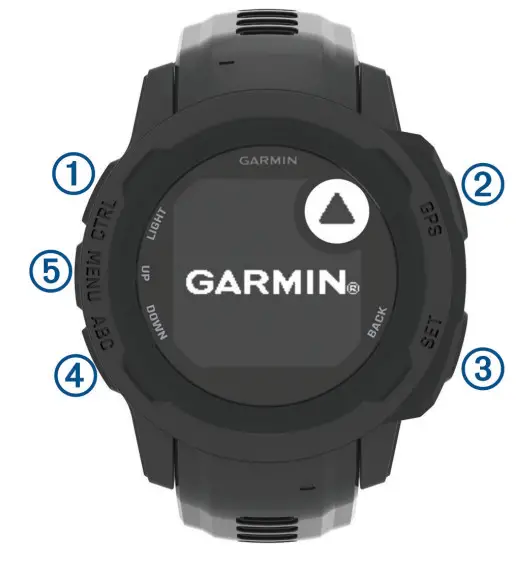
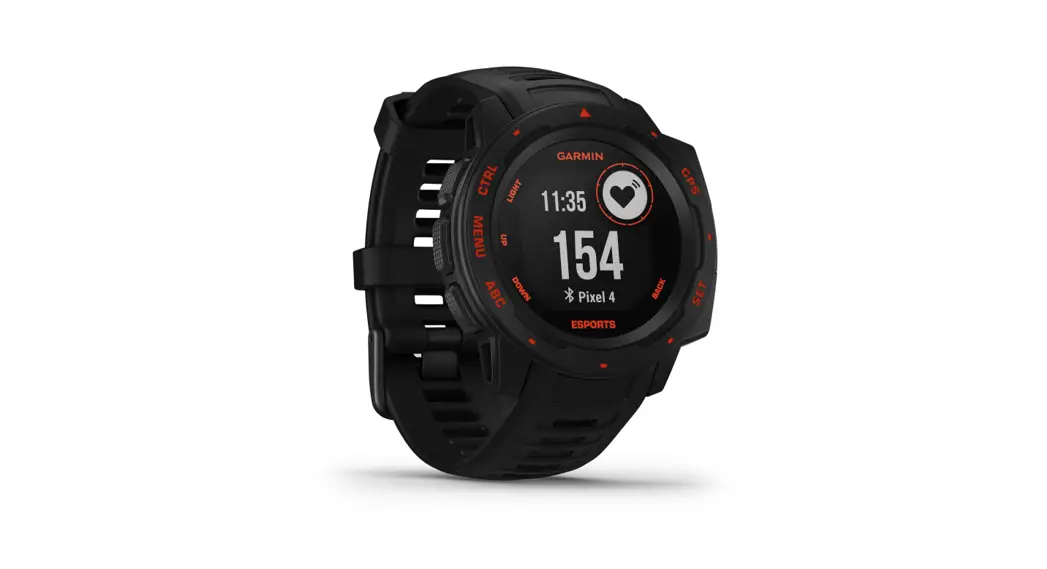
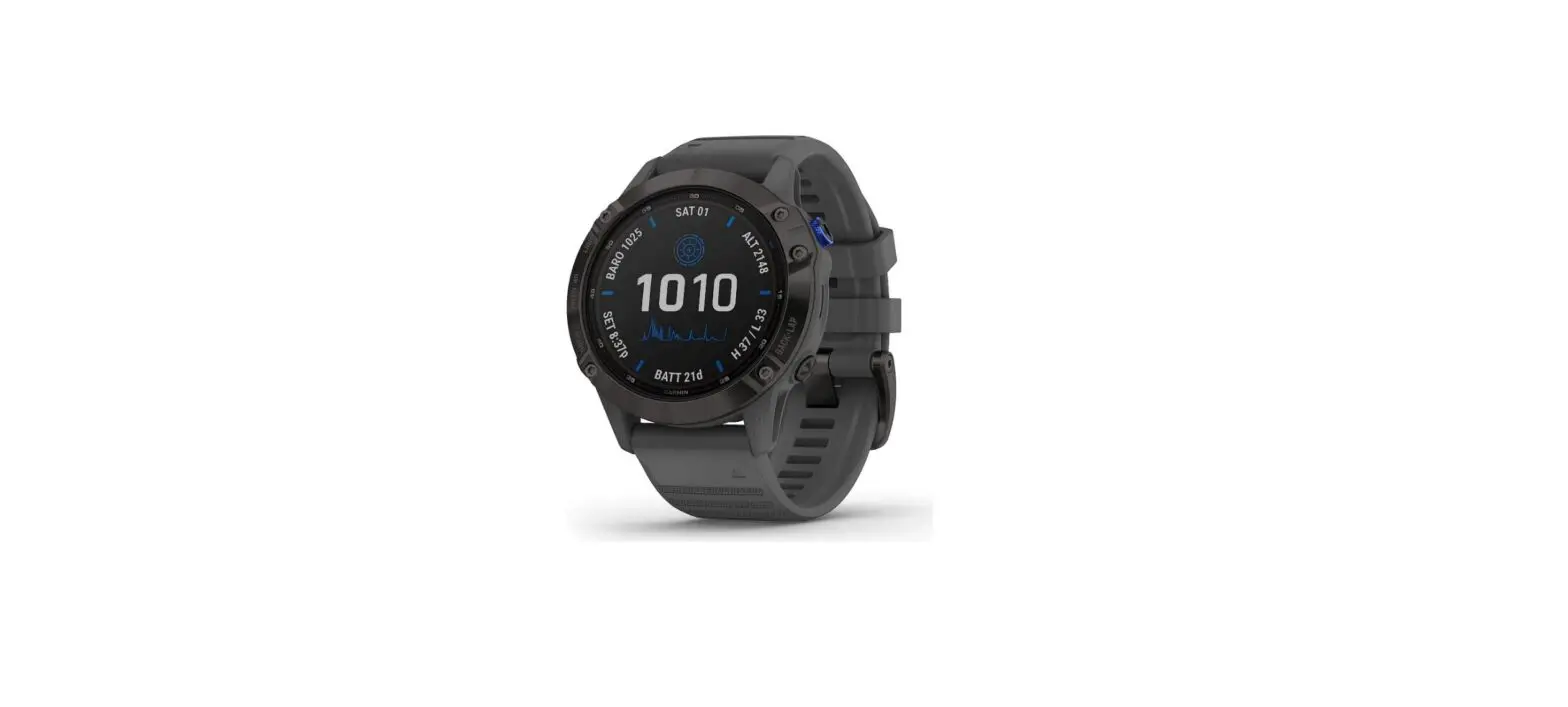
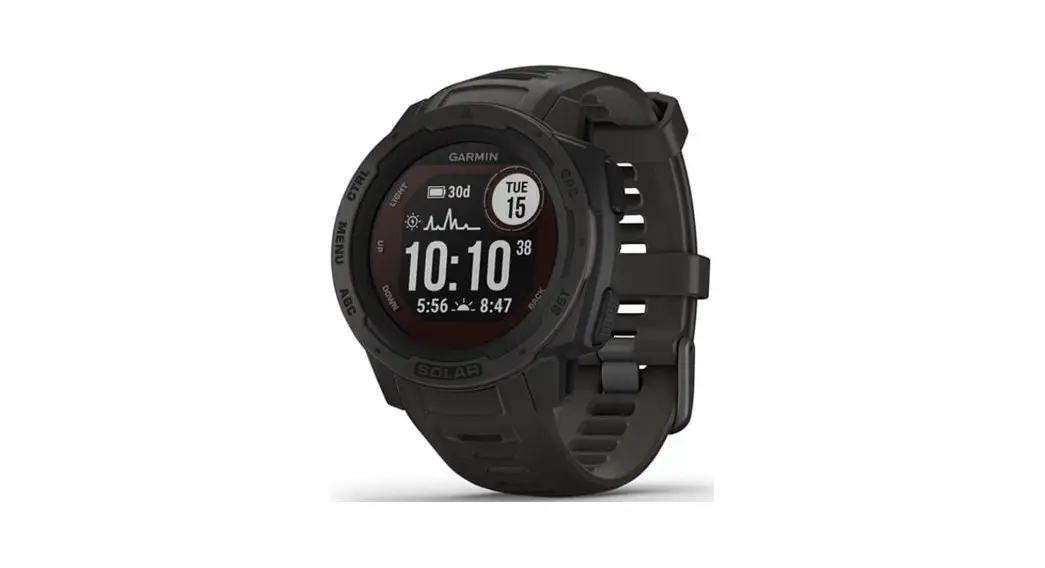
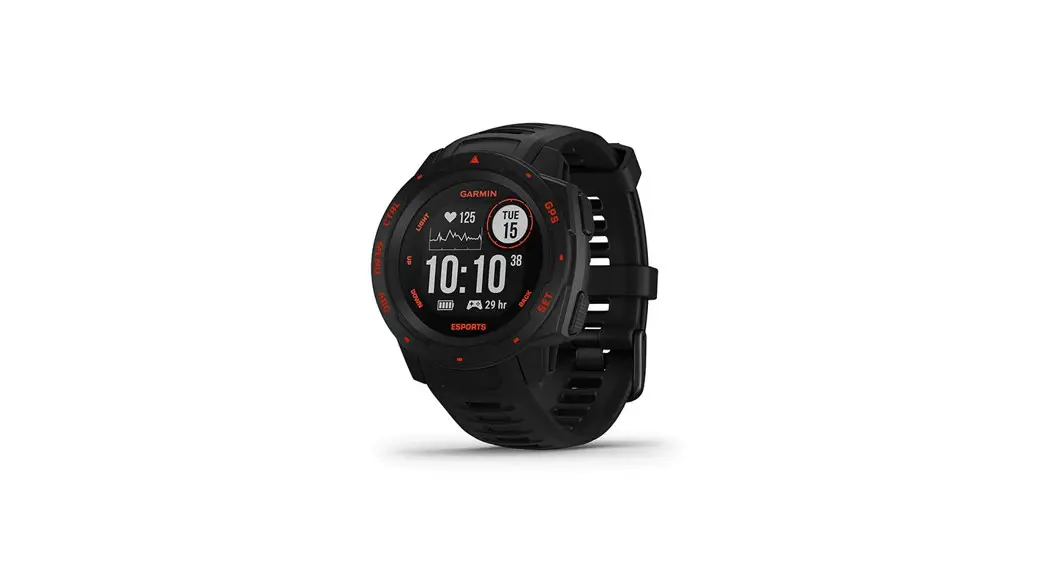
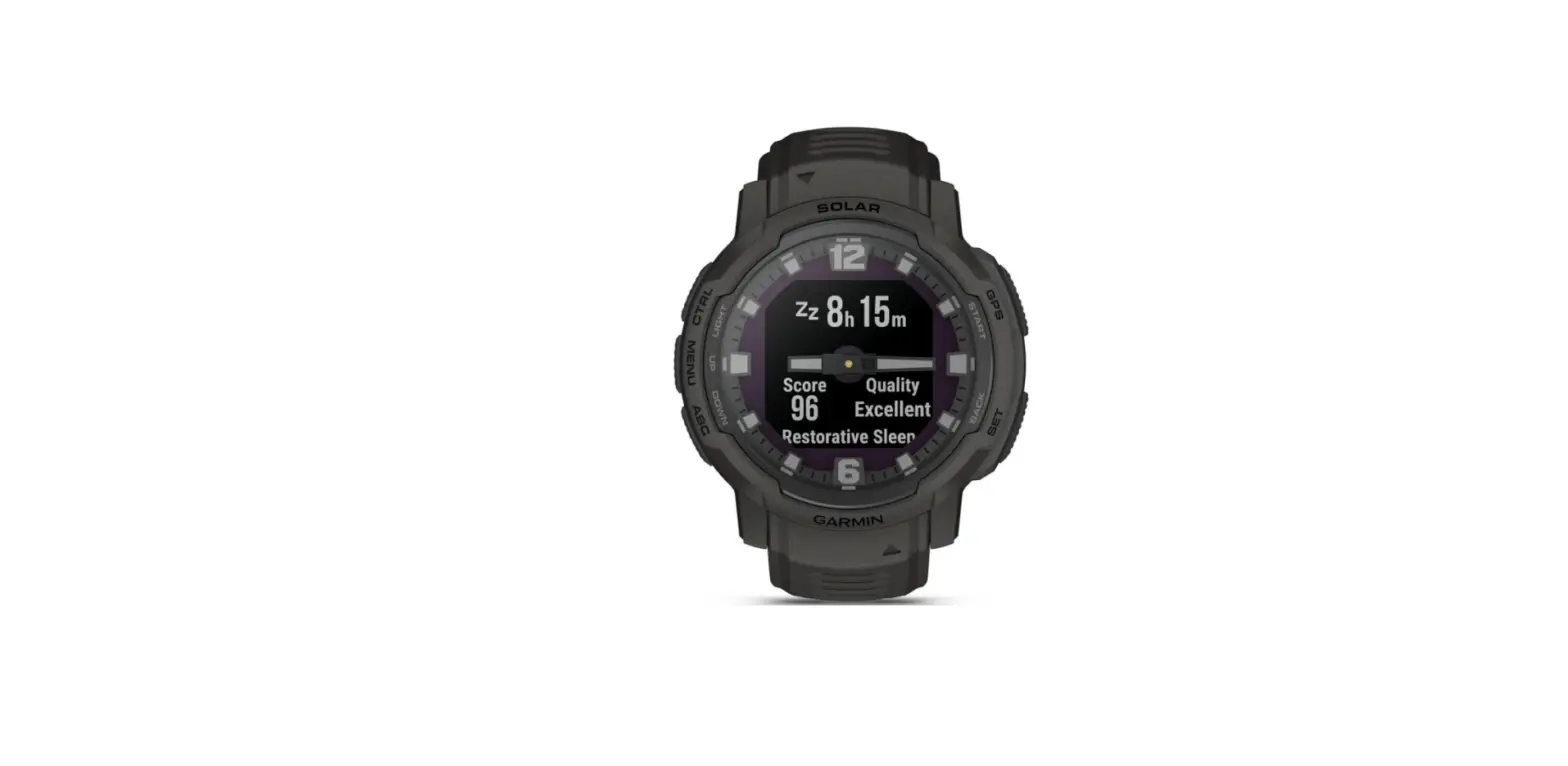
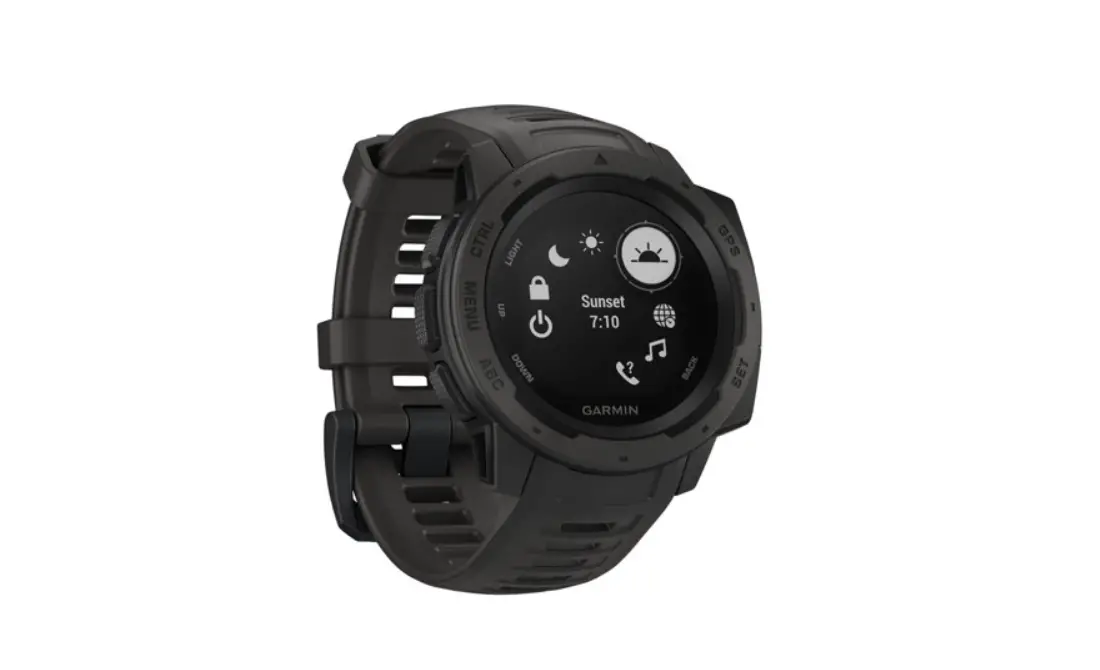
- LIGHT CTRL Press to turn the backlight on and off. Press to turn the device on. Hold to view the controls menu.
- GPS Press to view the activity list and start or stop an activity. Press to choose an option in a menu. Hold to view GPS coordinates and save your location.
- BACKSET Press to return to the previous screen. Hold to view the clock menu.
- DOWN ABC Press to scroll through the widget loop and menus. Hold to view the altimeter, barometer, and compass (ABC) screen.
- UP MENU Press to scroll through the widget loop and menus. Hold to view the menu.
Using the Watch
- Hold CTRL to view the controls menu. The controls menu provides quick access to frequently used functions, such as turning on do not disturb mode, turning on the battery saver feature, and turning the watch off.
- From the watch face, press UP or DOWN to scroll through the widget loop. Your watch comes preloaded with widgets that provide at-a-glance information. More widgets
are available when you pair your watch with a smartphone. - From the watch face, press GPS to start an activity or open an app (page 6).
- Hold MENU to customize the watch face, adjust settings, and pair wireless sensors.
Smart Features Pairing Your Smartphone with Your Device
To use the connected features of the device, it must be paired directly through the Garmin Connect app, instead of from the Bluetooth® settings on your smartphone.
- From the app store on your smartphone, install and open the Garmin Connect app.
- Bring your smartphone within 10 m (33 ft.) of your device.
- Press CTRL to turn on the device. The first time you turn on the device, it is in pairing mode.
- Follow the instructions in the app to complete the pairing and setup process.
Connect IQ ™ Features
You can add Connect IQ features to your watch from Garmin® and other providers using the Connect IQ app. You can customize your device with watch faces, data fields, widgets, and apps.
Activities and Apps
Your device can be used for indoor, outdoor, athletic, and fitness activities. When you start an activity, the device displays and records sensor data. You can save activities and share them with the Garmin Connect community. You can also add Connect IQ activities and apps to your device using the Connect IQ app.
Starting an Activity
- From the watch face, press GPS.
- The first time you start an activity, select the checkbox next to each of your favorites and select Done. Your favorite activities appear at the top of the list, providing quick
access to the ones you use most. Additional activities appear in the extended list. - Select an activity.
- If the activity requires GPS, go outside, and wait while the device locates satellites.
- Press GPS to start the activity timer.
NOTE: The device does not record your activity data until you start the activity timer. - After you complete your activity, press GPS to stop the activity timer.
- Select Save to save the activity and review the activity summary.
Power Modes
Power modes allow you to quickly adjust system settings, activity settings, and GPS settings to extend battery life during an activity. For example, power modes can disconnect paired sensors and turn on the UltraTrac GPS option. You can also create custom power modes.
During an activity, hold MENU, select Power Mode, and select an option.
Device Information Wearing the Device
- Wear the device above your wrist bone.
NOTE: The device should be snug but comfortable. For more accurate heart rate readings, the device should not move while running or exercising. For pulse oximeter readings, you should remain motionless.
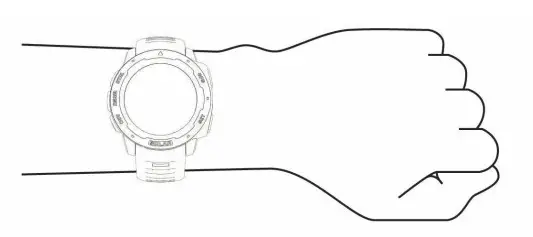
NOTE: The optical sensor is located on the back of the device.
- See the owner’s manual for more information.
Charging the Device
WARNING
This device contains a lithium-ion battery. See an Important Safety and Product Information guide in the product box for product warnings and other important information.
NOTICE
To prevent corrosion, thoroughly clean and dry the contacts and the surrounding area before charging or connecting to a computer. Refer to the cleaning instructions in the owner’s manual.
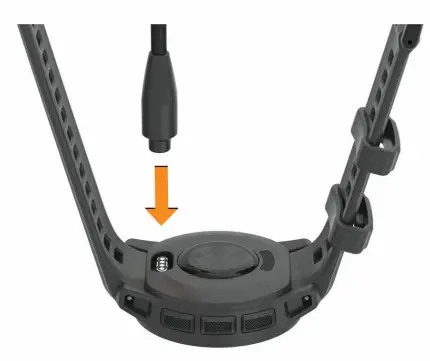
- Plug the small end of the USB cable into the charging port on your device.

- Plug the large end of the USB cable into a USB charging port.
- Charge the device completely.
Specifications
Operating temperature range:
From -20º to 60ºC (from -4º to 140ºF)
Charging temperature range:
USB charging: From 0º to 45ºC (from 32º to 113ºF)
Wireless frequency: 2.4 GHz @ 4 dBm maximum
Troubleshooting
Restarting Your Device
- Hold CTRL until the device turns off.
- Hold CTRL to turn on the device.
Getting the Owner’s Manual
The owner’s manual includes instructions for using device features and accessing regulatory information.
Go to www.garmin.com/manuals.
Getting More Information
You can find more information about this product on the Garmin website.
- Go to support.garmin.com for additional manuals, articles, and software updates.
- Go to buy.garmin.com, or contact your Garmin dealer for information about optional accessories and replacement parts.
- Go to www.garmin.com/ataccuracy for information about feature accuracy.
This is not a medical device.
© 2021 Garmin Ltd. or its subsidiaries Garmin ®, the Garmin logo, are trademarks of Garmin Ltd. or its subsidiaries, registered in the USA and other countries. Connect IQ ™, Firstbeat Analytics ™, and Garmin Connect ™ are trademarks of Garmin Ltd. or its subsidiaries. These trademarks may not be used without the express permission of Garmin.
The BLUETOOTH ® word mark and logos are owned by the Bluetooth SIG, Inc. and any use of such marks by Garmin is under license. Other trademarks and trade names are those of their respective owners.
support.garmin.com
Quick Start Manual