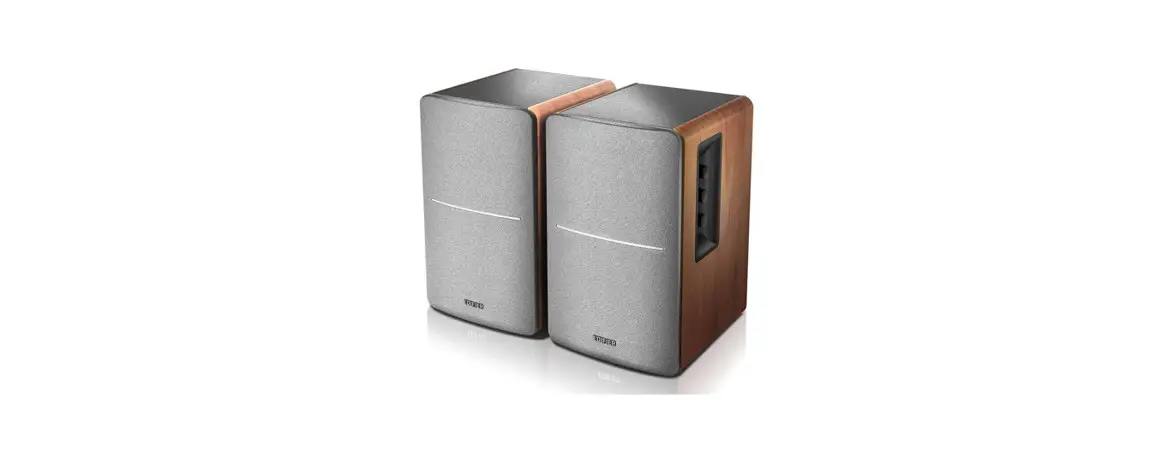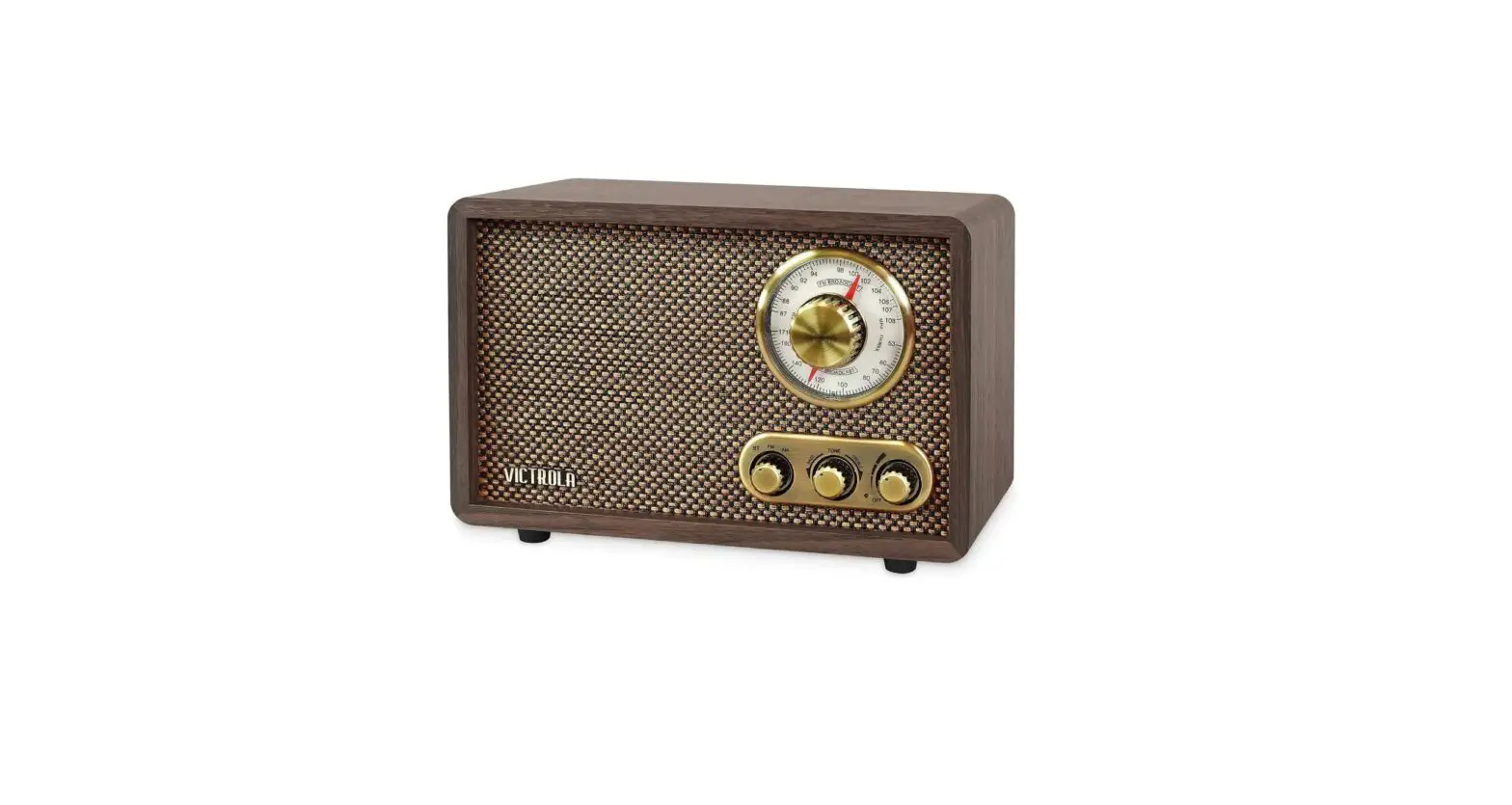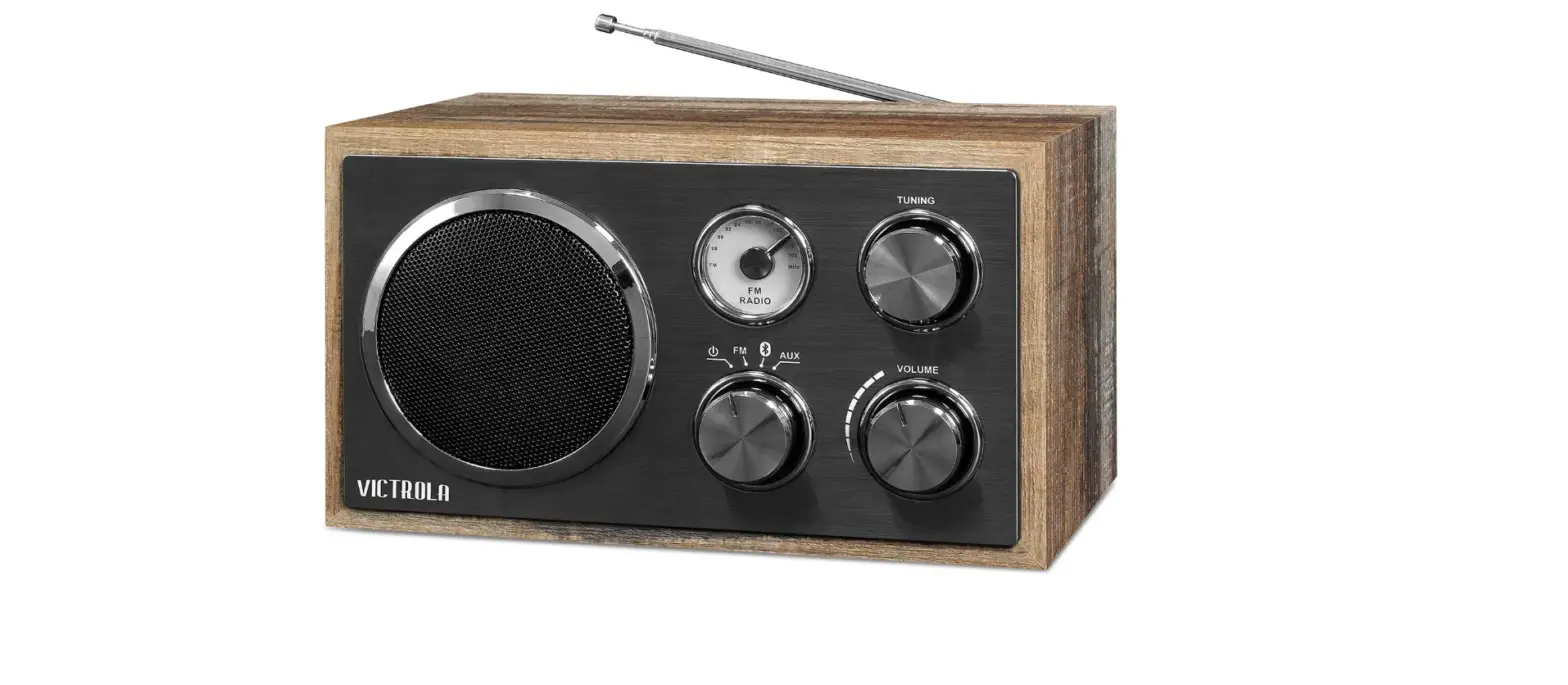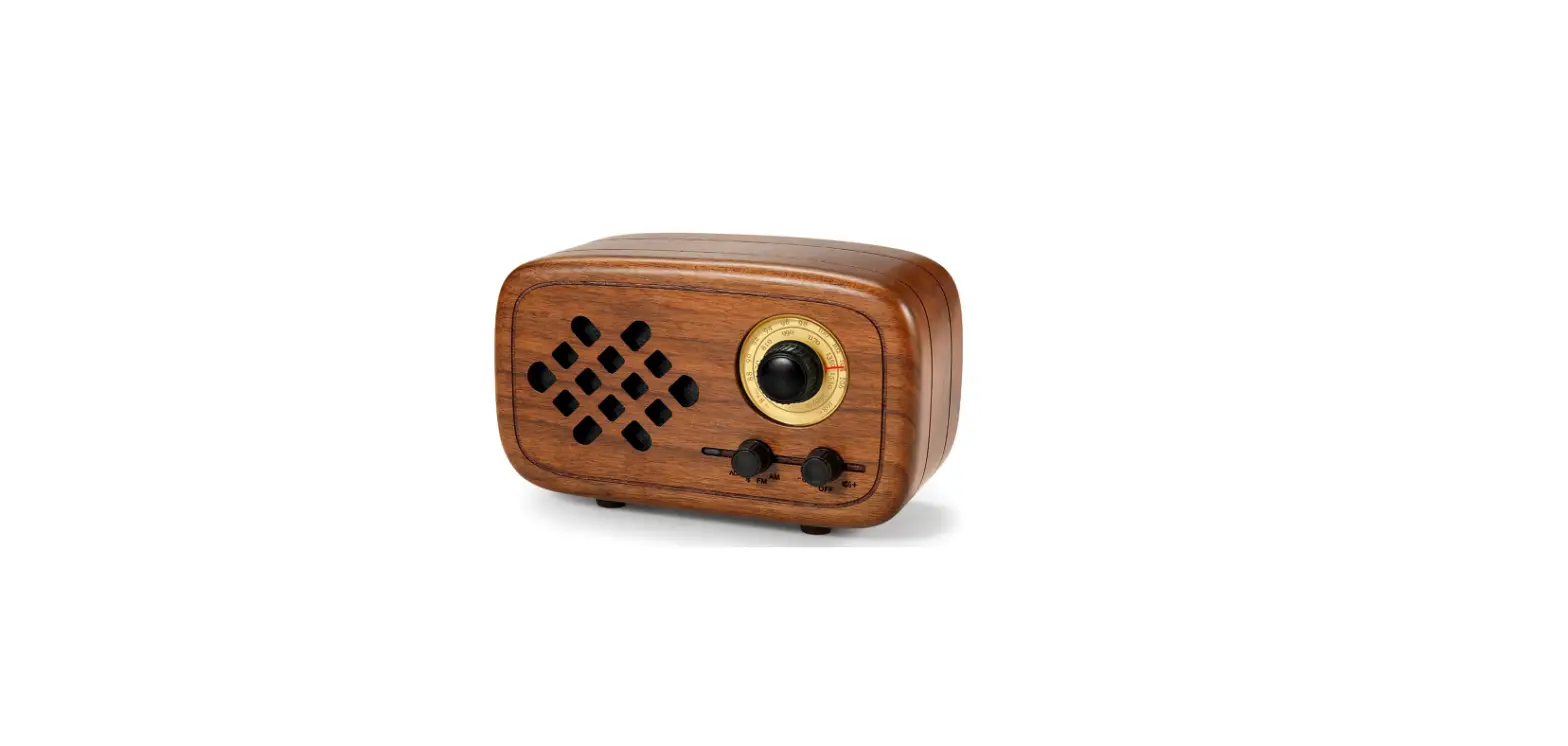
 Rerii RW-01 Handmade Walnut Wood Retro Small Bluetooth Radio
 Rerii RW-01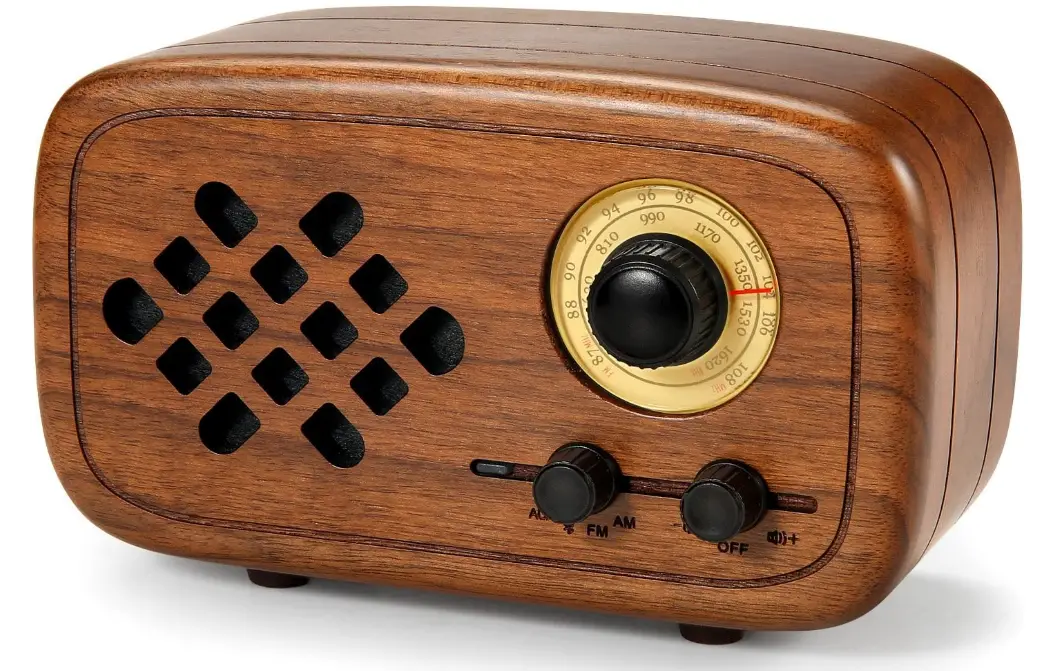
Features
- The Bluetooth speaker adopts high grade SILICONE LABS radio chip, u-sing specialized antenna and matching circuit. And matching with other excellent circuits, which makes it outstanding in its receiver sensitivity and other performances.
- Employing a special acoustic design and multiple attempts and adjustments by the tuners, which makes the radio has a grade sound quality.
- You can enjoy a nice stereo music. Thanks to its stereo design.
- Equipped with 4.0 Bluetooth system.
- The box body of Bluetooth speaker us polished by pure wood material. A rich Chinese style is highlighted by its elegant retro appearance design.
- Built-in high capacity rechargeable lithium-ion battery.

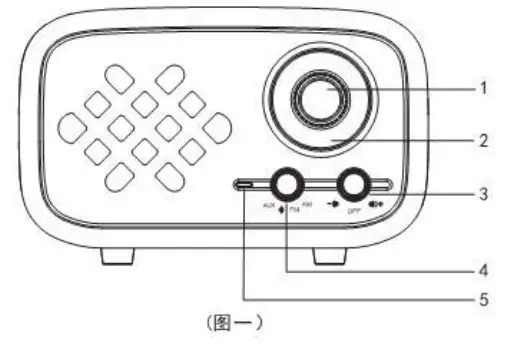
Panel Directions
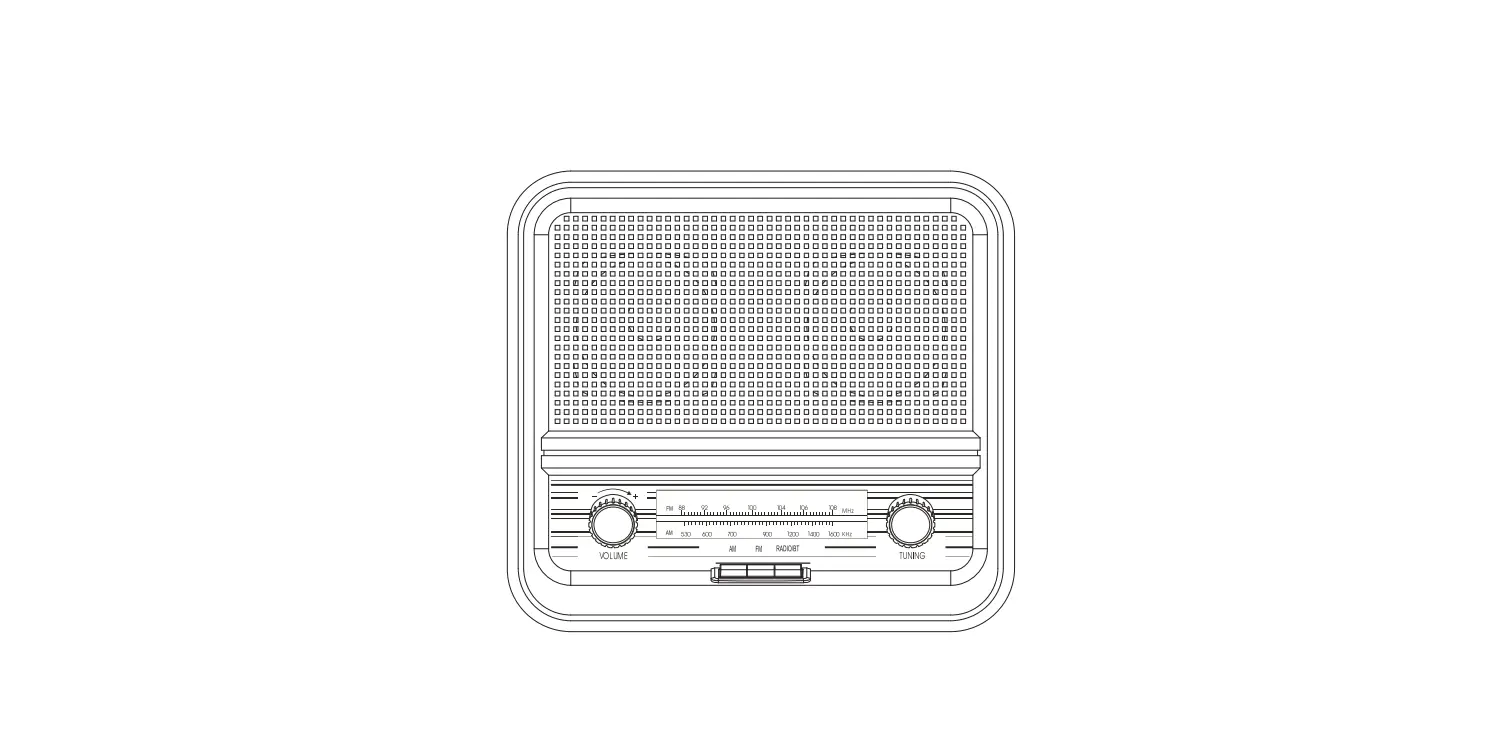
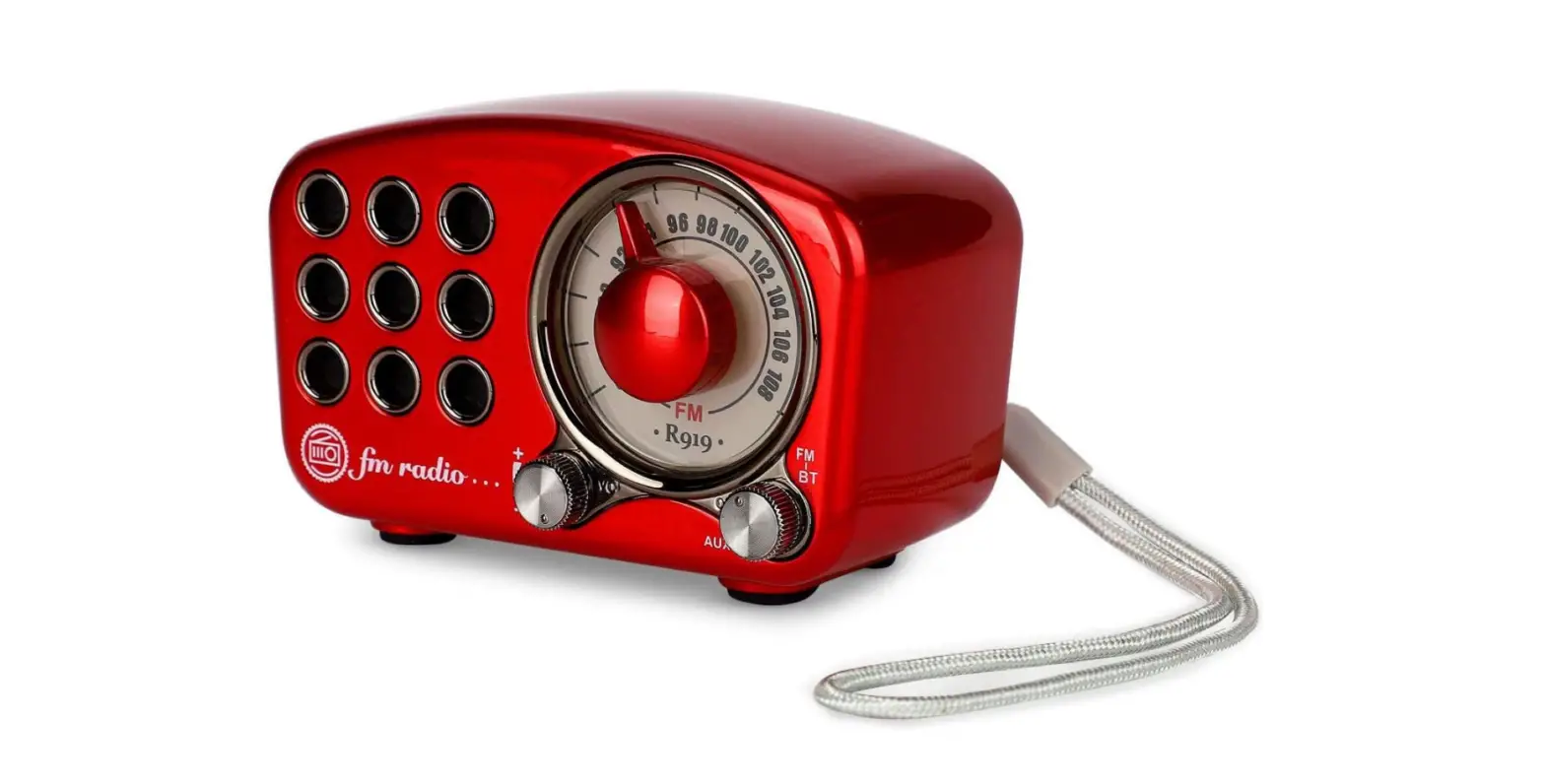
- Switch Knob
- Bench Scale
- Power Switch/Volume Adjustment
- Function Switch
- Status Indicator
 Backboard Directions
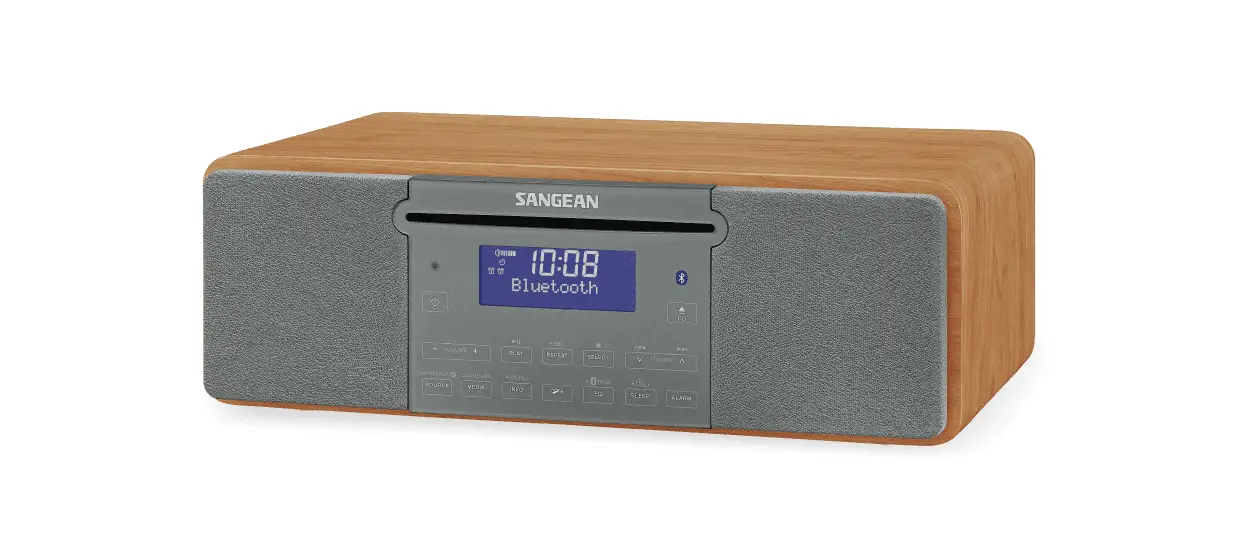
 - Stereo Headphone Jack
- Multi-function USB interface
- Charging Status Indicator
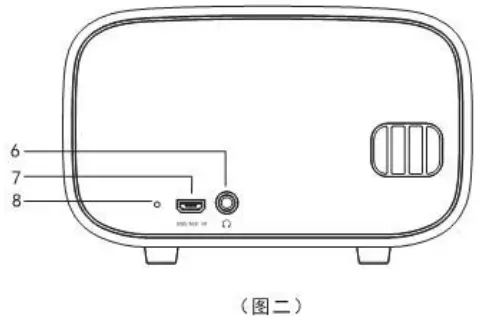 Backboard Directions
Power Supply
Built-in rechargeable 2000mAh Lithium-ion battery
Charging
Insert the standard charging cable (other matched charging cables available) into the USB interface at the back [image 2] ⑦; Use 5V/1000ma charger, when charging, the status indicator is RED. Full charged, the indicator is green [image 2] ⑧.
On / Off Switch / Volume Adjustment
The power switch and volume adjustment are set together[image 1] ③, rotate counterclockwise to “Off”, that is power off. On the status of power off, it turns on when a sound heard if rotates clockwise; To turn up the volume if rotates clockwise continuously, turn down the volume if it rotates counterclockwise.
FM / AM
Rotate[image 1] ④ switch to FM/AM, then rotate[image 2] ① to find the radio station you like. A green indicator will light on [image 1] ⑤ if it had a good signal there.
Bluetooth Usage
Rotate [image 1] ④ switch to  Bluetooth, a paring hint tone “DiDi” sound will be heard, meanwhile the status indicator [image 1] ⑤ flashing, then open the Bluetooth from your phone or other device and search “Rerii”, click it. It will start pairing. The indicator will light on if it connects successfully. Then the speaker can get the music from your phone or another Bluetooth device.
AUX / Input Usage
The speaker can connect external signal sources (phones, MP3, iPod, CD Player etc.) by using the standard 3.5mm AUX cable.
Switch to AUX[image 1] ④ when use, the status indicator will be “Orange”[image 1] ⑤, then just play from the signal source.
Precautions
- Avoid violent crash or falling from high place.
- Keep it from direct sunlight, high temperature and humid places.
- Since the speaker is a wood product, please dig detergent on a piece of soft cloth, the to wipe if you are going to clean its body.
- Please turn off the power after using.
- In order to avoid damaging the machine and security risks, beyond the standard or specified voltage and power is not allowed to use. No certified and low quality charger is not allowed to use as well.
Technical Parameters
- Frequency Range: FM 87 – 108 MHZ; AM 520 – 1720 KHZ
- Sensitivity: FM 3UV; AM < 1MV
- FM Stereo Separation Degree: > 35db
- Signal to Noise Ratio; > 60db
- Selectivity: > 60db
- Distortion: 2%
- Max Output power: 8W
- Speaker: 50mm NdFeb Full Range Speaker
- Item Dimension: 135 x 79.5 x 60.5 mm (foot pad exclusive)
FCC Warning
This equipment has been tested and found to comply with the limits for a Class B digital device, pursuant to part 15 of the FCC Rules. These limits are designed to provide reasonable protection against harmful interference in a residential installation. This equipment generates, uses and can radiate radio frequency energy and, if not installed and used in accordance with the instructions, may cause harmful interference to radio communications. However, there is no guarantee that interference will not occur in a particular installation. If this equipment does cause harmful interference to radio or television reception, which can be determined by turning the equipment off and on, the user is encouraged to try to correct the interference by one or more of the following measures:
- Reorient or relocate the receiving antenna.
- Increase the separation between the equipment and receiver.
- Connect the equipment into an outlet on a circuit different from that to which the receiver is connected.
- Consult the dealer or an experienced radio/TV technician for help.
Caution: Any changes or modiï¬cations to this device not explicitly approved by manufacturer could void your authority to operate this equipment.
This device complies with part 15 of the FCC Rules. Operation is subject to the following two conditions:
- This device may not cause harmful interference, and
- this device must accept any interference received, including interference that may cause undesired operation.
The device has been evaluated to meet general RF exposure requirement. The device can be used in portable exposure condition without restriction.
FAQs
How do I connect my phone to my FM Bluetooth speaker?
Connecting a Bluetooth speaker: the steps. The speaker should be in pairing mode. Turn on Bluetooth on your smartphone. Hold on while the phone connects. Play music after connecting.
How do you use an FM speaker?
Slide the screen to the left starting from the home screen. Toggle the “Media” folder open. Select “FM Radio” by tapping it. Tap the “Speaker” icon to listen to the radio in speaker mode. Tap the “Speaker” symbol once again to exit speaker mode. Press the HOME key twice to get back to the home screen.
How do I get my FM speaker to play on Bluetooth speakers?
An FM radio player is also included with cellphones. If your phone doesn’t already have FM radio, you can download an external application; for iOS, go to the Apple App Store, while for Android, go to the PlayStore. FM radio will sound loud and with decent bass when played over the speaker.
Can you listen to radio on Bluetooth speaker?
The response is no unless the FM radio in question has Bluetooth connectivity to connect to external speakers. To wirelessly transport the audio to the Bluetooth speaker, you would need some form of adaptor that would most likely link to the AUX port on the FM radio.
How do I turn my speakers on FM radio?
You can use the menu to switch between the speaker and the headphones when listening to or recording an FM broadcast.
How do you set radio frequency?
Select radio or Tuner by pressing the SOURCE, HOME, or MODE button on the car stereo’s main unit. choose a band (AM or FM). Touch the SEEK- or SEEK+ button on the main unit or screen display to tune automatically.
Why does FM radio need headphones?
If you have a good signal, just put in the extUSB to 3.5 jack adaptor and (gently) slide the stylus in the headphone jack. Headphones are only required for FM Radio because they serve as an antenna that intercepts the waves.
How does Bluetooth work on a radio?
Any two to eight devices can wirelessly connect over short distances using the standardised Bluetooth system by “talking to each other” or exchanging data using radio waves. Similar to traditional AM/FM radio, Bluetooth transmits signals that radio equipment receives.
Can a Bluetooth radio connect to a Bluetooth speaker?
As long as your radio is built that way, you can.
Why is my FM radio not working?
When your radio stops working, you should examine its fuses and replace any that have blown. Additionally, make sure to check the back of any easily removable aftermarket stereo head unit for fuses if you have one.
How do I tune my FM radio to a Bluetooth speaker?
Pressing the Function button causes the Bluetooth speaker to switch between the AUX, Bluetooth, and FM tuner modes. The Volume up and down buttons can be used to navigate the radio stations once the FM tuner mode has been activated.
Can I listen to FM radio on my smart TV?
Buy an FM antenna and attach it to the TV’s RF connection input port if your TV cannot receive FM radio signals well. By using the / button on the remote, you might be able to reduce background noise from the station.
Why does my radio turn on but no sound?
if your radio is on but not playing any music. Make sure you have an audio source selected, such as the radio, and then verify the radio functions. When using AUX, USB, or BT AUDIO, make sure your device is plugged into the proper input. Check to see if the radio isn’t muted.
How can I reduce FM radio noise?
Increase the receiver’s external antenna size. Long antenna cables can be screwed down onto several FM receivers. To improve reception and lessen static and noise, screw the antenna wire into the receiver and attach the wire to a wall or run it out of a window.
Why does my radio have static when I’m near it?
Surfaces made of steel and metal could obstruct radio reception. Cell phones and two-way radios should be placed away from the clock radio. Any radio-transmitting device has the potential to disrupt radio reception and produce static.