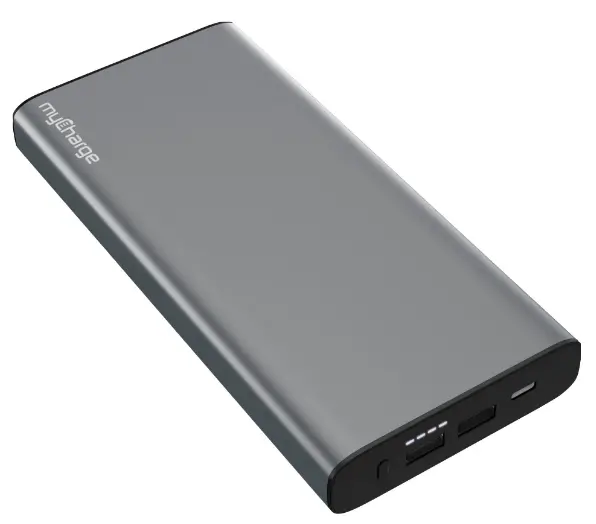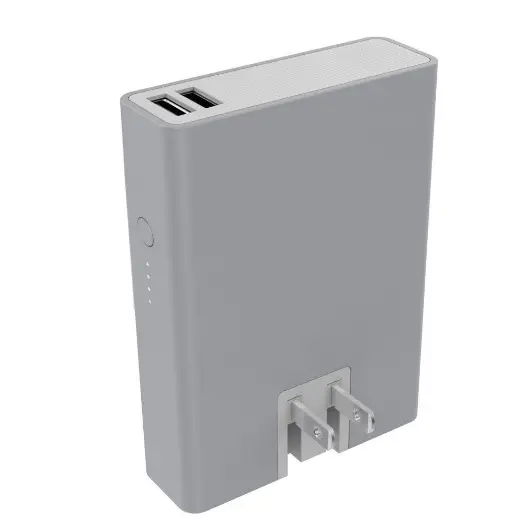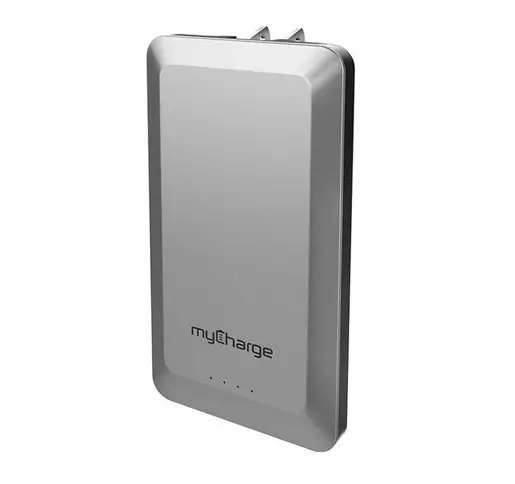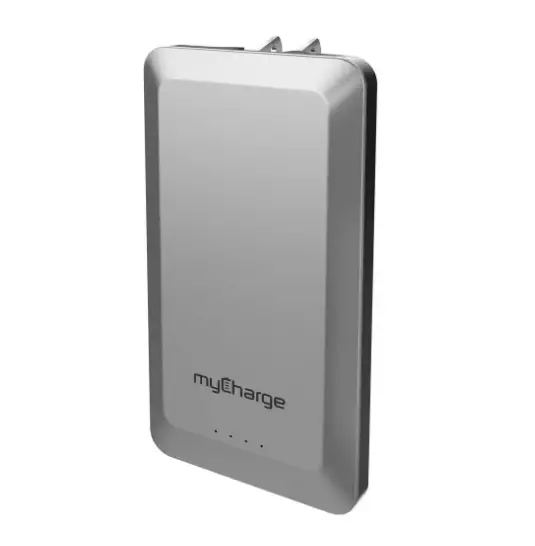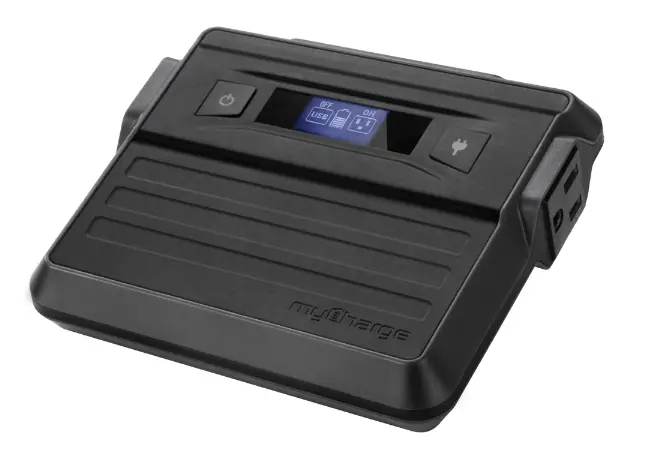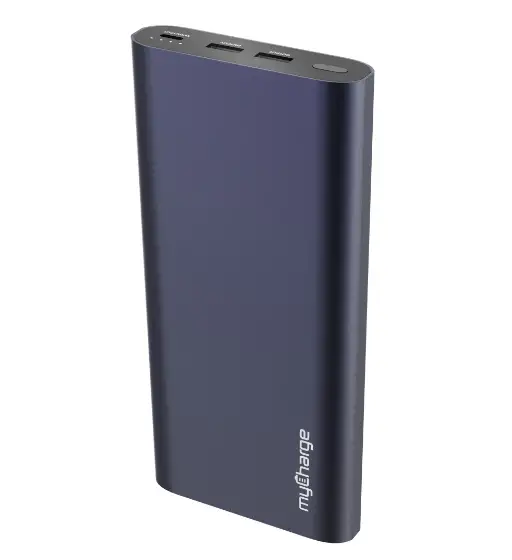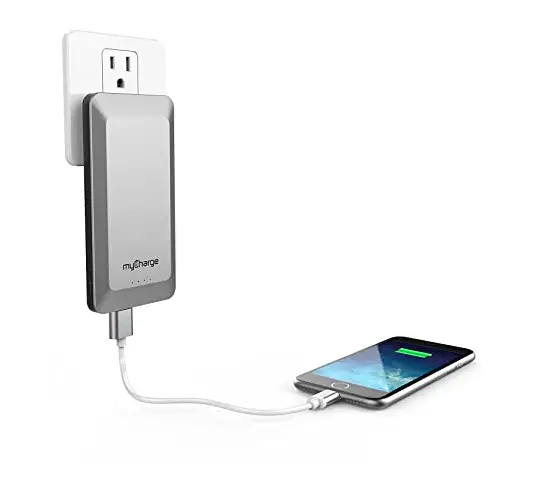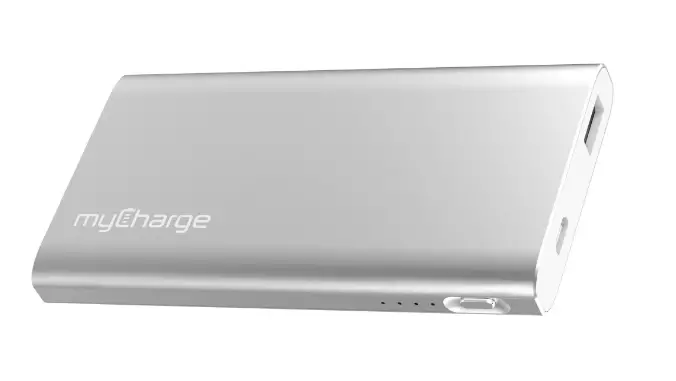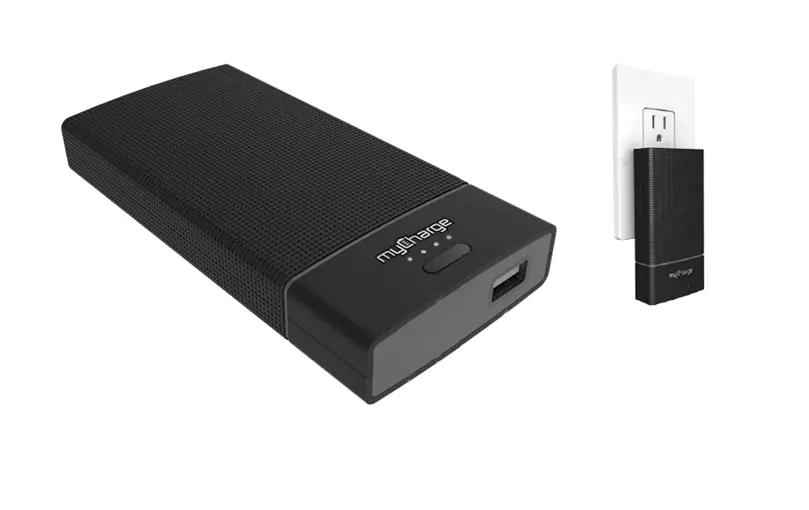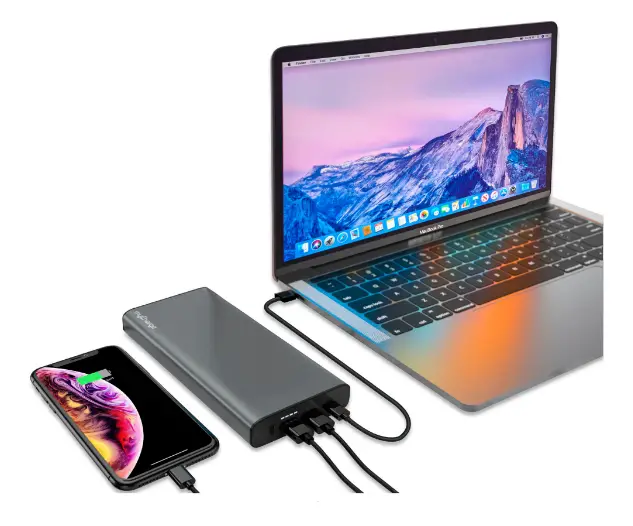
myCharge myLaptopCharge 20K LTPD20GK
QUICK START GUIDE
Thank you for choosing MYLAPTOPCHARGE 20100
REGISTER your product at myCharge.com You will be entered to win one of our amazing gifts!
IN THIS PACKAGE:
- MYLAPTOPCHARGE 20100
- Recharging cable • Quickstart guide
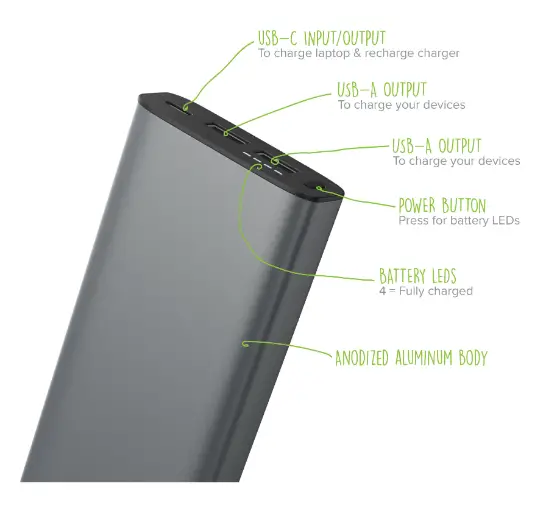
The myLaptopCharge 20K Basics:
RECHARGING MYLAPTOPCHARGE
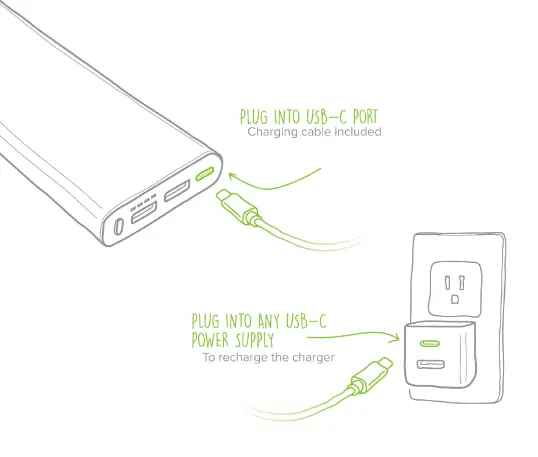
Connect the included recharging cable to any USB-C power source.
Fully charged unit shows 4 solid, non-blinking LEDs.
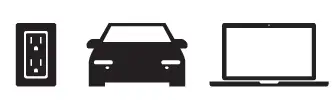
3 ways to recharge: From wall outlet, car, computer
How to recharge your myCharge myLaptopCharge 20K:
LED INDICATORS
Press power button to see battery level
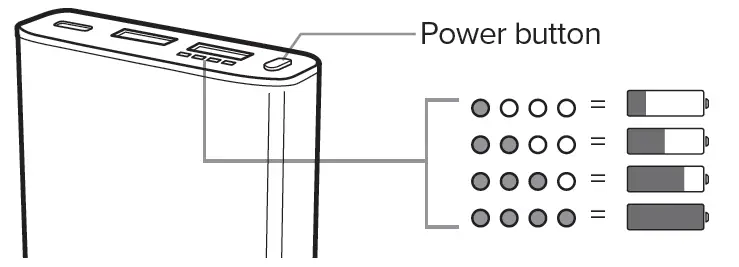
CHARGING DEVICES
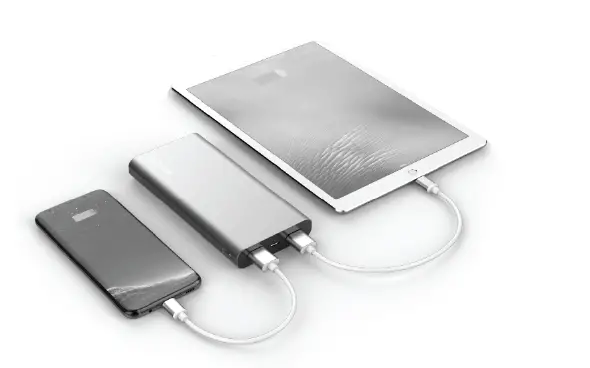
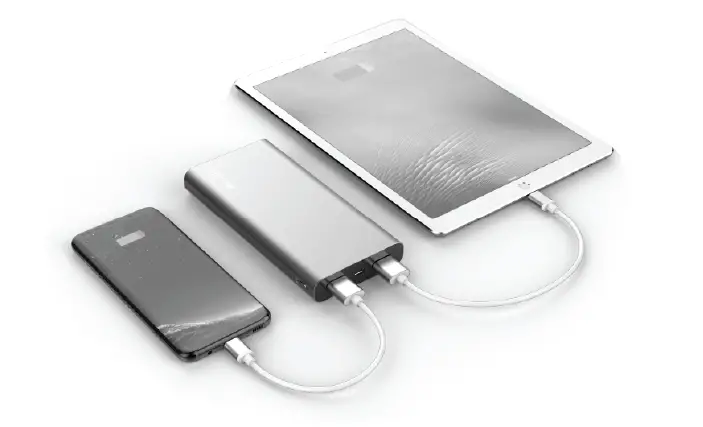
Using your own cable, plug one end into the MYLAPTOPCHARGE and the other end into your device. Charging should begin automatically –
if it doesn’t, press the power button.
Charging laptops: 45-Watt output Use USB-C to USB-C Power Delivery cable only (included)
(Power Delivery is not supplied from USB-A ports.
Only use USB-C port for charging laptops.)
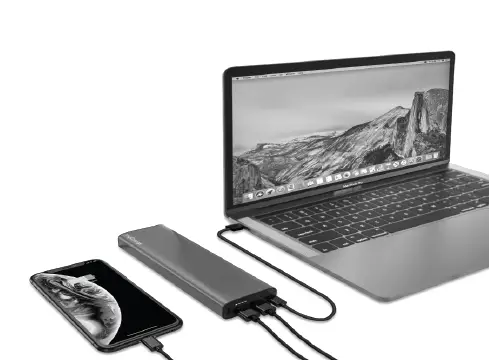
How to charge your laptop, phone or another device:
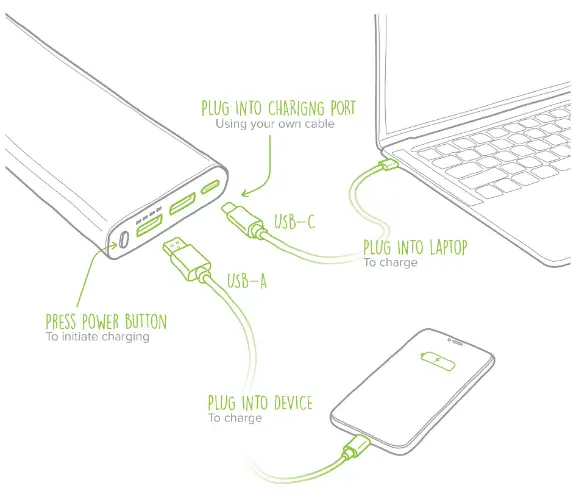
WARNING/SAFETY HAZARD INFORMATION
READ ALL WARNINGS AND INSTRUCTIONS PRIOR TO USE. FAILURE TO READ AND OBSERVE WARNINGS AND INSTRUCTIONS AND/OR IMPROPER USE OF THE PRODUCT MAY RESULT IN FIRE OR EXPLOSION, EXCESS HEAT, TOXIC FUMES AND SEVERE INJURY TO PERSONS AND PROPERTY:
 | Do not expose battery to extreme temperature including direct sunlight, stoves, hot cars or other high temperature environments which will cause the battery to generate heat, explode, combust and/or ignite. |
 | Avoid dropping or otherwise damaging the battery. If dropped or damaged, do not use battery. |
 | Do NOT attempt to disassemble or repair any part of the battery or its casing. |
 | Use only accredited accessories to recharge the battery. Using a charging device, method or apparatus that did not come with the battery may cause the battery to generate heat, explode, combust and/or ignite. |
 | It is unlawful to dispose of batteries in the garbage. Always take batteries to a recycling center. |
 | WARNING: Cancer and Reproductive Harm – www.P65Warnings.ca.gov |
WARRANTY INFORMATION:
We provide a one-year limited warranty from the date of purchase. Keep a copy of your receipt as proof of purchase and register your product at mycharge.com and check for the latest product updates as they develop. Failure to register your product and/or to provide proof of purchase may void the warranty.
MYCHARGE SUPPORT: Go to support.mycharge.com
WARRANTY INSTRUCTIONS: Go to mycharge.com/warranty and select your model.
FCC COMPLIANCE: Warning – Changes or modifications to this unit not expressly approved by the party responsible for compliance could void the user’s authority to operate the equipment.
myCharge is a registered trademark of RFA Brands, LLC. © 2020 myCharge. All Rights Reserved
LTPD20GK-A
DOWNLOAD
myCharge myLaptopCharge 20K LTPD20GK User Manual – [Download PDF]