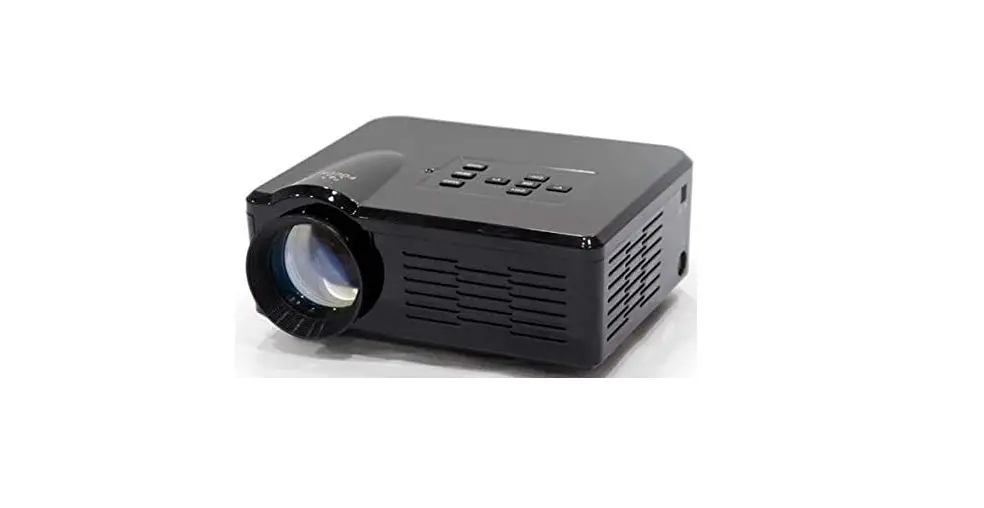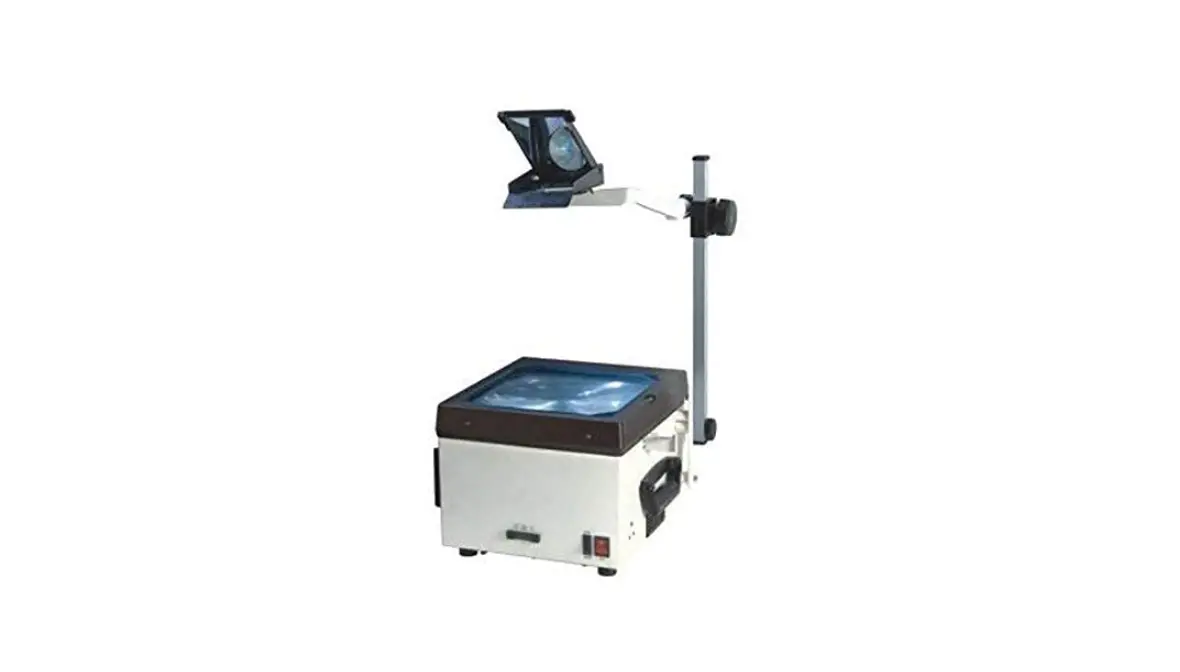
YEHUA
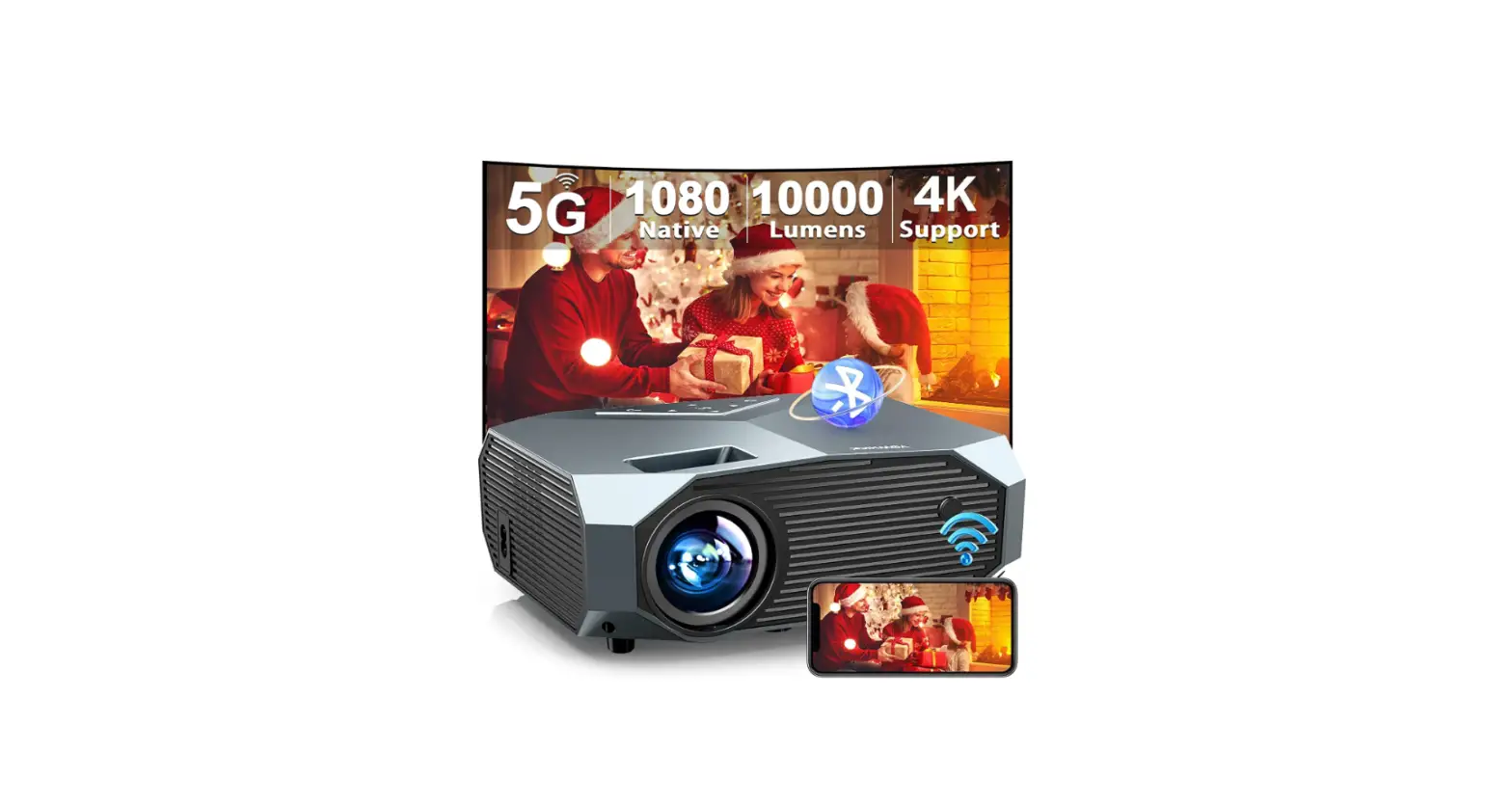
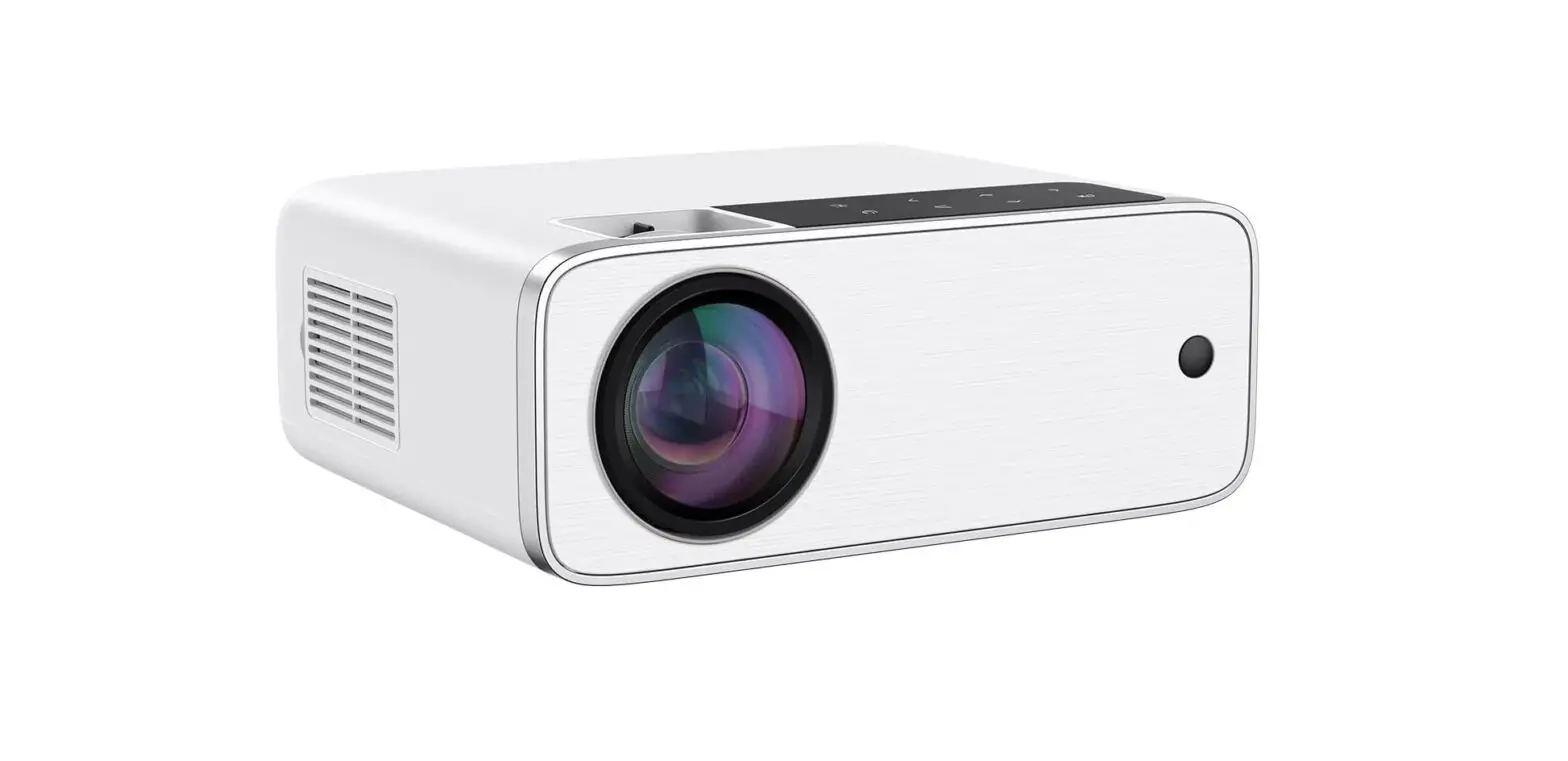
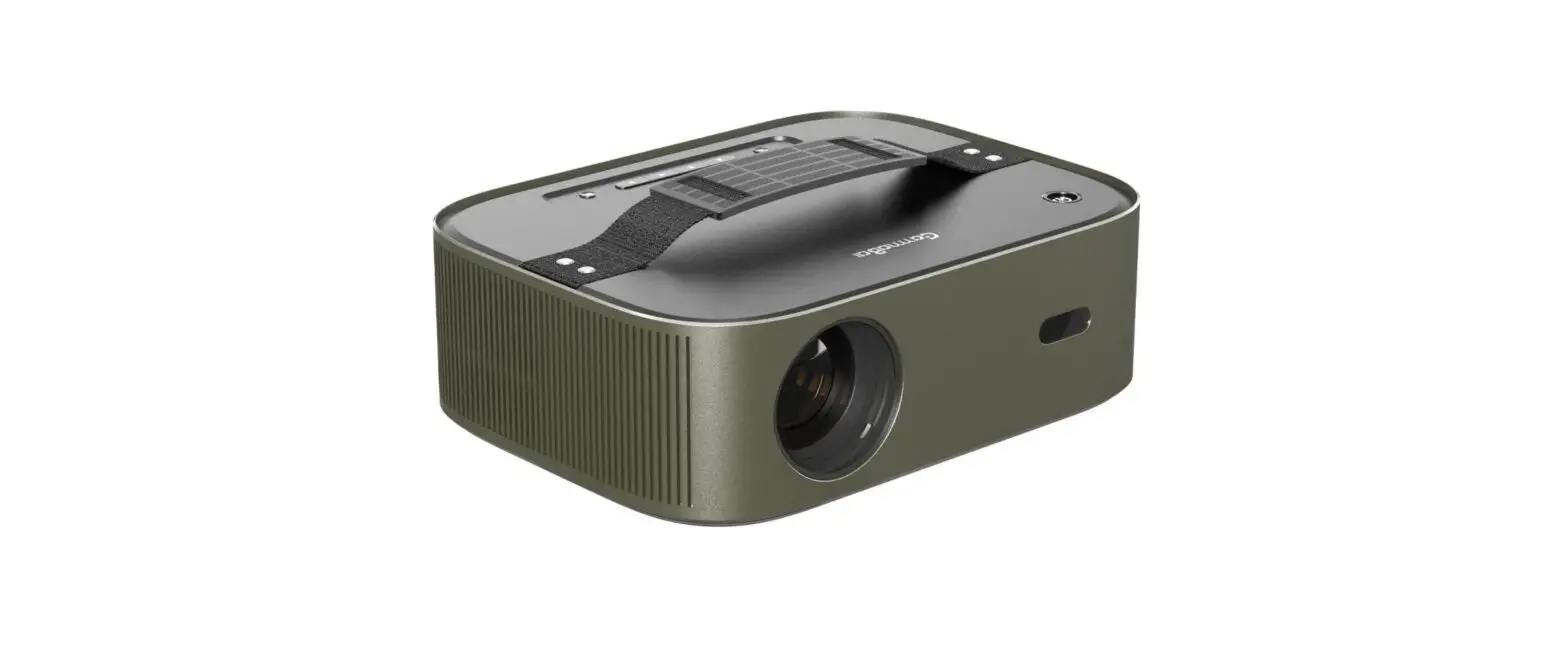
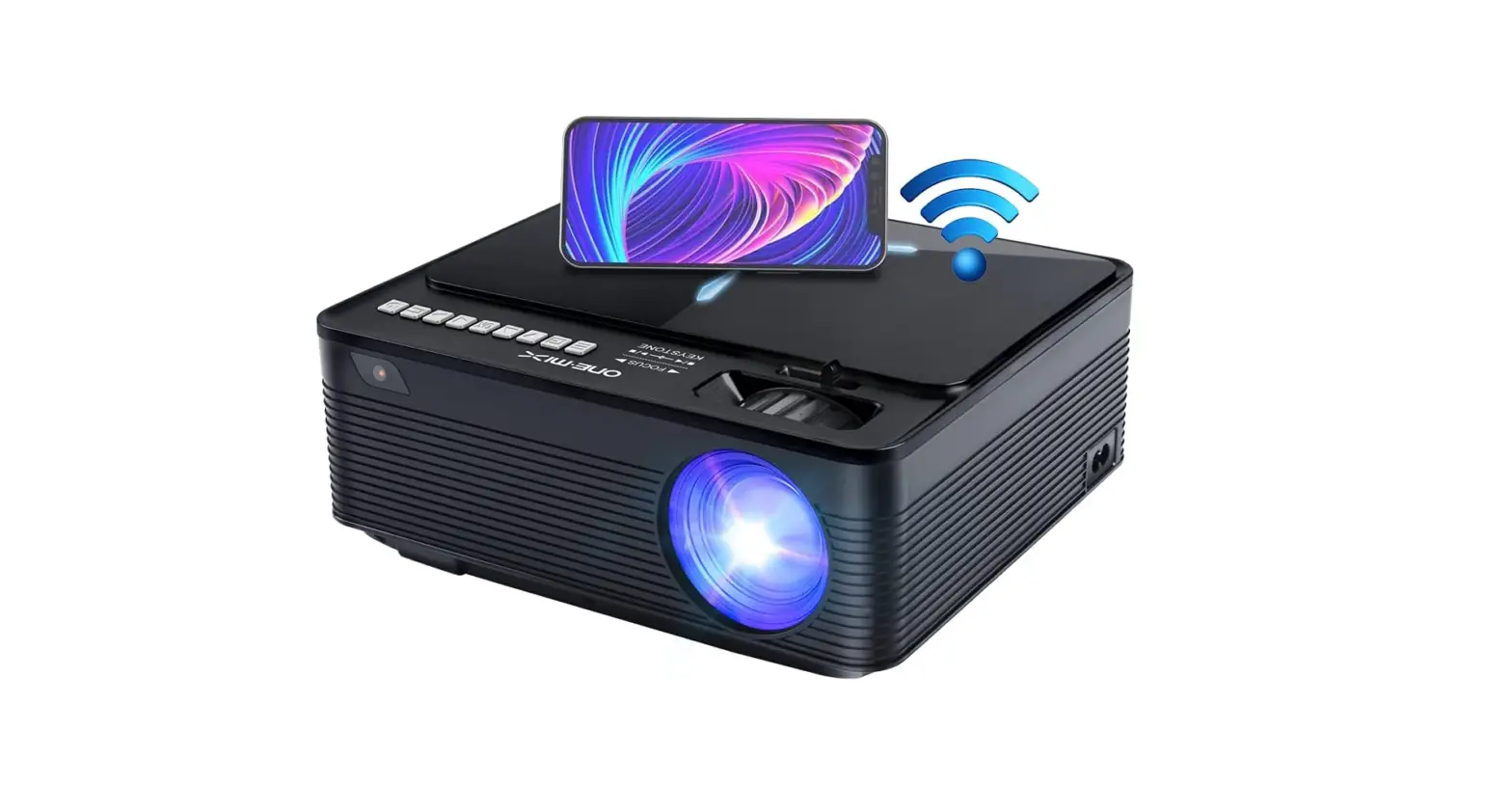
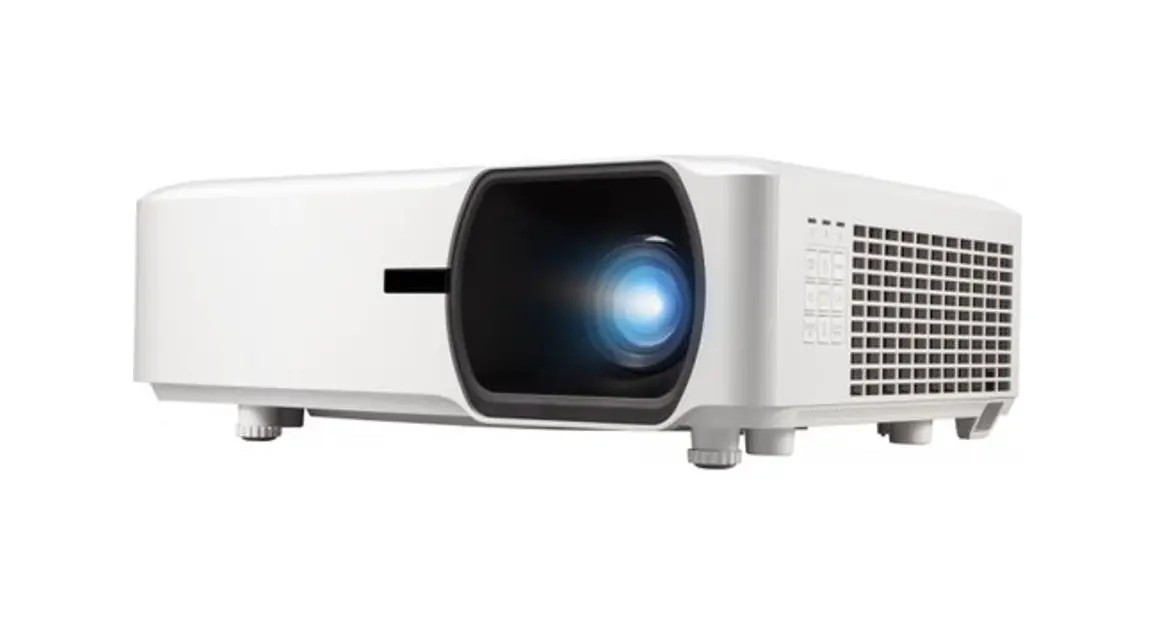
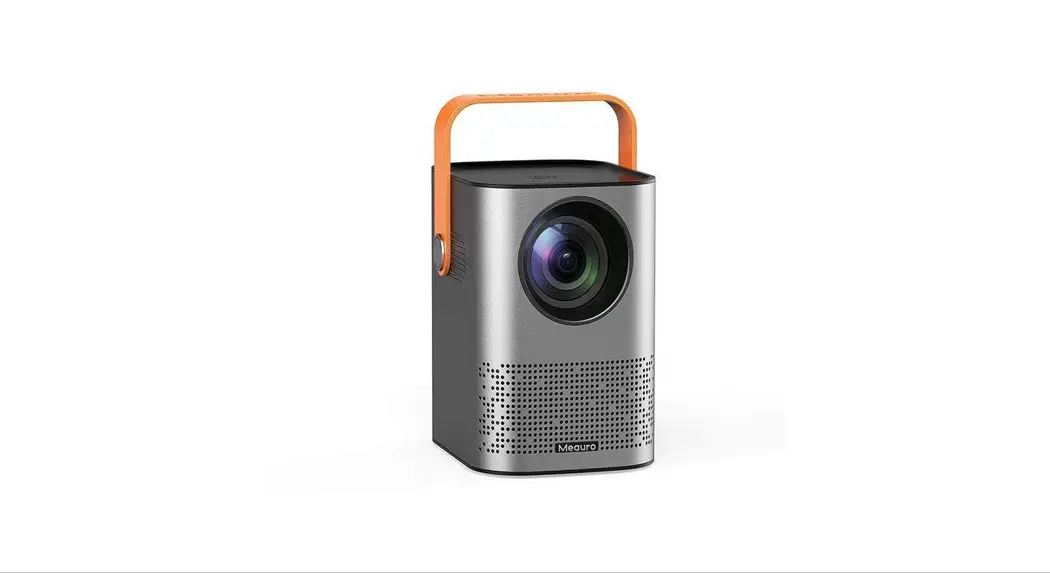
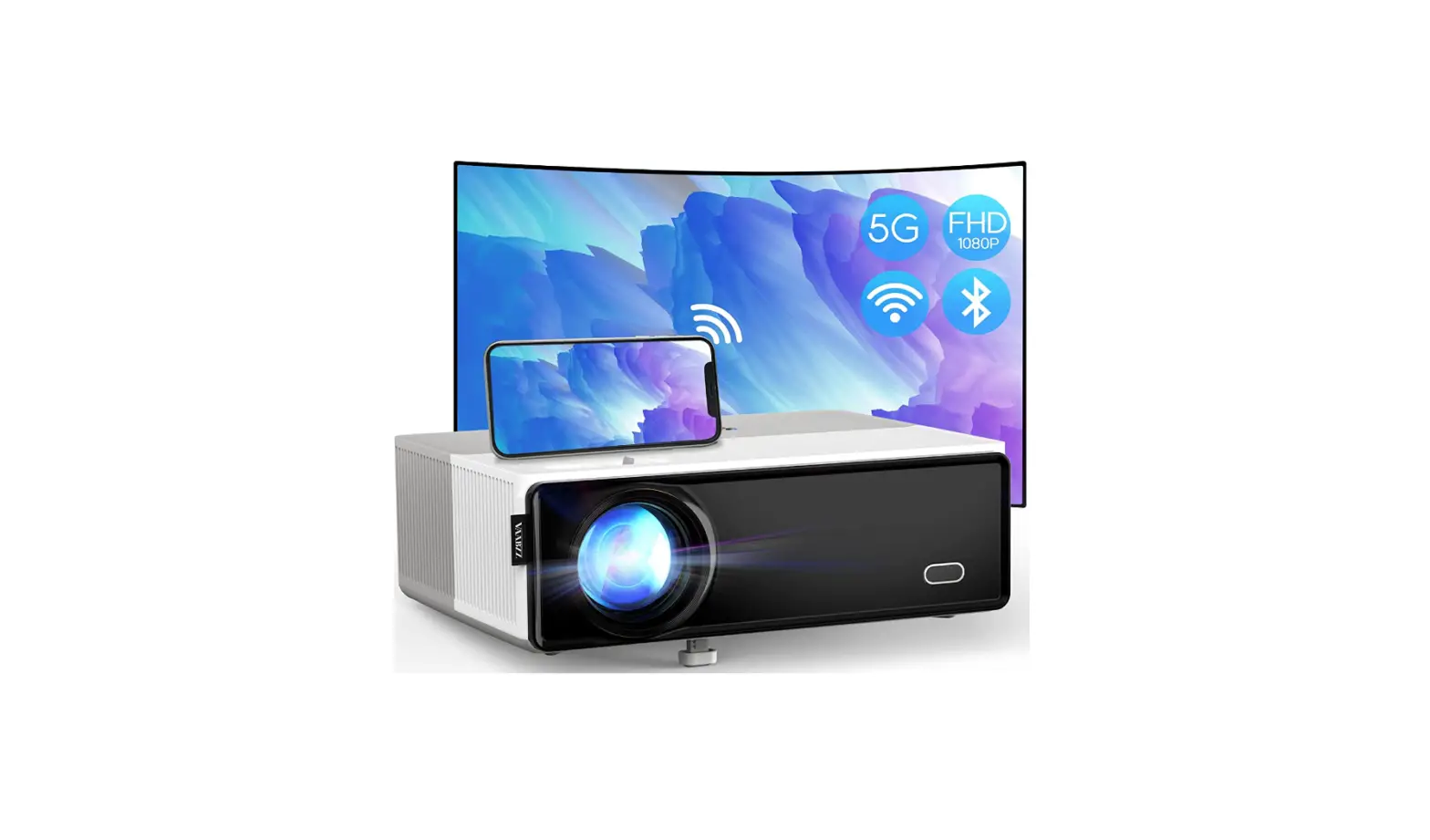
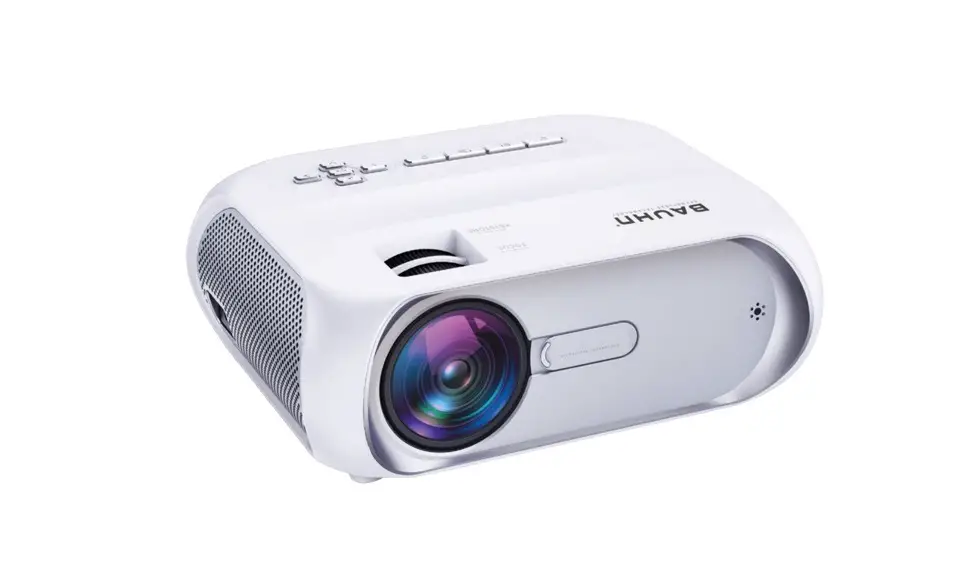
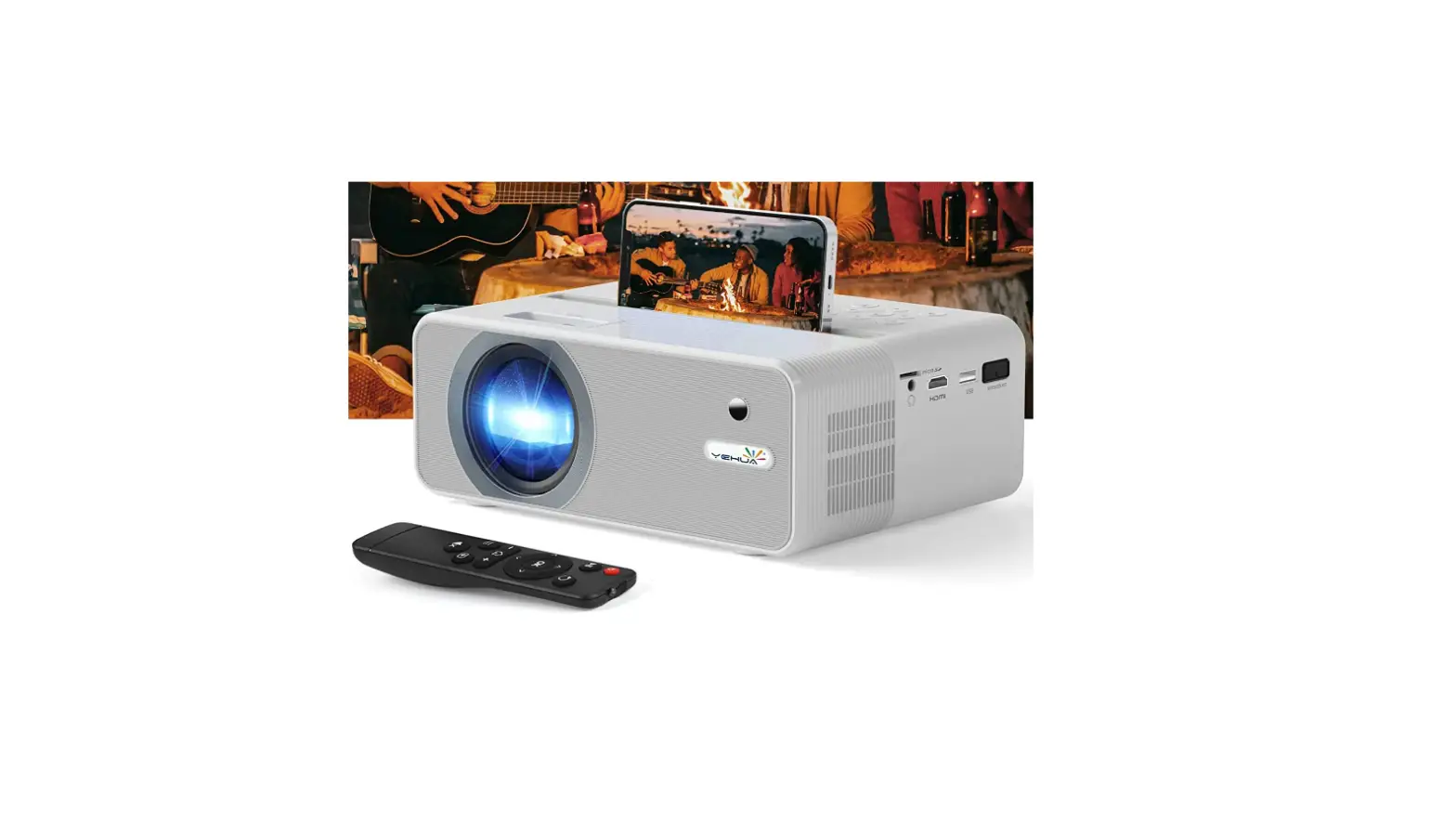
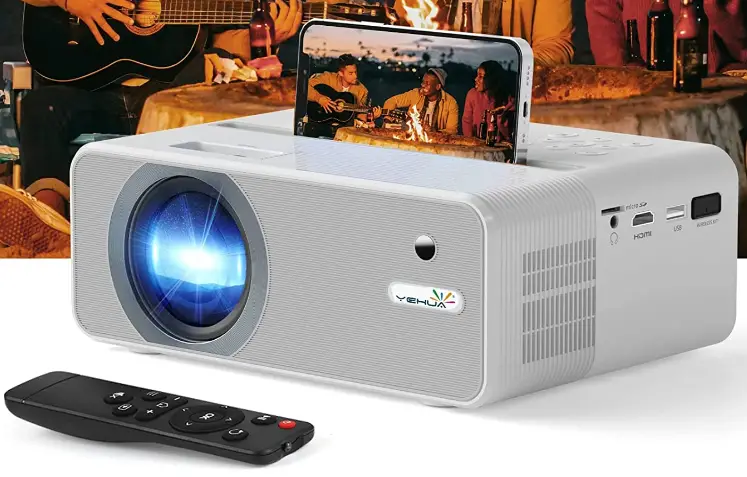
YEHUA H3-Lite 4K Outdoor Projector
Specifications
- Imaging technology: 5” LCD TFT Display
- Lamp life: 50000
- Native Resolution: 1920 x 1080P
- Zoom: 50% digital zoom
- Projection display: 35″-160″; 1-4.5M
- Aspect ratio: 4:3\16:9
- Keystone correction: 4D/4P digital automatic keystone correction
- Wireless function: Bluetooth & 2.5G/5G WiFi
- Power AC input: 100V-240V 50/60HZ
- Projection method: Ceiling Mount, Table Mount
What’s in the box?
- YEHUA H3-Lite 4K Outdoor Projector
Descriptions
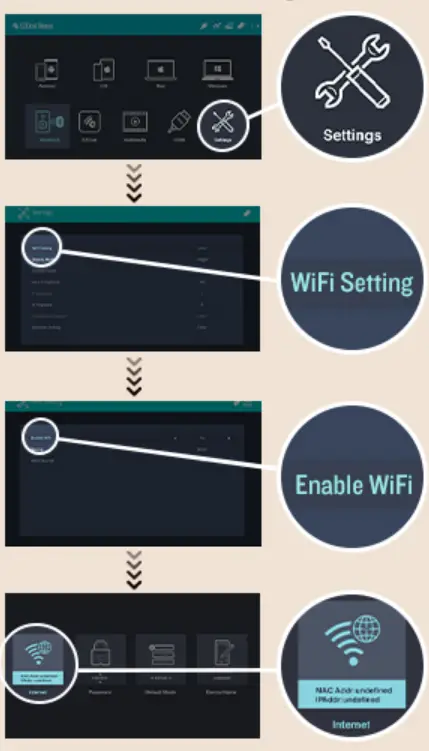
Connect your projector with the EI-FI of your Home
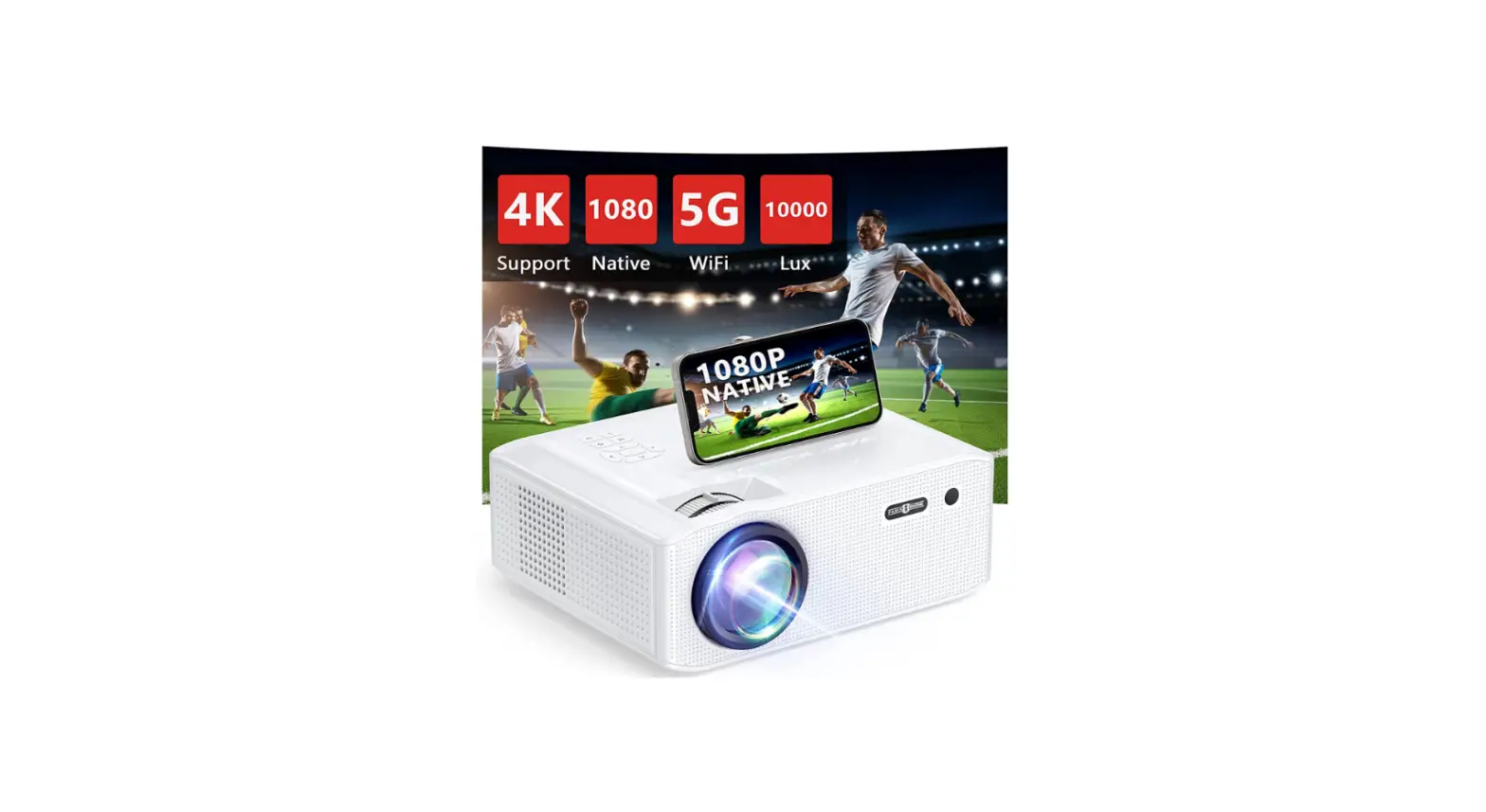
Sharp and detailed HD images are provided by the YEHUA 1080P WIFI projector’s 200ANSI / 10000 lumen brightness, 8500:1 contrast ratio, and 160″ large screen image size. It is easy to see the delicate feathers on the birds and the figures’ nuanced facial expressions. A crystal-clear, colorful picture is depicted with excellent color reproduction. Embrace the excitement of home theatre.
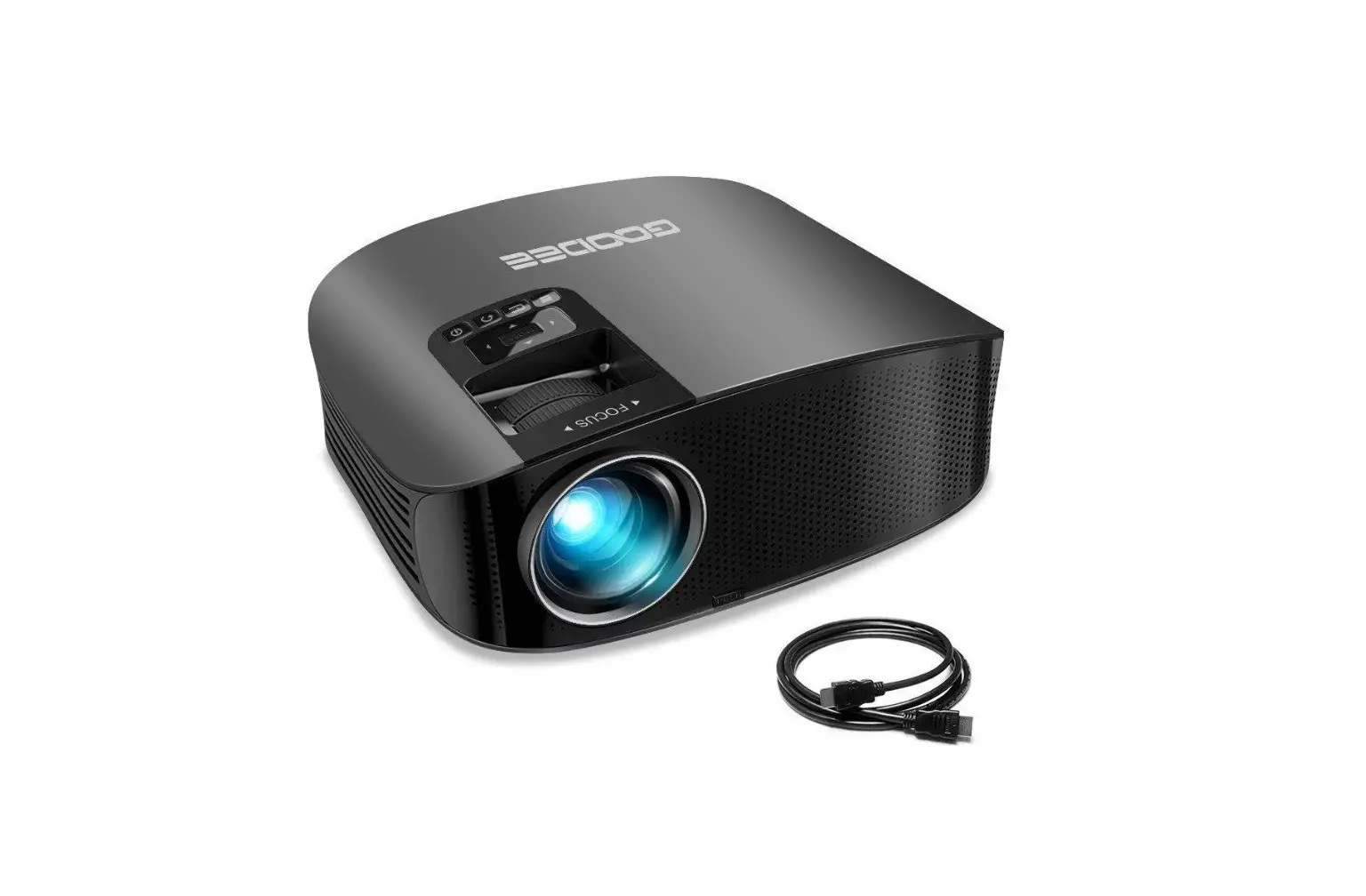
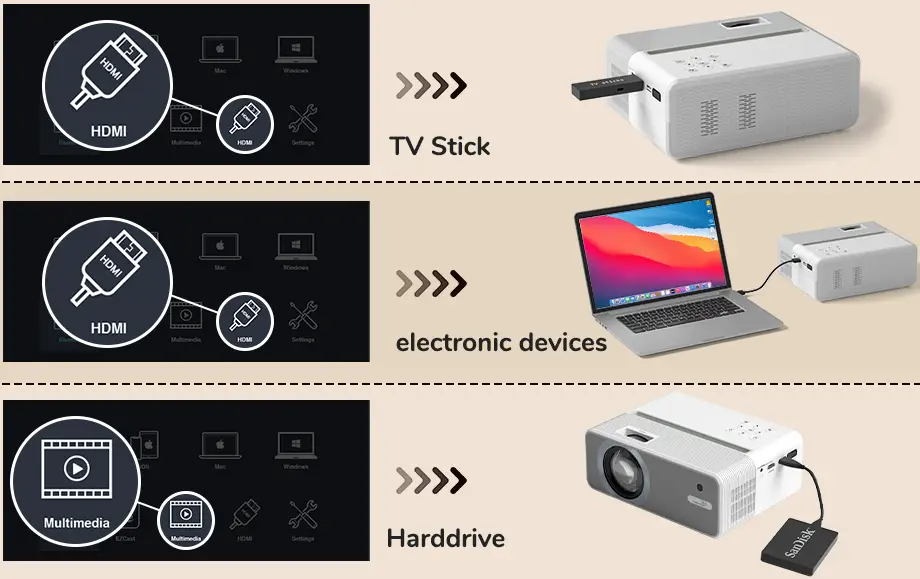
Connect and play. You can effortlessly play your favorite movie using the HDMI/USB cable, and the projector supports both a horizontal and vertical screen.
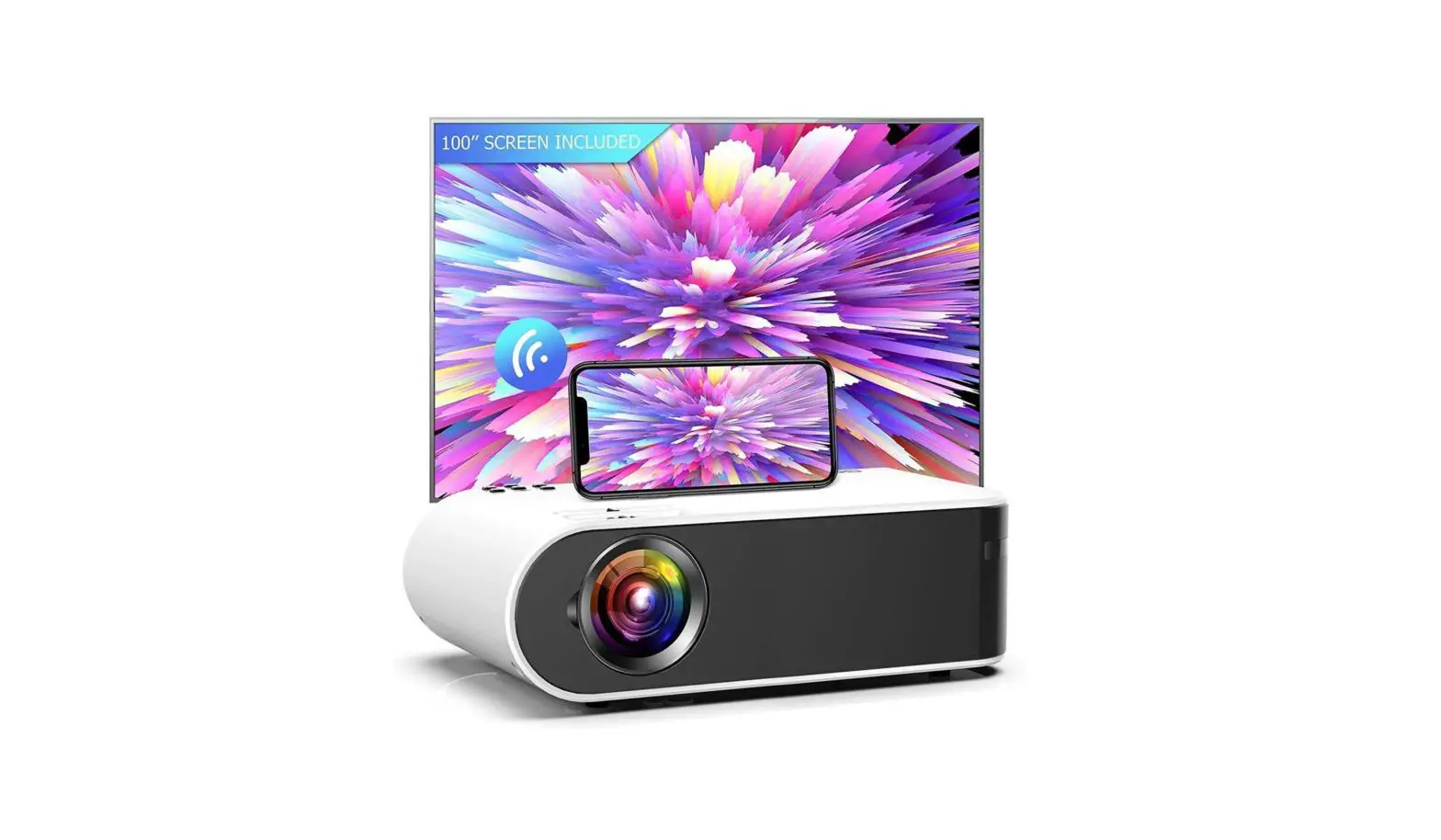
Without a separate adaptor, the WIFI smartphone sync screen can achieve screen synchronization. (Note: Due to the “HDCP” protection technique, it is not possible to mirror encrypted videos like Netflix.)
When using a device that is TV stick/Micro SD compatible, you may either plug the TV stick into the HDMI port directly or place the Micro SD into the SD card slot to view Netflix, Prime Video, Disney+, HBO, and other services.
Use USB to link. You can work from home on a huge screen by saving your work on a USB memory stick, which you can then insert to begin utilizing presentation software such as PPT, Excel, Word, and PDF.
Bluetooth and stereo are excellent. With its integrated 10W Hi-Fi stereo speakers and use of the most recent Bluetooth technology, the YEHUA Video Projector can serve as your Bluetooth speaker.
To ensure the greatest viewing experience, you can adjust the brightness, saturation, sharpness, R/G/B gain, and R/G/B offset in accordance with the scene being viewed and your own preferences.
Features
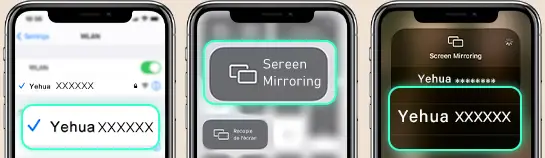
Simple Instructions for Wireless Screen Mirroring on an iOS Device
- From the projector’s main menu, select the settings icon, and then turn on WiFi. Then, link it to your home WiFi.
- From the main menu, select “iOS”;
- Your iOS device must be connected to the same Wi-Fi router;
- Activate Screen Mirroring on your iOS device, choose “YEHUA-XXXX” as the projector device, and then connect it;
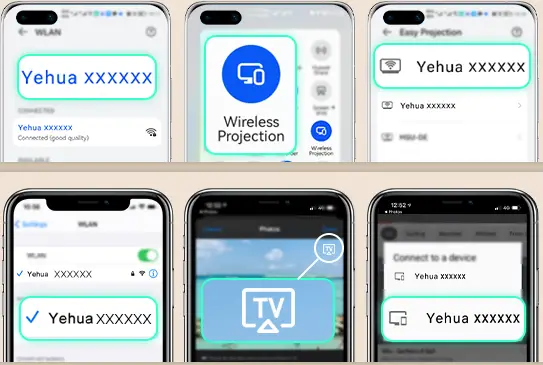
Simple Instructions for Wireless Screen Mirroring on an Android Device
- From the projector’s main menu, select the settings icon, and then turn on WiFi. Then, link it to your home WiFi.
- From the main menu, select “Miracast”;
- Activate Screen Mirroring on your Android device, look for the “YEHUA-XXXX” projector device, and then connect it.

FAQs
I have one, and it functions well as long as the file format is NVME M2.
Yes, it can support M-Key (B+M Key) NVME SSD Size 2230/2242/2260/2280 in our enclosure.
It depends on your seating arrangement, ceiling height, etc.
Individual Preference: Pay close attention to the native resolution. Like my projector, this has 1920 * 1080 resolutions. The other models that list 80 inches as their maximum aren’t true 1080P/4K. Some don’t even have 720P.
This is going to work.
Yes, there is something that resembles a wheel that you may use to correct the image.
Hello, the chip’s name is AM8180.
It can be watched if you use an HDMI cable that is HDCP compliant, but not if you cast the screen over WiFi.
The answer is yes, but the NVMe m.2 2800 chip requires an SSD and does not support SATA.
Netflix is available if you pair a FireTV stick with the projector; when I attempted to access Netflix on my phone using screen mirroring, it was not possible owing to restrictions.
Look for m on Amazon. They each have two screws.
View the item link here:
The fourth image demonstrates how to open the container.
· Step 1.Open the enclosure
· Step 2. Push the panel after opening the enclosure.
On my system, local disc
Hit settings on your home screen. then locate the projector’s placement and switch it to the front or front ceiling.
The speed of M2 technology can be up to two times that of SATA. SATA SSD speed increases over ordinary SSD range from 3X to 6X. More quickly than that is M2. Possibly up to 4 times as fast as SATA SSD