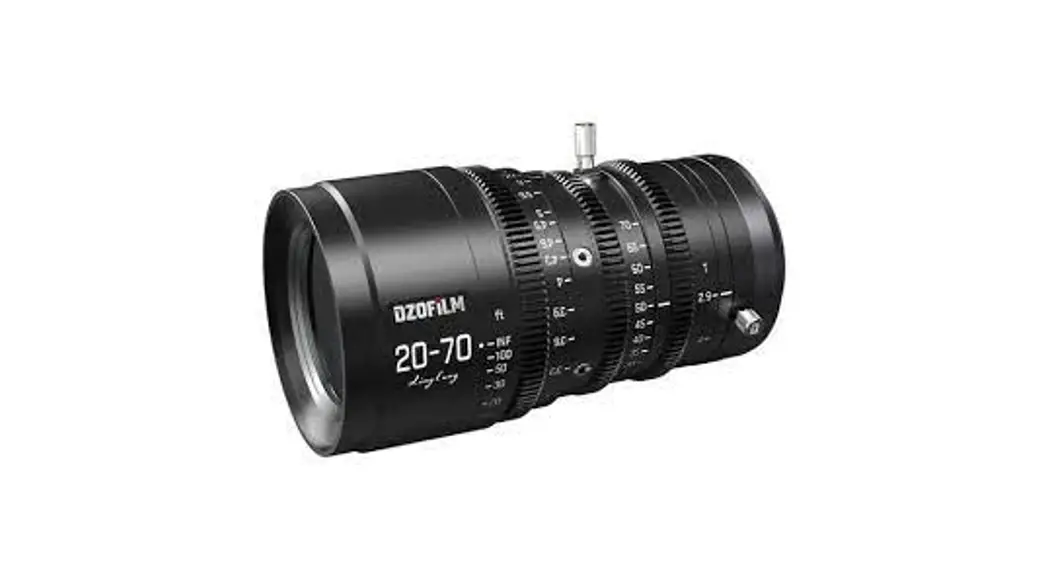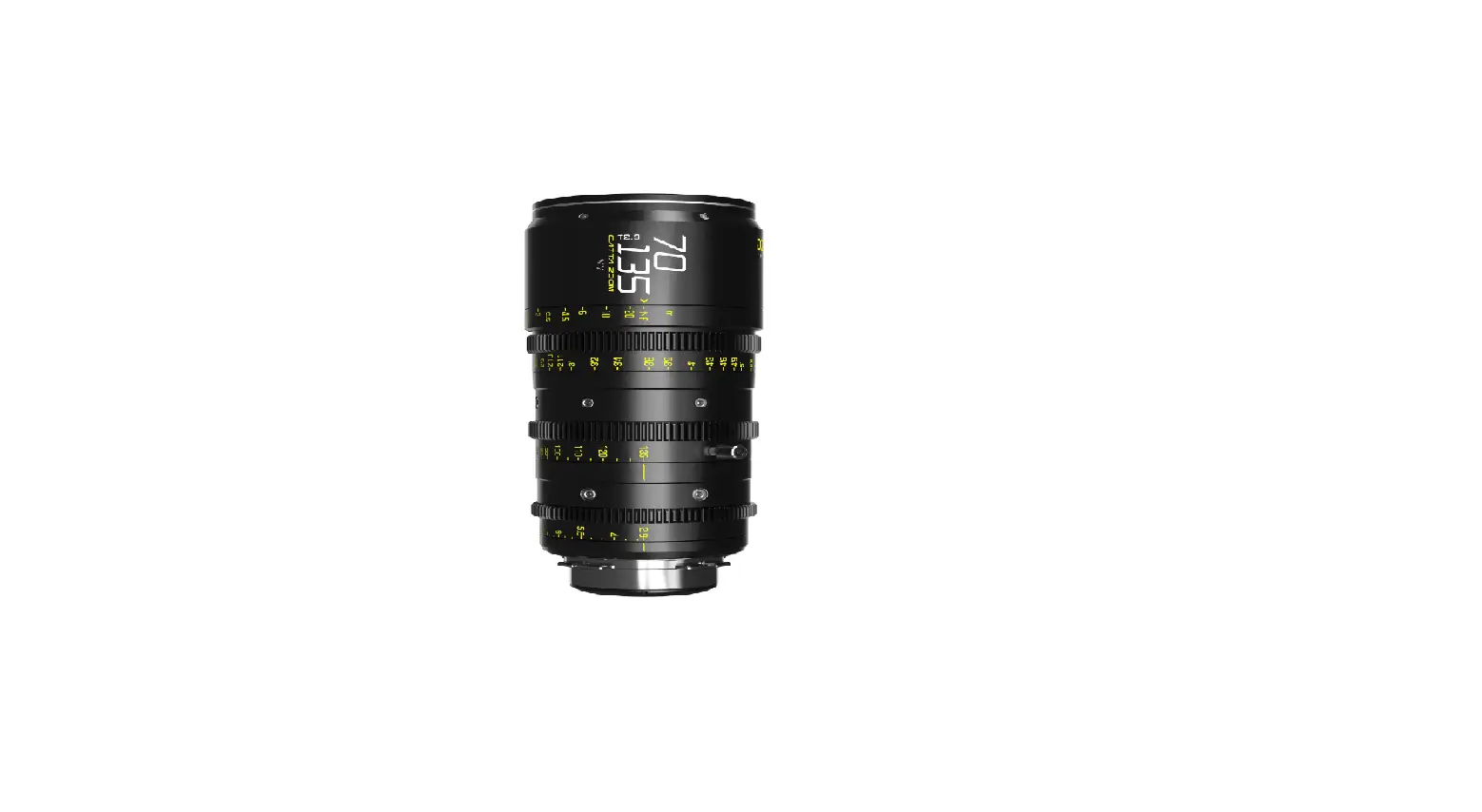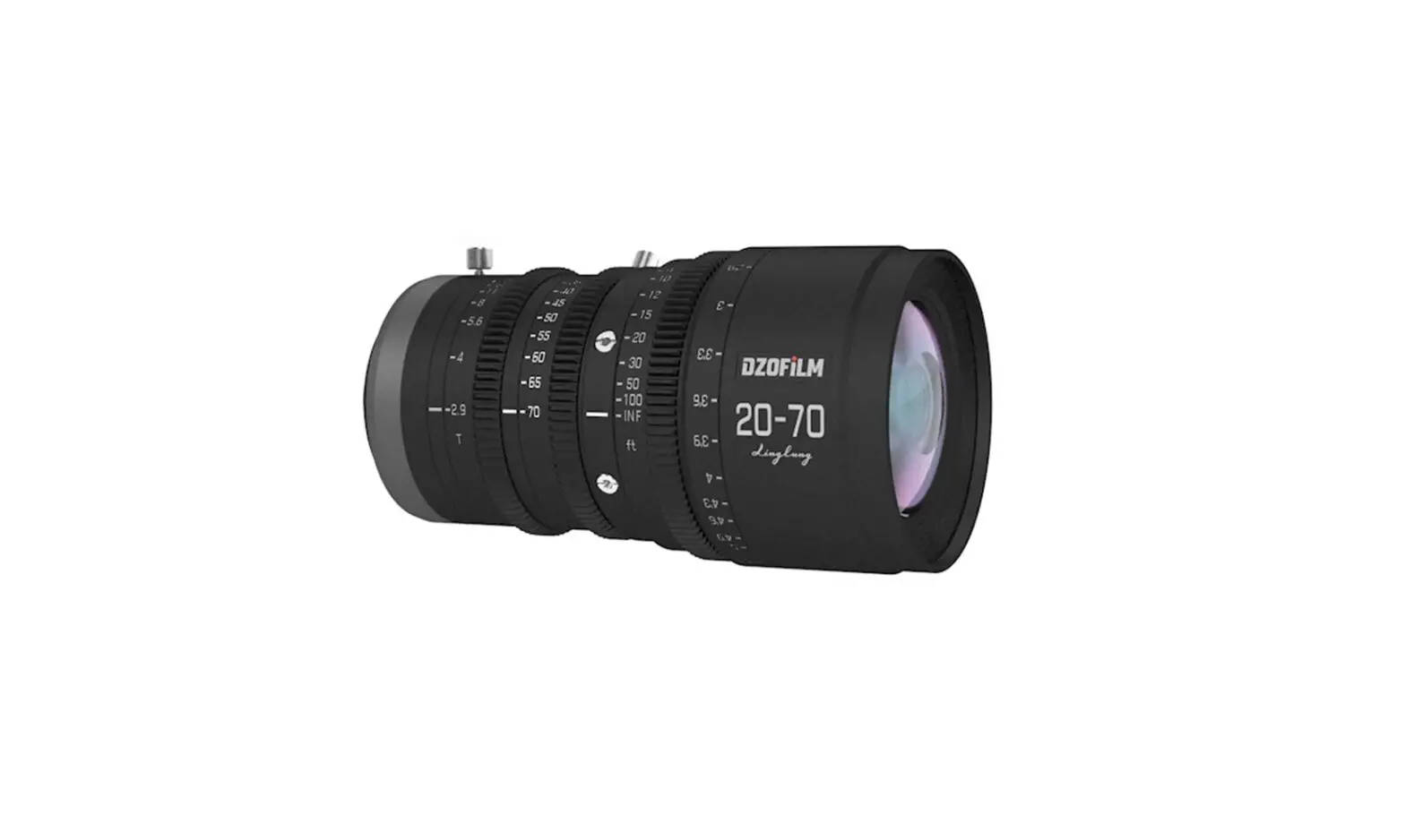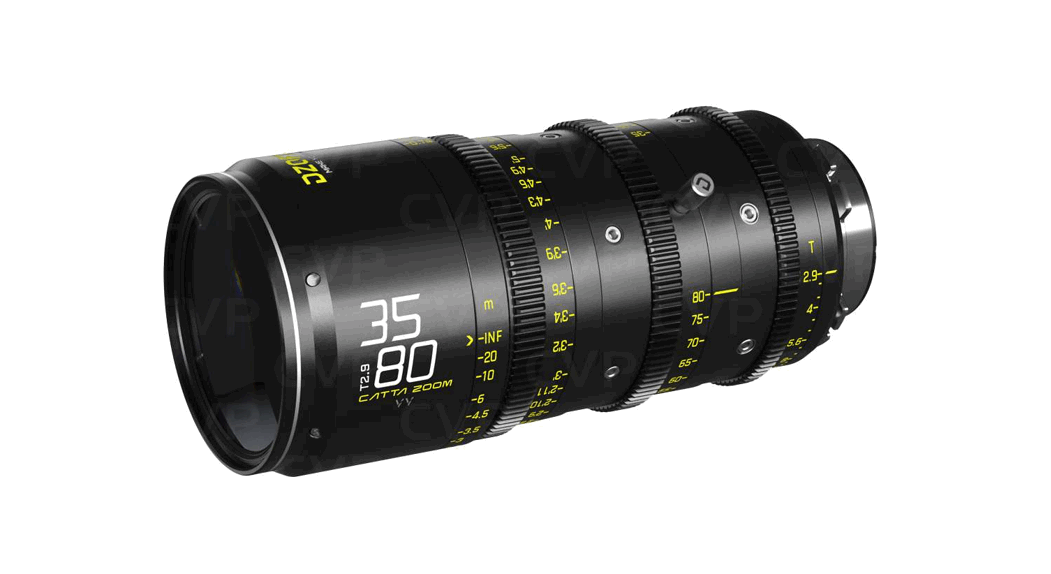
 Vespid Cyber Lens
User Manual 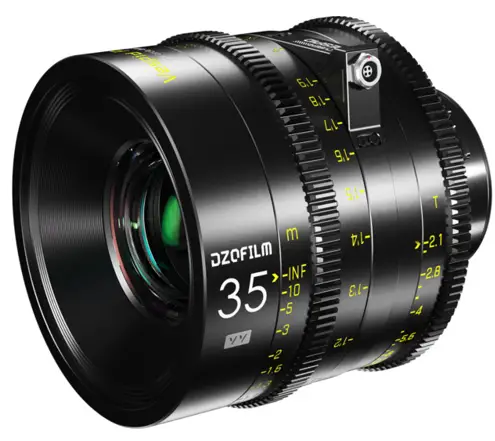
CINE LENS
www.dzofilm.co.uk
Introduction
Thank you for purchasing this product!
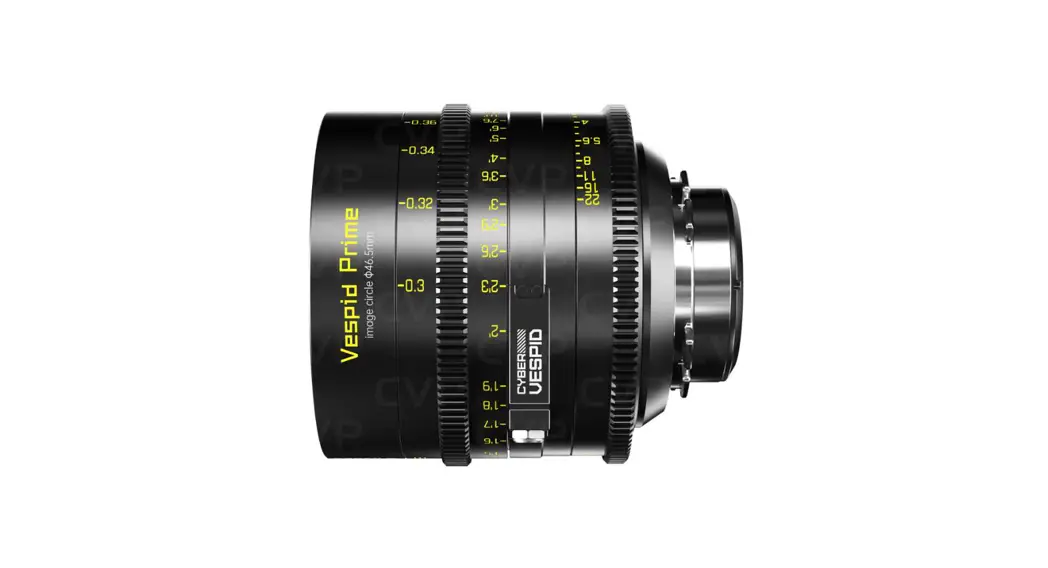
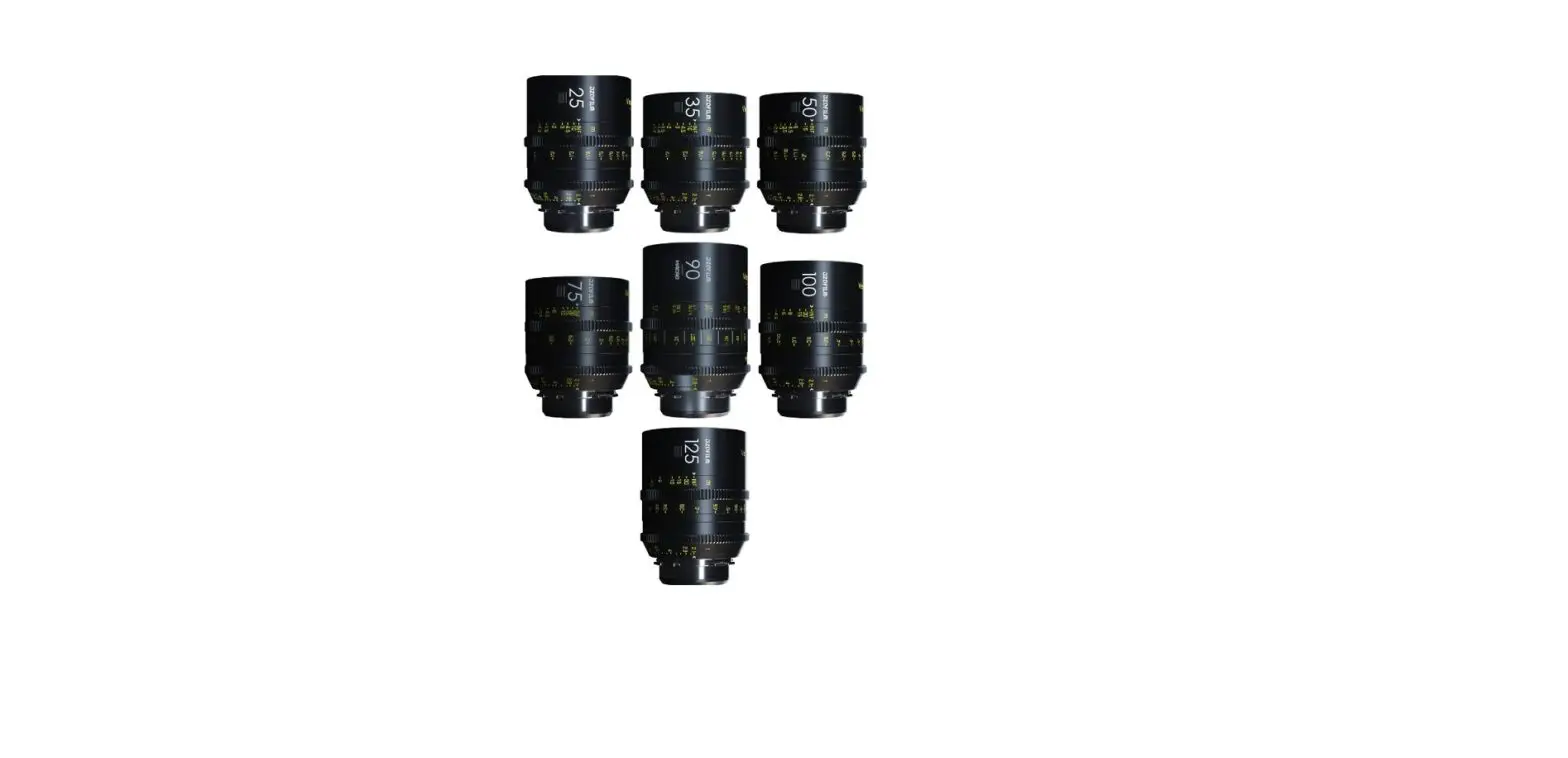
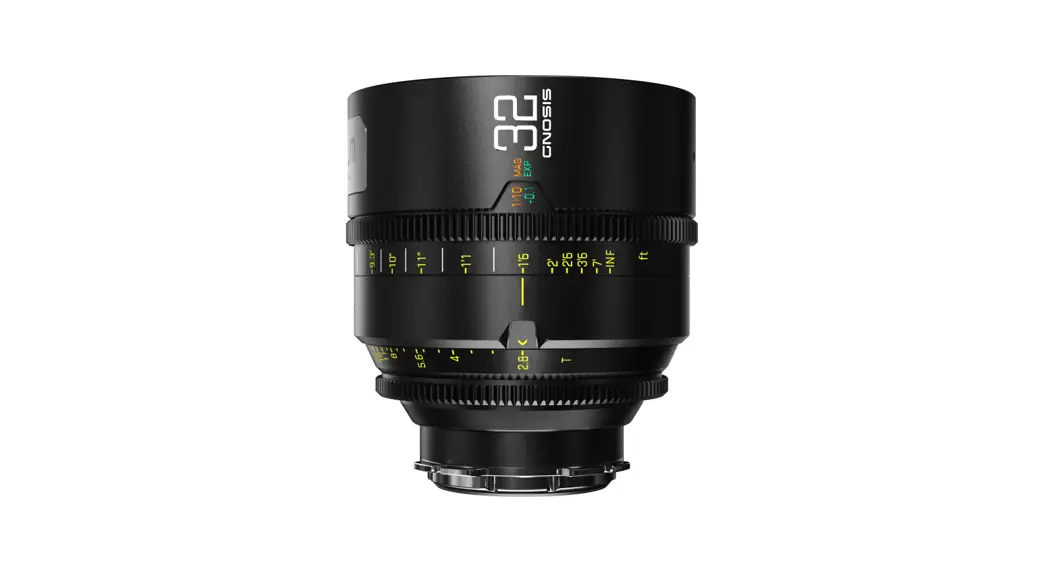
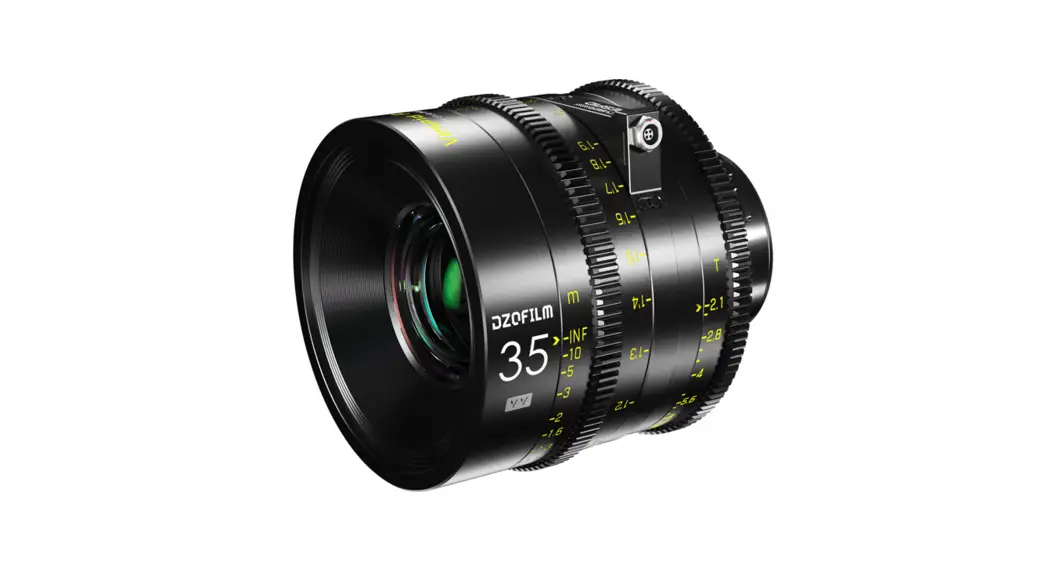
Vespid Cyber (Vespid series) is DZOFILM’s high-performance full frame prime lens. It allows you to reproduce the details in filming, with vivid colors and natural transition. Unique Data Interface function can output the focusing and aperture data. The lens allows auto focus with the third-party focusing system, making your shooting faster and more convenient.
( Currently for only DJI RS3 PRO autofocus system. More application scenarios will be supported in the future.)
Safety Notes
- Please do not watch the sun or bright light source through the lens, otherwise it will cause visually disabled.
- Never use organic solvents such as paint thinner or benzene to clean the lens. Attach the front and rear caps when the lens is not in use.
- Store the lens and filter in cool, dry locations to prevent mold and rust. Do not store in direct sunlight or with naphtha or camphor moth balls.
- Please keep the lens dry and wipe the water droplets off if there are water droplets on the glass surface.
- Leaving the lens near heater or in other extremely hot locations could cause damage or warping.
- Use a blower to remove dust and lint from the glass surfaces of the lens or filter. To remove smudges and fingerprints, apply a small amount of lens cleaner to a soft, clean cotton cloth or lens-cleaning tissue and clean from the center outwards using a circular motion. Do not leave smears or touch the glass with your finger.
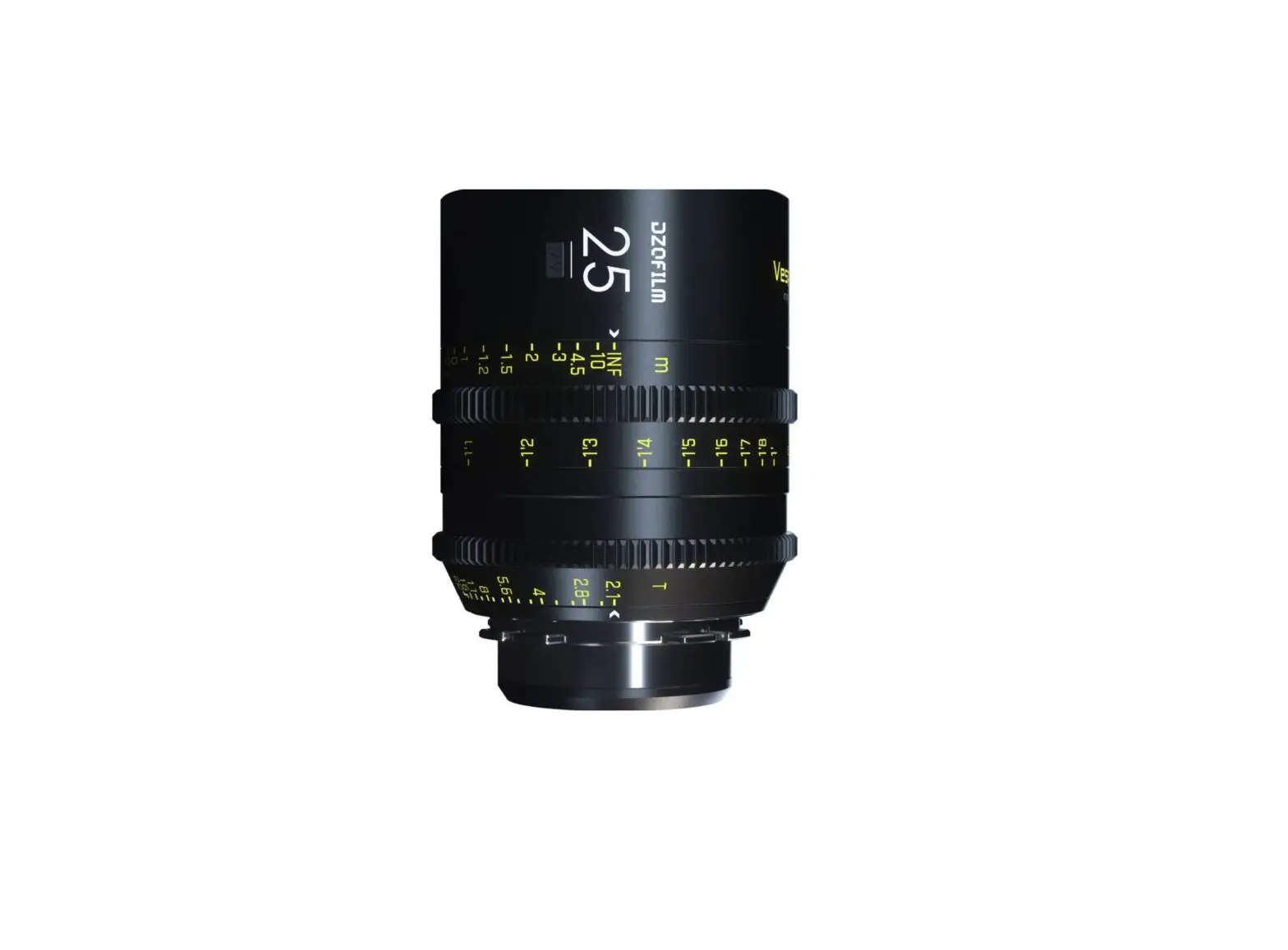
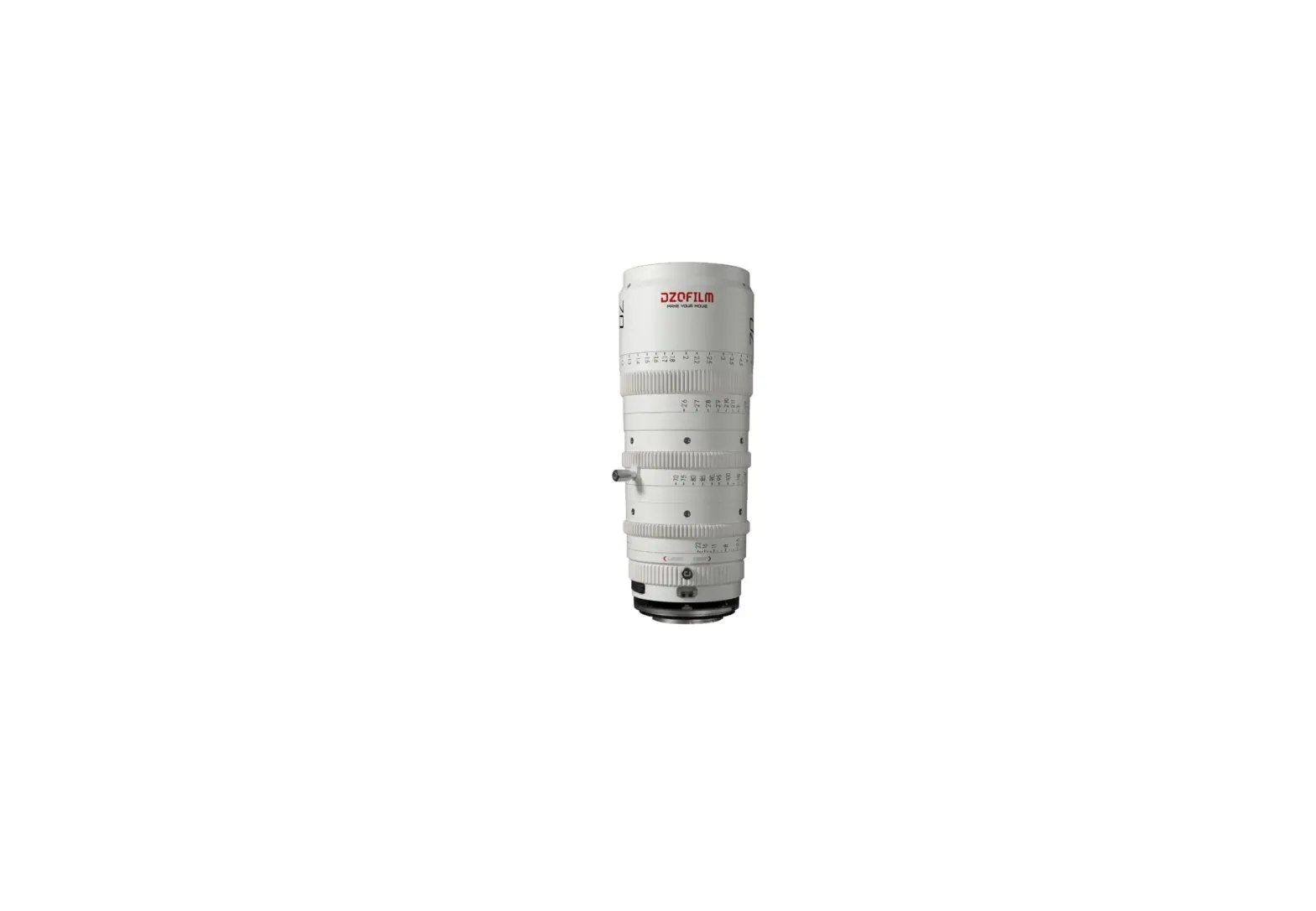
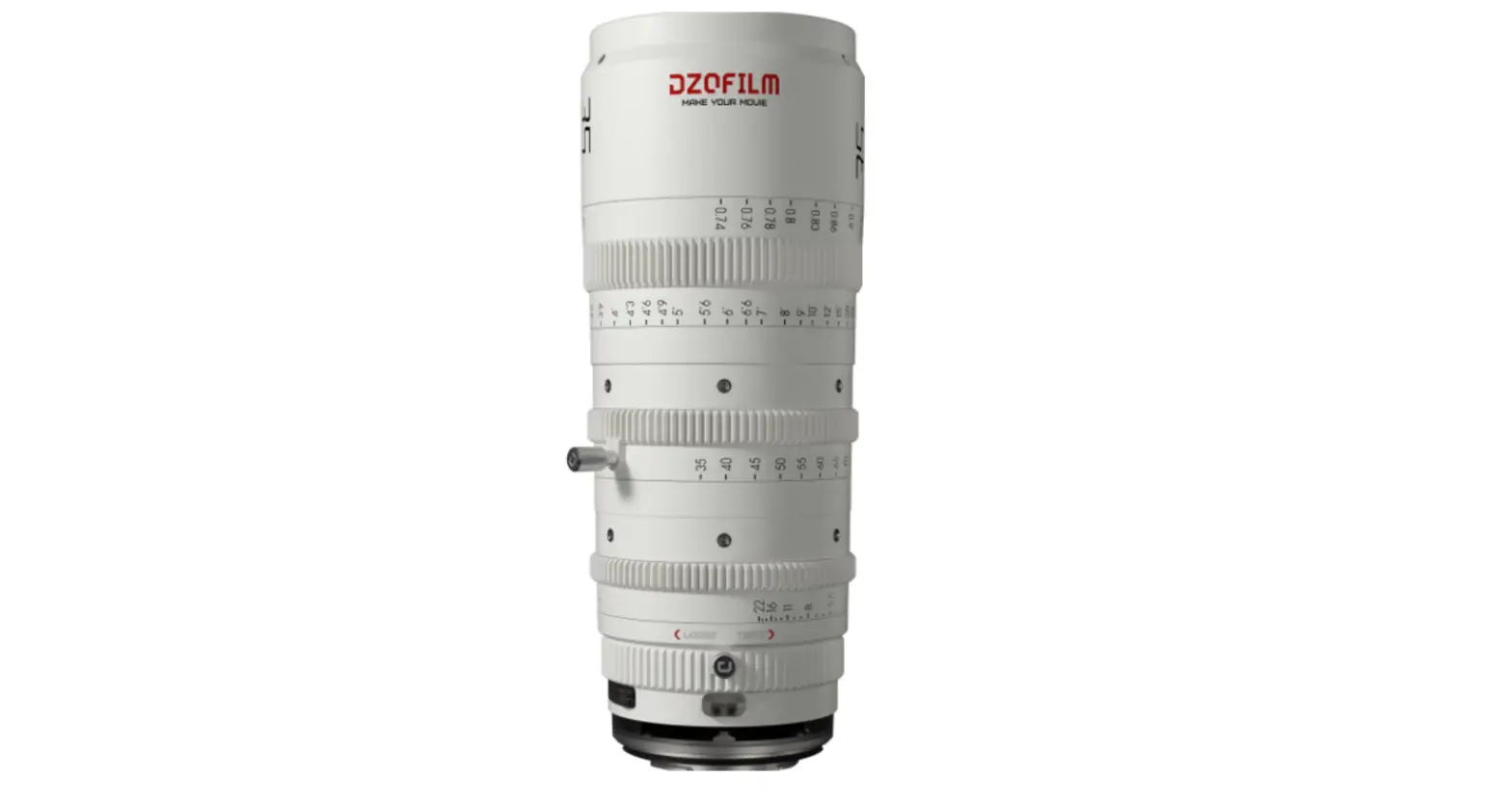
Lens Pars
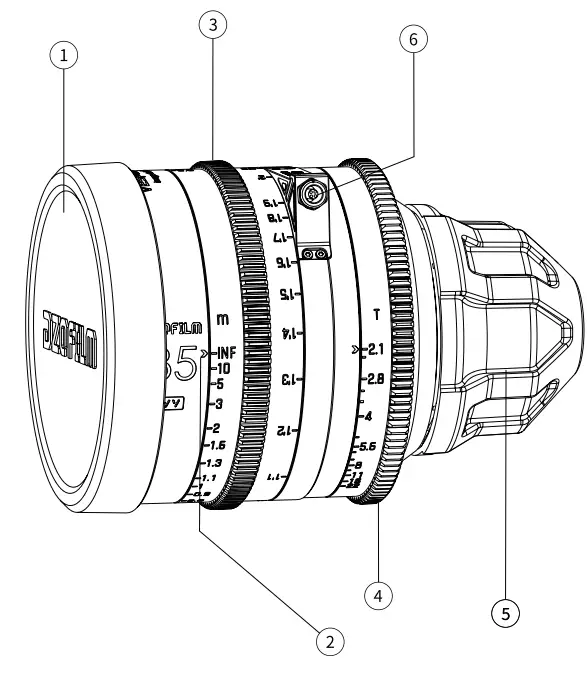
- Front Cap
- Lens Mark
- Focusing Ring
- Aperture Ring
- Rear Cap
- Data interface
Lens Control
Focus Control
Rotate the focus ring to increase or decrease the focus distance.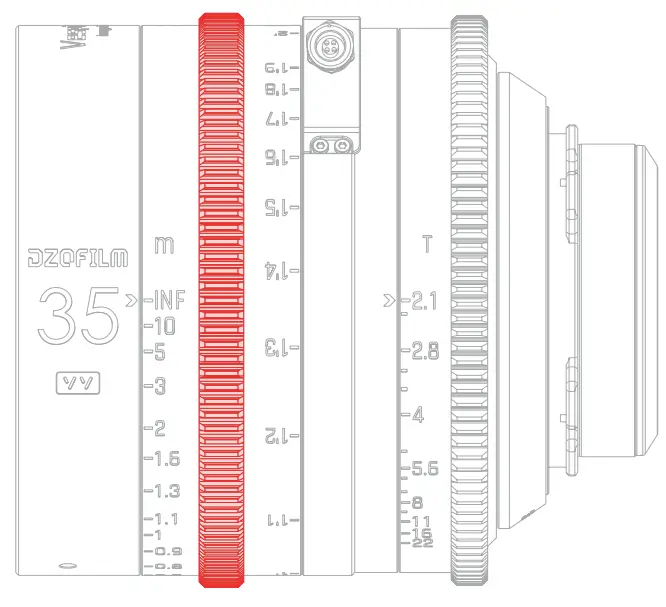 Aperture Control
Rotate the aperture ring to stop aperture down, raising the T-stop and narrowing the aperture, or lower the T-stop to widen the aperture.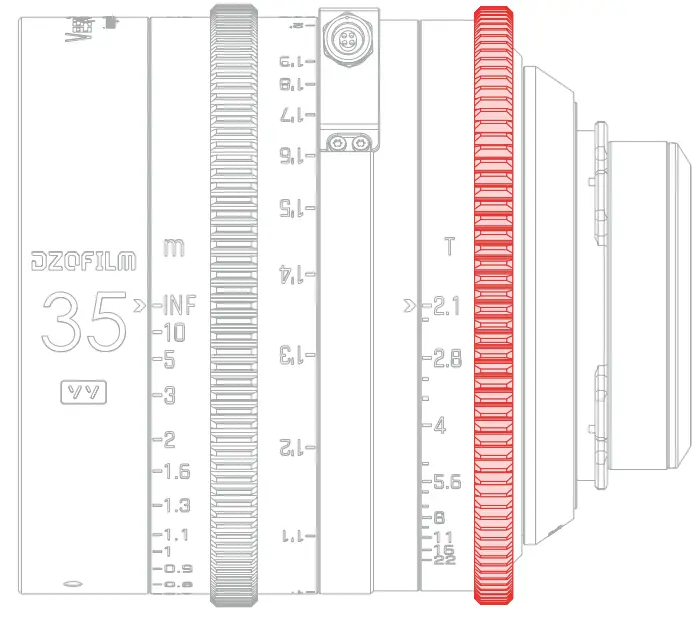
Flange Back Adjustment
Every Vespid Cyber digital lens will process flange back adjustment on standard before shipping. The flange distance of different cameras may be slightly different, resulting in inaccurate scales. To achieve the best performance and match different cameras, flange back adjustment is needed.
1.Preparation
Take Vespid Cyber 35mm as an example:
Step One : Ready your subject. You can use a “Star Chart”, or other high-resolution black-and-white objects;download the “Rear-focus Calibration Tool for Prime Lens”(short for “calibration tool”)Click to jump to the website on the official website.
Note : You can download and print the chart on DZOFILM website for Adjusting Back Flange Click to jump to the website
Step Two : Attach the lens to the camera and adjust the aperture to T4;
Step Three : Make the pointer align with the 1.6m scale on focusing ring, paste calibration tool on the ring with middle line of the tool aligning the 1.6m scale and the scale pointer (or choose other focusing distance and corresponding scale).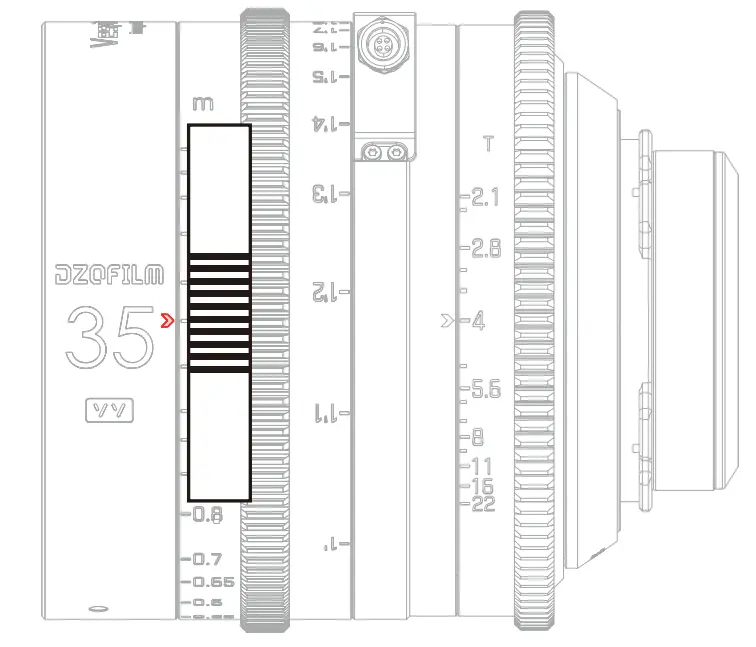 Step Four : Set the object 1.6m away from the camera sensor plane, and adjust it to the center of the whole image.
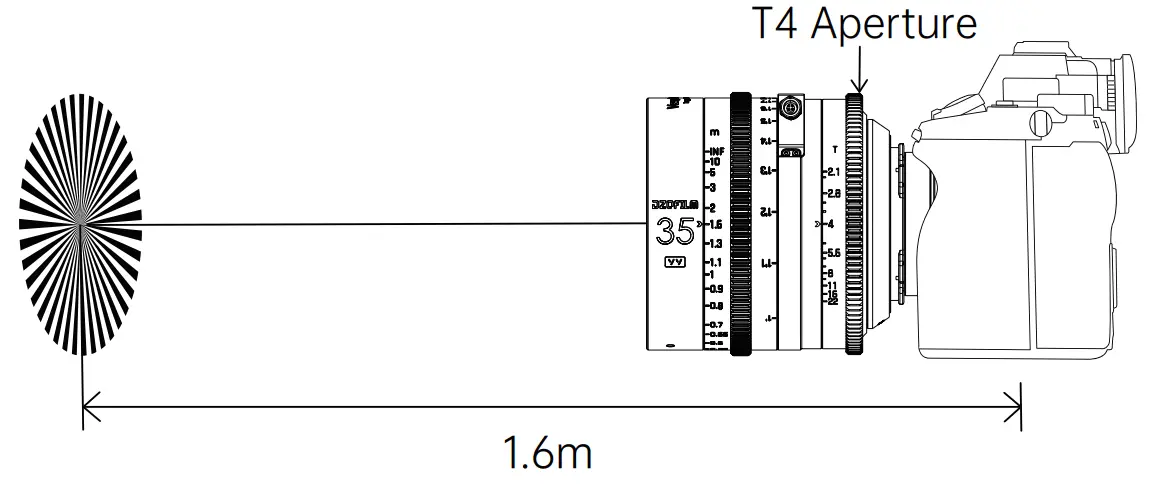 Set the object 1.6m away from the camera sensor plane, and adjust it to the center of the whole image.
2.Flange Back Adjustment
Please adjust as the following steps: Step One : Rotate the focus ring until the image to its clearest. Take the horizontal line in the middle of the calibration tool as the reference and observe the position of the deviating scale pointer to get the number of horizontal lines.
Note: The direction of infinity indicates positive deviation value.
The direction of the closest focusing distance indicates negative deviation value.
If there are more than five horizontal lines, add or subtract the corresponding value. Example: :If the scale pointer points to 5 spaces in the direction of the closest focusing distance, the deviation value is -5. If the scale pointer points to 5 spaces in the direction of infinity, the deviation value is +5. At this situation, the shim value of “+4” needs to be added to the shim value of “+1”.
Step Two : According to the deviation value and the reference below, add or subtract the corresponding shim to complete the flange back adjustment
Vespid Cyber Adjustment Reference
| direction | direction of the closest focusing distance | direction of infinity | |||||||||
| deviation value | focal length | -5 | -4 | -3 | -2 | -1 | 0 | +1 | +2 | +3 | +4 |
| Shim adjustment | 35mm | 0. | 0. | 0. | 0. | 0. | 0 | +0.03 | +0.05 | +0.07 | +0.12 |
| 50mm | 0. | 0. | 0. | 0. | 0. | 0 | +0.04 | +0.08 | +0.12 | +0.14 | |
| 75mm | 0. | 0. | 0. | 0. | 0. | 0 | +0.06 | +0.11 | +0.17 | +0.22 | |
Note: Shim adjustment: “+” means adding shims, and “-” decreasing shims.
Data Interface Usage
Used with the third-party auto focusing system, Vespid Cyber lens can quickly connect the new system without calibration.
Instructions: Take DJI RS3 PRO autofocus system as an example. The cable of the lens should connect to any interface of the focus motor of DJI RS3 PRO.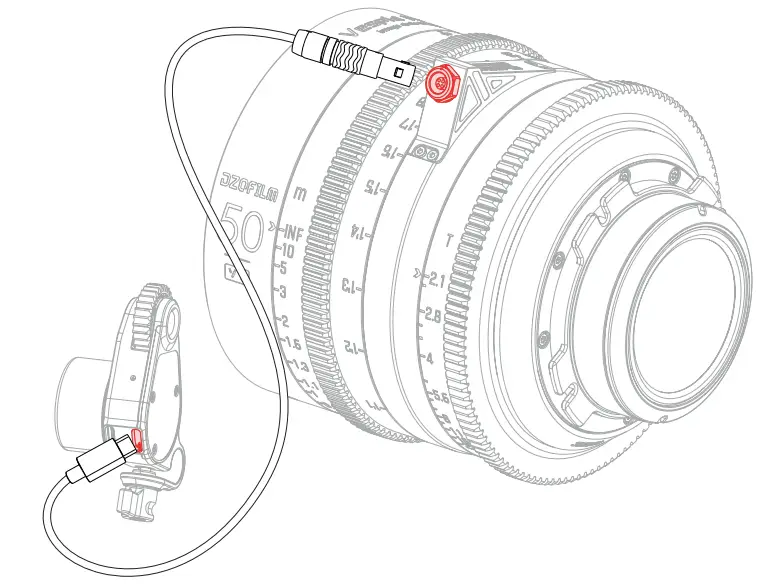
Specification
| Focal Length | 35mm | 50mm | 75mm |
| Mount | PL/EF | ||
| Aperture | T2.1-T22 | ||
| Image Circle | 4)46.5mm (W/FF) | ||
| Close Focus (Metric/Imperial) | 0.3m/lft | 0.46m/1.6ft | 0.6m/21t |
| Flange Distance | PL=52mm, EF=44mm | ||
| Iris Control | Manual, max 63° | Manual, max 58° | Manual, max 68° |
| Focus Control | Manual, max Z70° | ||
| Front Dia (Metric/Imperial) | 4)95mm/3.74″ | ||
| Filter Size | M86 | ||
| Length (Metric/Imperial) | 97mm | ||
| Iris Blade | 16 | ||
| Weight | ≈ 41150g | ≈1000g | ≈1150g |
After-sales Service
How to Obtain After-Sales Service
If a product does not function as warranted during the warranty period, you may obtain after-sales service by contacting DZOFILM support team or DZOFILM’s authorized dealers. Charges may apply for services not covered by this After-Sales Policy.
The After-Sales Policy varies with the country or region of purchase. Please contact DZOFILM for information specific to your location.
Warranty Service
DZOFILM grants a minimum warranty period of one year from the date of purchase for lenses purchased through DZOFILM’s official dealers. DZOFILM warrants that each DZOFILM product that you purchase will be free from material and workmanship defects under normal use in accordance with DZOFILM’s user manual and accompanying documentation during the warranty period. You may claim warranty service by returning it to the point of purchase. The owner is responsible for all shipping costs. The warranty period varies with the country or region of purchase. Stored dated receipts or other proof of purchase in a safe place, as you will need to provide a valid proof-of-purchase or receipt for the warranty service. Parts replaced during the warranty service become DZOFILM’s property.
Service Outside the Warranty Period
Request for after-sales service will normally be accepted within a period of roughly 5 years following the end of production, during which time spares will be kept on hand, although owners may be offered an equivalent product during this period in the event that spares are not available. The specific cost standard is subject to DZOFILM’s quotation. Compatibility with consumables and accessories for the original product is not guaranteed. To prevent waste, DZOFILM may collect returned parts or products.
Service Turn Around Time After we receive the product, the after-sales service will generally be completed within two weeks. This turn around time does not include the time of return shipping. If there are special circumstances, we will notify you in advance.
What This After-Sales Policy Does NOT Cover
This after-sales policy does not cover the following and charges may apply:
× No valid proof-of-purchase or receipt of the product;
× Damage caused by unauthorized modification, disassembly, or repair not in accordance with official instructions or manuals.
× Damage caused by improper installation and operation not in accordance with official instructions or manuals.
× Damage caused by the storage environment not in accordance with official instructions or manuals.
× Damage caused by operation in bad weather or environment (i.e. rain, sand/dust storms, humid environment, etc.).
× Damage caused by, any third party products, including those that DZOFILM may provide or integrate into the DZOFILM product at your request.
× Damage caused by any third-party product.
× Damage caused by force majeure; × Consumable accessories and optional parts that come with this product.
Privacy
DZOFILM obeys all applicable laws and regulations concerning the handling of names, addresses, phone numbers, and other personal information provided by users.
The Name and Content of Hazardous Substances
| Part Name | Hazardous Substances | |||||
| Pb | Hg | Cd | Cr(VI) | PBB | PBDE | |
| Lens Shell | X | 0 | 0 | 0 | 0 | 0 |
| Inner Mechanics | X | 0 | 0 | 0 | 0 | 0 |
| Optics | 0 | 0 | 0 | 0 | 0 | 0 |
| Other Parts | X | 0 | 0 | 0 | 0 | 0 |
This table is formulated in accordance of SJ/T11364.
: Indicates that the concentration of the hazardous substance in all homogeneous materials in the parts is below the relevant threshold of the GB/T26572 standard.
×: Indicates that the concentration of the hazardous substance of at least one of all homogeneous materials in the parts may be above the relevant threshold of the GB/T26572 standard.
The “×” in the above table indicates that there are one or more exemptions are applied in the parts stated in RoHS (2011/65/EU).
Shenzhen Dongzheng Optical Technology Co., Ltd.
Floor 6, Building One, Xinwuxia Industrial Area, No.32, Cuibao Rd.
Baolong St., Longgang Dist., Shenzhen 518000 China +86 755-2890 8505
 www.dzofilm.com32 16 0755-2890 8505www.dzofilm.com