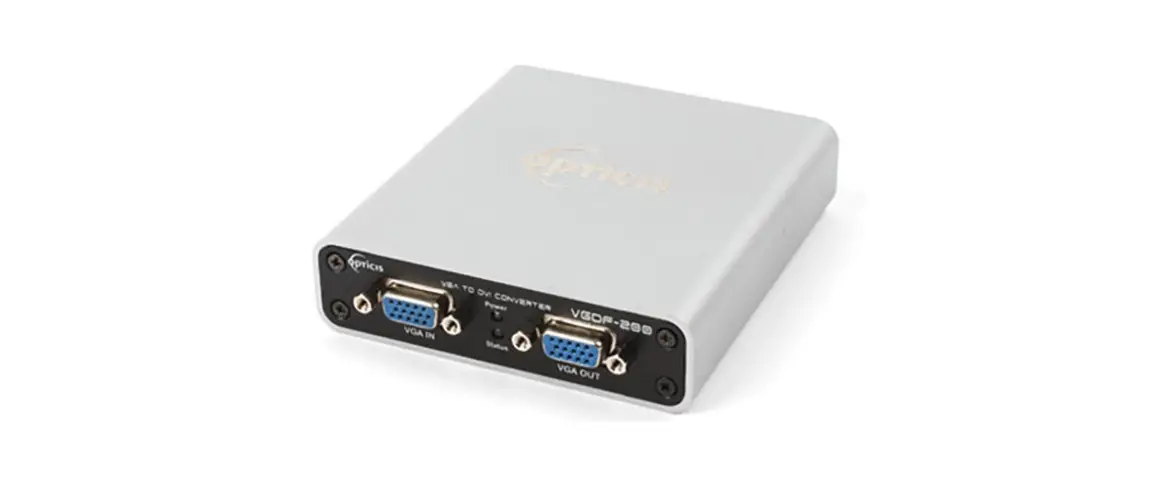
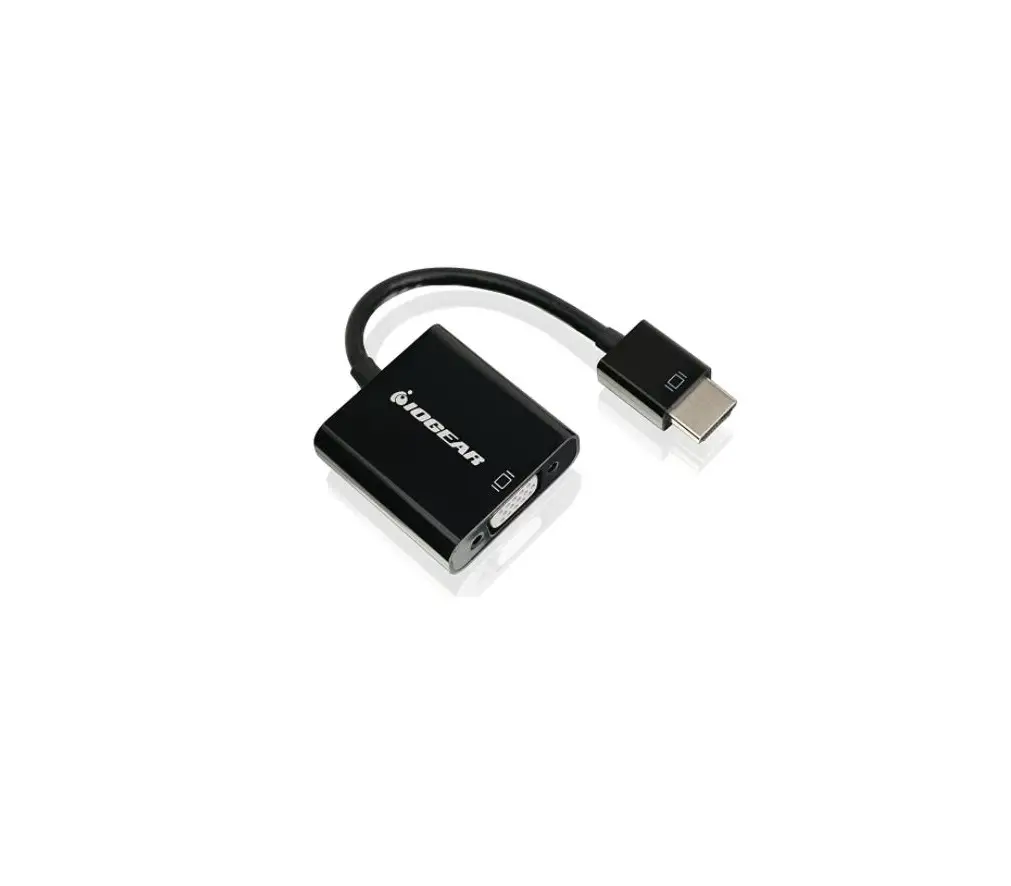
EPM-1502 eDP to VGA Converter
Product Information
Product Name: EPM-1502 eDP to VGA converter
Part Number: E2047BS0200R
Manufacturer: Avalue
FCC Statement: This product complies with FCC
regulations.
Product Usage Instructions
1. Getting Started
1.1 Safety Precautions
Warning! Always disconnect the power cord from
your chassis before working with the hardware. Do not make
connections while the power is on to avoid damaging sensitive
electronic components. Only experienced electronics personnel
should open the PC chassis.
Caution! To prevent damage to the CPU card,
ground yourself to remove any static charge before touching it. Use
a grounding wrist strap at all times and place electronic
components in a static-dissipative surface or static-shielded bag
when not in the chassis. Do not remove the heatsink without proper
instructions, and contact us for support if necessary.
1.2 Packing List
Before installing the single board, ensure that the following
materials have been shipped:
- 1 x EPM-1502 eDP to VGA converter
2. Product Specifications
The EPM-1502 eDP to VGA converter features the following
specifications:
- I/O Chip: Chrontel CH7517A-BFI
- Form factor: Customizes
Please consult the user’s manual for more detailed information
and for any technical difficulties you may encounter. You can also
visit Avalue’s website at http://www.avalue.com.tw/ to access
the latest version of the user’s manual.
EPM-1502
eDP to VGA converter
User’s Manual
1st Ed 24 November 2022
Part No: E2047BS0200R
EPM-1502
FCC Statement
THIS DEVICE COMPLIES WITH PART 15 FCC RULES. OPERATION IS SUBJECT TO THE FOLLOWING TWO CONDITIONS: (1) THIS DEVICE MAY NOT CAUSE HARMFUL INTERFERENCE. (2) THIS DEVICE MUST ACCEPT ANY INTERFERENCE RECEIVED INCLUDING INTERFERENCE THAT MAY CAUSE UNDESIRED OPERATION. THIS EQUIPMENT HAS BEEN TESTED AND FOUND TO COMPLY WITH THE LIMITS FOR A CLASS “A” DIGITAL DEVICE, PURSUANT TO PART 15 OF THE FCC RULES. THESE LIMITS ARE DESIGNED TO PROVIDE REASONABLE PROTECTION AGAINST HARMFUL INTERFERENCE WHEN THE EQUIPMENT IS OPERATED IN A COMMERCIAL ENVIRONMENT. THIS EQUIPMENT GENERATES, USES, AND CAN RADIATE RADIO FREQUENCY ENERGY AND, IF NOT INSTATLLED AND USED IN ACCORDANCE WITH THE INSTRUCTION MANUAL, MAY CAUSE HARMFUL INTERFERENCE TO RADIO COMMUNICATIONS. OPERATION OF THIS EQUIPMENT IN A RESIDENTIAL AREA IS LIKELY TO CAUSE HARMFUL INTERFERENCE IN WHICH CASE THE USER WILL BE REQUIRED TO CORRECT THE INTERFERENCE AT HIS OWN EXPENSE.
A Message to the Customer
Avalue Customer Services
Each and every Avalue’s product is built to the most exacting specifications to ensure reliable performance in the harsh and demanding conditions typical of industrial environments. Whether your new Avalue device is destined for the laboratory or the factory floor, you can be assured that your product will provide the reliability and ease of operation for which the name Avalue has come to be known.
Your satisfaction is our primary concern. Here is a guide to Avalue’s customer services. To ensure you get the full benefit of our services, please follow the instructions below carefully.
Technical Support
We want you to get the maximum performance from your products. So if you run into technical difficulties, we are here to help. For the most frequently asked questions, you can easily find answers in your product documentation. These answers are normally a lot more detailed than the ones we can give over the phone. So please consult the user’s manual first. To receive the latest version of the user’s manual; please visit our Web site at: http://www.avalue.com.tw/
2 EPM-1502 User’s Manual
User’s Manual
Content
1. Getting Started ……………………………………………………………………………………………..4 1.1 Safety Precautions ……………………………………………………………………………………4 1.2 Packing List ……………………………………………………………………………………………..4 2.1 Product Specifications ……………………………………………………………………………….5
2. Hardware Configuration ……………………………………………………………………………………7 2.2 Product Overview ……………………………………………………………………………………..8 2.3 Connector List ………………………………………………………………………………………….9 2.4 Setting Connectors ………………………………………………………………………………….10 2.4.1 eDP connector (EDP1) ……………………………………………………………………….10
3. Mechanical Drawing ………………………………………………………………………………………. 11
EPM-1502 User’s Manual 3
EPM-1502
1. Getting Started
1.1 Safety Precautions
Warning! Always completely disconnect the power cord from your chassis whenever you work with the hardware. Do not make connections while the power is on. Sensitive electronic components can be damaged by sudden power surges. Only experienced electronics personnel should open the PC chassis.
Caution! Always ground yourself to remove any static charge before touching the CPU card. Modern electronic devices are very sensitive to static electric charges. As a safety precaution, use a grounding wrist strap at all times. Place all electronic components in a static-dissipative surface or static-shielded bag when they are not in the chassis.
Always note that improper disassembling action could cause damage to the motherboard. We suggest not removing the heatsink without correct instructions in any circumstance. If you really have to do this, please contact us for further support.
1.2 Packing List
Before you begin installing your single board, please make sure that the following materials have been shipped: 1 x EPM-1502 eDP to VGA converter
4 EPM-1502 User’s Manual
2.1 Product Specifications
User’s Manual
Component
I/O Chip
Chrontel CH7517A-BFI
Form factor
Customizes
Input I/F
W-B 40Px1 0.5mm 90D(F)
Output I/F
DB-15 VGA connector
Display
Spec. & Resolution
1920×1200@60Hz with reduced blanking
Multiple Display Depend on the Intel platform
Mechanical & Environmental
CH7517ABF 0~60°C (32~140°F)
Operating Temp.
CH7517A-BFI -40~85 (-40~185°F)
Storage Temp. -40°C ~ +75°C (-40 ~167°F)
Operating Humidity
40@95% relative humidity, non-condensing
Power
From main board eDP connector
Size (L x W)
50mm*50mm*10.55mm
Weight
11g
Random Vibration Operation
Reference IEC60068-2-64 Testing procedures
Test Fh : Vibration broadband random Test
1. PSD: 0.00454G²/Hz, 1.5 Grms
2. Operation mode
3. Test Frequency : 5-500Hz
4. Test Axis : X,Y and Z axis
5. 30 minutes per each axis
6. IEC 60068-2-64 Test:Fh
Vibration Test
Random Vibration Non Operation
Reference IEC60068-2-64 Testing procedures
Test Fh : Vibration broadband random Test
1. PSD: 0.01818G²/Hz, 3.0 Grms
2. Non Operation mode
3. Test Frequency : 5-500Hz
4. Test Axis : X,Y and Z axis
5. 30 minutes per each axis
6. IEC 60068-2-64 Test:Fh
EPM-1502 User’s Manual 5
EPM-1502
OS Information
Package Vibration Test Reference IEC60068-2-64 Testing procedures Test Fh: Vibration broadband random Test 1. PSD: 0.026G²/Hz, 2.16 Grms 2. Non-operation mode 3. Test Frequency: 5-500Hz 4. Test Axis: X,Y and Z axis 5. 30 min. per each axis 6. IEC 60068-2-64 Test:Fh No need driver. The EPM-1502 will be tested in accordance with the supported OS on the platform or SBC.
Note: Specifications are subject to change without notice.
6 EPM-1502 User’s Manual
2. Hardware Configuration
User’s Manual
EPM-1502 User’s Manual 7
EPM-1502
2.2 Product Overview
8 EPM-1502 User’s Manual
2.3 Connector List
Connectors
Label EDP1 VGA1
Function eDP connector VGA connector
User’s Manual
40 x 1 wafer, pitch 0.50mm D-Sub 15pin
EPM-1502 User’s Manual 9
EPM-1502
2.4 Setting Connectors
2.4.1 eDP connector (EDP1)
Signal PIN
NC
1
GND
2
NC
3
NC
4
GND
5
NC
6
NC
7
GND
8
eDP_TX1N 9
eDP_TX1P 10
GND
11
eDP_TX0N 12
eDP_TX0P 13
GND
14
eDP_AUX_P 15
10 EPM-1502 User’s Manual
Signal PIN
eDP_AUX_N 16
GND
17
+3.3V
18
+3.3V
19
+3.3V
20
+3.3V
21
NC
22
GND
23
GND
24
GND
25
GND
26
eDP_HPD_R 27
GND
28
GND
29
GND
30
GND
31
NC
32
NC
33
NC
34
NC
35
+12V
36
+12V
37
+12V
38
+12V
39
NC
40
User’s Manual
3. Mechanical Drawing
EPM-1502 User’s Manual 11
EPM-1502
12 EPM-1502 User’s Manual
Unit: mm
 single board computer,embedded industrial pc,embedded computer boards,embedded pc,industrial motherboard,embedded computer