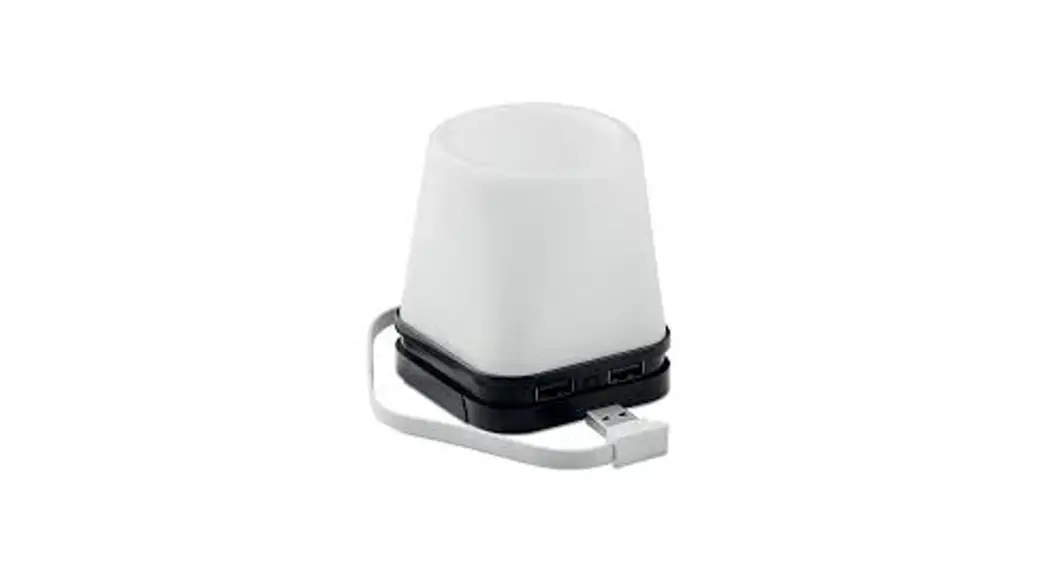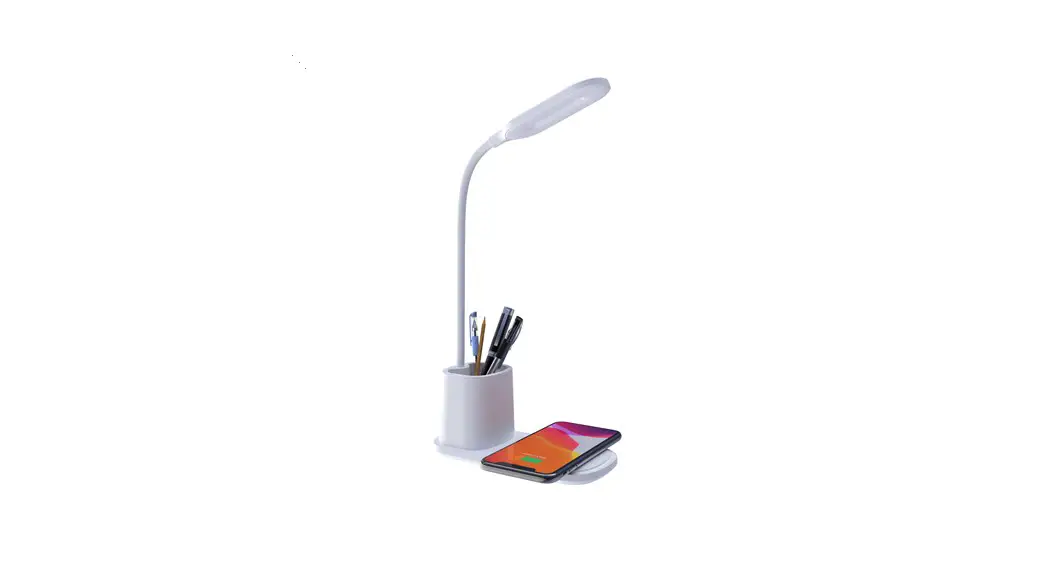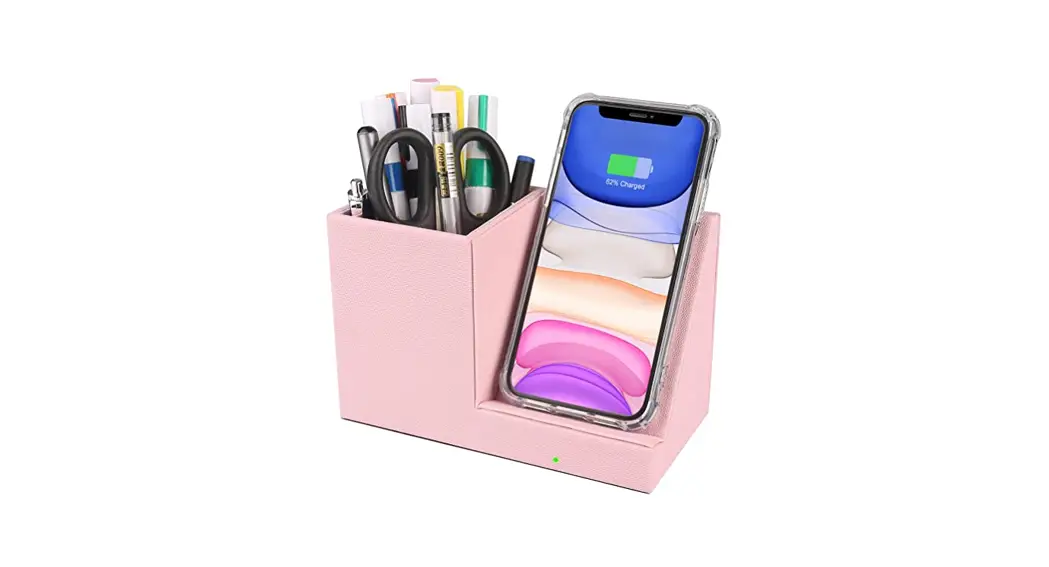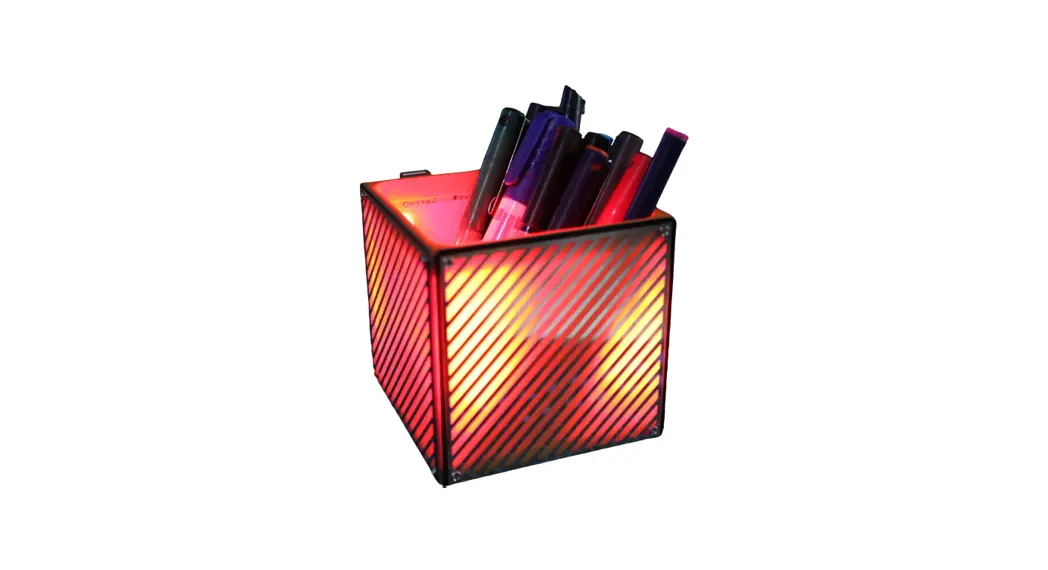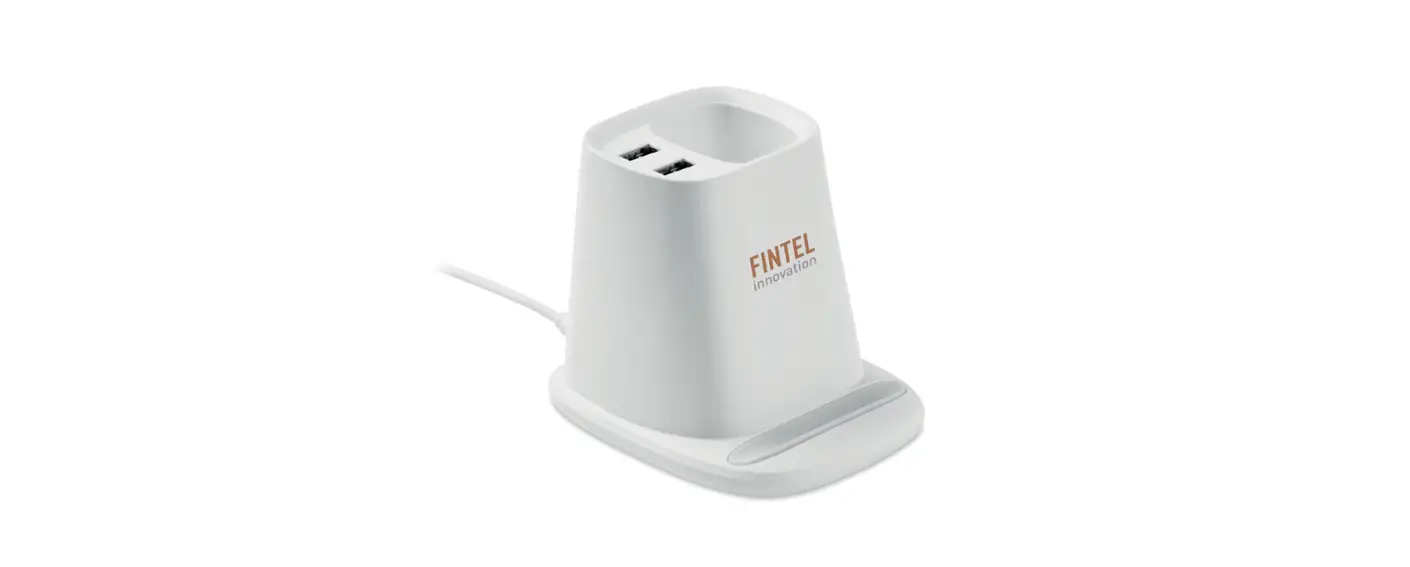

Midocean MO6351 MULTIHOLD Desk Pen Holder Charger
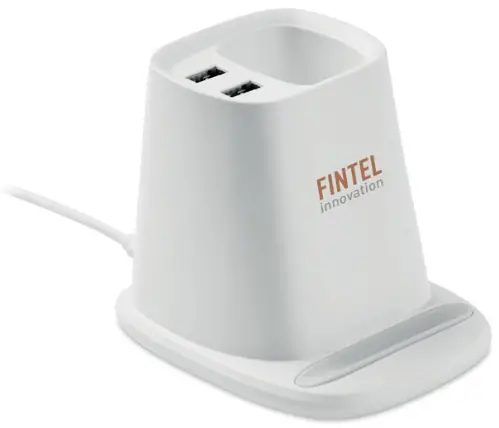
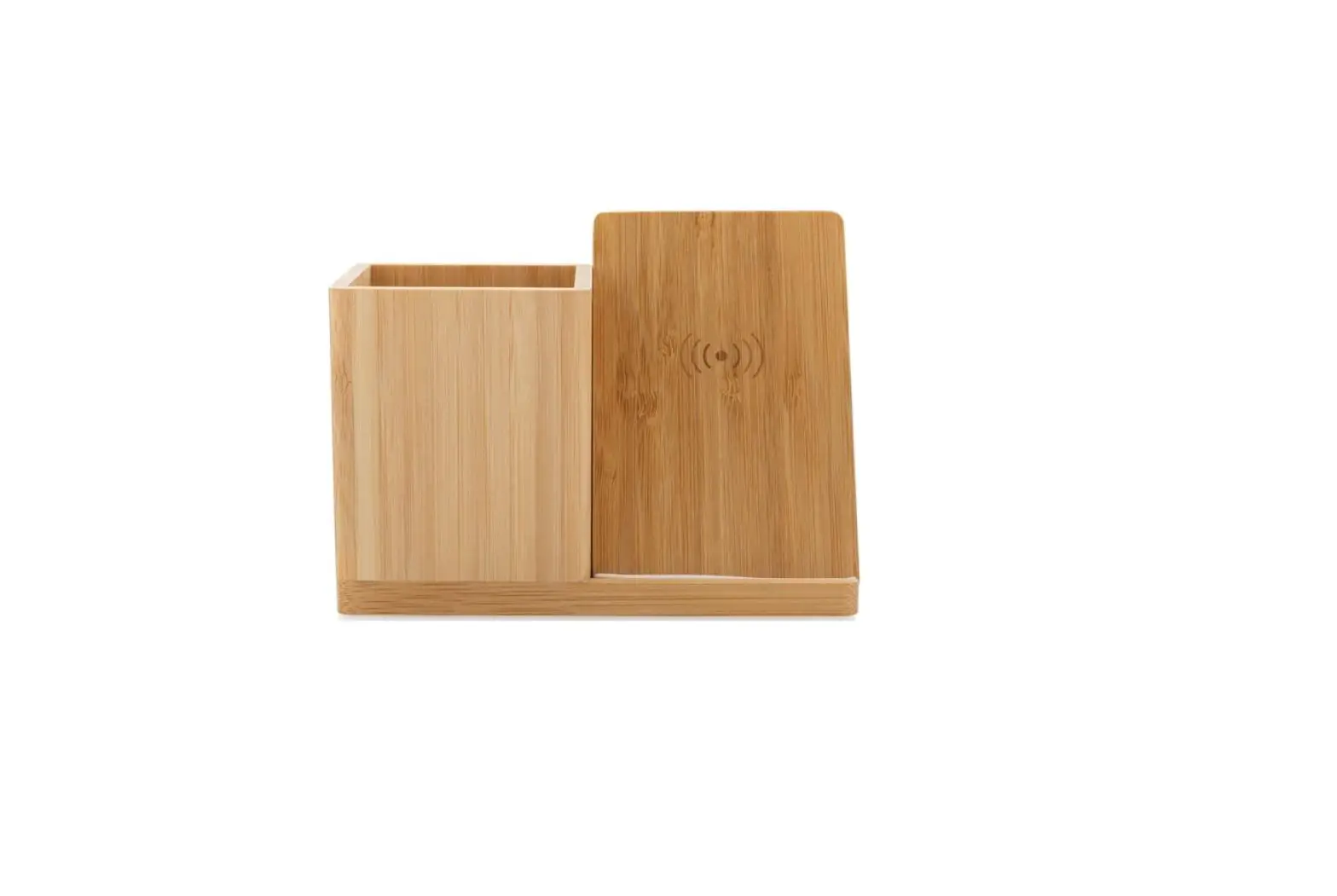
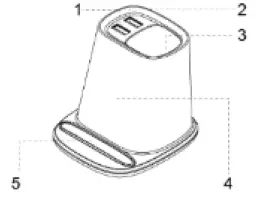
Product Layout
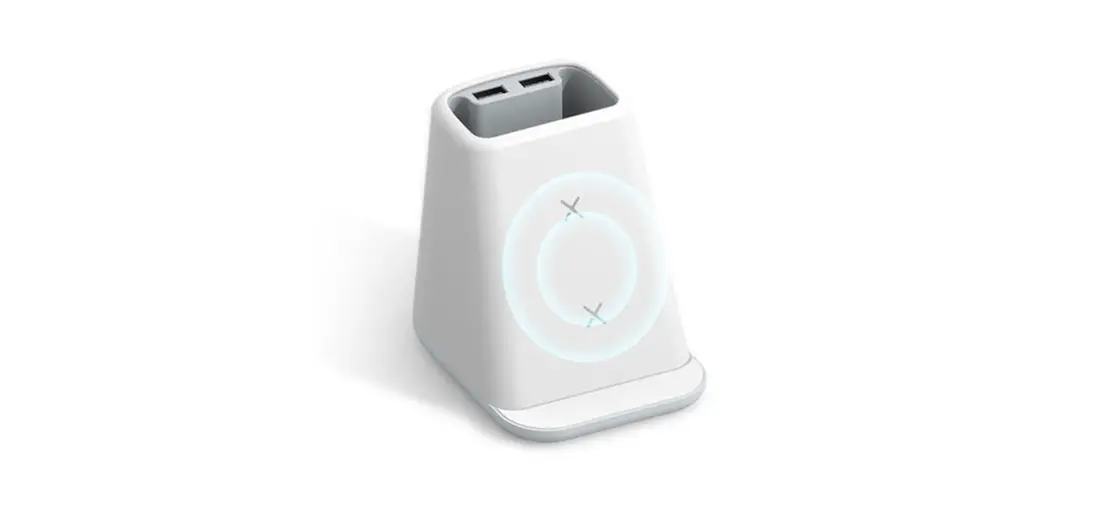
- USB output1
- USB output2
- Pen holder
- Wireless charging output
- Silicone Pad for phone stand.
Specifications
- Input: 9V 2A 5V 2.5A
- Wireless charging output: 10W
- USB Output: 5V 2A
- Dimension: 89x105x88mm
- Frequency range: 108-208kHz
Package includes
- 1x multi-function pen holder.
- 1x Charging cable
- 1x Manual
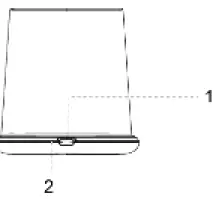
In plug
- Type- C input.
- Indicator light

Operation
- Connect to the power source through the provided USB cable.
- The light flashes in green for three times, and then remains red.
- The green light is on while charging; When the device is fully charged, the light turns off.
- FOD (Foreign object): Light flashes in green quickly when the unknown object is detected
 Export
 Error during processing.