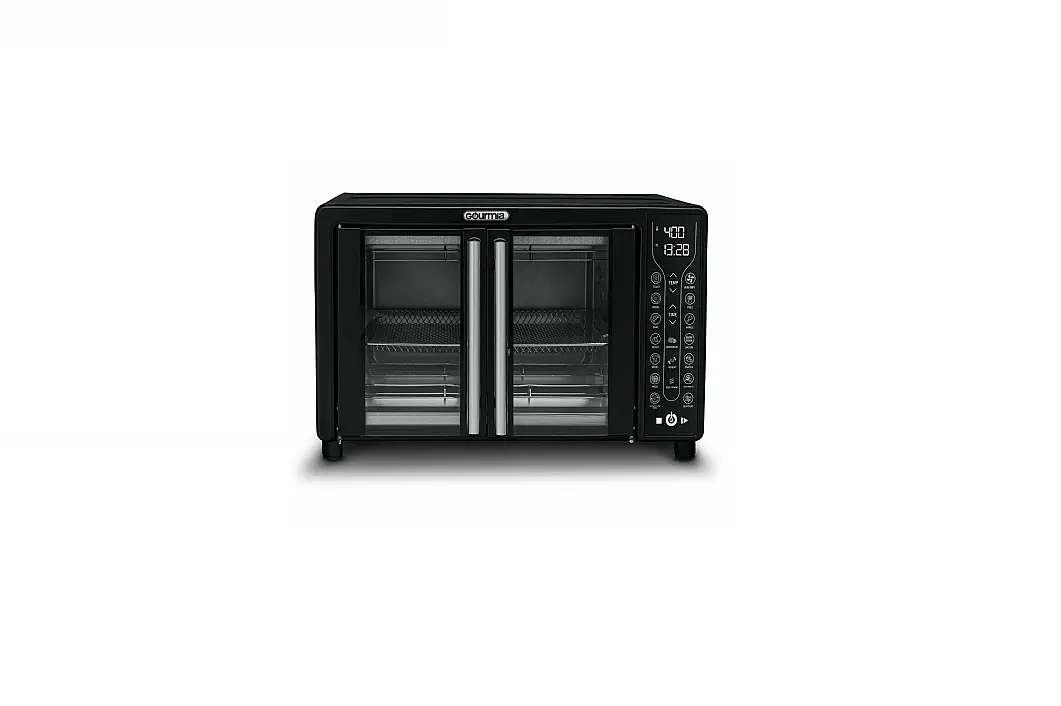
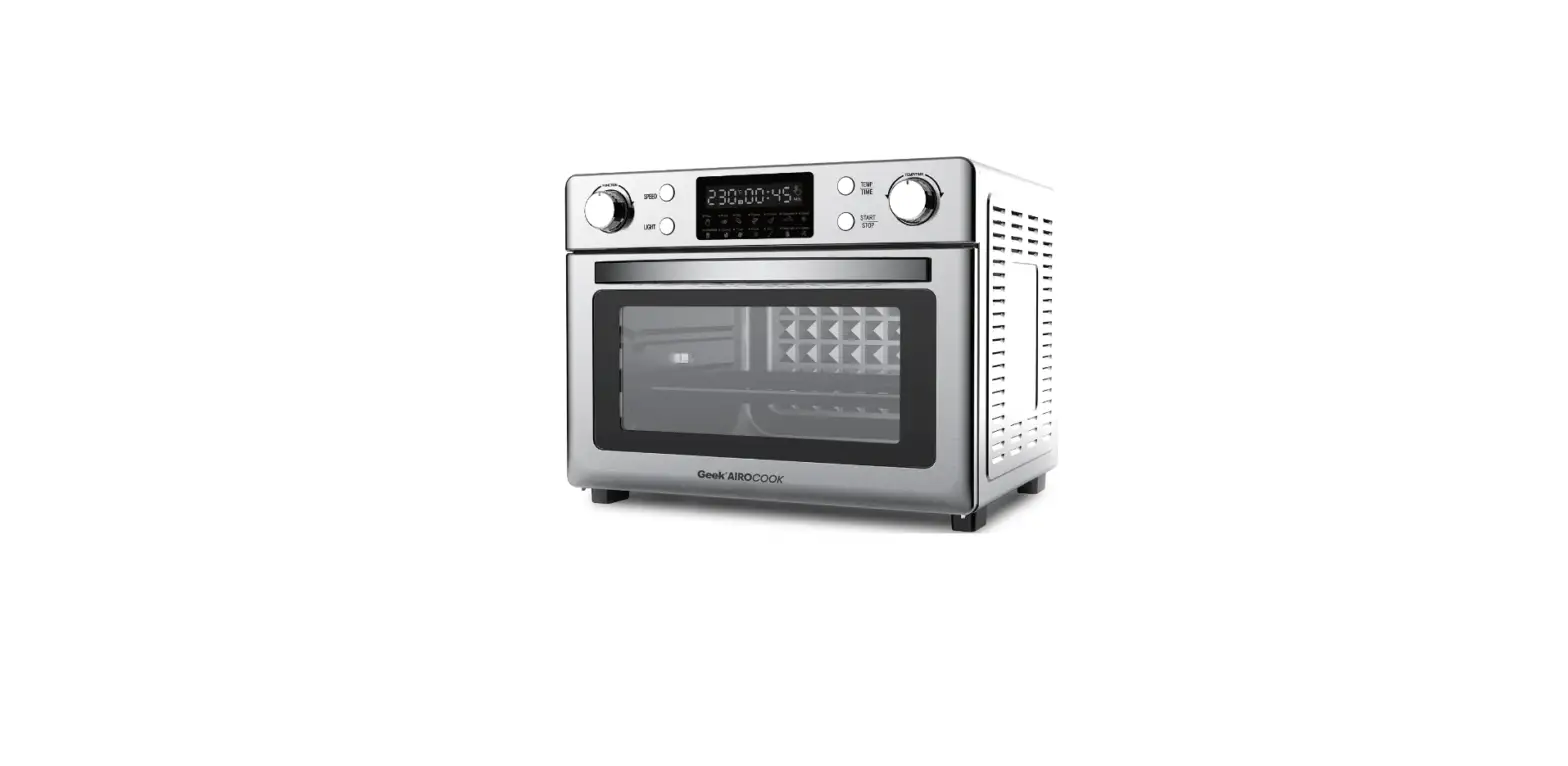
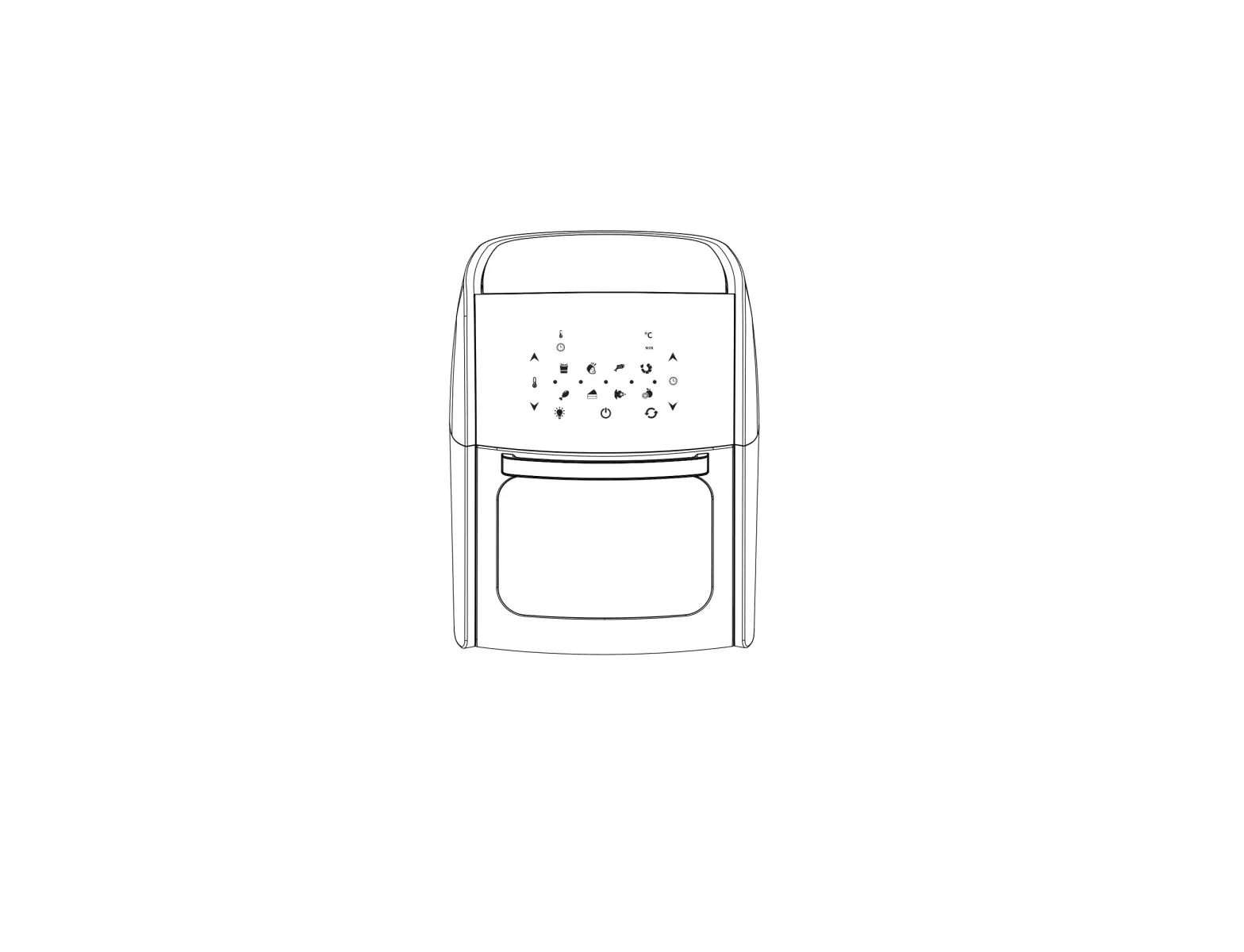
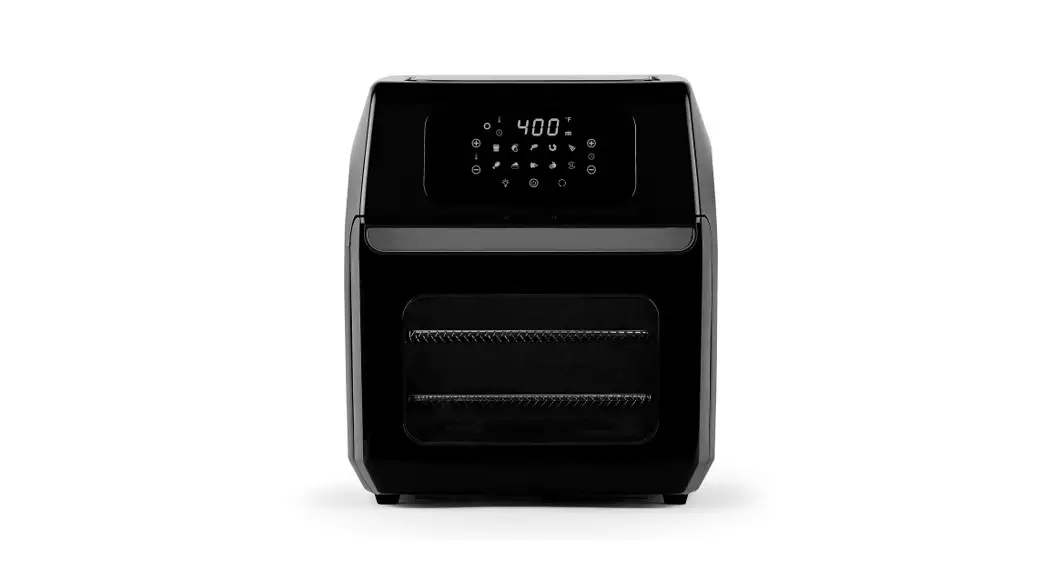
Air Fryer Oven GETOE725-U
Product Information:
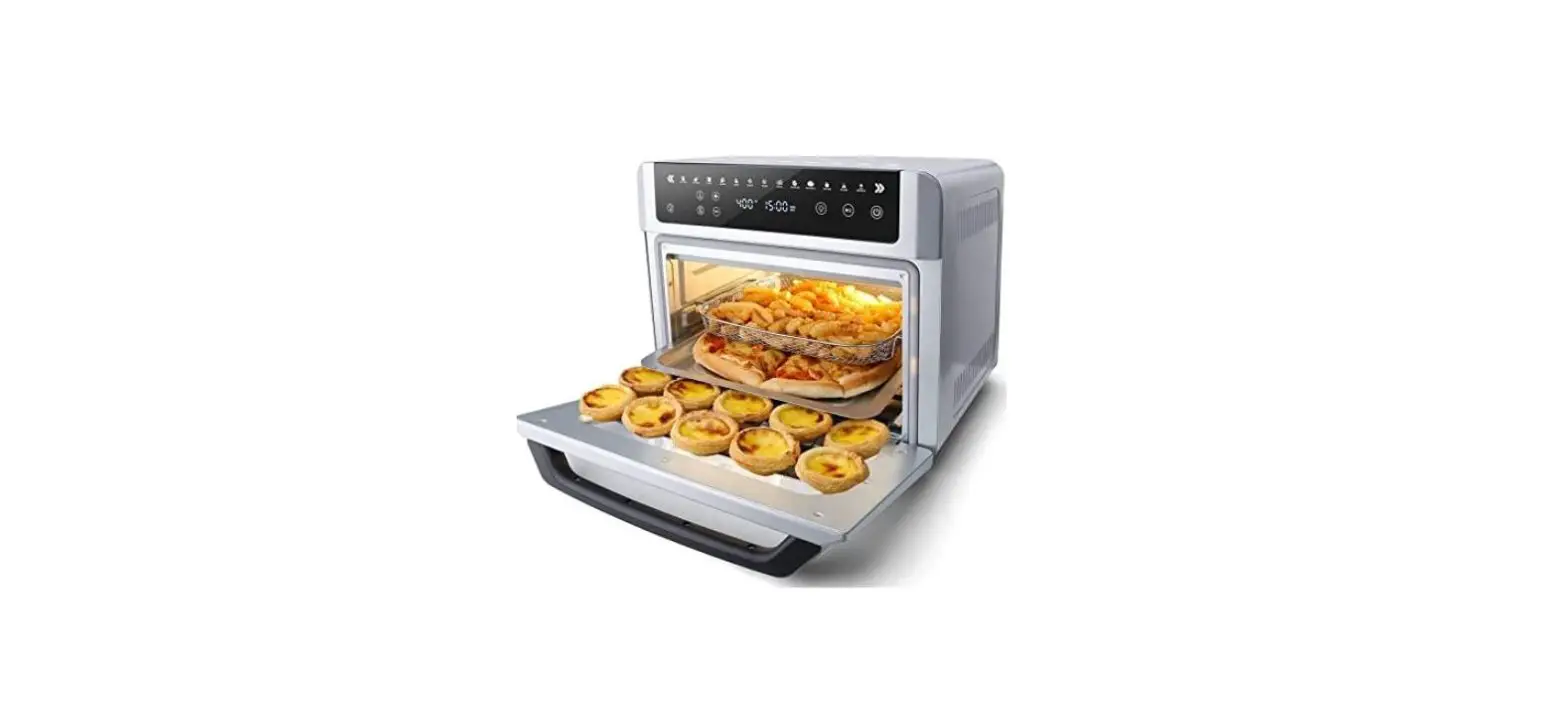
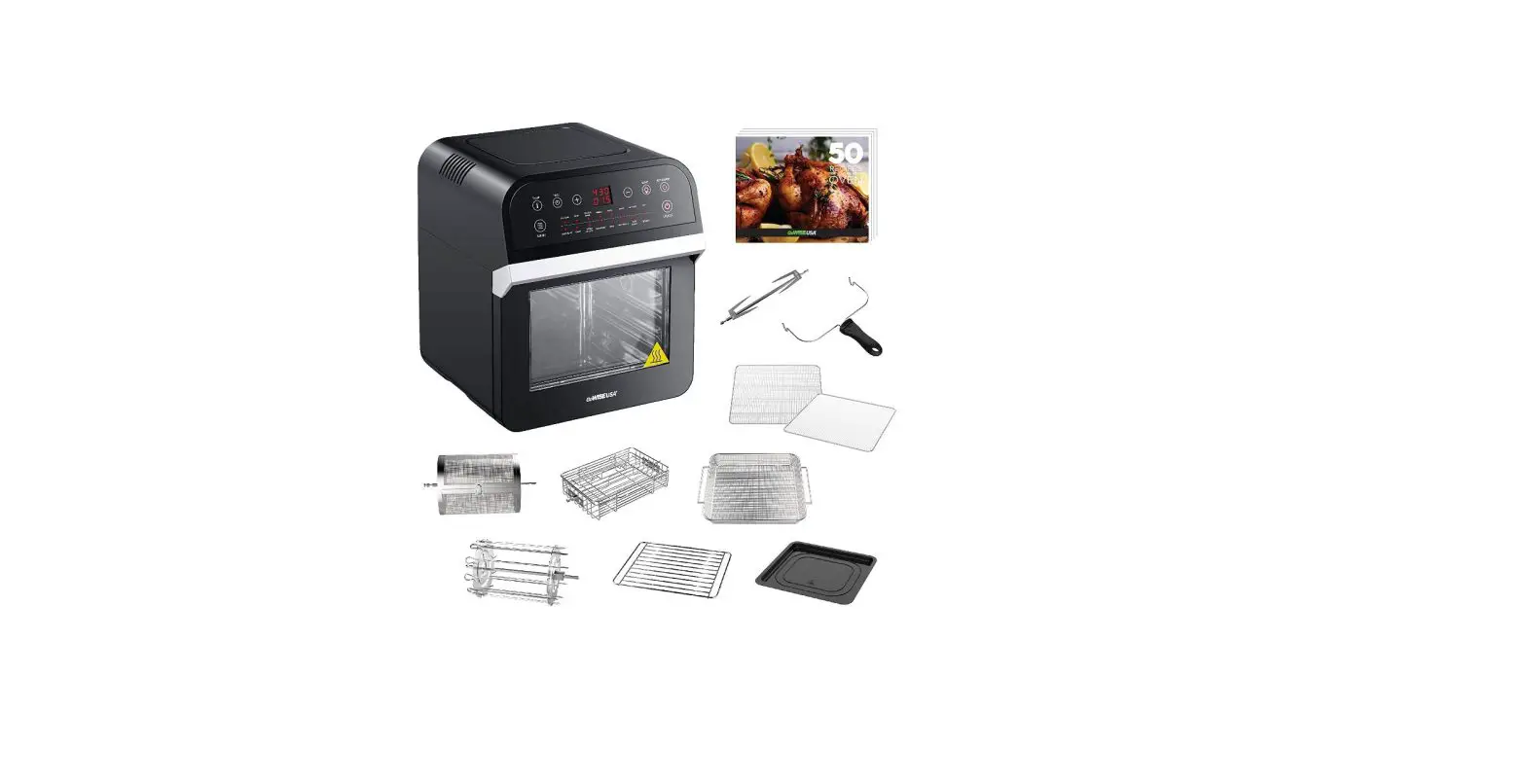
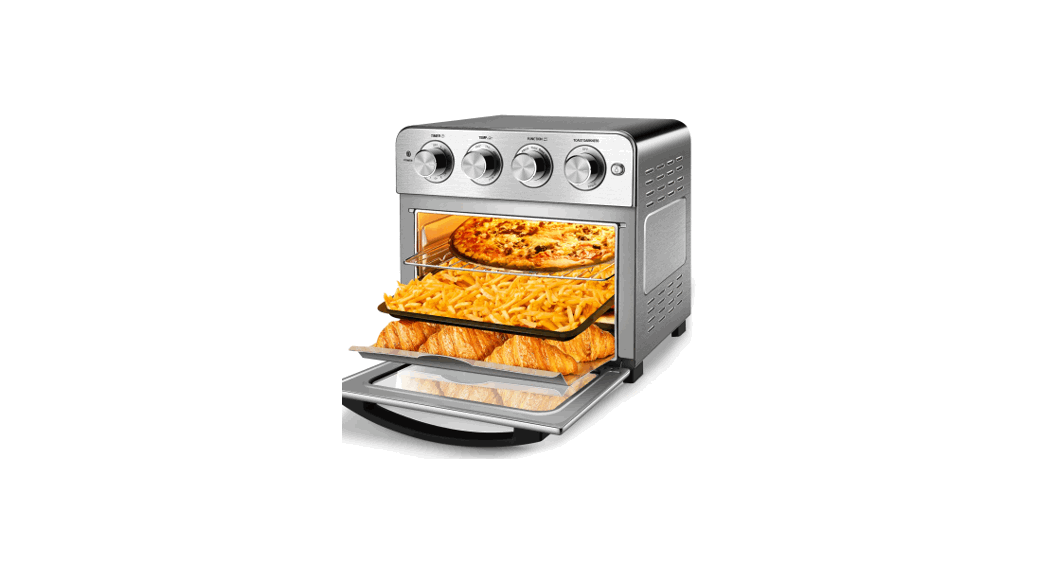
The AIR FRYER OVEN by Gevi is a home appliance designed to
provide a unique cooking experience. With years of research and
development, Gevi has created a product that delivers exceptional
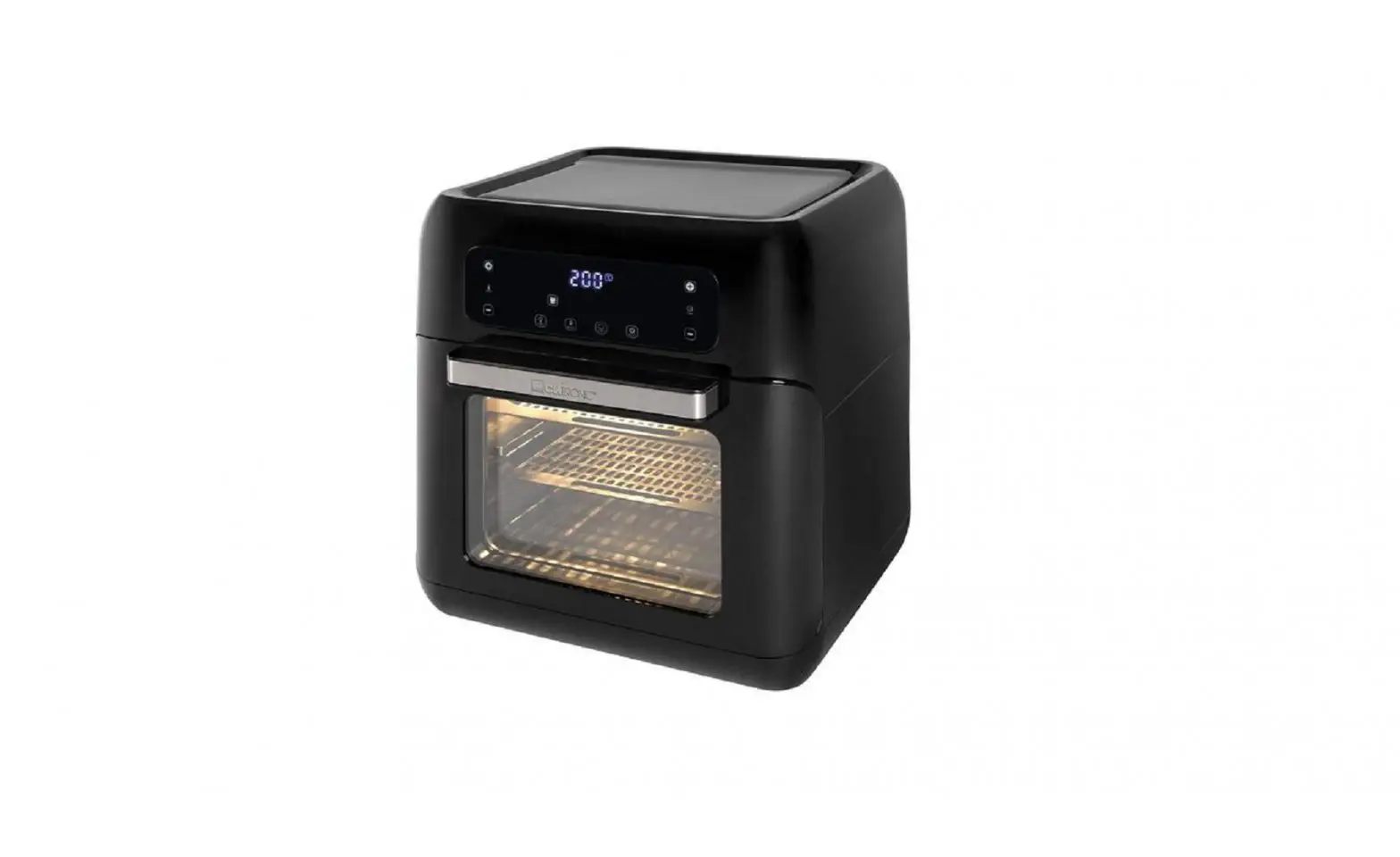
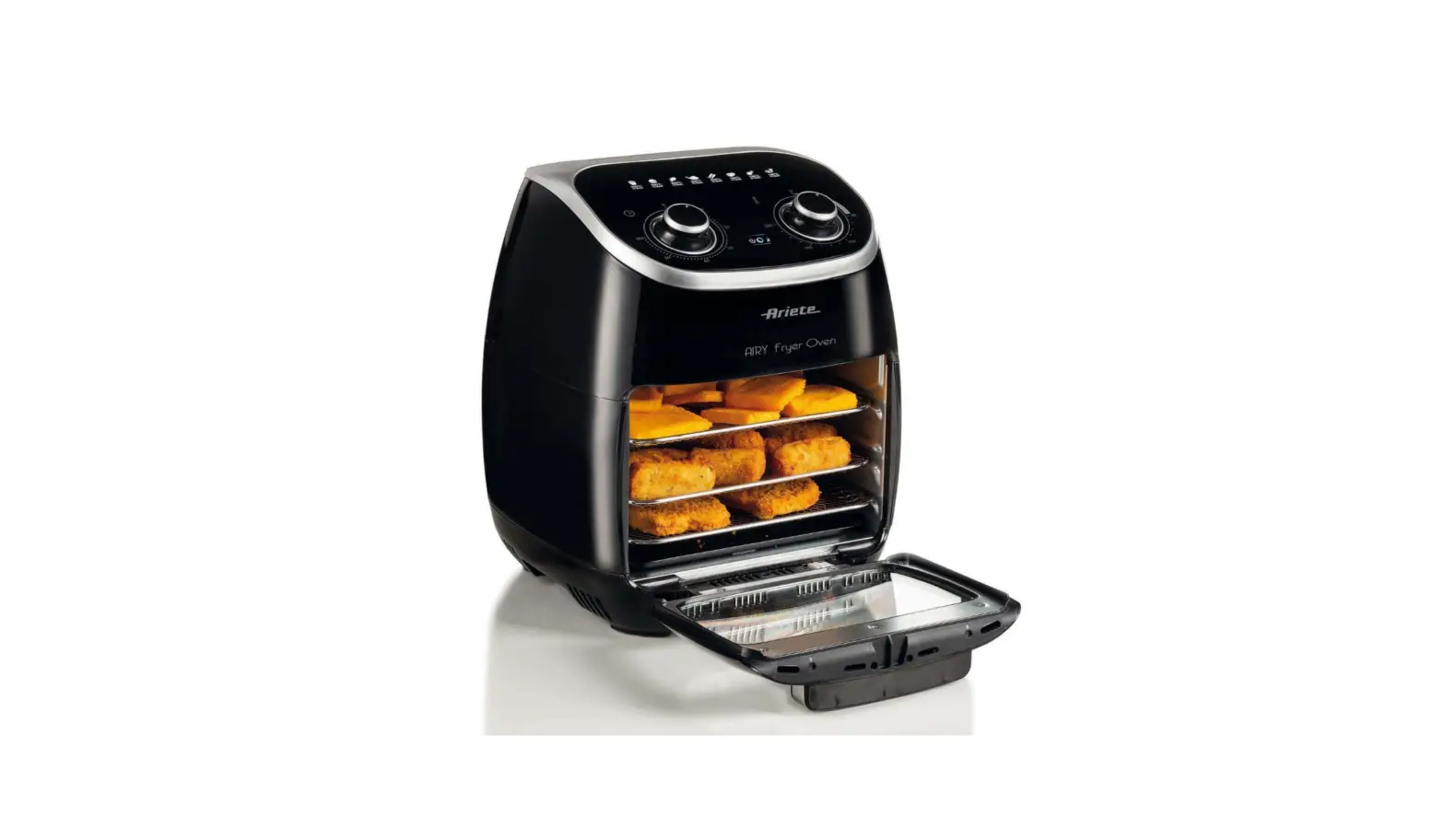
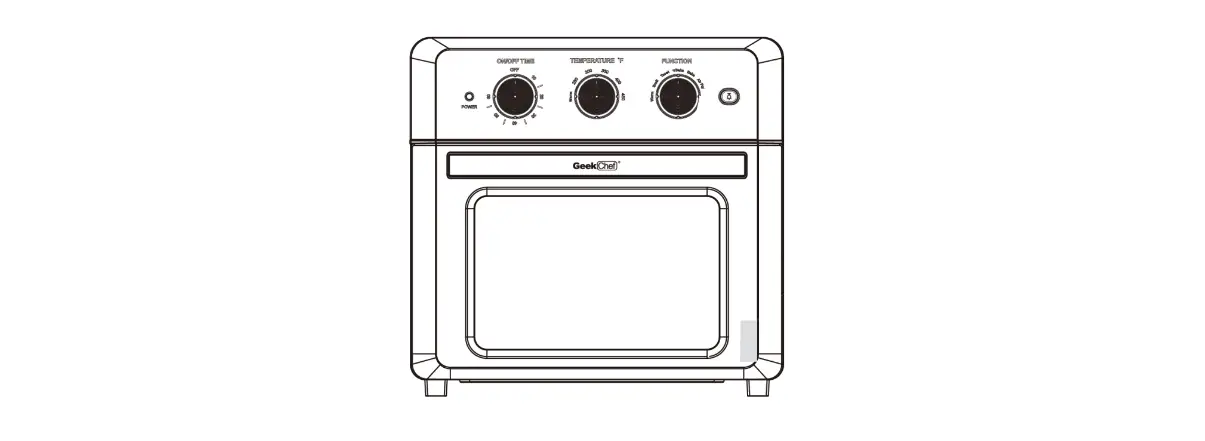
performance. The oven features a touch panel housing with a glass
door and a door handle for easy operation. It comes with essential
accessories such as rotisserie tongs and forks, a crumb tray, a
wire rack, a basket, and a food tray.
The electrical parameters of the air fryer oven are 120V AC,
60Hz, and 1700W.
Product Usage Instructions:
- Before using the air fryer oven, read all instructions, product
labels, and warnings provided in the instruction manual. - Ensure that the appliance is placed on a stable surface away
from any stove top, hot gas, electronic burners, or hot equipment
to prevent damage or fire hazards. - Do not touch the hot surfaces of the air fryer oven to avoid
burns. - Use the air fryer oven only for its intended purposes and do
not use it outdoors or for commercial use. - Store the appliance properly and avoid letting the cord hang
over the edge of a table or counter. - Avoid positioning the air fryer oven near flammable materials
such as curtains, draperies, walls, or other items during operation
to prevent fire hazards. - Do not put any items on top of the appliance while it is in
operation. - Avoid placing flammable materials like paper, cardboard,
plastic, or other items near or inside the unit as they may easily
catch fire. - Do not cover the crumb tray or any part of the air fryer oven
with metal foil, as it may cause overheating. - Ensure that the food placed in the cooking compartment is not
oversized, as it may cause fire or electrical shock. - Allow the unit to cool down before disposing of hot grease
after broiling. - Do not clean the appliance with a metal scouring pad to prevent
electrical shock or electronic issues. - To turn off the appliance, switch or set all the controls to
OFF. - Avoid touching the tab of the crumb tray until the unit has
completely cooled down to prevent burns. - The appliance can be used by children aged 8 years and above
under proper supervision and assistance. Children should not play
with the appliance, and cleaning and user maintenance should not be
performed by children unless they are older than 8 and properly
assisted or supervised. - Keep the appliance and its cord out of the reach of
children. - The appliance is not intended to be operated by means of an
external timer or separate remote-control system.
AIR FRYER OVEN INSTRUCTION MANUAL
GETOE725-U
Dear Gevi customer
Gevi have focused on creating perfect home appliance for our customer. In the past years, it took us time, lots of research and many prototypes to achieve our goal. We would like to give you a different using experience. Thanks for purchasing our Gevi products, you could search from our official website, to learn more products information.
IMPORTANT SAFEGUARDS
When using this electrical appliance, basic safety precautions should always be followed, including the following: 1. Read all instructions, product labels and warnings before
using the air fryer oven. 2. Do not touch the hot surfaces. The temperature of the
door or the outer surface could be hot when the air fryer oven is operating. Always use oven mitts when handling hot materials, and allow metal parts to cool down before cleaning. Allow the units to thoroughly cool before putting in or taking off any parts. Always use the handle when opening or closing the cooking compartment or the door. 3. Unplug the air fryer oven from the wall outlet, when the unit is not used and before cleaning. 4. To protect against the risk of electrical shock, do not immerse the unit in water or other liquid. 5. Do not operate any appliance when the plug or cord is damaged or when the appliance malfunctions or got broken in any manner. Return the appliance to the nearest authorized service facility for examination, repair or adjustment. 6. The use of accessory that is not recommended by the manufacturer may cause injury to the user or may damage the appliance.
7. Do not store or use anything in the air fryer oven especially if it is not recommended by the manufacturer.
8. Do not use outdoors or for commercial purposes. Do not use this air fryer oven for other functions except the intended purposes.
9. Do not let the cord hang over the edge of table or counter. Store it properly.
10. Do not place the appliance near any stove top, hot gas, electronic burner, near other toaster oven or hot equipment for this may cause damage to the unit or fire.
11. A fire may occur if the air fryer oven gets near flammable liquid or materials. Avoid positioning it near curtains, draperies, walls and the like when in operation. Do not put any items on top of the appliance during operation.
12. Do not place any flammable materials such as paper, cardboard, plastic or other things near or inside the unit as these may easily catch fire in the air fryer oven.
13. Do not cover the crumb tray or any part of the air fryer oven with metal foil for it will cause overheating.
14. Avoid putting oversize food into the cooking compartment for it will cause fire or electronic shock on the air fryer oven.
15. Extreme caution is necessary when disposing hot grease after broiling. Let the unit cool down first.
16. Do not clean with metal scouring pad. Pieces may break off from the pad and may get in contact with other electrical parts which may cause electrical shock or electronic issues.
17. To turn this appliance off, switch or set all the controls to”OFF”.
18. To prevent burn, do not touch the tab of the crumb tray unless the unit cools down completely.
19. The appliance can be used by children aged 8 years and above. Persons with reduced physical, sensory or mental capabilities or lack of experience and knowledge may be able to use it if they will be properly assisted or supervised while using the appliance. Safe practice and safety measures must be observed. Children should not play with the appliance. Cleaning and user maintenance shall not be made by children unless they are older than 8 and if they are properly assisted or supervised.
20. Keep the appliance and its cord out of children. 21. The appliance is not intended to be operated by means
of an external timer or separate remote-control system.
KNOW YOUR AIR FRYER OVEN
Electrical parameters: 120V AC 60Hz 1700W
Housing Touch panel
Glass door
Door handle
1
2
3
Rotisserie Tong 4
Rotisserie Forks 5
Crumb Tray 6
Wire Rack
Basket
Food Tray
CONTROL PANEL
2
1
2
7 8 9 10 11 12
13
3
4
5
6
1 Smart Menus
Cycle through Preset Buttons, with 13 Smart Programs. · Air fry function”( AIR FRY”) · Rotisserie function”( ROTISS”) · Toast function”( TOAST”) · Bagel function”( BAGEL”) · Bake function”( BAKE”) · Roast function”( ROAST”) · Pizza function”( PIZZA”) · Broil function”( BROIL”) · Cookies function”( COOKIES”) · Ferment function”( FERMENT”) · Dehydrate function”( DEHYD”) · Warm function”( WARM”) · Reheat function”( REHEAT”)
2 Menu Preset Buttons Menu select arrows, with left and Right directions.
3 LCD Display · Display cooking temperature (), cooking time (Hrs/Mins/Secs), bread pieces(P), bread colors(C) and error messages. · When preheating, the time display will blinks.
4 Light Button Turn the internal cooking light on or off. A lighting cycle is 30 seconds.
5 Start/Pause Button · Start or pause a cooking function. · When preheating, press to cancel preheating then press again to start the cooking function.
6 Power Button · Power on or off the unit.
7 Fan Button · Start the fan function. · When choosing Air fry and Dehydrate mode, the fan button is extinguished as it is the default function and could NOT be canceled. · If this button is semi-lit, it means the fan function is available to select. Selected with fully-lit and not selected with semi-lit.
8 360° Rotate Button · It is designed for rotate the foods. · If this button is semi-lit, it means the 360° function is available to select. Selected with fully-lit and not selected with semi-lit.
9 Bread Piece Button · Select the pieces of bread you want, from 1 to 6.
10 Bread Color Button · Select the brown color of bread you want, from 1 to 6.
11 Time Button · Adjust the time of menu presets.
12 Temp Button · Adjust the temperature of menu presets.
13 Up & Down Arrow Buttons · Increase or decrease TIME & TEMP functions.
SMART MENUS REFERENCE CHART
Smart Menus
Default Time Default Temp
& Range
& Range
360°Rotate Function
Fan Function
Suggested Accessory
AIR FRY
15mins (1-45mins)
400 (120-400)
Add/Cancel Options
Default function, can NOT canceled
Basket Crumb Tray
Used for cooking food such as French fries or chicken wings.
ROTISSERIE
40mins (1-120mins)
350 (120-450)
Add/Cancel Options
Add/Cancel Options
Rotisserie Forks Crumb Tray
Used for rotating roasts. Ideal for a whole chicken.
BAKE
30mins (1-120mins)
350 (120-450)
/
Add/Cancel Options
Food Tray Wire Rack
Crumb Tray
Used for cooking foods evenly throughout. Ideal for cakes, muffins, and pastries.
ROAST
40mins (1-120mins)
350 (120-450)
Add/Cancel Options
Add/Cancel Options
Wire Rack Rotisserie Forks
Crumb Tray
Used for cooking a variety of meats and poultry. Food will be tender and juicy on the inside and well-roasted on the outside.
PIZZA
20mins (1-60mins)
375 (120-400)
/
Add/Cancel Options
Food Tray Wire Rack Crumb Tray
Used for melting and browning cheese and toppings while crisping the crust.
BROIL
15mins (1-20mins)
400 (150-400)
/
Add/Cancel Options
Food Tray Crumb Tray
Used for cooking open-faced sandwiches, thin cuts of meat (such as bacon), poultry, fish, sausages, and vegetables. Can also be used to brown the tops of casseroles, gratins, and desserts.
COOKIES
11mins (1-90mins)
350 (150-450)
/
Used for baking cookies and other baked treats.
Add/Cancel Options
Food Tray Wire Rack Crumb Tray
Smart Menus
Default Time Default Temp
& Range
& Range
360°Rotate Function
Fan Function
Suggested Accessory
FERMENT
60mins (30mins-4hrs)
97 (80-110)
/
Food Tray
/
Wire Rack
Crumb Tray
Used to precisely hold low temperatures, providing an ideal environment for proofing bread, rolls, pizza, and dough.
6hours DEHYDRATE (30mins-24hrs)
120 (100-175)
Default
/
function,can
Basket
NOT canceled
Used to evenly dry out foods without cooking. Ideal for drying fruit or vegetable chips.
WARM
1hour
160
/
(1min-2hrs)
(140-200)
/
Food Tray
Wire Rack
Used to keep food warm. Maintains food at the recommended temperature to prevent bacterial growth (160°F or above).
REHEAT
15mins (15mins-2hrs)
320 (120-450)
/
Add/Cancel Options
Food Tray Wire Rack
Reheat leftovers without overcooking or drying out.
Smart Program
Default Piece Default Brown
& Range
Color & Range
360°Rotate Function
Fan Function
Suggested Accessory
TOAST
4 Pieces (1-6P)
4 Colors (1-6c)
/
Used for toasting or browning bread. Time Range: 2:45-6:30mins
Food Tray
/
Wire Rack
Crumb Tray
BAGEL
4 Pieces (1-6P)
4 Colors (1-6c)
/
Food Tray
/
Wire Rack
Crumb Tray
Used for crisping the inside of a cut bagel while lightly toasting the outside. Also ideal for toasting crumpets or thick-sliced specialty breads which require one side to be more toasted than the other. Time Range: 2:45-6:30mins
USING THE DIGITAL CONTROL PANNEL
1. Plug in the power cord. The LCD display lights up and all the icon buttons will be shown for 1 second.
2. After 1 second, the screen will become black for shutdown status, remaining the Power button is semi-lit.
3. Press the Power button, the screen and LCD display will light up. The default menu mode is AIR FRY, The LCD display will light up showing Time and Temp. NOTE: All the semi-lit icons can be selected, and will be fully lit when selected. If the icons are extinguished means could not be selected.
4. To set up the Menu mode you want. NOTE: The LCD display will show different messages according to the menu modes. When you choose Air Fry, Rotiss, Bake, Roast, Pizza, Broil, Cookies, Ferment, Dehyd, Warm, Reheat, the LCD will display the temperature() and time (Hrs/Mins/Secs)
When you choose Toast or Bagel, the LCD will display the bread colors(C), bread pieces(P).
5. If there is Fan button or 360°button semi-lit, it means you can add it before the operation. If the button is fully-lit, you can press to cancel and it will become semi-lit.
6. If you want to adjust the preset time or temperature, you can adjust that before the operation or in pause status. Press Temp button then press the + & – button to increase or decrease the temperature. Long press to speed up the adjustment. Press Time button then press the + & – button to increase or decrease the time. Long press to speed up the adjustment.
7. If you want to adjust the preset bread piece or color, you can adjust that before the operation or in pause status. Press Bread Slice button then press the + & – button to increase or decrease. Press Bread Shade button then press the + & – button to increase or decrease. NOTE: If you did not adjust any button, the unit will operate in its default setting.
8. After choosing the Menu mode you need, press Start/Pause button to start.
9. There are 9 Menu modes ( Air Fry, Rotiss, Toast, Bagel, Bake, Roast, Pizza, Broil, Cookies) will get into preheat mode before operation. And the Time display will blink during preheating. After preheating is over, wait about 5 seconds, the unit will get into Menu operation without pressing any button.
Or you can press the Start/Pause button to cancel the preheating, the Time display will stop blinking. Then press Start/Pause button again, the unit will get into the Menu operation immediately. 10. During operation, if there is Fan button or 360°button semi-lit, it means you can add it. If the button is fully-lit, you can press to cancel and it will become semi-lit. 11. After use, unplug the unit from the outlet after use.
SET UP AND USE THE AIR FRYER OVEN USING FOR THE FIRST TIME:
1. Select a location for the unit. Do not place the unit under cabinets or too close to the wall or other equipment to allow the heat to flow. Plug the unit into a designated electrical outlet.
2. Unbox the Unit, remove the packing materials and any stickers. Remove the detachable accessories from air fryer oven.
3. Rinse the accessories with warm water and dry thoroughly. 4. Plug in the Unit. Press the POWER button and set the oven to
any menu presets and follow the steps below: a. Place slices of lemon in it. b. Press Temp button and using the + and – button set to 350°F. c. Press Time button and using the + and – button set to 5 minutes.
5. Wait for the Unit to begin heating and help to remove the smell.
NOTE: 1. Initial start-up operation may produce a smell and smoke (For
about 15 mins). This is normal. It is due to the protective substance on heating elements which protects them while they are stored. 2. There should be at least 30mm space between the food and the upper heating element. Observe proper spacing. Do not overfill the unit with the food. 3. Place the cooking accessories at the bottom of the Internal Heating Compartment and close the oven door. 4. Always monitor the food when cook at high setting to ensure that you are not overcooking. Check or turn over halfway through the cooking process. 5. The inner chamber is equipped with different height of slots for variations of cooking in order to get a perfect result. 6. Please make sure the crumb tray is always placed in the bottom of the inner chamber.
SET UP AND USE THE ACCESSORIES
1. Crumb Tray Open the front door, put the crumb tray into the unit according to the direction shown below:
2. Food Tray Insert the food tray according to the direction shown below:
4. Wire Rack
5. Rotisserie Cage And Rotisserie Tong Firstly, set up the Rotisserie Cage.
6OTDSFXUIFTFUUJOHTDSFXT
3. Basket
3FNPWFUIFGPSLTGSPNUIFTQJU
1VTIUIFGPPEJUFNPOUPUIFTQJU
4MJEFUIFGPSLTPOUPCPUIFOETPGUIFTQJU
FOTVSJOHUIFQSPOHTBSF
JOTFSUFEJOUPUIFGPPEJUFN
5JHIUFOUIFTFUUJOHTDSFXTUPTFDVSFUIFGPSLT
Secondly, use the rotisserie tong to insert the rotisserie cage into the inner chamber.
Thirdly, align the rotisserie cage to the setting holes according to the figure shown below:
TIPS: The rotisserie cage is installed and removed the same way. NOTE: Always insert the accessories and food items into the inner chamber before preheating or operation.
USEFUL TIPS
1. Condensation or moisture may appear on the air fryer oven’s door while cooking some foods. This is normal.
2. Cook food immediately after defrosting. 3. Frozen foods and thick meat will take longer to cook. Add
cooking time if necessary. 4. Avoid opening the air fryer oven’s door too frequently to
prevent heat loss. 5. When baking, smoke will likely to appear. Removing excess fat
prior to baking can reduce this.
CLEAN AND MAINTENANCE
Caution: Before cleaning the air fryer oven unplug it and allow it to cool completely.
1. Wash all the attachments with mild soap and water. 2. Use a damp soft cloth to clean the inner of the oven, remember
to clean it regularly. 3. Clean the door by using a warm cloth with soap. 4. Do not immerse the unit in the water to clean the appliance. 5. When cleaning the crumb tray, open the air fryer oven door and
simply pull out crumb tray outwards.
Wipe the crumb tray with a damp cloth. After cleaning, push the crumb tray back into its position. 6. DO NOT use the dishwasher to clean any of the accessories that are included with this product. 7. DO NOT use any abrasive cleaning products. 8. CLEAN accessories with a soft cloth in warm water with liquid detergent or soap. 9. Do not wipe the heating elements. 10. Do not install the wire rack or food tray or basket on the lower heating element directly. 11. Do not use any metal pad to clean the surfaces of the oven to avoid damaging the finish and the surface.
CAUTION
To prevent the countertop from any damage, the air fryer oven must be operated with the crumb tray properly in place, securely closed and free of any excess food or grease. Never operate your air fryer oven with the opened oven door. Never put the baking pan (or any other accessory) directly on any of the heating components. Use the tracks or the slots and observe proper spacing of the attachments and the food inside.