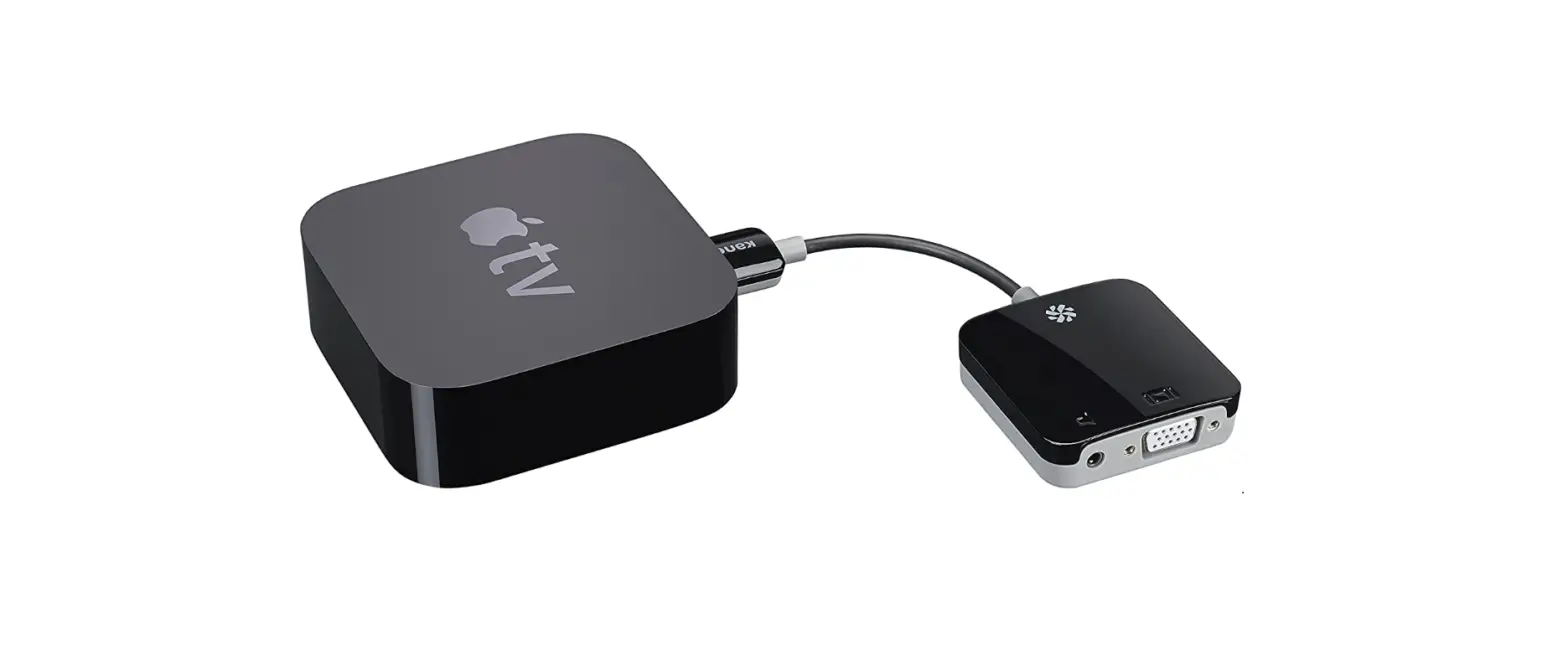
 Kanex ATVPROX HDMI to VGA Adapter for Apple TV
 Kanex ATVPROX HDMI to VGA Adapter for Apple TV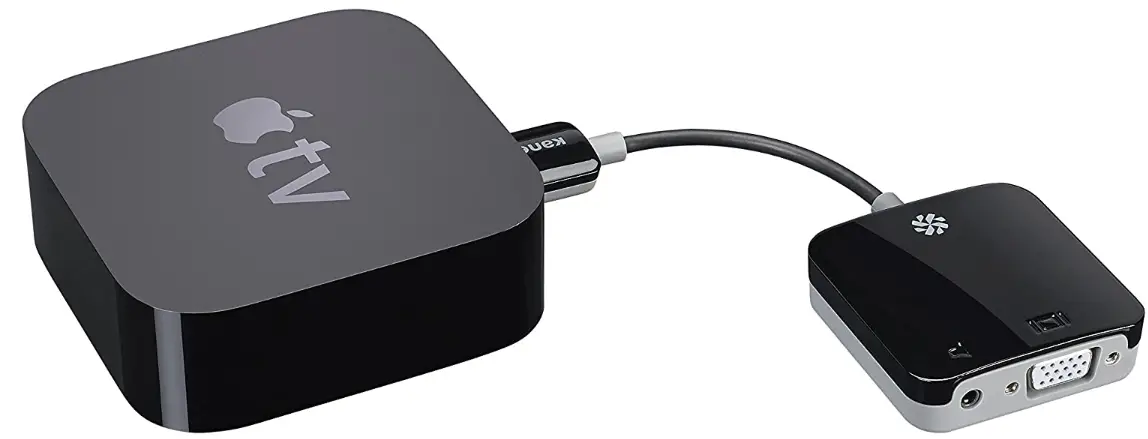
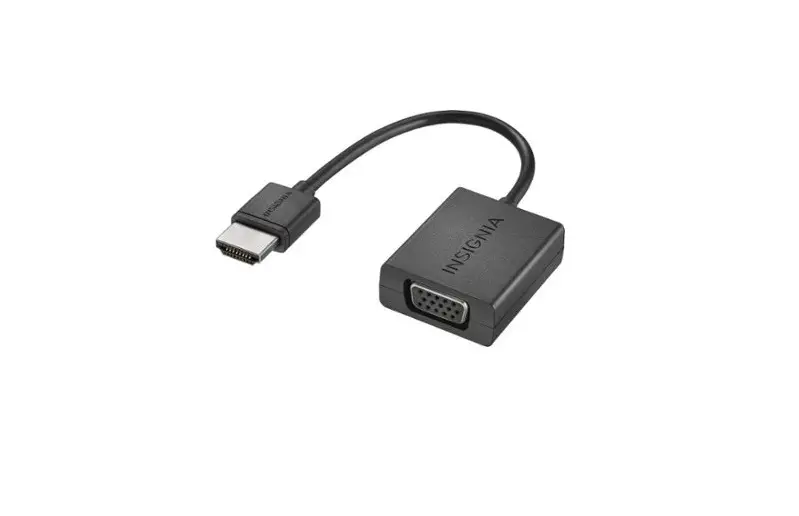
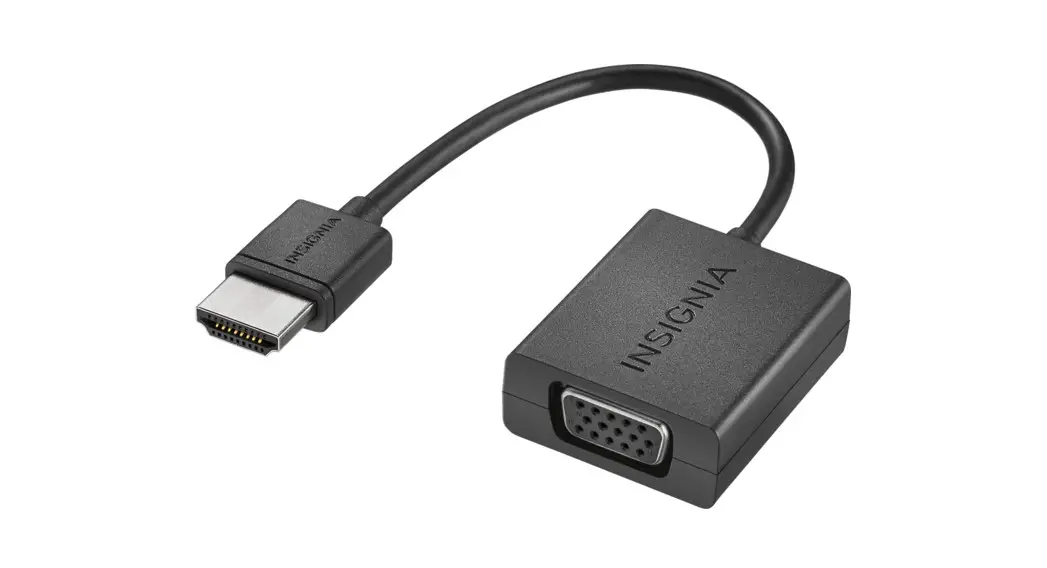
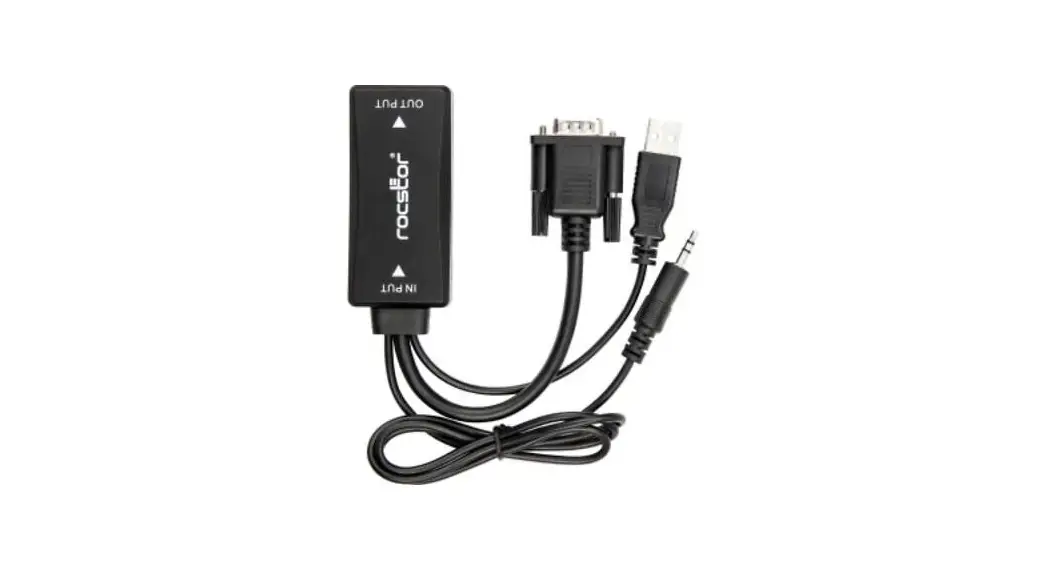
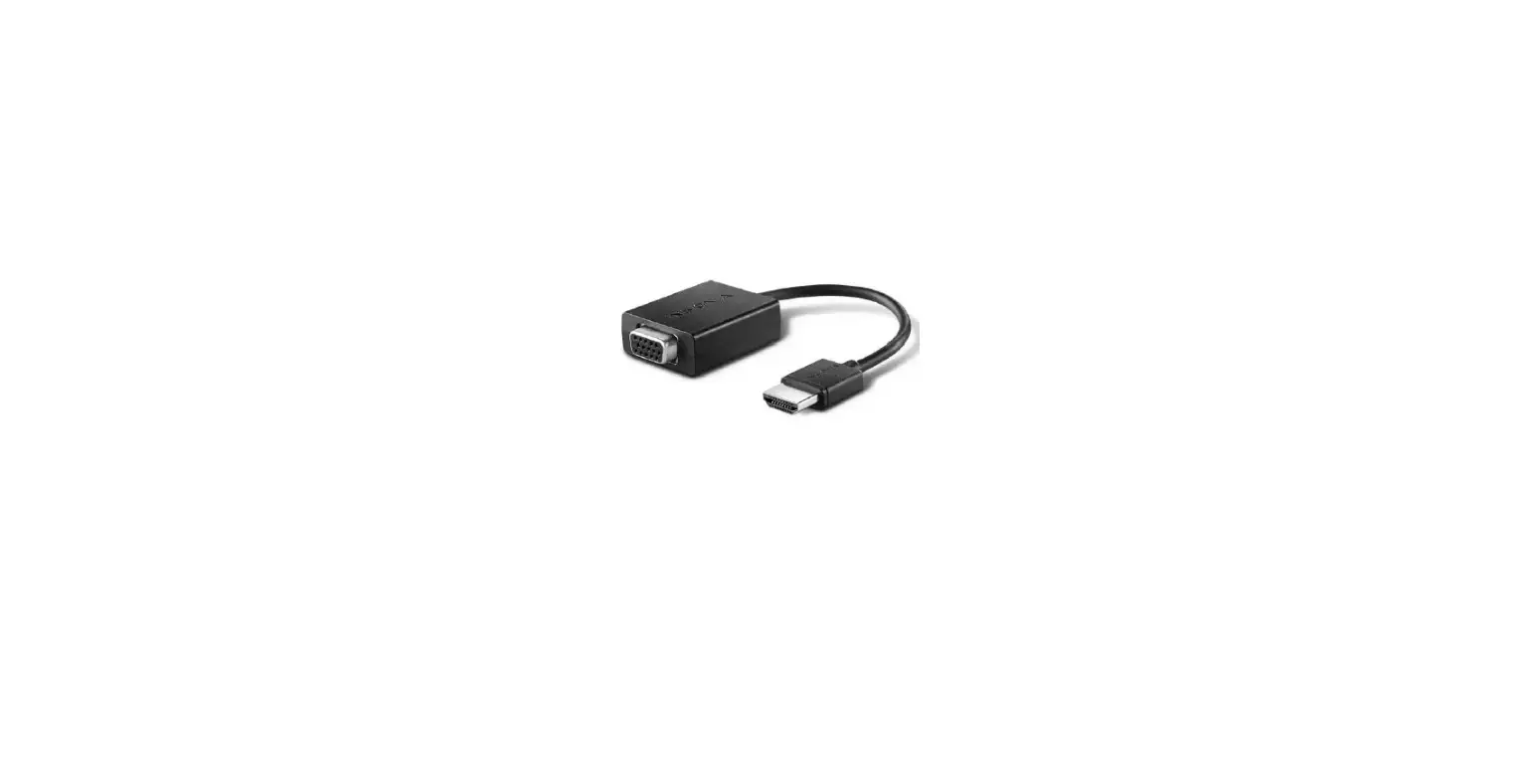
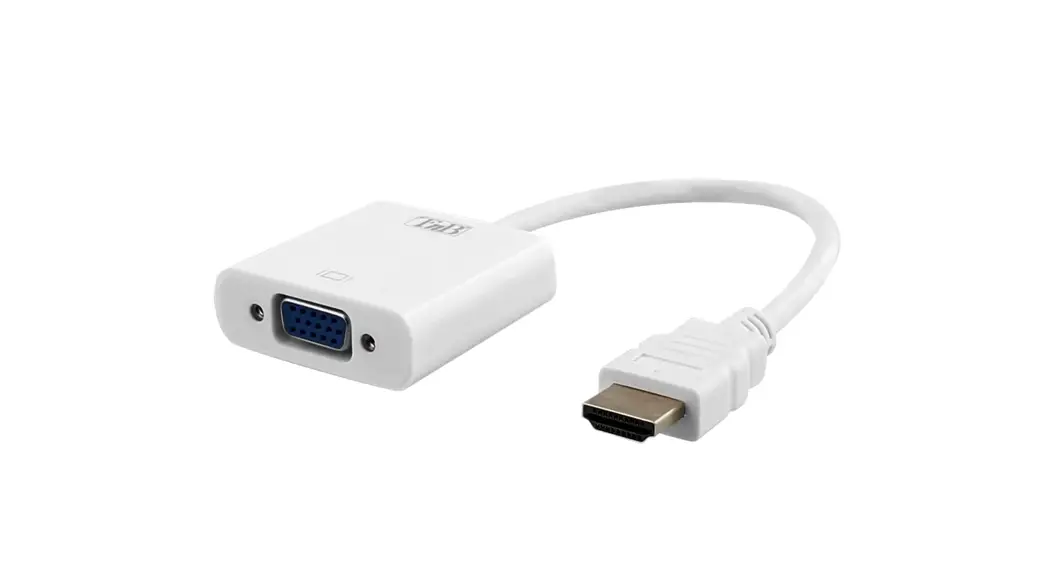
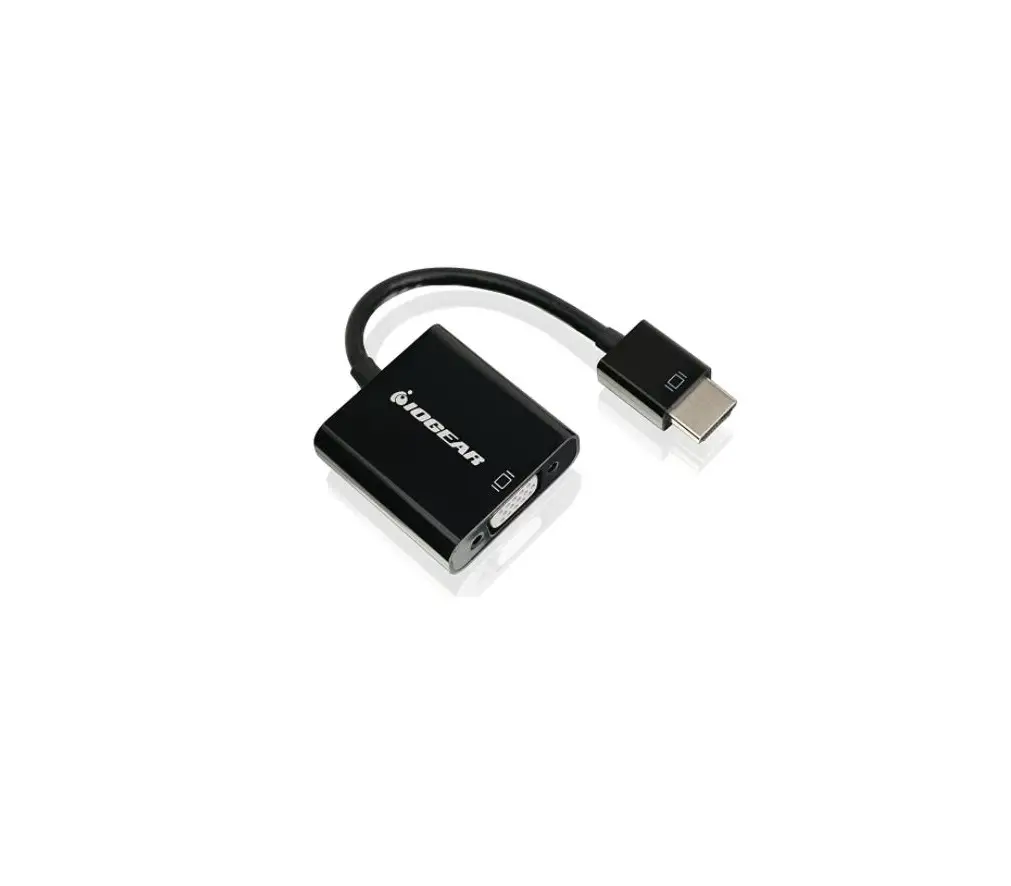
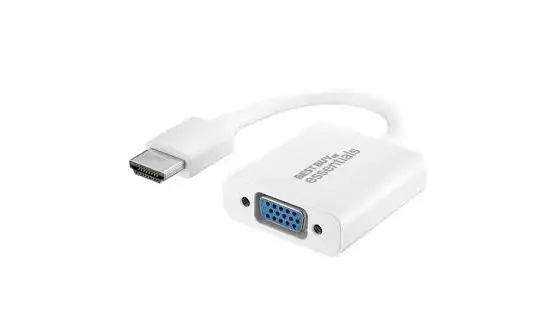
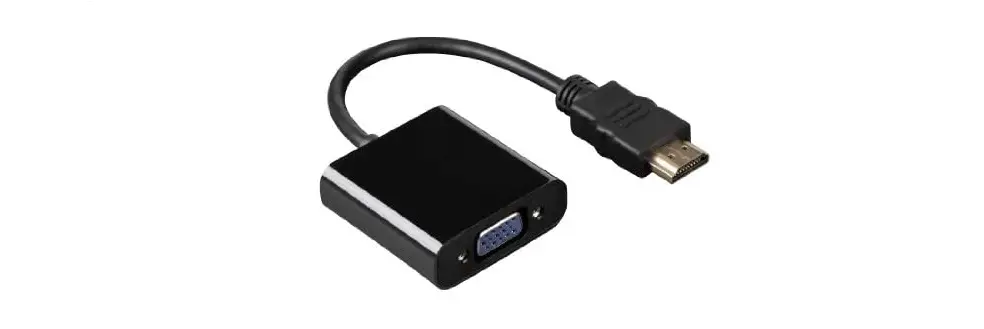
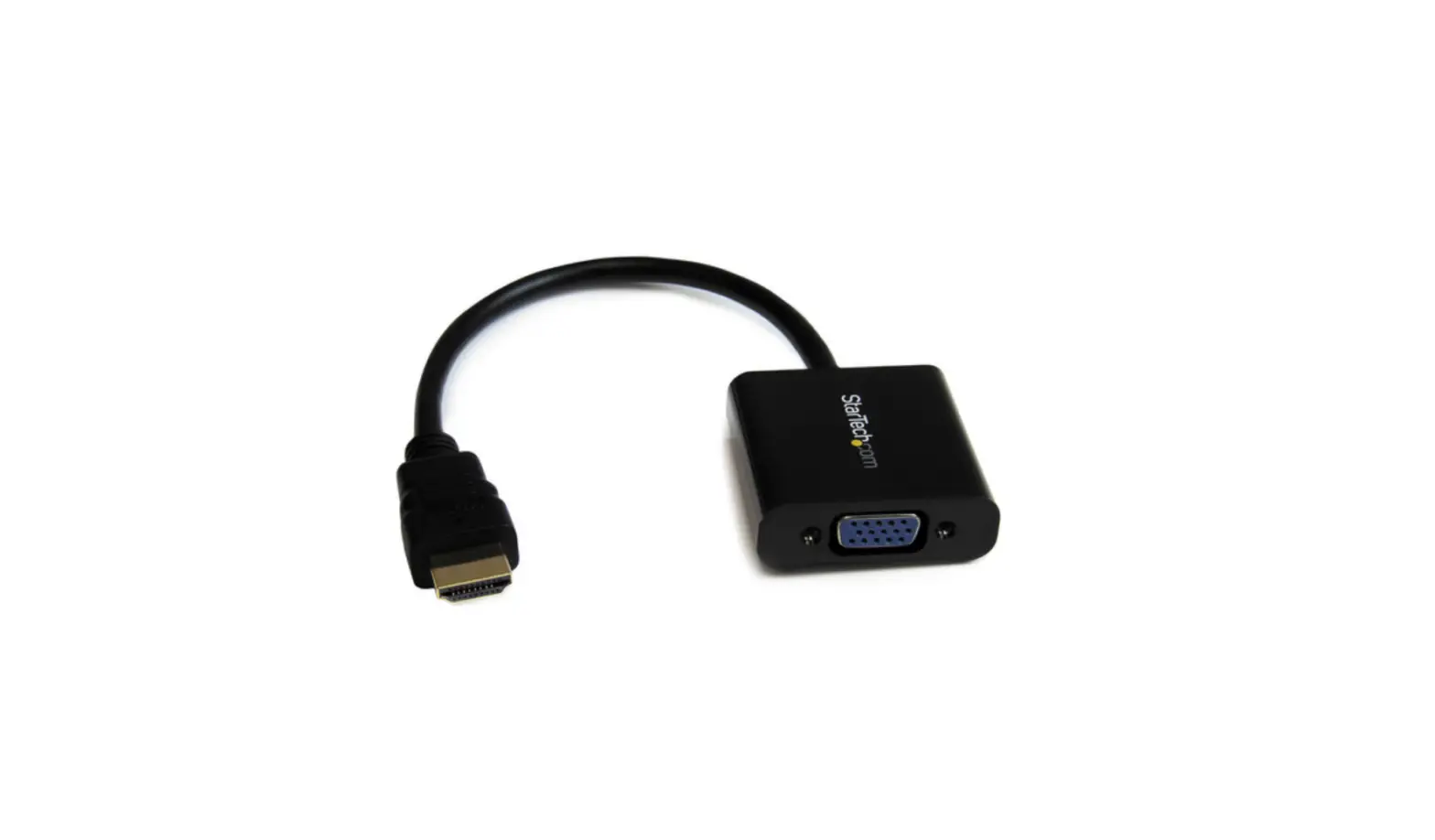
HDMI® to VGA Adapter
- HDMI® to VGA adapter with audio support
- Mirror your iPad® onto a projector
- Plug and play to your Apple TV® and Roku®
- Micro-USB port for connecting to a power adapter
Use Apple AirPlay® Mirroring with a VGA Projector

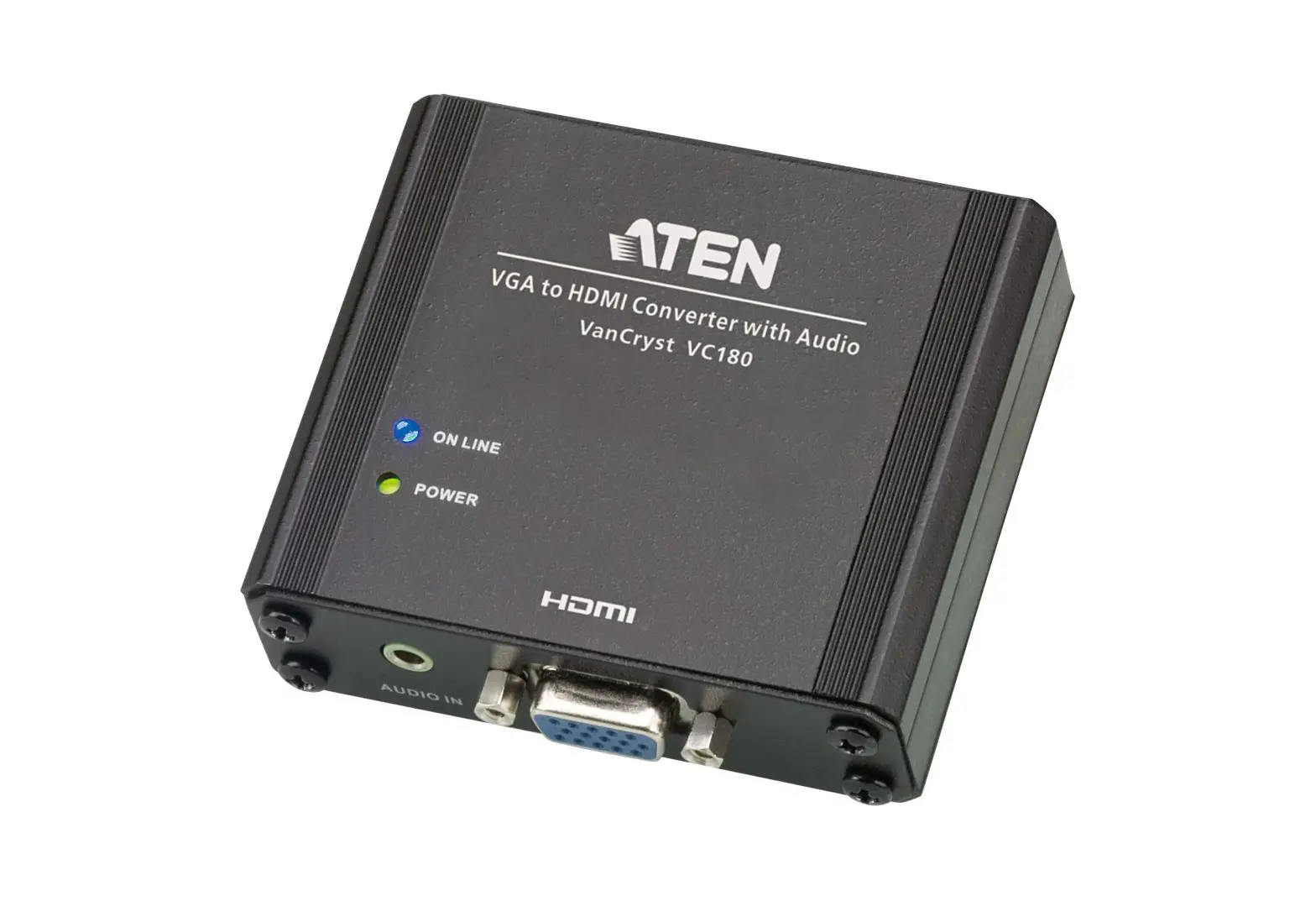
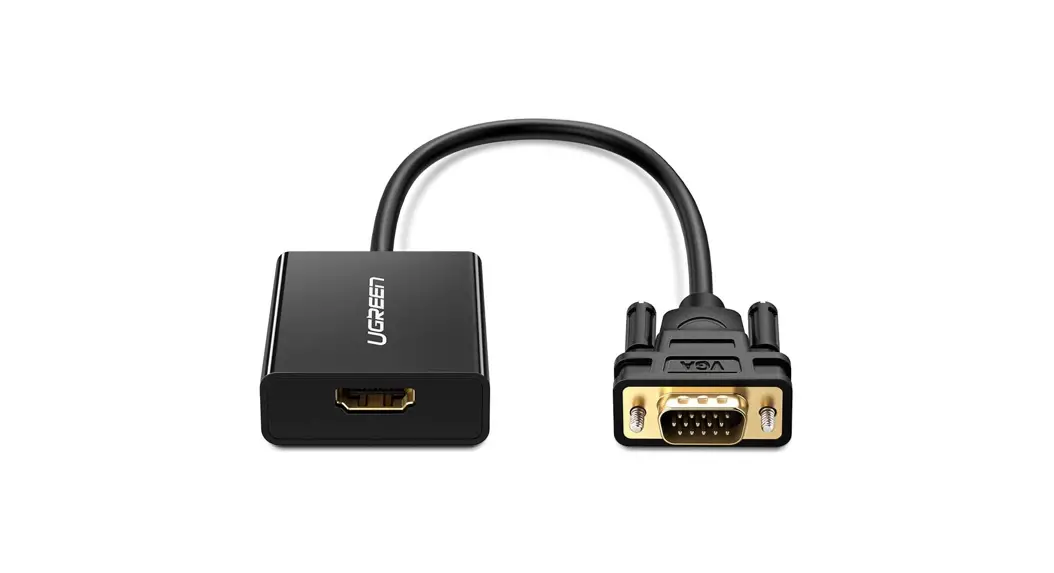
HDMI® to VGA Adapter allows a VGA projector to use Apple AirPlay® mirroring from an iPad® to Apple TV®, thus eliminating the need to upgrade to expensive HDMI® projection equipment. Enhance presentations and educational iLearning experiences by bridging the gap between current equipment and modernization.
Streaming with Roku
Connect any of the new Roku media players via HDMI to a TV or monitor that has VGA. You can also connect external speakers to get high quality audio. Once connected, you can use Roku as it was intended – to give you all that great Internet video and music content. Kanex HDMI® to VGA Adapter with Roku will not enable you to mirror your iPad content to your TV, however Roku does offer an iOS and Android app so you can stream music and photos to your TV from your mobile devices.
Education Technology in Your Hands
Classrooms will have no limits. Educators have the ability to keep audiences engaged and connected for today’s iLearning experience. Thousands of apps can easily be mirrored from an iPad® and displayed while allowing the freedom to move around while presenting.

Technical Specifications
- Input video signal: HD source
- Output video signal: VGA
- Audio output: 3.5-mm stereo mini-jack
- Resolutions supported: 480i/576i/480p/576i/720p /720i/1080i/1080p
- Vertical Frequency Range: 50 / 60Hz
- CableLength: 7in (17.5cm)
Compatibility
- new Apple TV (4th Gen.)
- Apple TV (1st-3rd Gen.)
- Amazon Fire TV
- Roku
- Apple AirPlay® Mirroring is compaitlbe with:
- iPhone 4s or later
- iPad 2 or later
- iPad mini or later
- iPod touch (5th Generation or later)
Power Adapter
- US Plug
- UK Plug
- EU Plug
- AU Plug
What’s Inside
- HDMI to VGA Adapter
- Micro-USB Charging Cable – 4 ft. / 1.2 m.
- Power Adapter
MPN:
- K172-1022-BK7I
- K172-1071-BK7I
- K172-1075-BK7I
- K172-1076-BK7I
UPC:
- 814556016725
- 815387020134
- 815387020172
- 815387020189
Packaging (W x H x L):
- 3.208 x 6.770 x 3.101 in (81.50 x 171.98 x 78.78 mm)
- 3.208 x 6.770 x 3.101 in (81.50 x 171.98 x 78.78 mm)
- 3.208 x 6.770 x 3.101 in (81.50 x 171.98 x 78.78 mm)
- 3.208 x 6.770 x 3.101 in (81.50 x 171.98 x 78.78 mm)
FAQS
The resolution limit depends on your monitor & source, but it can go up to is 1080p.
I do not know specifically, but from what I can read, it is pretty much an AppleTV product and only for 2nd or 3rd generation – not fourth. I suspect that you might have issues with PlayStation. I will be glad to let you try it if you will pay for the shipping – which should not be much. Purchase the item thru Amazon and if you return it, I will refund your purchase price minus the cost to ship to you once I get the product back.
With our current version of the ATVPROX, you won’t be able to stream from Netflix and other streaming media
Unfortunately this adapter will not work with Apple TV 4th Gen. This is due to the 4th Gen not providing power through the HDMI port to power our adapter.
I don’t know why you would need this device to mirror iPad to Apple TV. It automatically does that. Now if you wanted to display on a VGA projector, then this device would convert the hdmi output of the apple tv and covert it to vga. I would guess that the display would be the same as the display on a tv using the hdmi setup. There also could be a adjustment of the screen resolution of the projector.
The Thunderbolt 3 (USB-C) port is available on some newer Intel-based Mac computers. Mac computers with Apple silicon have either the Thunderbolt / USB 4 port or the Thunderbolt 4 (USB-C) port , depending on the model. The ports allow data transfer, video output, and charging through the same cable.
The Apple Mini DisplayPort to VGA Adapter connects a Mac that has a Mini DisplayPort , Thunderbolt port , or Thunderbolt 2 port to display that uses a VGA cable. This adapter supports display resolutions up to 1920 x 1200.
Plug the HDMI connector into an HDMI port on your computer, then connect the VGA connector to a VGA cable (not included). 2 Connect the other end of the VGA cable (not included) to your display, such as a monitor, TV, or projector.
Step 1: Connect the HDMI cable to the port on the back of the Apple TV. Step 2: Connect the other end of the HDMI cable to the HDMI input port on the HDMI to AV converter box. Step 3: Connect one end of the AV cable to the ports on the back of the HDMI to AV converter box.
The USB-C VGA Multiport Adapter lets you connect your USB-C or Thunderbolt 3 (USB-C) enabled Mac and iPad Pro to a VGA display, while also connecting a standard USB device and a USB-C charging cable.
HDMI to VGA Adapter allows a VGA projector to use Apple AirPlay mirroring from an iPad to Apple TV, thus eliminating the need to upgrade to expensive HDMI projection equipment.