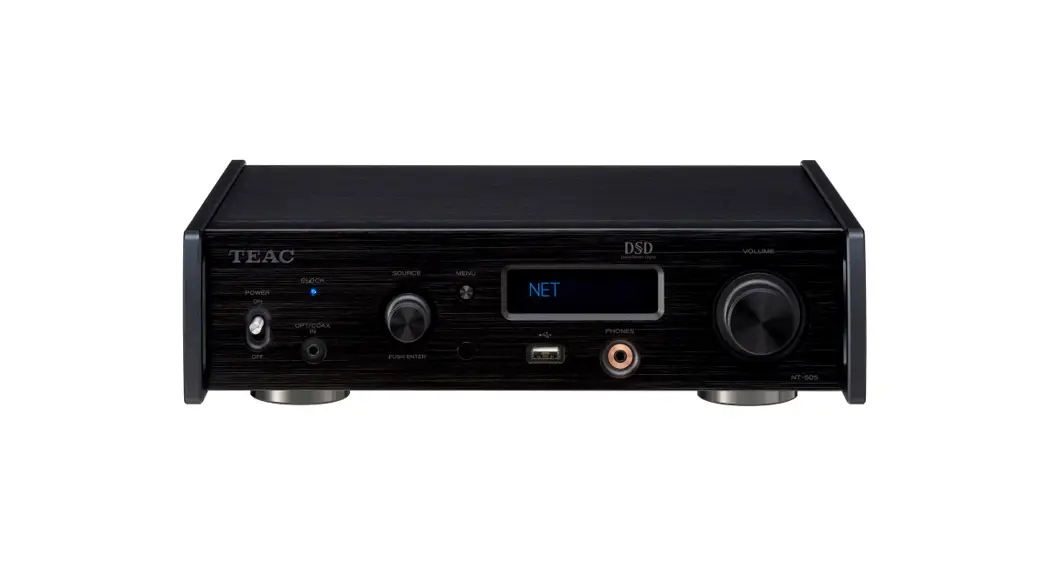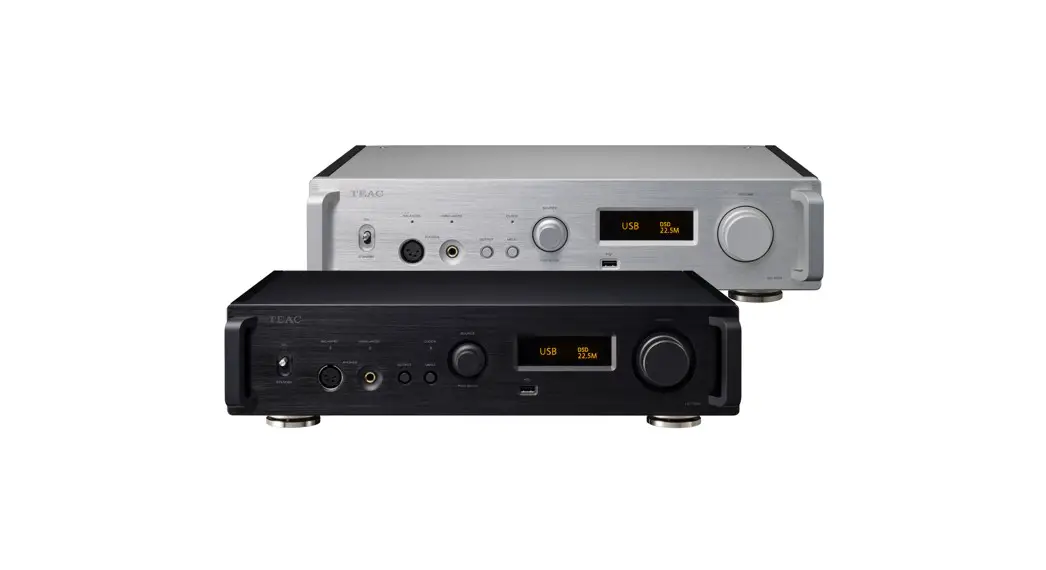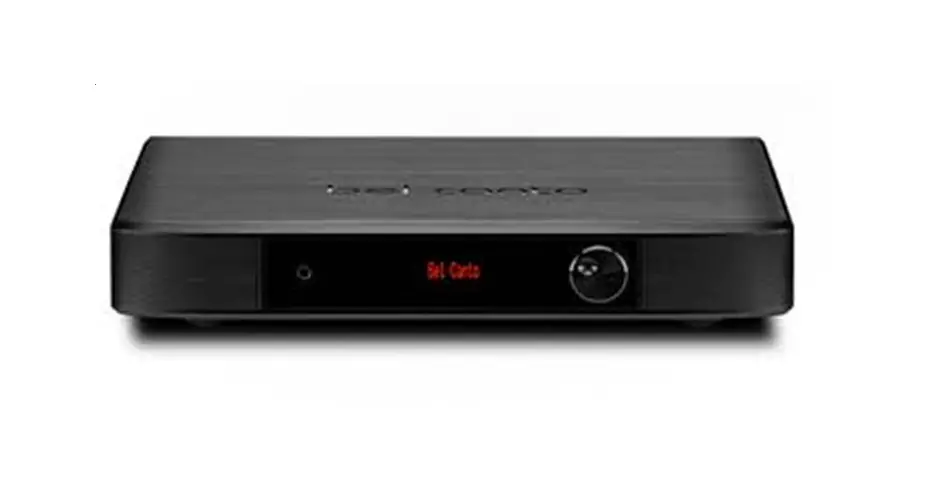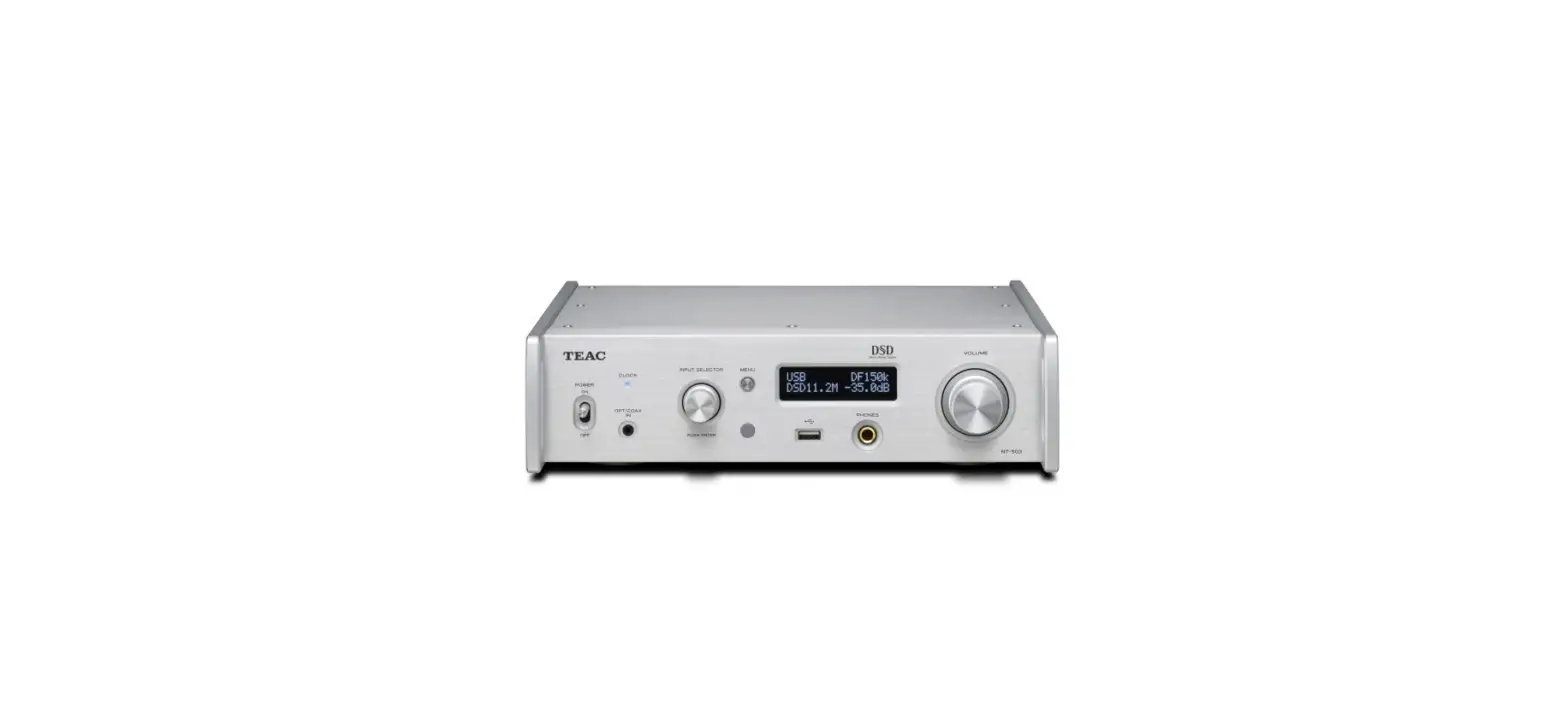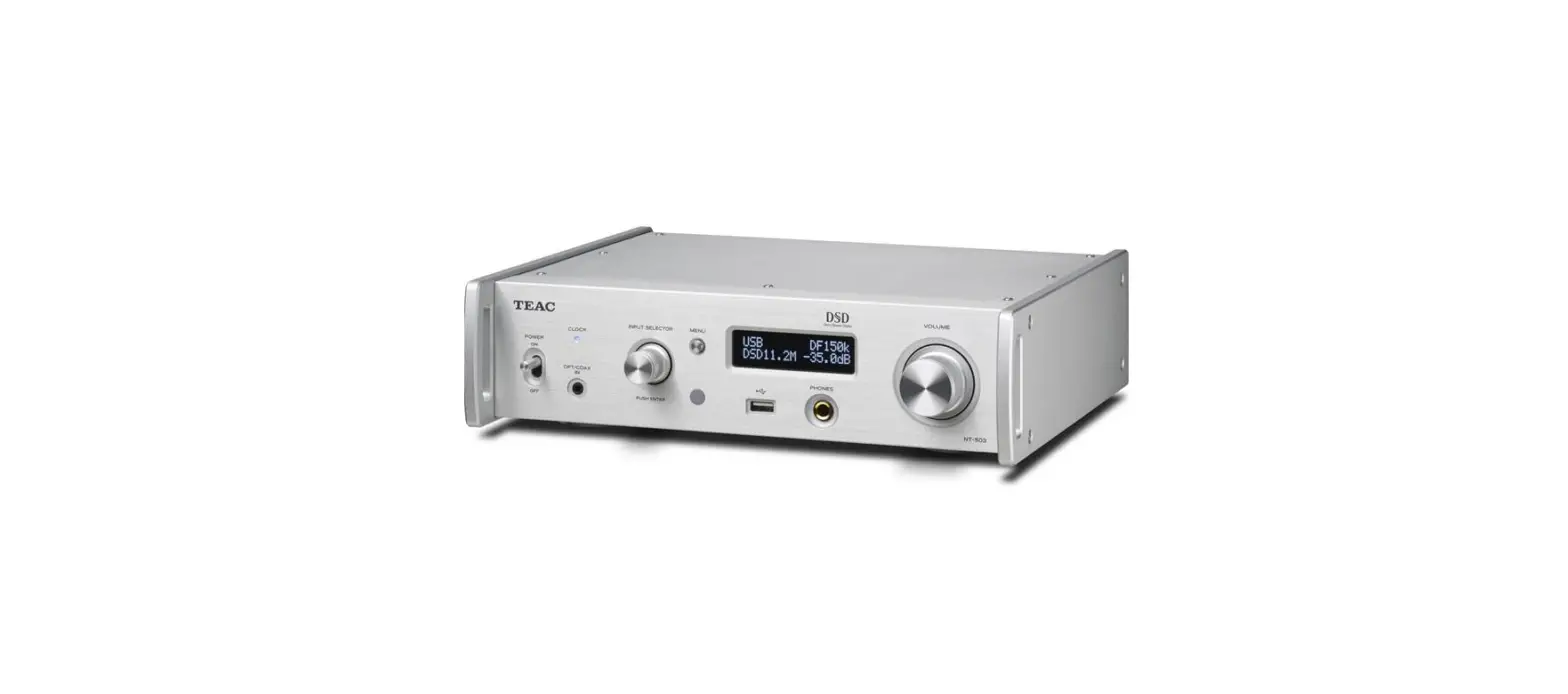

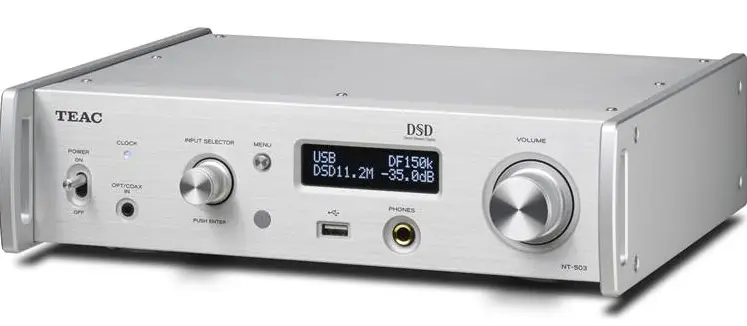
TEAC NT-503 Dual-Monaural DAC-Network Player-Preamp
Updates
Always use the most recent firmware for this device. Please visit the TEAC International Site (https://teac.jp/int/) to check for the latest firmware.
Maintenance items
NET DSP V1.02
Support has been updated for changes in TuneIn standards, and the problem of not being able to connect with TuneIn has been fixed.
Procedures for updating the NET CPU/DSP firmware
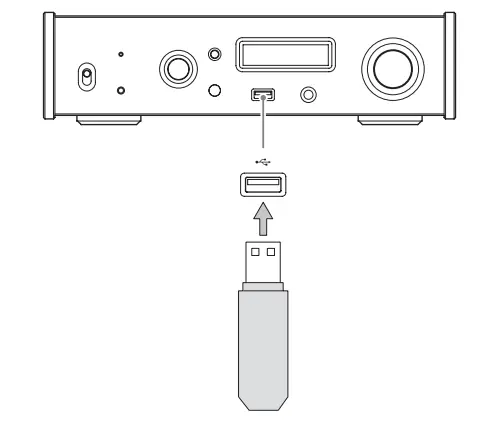
- Use the USB port on the front of the unit
- A USB flash drive with at least 32 MB of capacity is necessary for updating the firmware
Precautions when updating the firmware
- Before updating, stop playback and disconnect anything connected to the USB ports.
- While updating, never put the unit into standby mode, or disconnect the power cord or the USB flash drive being used for the update
- Do not access this unit from a computer during an update.
- Completing the update takes about five minutes.
- Settings must be reset to their default values after updating. (Settings cannot be retained.)
Update procedures
- Connect a USB flash drive to the computer that you are using and delete any files on it.
- Download the firmware file to the computer from our website.
The firmware file has a name like the following.
TC_CRNF004_00000000TA00TJ_***.zip
Decompress this file on the computer. The following three files will appear.- TC_CRNF004_00000000TA00TJ.of1
- TC_CRNF004_00000000TA00TJ.of2
- TC_CRNF004_00000000TA00TJ.of3
Do not change the names of the decompressed files
- Confirm that this unit is on.
- Connect the USB flash drive with the decompressed files to the USB port on the front of the unit.
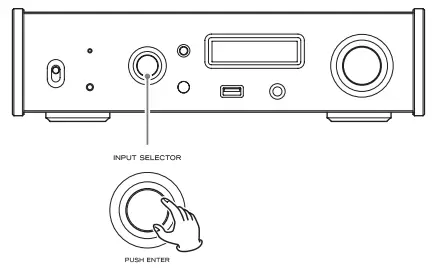
- Turn the INPUT SELECTOR knob to set the input source to NET

- Turn the INPUT SELECTOR knob to set the input source to NET.

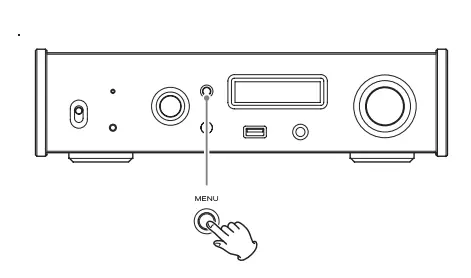
- Press the MENU button.

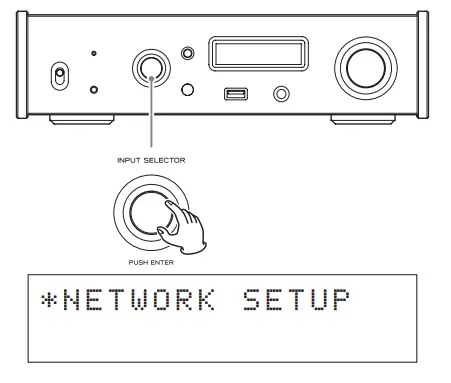
- Turn the INPUT SELECTOR knob to show NETWORK SETUP.

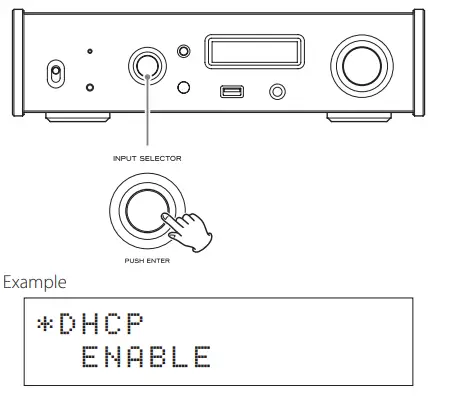
- Press the INPUT SELECTOR knob.

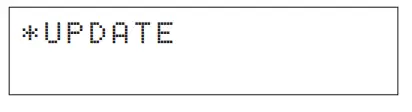
- Turn the INPUT SELECTOR knob to show UPDATE.

- Press the INPUT SELECTOR knob.
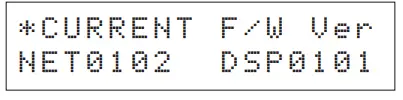
- This shows the current NET and DSP versions

Updating is not necessary if “NET0102 DSP0102” is shown.
- This shows the current NET and DSP versions
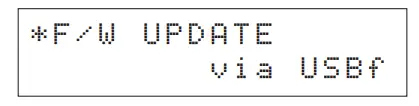
- Turn the INPUT SELECTOR knob to show F/W UPDATE.

- Press the INPUT SELECTOR knob.
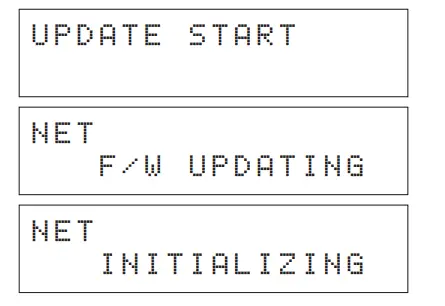
When the following appears on the display, updating will complete in about five minutes.- Never put the unit into standby mode, or disconnect the power cord or the USB flash drive being used for the update during an update.


- Never put the unit into standby mode, or disconnect the power cord or the USB flash drive being used for the update during an update.
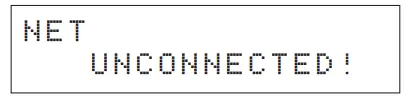
- After “UNCONNECTED!” appears, disconnect the USB flash drive.
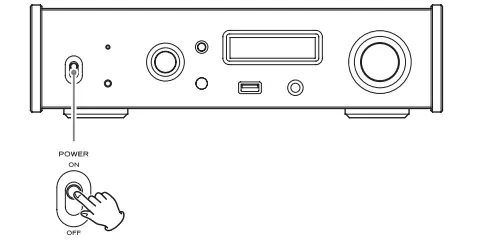
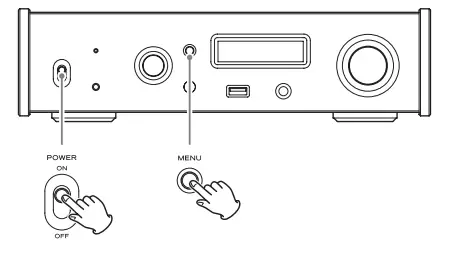
- Shift the POWER switch to its OFF position to turn the unit off.

- While pressing and holding the MENU button, set the POWER switch to ON.

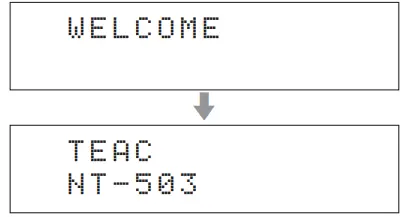
- Release the MENU button when the “SETUP CLEAR” message appears.
After “SETUP CLEAR” is shown for a few seconds, the procedure completes when the following startup screens appear.
Checking the versions
- Follow procedures 6 to 11 in “Update procedures” and check the current versions.
- The version upgrade is complete if “NET0102 DSP0102” is shown
 TEAC | International Website