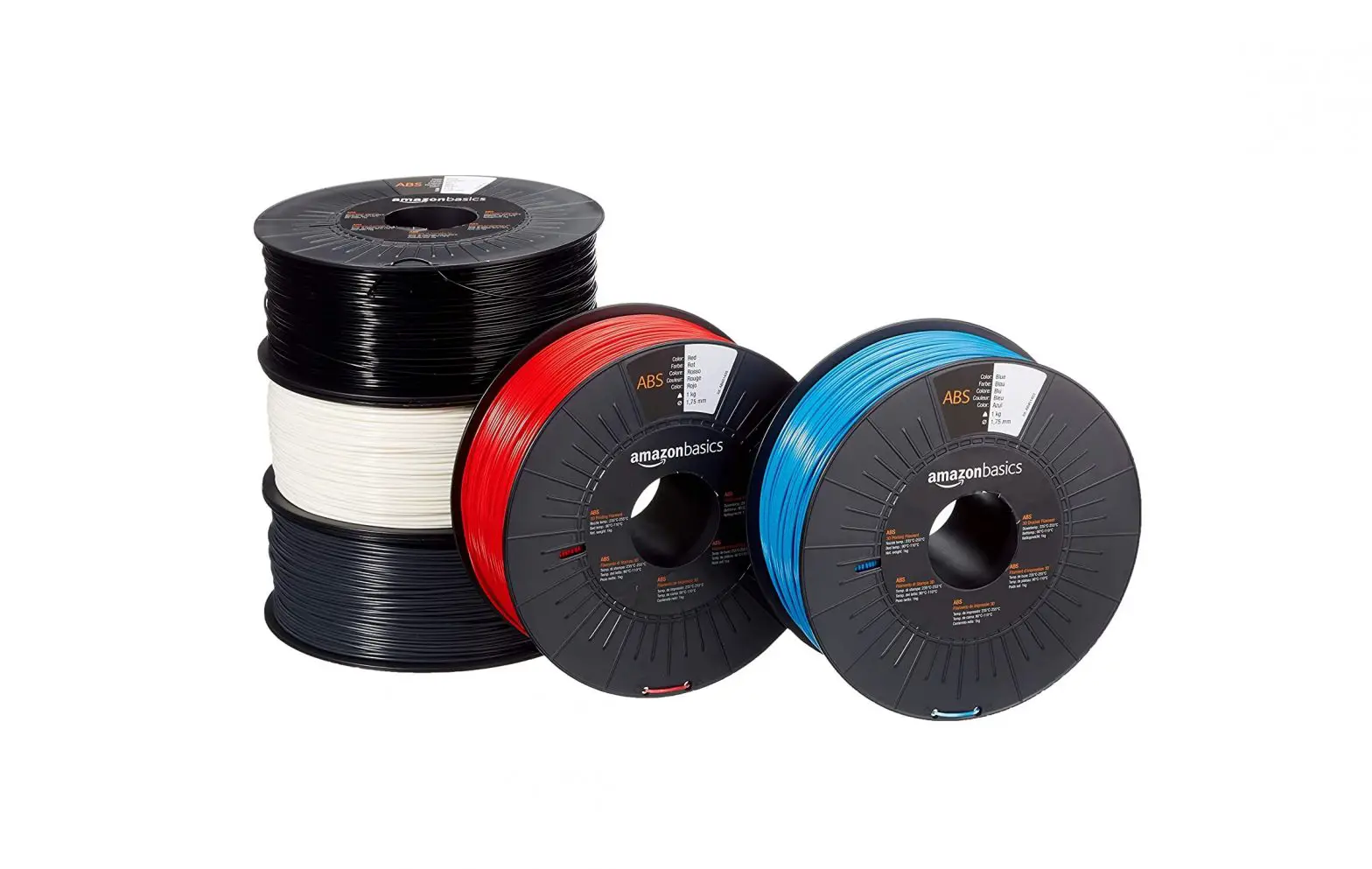
amazonbasics Special Printing Tips ABS User Guide
Printing with ABS tips and tricks:
 This is what you should do to be able to properly print with ABS:
- If you use a printer without an enclosure, raise the build plate temperature a little to reduce warping.
- You could also use a bit of brim on the first layer.
- Use a good adhesive for ABS, we recommend Dimafix stick or spray.
- The range of printing temperature is 235-255 degrees Celsius. POWe have a wide range because a lot of printers have a temperature offset from, what the user sees on the screen of the printer, and the actual temperature.
- The use of less cooling is possible, in particular for big prints, you can even turn it off.
- Print in a ventilated area.
- If your printer doesn’t have an heated bed you should not use ABS.
- Make sure to properly level the build plate.
- Make sure to properly clean the nozzle, in particular if you didn’t use ABS in the previous print.
- Make sure to store the filament correctly. Dry, cool and away from direct sunlight.
- Don’t print ABS in a cold room, this will generate layer delamination and heavy warping.