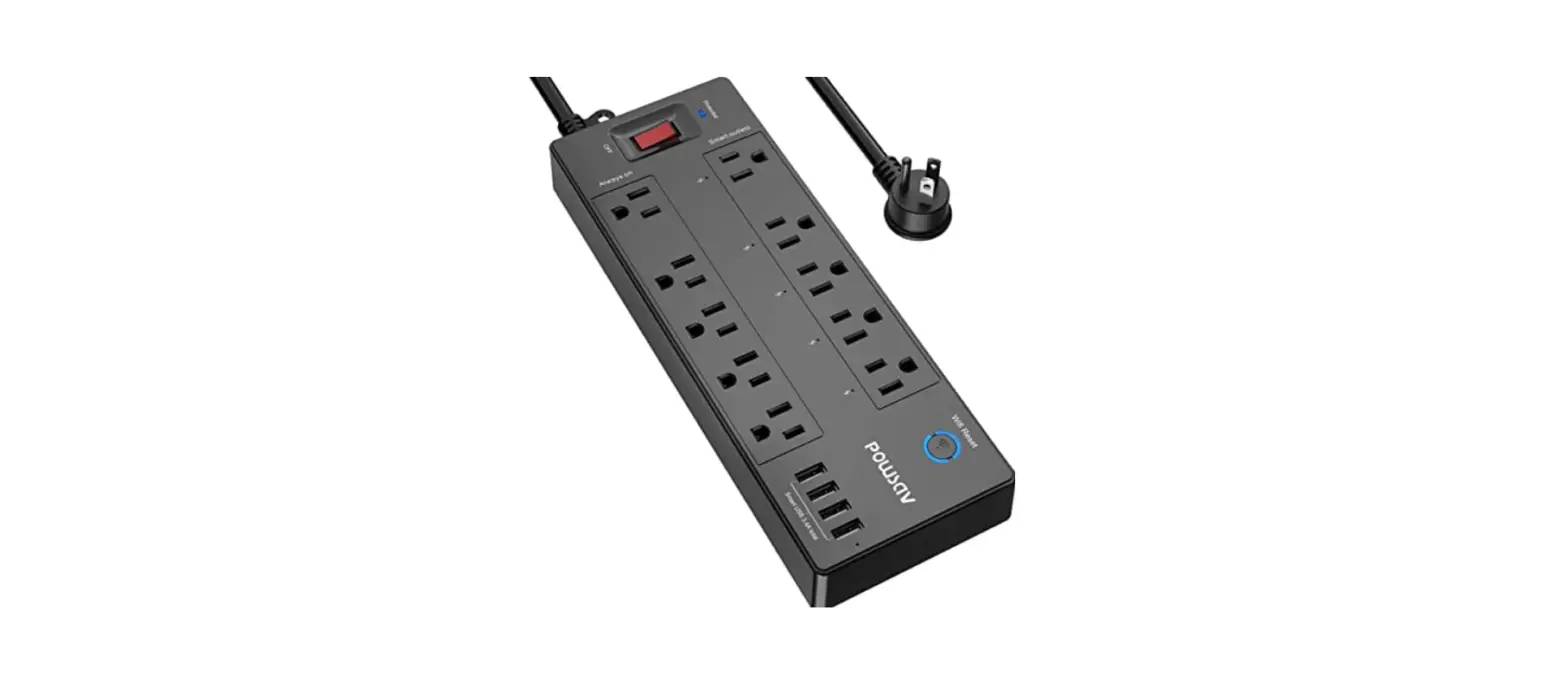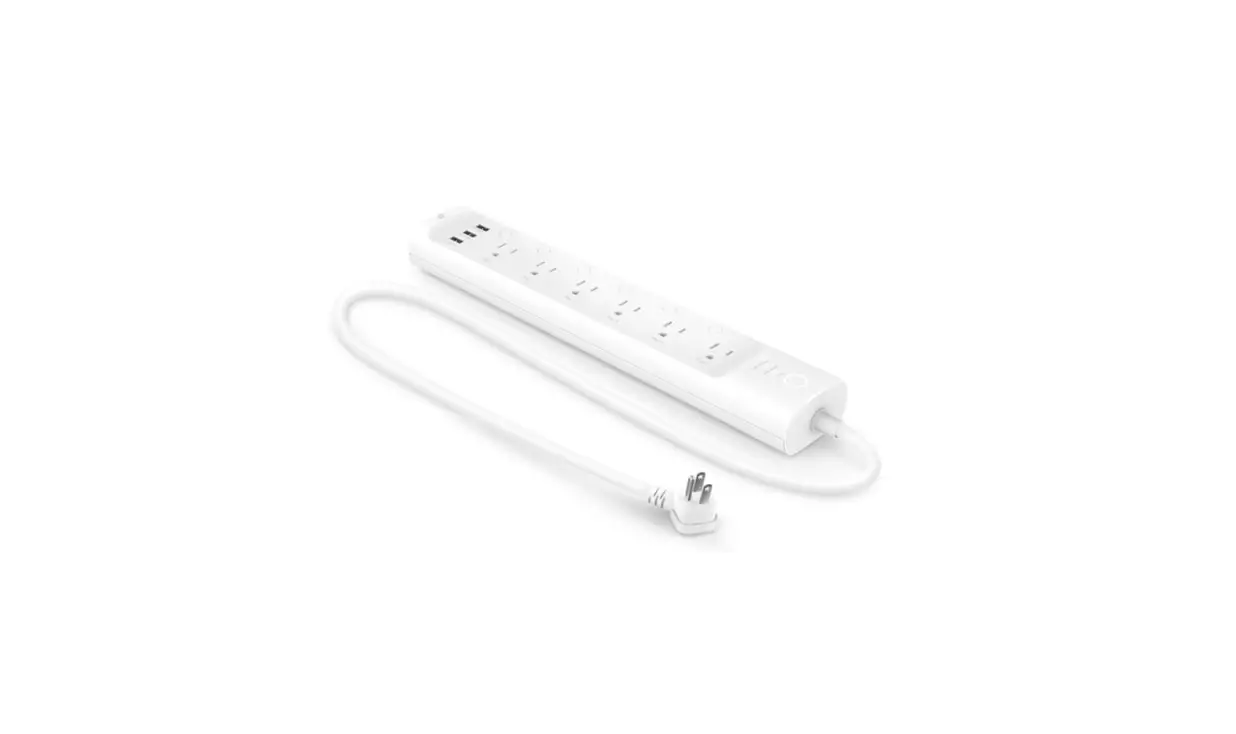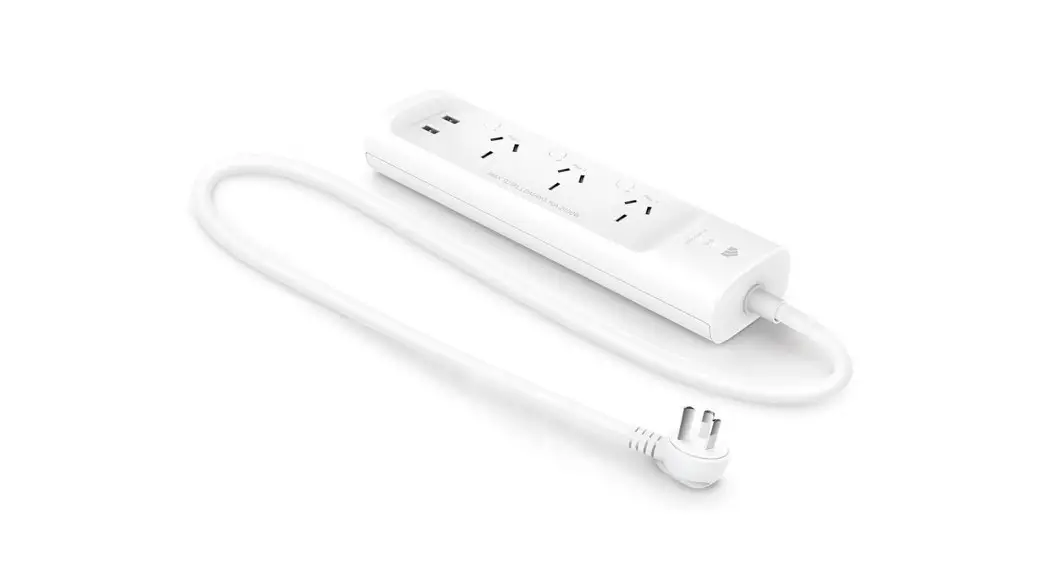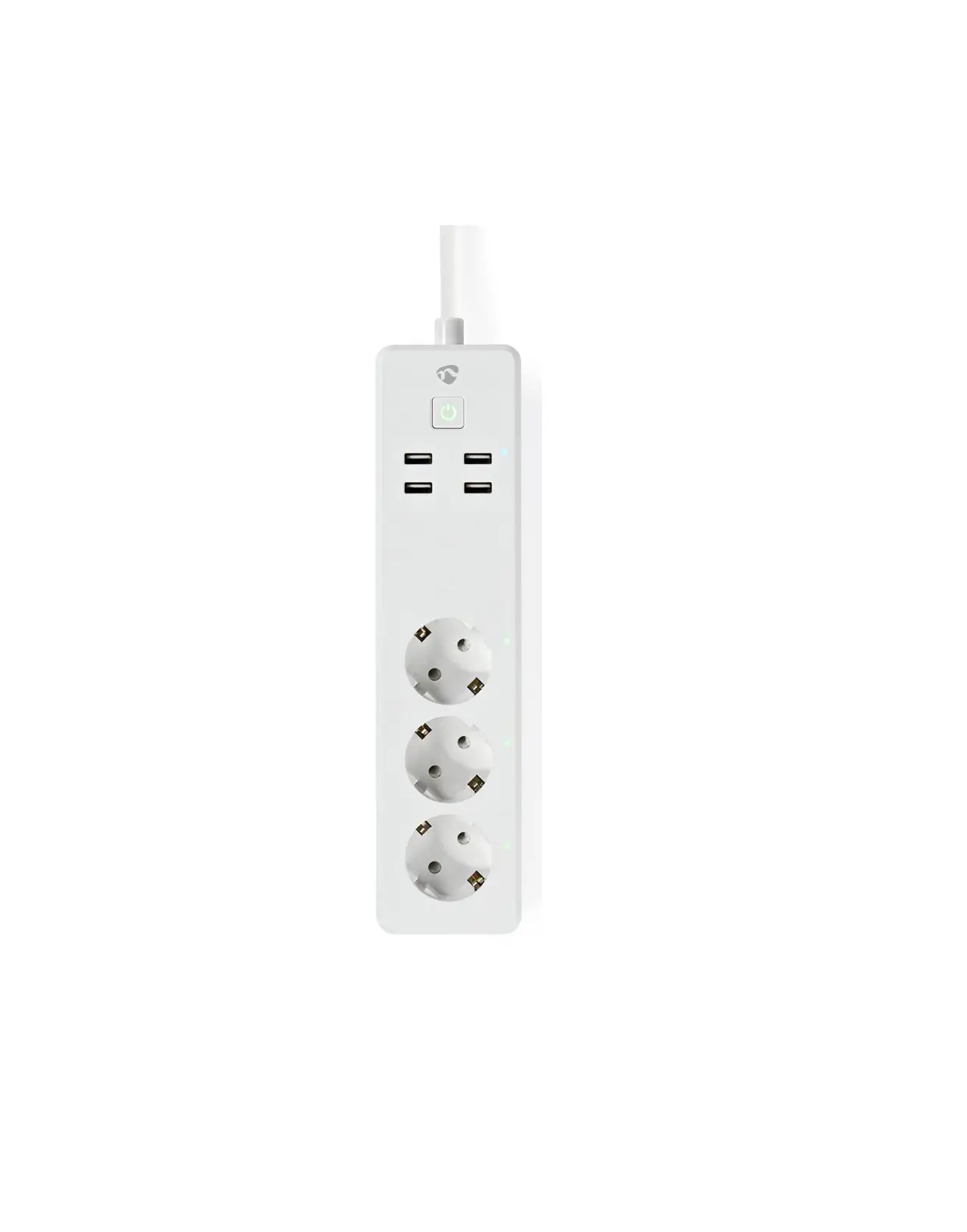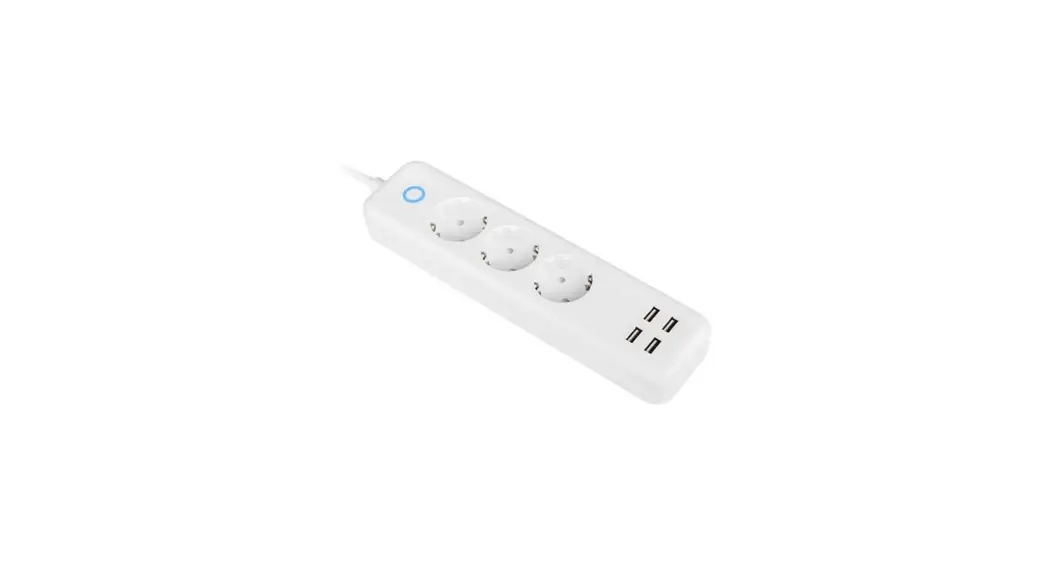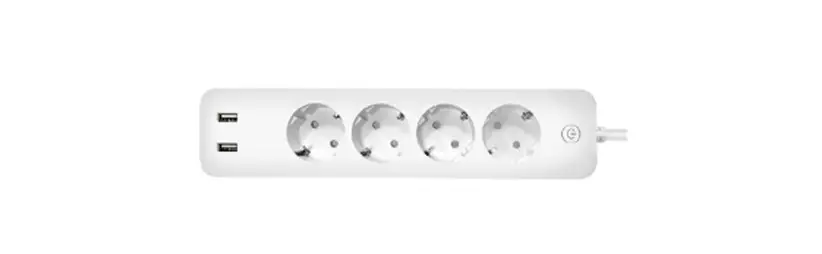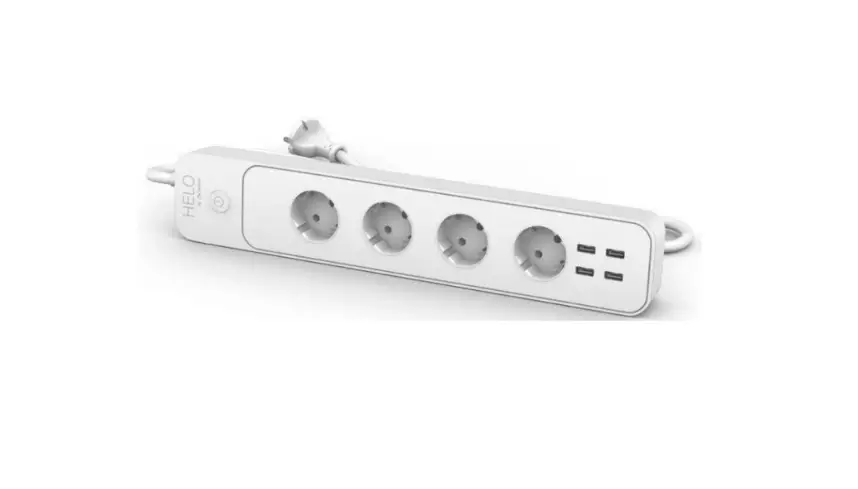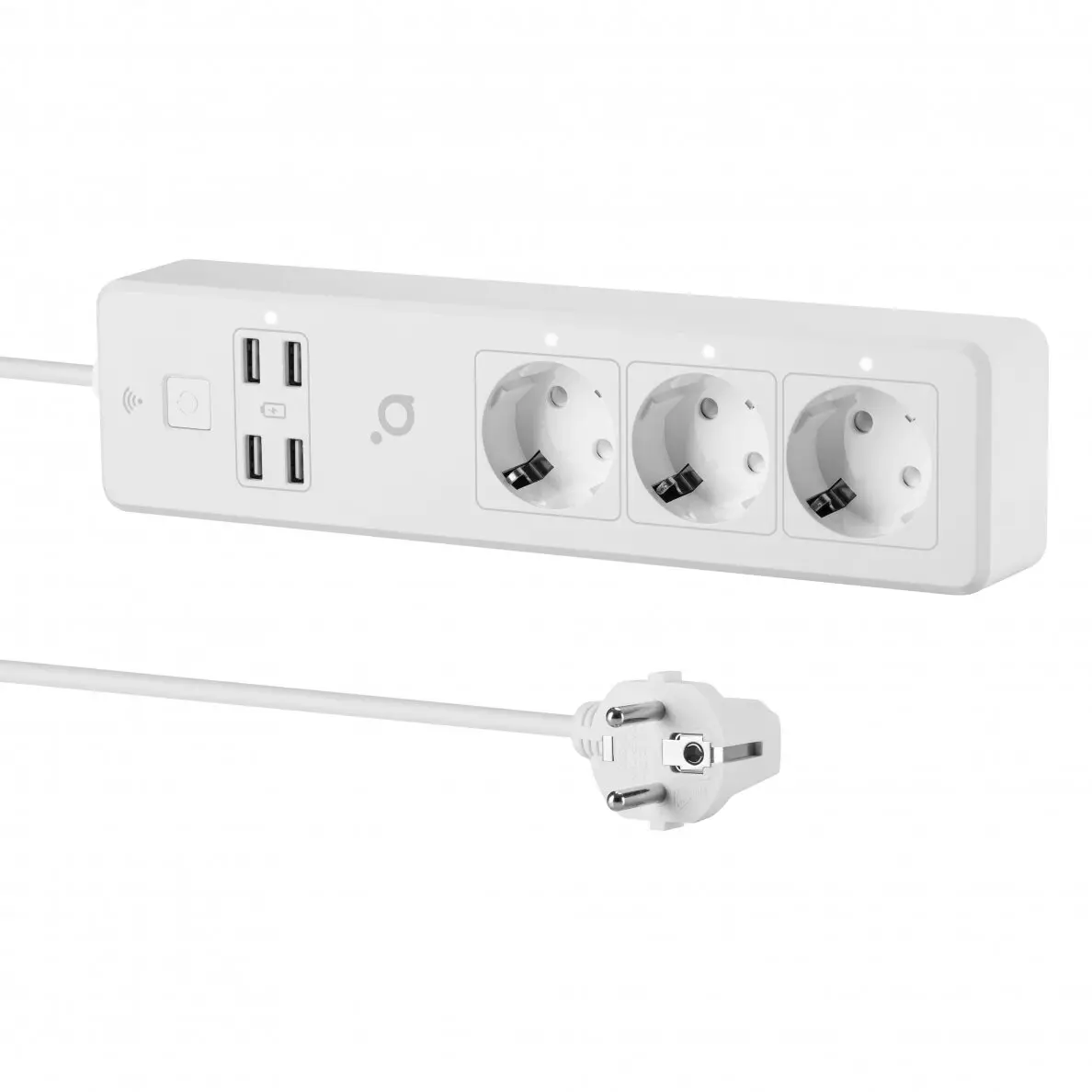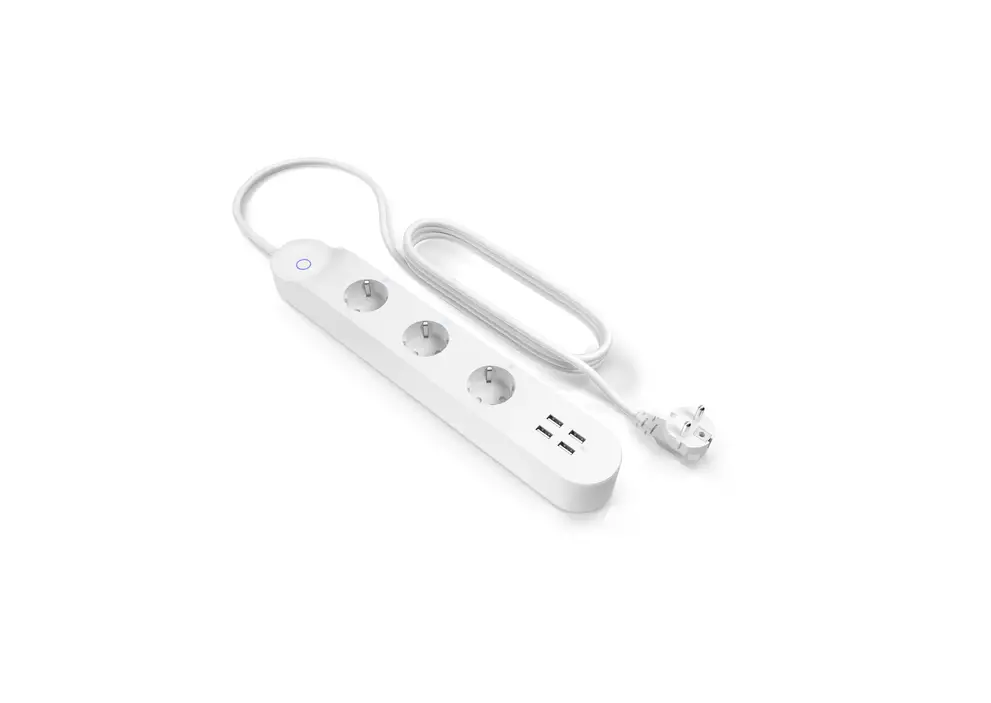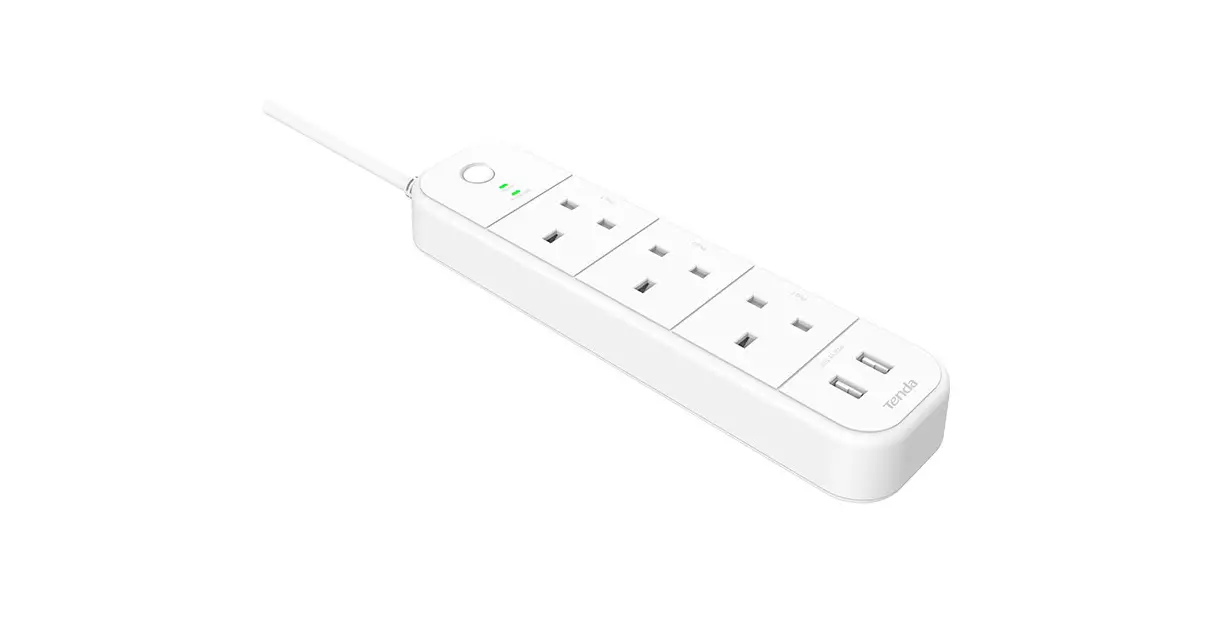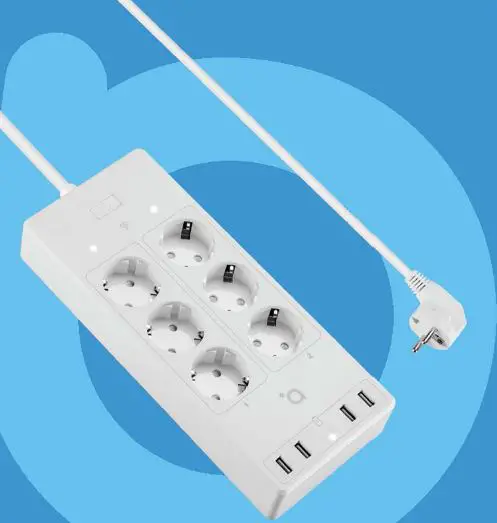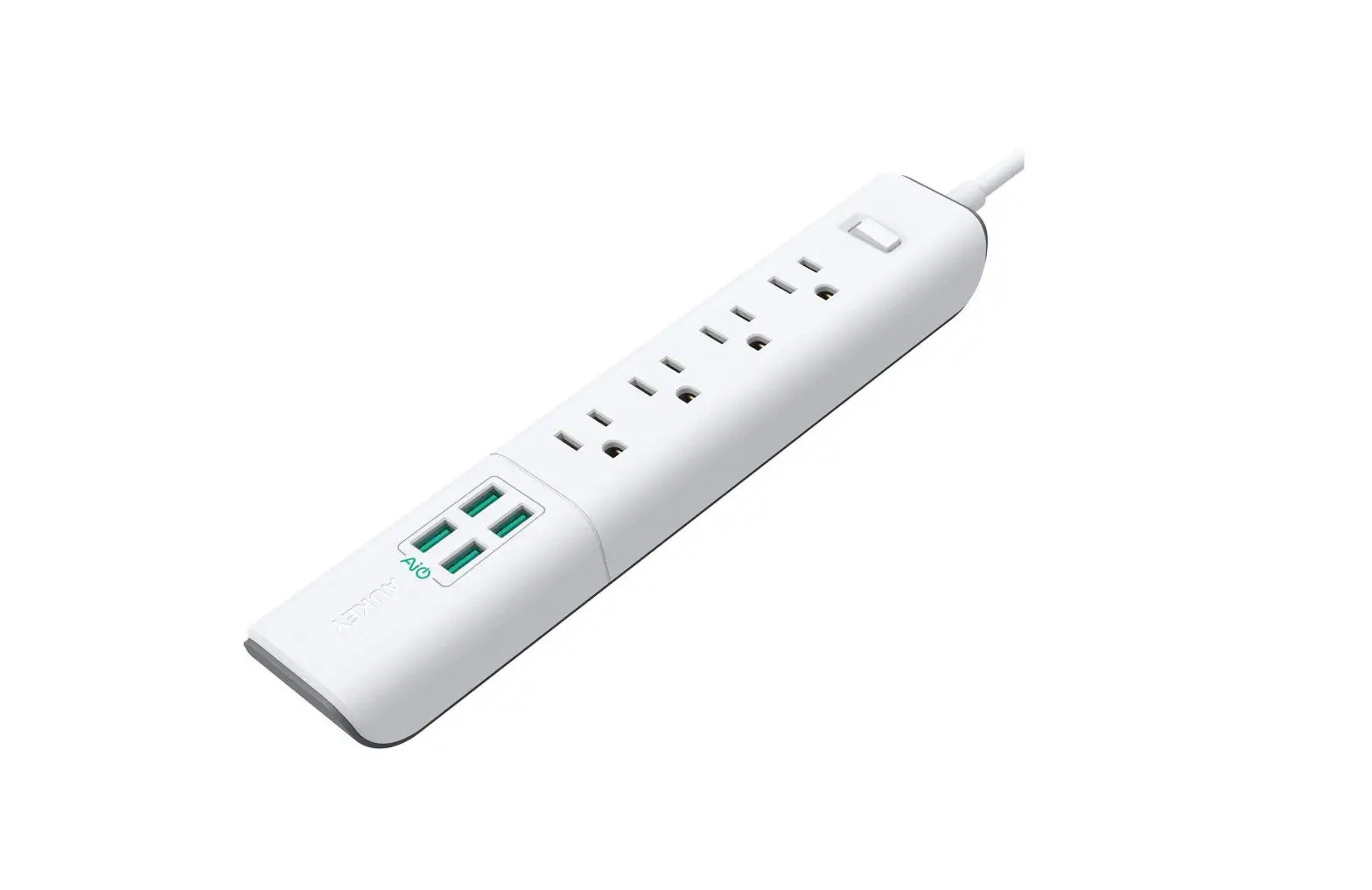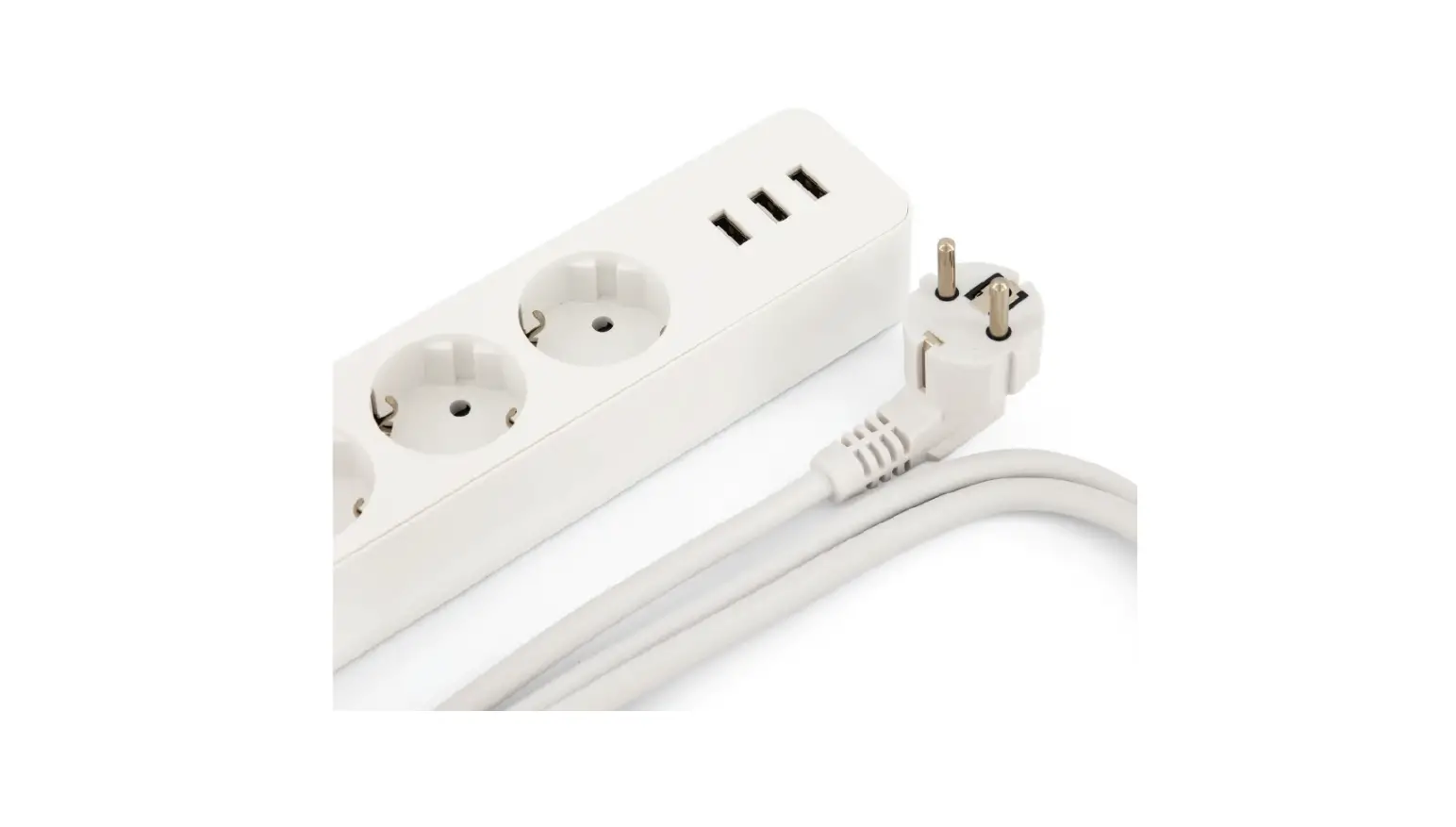
 Hihome WPS-4UEM WiFi Smart Power Strip 16A
 Hihome WPS-4UEM WiFi Smart Power Strip 16A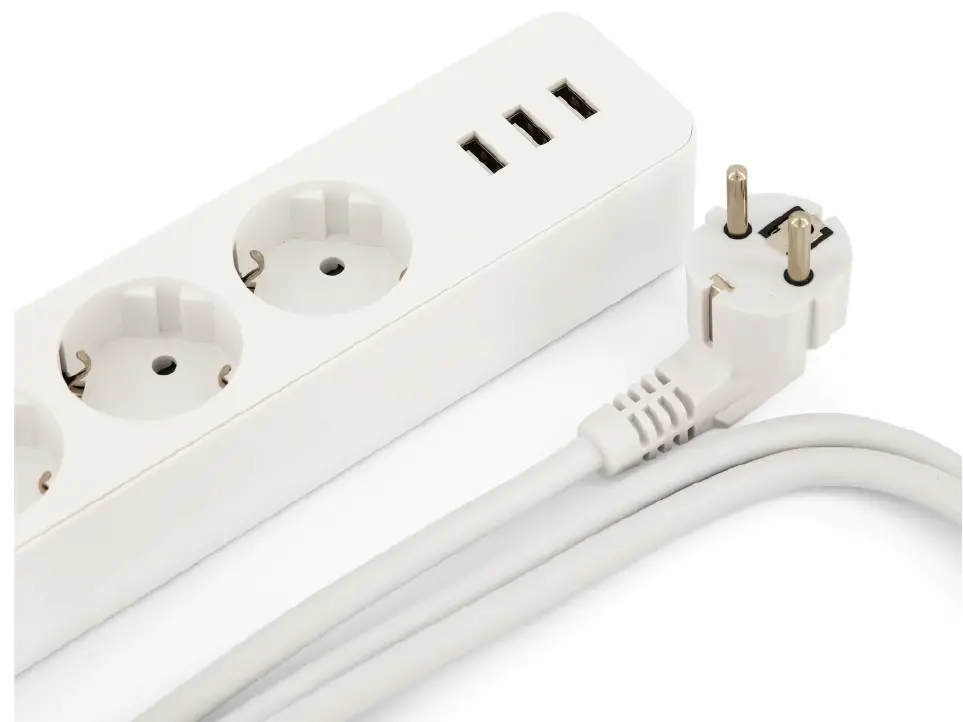
Safety information
This product is designed for indoor use. Keep away from moist and damp environments Read the manual carefully Hihome (At Home Technologies BV) is not liable and responsible when used incorrectly. Do not connect to devices without a fuse. Do not connect devices with a power usage than indicated on the plug.
Visit https://support.hihome.eu/ for more details manuals and update manuals. For questions, you can send an email to [email protected]
Instruction
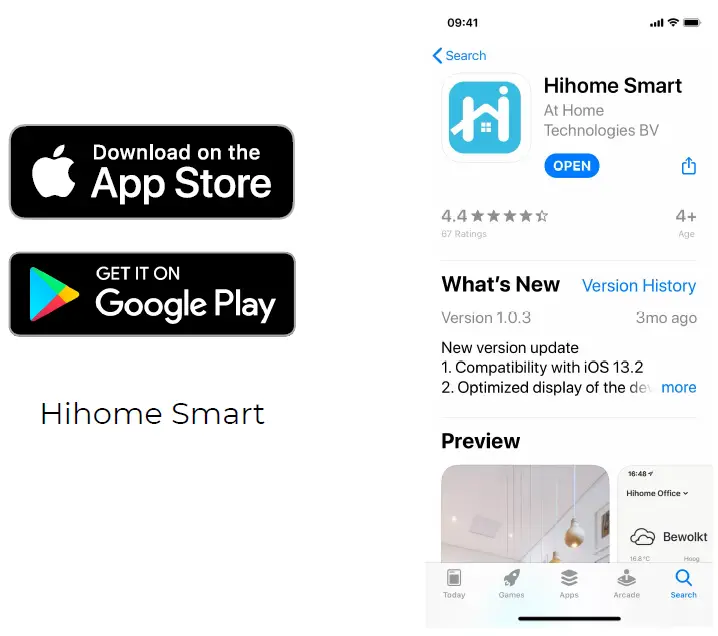
Step 1: Download the Hihome App for iOS or Android
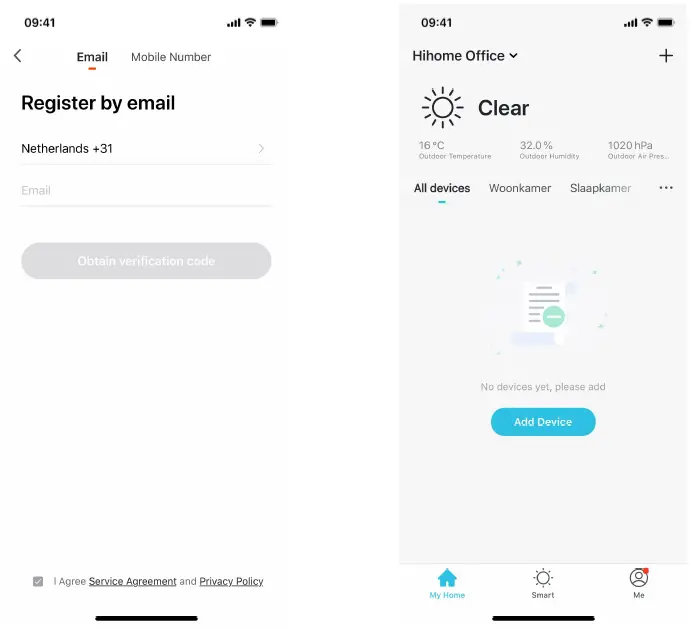
 Step 2: Register and login
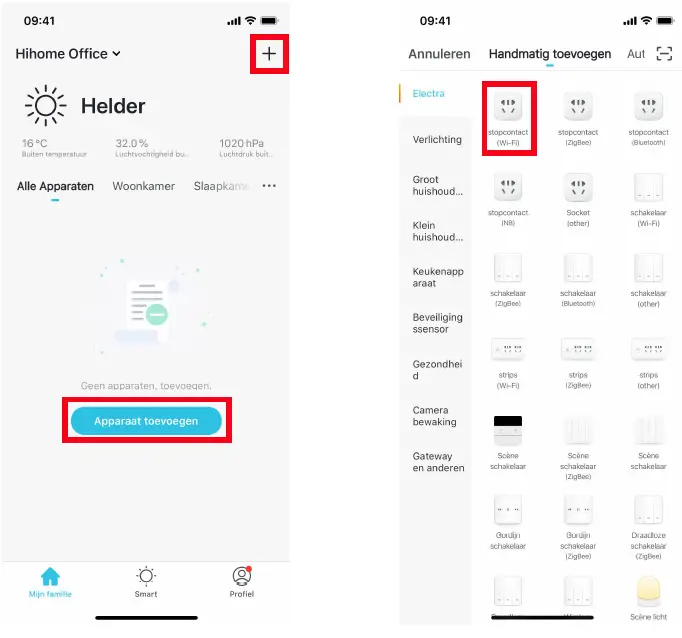
Stap 3: Voeg apparaat toe en kies stopcontact (Wi-Fi)
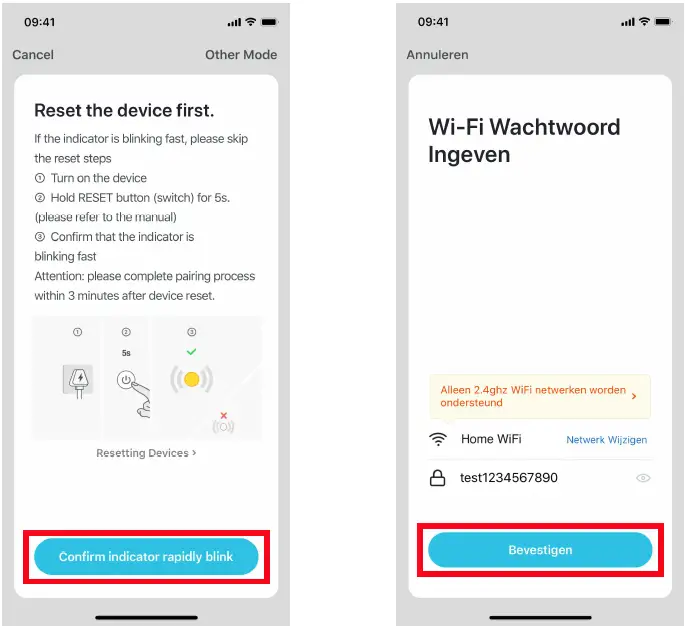
Step 4: Connect to your Wi-Fi network (Smart Wi-Fi) at Only 2.4GHz! Reset the device by pressing and holding the switch for 5 seconds. The LED will start flashing, the plug is ready to connect.
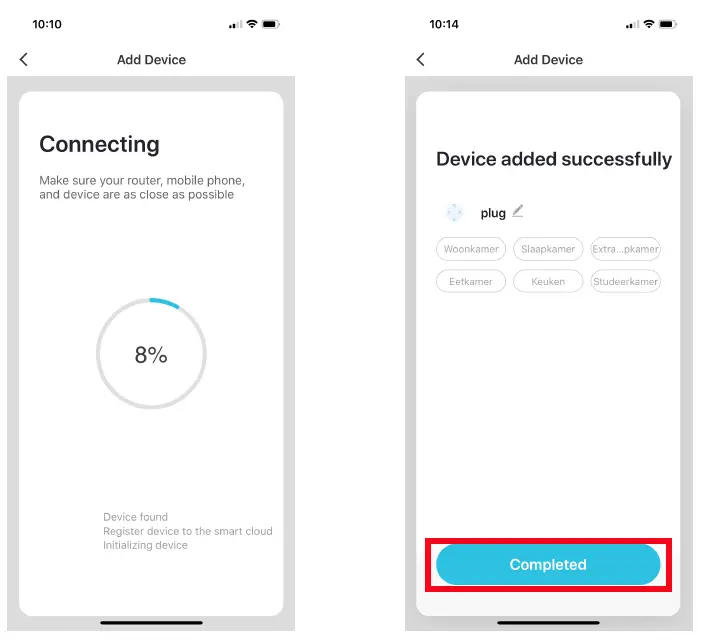
Step 5: Connect the Smart Plug to the Hihome App
Step 6: Control the sockets individually
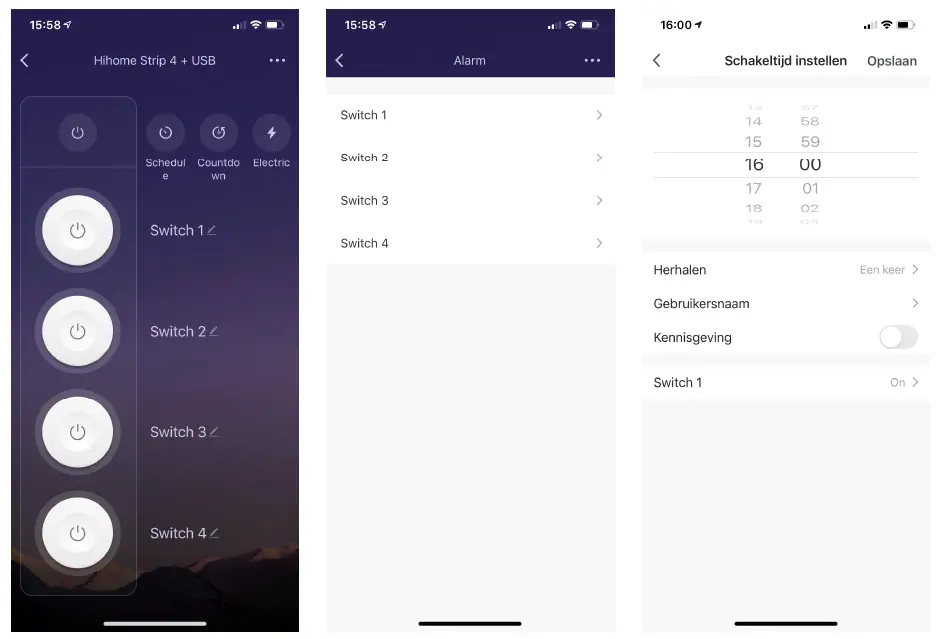
For more details, connect with Google Home or Alexa
For instructions on how to connect the Hihome Smart
- Plug with Google Home, please see: For instructions on how to connect the Hihome Smart
- Plug with Amazon Aleca, please see: For detailed descriptions and manuals
- Go to: https://support.hihome.eu
 Hihome Knowledge Base