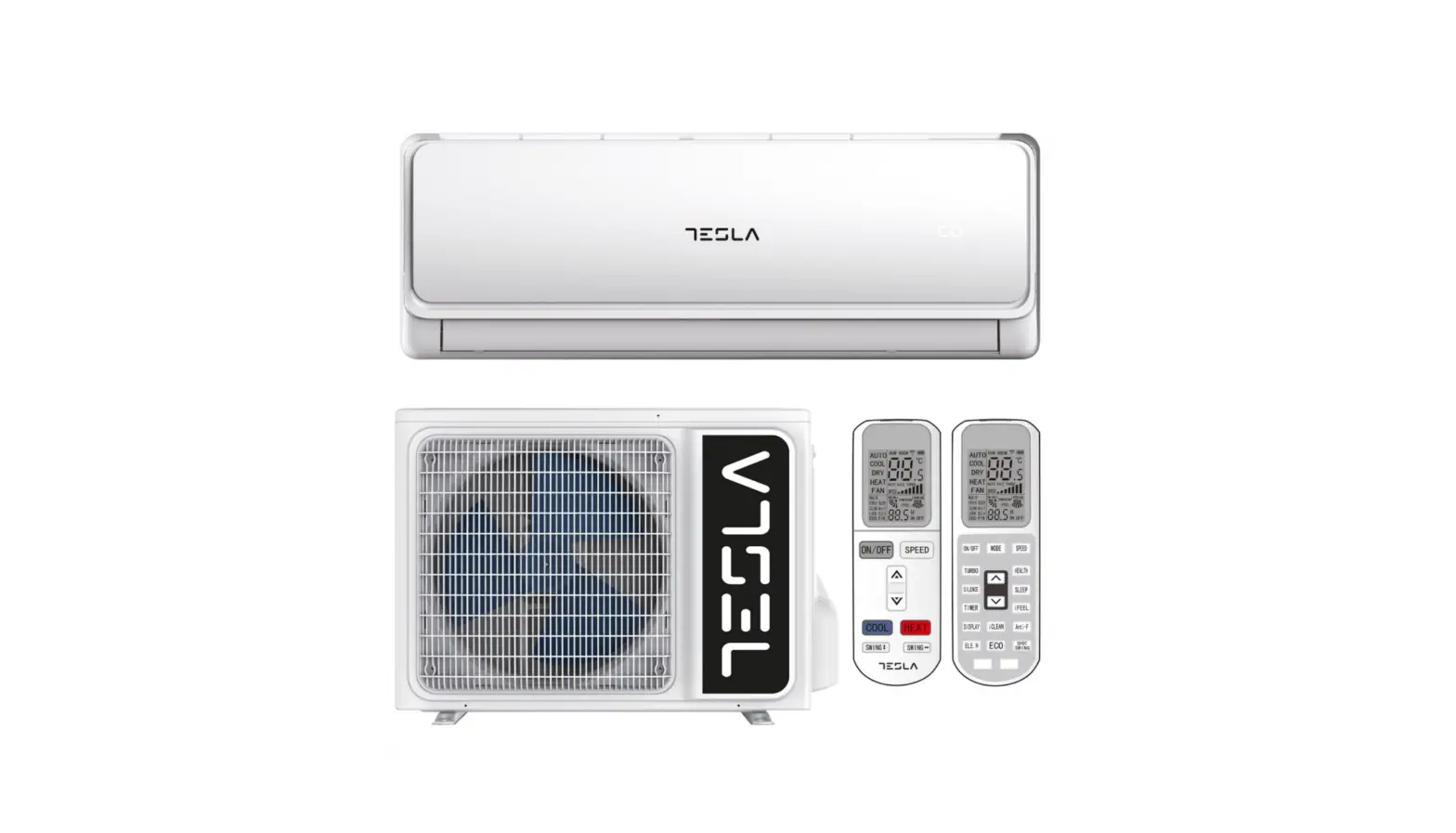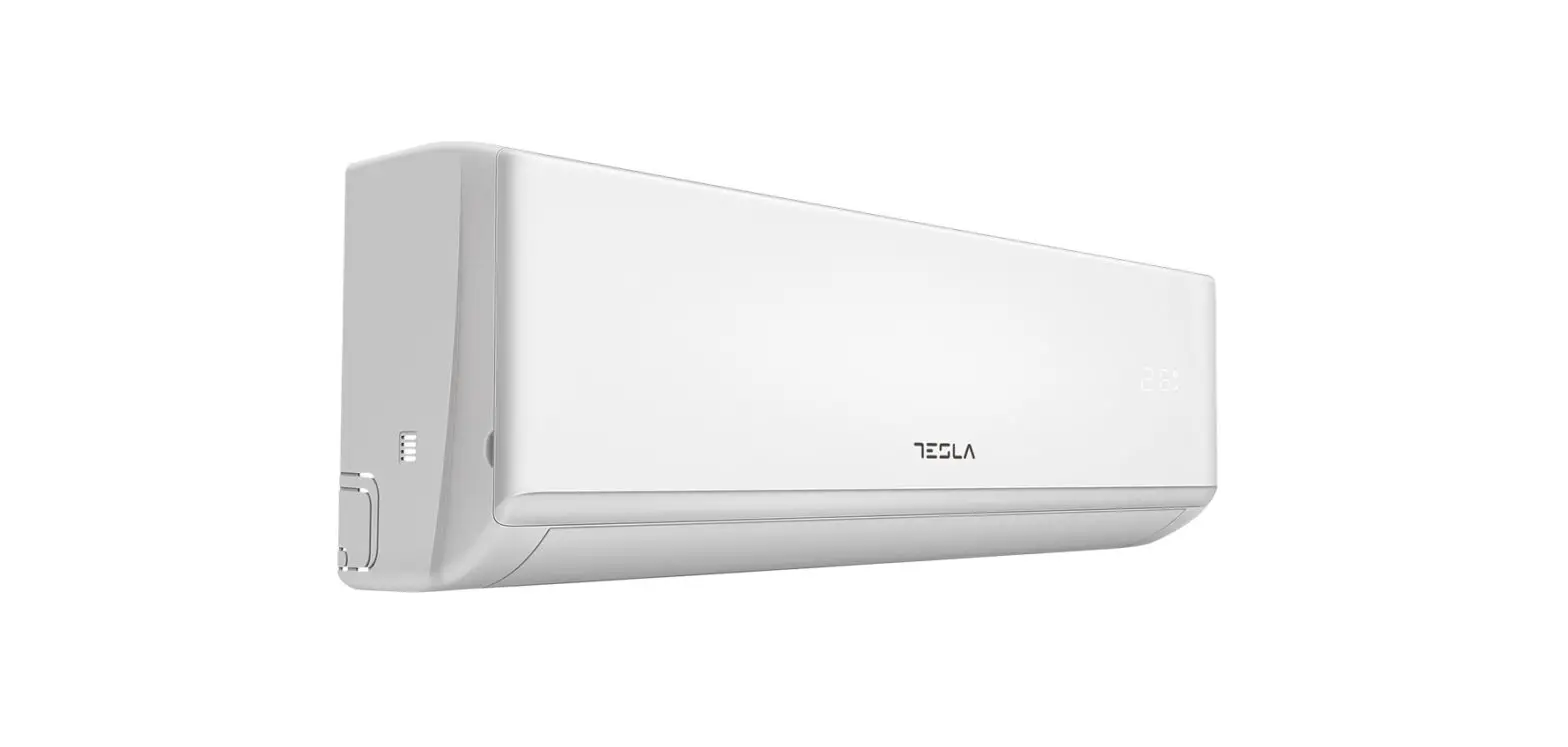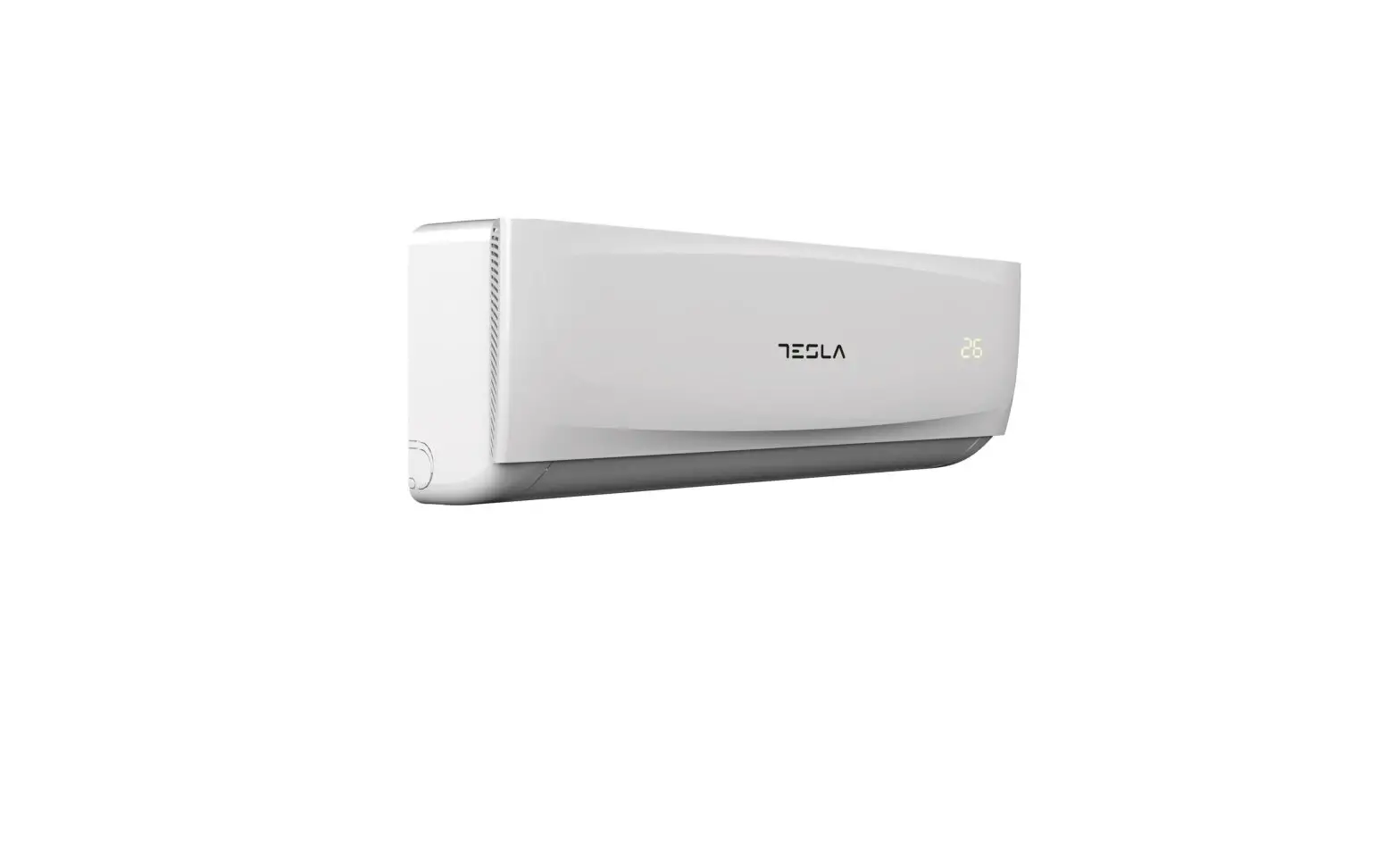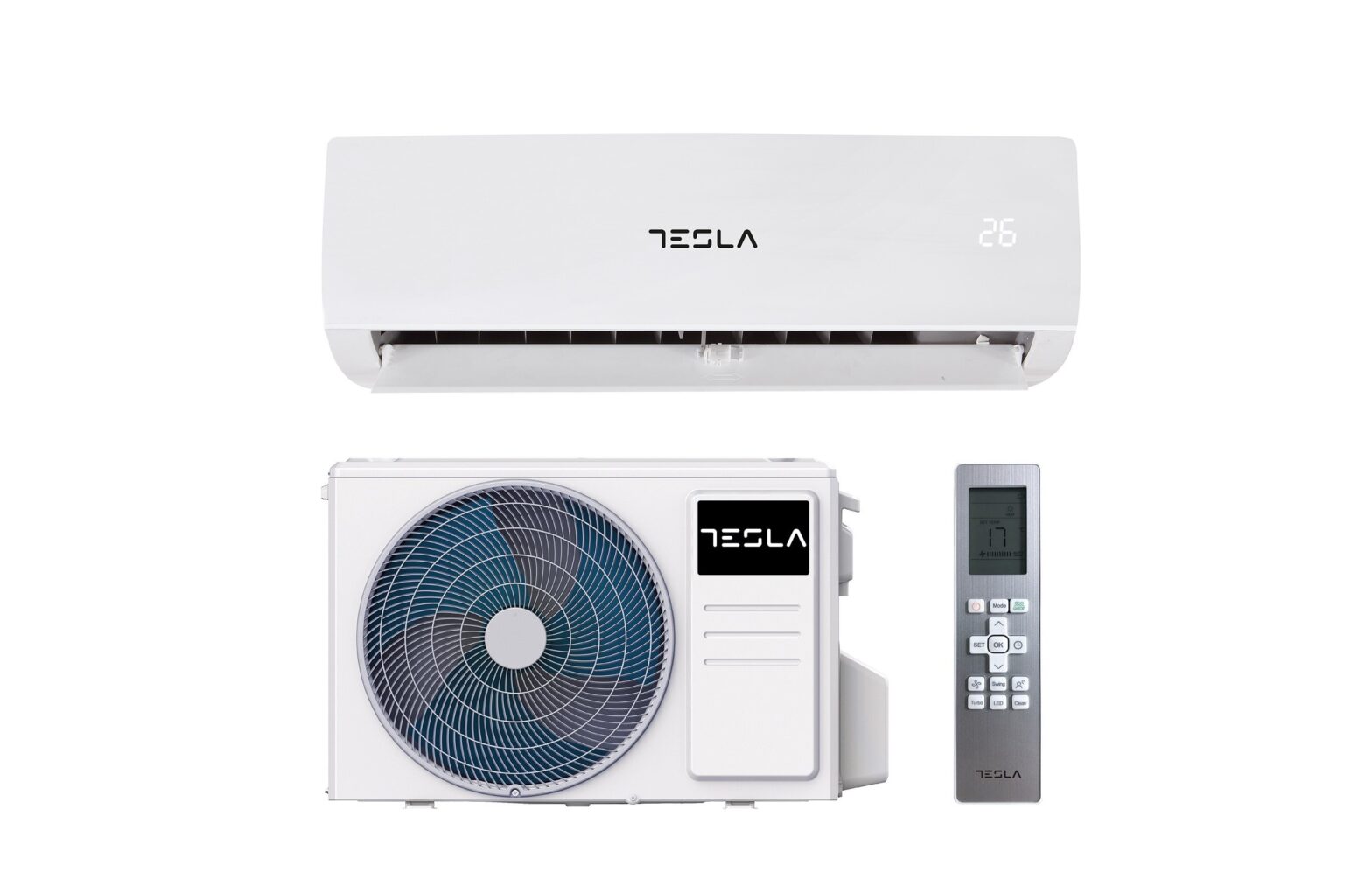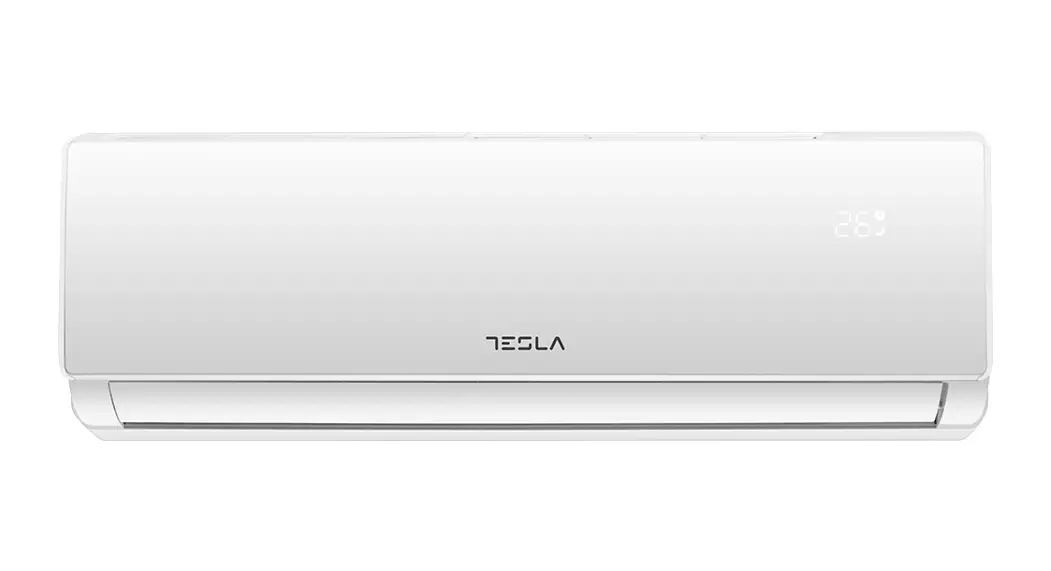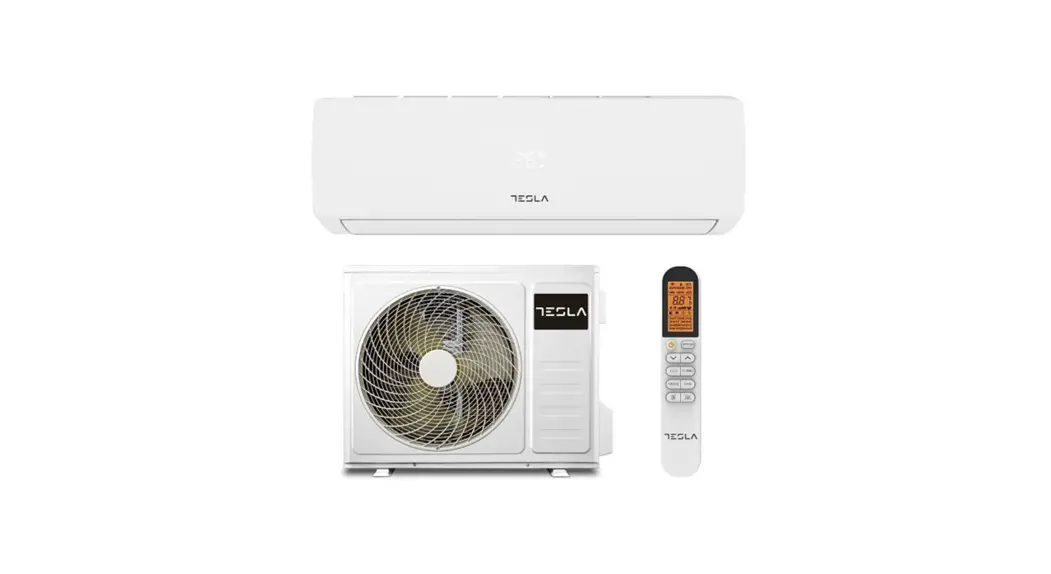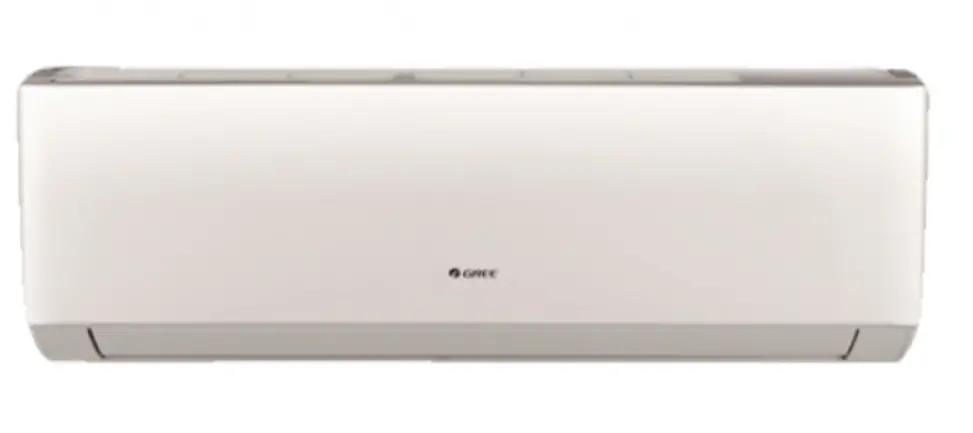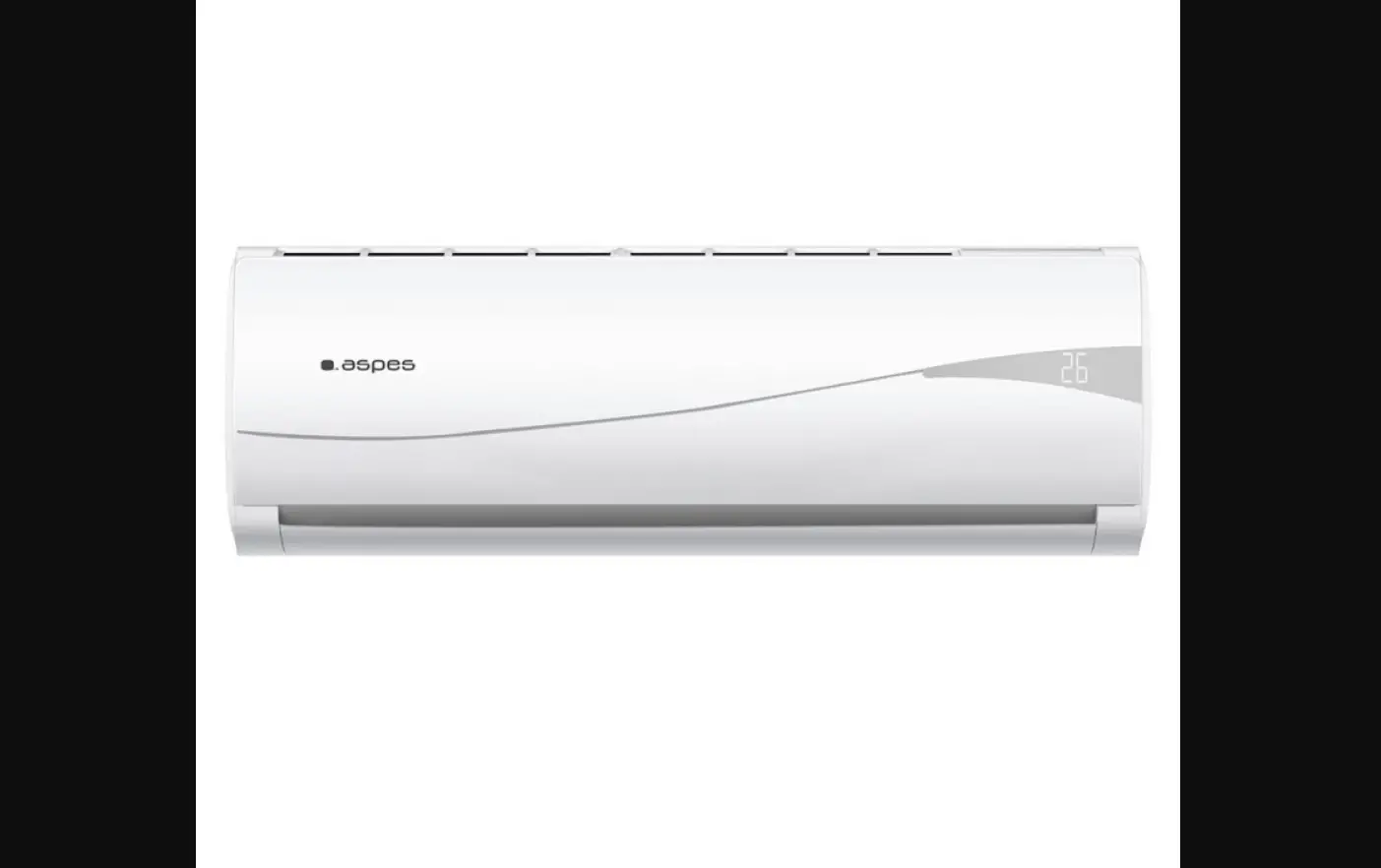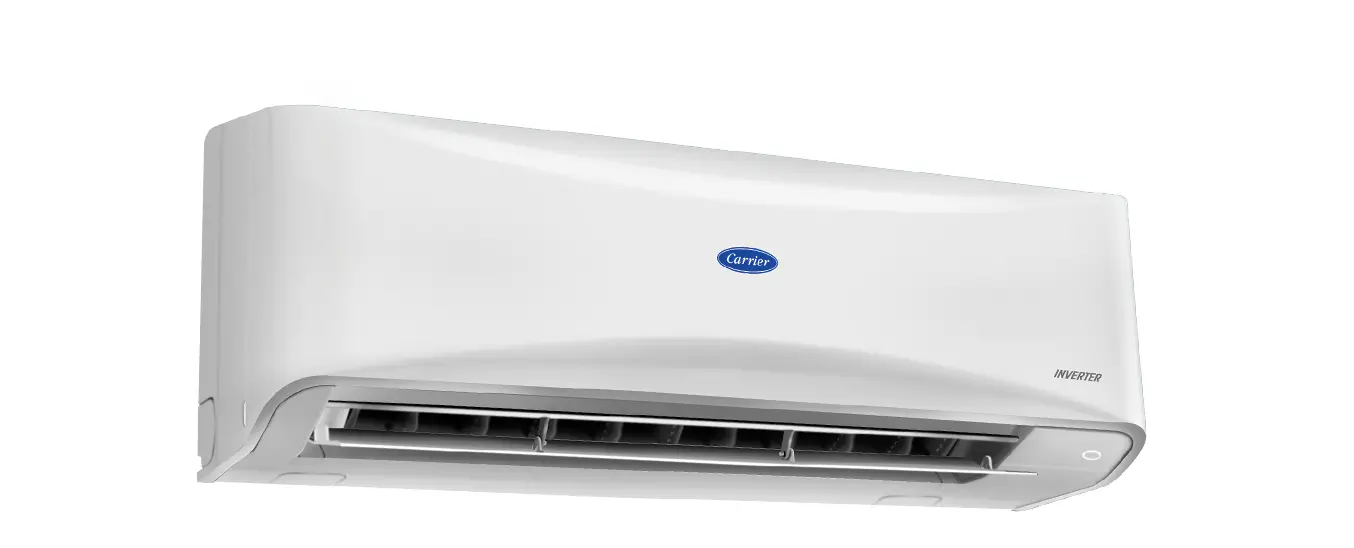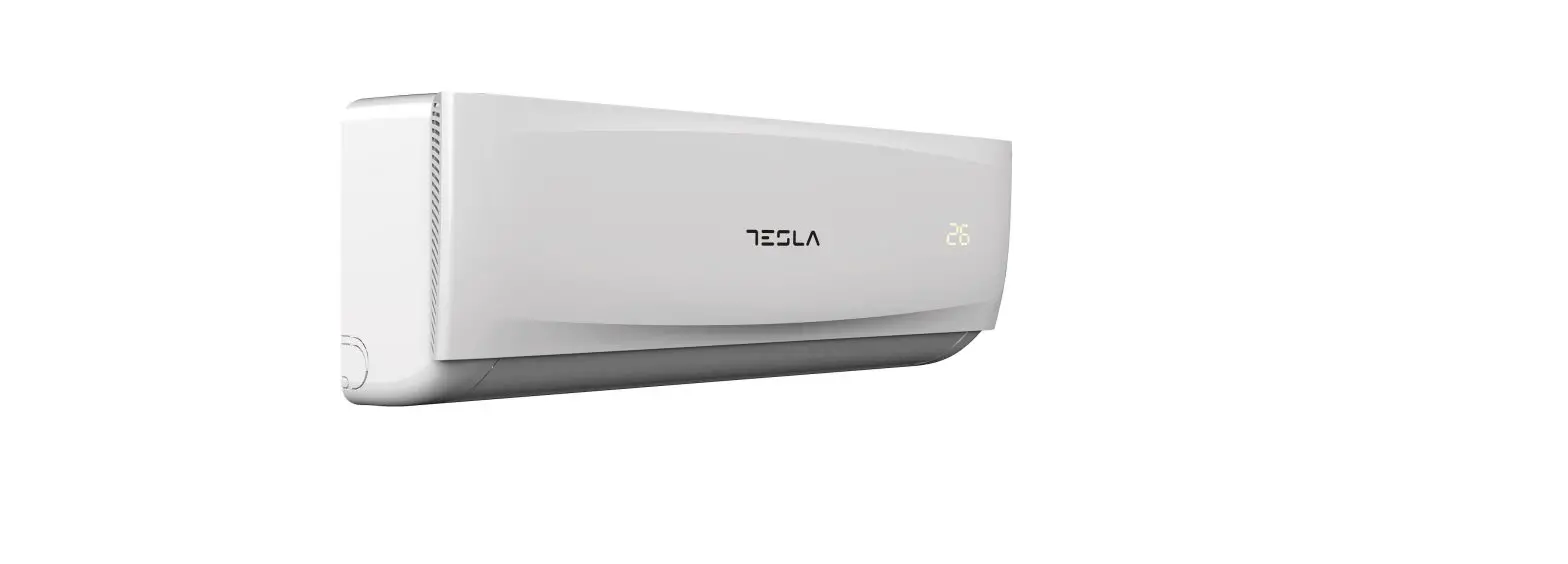

TESLA TT26X71-0932IA Split Type Air Conditioner
- Minimum smartphone specifications: Android 5.0 version or higher
IOS 9.0 version or higher - Basic parameters for Wi-Fi module
| Parameters | Details |
| Network frequency | 2.400 – 2.4835 GHz |
| Standards of WLAN | IEEE 802.11 b/g/n (channels 1-14,channels 1-13 for EU/AU,channels 1-11 for US/CA) |
| Protocol stack support | IPv4/TCP/UDP/HTTPS/TLS/DNS |
| Security support | WEP/WPA/WPA2/AES128 |
| Network type support | STA/AP/STA+AP |
| Max. RF Power | 18.5 dbm |
| Bluetooth frequency | 2.402 – 2.480 GHz |
| Bluetooth RF Power | 9 dbm |
Operation guideline. Please use the simple guideline instructions below as reference.
| Operation Steps | Operation Items | New Account | Reinstall APP (registered before) |
| Step 1 | Download and Install APP | YES | YES |
| Step 2 | Activate APP | YES | YES |
| Step 3 | Account Registration | YES | NO |
| Step 4 | Login | YES | YES |
| Step 5 | Add Device to control | YES | Registered Device will remain |
Note: If you registered the account and added device before, when you re-install the APP again and login, the added device will remain.
DOWNLOAD AND INSTALL THE APP
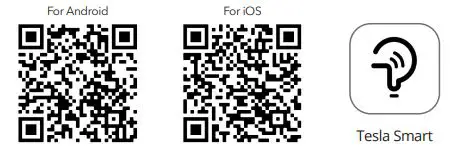
For Android smartphones
Method 1: Please scan the QR code with a browser scanner, download and install the APP.
Method 2: Open Google Play Store on your smartphone and search for “Tesla Smart”, download and install the APP.
For IOS smartphones
Method 1: Please scan the QR code and follow the tips to get into “AppStore”, download and install the APP.
Method 2: Open the Apple “AppStore” on your smartphone and search “Tesla Smart Things”,
Note: Please enable the Storage/Location/Camera permissions for this APP during the installation. Otherwise it will have some problems when operating.
REGISTRATION
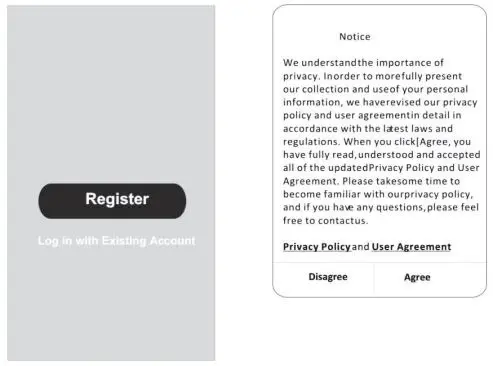
- If you don’t have an account please tap the “Register” button.
- Read the Privacy Policy and tap “Agree”.

LOGIN
- Tap “Sign in with an existing account”.
- Enter your registered account username and password.
- Tap the “Sign in” button.
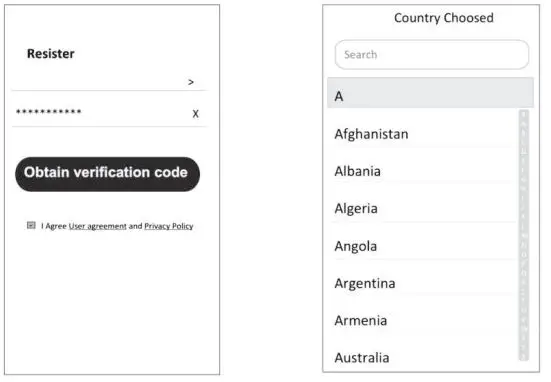
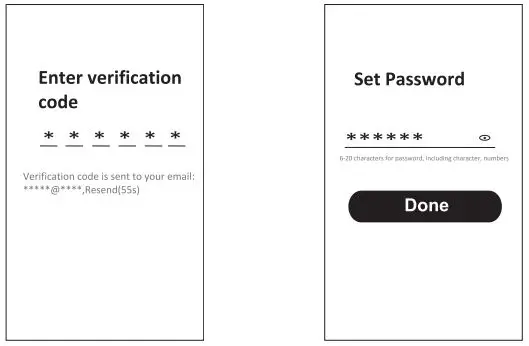
REGISTRATION
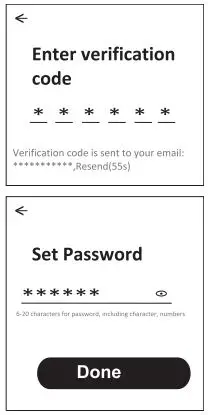
- Enter the verification code you received via e-mail.
- Set the Password with 6-20 characters, including characters and numbers.
- Tap “Done”.
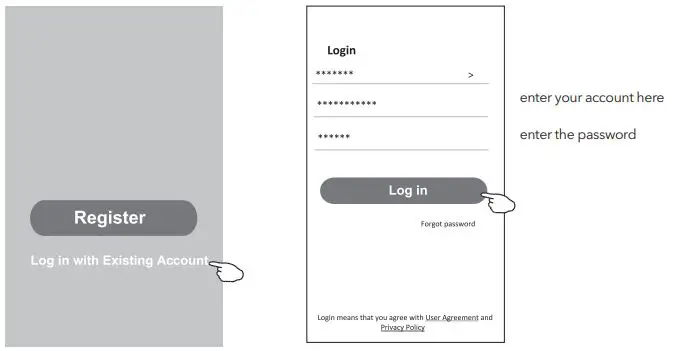
LOGIN
- Tap “Log in with existing account”.
- Enter your registered account username and password.
- Tap “Log in” button.
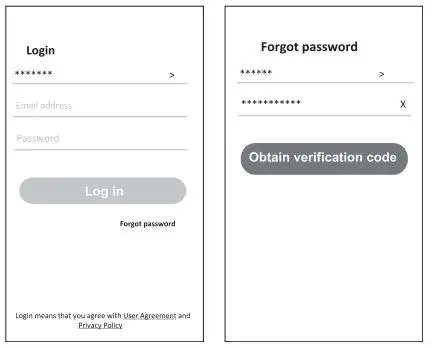
Forgot the password
If you forgot the password or you want to reset it, please follow these steps:
- Tap “Forgot password”.
- Enter your account username (e-mail address) and tap the “Obtain verification code” button.
- Enter the verification code received via e-mail.
- Set the new password and tap the “Done” button.


ADDING DEVICES
AP mode
- Power on the indoor unit
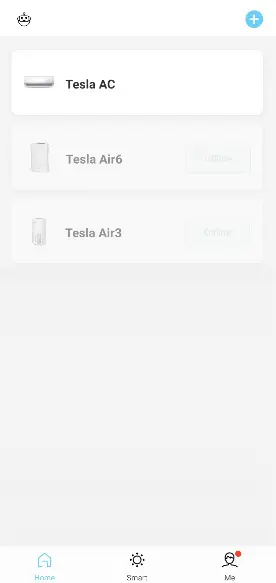
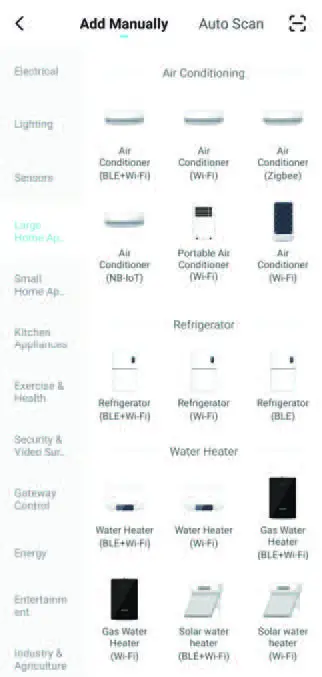
- Click “+” in the upper right corner of the Home screen
- Select “Large Home Appliances”
- Tap the “Air conditioner (Wi-Fi)” logo
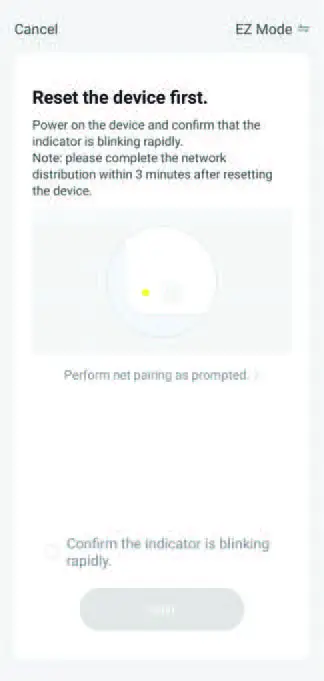
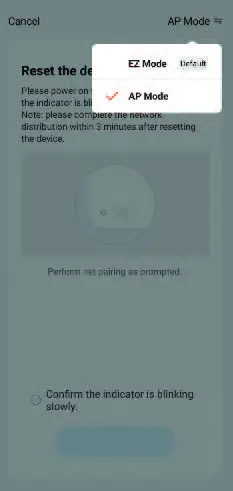
- Follow the comments on the screen to reset the Wi-Fi module.
Modem is reset by pressing “HEALTH” button 8 times on the remote, within 10 seconds, an audible signal will announce that the modem has been successfully reset
Check “Confirm the device is reset” and tap “Next” - In the upper right corner change connection method to “AP mode” and tap “Next”
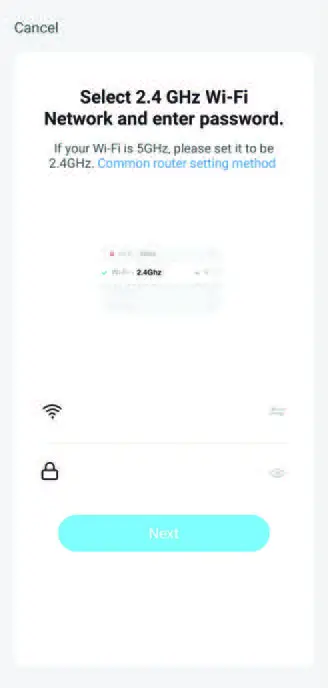
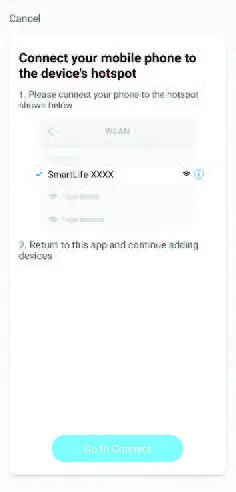
- Input the password of the Wi-Fi to which your smartphone is connected, then tap “Next”
- Follow the instructions and connect to AC’s hotspot “SmartLifeXXXX”
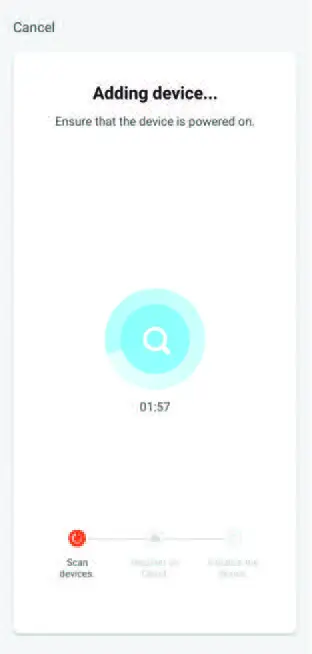
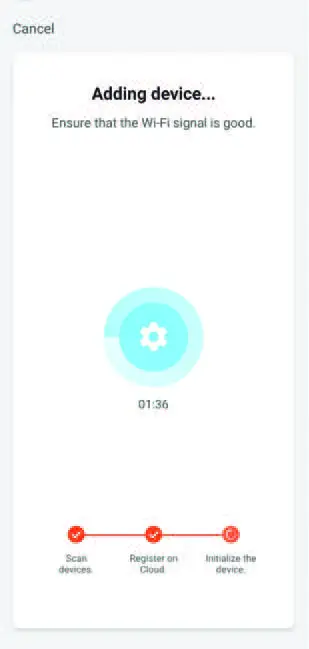
- You can see the percent rate of the connection process, in real time.
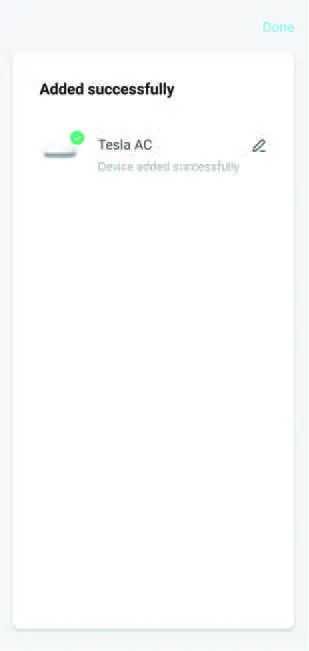
AIR CONDITIONER CONTROL
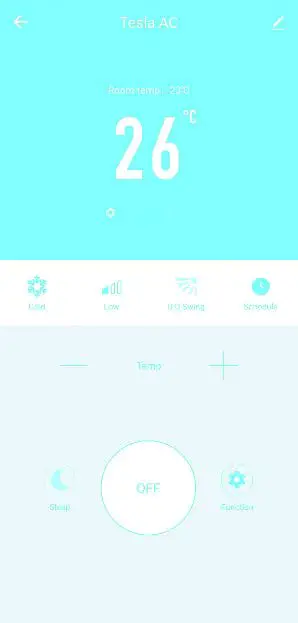
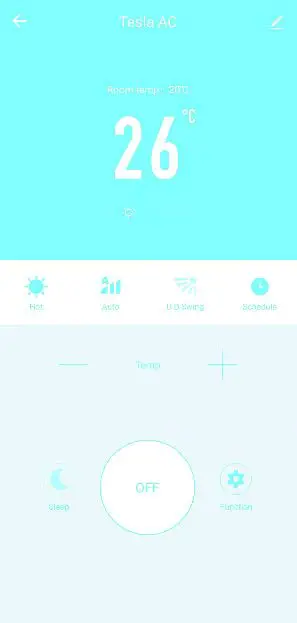
The device control screen will pop up automatically after adding the device.
The device control screen will pop up manually by tapping the device name on the Home screen.