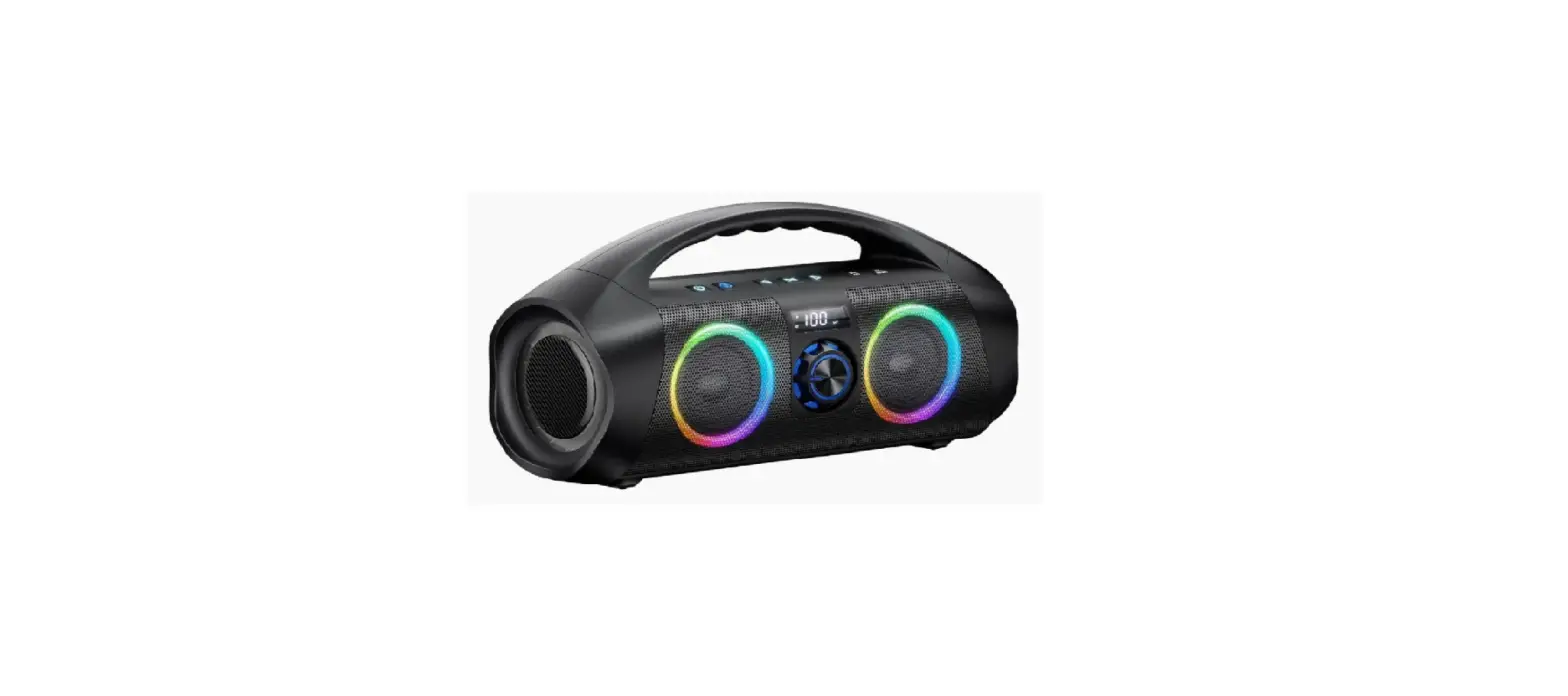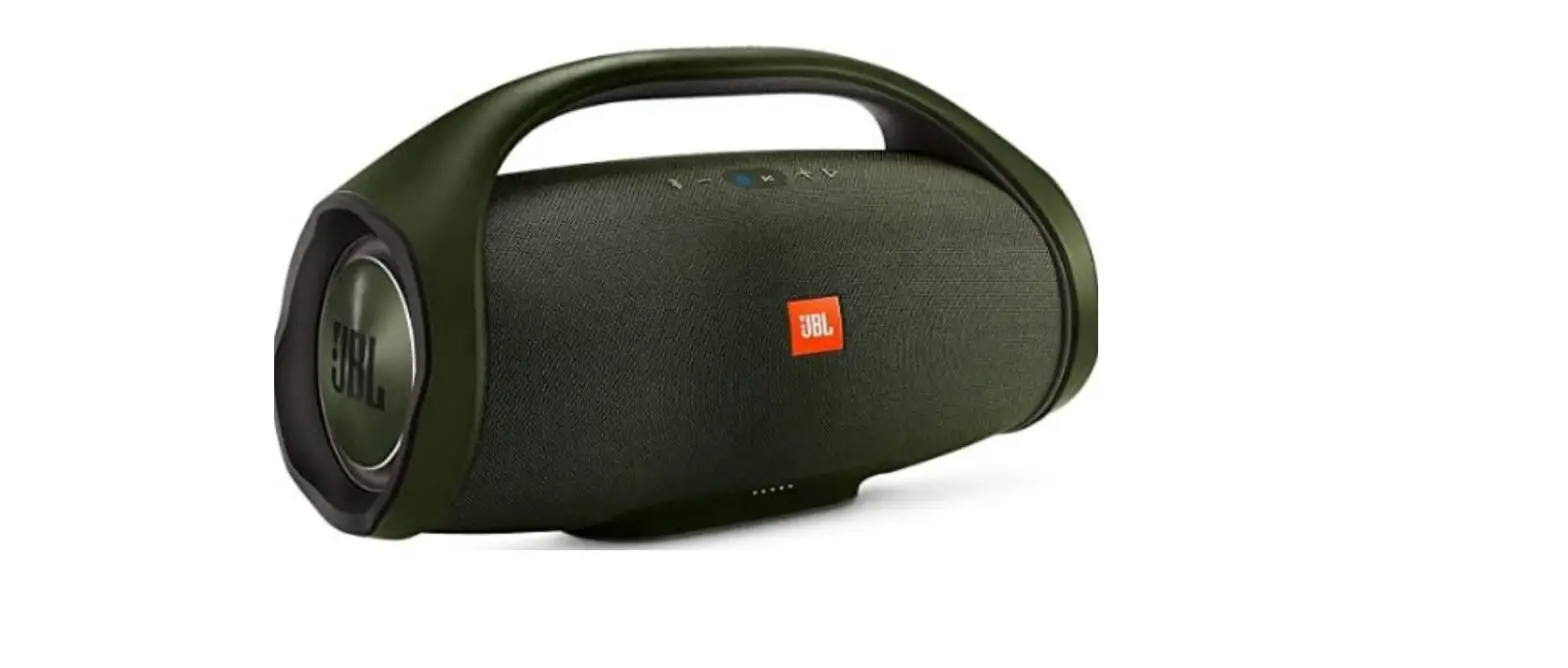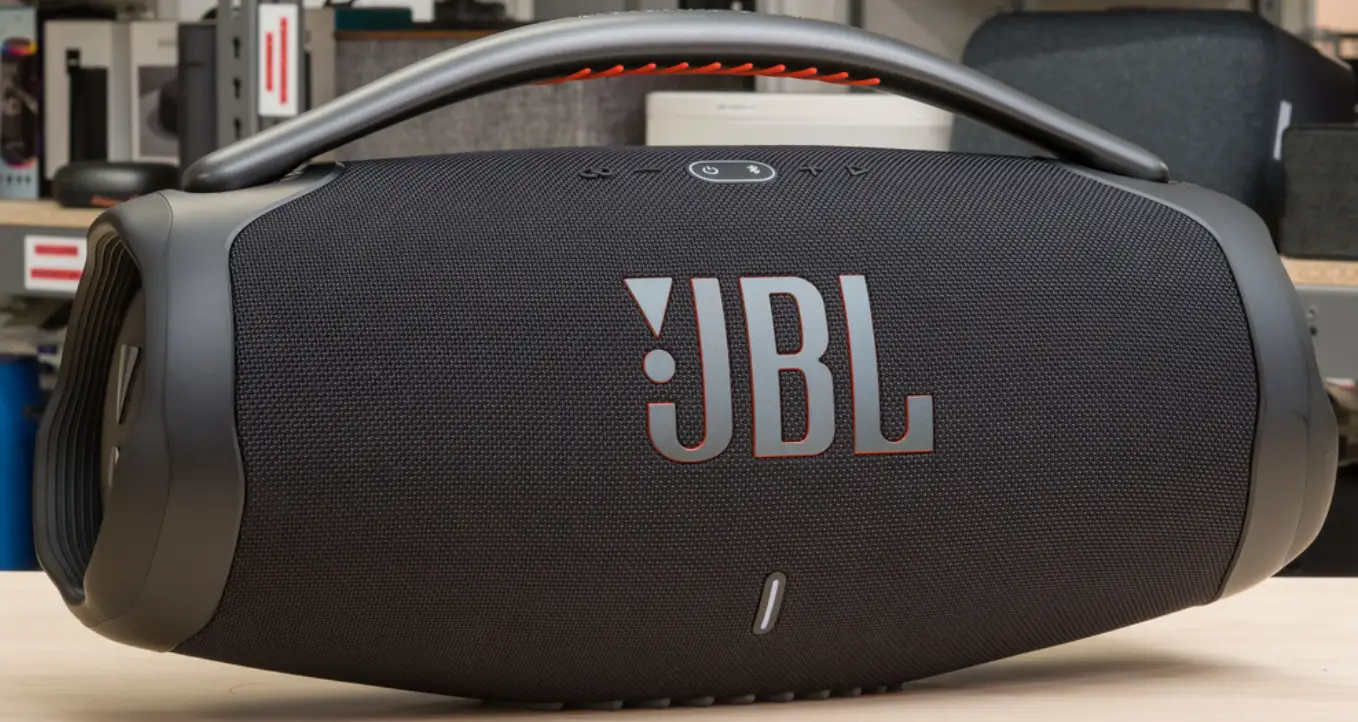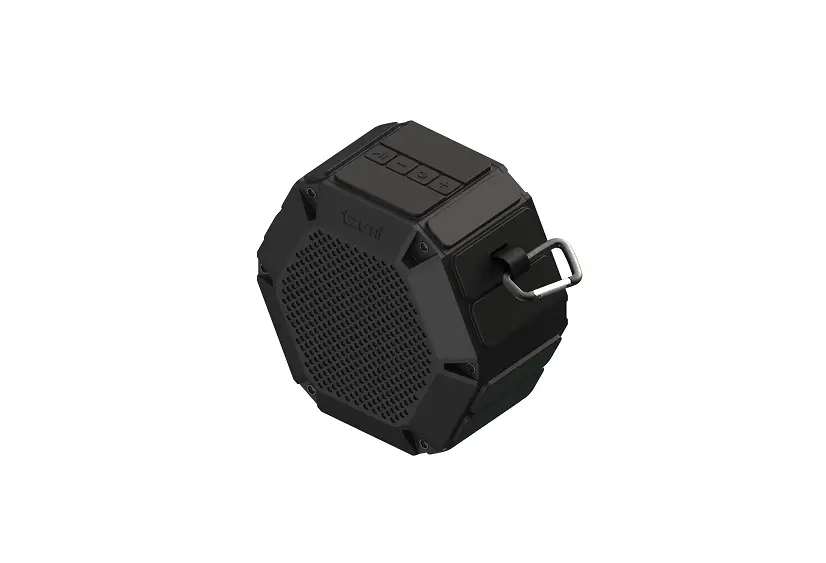
tzumi 8226 Aquaboost Boom Bluetooth Speaker User Guide

FEATURES
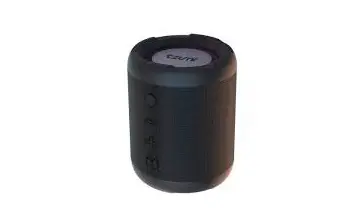
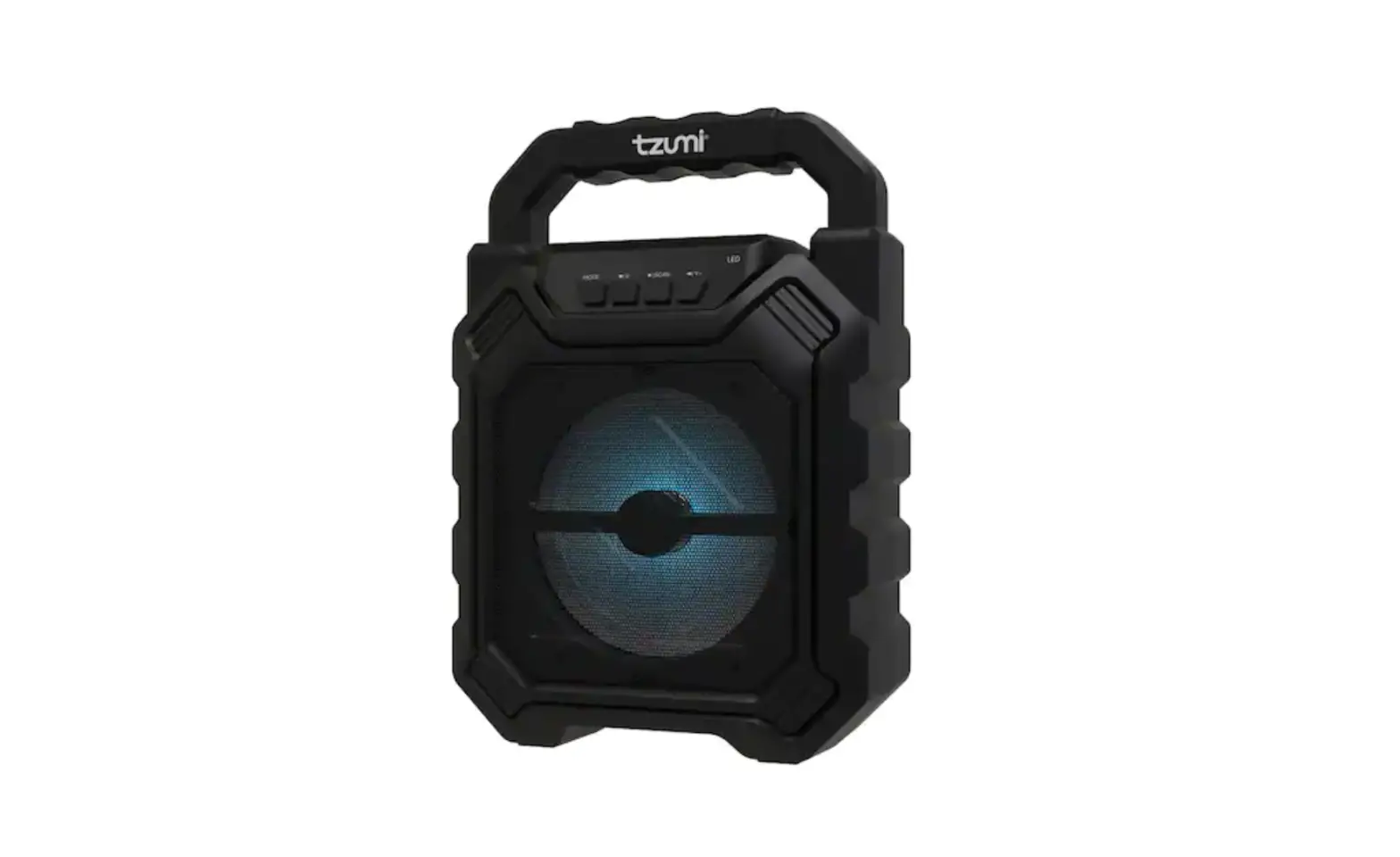
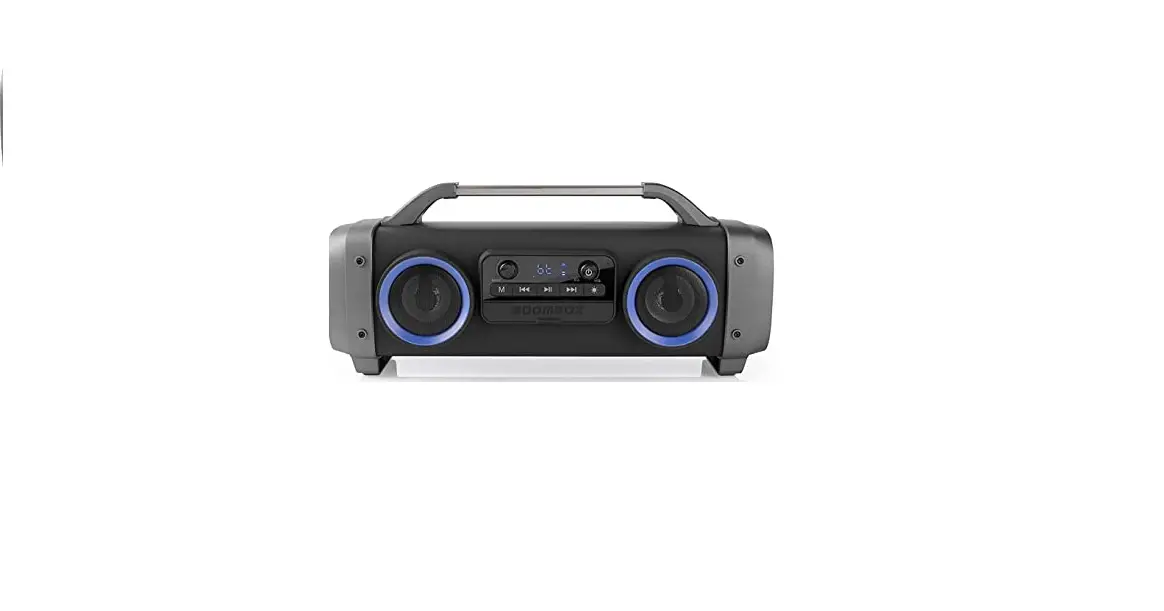
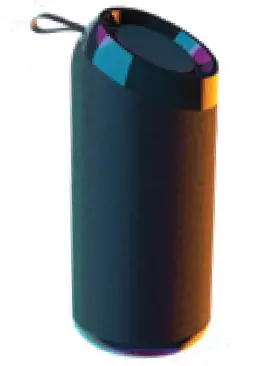
Get all the bass you need in this portable, versatile Bluetooth speaker. The AquaBoost Boom Speaker features an easy to control interface, hands-free chatting via your mobile phone, and the ability to play music via MicroSD cards and USB flash drives. Let the music flow!
- Crystal clear audio and rich bass
- Play music via Bluetooth, MicroSD or USB
- Hands-free chatting via Bluetooth
- 3-4 hours of playback time
- Play up to 33ft away
WHAT’S INCLUDED
- Wireless Bluetooth Speaker
- 2-in-l Micro-USB and AUX Cable
- User Guide
PRODUCT OVERVIEW
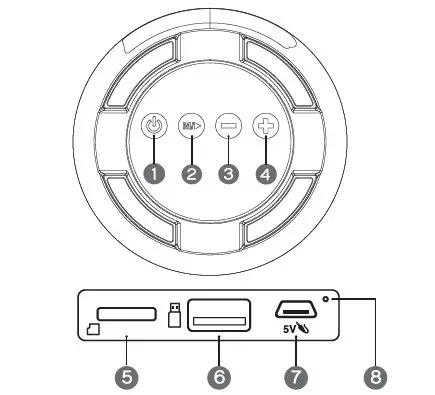
- Power 5 . MiaoSD/rF card Slot
- Play/Pause(TWS/Hands-Free 6. USS Port
- Volume Down/PreviousTrack 7 . Micro-USS Charging Port
a. Volume Down: Press and hold 8. LED Indicator
b. Previous Track: Press - Volume Up/Next Track
a. Volume Up: Press and hold
PAIRINCi THE SPEAKER TO A BLUETOOTH DEVICE
- Press and hold the power button for 3 seconds to turn the speaker ON. a. The AquaBoost will automatically be in pairing mode when turned ON.
- Open your device Bluetooth menu and select”AquaBoost Boom”.
- You will hear a tone to confirm that your device has successfully paired to the speaker.
- You are now ready to go. Be sure to turn the speaker OFF when you are done to conserve battery life.
CHARGING THE SPEAKER
- Use the included Micro-USB charging cable to connect the speal<er to a USB power source.
• A LED indicator light will turn soild red while charging. - The LED indicator light will turn off once fully charged.
- Be sure to disconnect the cable when charging is finished.
USING THE SPEAKER
- After pairing to a Bluetooth device, inserting a MicroSD card or attaching a USB flash drive, the speaker will automatically detect the music source and will be ready to play.
- f there is more than one music source available. press the Power button to switch between sources.
- Press the Play /Pause button to play /pause the music.
- Press the · +’ button to go to the next song/track or the ‘-‘ button to retract to the previous song/tracl<.
- Press and hold the·+· or·-· buttons to increase or decrease the speaker volume. SPECIFICATIONS
TWSMODE
- This speaker can be linl<ed to a second speaker to create a HD sound system.
- To use this function, you must have a second speaker the same model as this (8226).
- Before pairing the speaker to a device, press and hold the M button on both speal<ers to link them to each other.
- Once linl<ed, proceed with ‘PAIRING THE SPEAKER TO A BLUETOOTH DEVICE’ section.
GENERAL TIPS
- The MicroSD card port reads MicroSD cards to play music.
- The USB Port reads USB flash drives to play music
- The speaker will reconnect automatically once turned on if your device has previously been paired.
- It should take about 3 hours to fully charge the speal<er.
FCC Warning
Any Changes or modifications not expressly approved by the party responsible for compliance could void the user’s authority to operate the equipment.
This device complies with part 15 of the FCC Rules. Operation is subject to the following two conditions: (1)
This device may not cause harmful interference, and (2) this device must accept any interference received, including interference that may cause undesired operation.
This equipment has been tested and found to comply with the limits for a Class B digital device, pursuant to part 15 of the FCC Rules. These limits are designed to provide
reasonable protection against harmful interference in a residential installation. This equipment generates, uses and can radiate radio frequency energy and, if not installed and used in accordance with the instructions,
may cause harmful interference to radio communications.
However, there is no guarantee that interference will not occur in a particular installation. If this equipment does cause harmful interference to radio or television reception, which can be determined by turning the
equipment off and on, the user is encouraged to try to correct the interference by one or more of the following measures:
—Reorient or relocate the receiving antenna.
—Increase the separation between the equipment and receiver.
—Connect the equipment into an outlet on a circuit different from that to which the receiver is connected.
—Consult the dealer or an experienced radio/TV
FCC Radiation Exposure Statement:
This equipment complies with FCC radiation exposure limits set forth for an uncontrolled environment .This equipment should be installed and operated with
minimum distance 20cm between the radiator & your body.
ISEDC warning
This device complies with Innovation, Science, and Economic Development Canad licence-exempt RSS standard(s). Operation is subjectto the following two conditions:
(1) this device may not cause interference, and
(2) this device must accept any interference, including interference that may cause undesired operation of the evice.
SPECIFICATIONS
Playback Time: 3-4 hours
Music Playback: MP3, WMA, WAV
Charge Time: 3 hours
Charging Type: Micro-USB
Output Power: BW
Worldng Distance: 33ft
Battery: 3.7\/ /l200mAh (rechargeable)
Weight: 15 ounces
PRECAUTIONS
- Keep away from liquids.
- Do not take apart.
If you have any other questions or issues with product use or care, please contact tzumi Technical Support at: 1-855-GO-TZUMI or [email protected]