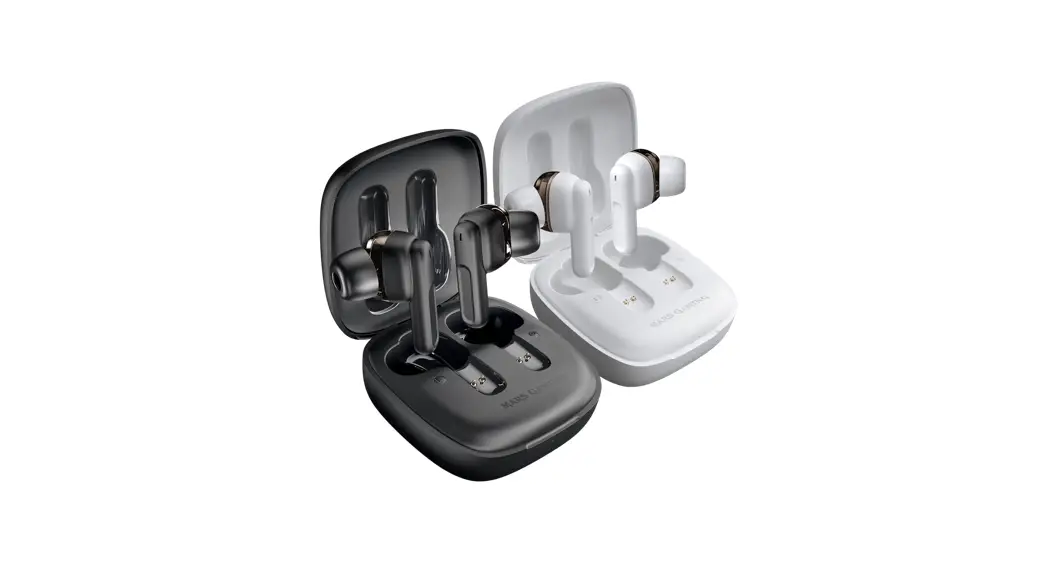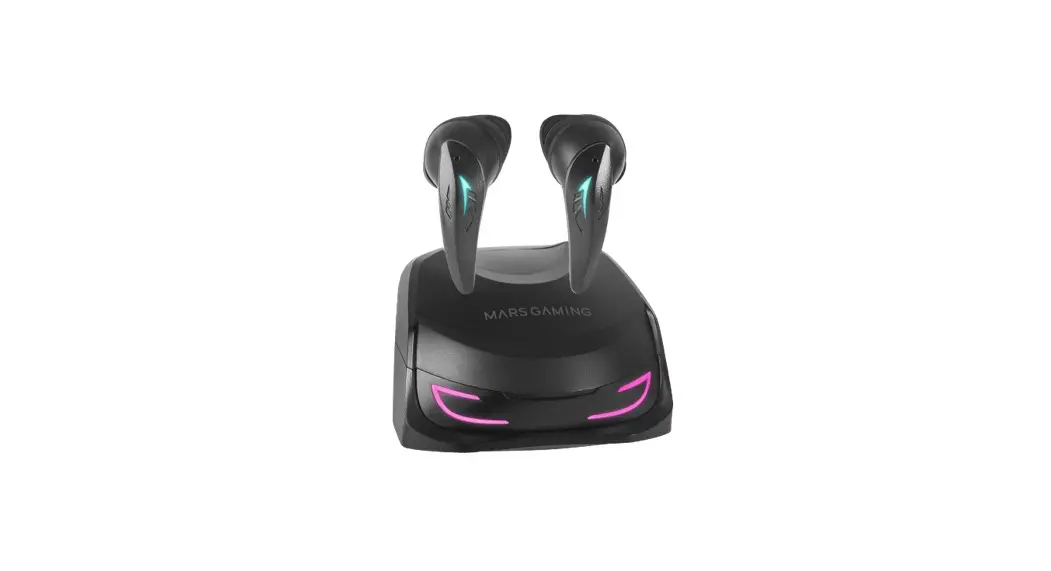
 MHI-ULTRA WIRELESS
User Manual
www.marsgaming.eu
BLUETOOTH PAIRING
Take out the earbuds, enable Bluetooth in your device and look for MHI-ULTRA
APP PAIRING
- Download Smart Life APP
- Pair the earbuds with the phone
- Enable Bluetooth 1, and GPS 2,
- Add MHI-ULTRA
Important: APP can only be paired with one phone at a time. Follow these steps to unpair it:
- Go to APP settings 3. click on “Remove device” and “Clear cache”
- Unpair the phone from Bluetooth list.
TOUCH SENSOR FUNCTIONS
| ACTION | FUNCTON | |
| GENERAL |  |  |
 |  | |
 |  | |
| MULTIMEDIA |  |  |
 |  | |
 |  | |
| MODES | 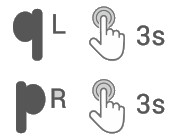 | 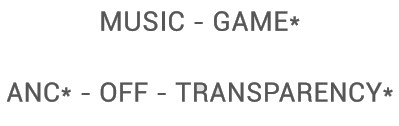 |
| CALLS |  |  |
 |  |
* GAME: Low latency mode
* ANC: Active noise cancellation
* Transparency: Enhances surrounding sounds
BATTERY
Charge the case with the included cable or a Qi wireless charger. Battery play time may vary depending on volume, mode and music played.
SILICON EARTIPS
Choose the silicon ear tip L, M, S that fits your ear canal better by wananga them.
PRODUCT OVERVIEW
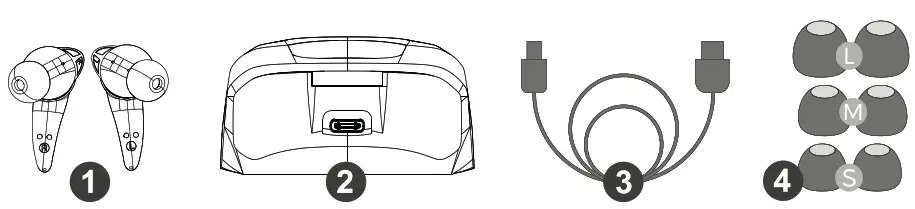
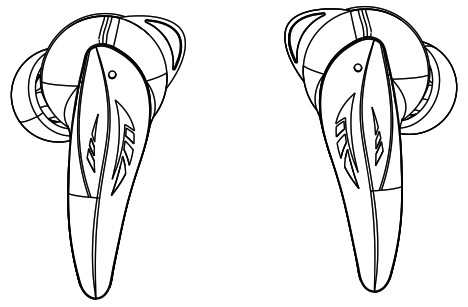
- Earbuds
- Charging case
- USB-C / USB-A charging cable
- Ear tip pads
Safety & Maintenance
Please fully charge this product before using it. There might be occasional disconnections or interferences if there are many 2.4GHz electromagnetic signals in the environment. Warning
- Do not disassemble, repair or modify the product for any reason
- Do not clean this product with alcohol or liquid agents.
- High volume can cause hearing loss
- This device isolates from external ambient sounds, remove the earbuds while doing activities.
At the end of the product life please dispose this product at your local waste collection/recycling centre.
Declaration of conformity

EU Office:
Barra chi, 39 Pab.3
01013 Vitoria – SPAIN
Made in China
WWW.MARSGAMING.EU