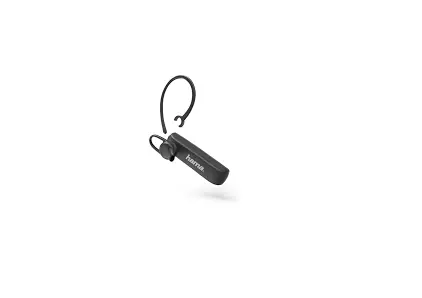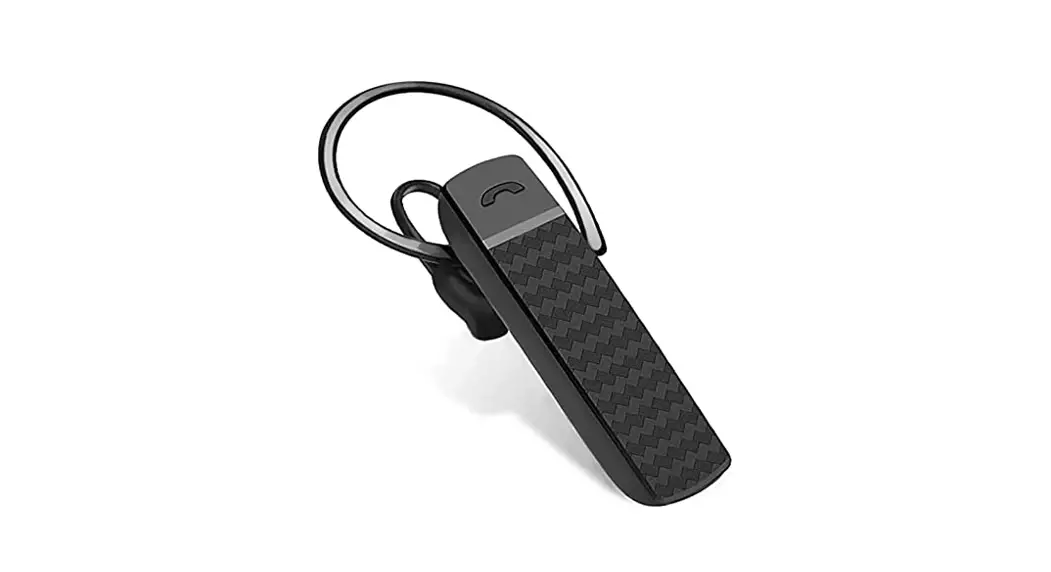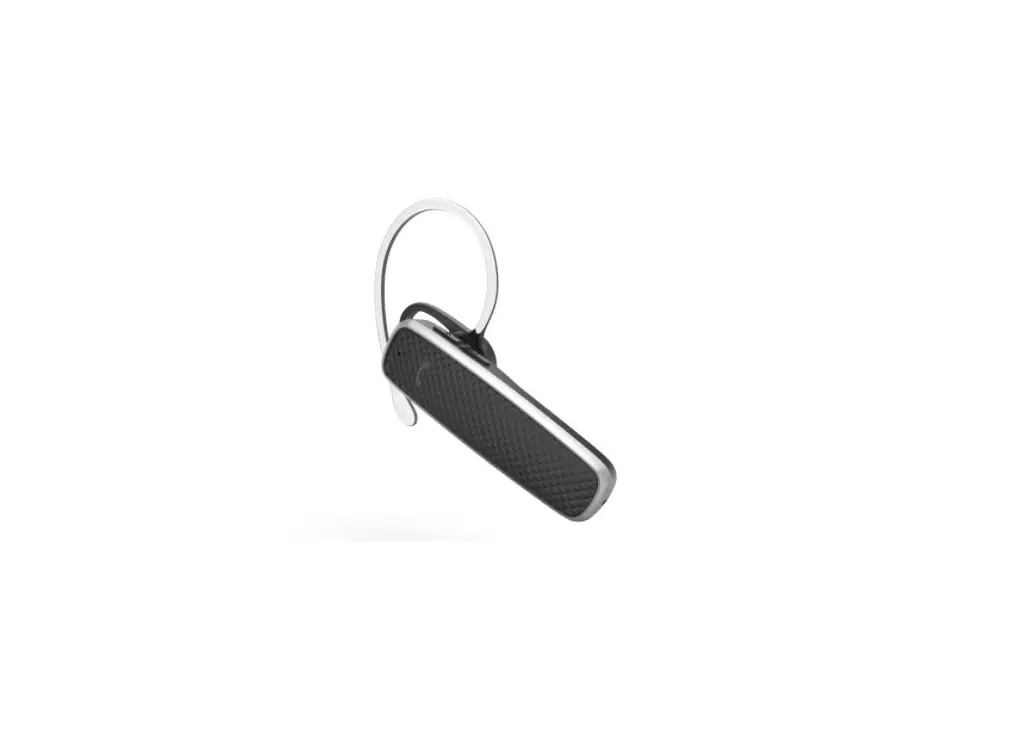

00184149
BLUETOOTH ®
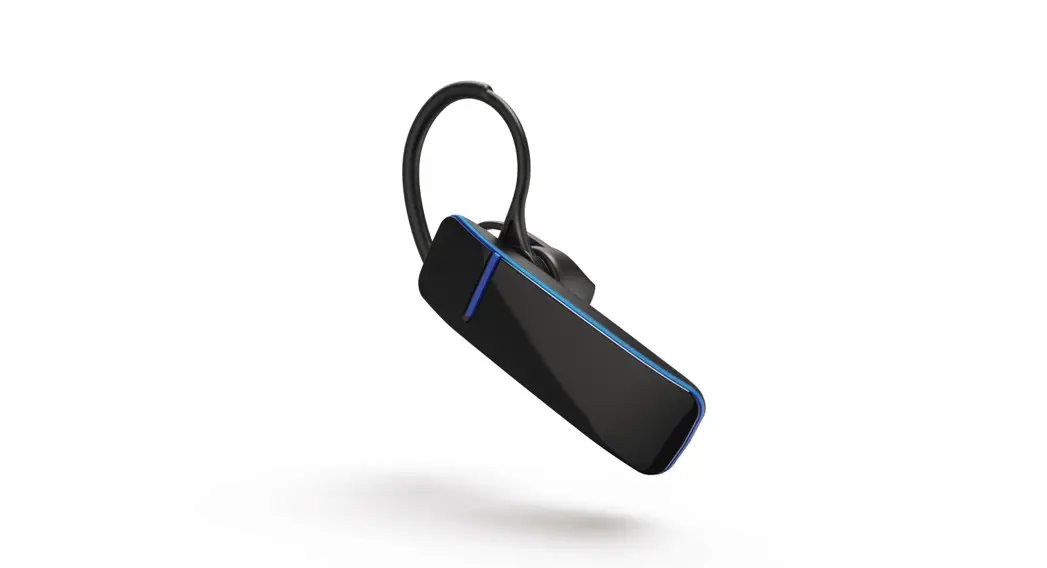
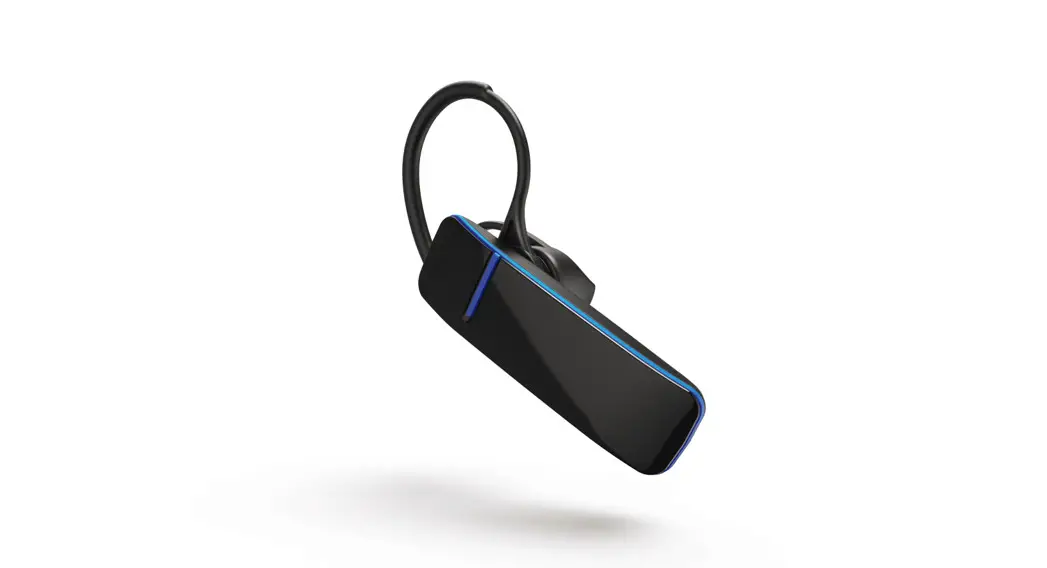
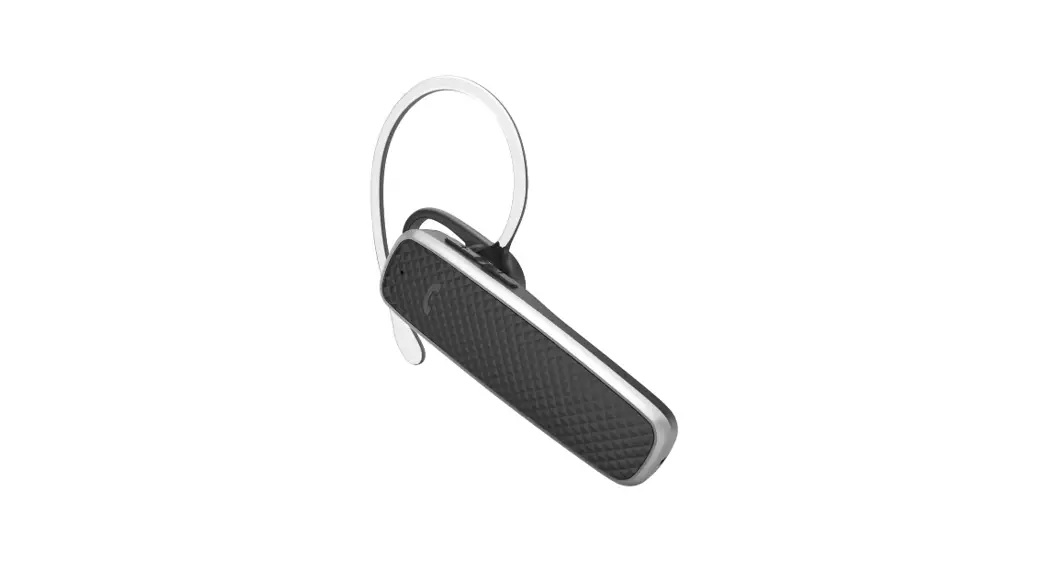
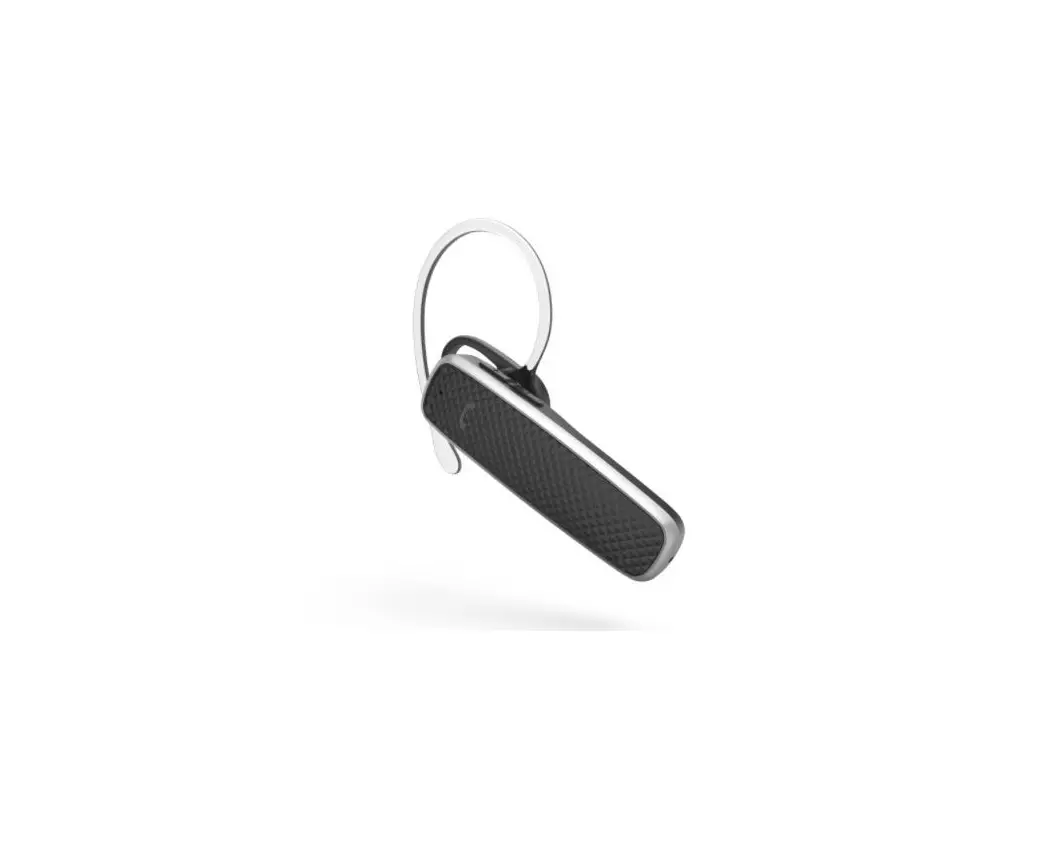
MONO HEADSET
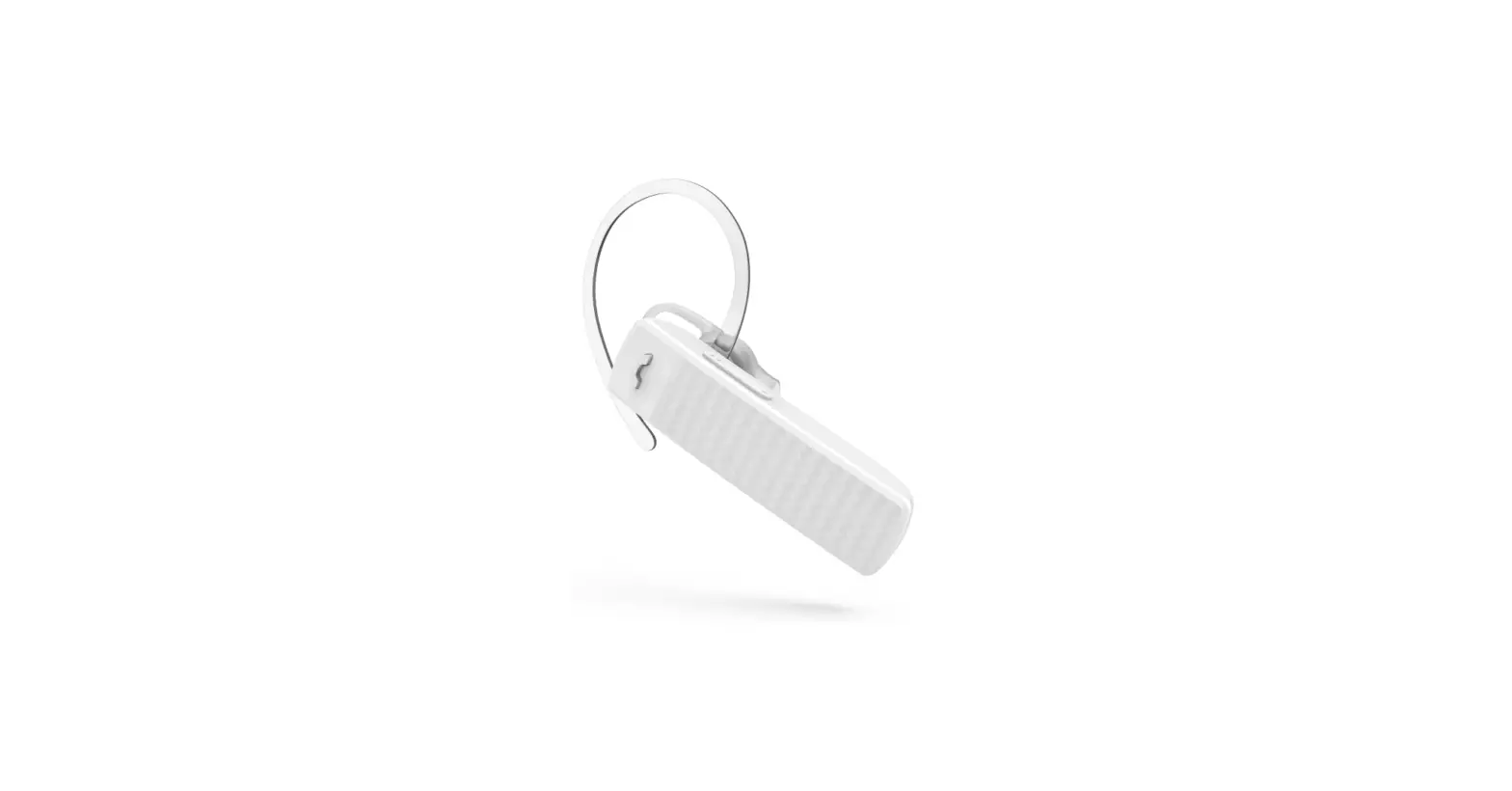
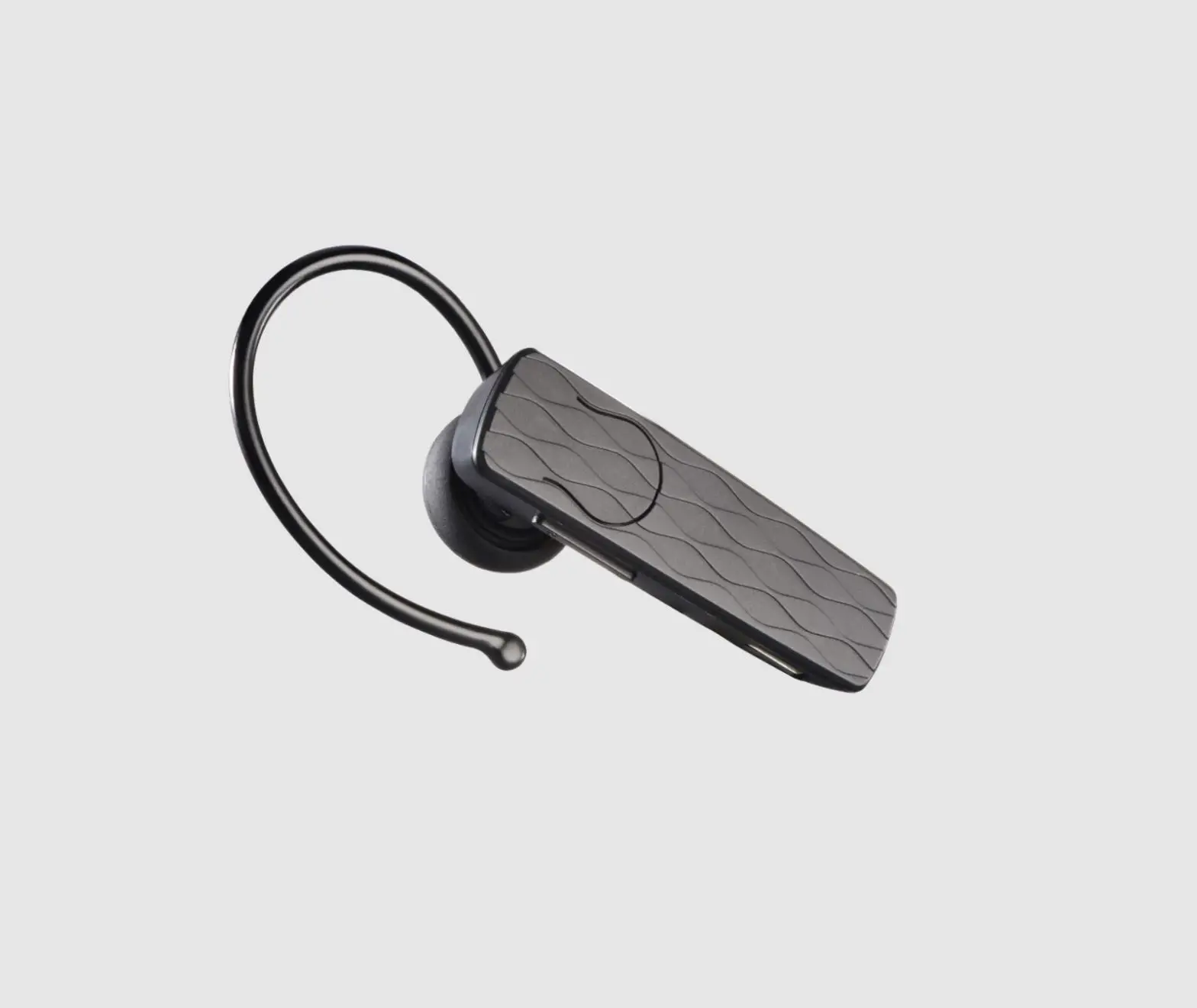
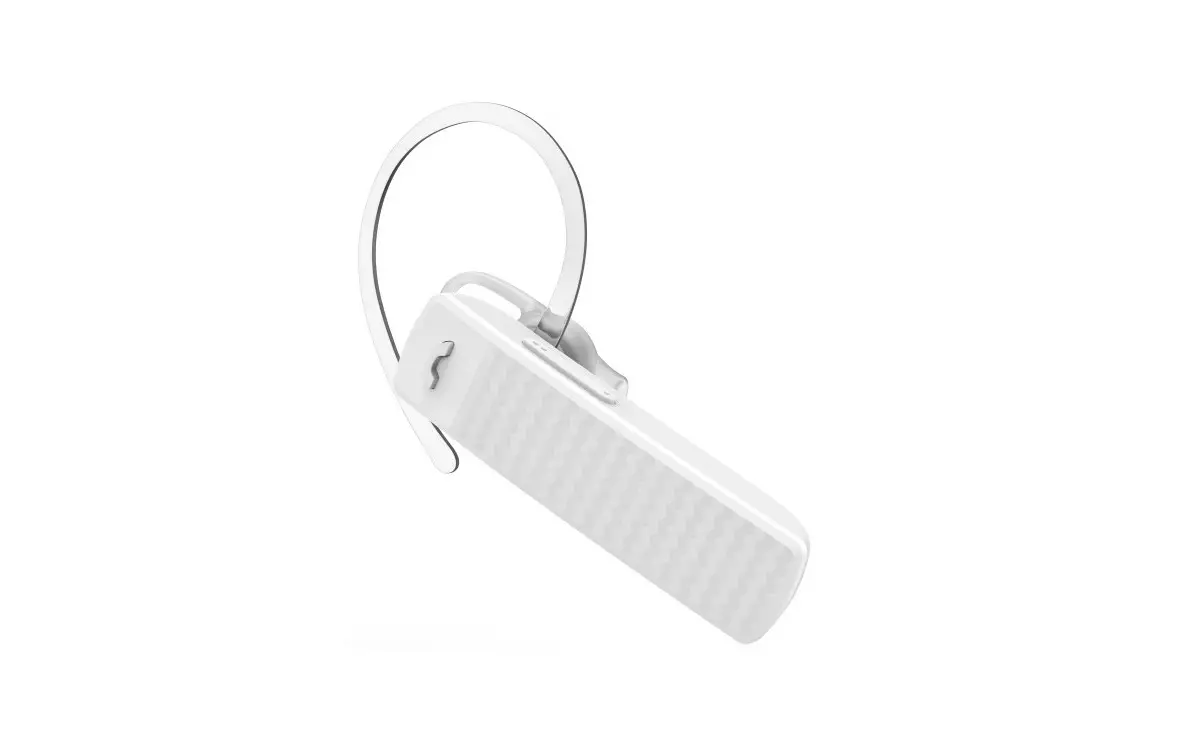
“MyVoice1300”
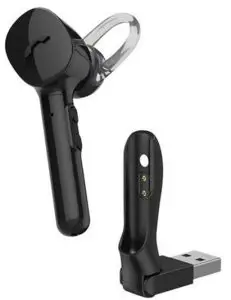
Operating Instructions

Operating Instructions
 Thank you for choosing a Hama product. Take your time and read the following instructions and information completely. Please keep these instructions in a safe place for future reference. If you sell the device, please pass these operating instructions on to the new owner.
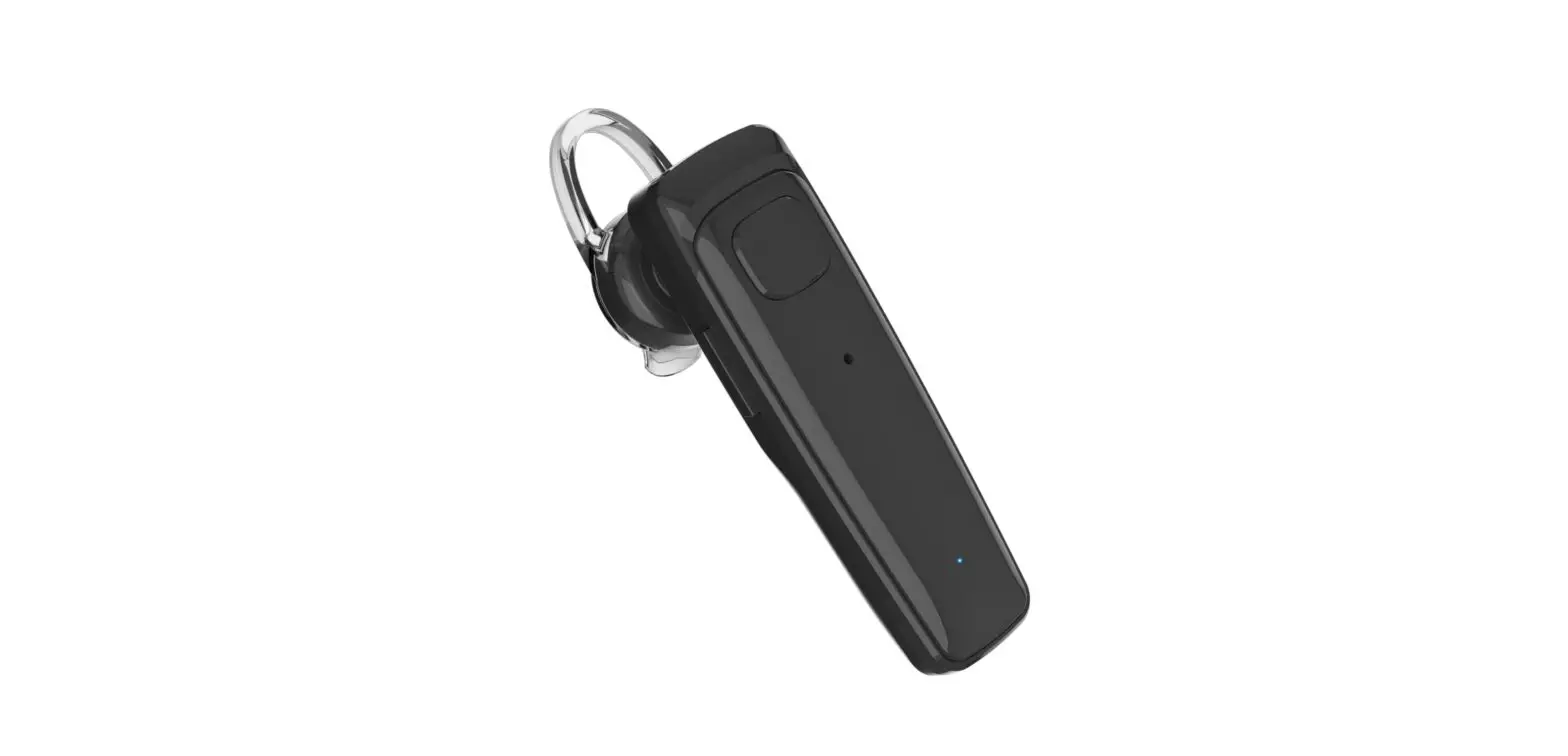
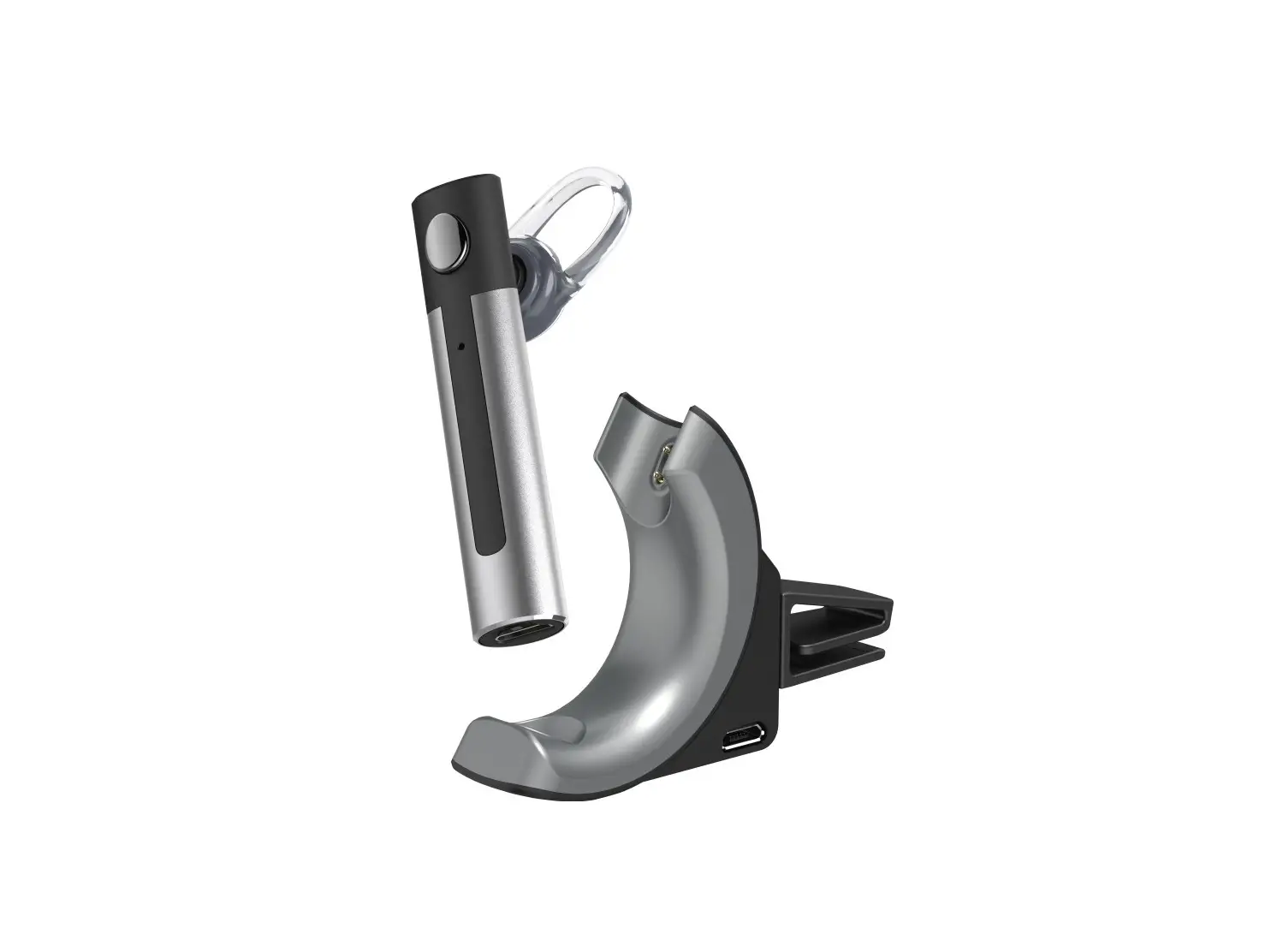
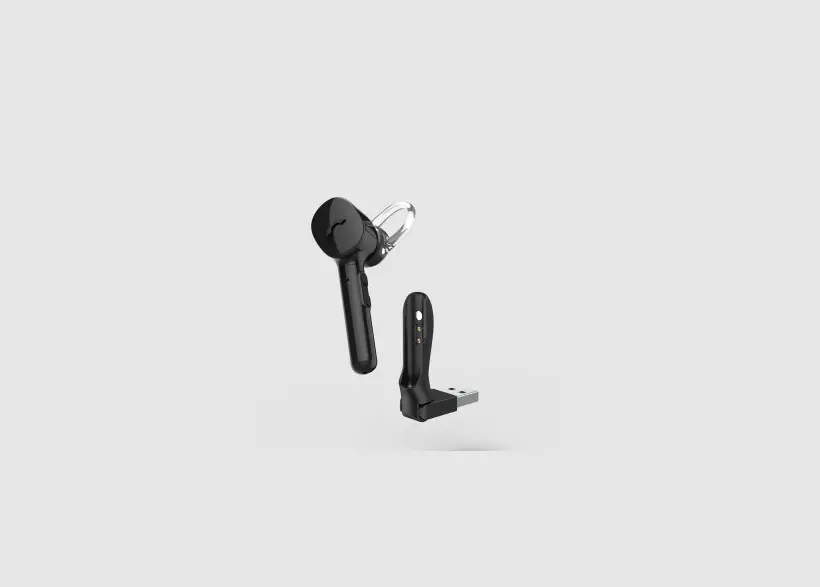
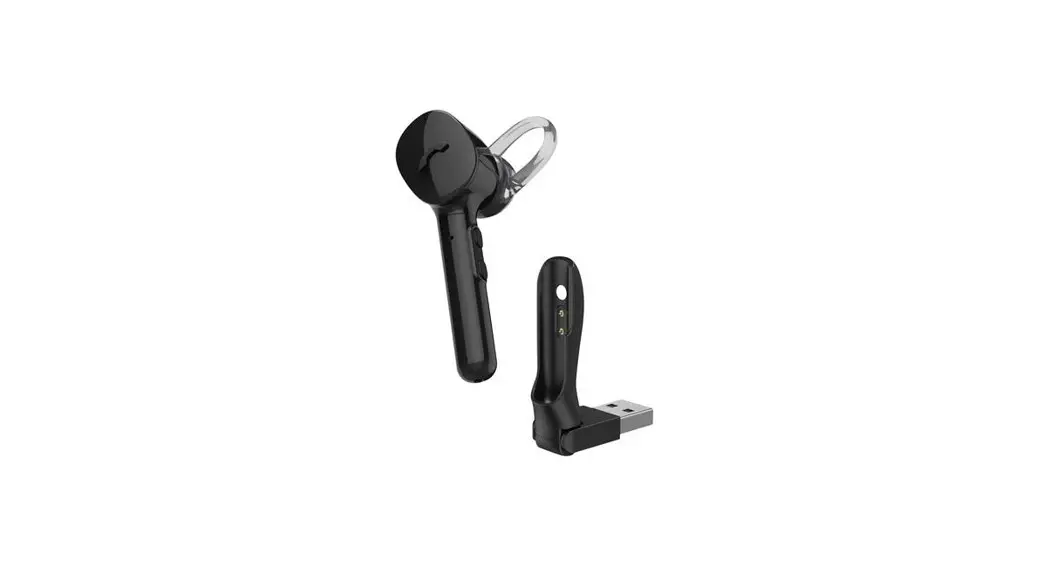
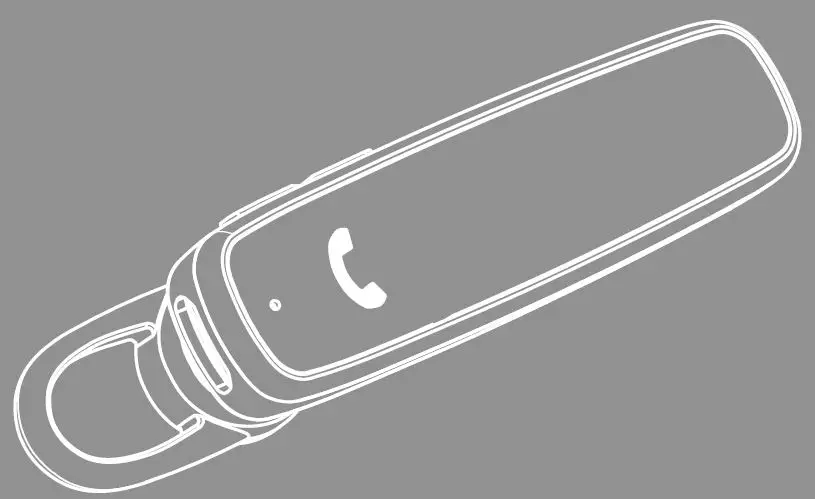
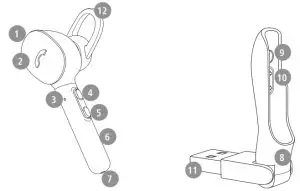
Controls and displays
- On/Off switch
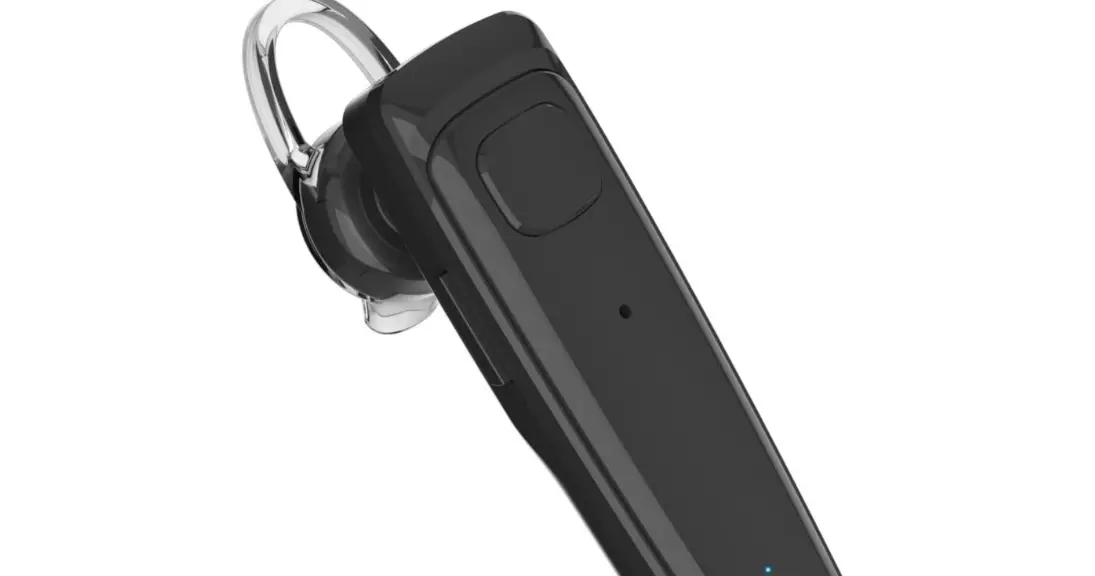
- Multi-function button (MFB)
- Status LED
- + button ( .)
- – button
- Charging contacts
- Microphone
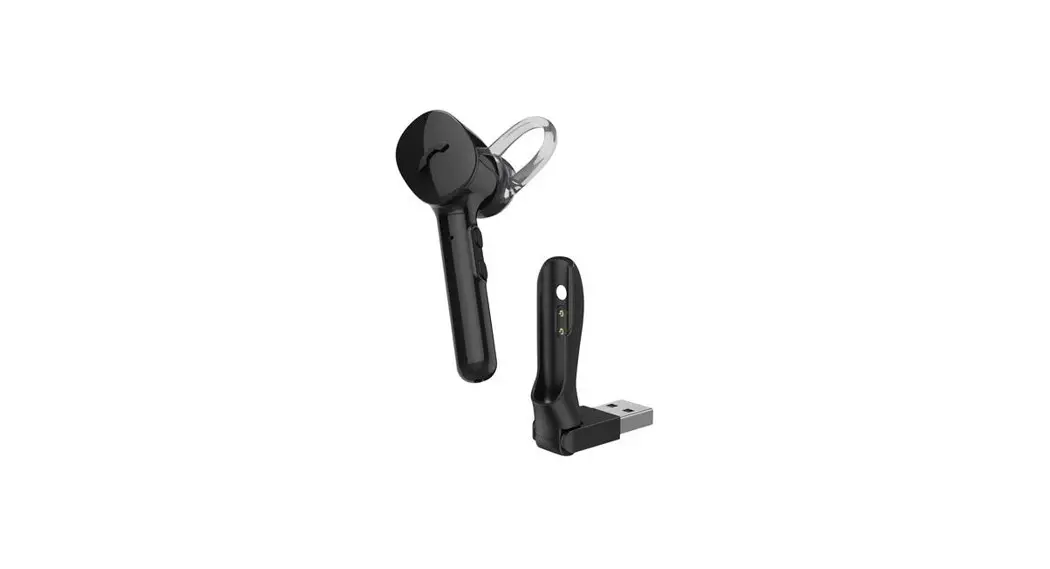
- Charger tray
- Magnetic holder
- Charging contacts
- USB connector
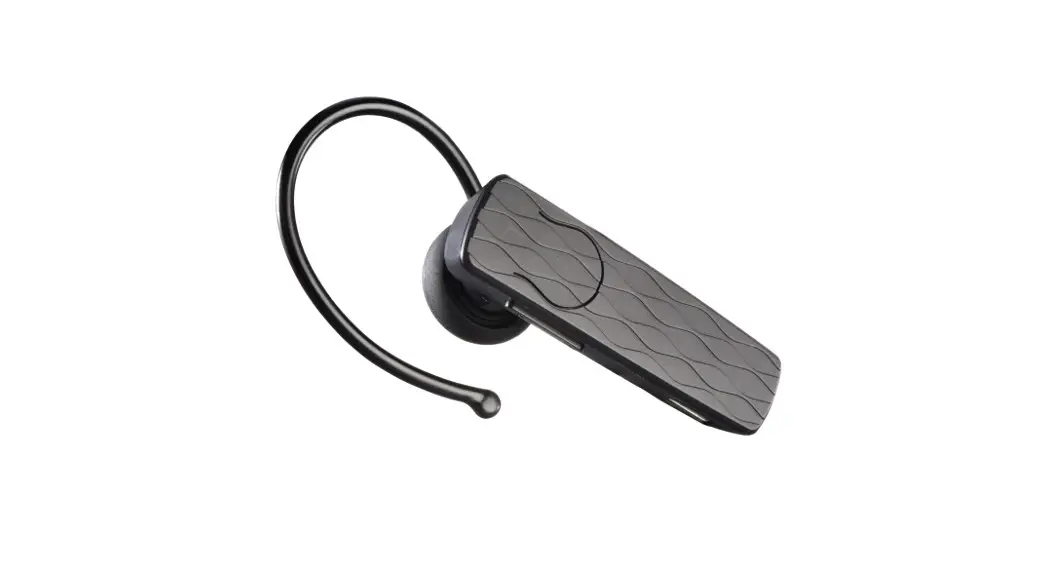
- Silicone ear pads
1. Explanation of warning symbols and notes Warning
This symbol is used to indicate safety instructions or to draw your attention to specific hazards and risks . Note
Note
This symbol is used to indicate additional information or important notes.
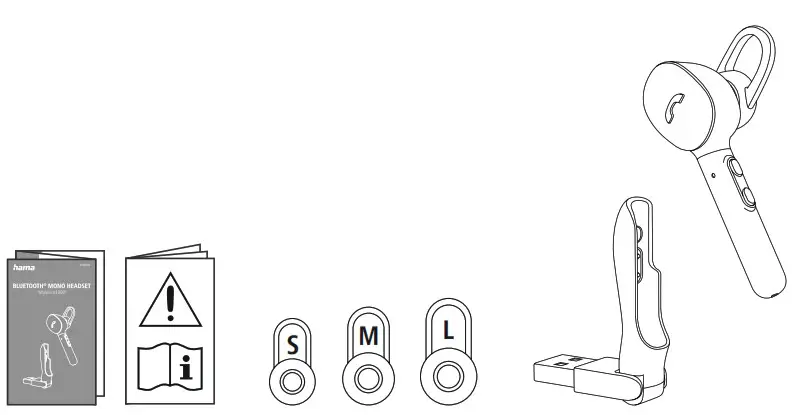
Package contents
1x MyVoice 1300 Bluetooth® headset
3 x ear pads in various sizes (S/M/L)
1 x USB charger tray
1 x quick guide
1 x warning and safety instructions
Safety instructions
- The product is intended for private, noncommercial use only.
- Use the product only for the intended purpose.
- Children should be supervised to ensure that they do not play with the product.
- Do not use the product in areas in which electronic products are not permitted.
- Do not attempt to service or repair the product yourself. Leave any and all service work to qualified experts.
- Do not open the device or continue to operate it if it becomes damaged.
- Do not bend or crush the cable.
- Do not drop the product and do not expose it to any major shocks.
- Dispose of packaging material immediately in accordance with the locally applicable regulations.
- Do not modify the product in any way. Doing so voids the warranty.
- Protect the product from dirt, moisture, and overheating and use it in dry environments only.
- Do not use the product in the immediate vicinity of heaters, other heat sources or in direct sunlight.
- Only use the article under moderate climatic conditions.
- As with all electrical products, this device should be kept out of the reach of children.
- Do not operate the product outside the power limits specified in the technical data.
- Do not use the product in a damp environment and avoid splashing water
- While driving a car or using sports equipment, do not allow yourself to be distracted by your product and keep an eye on the traffic situation and your surroundings.
- The battery is permanently installed and cannot be removed; dispose of the product as a whole in accordance with the statutory regulations.
- Do not incinerate the battery or the product .
- Do not tamper with or damage/heat/disassemble the batteries/rechargeable batteries.
- Do not use the product during the charging process!
Warning – rechargeable battery
- Only use suitable charging devices or USB ports to charge the product.
- Do not use defective chargers or USB ports and do not attempt to repair them.
- Do not overcharge the product or allow the battery to completely discharge.
- Avoid storing, charging, and using in extreme temperatures and at extremely low atmospheric pressures (such as at high altitudes) .
- Charge regularly (at least quarterly) during periods of prolonged storage.
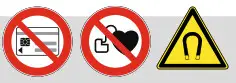 Warning – magnets
 - This product generates magnetic fields . Persons with a cardiac pacemaker should consult a doctor before using this product, as the pacemaker’s proper function could be affected .
- Do not store bank or similar cards with magnetic strips near the charging box or earphones. The data on the cards could be damaged or completely deleted.
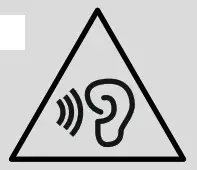 Warning – high volume
- High sound pressure!
- There is a risk of hearing damage.
- To prevent any loss of hearing, avoid listening to loud volumes for prolonged periods.
- Always keep the volume at a sensible level . Loud volumes, even over short periods, can cause hearing loss.
- Using this product limits your perception of ambient noise. You should therefore not drive or operate machinery while using them.
 4. Switching on/off
ON Switch the headset on using the On/Off switch (1) . You will hear the announcement “Power on” and the LED (3) flashes white.
OFF Switch the headset off using the On/Off switch (1). The status LED (3) briefly lights up white and the announcement “Power off” is heard.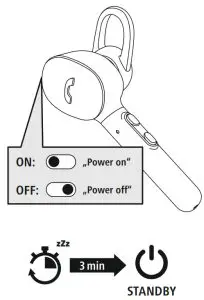
Note – Automatic switch-off of the product
The product is equipped with an automatic switch-off mechanism. If there is no connection to your a device within 3 minutes, it switches itself off automatically.
 Charging
 Charging
Switch off the headset and connect it
Ensure that the headset is switched off before charging it . Place the headset in the charging tray (8) . Connect the USB plug (11) to a suitable USB charger . To do this, consult the operating instructions for the USB charger you are using.
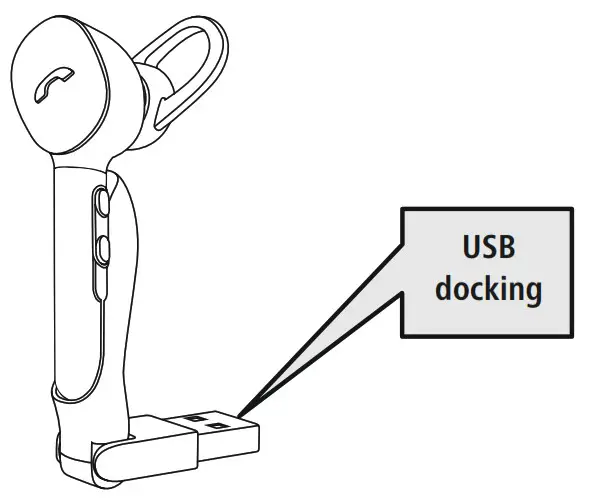
Headset charging process
The status LED (3) lights up solid red during the charging process . Once the charging process is complete, the LED (3) lights up white . It can take up to 2 hours for the battery to be fully charged.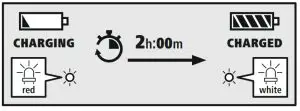
Battery capacity
When the headset’s battery capacity is low, the LED (3) flashes red and the announcement “Battery Low” is heard. Note
If you have not used the product for a few months, it can take up to 15 – 30 minutes until the status LED (3) lights up red during the charging process.
 Bluetooth ® pairing
 Bluetooth ® pairing
Note – Pairing
• Make sure that your Bluetooth ®
-the capable device is switched on and Bluetooth ® is activated.
• For more information, please refer to the operating instructions of your device . The headset and the device should not be more than 1 meter apart .
The shorter the distance, the better . Switch the headset on using the On/Off switch (1).
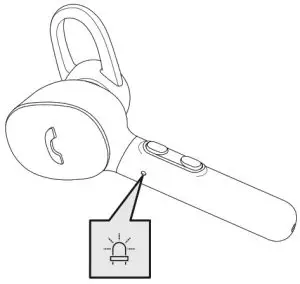
Check the status of the status LED (3) and the announcements
Headset searching for a Bluetooth ® connection.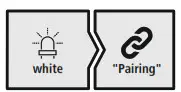 If the LED (3) is flashing quickly and the announcement is:
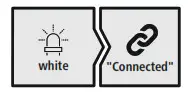 If the LED (3) is flashing slowly and the announcement is:
The headset is already paired with a Bluetooth ® device.
 Search using your device for the headset (only required on the first connection)
Open the Bluetooth ® settings on your device and wait until the list of found Bluetooth ® devices shows Hama MyVoice1300. The announcement “Pairing” is heard.
Select Hama MyVoice1300 and wait until the headset is listed as connected in the Bluetooth ® settings of your device. The announcement “Connected” is heard.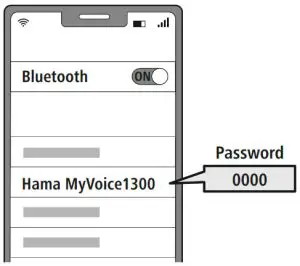
Note – Bluetooth ® password
Some devices require a password in order to connect to another Bluetooth ® device.
• If your device requests a password to connect to the product, enter 0000.
Multi-point technology
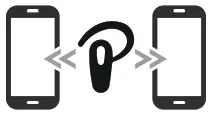
This headset can connect to two Bluetooth ® -enabled devices simultaneously (multi-point).
 First, connect the first device to the headset .
- Then deactivate the Bluetooth ® function on this device.
- Then connect the second device to the headset .
- Activate the Bluetooth ® function on the first device again. The headset then connects to this device too.
 First, connect the first device to the headset .
 Controls
 Controls
 Note
- Please be aware that your terminal device must support some functions if they are to be used.
- For more information, please refer to the operating instructions of your device.
7.1 Voice assistant function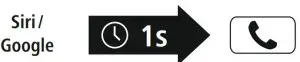 Press and hold the MFB button (2) for around a second to initiate communication with Siri or the Google Assistant . As soon as you hear a signal tone, your voice assistant is
ready to assist you.
Note – Siri
Siri is only available on suitable devices running iOS 5 (iPhone 4s or later) or higher.Note – Google Assistant
- The Google Assistant is only available on suitable devices running Android 5.0 or higher with Google Play Services, >1 .5 GB of free memory, and a minimum screen resolution of 720P.
- The Google Assistant App must be available on your device and be set as the default voice assistant.
 7.2 Hands-free function
It is possible to use the headset as a hands-free facility for your device.
1. Make a call
Dial the number directly via your device to make a call .
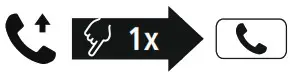 Press the MFB button (2) to accept an incoming call.
3 . Reject a call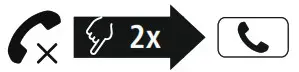 Press and hold the MFB button (2) twice or use your device to reject an incoming call.
4 . End a call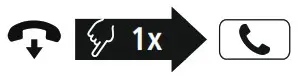 During the call, press the MFB button (2) once to end the call. Alternatively, you can also place the headset in the charger tray to end the call. To do this, the charger tray must be connected to a ready-to-operate USB connection .
5 . Last number redial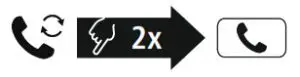 Press the MFB button (2) twice to redial the last number.
Note
The “Last number redial” function is only available for the device which was paired first with the product in a multi-pairing situation.
 7.3 Audio playback
Start playback on your device.
2. Play / Pause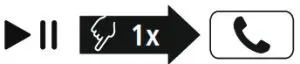 Press the MFB button (2) once to pause or start audio playback.
3 . Next track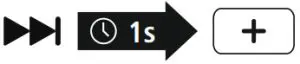 Press and hold the + button (4) for around 1 second to skip to the next track.
4 . Previous track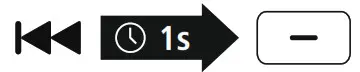 Press and hold the – button (5) for around 1 second to skip to the previous track.
 7.4 Volume control
1 Increase volume
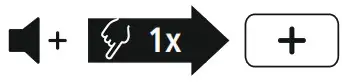 Press the + button (4) once to increase the volume . Once the maximum volume is reached, you will hear a “beep”.
2 Reduce volume Press the – button (5) once to reduce the volume . Once the minimum volume is reached, you will hear a “beep” .
 Technical data
 Technical data
| Bluetooth ® Headset | |
| Bluetooth technology | |
| Profiles supported | A2DP, AVRCP, HFP, HSP |
| Frequency for Bluetooth ® transmissions | 2402 – 2480 MHz |
| Range | < 10 m |
| Rechargeable battery | |
| Battery type | 3 .7 V Li-polymer |
| Min. capacity | 60 mAh |
| Power consumption | max . 5 V 60 mA |
| Charging time | ~ 2 h |
| Standby * | ~ 80 h |
| Music playing * | ~ 3 h |
| Call time * | ~ 4 h |
| Weight | approx. 12 g |
* Once fully charged
Care and maintenance
Only clean this product with a slightly damp, lint-free cloth and do not use aggressive cleaning agents .
Warranty disclaimer
Hama GmbH & Co KG assumes no liability and provides no warranty for damage resulting from improper installation/mounting, improper use of the product or from failure to observe the operating instructions and/or safety notes .
Service and Support
Please contact Hama Product Consulting if you have any questions about this product .
Hotline: +49 9091 502-0 (German/English)
Further support information can be found here: www.hama.com
Recycling information
Note on environmental protection: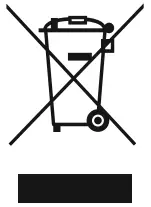 After the implementation of the European Directives 2012/19/EU and 2006/66/EU in the national legal system, the following applies:
Electrical and electronic devices as well as batteries must not be disposed of with household waste . Consumers are obliged by law to return electrical and electronic devices as well as batteries to the designated public collection points or to the point of sale at the end of their service lives . Detailed information on this topic is defined in the national laws of the respective country . This presence of the above symbol on the product, operating instructions or package indicates that the product is subject to these regulations . By recycling, reusing the materials or other forms of utilising old devices/ batteries, you are making an important contribution to protecting our environment .
Declaration of Conformity
 Hama GmbH & Co KG hereby declares that the radio equipment type [00184149] is in compliance with Directive 2014/53/EU . The full text of the EU declaration of conformity is available at the following Internet address: www.hama.com -> 00184149 -> Downloads .
| Frequency band(s) | 2402 MHz – 2480 MHz |
| Maximum radio-frequency power transmitted | 2 .5 mW E .I .R .P . |