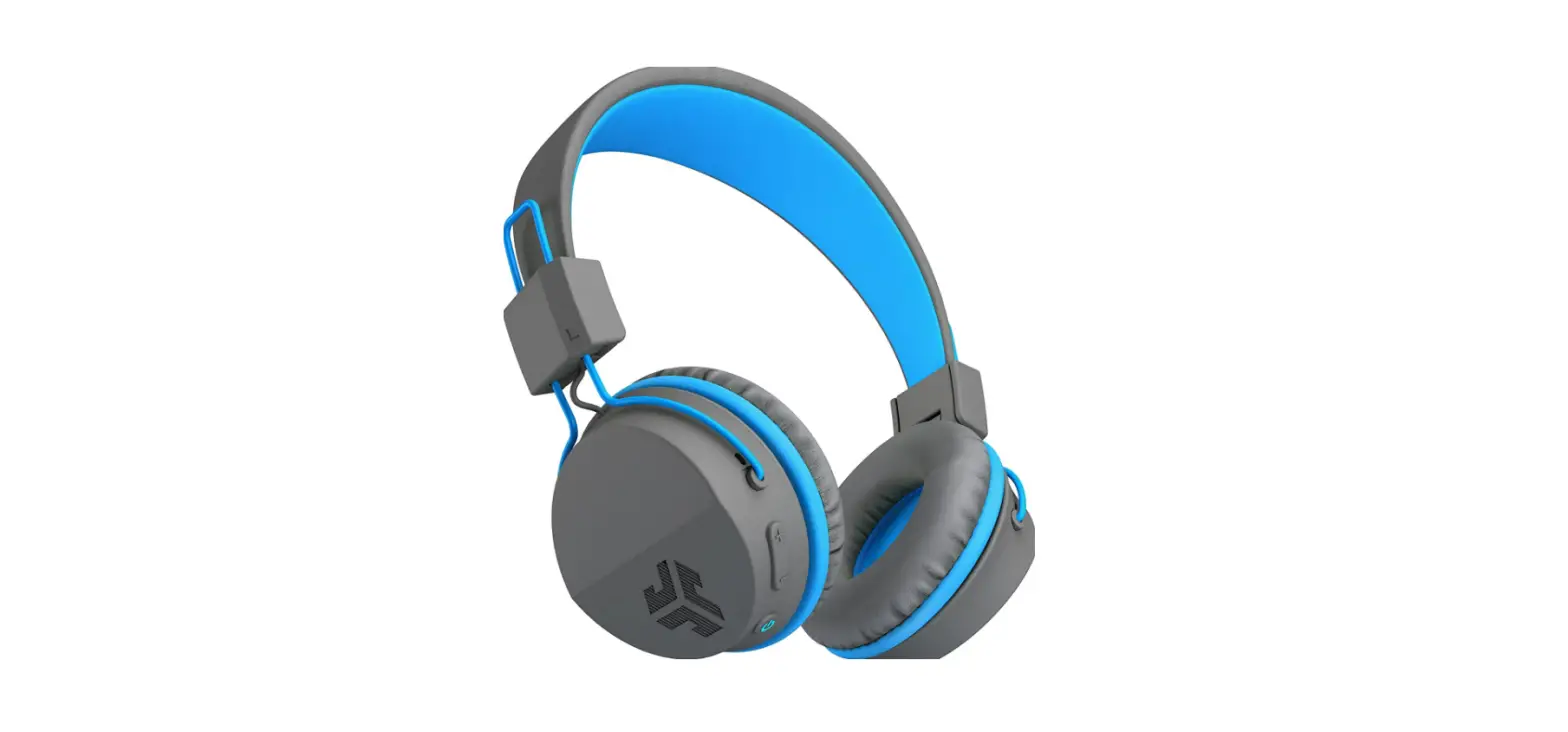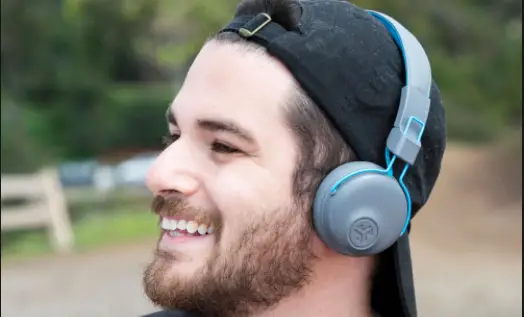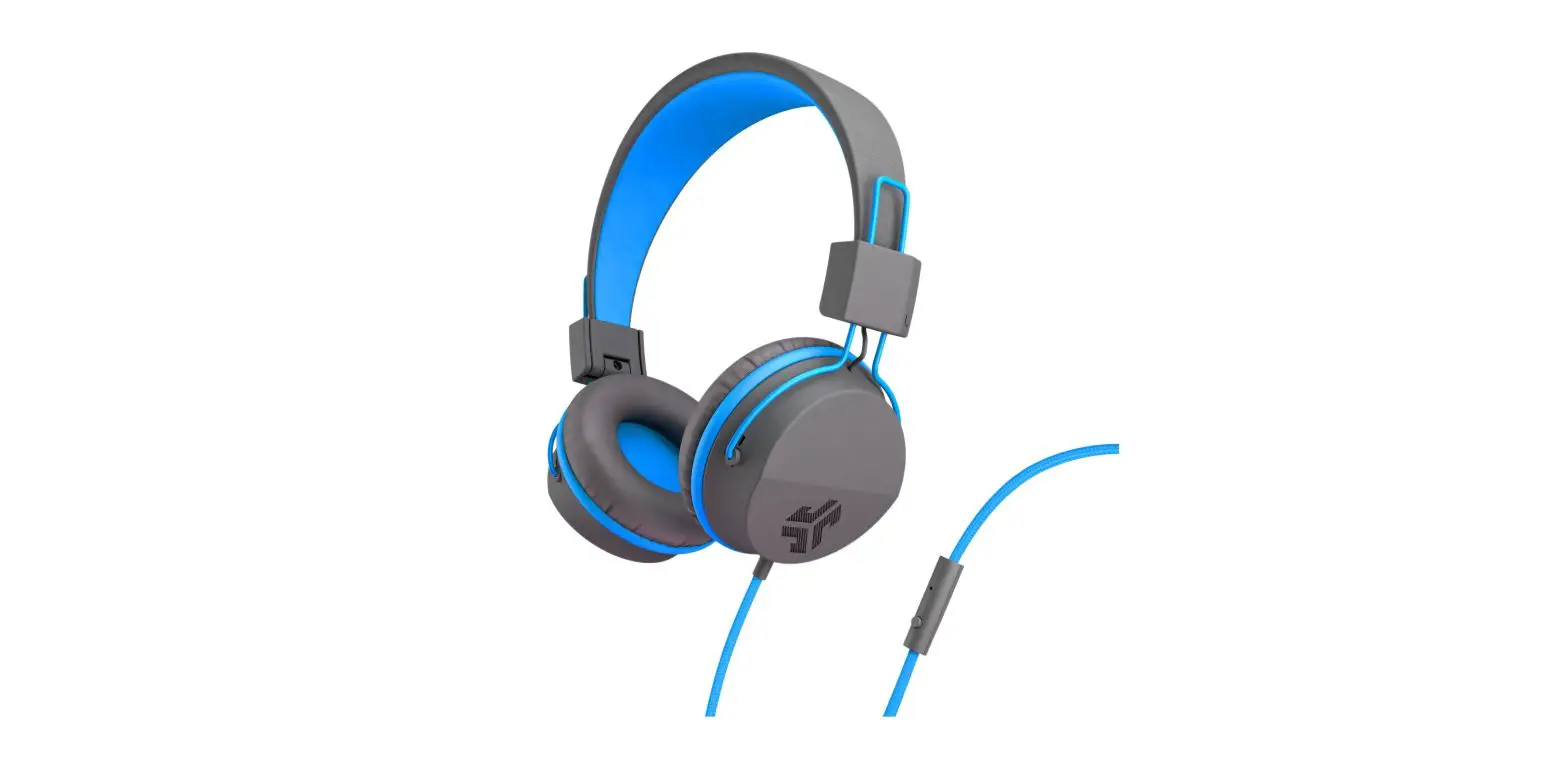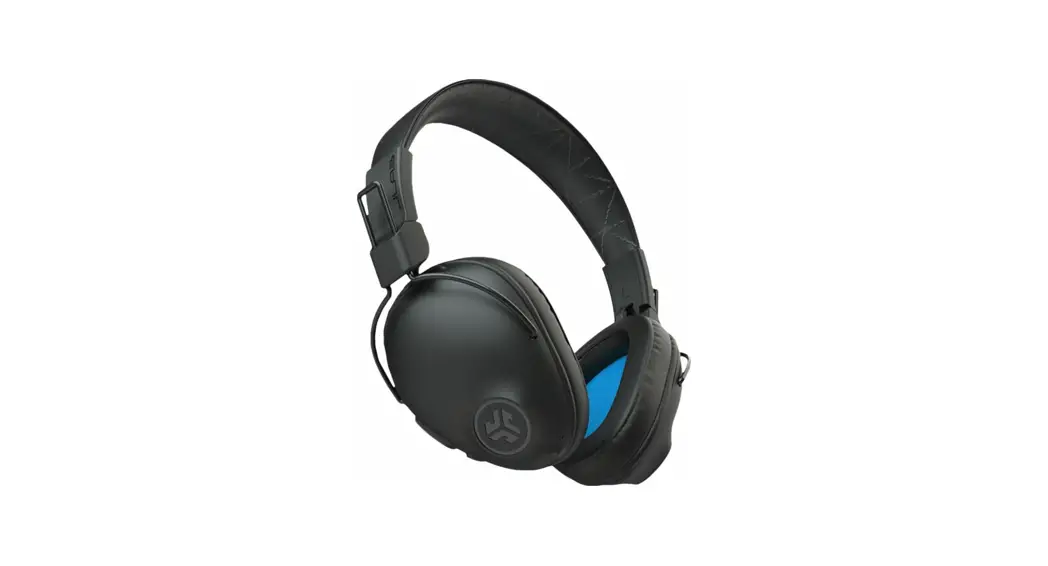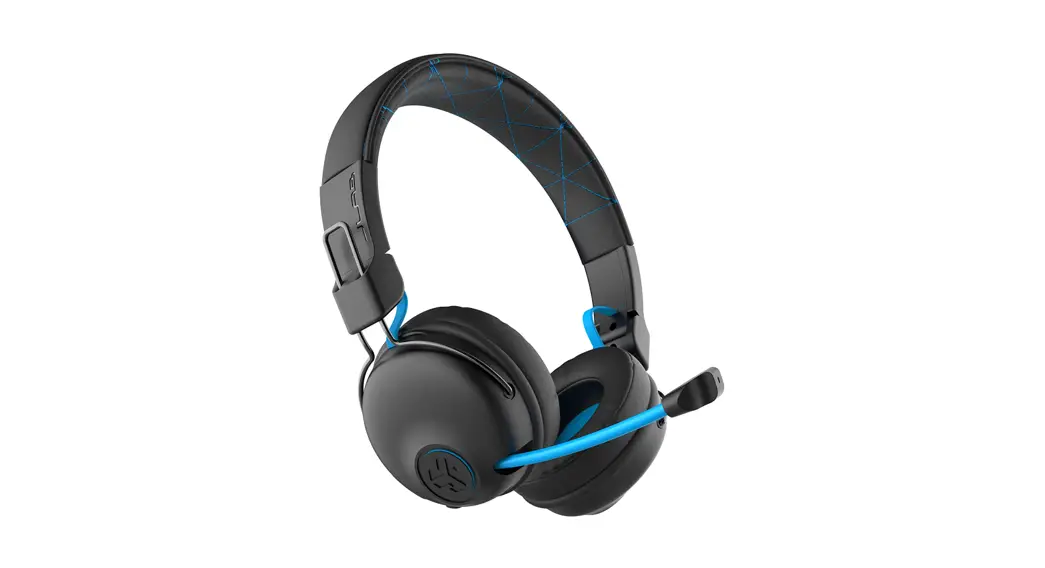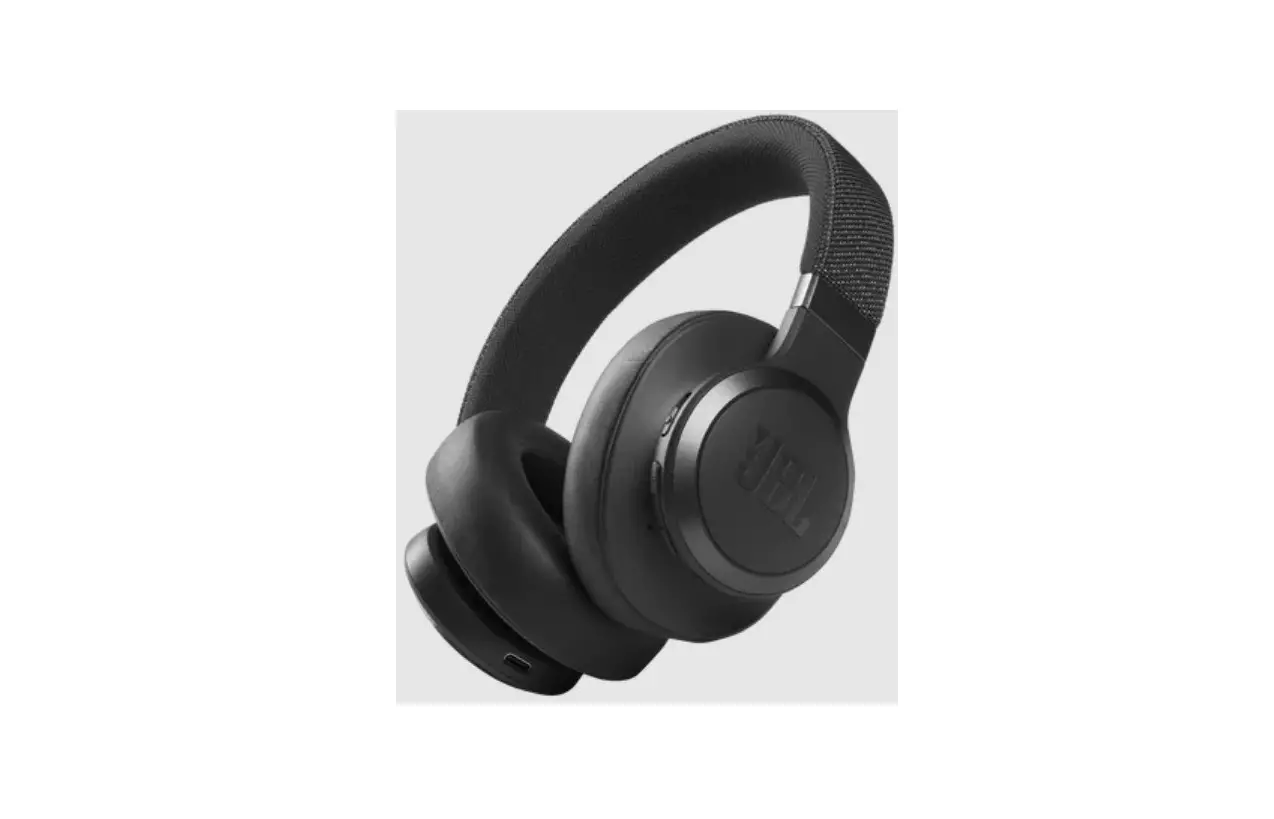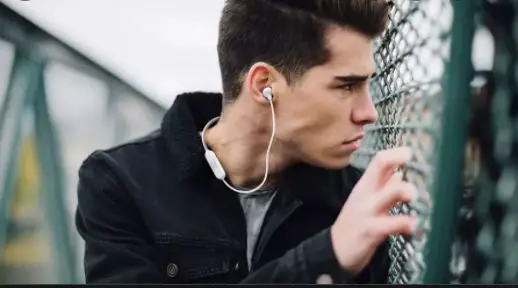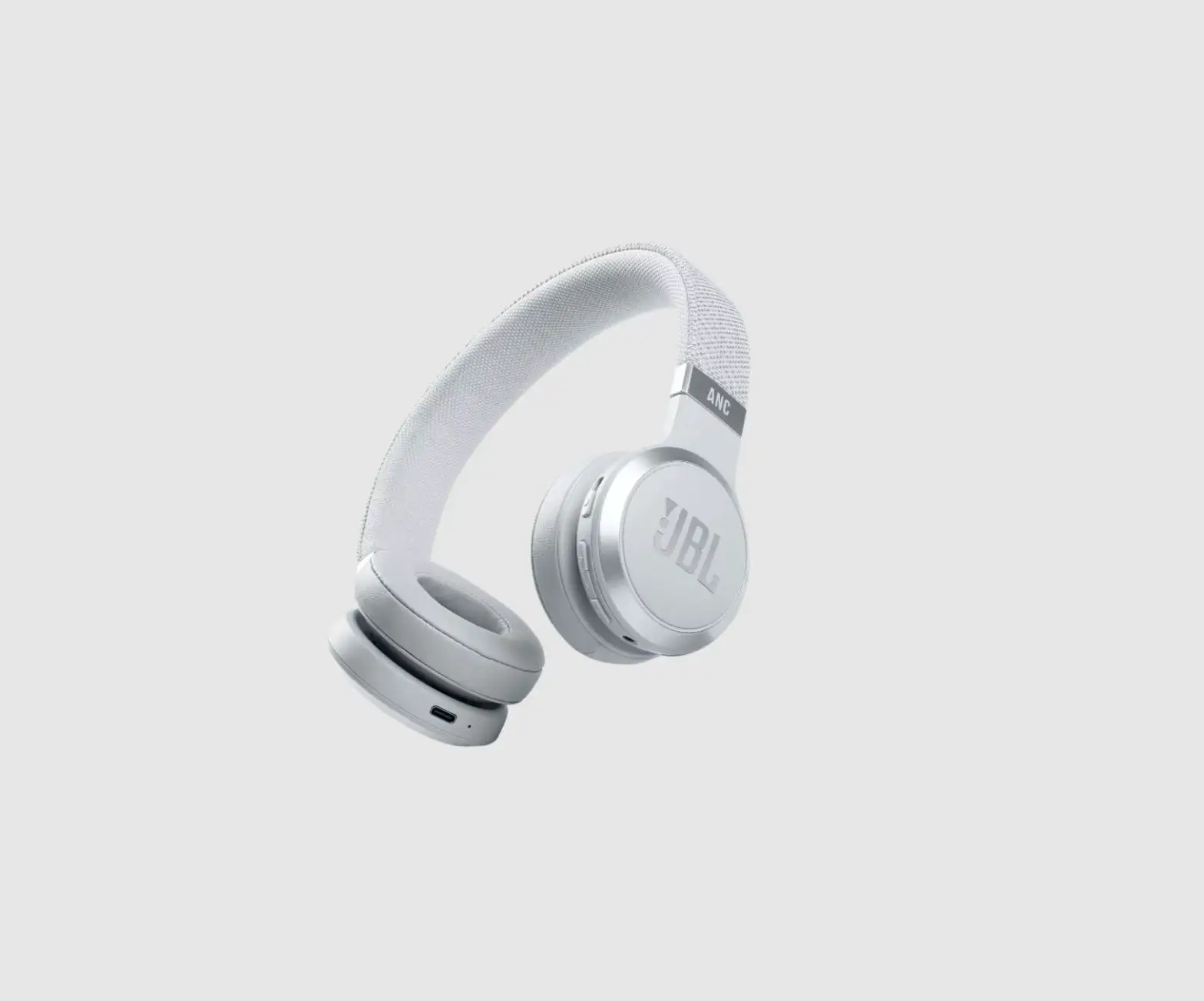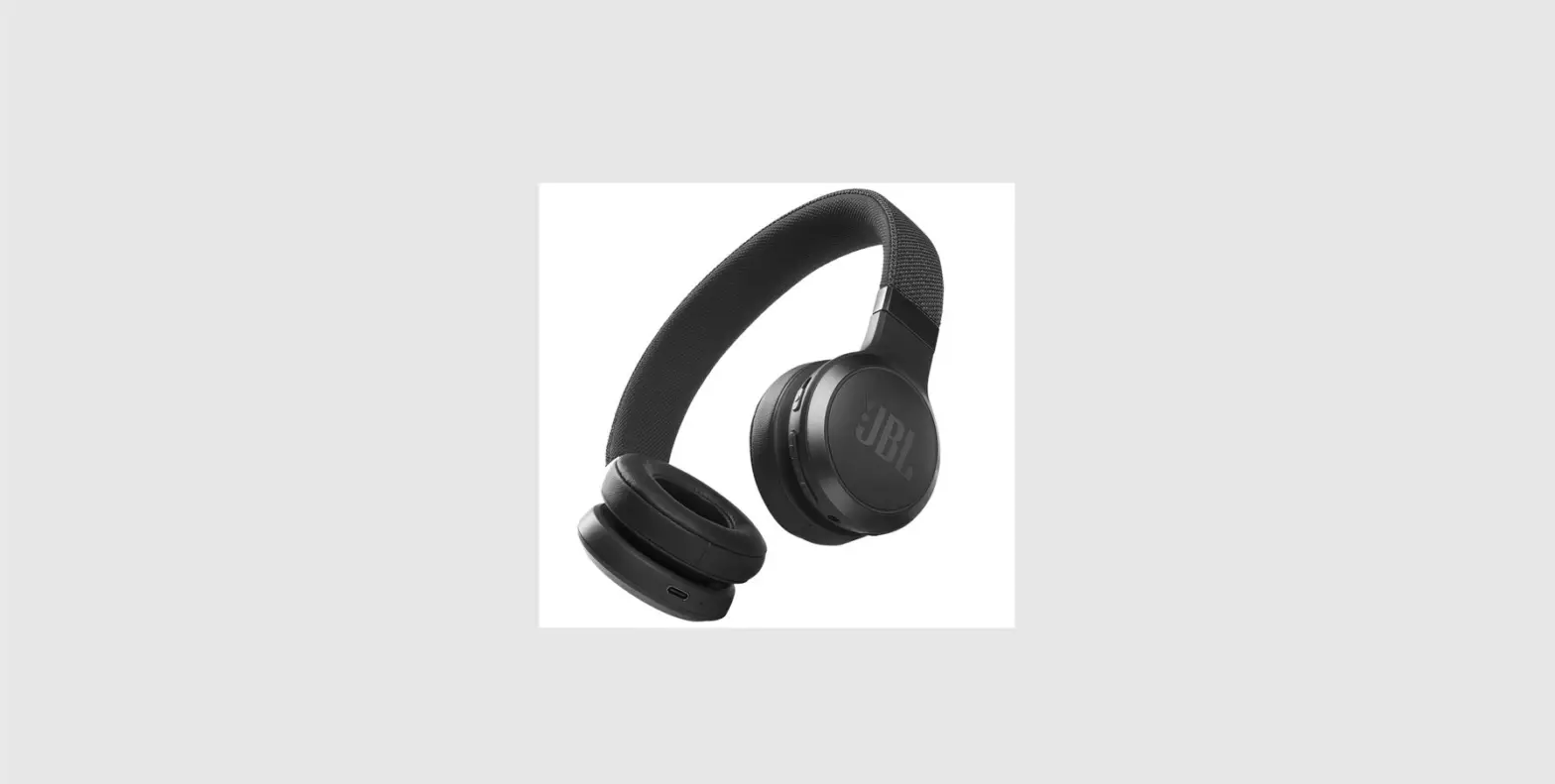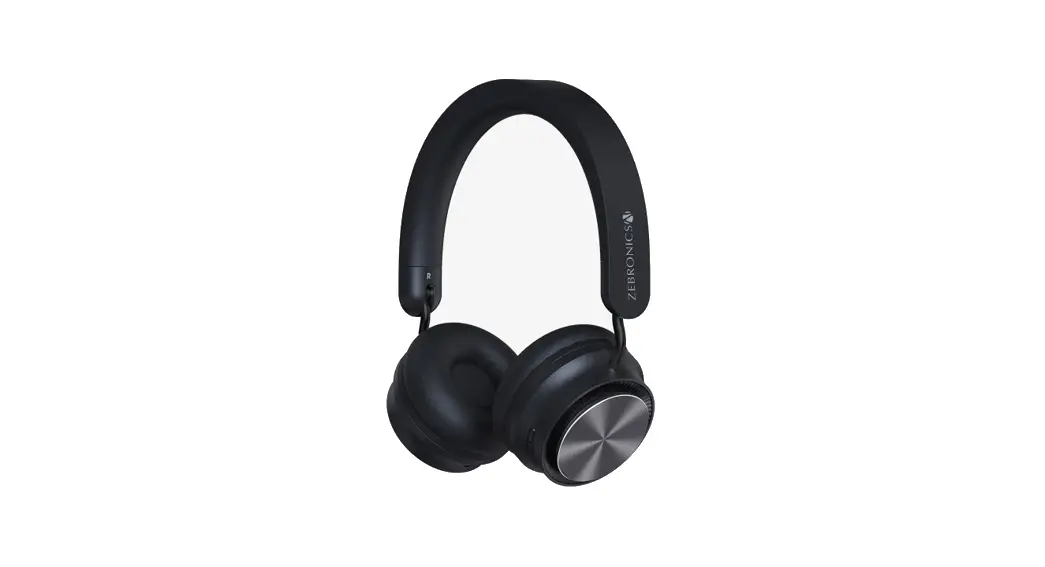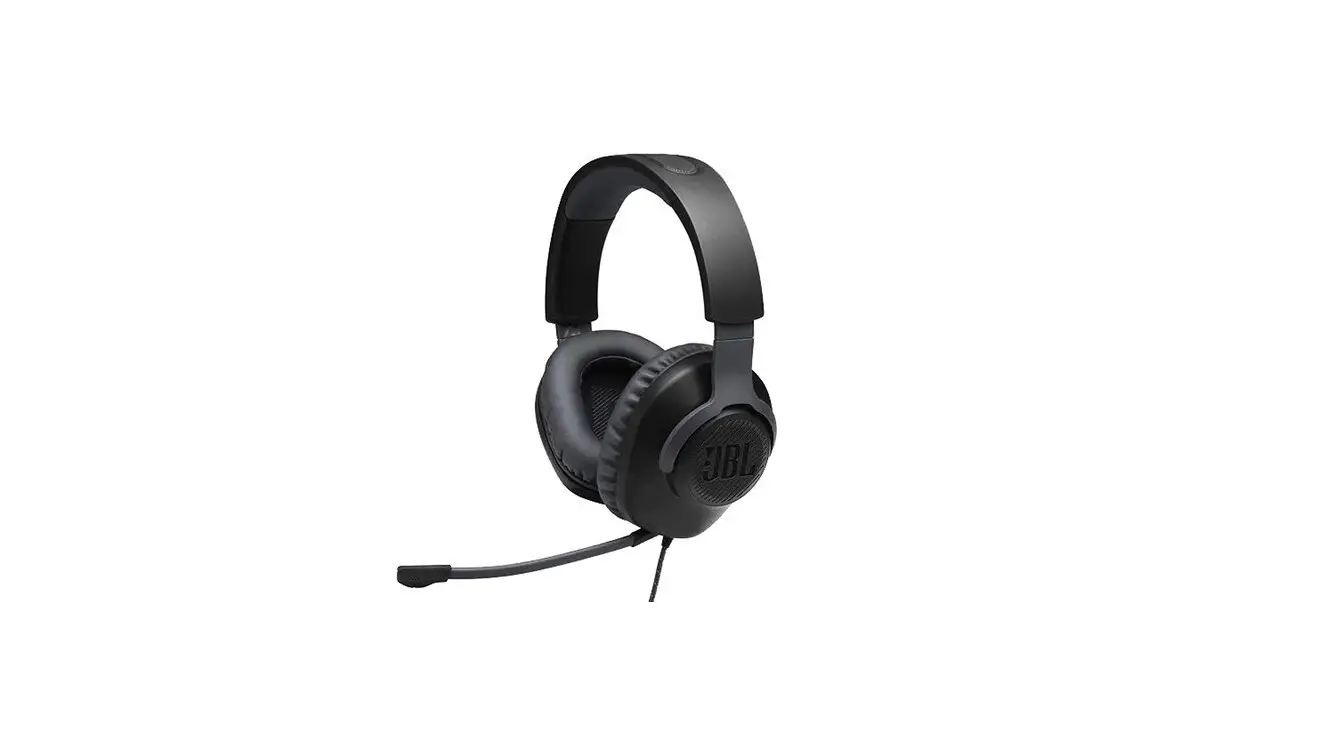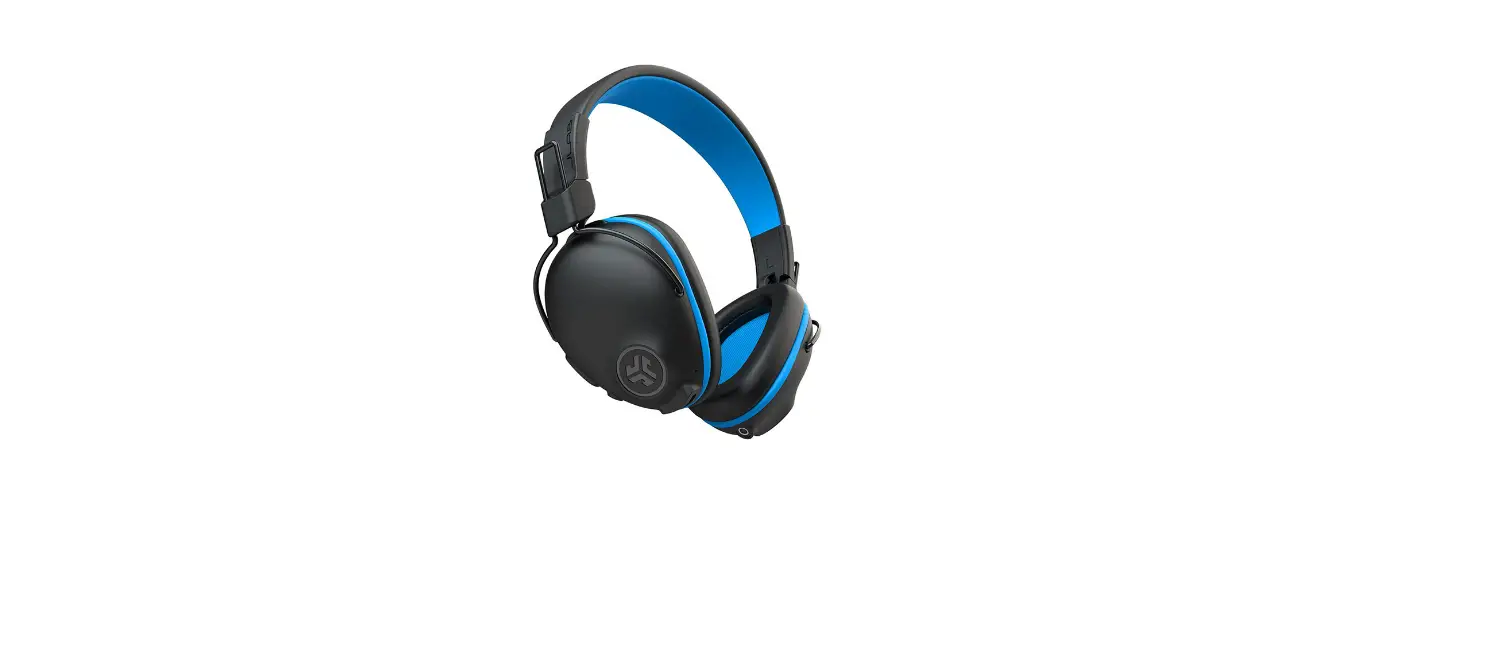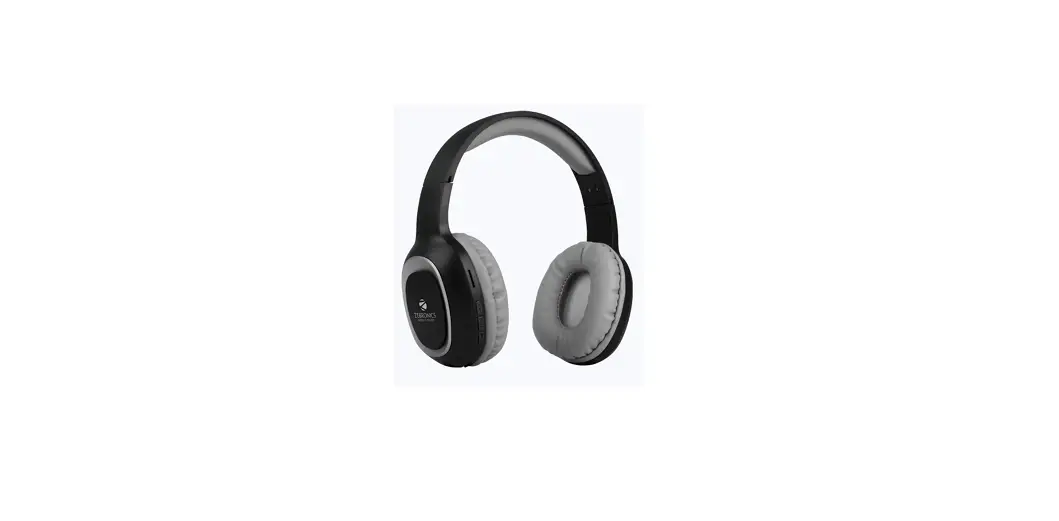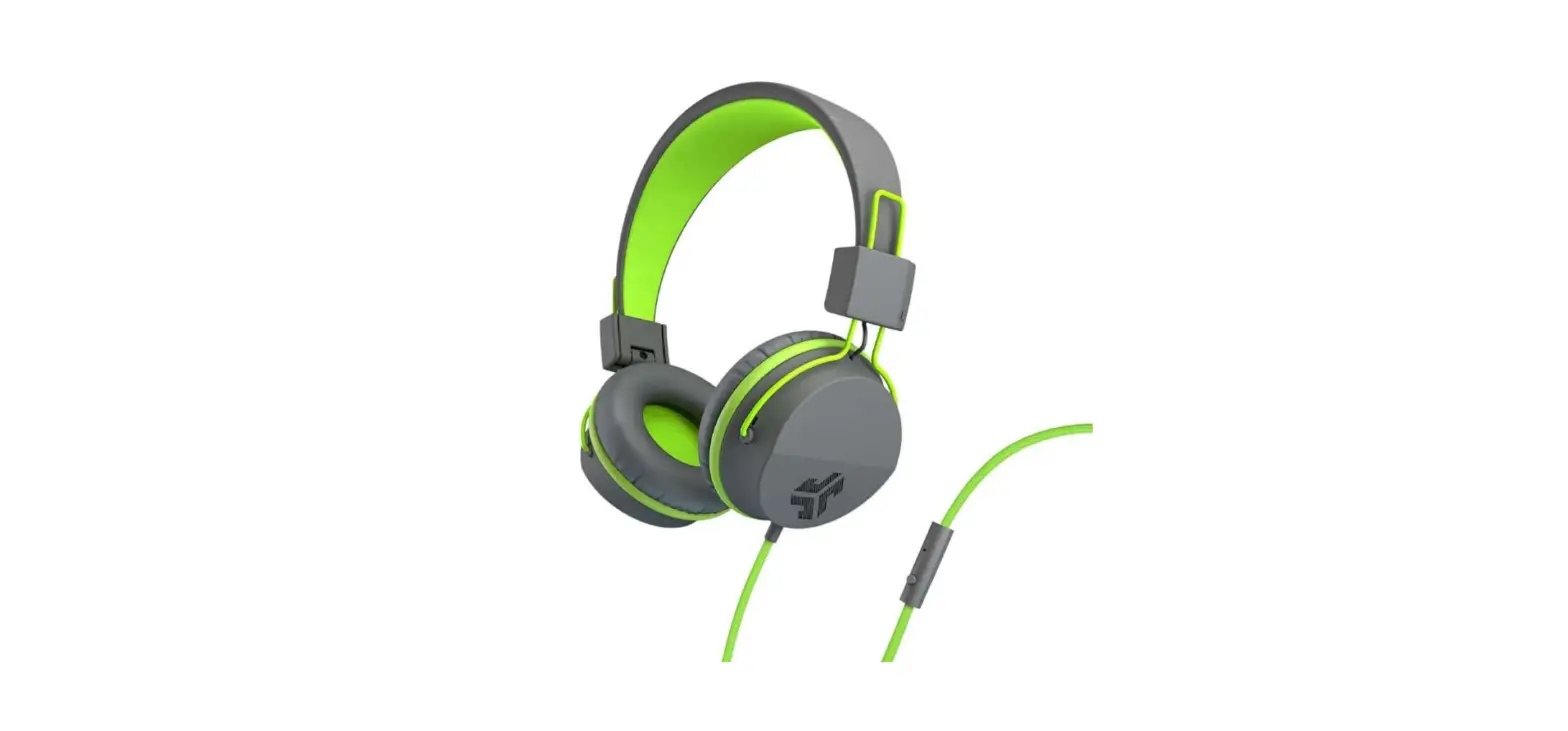
 JLab NEONHP-GRYYLW-BOX Audio Neon Headphones
 JLab
JLab 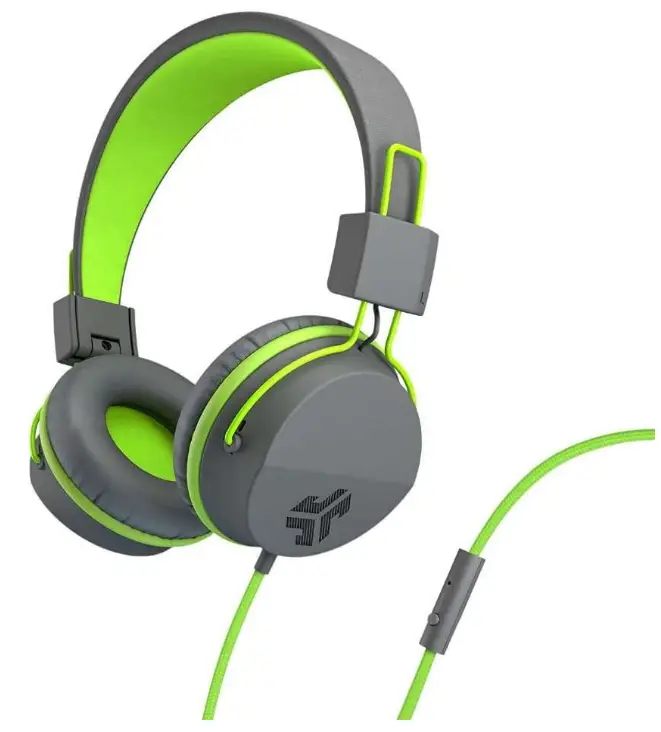
INTRODUCTION
These JLab audio neon headphones have a braided nylon cord that is tangle-free and has an in-line microphone for answering calls, starting, pausing, and managing your music mix. With all gadgets and cases, the 90 degree jack works great. With their feather-light construction and easily-sliding metal adjustments, these headphones are made for everyone who enjoys rock ‘n’ roll. You can take the comfortable circular ear cups with you wherever life takes you since they fold up into the palm of your hand and can rotate 80 degrees.
The plush circular cups’ snug fit on your ears makes for a day’s worth of comfortable listening. You can get the ideal fit thanks to the headband’s simple adjustment. Additionally, the headband is composed of velvety leather, making it comfy to wear all day. With these headphones, you can answer calls, change the volume, and skip music all without removing your phone from your pocket. Additionally, there is an integrated microphone that enables clear conversation during calls. With their luxurious Eco Leather and Cloud Foam cushions, the Neon Headphones rest comfortably on your ears. The striking dual-colored Neon Headphones are equipped with 40mm neodymium drivers and JLab’s superior C3 Technology to deliver powerful sound (Crystal Clear Clarity). Spend the entire day jamming while drowning out the outside world with bright highs, mids, and pounding bass.
- DIMENSIONS: 3 x 7 x 8.25 inches
- WEIGHT:7 ounces
- FORM FACTOR: On Ear
- CONNECTIVITY: Wired
- MODEL: NEONHP-GRYYLW-BOX
What’s in the Box
- JLab Audio Neon Headphones x 1
- User manual x 1
INSTRUCTIONS FOR USE
- Lower the volume on your audio device.
- Gently put headphones on your ears.
- Gradually raise the volume to a comfortable level.
- In order to block outside noise, position the headphones so they form a seal inside your ear.
MICROPHONE MODELS + BUTTON FUNCTIONS
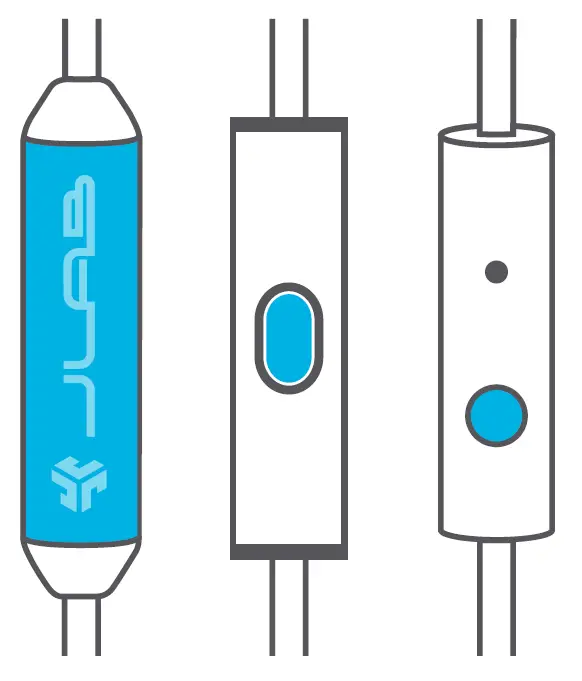
UNIVERSAL MIC
Goes with both Android + Apple
PLAY / PAUSE
ANSWER / HANG UP:
Single click
TRACK FORWARD:
Double click
TRACK BACKWARD:
Triple click
CAUTIONS
- Avoid getting moisture or liquids on the headphone cups.
- Avoid extreme heat, cold, and humidity.
- Avoid dropping or crushing headphones, stressing the cable by rapid pulling or extreme force, or bending the cable at a sharp angle.
- Wax may build up in headphone cups, lowering the sound quality. Carefully remove the wax with a cotton swab or other small tool to improve the sound quality.
- If you experience discomfort or pain, try lowering the volume or discontinuing use temporarily.
- If you experience regular discomfort while using this product, discontinue use and consult your physician.
- We recommend you treat your headphones as you would a nice pair of sunglasses and keep them in safe location when not in use.
FREQUENTLY ASKED QUESTIONS
How long is the cable jack on this product?
The length of the cable attached to these headphones is about 3 to 4 feet. It is pretty durable and features the nylon braid design.
What size is the jack?
The JLab Audio Neon headphones feature an L shaped jack which has a size of 1/8 size.
Does this have an SD slot?
No, these headphones don’t an SD slot.
Does the Bluetooth set have a line in option?
The Bluetooth model of these headphones doesn’t come with an in-line control.
Is there a mic. to talk?
No, the headphones don’t feature a built-in mic. and can be used for listening to audio only.
Are the wired headphones Bluetooth capable?
The wired model of the JLab audio neon headphones doesn’t come with Bluetooth.
How do you know they need to charge?
Each time you switch them on, the power button will say “power on, battery is…full, low, or need to charge.”
Is JLab a good brand for headphones?
If you’re seeking for an inexpensive alternative to Apple Airpods that doesn’t compromise on sound quality, you must purchase the Jbuds. They have a respectable charge time and battery life and feel safe and comfy in the ear.
Why won’t my JLAB headphones connect?
Your JLab Air earbuds not connecting is most frequently caused by improperly disconnecting them from the prior device. There could be hardware problems that need to be repaired by a professional or there could be software problems, such as a need for an update or a Bluetooth issue.
Does JLab neon BT have a mic.?
With just one easy click, you can change the volume, play or pause the music, and skip tracks. With the global mic., you may accept or reject calls as though you were the genuine deal.
How do I pair my JLab neon Bluetooth headphones?
Android. Launch Settings and activate Bluetooth. Click “Pair new device” in Bluetooth. When your JLab headphones or headset appears in the list, tap it, and your phone should automatically pair with it.
How do I use the microphone on my JLab headphones?
Select the “Video Settings” option. From the menu on the left, choose “Audio.” Choose the headphones you want to use for Speaker (the device you use to hear other people). Choose the headphones or other device you want to use as your microphone under Microphone.
How do I connect wireless headphones to my phone?
Pull down the phone’s top shade on an Android device, then long-press the Bluetooth icon. It will immediately take you to the Bluetooth menu, where you may enable it and then start looking for devices. To link a pair of headphones, tap their name.
Will the wired version fit a Chrome book jack?
Yes, it is compatible with Chrome book.
Do these headphones work when listening to music on your cellphones?
Yes, but they don’t come with a microphone so they can’t be used for communication.
Do you need an adapter to use on an iPad?
No, you won’t need an adapter unless you are using older models.