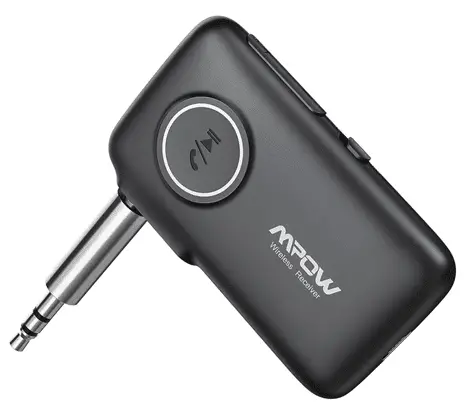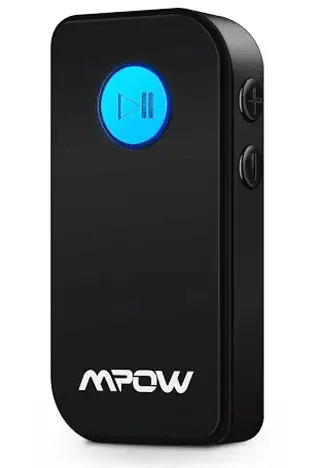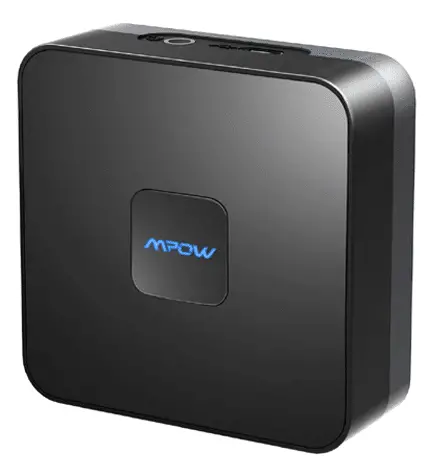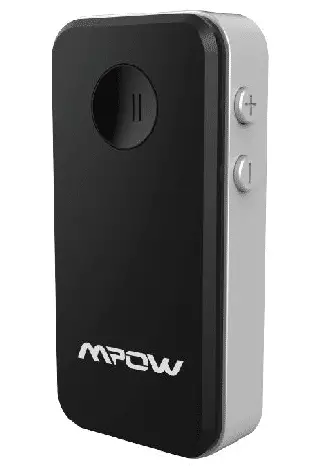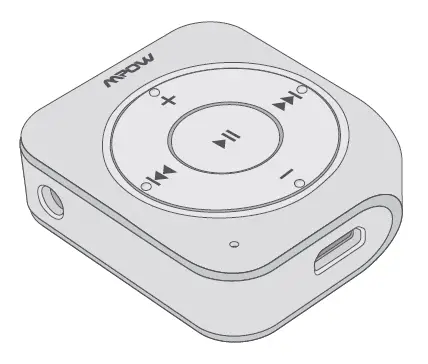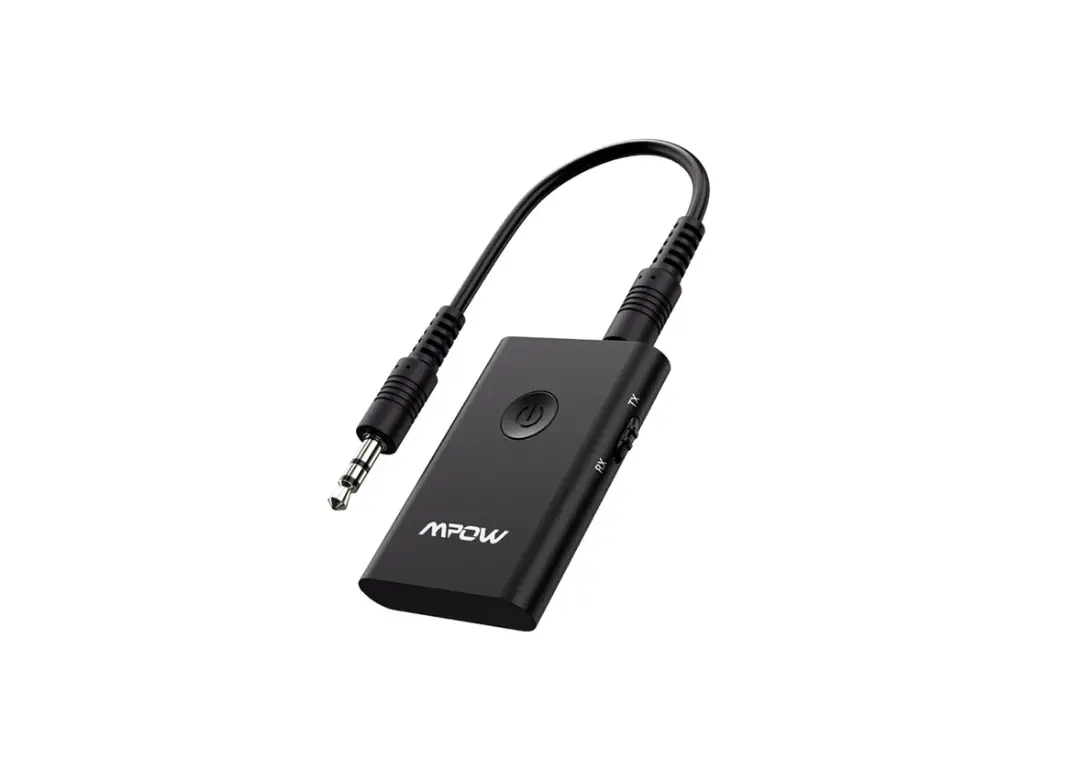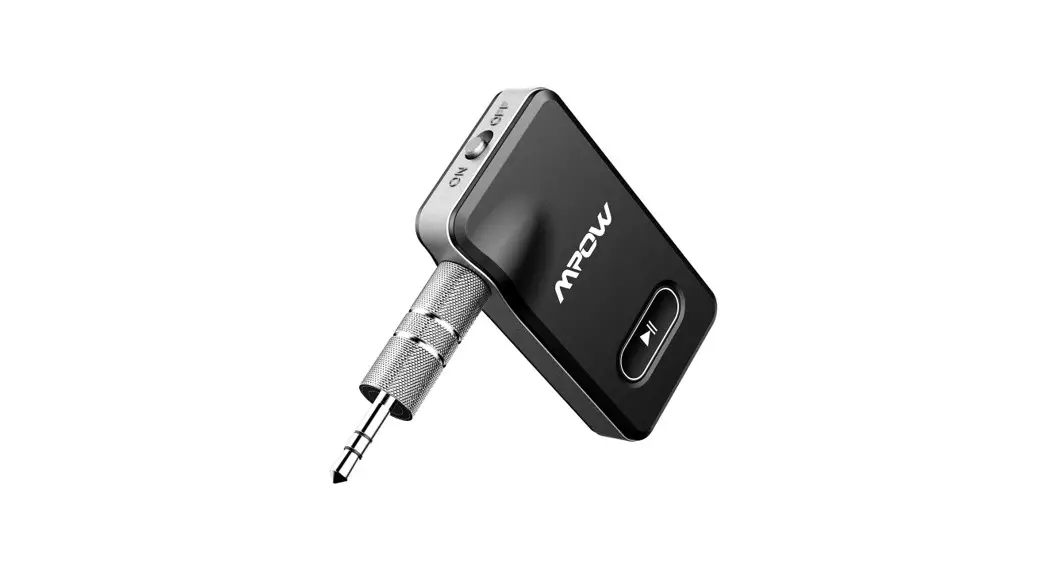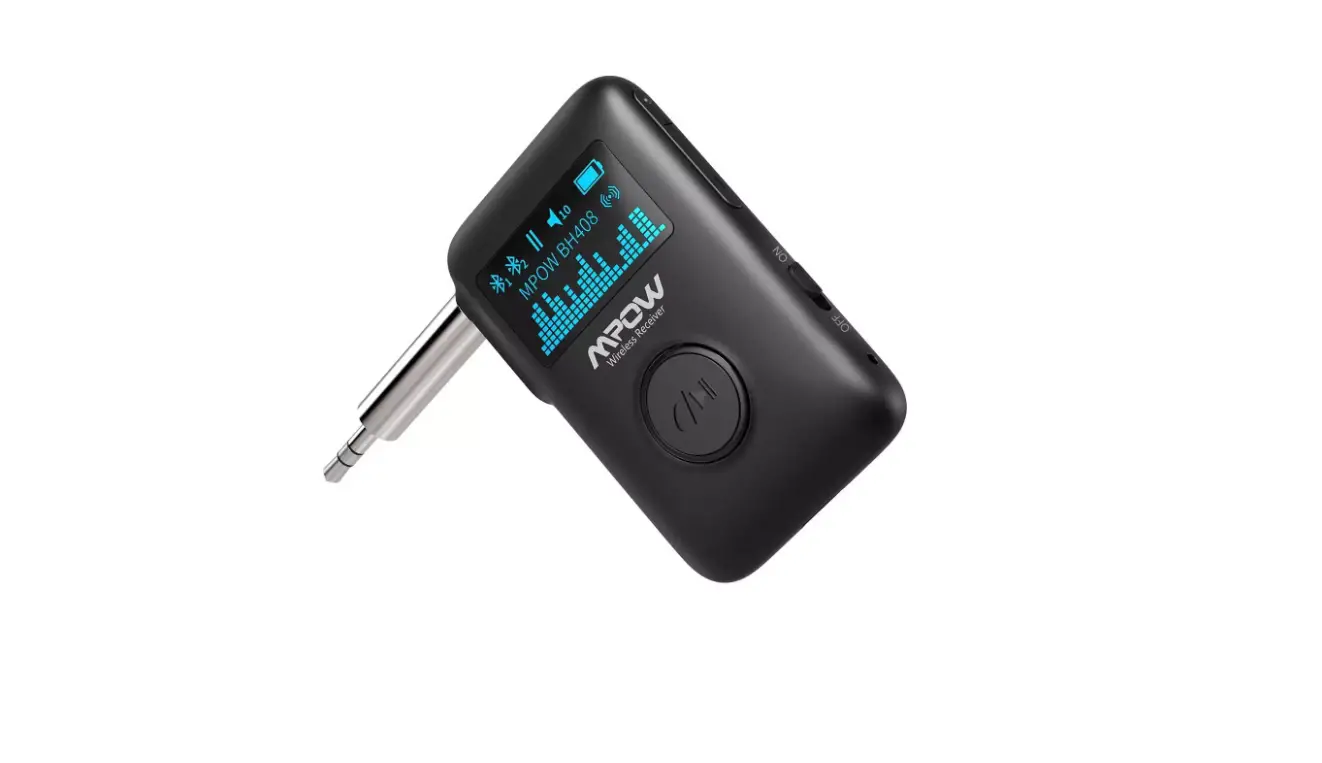

WIRELESS
MUSIC RECEIVER
MPOW WIRELESS AUDIO
User Manual | MODEL : BH408A
Package List
X1 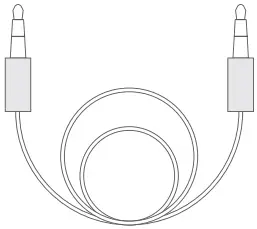 X1
X1
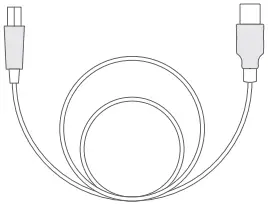 X1
X1  X1
X1
 X1
X1
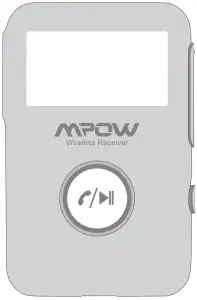
Diagram
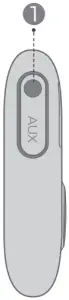
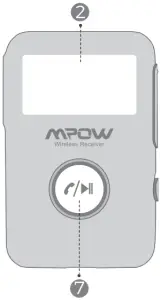
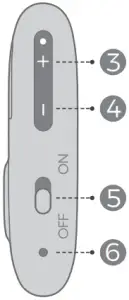
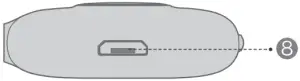
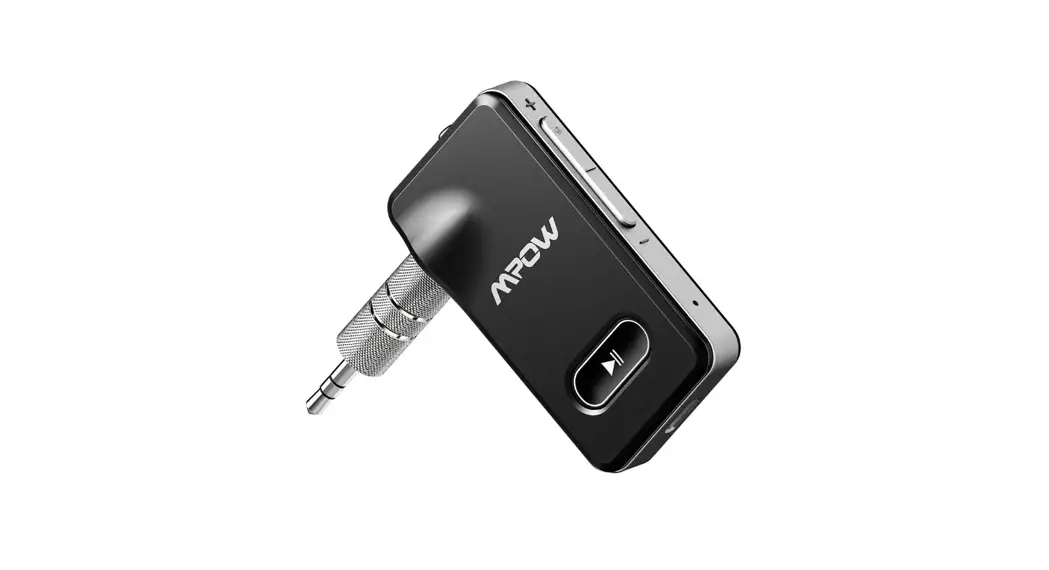
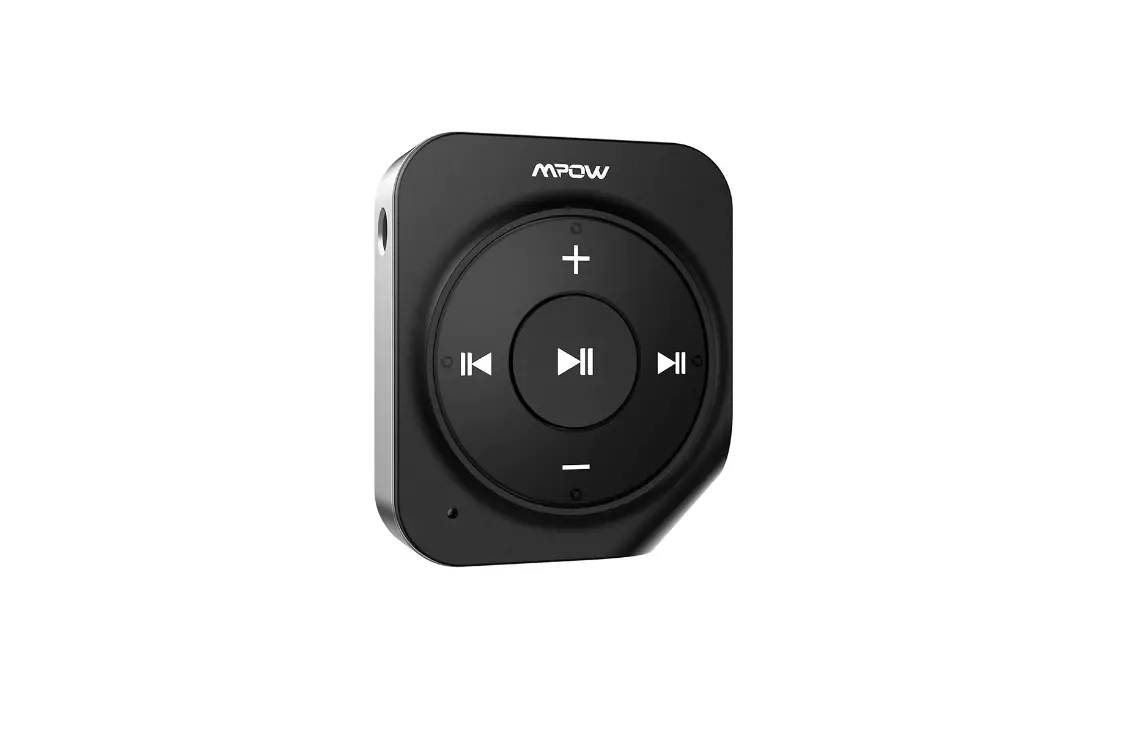
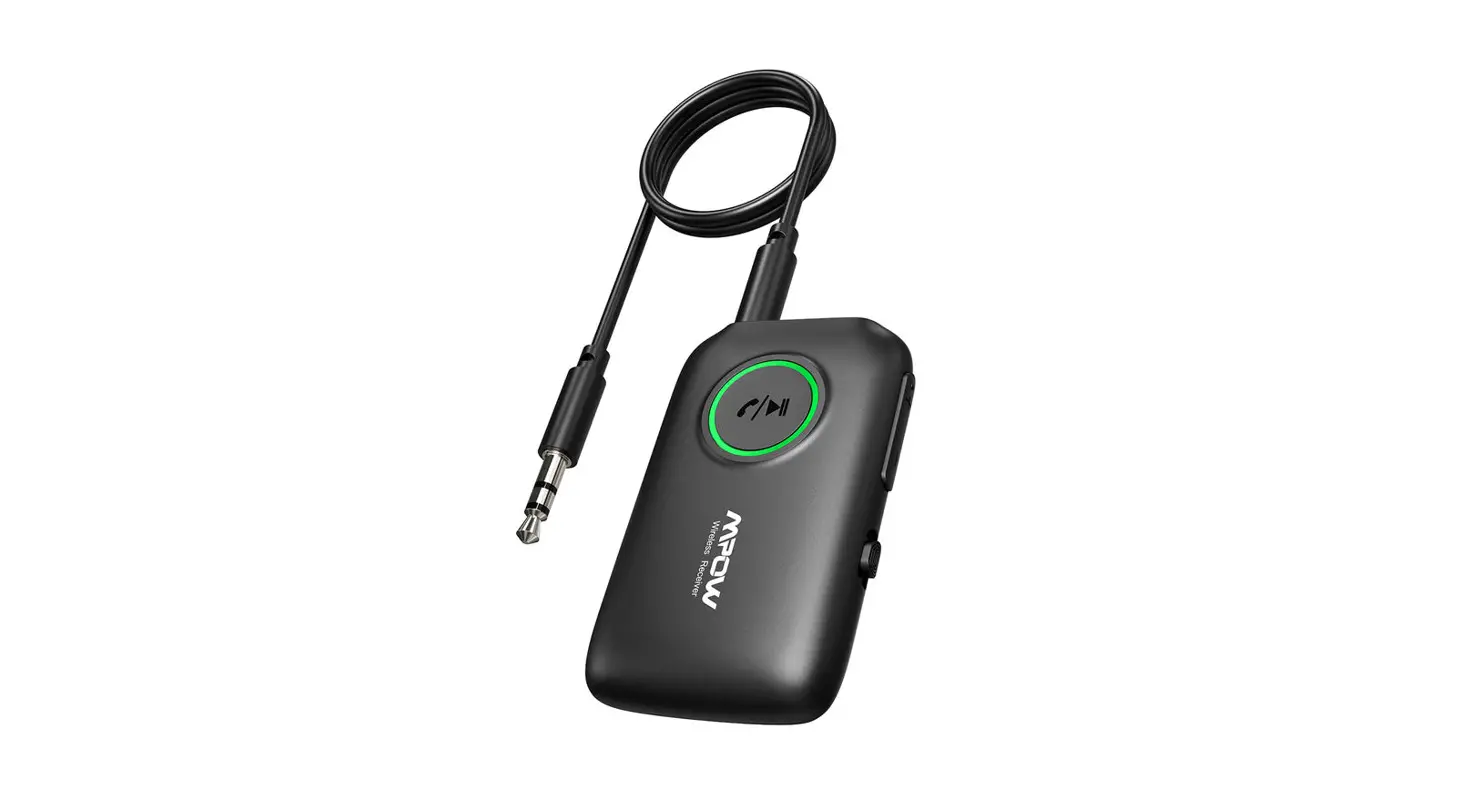
- Stereo audio output port
- Screen
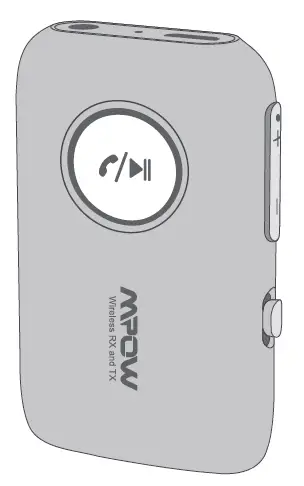
- Previous track / Volume up
- Next track / Volume down
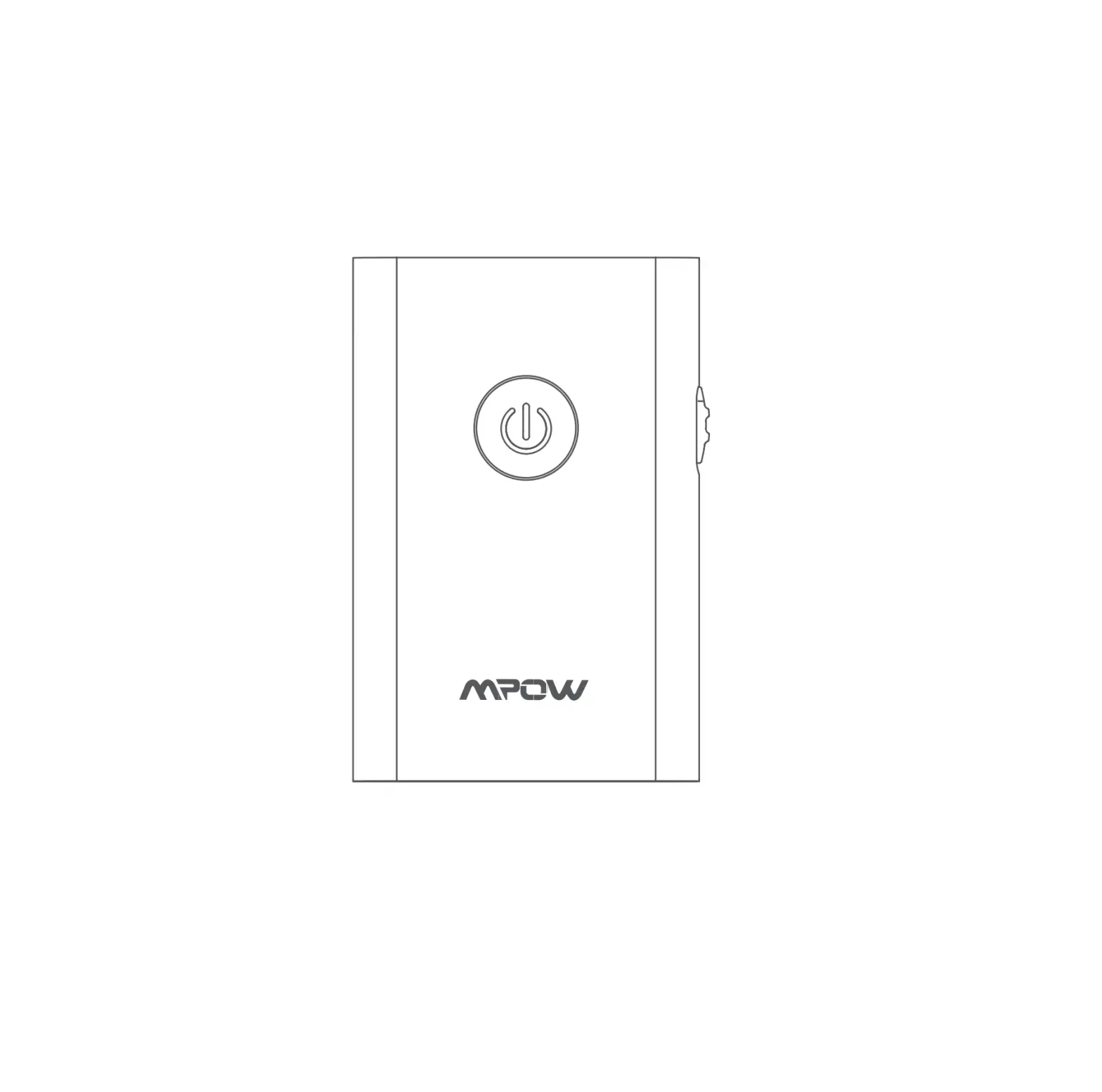
- Power switch
- The microphone
- The multifunctional button (MFB)
(Play / Pause; Answer / Hang up.) - USB charging port
Icons displayed on the screen
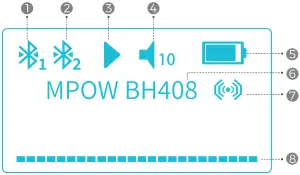
- Wireless Device 1
- Wireless Device 2
- Play / Pause
- Volume
- Battery
- Device Name
- Surround Sound
- Music Signal Spectrum
User Manual
| Functions | Operations | Screen Display | Notes | ||
| Power on | Slide the switch to “ON” | 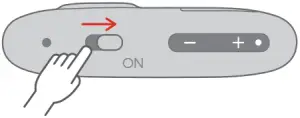 | 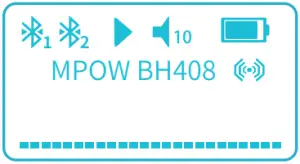 Screen turns on Screen turns on | 1. Make sure the intervals between power on and off longer than 5 seconds. 2. Fully charge the battery before use. 3. The music signal spectrum varies with music and volume. | |
| Screen turns off | The screen turns off automatically after 60 seconds to save power. | 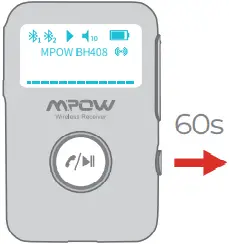 Screen turns on | Screen turns off | ||
| Wake up screen | Short press the MFB or volume up/down button to wake up the screen. |
Click Once OR
Click Once | | ||
| Auto power-off | The product automatically shuts down when not connecting to any devices more than 10 minutes. | 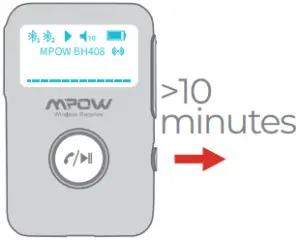 Without Bluetooth connection | Screen turns off | Switch on to wake the product. | |
| Auto power on when charger connected | In shut down status (when the switch is slid to ON), the product automatically turns on when the USB charger is connected. (e.g. start your car when the product is connected to the charger, it automatically turns on and starts reconnecting or pairing) | 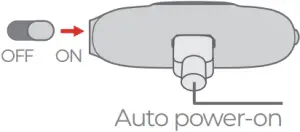
Auto power-on |  Flashing Flashing | It is not highly recommended to use the product while charging, since the voltage difference may interfere with the sound quality. | |
| Power off | Slide the switch to “OFF” | 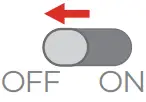 | Screen turns off | ||
| Wireless Pairing | |||||
| Wireless pairing | The icon of Wireless Device 1 starts flashing when power on and the product begins reconnecting or pairing. | 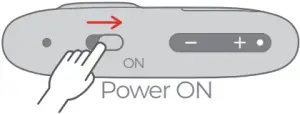 Power ON Power ON | Flashing | Flashing—Not connected
Still—Connected | |
| Wireless connected | Turn on the wireless on your phone, search and connect to “MPOW BH408”. | 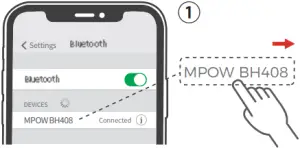 | Still—Connected | 1. The icon of Wireless Device 1 is still, indicating the product is connected. 2. The connected wireless device’s name is MPOW BH408 on your phone. | |
| Wireless disconnected | The product shuts down. | | Screen turns off | ||
| Auto reconnection
Abnormal cut off | When the product is switched on, the device is back to the wireless connecting range in 10 minutes.
The device is out of the wireless signal range. | 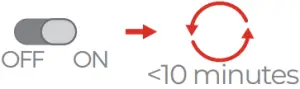
| Still
Flashing | ||
| Connect to 2 devices | After connected to the first device, long press the MFB for 3 seconds till the icon of Wireless Device 2 starts flashing, then search and connect “MPOW BH408” on the second device. | 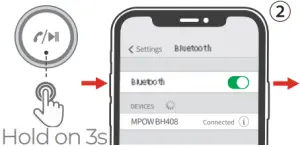 | Still
Still | The 2 icons stay still when both devices are connected to the product. | |
| Reset Wireless Connection | Long press the MFB for 8 seconds when power on, and wait till the screen shuts off. | 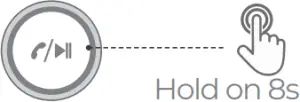 | Flashing | The icon of Wireless Device 1 flashes and starts to pair. | |
| Music | Operations | Calls | Operations | ||
| Play / Pause | Short press the MFB to play music while the device is connected. Short press the MFB to pause music. |  | Answer | Short press the MFB to answer calls. |  |
| Previous track/ Next track | Short press “+”. Short press “-“. |  | Reject | Long press the MFB to reject calls. |   |
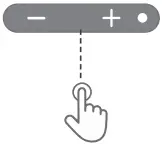
| Volume Up/ Volume Down | Long press “+” (15 adjustable volume levels) Long press “-” (15 adjustable volume levels) |  | Hang up | Short press the MFB to end calls. |  |
| Surround Sound On/Off | Press “+” and “-” simultaneously for 2 seconds. (Is enabled only during music playing) | 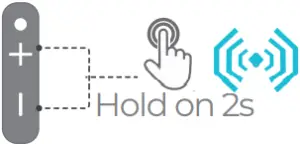 | Redial | Click the MFB twice to redial the last call. |  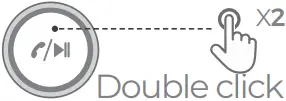 |
| Calls | Operations | Screen Display | Notes | ||
| Switch to the phone | Long press the MFB for 1 second to take the call on your phone. |  | xxxxxxxxxxx
| ||
| Activate voice assistant | Long press the MFB for 1 second to wake voice assistant while connecting to your phone. | |  | 1. It requires your phone having a voice assistant. 2. When connecting to 2 phones, this operation can only wake the voice assistant on the first paired phone. | |

Low Battery Alarm
(1) LED (2)



 < 3.0V
Slow Flash Power OFF
- The icon of the battery slowly flashes and the product makes the alarm sound in around 50 seconds intervals till it’s powered up.
- When the battery power is less than 3V, it will automatically shut down.
Notes: The product will shut down in about 10 minutes.
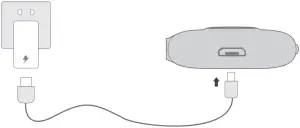
Charge
Output : 5V 1A
1A
FCC Statement
Any Changes or modifications not expressly approved by the party responsible for compliance could void the user’s authority to operate the equipment.
This device complies with part 15 of the FCC Rules. Operation is subject to the following two conditions:
(1) This device may not cause harmful interference, and (2) This device must accept any interference received, including interference that may cause undesired operation.
FCC Radiation Exposure Statement:
This equipment complies with FCC radiation exposure limits set forth for an uncontrolled environment.This equipment should be installed and operated with minimum distance 20cm between the radiator& your body.
MPOW TECHNOLOGY CO., LIMITED
www.xmpow.com | [email protected]
Copyright © MPOW Inc. All rights reserved.
 MPOW - Power of Technology and Art