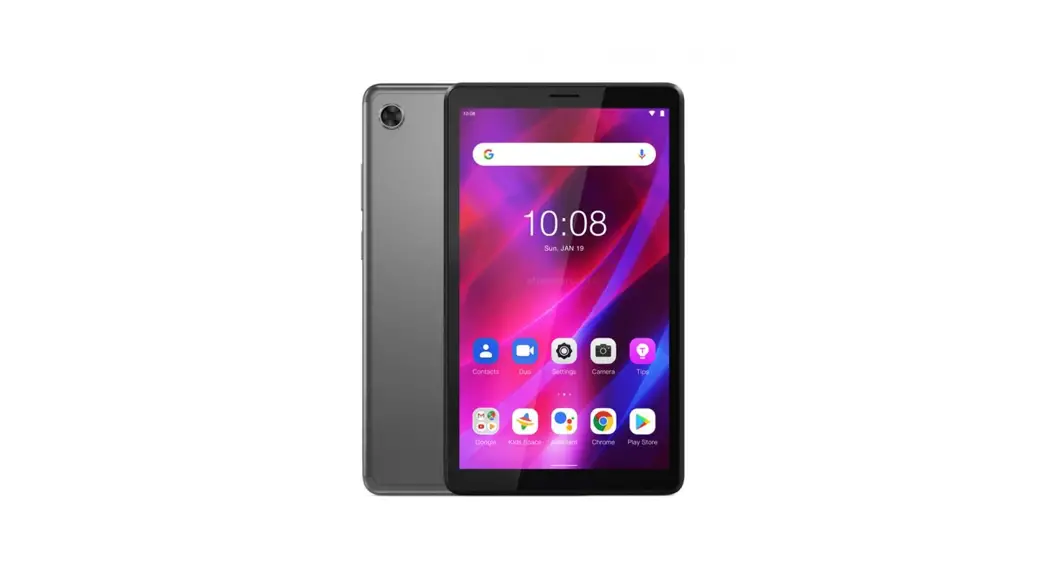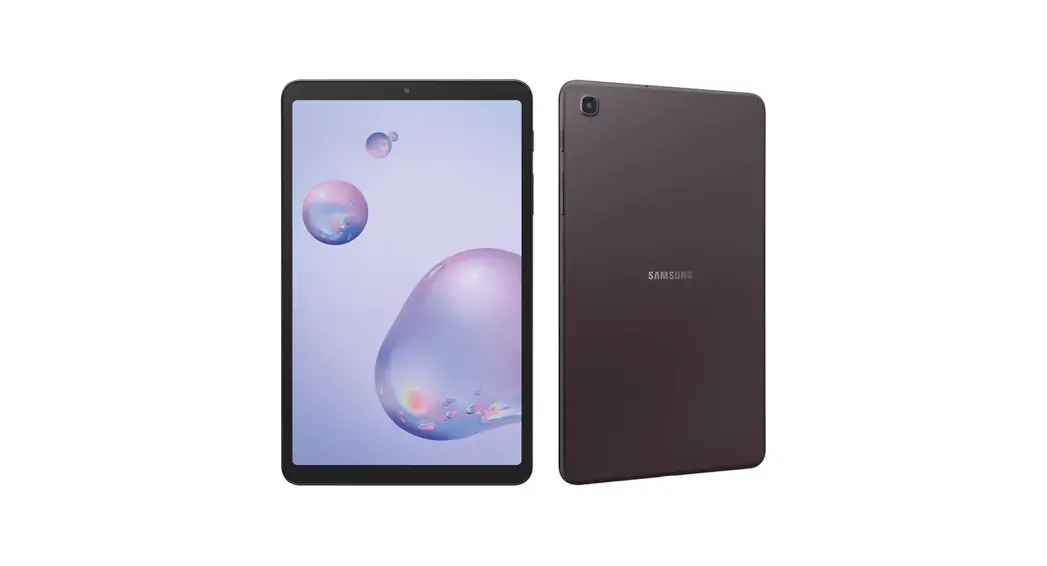

Let’s get started
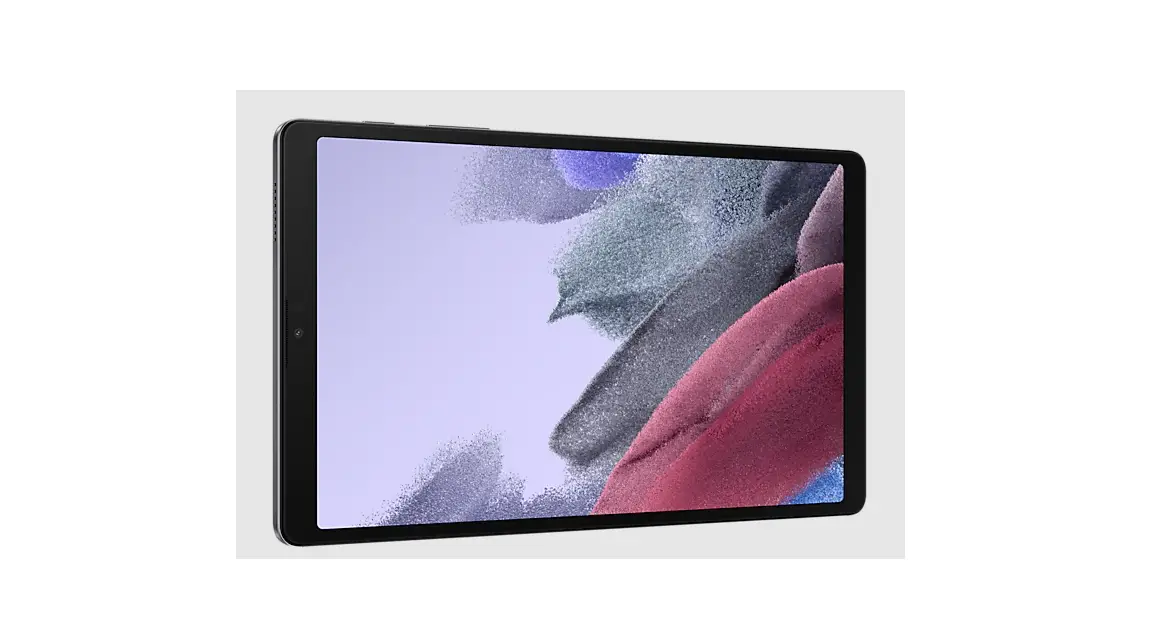
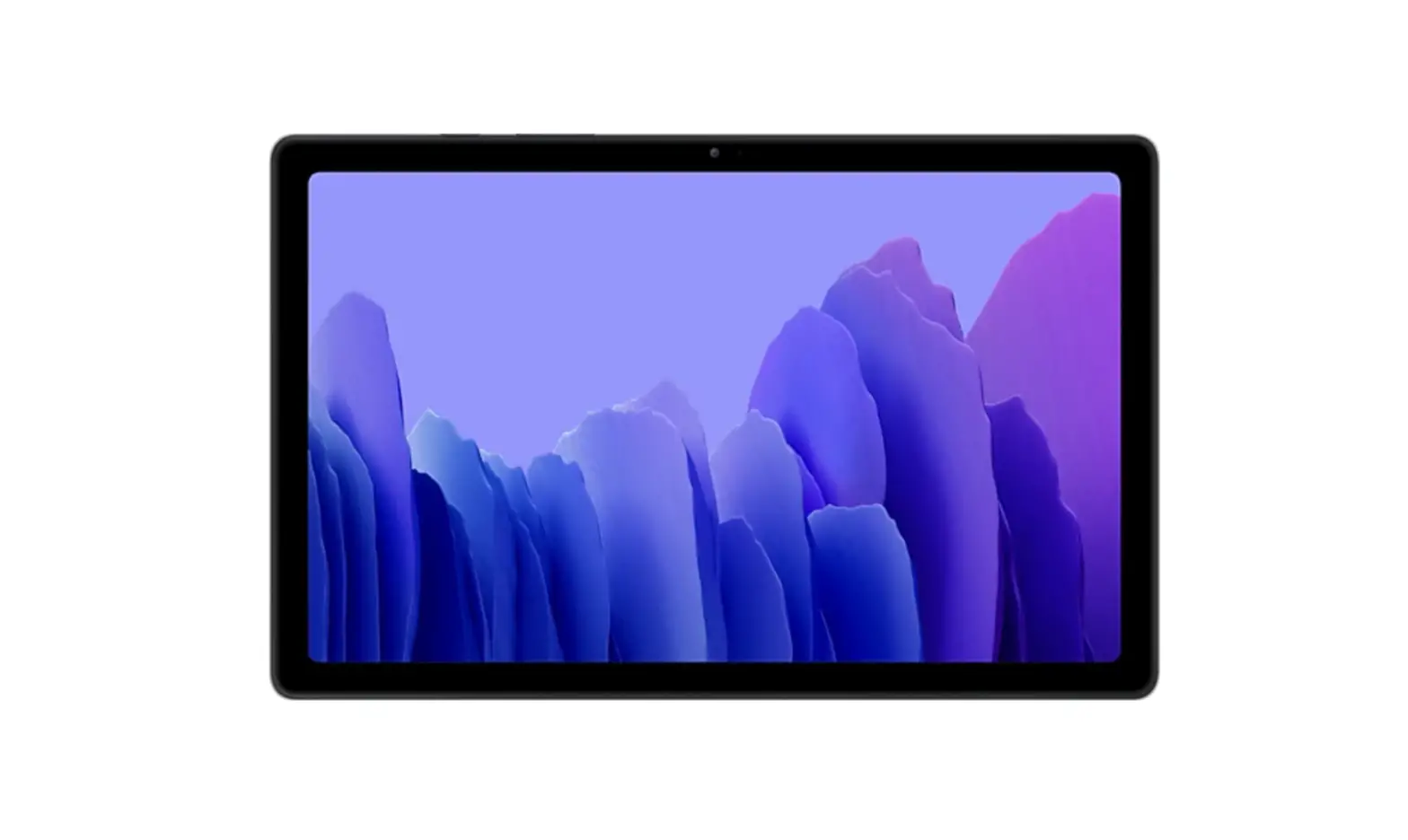
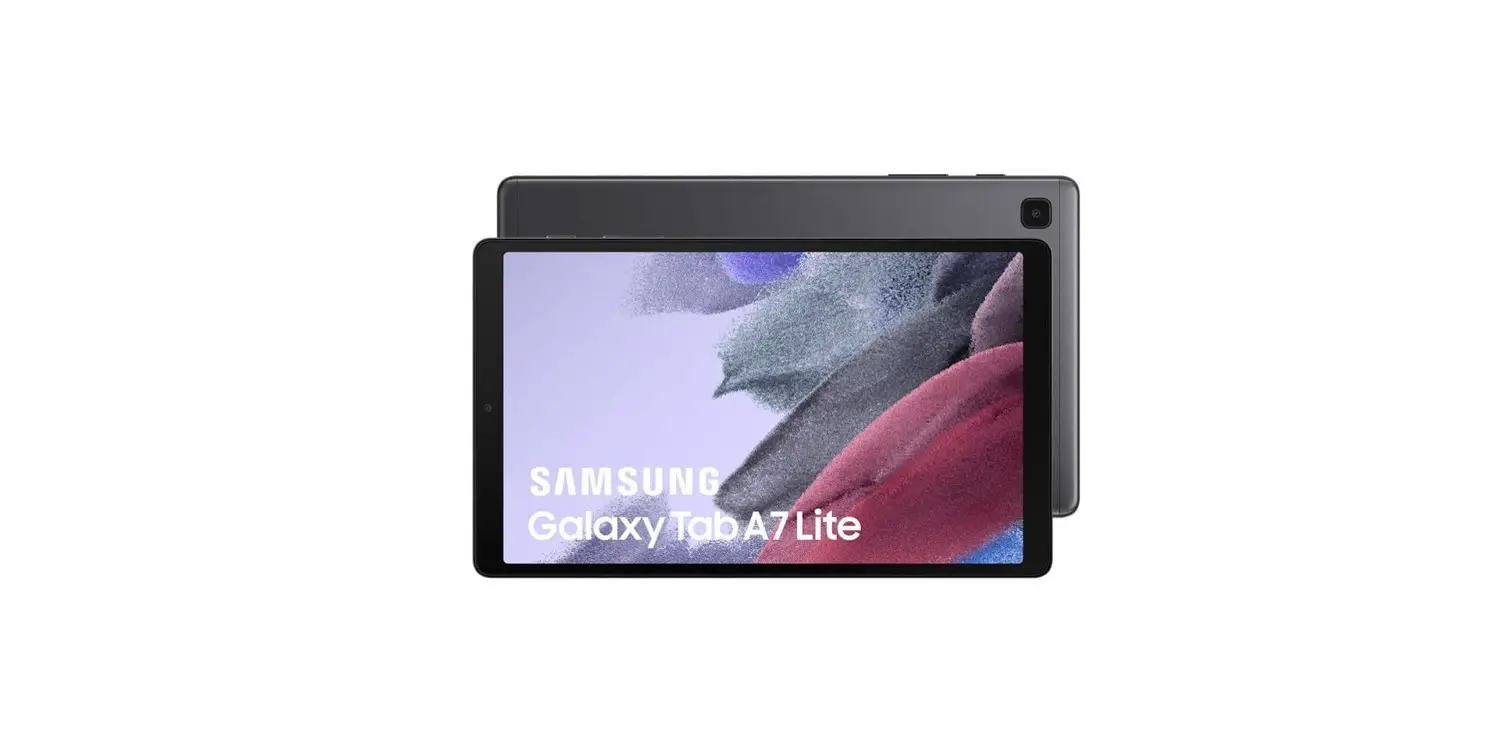
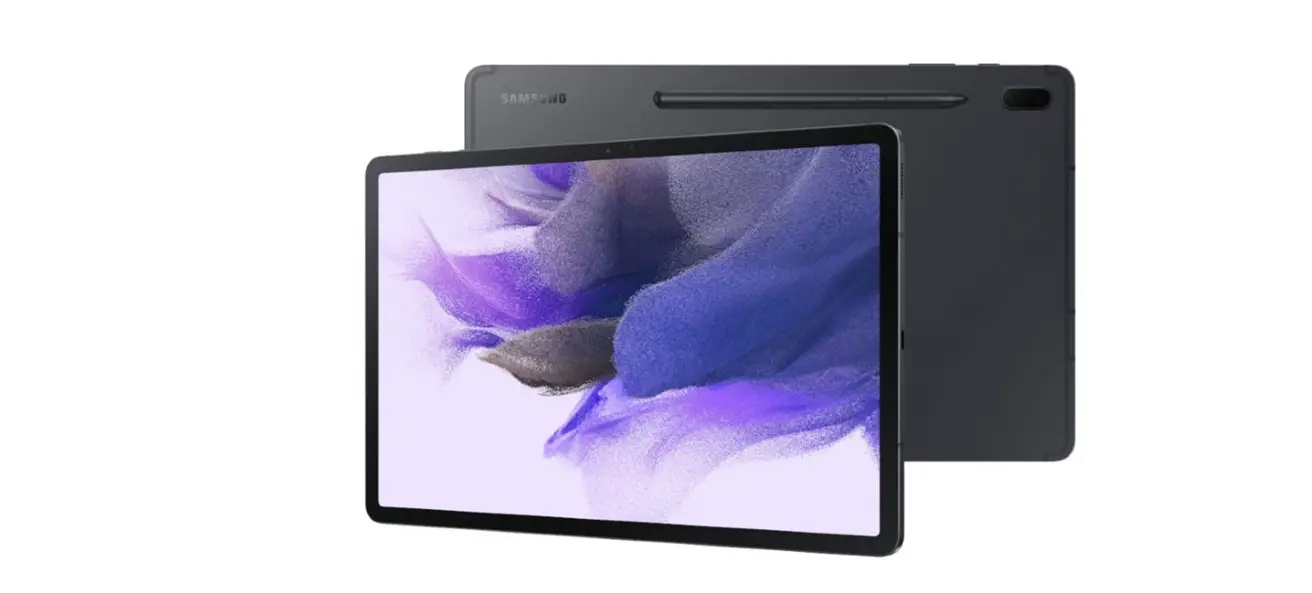
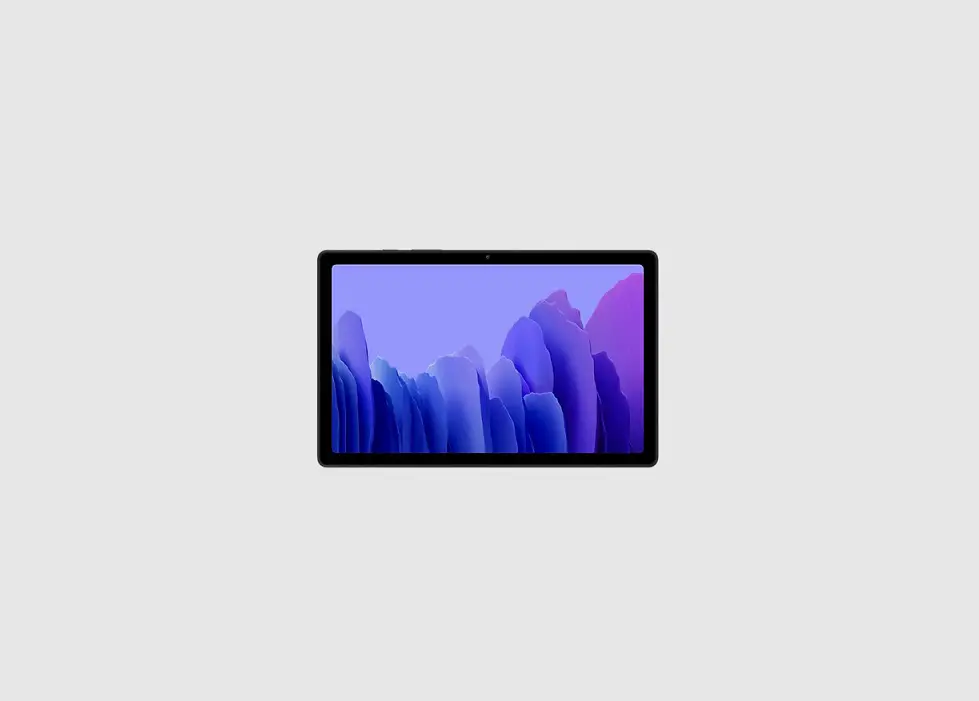
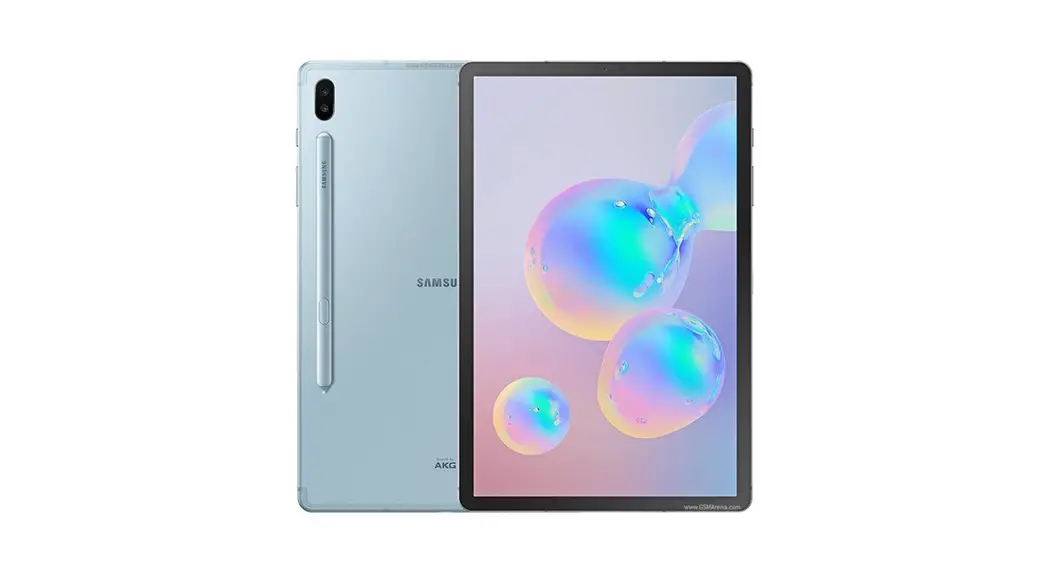
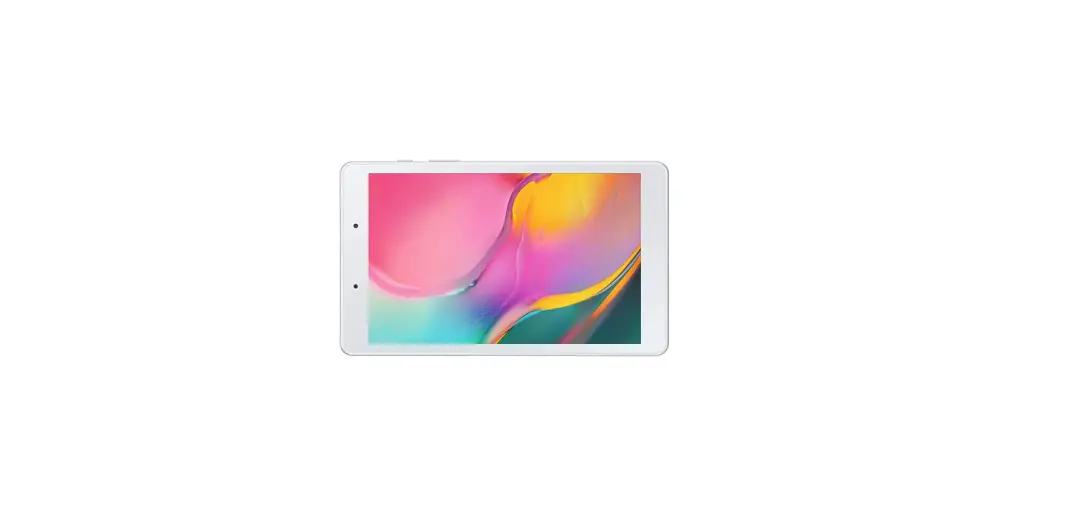
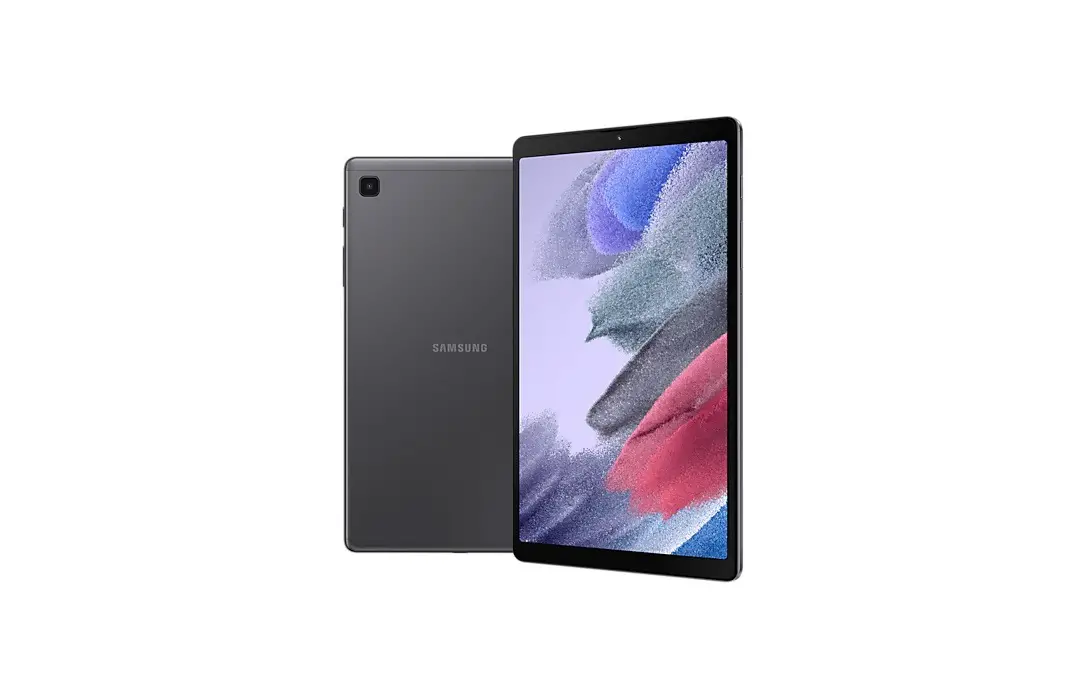
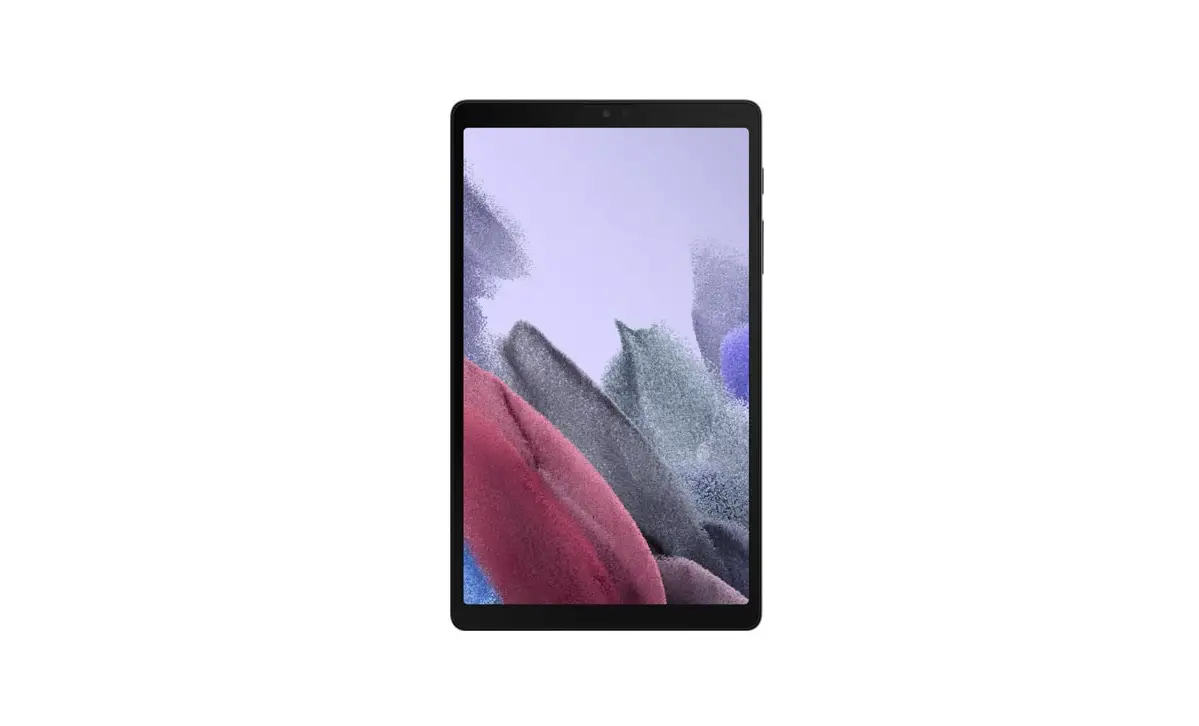
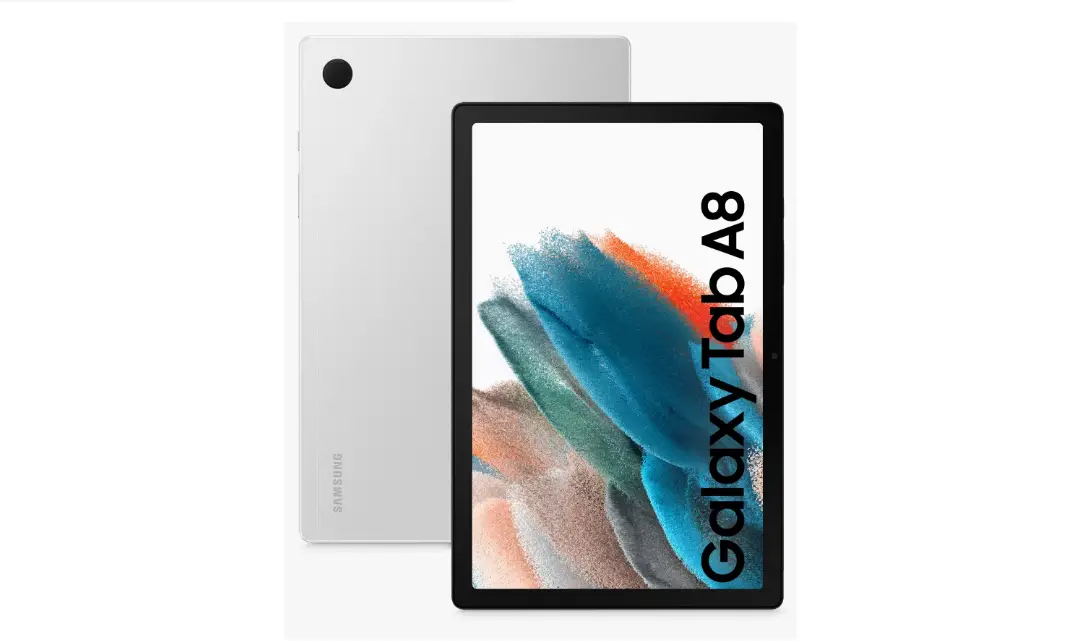
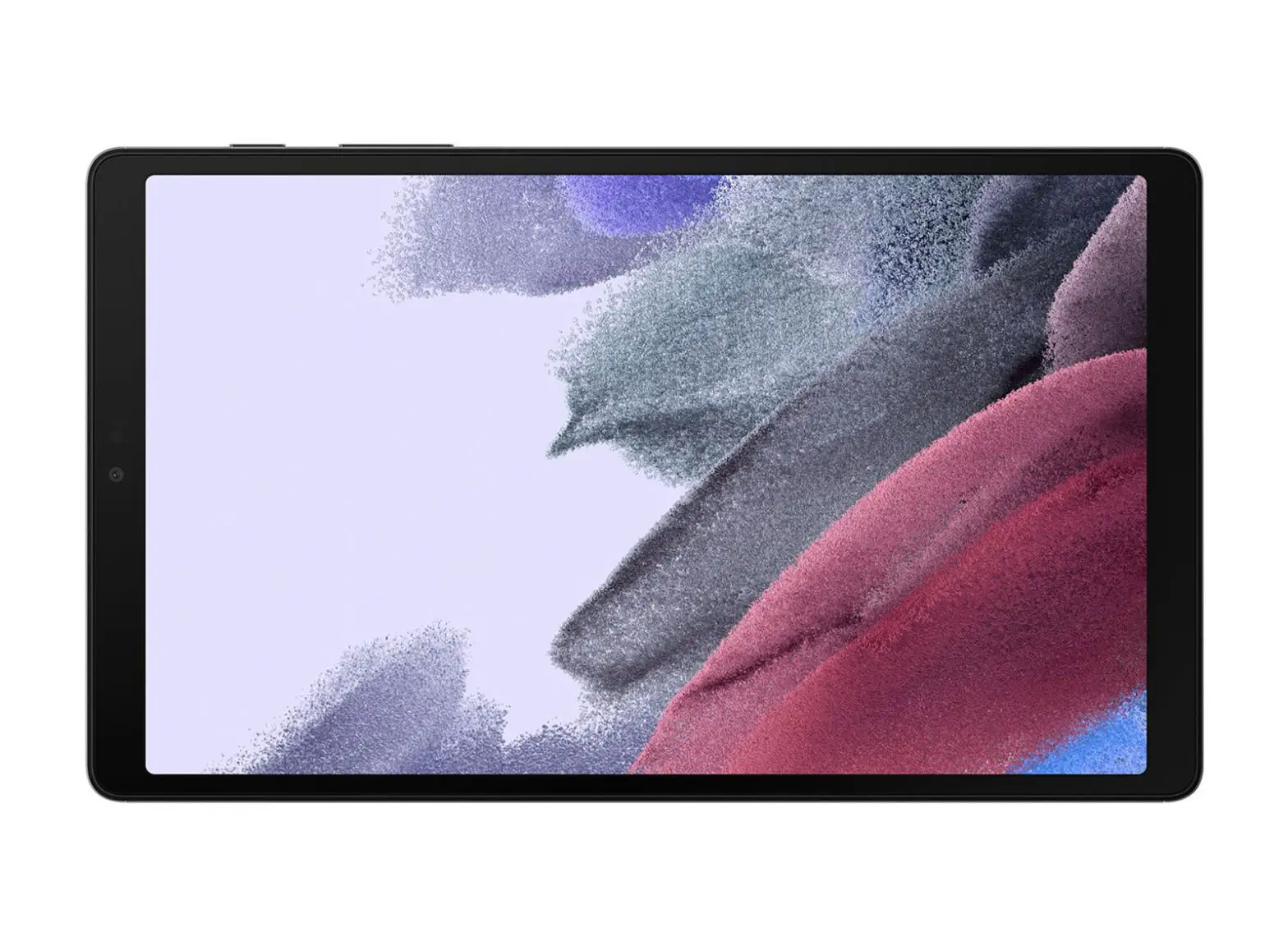
SAMSUNG Galaxy Tab A AT&T
AT&T
What’s in the box?
- Galaxy Tab A
- Pre-installed SIM
- Travel Adapter
- USB Cable
- Inbox Guide
- Terms and Conditions
TV Mode
Quickly launch your favorite video app, with TV mode.
Access TV mode
To launch TV mode:
- From the Home screen, swipe right
- Press the Power button twice
- From the lock screen, swipe TV mode


To turn on TV mode and select a video app, from the home screen, swipe up and tap Settings > Advanced features
 >TV Mode and select an app.
Note: You can also turn on TV mode from the Notification panel. Simply swipe down, from the top edge of the screen and tap
Your tablet
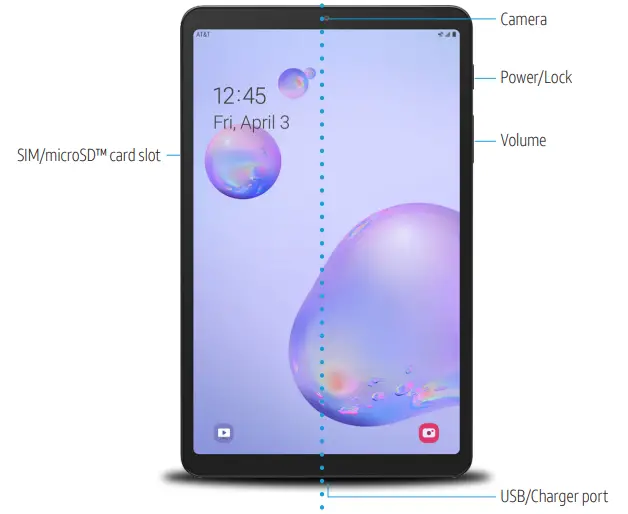
Easily Adjust Settings
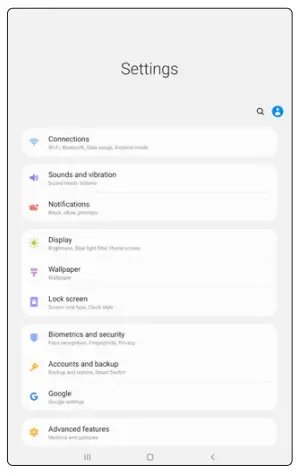
Settings Menu
From the home screen, swipe up for Apps, then tap Settings
.
Quick Settings
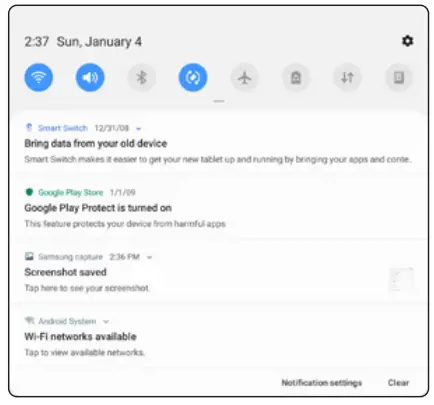
Drag the Status bar down to display the Notification panel.
The Notification panel provides quick access to device functions such as Wi-Fi, allowing you to quickly turn on or off.
Useful Apps*
 AT&T Messages
Send and receive text messages from your tablet or computer.
 AT&T NumberSync
Make and receive calls on your tablet using your mobile phone number.
 AT&T AllAccess
Stop worrying about data overages and take control with AT&T AllAccess data monitoring tools.
 AT&T ProTech
With AT&T Mobile and Multi-Device Protection Packs, enjoy premium services and unlimited access to our team of trained support experts!
Find More Information
Manage Your Account with myAT&T
- On your tablet: Swipe up for Apps, then tap myAT&T

- On the web: att.com/myATT
Compatible device and online account required. Data and messaging rates may apply for download and app usage.
Need More Help?
- On your tablet: Swipe up for Apps, then tap AT&T folder > Device Help
- On the web: att.com/DeviceHowTo
Give us a Call
- 611 from any AT&T wireless phone
- 800.331.0500 or prepaid 800.901.9878
Samsung Care
- To access user manuals, tips, videos, more visit samsung.com/us/support
- For hardware or software support, call 800.726.7864 or online support at samsung.com/us/support/contact
- To find a repair center near you, visit samsung.com/us/support/service/locations/
DIRECTV

Watch. Stream. Enjoy.
- Watch your favorite life and on-demand shows anywhere with the DIRECTV App*
- Download your DVR recordings to your devices at home and watch offline anywhere*
- Enjoy thousands of movies and shows to stream anywhere
For Details:
 | Call 877.259.9450 |
 | Visit your local AT&T store |
 | Go to att.com/takedirectv |
*Req’s Internet-connected Genie HR44+ & elig. svc. Channels/content vary by pkg & location and must be streamed through the DIRECTV App. Restr’s applied. Contact DIRECTV for details. ©2020 AT&T Intellectual Property. All Rights Reserved.
AT&T, Globe logo, DIRECTV, and all other DIRECTV marks contained herein are trademarks of AT&T Intellectual Property and/or AT&T affiliated companies.
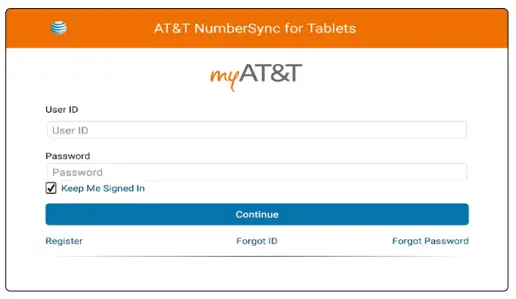
NumberSync
Sync your AT&T smartphone number with a tablet to make and receive voice and video calls using your smartphone number.
- One number: Calls and texts* from your tablet will display as your smartphone number
- Simultaneous ring: Calls to your mobile phone will ring all synced devices at the same time
Setup NumberSync
- From the Home screen, tap Phone

- Tap OK and follow the prompts.

*Data rates may apply. Texting requires use of the AT&T Messages app.
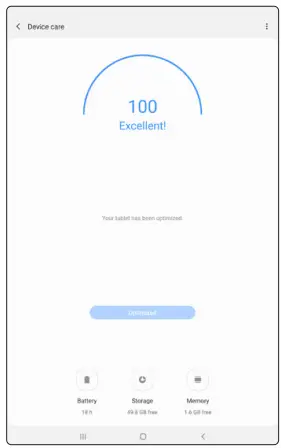
Optimize the battery
From the home screen, swipe up for Apps, then tap Settings > Device care
 | AT&T 5-Star Eco-Rating 2.0 att.com/ecospace |
 | WIRELESS EMERGENCY ALERTS CAPABLE |
AT&T Eco-Rating 2.0 only applies to Galaxy Tab A. For limited factors evaluated visit att.com/EcoSpace. Wireless Emergency Alerts is a registered Trademark and Service Mark of CIA.
Portions © 2020 Samsung Electronics America, Inc.
Samsung and Galaxy Tab A are both trademarks of Samsung Electronics Co., Ltd. Portion of memory occupied by existing content. LTE is a trademark of ETSI. 4G LTE is not available everywhere. Wi-Fi is a trademark of the Wi-Fi Alliance. Contains Lithium-ion battery – recycle or dispose of properly. Portions © 2020 AT&T Intellectual Property. All rights reserved. AT&T, the AT&T logo, and all other AT&T marks contained herein are trademarks of AT&T Intellectual Property. All other marks are the property of their respective owners.
Printed in the USA
GH68-51734A
 GH68-51734A
 att.com/DeviceHowTo
 Support Home | Official Samsung Support US