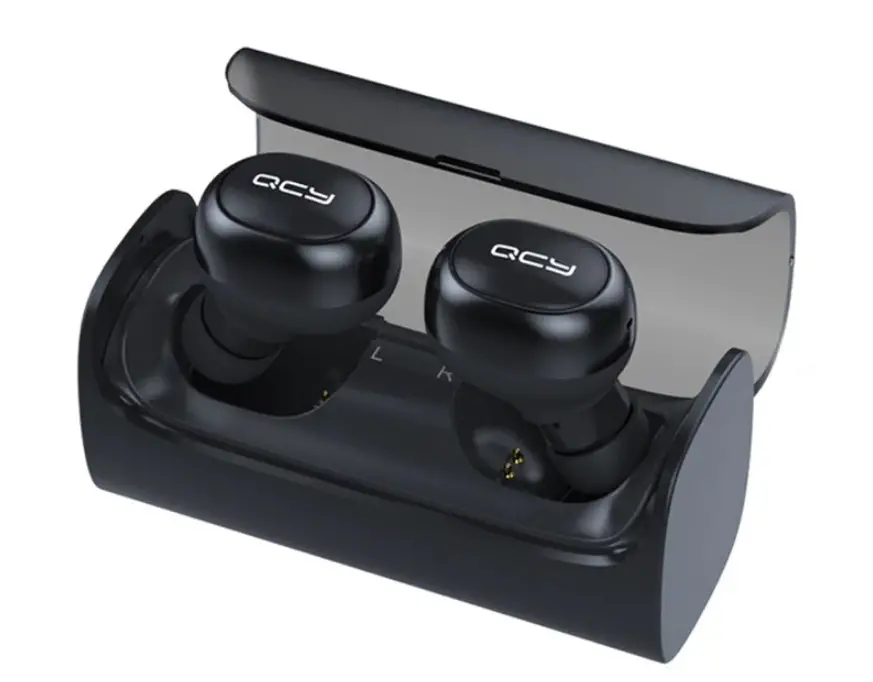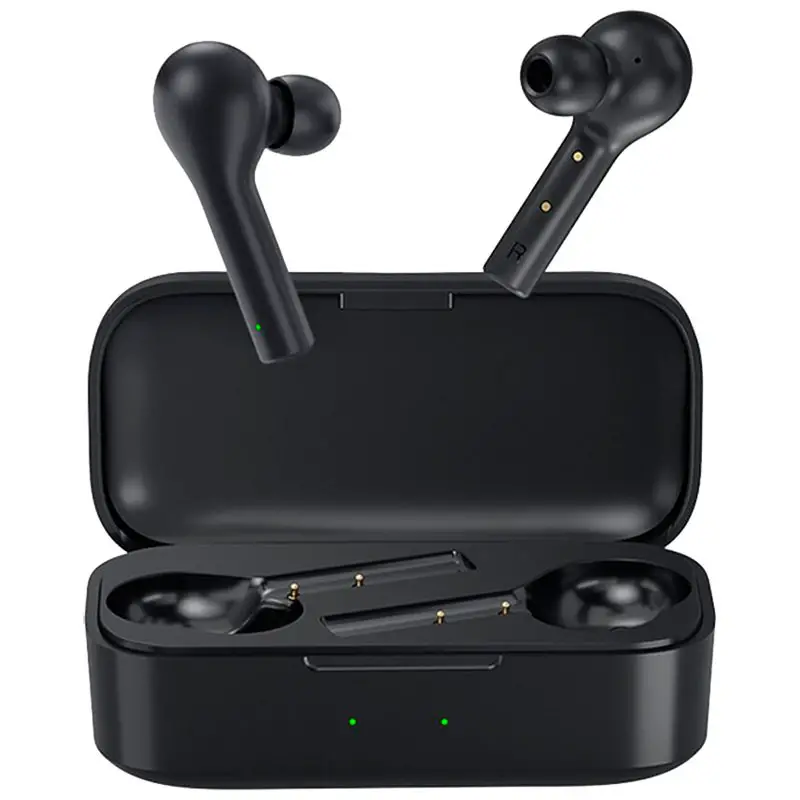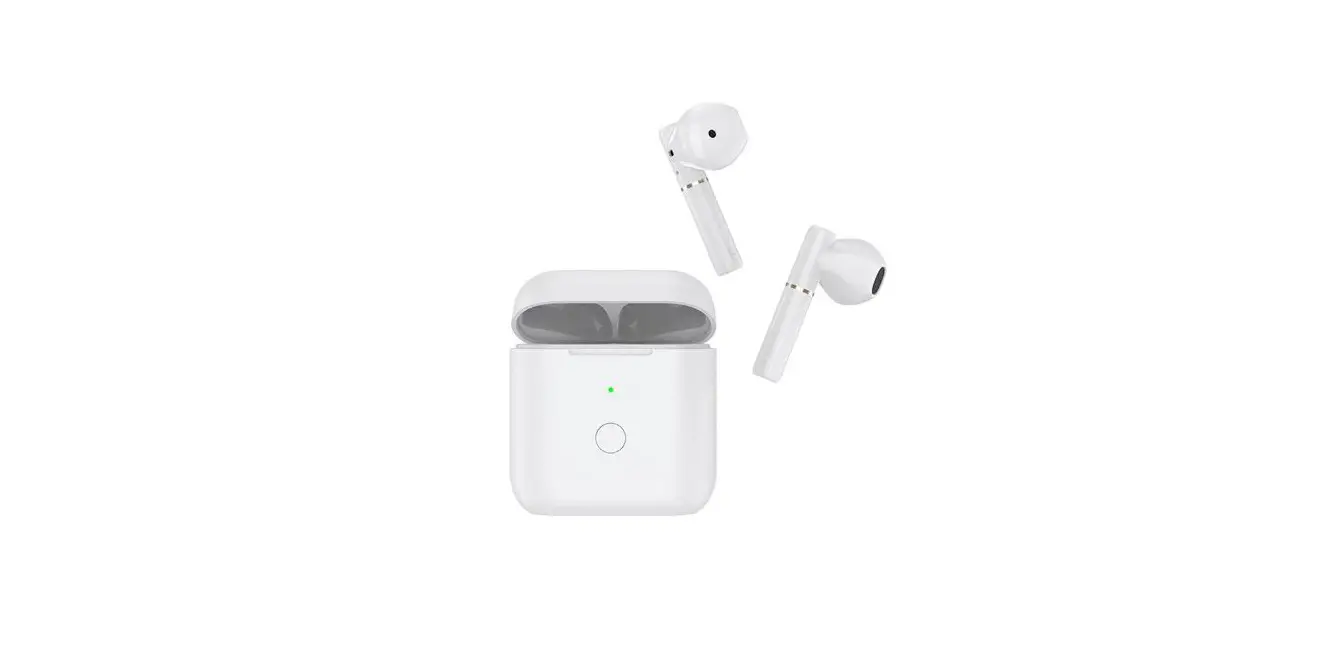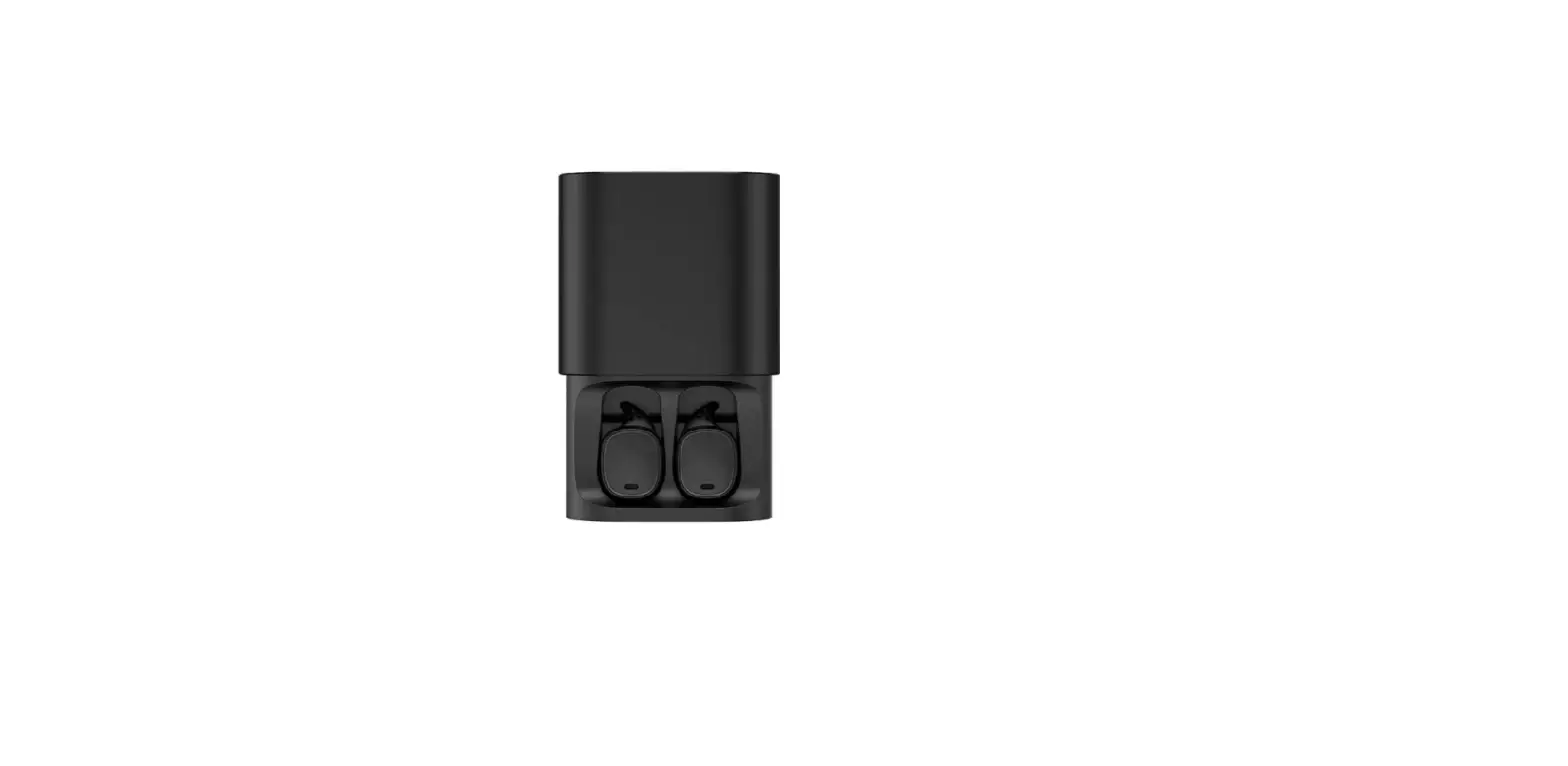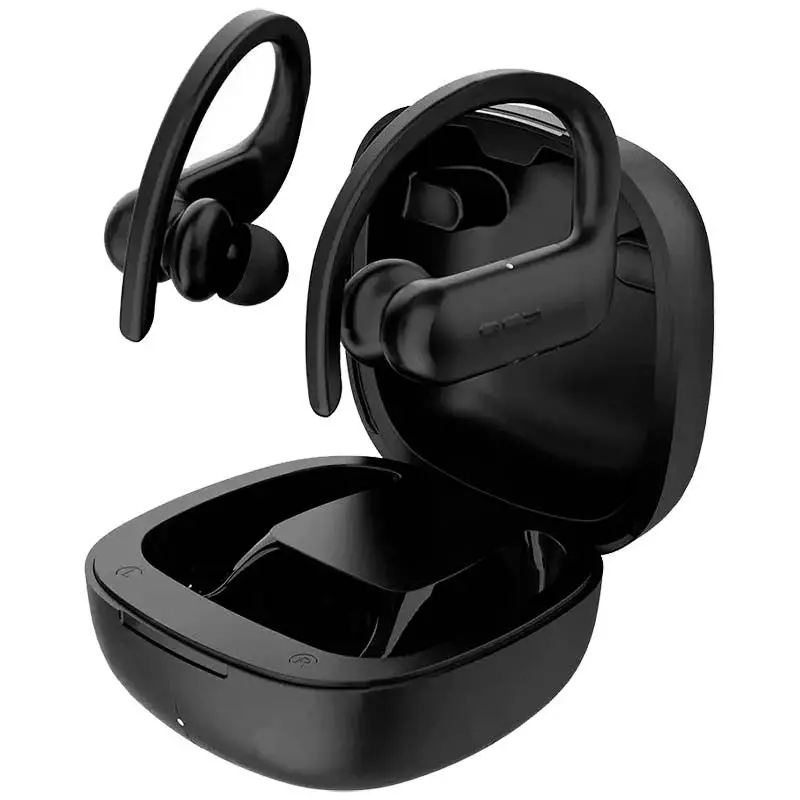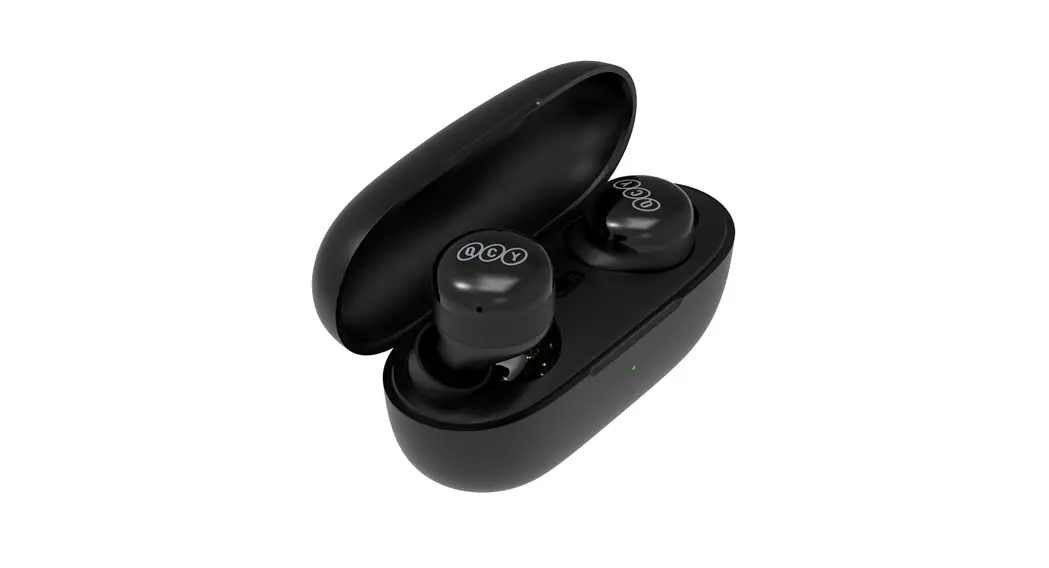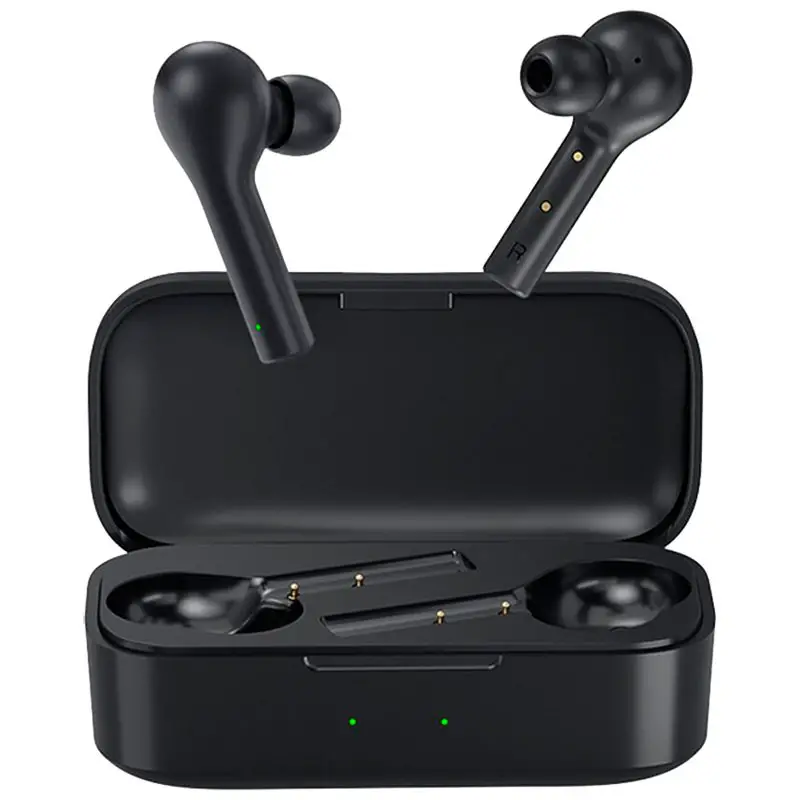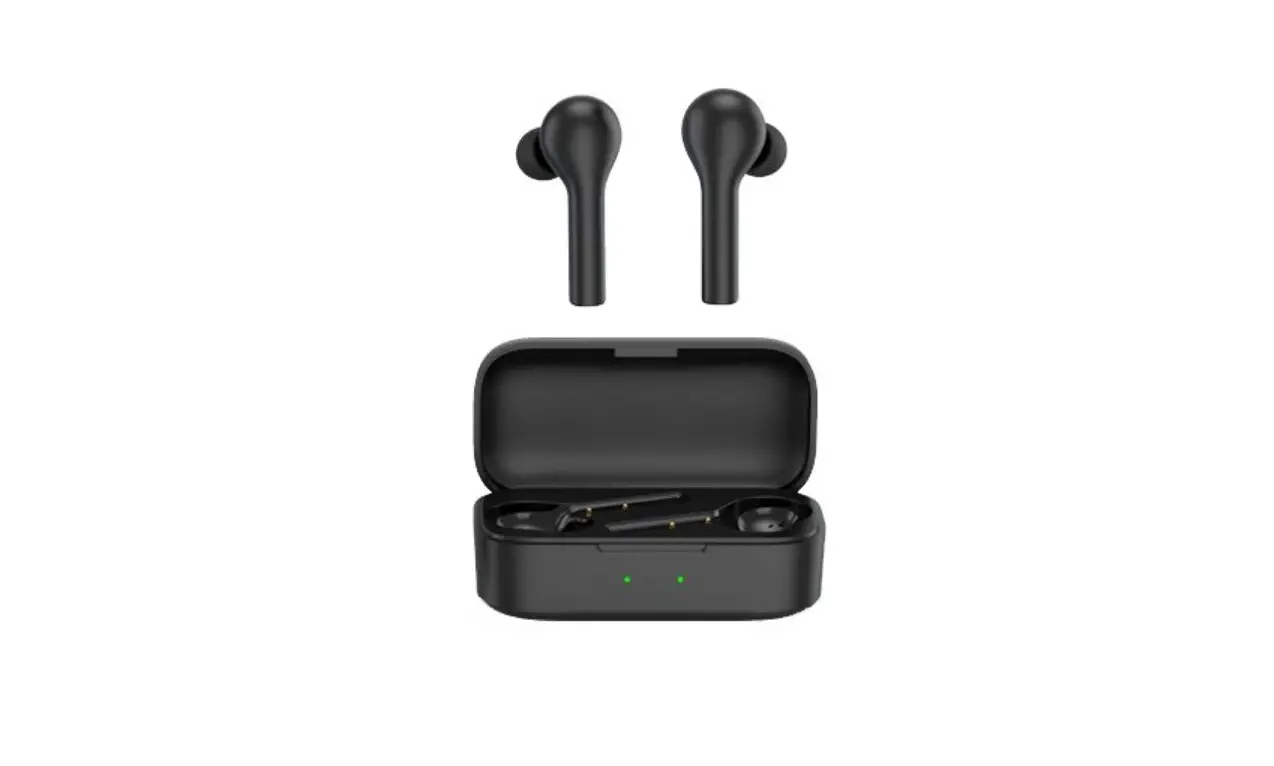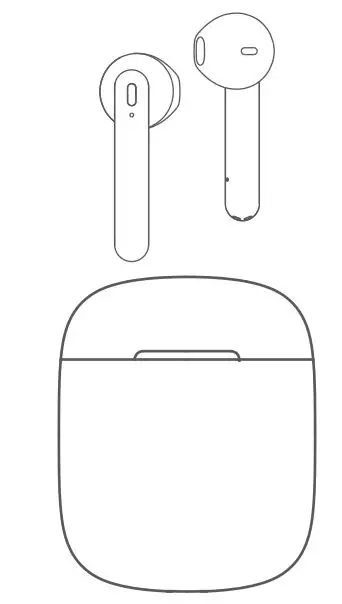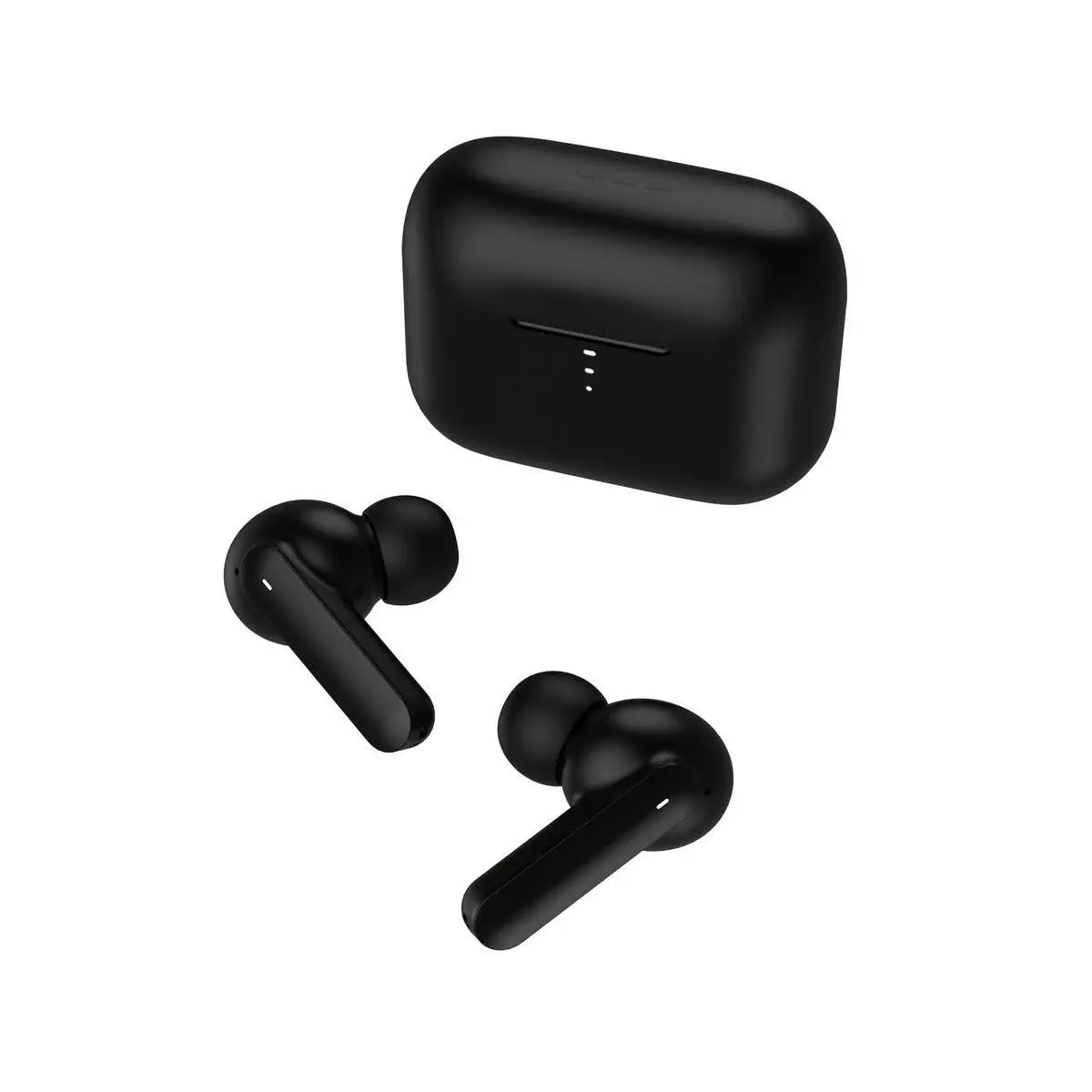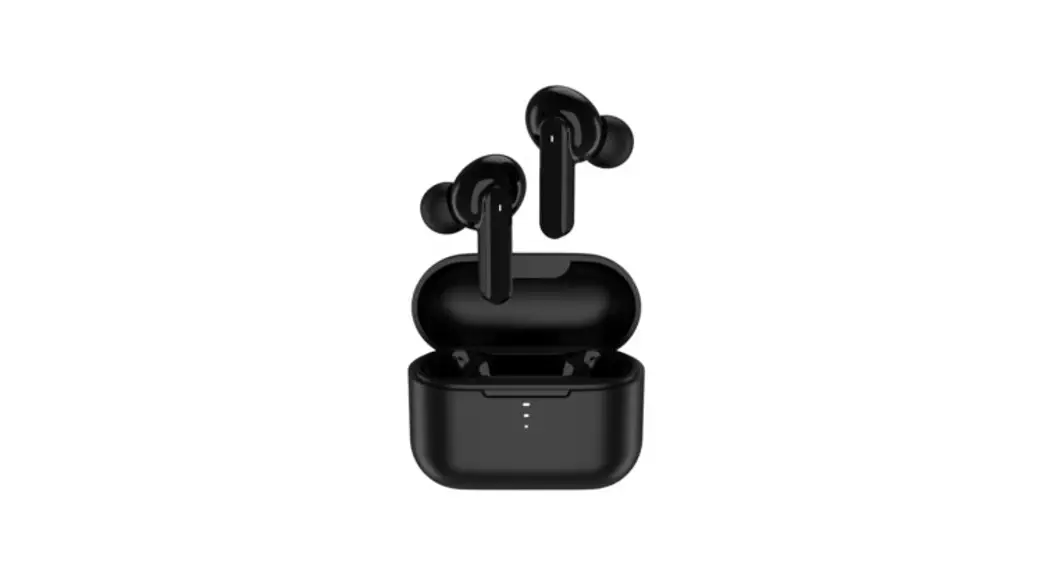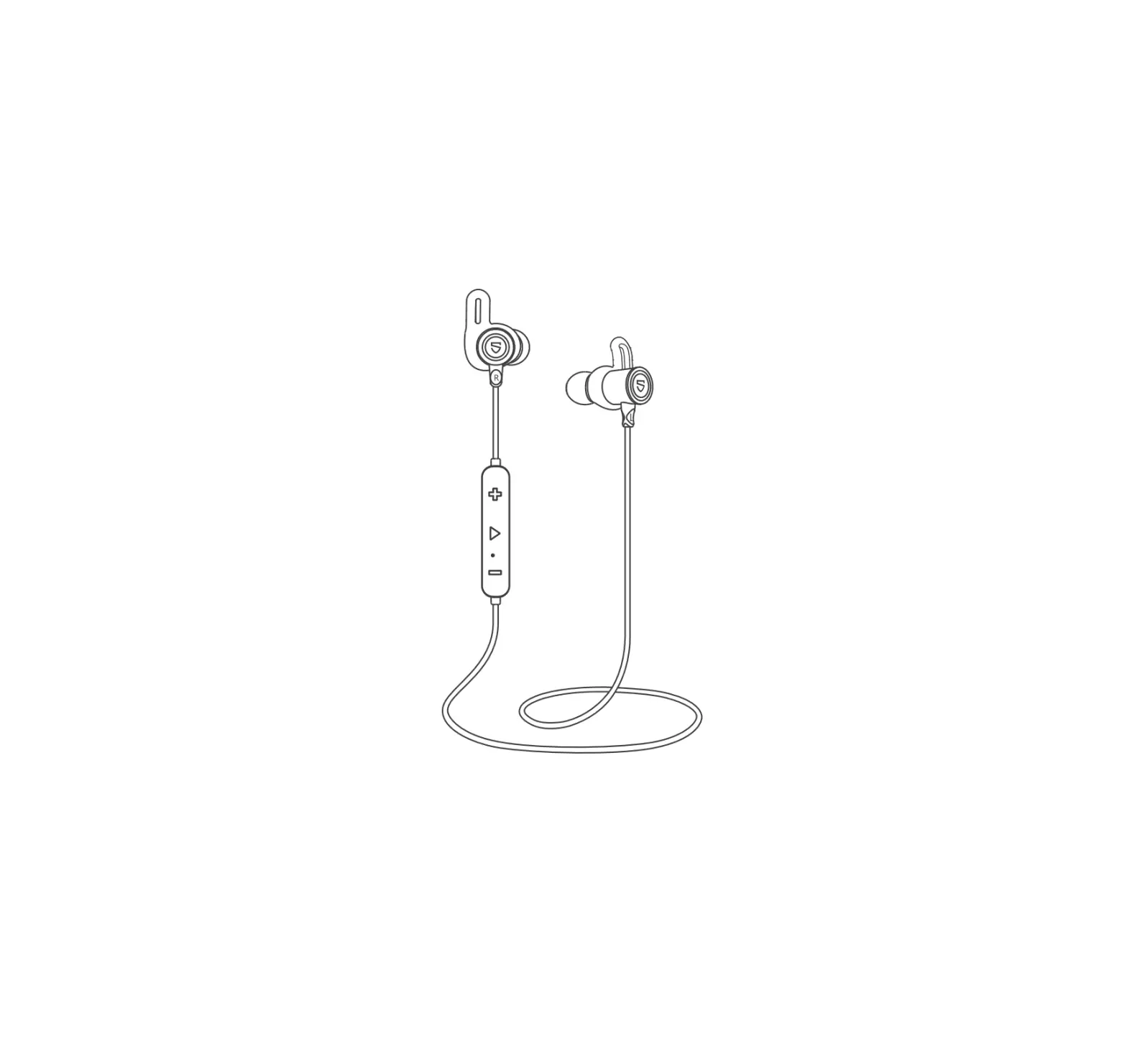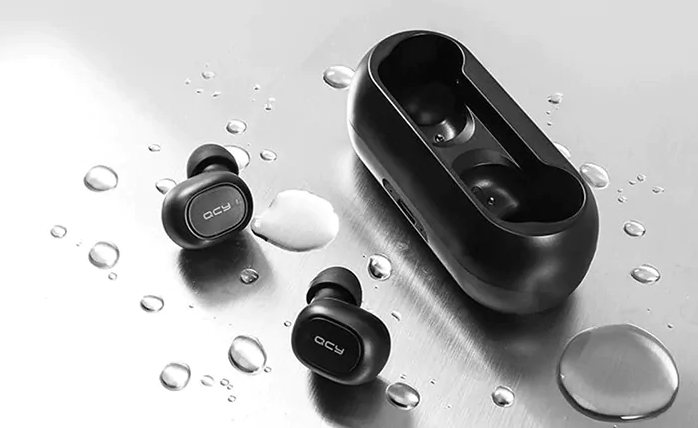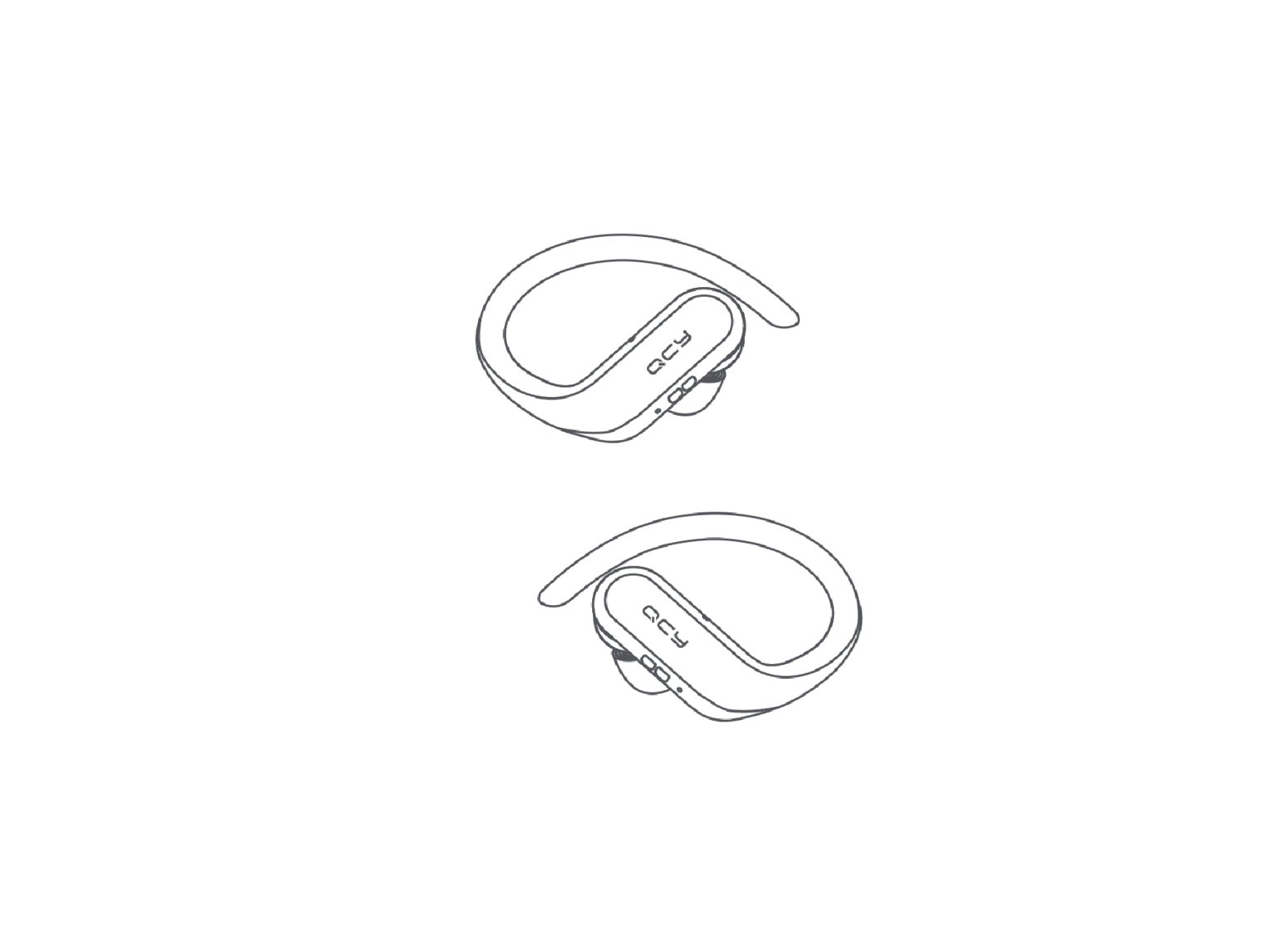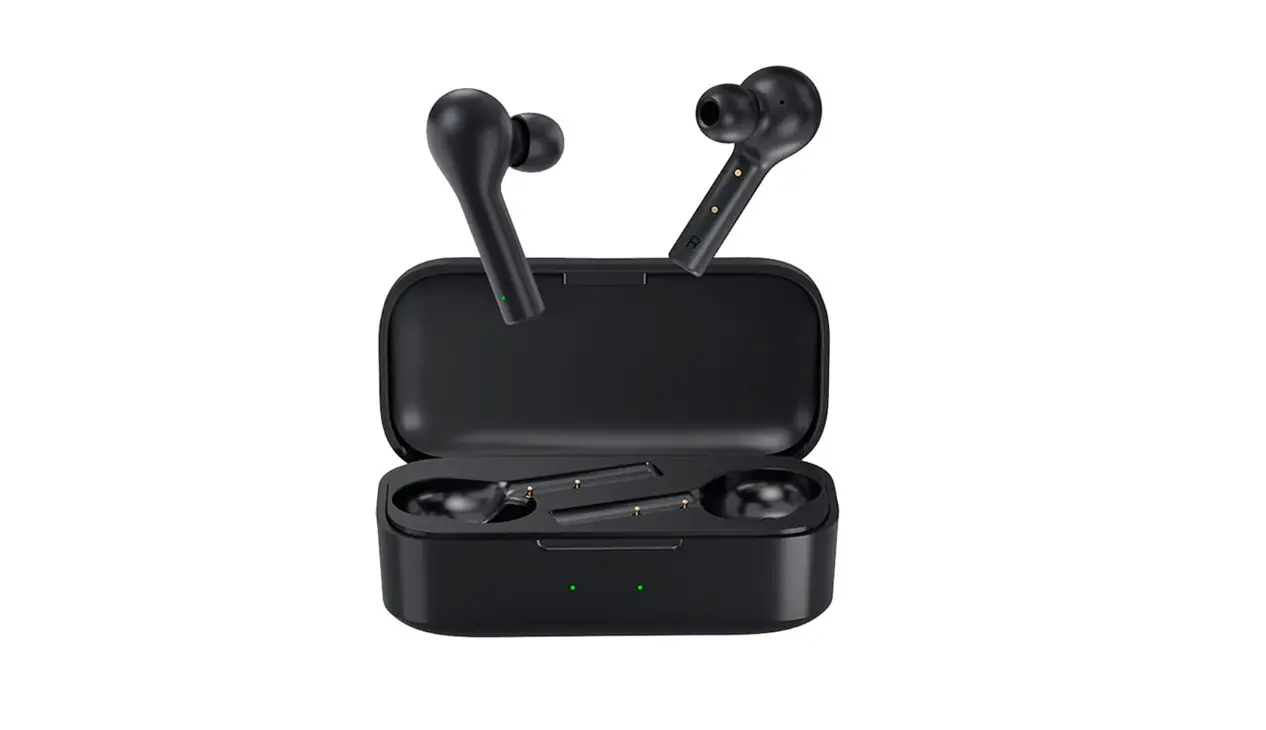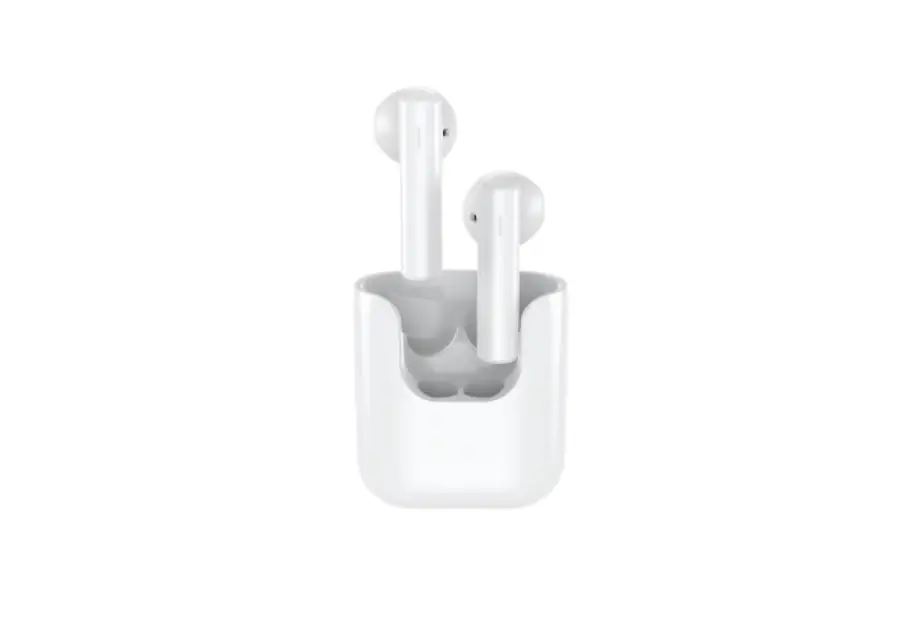
QCY IN2026L Bluetooth Headset User Manual
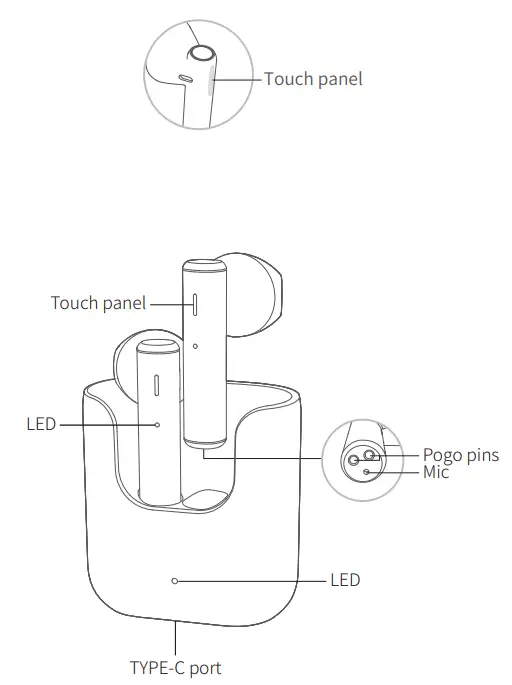
Overview
How to Connect
First time connectivity:
Open the case and earbuds will auto power-on, pair with each other and turn connectable. On phone, search for QCY-T12 and touch to connect both earbuds to phone.
Switch connected device:
- Turn off phoneA’s Bluetooth faculty and earbuds will auto
disconnect and turn connectable.” - On phoneB, search for QCY-T12 and touch to connect.
Multi-point connection is not available and earbuds will auto reconnect to phoneB upon powering up again.
Factory Setting
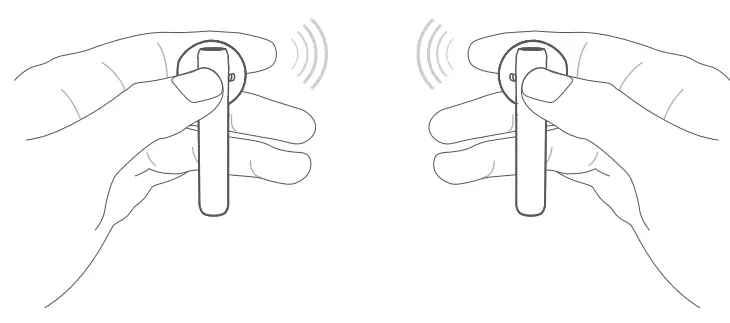
(Please refer the following methods to fix connectivity errors) Method 1:
- Delete connectivity record on phone, if any.
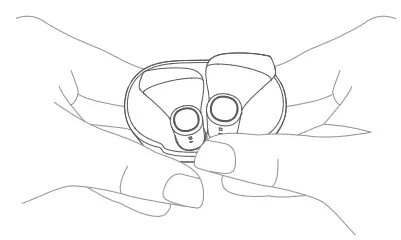
- Push earbuds into case and keep touching both panels for 10s or until LEDs blink red and green 3 times to reset to factory.
After that, earbuds will auto pair with each other upon picking them up.
How to Wear
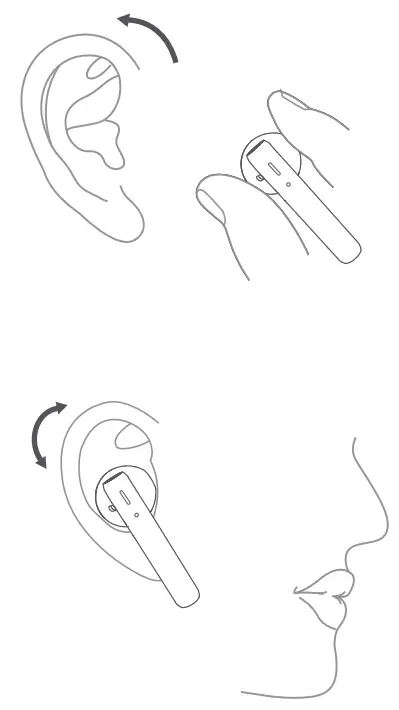
- Rotate earbud and pop it into your ear then shake head to check wearing stability.
- Please adjust Mic towards your mouth to gain better calling experience.
- Please wear earbuds properly, making sure they fit in firmly and sound holes are inside ear channels.
Mono Mode
- Earbuds were paired before. Keep touching panel on either earbud for 2s to power on them. They will auto turn connectable in 5s(LED will blink blue).
- On phone, search for QCY-T12 and touch to connect the earbud to phone.
Charge the Earbuds
Push earbuds into the case and close the lid. Earbuds will auto turn off and to be charged.
Charge the Case
When the case get charged, LED on case will glow solid red and turn green once topping up. When earbuds get charged, LED on earbud will glow solid red and turn green for 1 minute once topping up.
Functions
| Functions | Current status | Operation | LED | Prompt |
| Power-on | Earbuds are not in the case | Keep touching the panel for 1.5s | LED blinks green | TONE |
| Earbuds in case within power | Open the lid | |||
| Power-of | Earbuds are power-on and case is within power | Push earbuds in case to power off them | LED glows solid red when charging | / |
| Earbuds are power-on | Keep touching the panel for 5s | LED glows red for 2s | TONE | |
| Answer/end call | Incoming call/ calling | Double touch the panel to answer /end the call | / | TONE |
| Ignore call | Incoming call | Keep touching the panel for 1.5s | / | TONE |
| Voice assistant | Connected | Triple touch left panel | / | TONE |
| Music pause/ resume playing | Playing | Double touch | / | / |
| Skip track backward | Playing | Keep touching left panel to skip track backward | / | / |
| Skip track forward | Playing | Keep touching right panel to skip track forward | / | / |
| Gaming mode | Connected | Triple touch right panel to turn on/off gaming mode | / | TONE |
Warranty Card
Warranty Period
12 months after you purchase this item.(or you may inquire your local shopper for more details.) Free Service:
Supposing any defects caused by quality issues occur within the warranty period, please take this warranty card and purchase receipts to your distributor for free exchange service.
Model Number:
Date of Purchasing:
User’s Name:
User’s Phone:
User’s Address:
Shop’s Name:
Shop’s Address:
Comments:
Free exchange service will not be accessed under following circumstances:
- Damages caused unauthorized disassembly.
- Defects or physical damages caused by leaking or dropping off.
- Damages by act of God.Supposing your item is within any damages or defects except the above circumstances, please return to us or your distributor for free repairing.
FCC Statement
This equipment has been tested and found to comply with the limits for a Class B digital device, pursuant to Part 15 of the FCC Rules. These limits are designed to provide reasonable protection against harmful interference in a residential installation. This equipment generates uses and can radiate radio frequency energy and, if not installed and used in accordance with the instructions, may cause harmful interference to radio communications. However, there is no guarantee that interference will not occur in a particular installation. If this equipment does cause harmful interference to radio or television reception, which can be determined by turning the equipment off and on, the user is encouraged to try to correct the interference by one or more of the following measures:
- Reorient or relocate the receiving antenna.
- Increase the separation between the equipment and receiver.
- Connect the equipment into an outlet on a circuit different from that to which the receiver is connected.
- Consult the dealer or an experienced radio/1V technician for help.
This device complies with part 15 of the FCC Rules. Operation is subject to the following two conditions:
- This device may not cause harmful interference, and
- this device must accept any interference received, including interference that may cause undesired operation.
Changes or modifications not expressly approved by the party responsible for compliance could void the user’s authority to operate the equipment.

Hazardous substances and their contents in the item
| Part Name | Hazardous Substances | |||||||||
| Pb | Hg | Cd | Cr (VI) | PBB | PBDE | DIBP | DEHP | DBP | BBP | |
| Main body | X | 0 | 0 | 0 | 0 | 0 | 0 | 0 | 0 | 0 |
| Battery | 0 | 0 | 0 | 0 | 0 | 0 | 0 | 0 | 0 | 0 |
| Ear tips | 0 | 0 | 0 | 0 | 0 | 0 | 0 | 0 | 0 | 0 |
| Accessories | 0 | 0 | 0 | 0 | 0 | 0 | 0 | 0 | 0 | 0 |
| Charging cable | X | 0 | 0 | 0 | 0 | 0 | 0 | 0 | 0 | 0 |
| This form is made by SJ/T 11364 regulation. 0: means that hazardous substance content in the homogeneous materials of this part is within the limits of (EU) 2015/863 regulation . X : means that hazardous substance content in ,at least, one certain homogeneous material of this part is beyond the limits of (EU) 2015/863 regulation ,but there is no mature alternative in the industry at present, it still conforms to the EU ROHS Directive in the scope of exemption. | ||||||||||
Notes: Please arrange using time properly as your hearing may be damaged by using the device for a long time.
Manufacturer: Dongguan Hele Electronics Co., Ltd. Address: Daojiao Town, Dongguan City, Guangdong, China
Tips
- Before using the headset, please read the manual carefully and keep it for future references.
- The headset need to be fully charged prior to first-time use.
- If the headset is left unused for over two weeks, please recharge it periodically.
- Please use the chargers made by qualified manufacturer.
- If the headset cannot be found by your phone, please check whether it is in pairing mode; if left unconnected for a long while, the headset will exit pairing mode, please re-enter the mode; if a procedure error of your phone occurs, reboot it; if a procedure error of the headsetoccurs, reboot or reset it.
Caveats
- Never disassemble or modify your headset for any reasons to avoid any damages and danger.
- Do not store the headset in extreme temperatures (under 0°C or over 45°C).
- Avoid using the indicator close to the eyes of children or animals.
- Do not use this headset during a thunderstorm to avoid irregular function and increased risk of electricshock.
- Do not use harsh chemicals or strong detergents to clean the headset.
- Keep the headset dry.

Made In China
(left earphone:) FCC ID: RDR-IN2026L
(right earphone:) FCC ID: RDR-IN2026R

![Qcy Tws Bluetooth Earphones Manual [qcy-q29]](https://static-data1.manualsee.com/1/img/153/7180/2020/07/QCY-Q29.jpg "Qcy Tws Bluetooth Earphones Manual [qcy-q29]")