EUROtronic EURE700088 Air Quality Sensor Z-Wave Plus Installation Guide

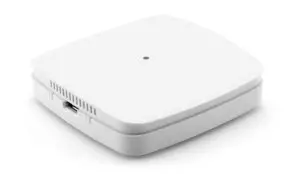
1. Included in delivery
1 x Air Quality Sensor Z-Wave Plus
1 x Micro USB power supply
1 x Quick Start Manual
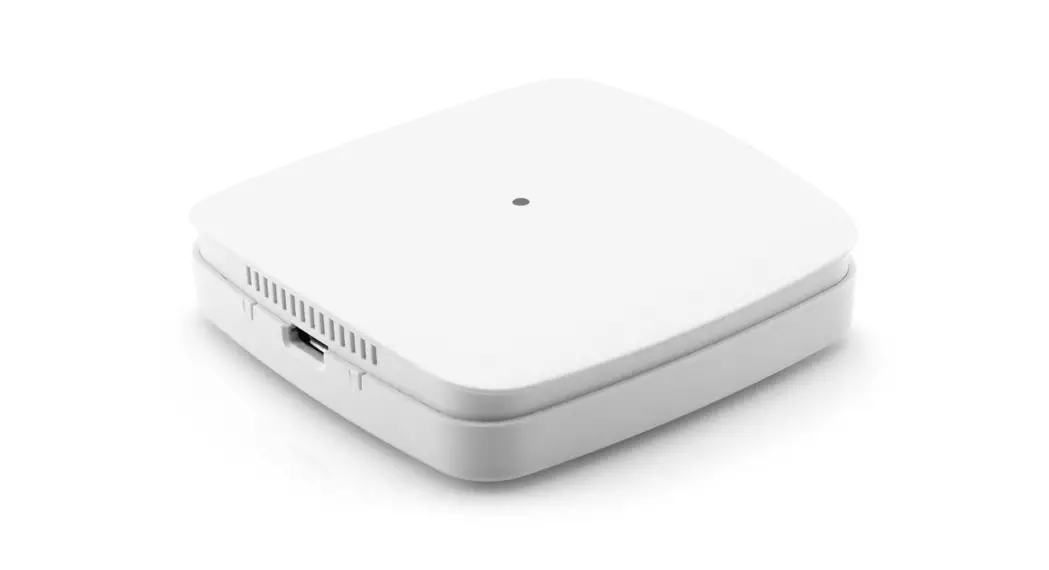
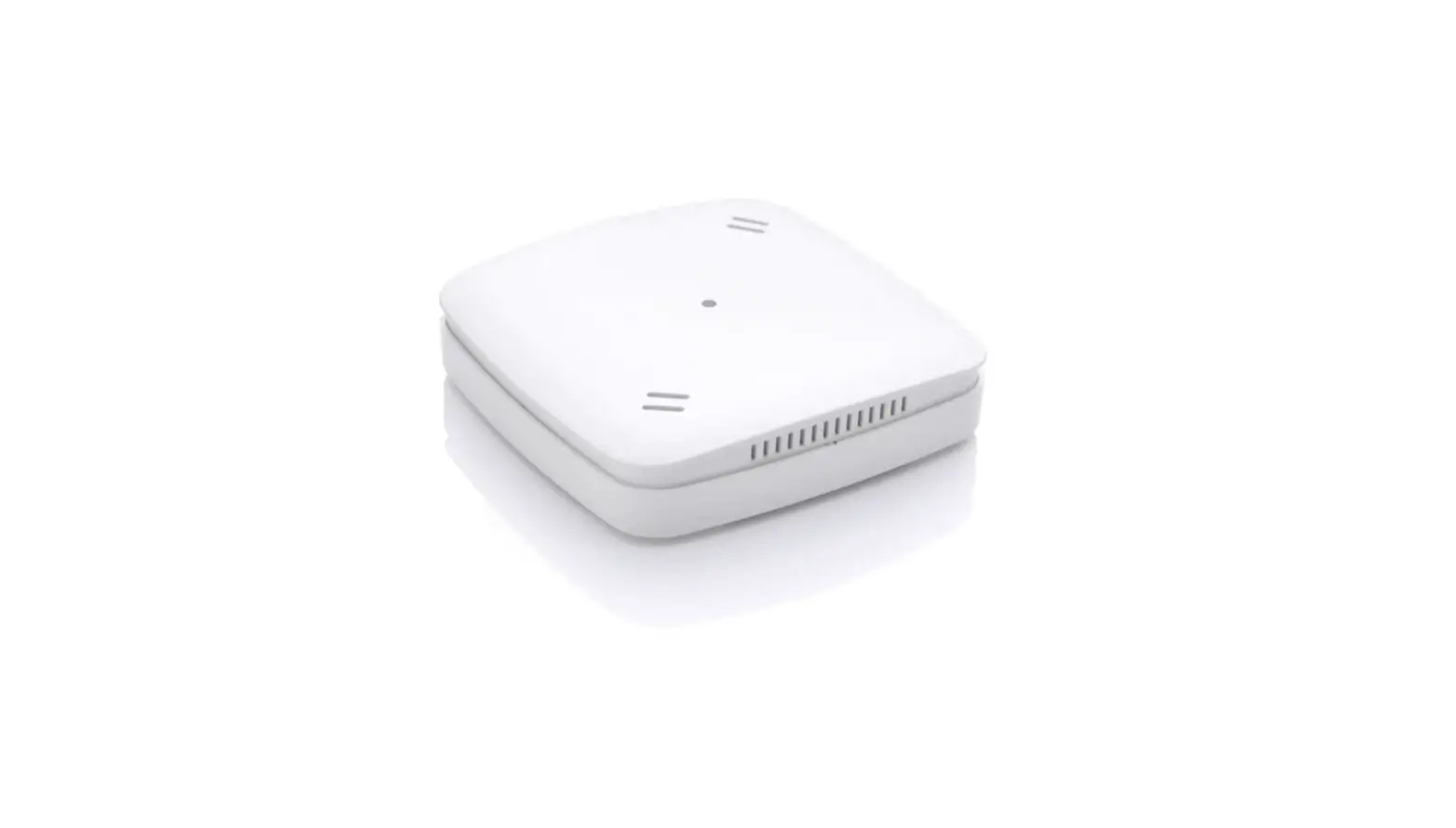
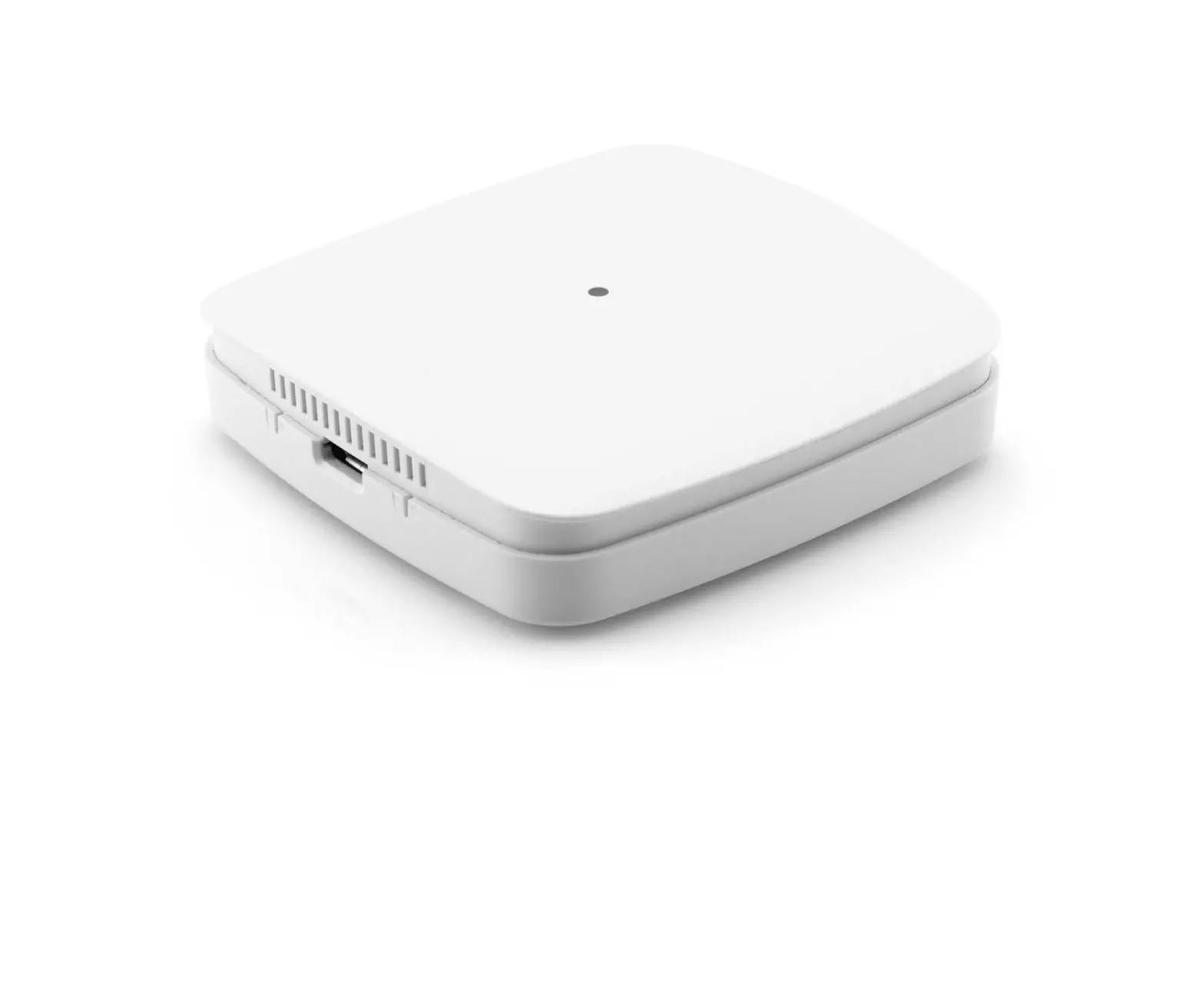
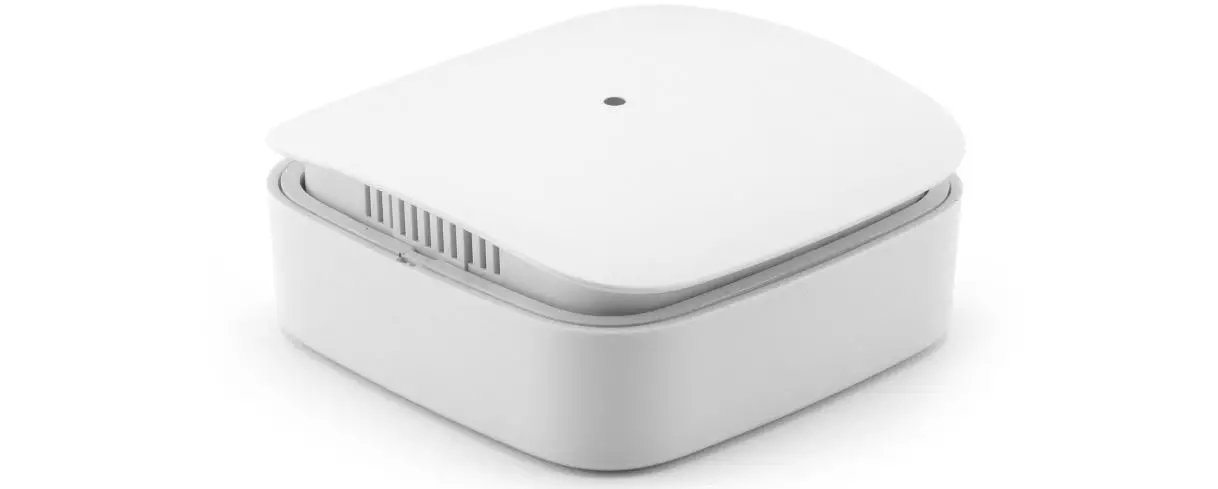
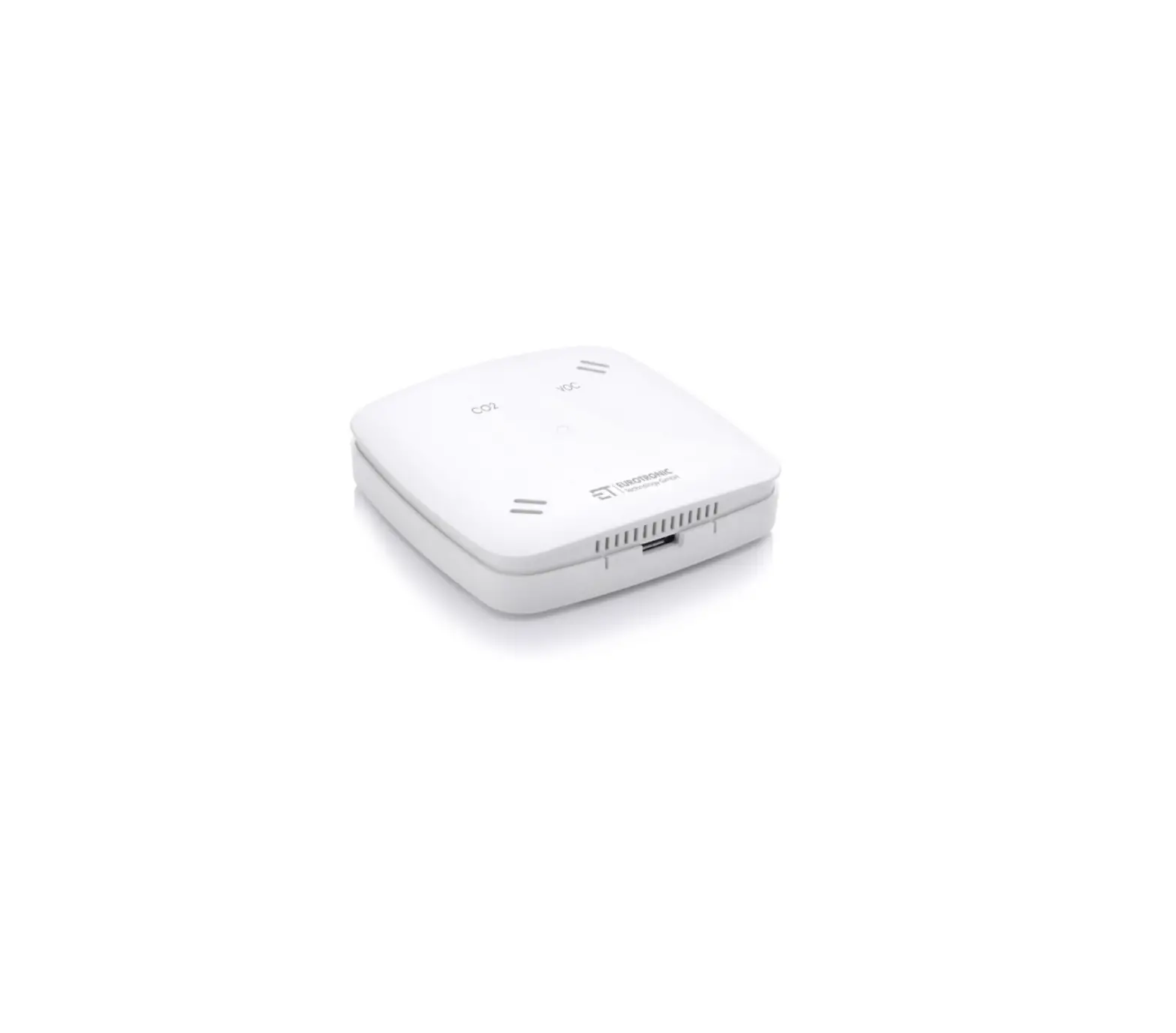
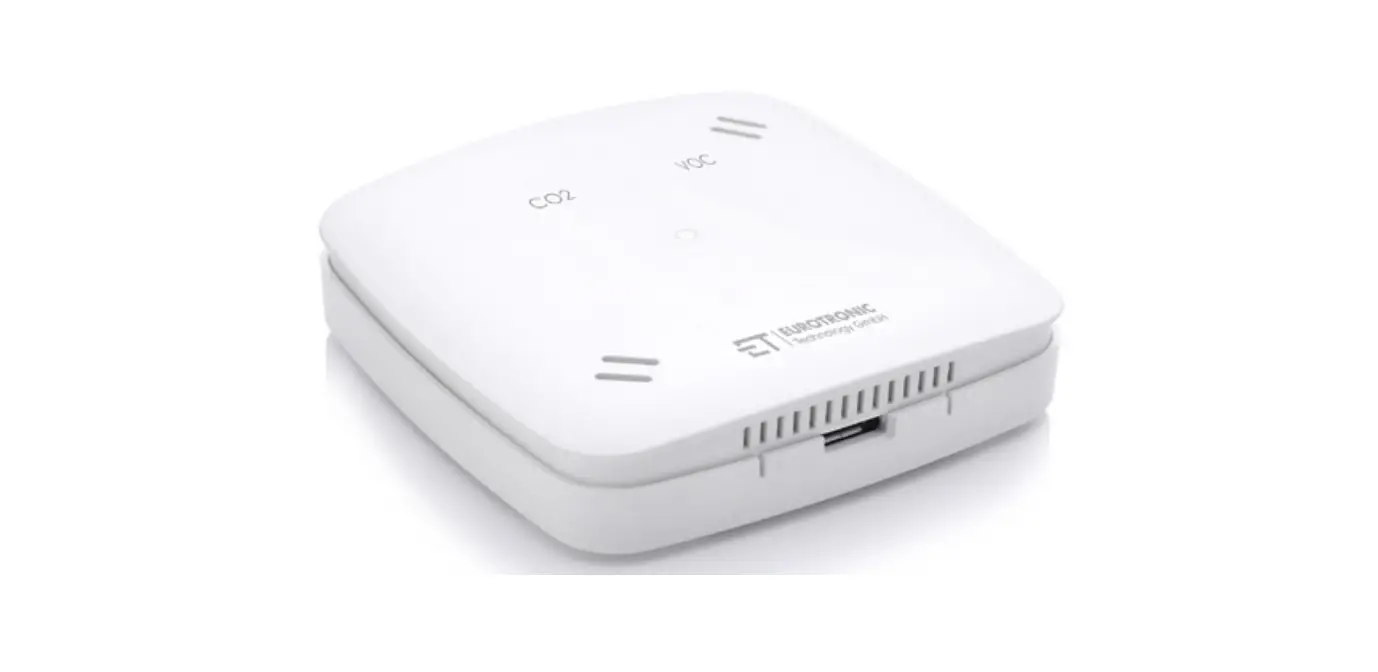
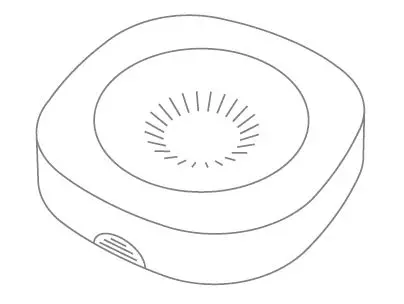
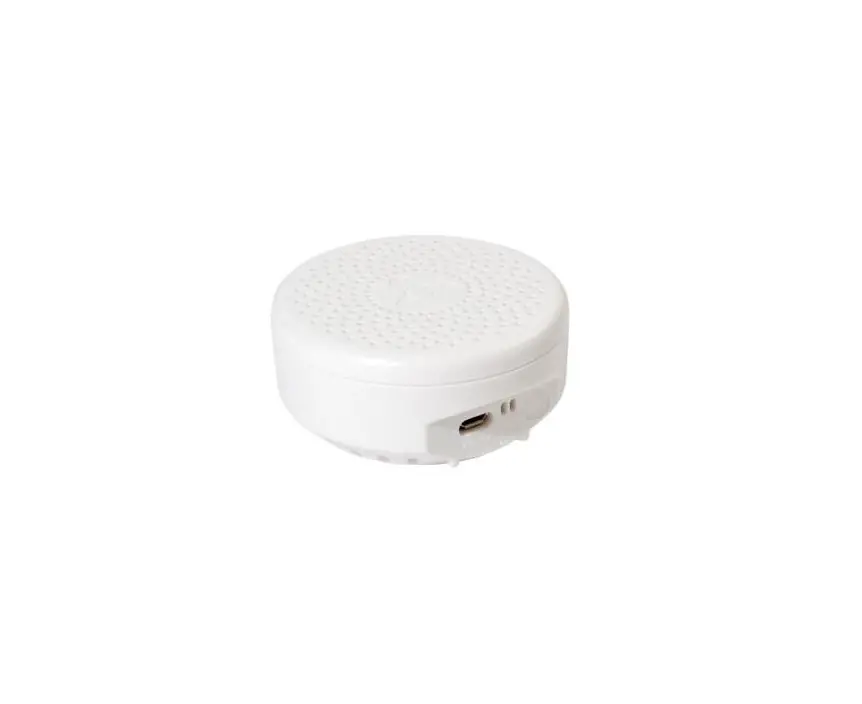
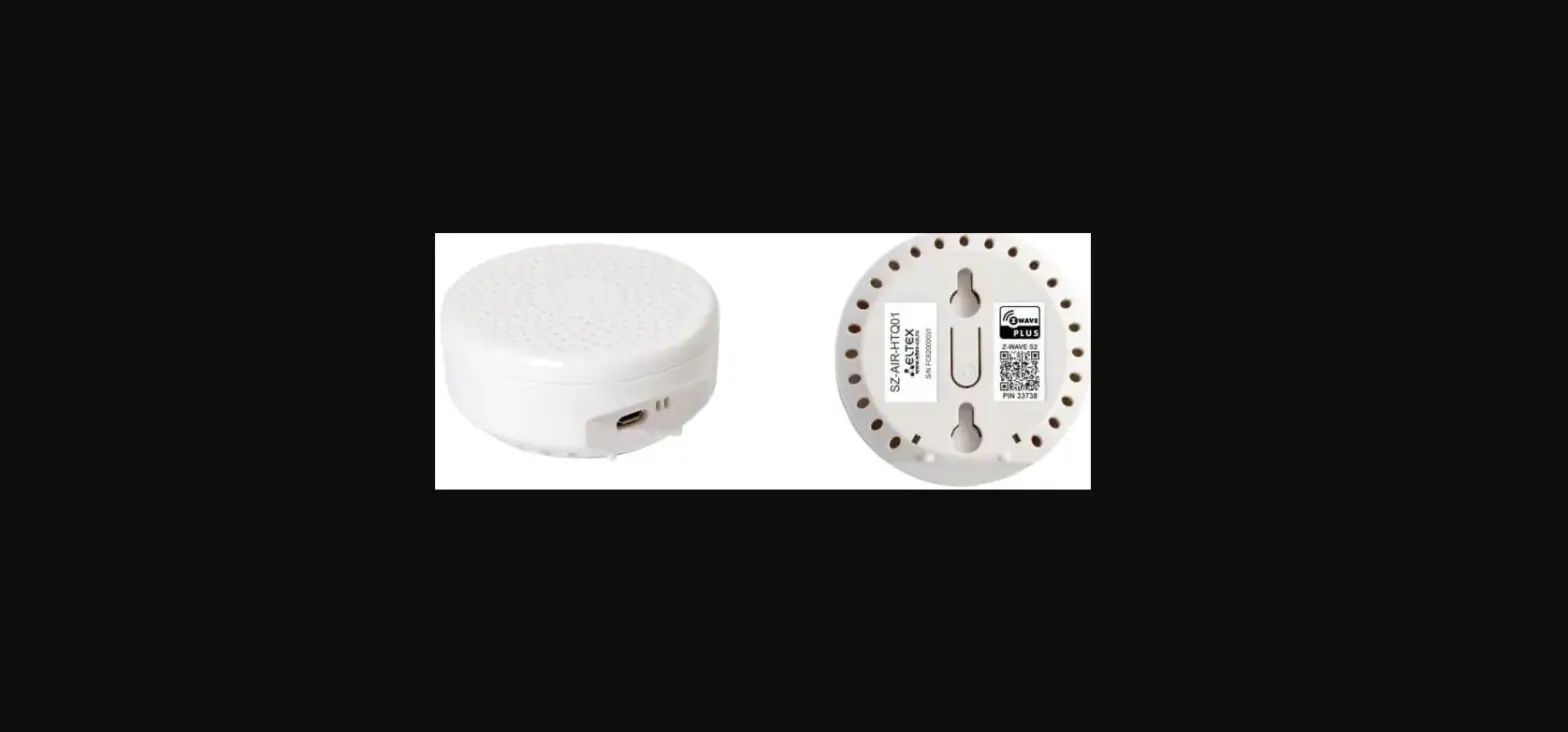
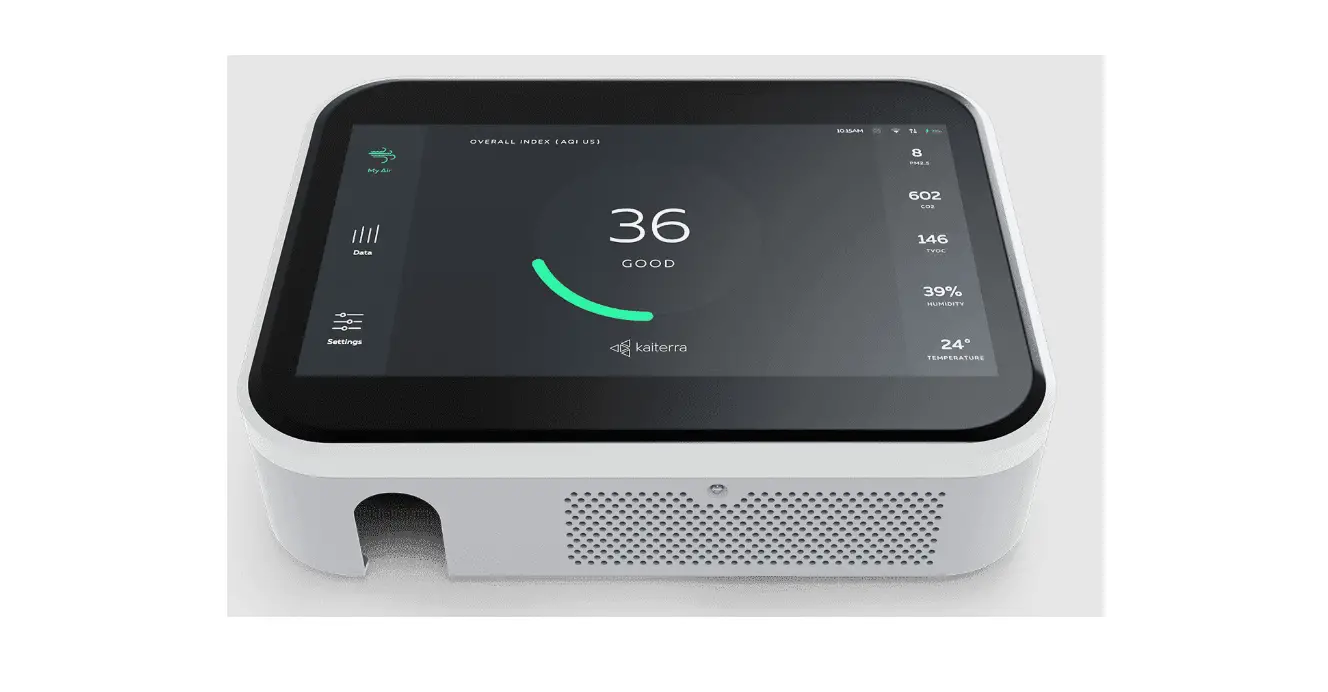
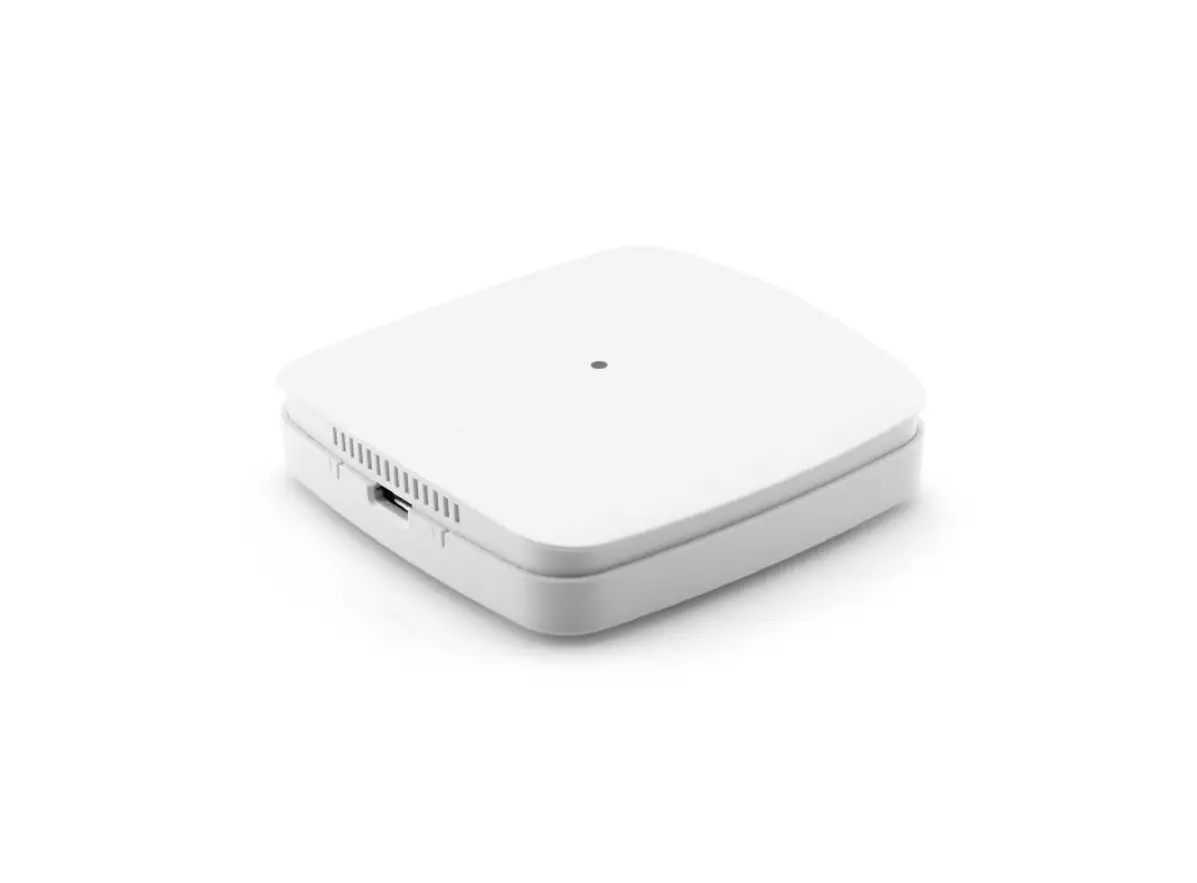
NOTE! The following figures are for illustration purposes only and may differ from the actual product.
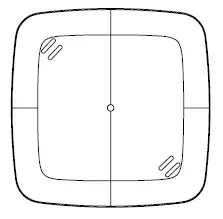
Air Quality Sensor Z-Wave Plus
Quick Start Manual
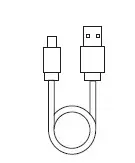
NOTE! Please check the scope of delivery for completeness and intactness.
2. Safety Instructions
Avoid potential dangers by reading the following safety instructions carefully.
SAFETY INSTRUCTIONS
- Air Quality Sensor Z-Wave Plus is designed for use in buildings.
- Operate Air Quality Sensor Z-Wave Plus only as described in the user manual.
- Air Quality Sensor Z-Wave Plus should only be put to use in a dry and dust-free place, away from direct sunlight.
- Do not keep using the device when there is obvious damage.
- Air Quality Sensor Z-Wave Plus may not be rebuilt, modified or opened.
WARNING!
Risk of fatal injury and accidents to infants and children! The packaging material represents a risk of suff ocation. Never leave children unattended when the packaging material is nearby.
Children often underestimate the risks involved. Always keep children away from the packaging material. The device is not a toy.
3. Intended use
The product provides comprehensive information on indoor air quality.
For reasons of safety and approval (CE), you must not modify and/or alter the product. If you use the product for purposes other than those described, the product may be damaged. In addition, improper use may result in hazards such as short circuits, fire, electric shock, etc.
Read the operating instructions carefully and keep them in a safe place. Only pass the product on to third parties together with the operating instructions.
4. Product description
The brand new Z-Wave sensor in an ultra slim design housing provides comprehensive information on indoor air quality. Based on these information it is possible to always ensure a healthy living climate.
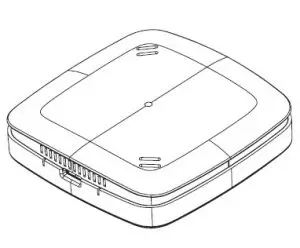
- Ultra-flat design housing
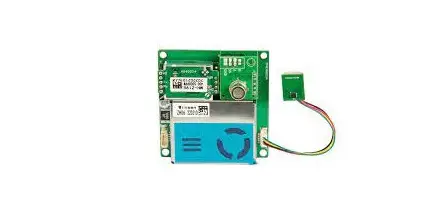
- Use of high-precision, Swiss sensor technology
- Multicolor LED for signalling ventilation recommendations
- Returns the following values:
– VOC value (volatile organic compounds) in ppm
– CO2 value (as CO2 equivalent) in ppm
– Temperature (°C) and humidity (%)
– Dew point (°C) - Supports Z-Wave Plus S2 security (encryption)
- Z-Wave repeater function
- Operation with plug-in power supply unit
5. Operating the device
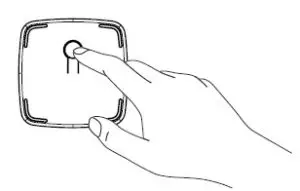
| Button | Interaction | Result/Behavior |
| Network | press three times within 1 second | Air Quality Sensor Z-Wave Plus will react to inclusion or exclusion commands. |
| Network | hold for 10 seconds | Factory resets the Air Quality Sensor Z-Wave Plus. |
5.2 LEDs
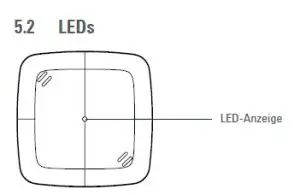
| Color | State | Meaning |
| red | permanently illuminated | Air quality is bad. (LED signaling can be disabled via Configuration Command Class) |
| orange | permanently illuminated | Air quality is average. (LED signaling can be disabled via Configuration Command Class) |
| green | permanently illuminated | Air quality is good. (LED signaling can be disabled via Configuration Command Class) |
| red | lights constantly for 5 seconds | A task has failed. |
| green | blinking | Device is ready to be included or excluded. |
| green | lights constantly for 5 seconds | A task was completed successfully. |
| 2x red 3x green | blinking pattern | LGS Z-Wave Plus is reset to factory default settings. |
6. Network behavior
On factory default the device does not belong to any Z-Wave network Air Quality Sensor Z-Wave Plus needs to be added to an existing wireless network to communicate with the devices of this network. This process is called Inclusion.
Air Quality Sensor Z-Wave Plus can also be removed from a network. This process is called Exclusion. Both processes are initiated by the primary controller of the Z-Wave network. This controller is turned into exclusion respective inclusion mode. Please consult the manual of your Z-Wave Controller how to activate Inclusion or Exclusion mode.
If Air Quality Sensor Z-Wave Plus has been added to a network, it has to be removed prior to be added to another wireless network.
Interoperability
This product can be operated in any Z-Wave network with other Z-Wave certified devices from other manufacturers. All non-battery operated nodes within the network will act as repeaters regardless of vendor to increase reliability of the network.
Security
Air Quality Sensor Z-Wave Plus supports secure communication. Air Quality Sensor Z-Wave Plus will communicate with other devices secure as long as this device provides the same or a higher level of security. Otherwise Air Quality Sensor
|
Z-Wave Plus will automatically turn into a lower level of security.
6.1 Power supply
Connect the Micro-USB cable to a AC adapter and to the air quality sensor and afterwards to a power outlet.
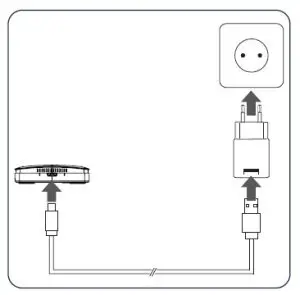
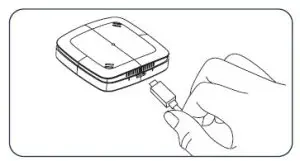
IMPORTANT:
When using the air quality sensor, make sure that the sensor is not disconnected from the power supply, because the first 12 hours of operation the sensor learns your corresponding room profile and also resulting air quality variations via a self-calibrating algorithm.
After these 12 hours, the sensor guarantees you precise measurement results.
If the power supply is interrupted, this calibration process starts again.
Please also make sure that the room, in which the air quality sensor is operated, is ventilated vigorously at least once a week. This is important for the learning algorithm of the sensor.
Note: If the measured values remain high for a long time, manual recalibration may be helpful. To do this, briefly interrupt the power supply. After 12 hours, the sensor guarantees precise measurement results again.
6.2 Add Air Quality Sensor Z-Wave Plus to a Z-Wave network
Start inclusion mode of your primary Z-Wave Controller.
Press the network button three times within 1 second.
While the inclusion is active, the LED is blinking green. If the inclusion was successful the green LED will light up for 5 seconds. Otherwise the red led will light up for 5 seconds to indicate failure.
6.3 Remove Air Quality Sensor Z-Wave Plus from a Z-Wave network
Start Exclusion mode of your primary Z-Wave Controller.
Press the network button three times within 1 second.
While the inclusion is active, the LED is blinking green. If the inclusion was successful the green LED will light up for 5 seconds. Otherwise the red led will light up for 5 seconds to indicate failure.
6.4 Factory reset
Press and hold the network button for at least 10 seconds. The Air Quality Sensor Z-Wave Plus will indicate the reset blinking pattern once the reset is completed.
Please use this procedure only when the network primary controller is missing or otherwise inoperable.
7. Z-Wave
| Command Class | Description | Version | Control (C) Support (S) | Security * |
| Association | Allows to associate with other Z-Wave devices. | 2 | S | U, S0, S2 |
| Association Group Information | Allows to group associations. | 1 | S | U, S0, S2 |
| Configuration | Allows to configure the device settings. | 1 | S | U, S0, S2 |
| Device Reset Locally | Informs the Z-Wave Controller that the device was factory reset. | 1 | S | U, S0, S2 |
| Firmware Update Meta Data | Allows Over the Air Update of the device. | 3 | S | U, S0, S2 |
| Manufacturer Specific | Provides information about manufacturer and product. | 1 | S | U, S0, S2 |
| Multilevel Sensor | Provides sensor treadings. | 10 | S | U, S0, S2 |
| Notification | Informs the controller about system events. | 8 | S | U, S0, S2 |
| Power Level | Used to alter the rf-power (required by Z-Wave). | 1 | S | U, S0, S2 |
| Security | Allows encrypted Z-Wave communication. | 2 | S | U |
| Supervision | Transmits Z-Wave Commands with an execution confirmation. | 1 | S | U |
| Transport Service | Handles the transmission of large telegrams. | 2 | S | U |
| Version | Returns information about the firmware. | 2 | S | U, S0, S2 |
| Z-Wave Plus Info | Identifies the device as a Z-Wave Plus device. | 2 | S | U |
* Availability of the Command Class after adding the Air Quality Sensor Z-Wave Plus to your Z-Wave network
U Unsecure
S0 Z-Wave Security standard S0
S2 Z-Wave Security standard S2
8. Association
Air Quality Sensor Z-Wave Plus can be associated with other devices.
| Group No. | Description | Commands | Max supported Nodes |
| 1 | Lifeline | DEVICE_RESET_LOCALLY_NOTIFICATION, NOTIFICATION_REPORT, SENSOR_MULTILEVEL_REPORT, | 1 |
| 2 | Temperature | SENSOR_MULTILEVEL_REPORT | 5 |
9. Configuration
Air Quality Sensor Z-Wave Plus can be configured during runtime.
| Paramter number | Size in Byte | Name | Description |
| 1 | 1 | Temperature on Change Reporting | 0x00 No on change reporting (only time-based reports). 0x01 – 0x32 report if temperature changed by delta = 0,1°C – 5,0°C default: 0x05 |
| 2 | 1 | Humidity on Change Reporting | 0x00 No on change reporting (only time-based reports). 0x01 – 0x0A report if humidity changed by delta = 1% …10% default: 0x05 |
| 3 | 1 | Unit Temperature | 0x00 Temperature reports in Celsius 0x01 Temperature reports in Fahrenheit default: 0x00 |
| 4 | 1 | Resolution Tempe- rature | 0x00 No resolution (example 22°C) 0x01 1/10 resolution (example 22.3°C) 0x02 1/100 resolution (example 22.35°C) default: 0x01 |
| 5 | 1 | Resolution Humidity | 0x00 No resolution (example 33%) 0x01 1/10 resolution (example 33.4%) 0x02 1/100 resolution (example 33.45%) default: 0x00 |
| 6 | 1 | VOC-on Change Reporting | 0x00 No on change reporting (only time-based reports) 0x01 – 0x0A report if VOC reading changed by 100ppb – 1000ppb default: 0x05 |
| 7 | 1 | CO�eq on Change Reporting | 0x00 No on change reporting (only time-based reports) 0x01 – 0x0A report if CO2eq reading changed by 100ppm – 1000ppm default: 0x05 |
| 8 | 1 | Air quality indicati- on via LED | 0x00 No air quality indication via LEDs 0x01 Indicate measured air quality via LEDs default: 0x01 |
Air Quality Sensor Z-Wave Plus measures the room temperature and automatically reports sensor readings to associated devices. Per default the reporting threshold is ±0.5°C. This parameter can be altered via configura- tion command class.
Sensor type: „Air Temperature“
Scale: Celsius and Fahrenheit
Precision: 0,1 and 2
Air Quality Sensor Z-Wave Plus measures the humidity and automatically reports sensor readings to associat- ed devices. Per default the reporting threshold is ±5%. This parameter can be altered via configuration com- mand class.
Sensor type: „Humidity“
Scale: Prozent and absolut
Precision: 0,1 and 2
Air Quality Sensor Z-Wave Plus measures the dewpoint and automatically reports sensor readings every 30 minutes to associated devices.
Sensor type: „Dewpoint“
Scale: Celsius and Fahrenheit
Precision: 1
Air Quality Sensor Z-Wave Plus measures the CO2 concentration and automatically reports sensor readings to associated devices. Per default the reporting threshold is ±500ppm. This parameter can be altered via configu- ration command class.
Sensor type: „Carbon dioxide CO2-level“
Scale: Parts/million (ppm)
Precision: 0
Air Quality Sensor Z-Wave Plus measures the VOC concentration and automatically reports sensor readings to associated devices. Per default the reporting threshold is ±500ppb. This parameter can be altered via configu- ration command class.
Sensor type: „Volatile Organic Compound level“
Scale: Parts/million (ppm)
Precision: 3
11. Notification
Air Quality Sensor Z-Wave Plus will send notifications to the Z-Wave Controller
| Notification type | Reason | Description |
| Home Health | Air pollution level has changed | Pollution level 0x01: Clean 0x02: Slightly polluted 0x03: Moderately polluted 0x04: Highly polluted |
12. Troubleshooting
| Problem | Reason | Solution |
| red LED lights constantly for 5 seconds | A task has failed. | • Z-Wave Controller out of range. • Repeat the task as needed. |
13. Cleaning
NOTE: RISK OF DAMAGE! Improper handling of the Air Quality Sensor Z-Wave Plus can lead to damage.
- Do not immerse the Air Quality Sensor Z-Wave Plus in water or other liquids.
- Do not use aggressive cleaning agents, brushes with metal or nylon bristles or sharp or metallic cleaning objects such as knives, hard spatulas and the like. These can damage the surfaces.
- Clean the Air Quality Sensor Z-Wave Plus with a soft, dry cloth.
14. Technical specifications
| Device description | Air Quality Sensor Z-Wave Plus | Method of operation | Type 1 | ||
| Dimensions (W x H x D) | 68 x 68 x 17 mm | ||||
| EAN | 42 600 127 112 64 | ||||
| Weight | 47,7g | ||||
| Article Number | 700088 | ||||
| Degree of protection | IP20 | ||||
| Supply Voltage | Power supply | ||||
| Degree of pollution | 2 | ||||
| Radio Frequency | 868,42 MHz | ||||
| Signalisierung | Multicolor-LED | ||||
| Output Power | +4dBm | ||||
| Color | white | ||||
Technical modifications are subject to change. All descriptions for compatibility are without engagement.
15. Disposal
Advice on environmental protection:
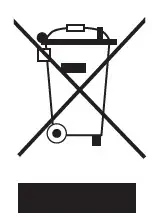 From the date of implementation of European guidelines 2002/96/EC and 2006/66/EC, into national law, the following applies: Electric and electronic devices and batteries may not be disposed of in house- hold waste. The consumer is obliged to return electric and electronic devices and batteries to the pub- lic collection points established for them or to the point of sale. The particulars of this are regulated by the applicable state laws. The symbol on the product, operation instructions or packaging points to these provisions. You make an important contribution to the protection of the environment by reusing or recycling old equipment/batteries or making use of them in other ways.
Declaration of conformity:
 Hereby, Eurotronic Technology GmbH declares that the Air Quality Sensor Z-Wave Plus is in com- pliance with Directive 2014/53/EU. The full text of the EU declaration of conformity is available at the following internet address: https://eurotronic.org/service/downloads/.
16. Warranty
The 24-months warranty period begins at the day of purchase. Please keep the receipt as evidence of purchase.
During the warranty period, defective radiator thermostats may be sent to your dealer or the address below. Please ensure sufficient postage is paid. A new or repaired device will then be sent to you free of
charge. No new warranty period begins with the repair or replacement of the device. After the warranty period has expired, you also have the option of sending the defective device to the specified address with sufficient postage for repair. Repairs after the warranty period have expired are subject to
a charge. Your statutory rights are not limited by this warranty.
17. Contact information
If you wish to receive further technical Support or information about other Eurotronic products, please contact us via E-Mail or telephone.
Eurotronic Technology GmbH Südweg 1
36396 Steinau-Ulmbach Germany
Telephone: +49 (0) 6667 91847-0
eMail: [email protected] Web: www.eurotronic.org