 APOLLO
User Guide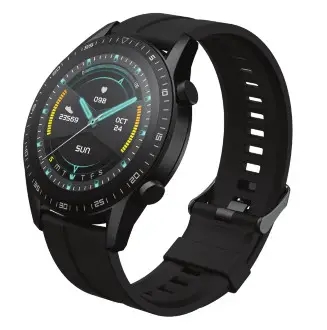
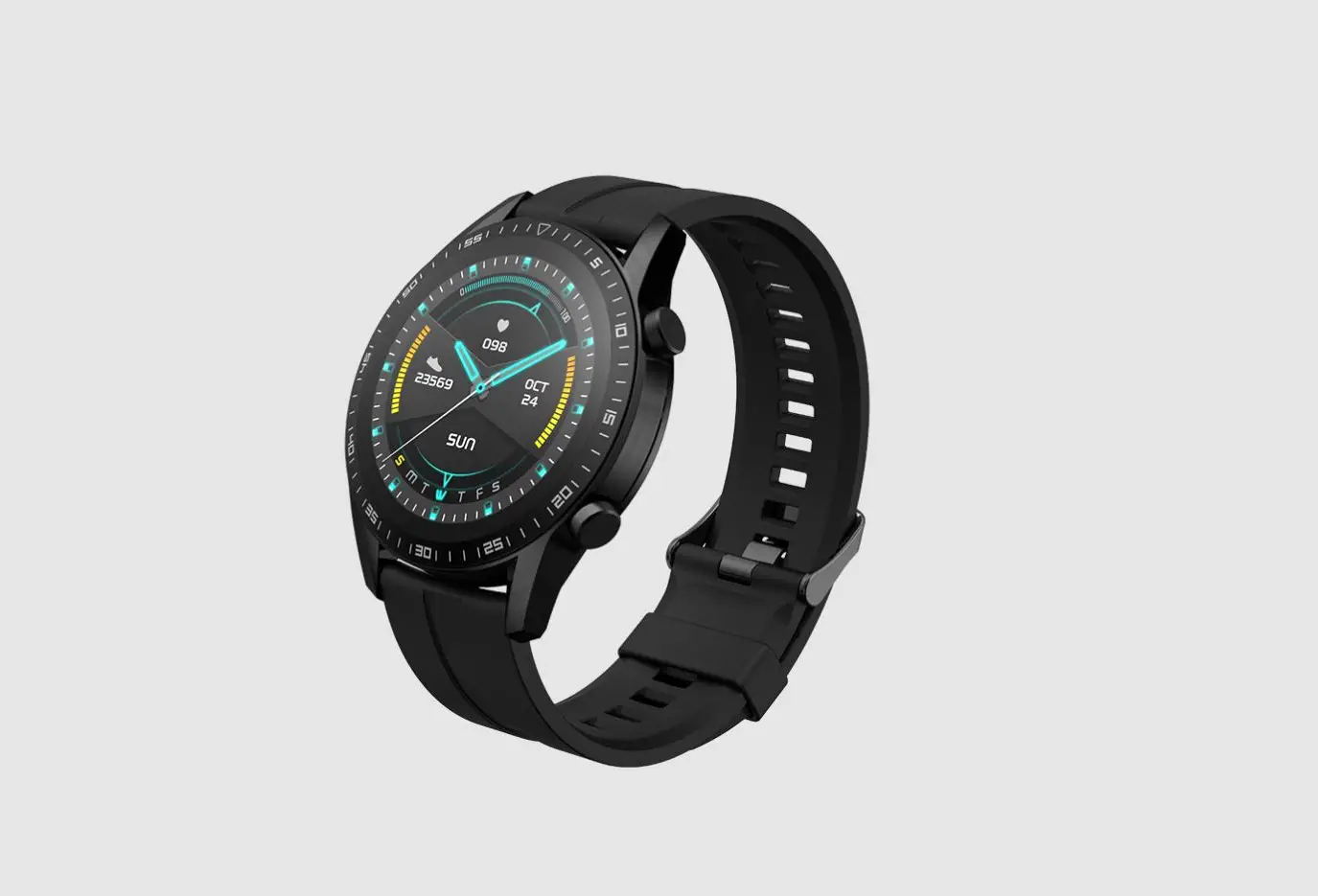
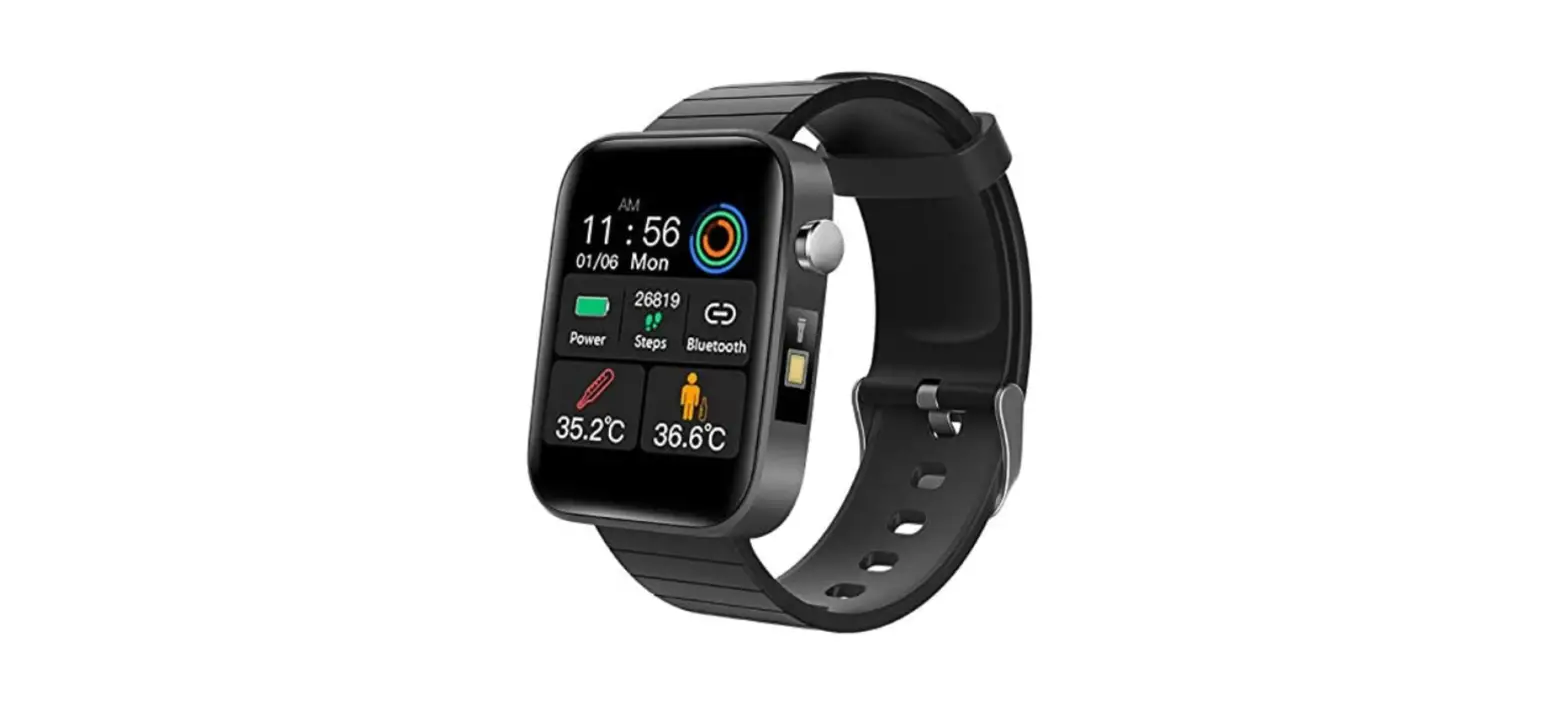
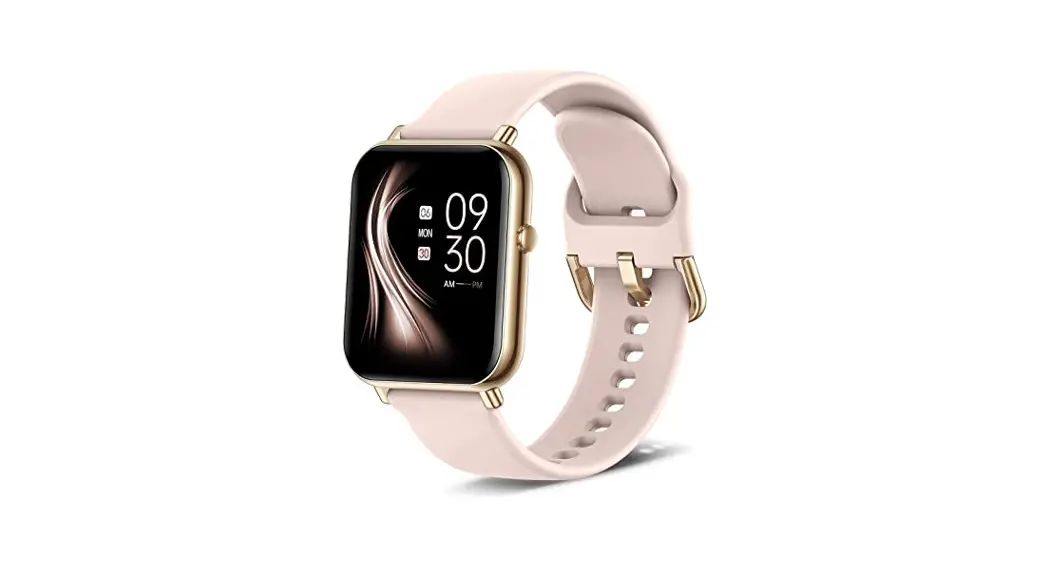
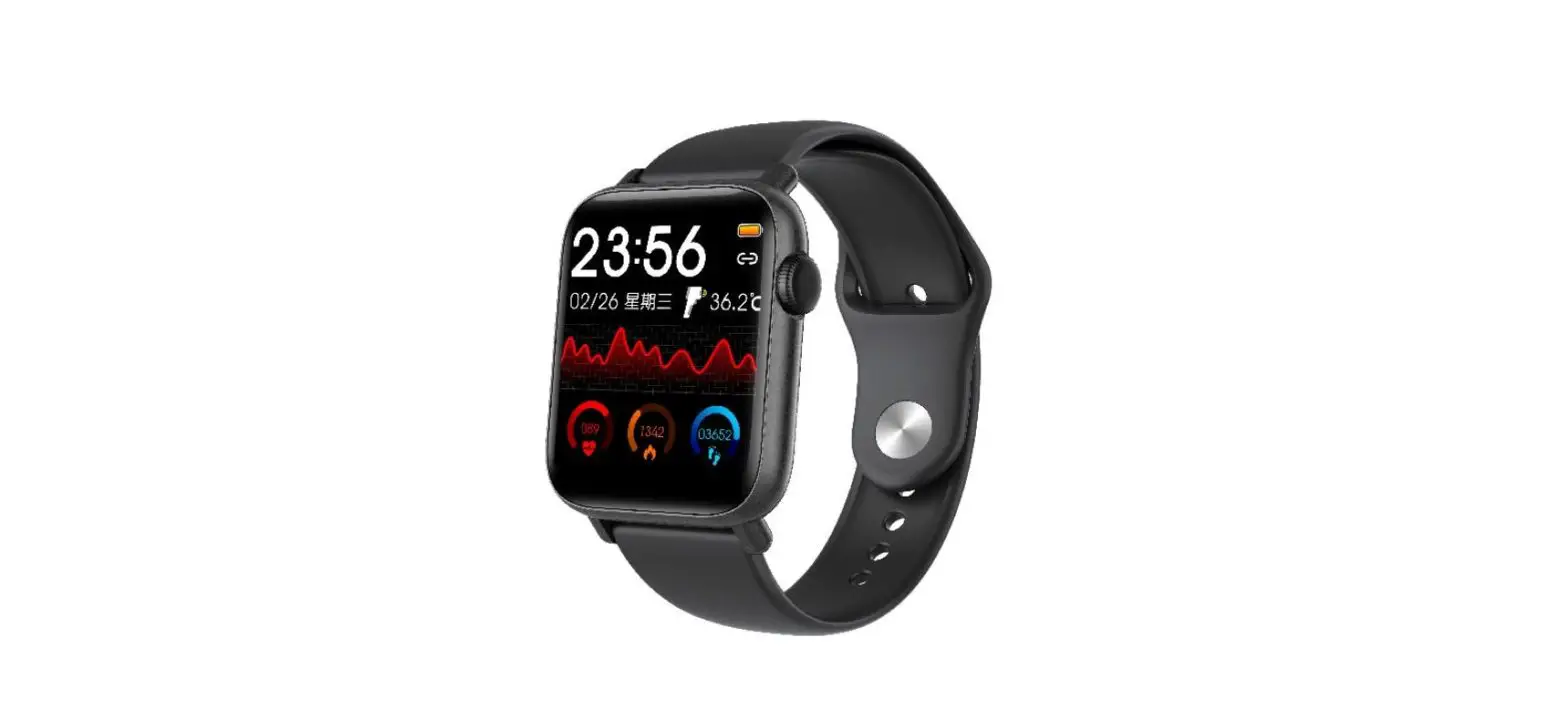
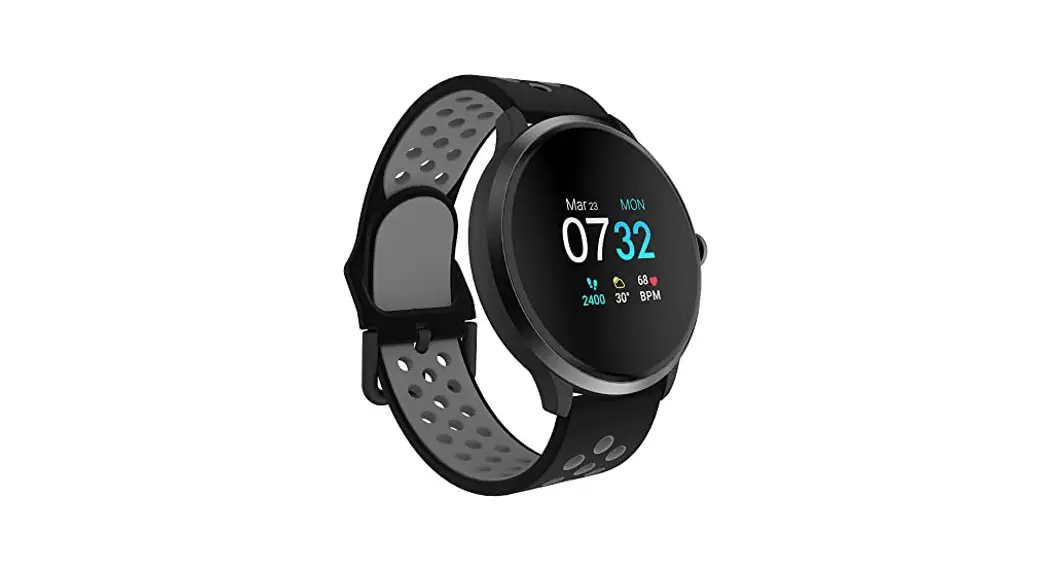
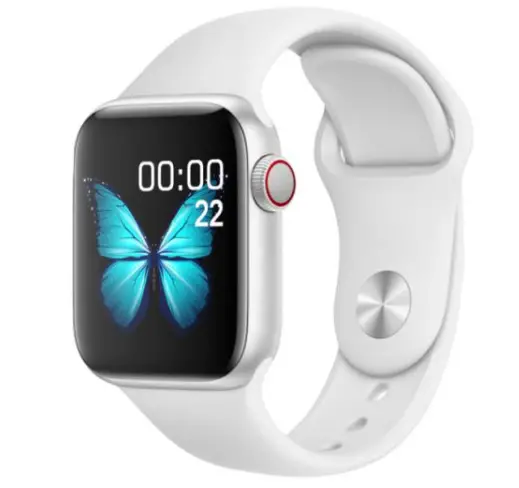
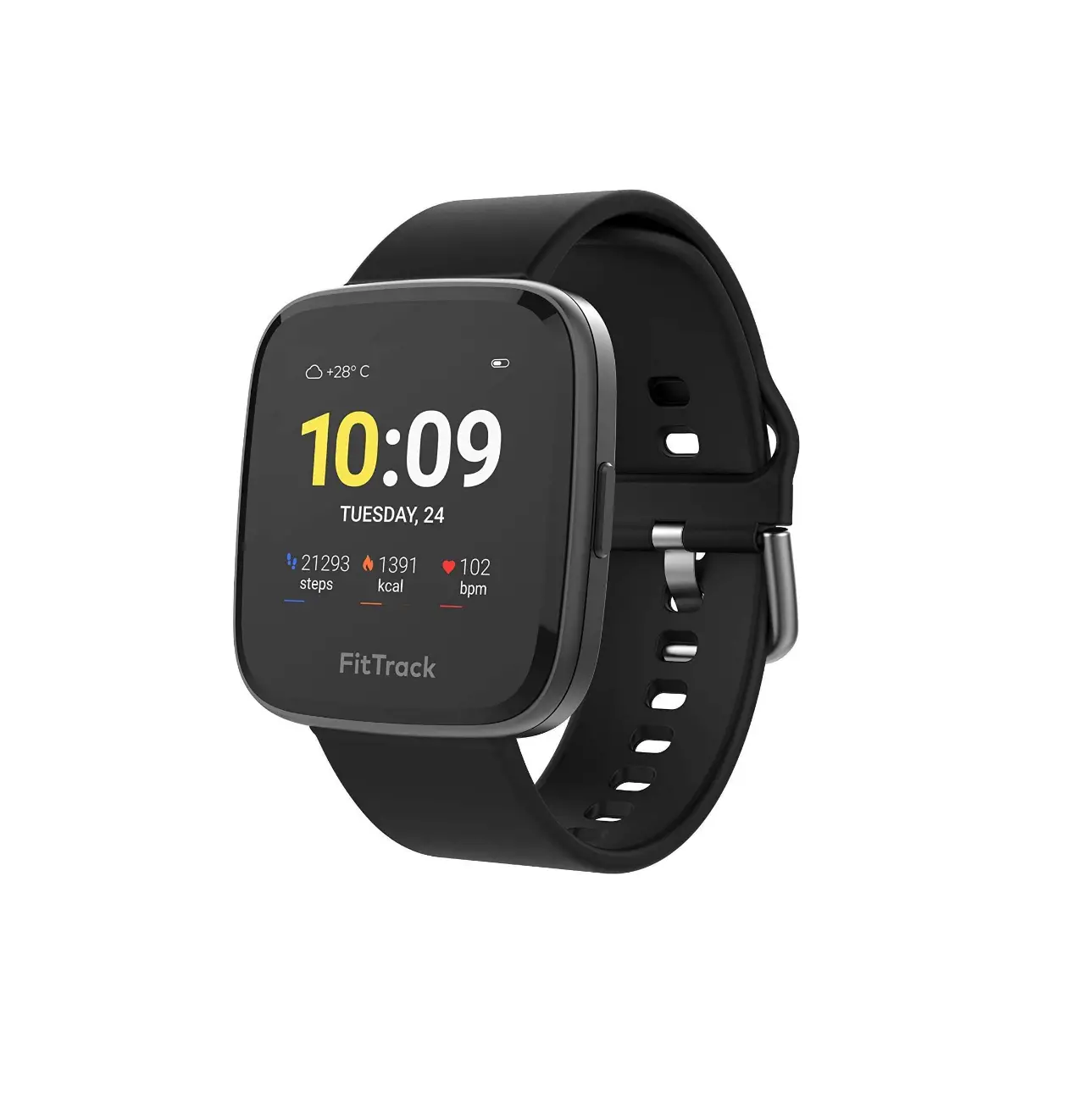
Getting to know your Somatik Apollo Smart Watch
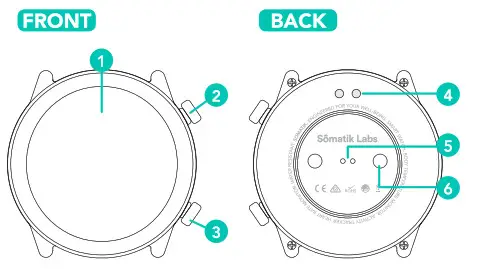
- LCD Touch Screen
- Home Button, Hold to turn ON/OFF
- Menu Button
- Charging Contact
- Heart Rate Reading Sensor
- Thermometer Sensor
STEP 1
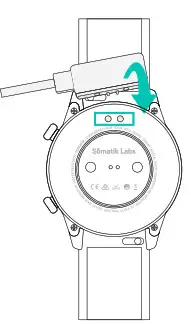
Please connect the supplied smartwatch charging cable to a 5V phone charger or a computer USB port. The Apollo Smartwatch has a magnetic charger that connects to the back of the watch.
The charger will only connect to the watch one way.
STEP 2
Connect the charging point to the charging pins at the back of the device.
The Apollo smartwatch will begin to charge automatically. A full charge usually takes around 2 hours.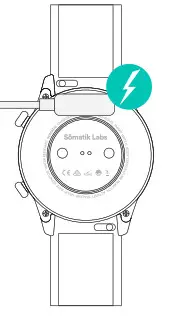 CAUTION Do not allow the 2 charging pins on the back of the watch to connect with conducting material at the same time, it may cause a short circuit.
STEP 3
Once charged detach the charging cable and turn on the Apollo watch by pressing and holding the ON/OFF button (2) until the screen appears.
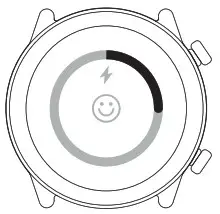 NOTE The average run time of a fully charged Apollo watch is up to 7 days.
STEP 4
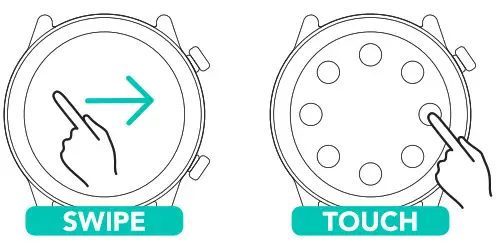
To navigate through the screens swipe left or right on the screen or press the menu button (3) to access the menu screen and then tap on the desired function. Press button (2) for more options if required.
STEP 5
Scan the QR Code to download the Somatik Fit App or visit the App Store or Google Play to download the app. Follow the App on-screen instructions to pair the smartwatch via Bluetooth.
(Please note: Android users will need to connect directly to the smartwatch via the Bluetooth settings on their smartphone).

http://www.somatiklabs.com/smartwatch/somatik-fit-app.html
STEP 6
From the Somatik Fit App, sign up and follow the on-screen instructions to complete your user profile.
NOTE: This is not a medical/therapeutic device. It is not intended for medical use or in the diagnosis, treatment, monitoring, or prevention of disease or other health conditions.
DIRECTED
Exclusively Manufactured for and Imported by:
Directed Electronics Australia Pty Ltd.
Made in China to our specifications.
Product images for the purpose of illustration only may vary from the actual product.