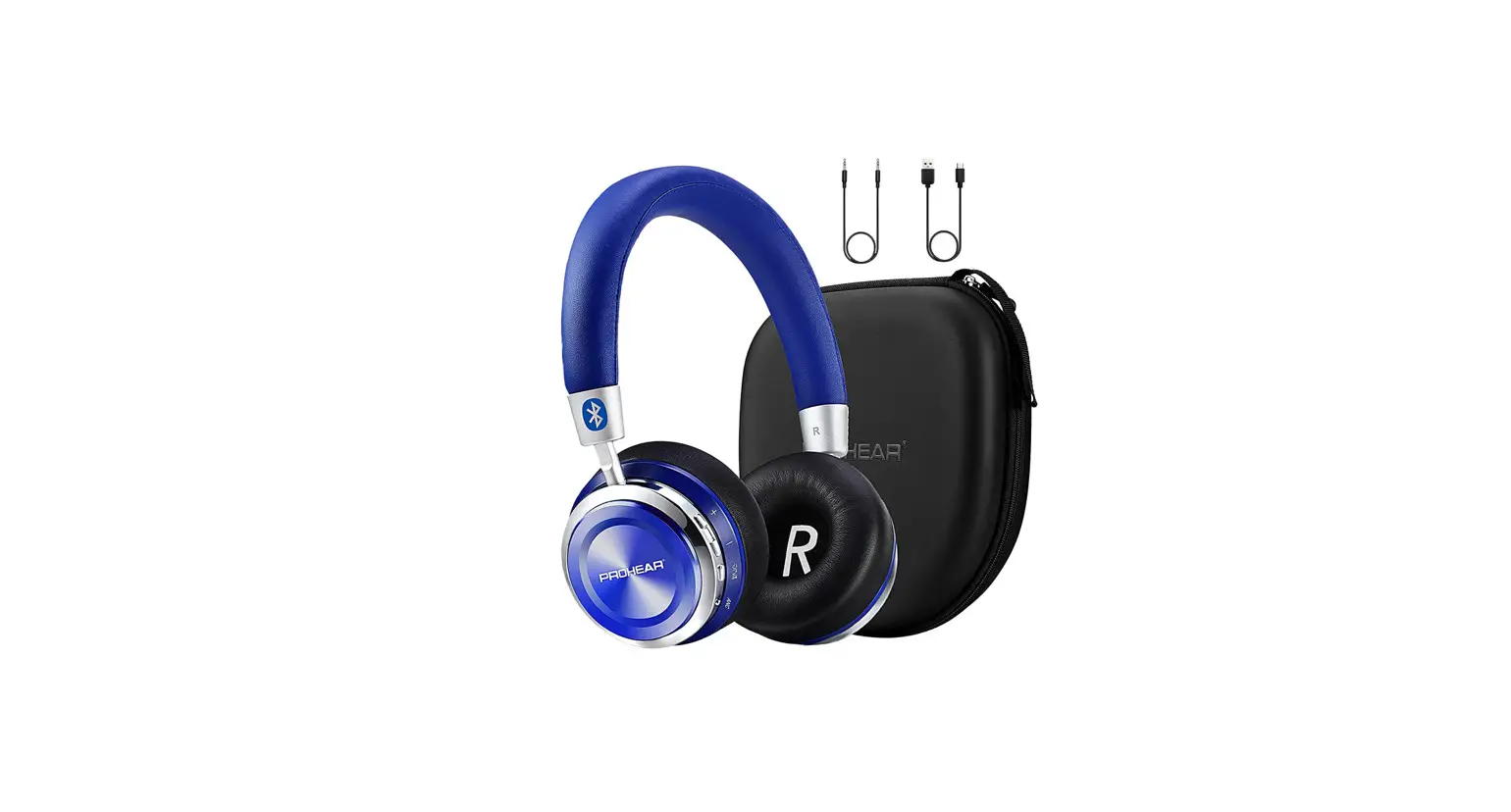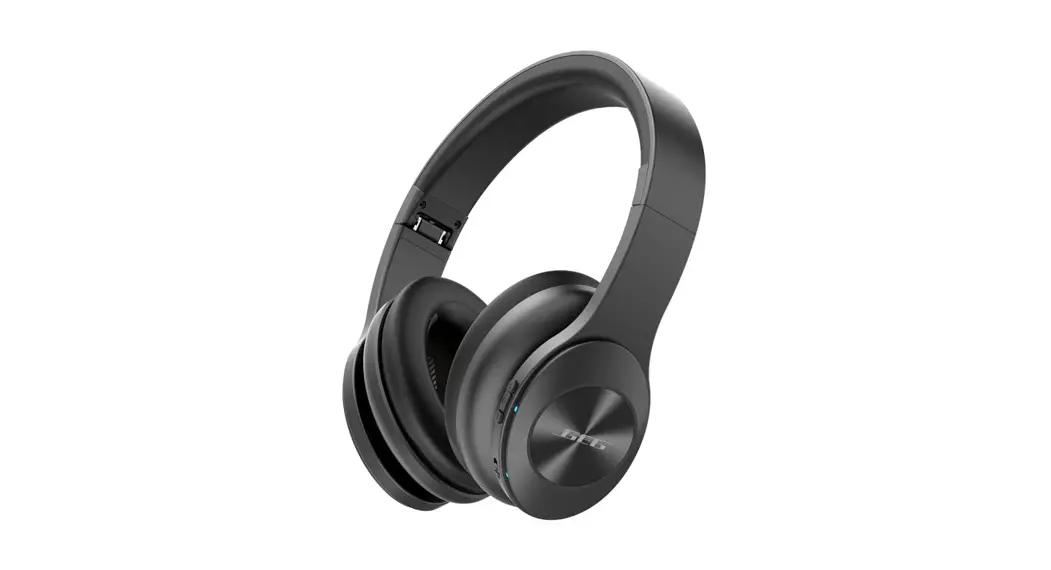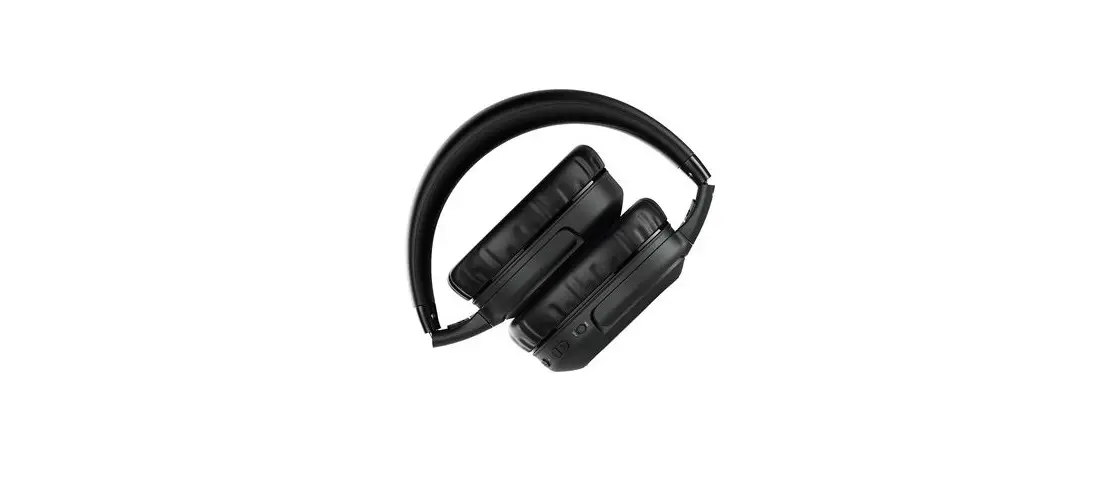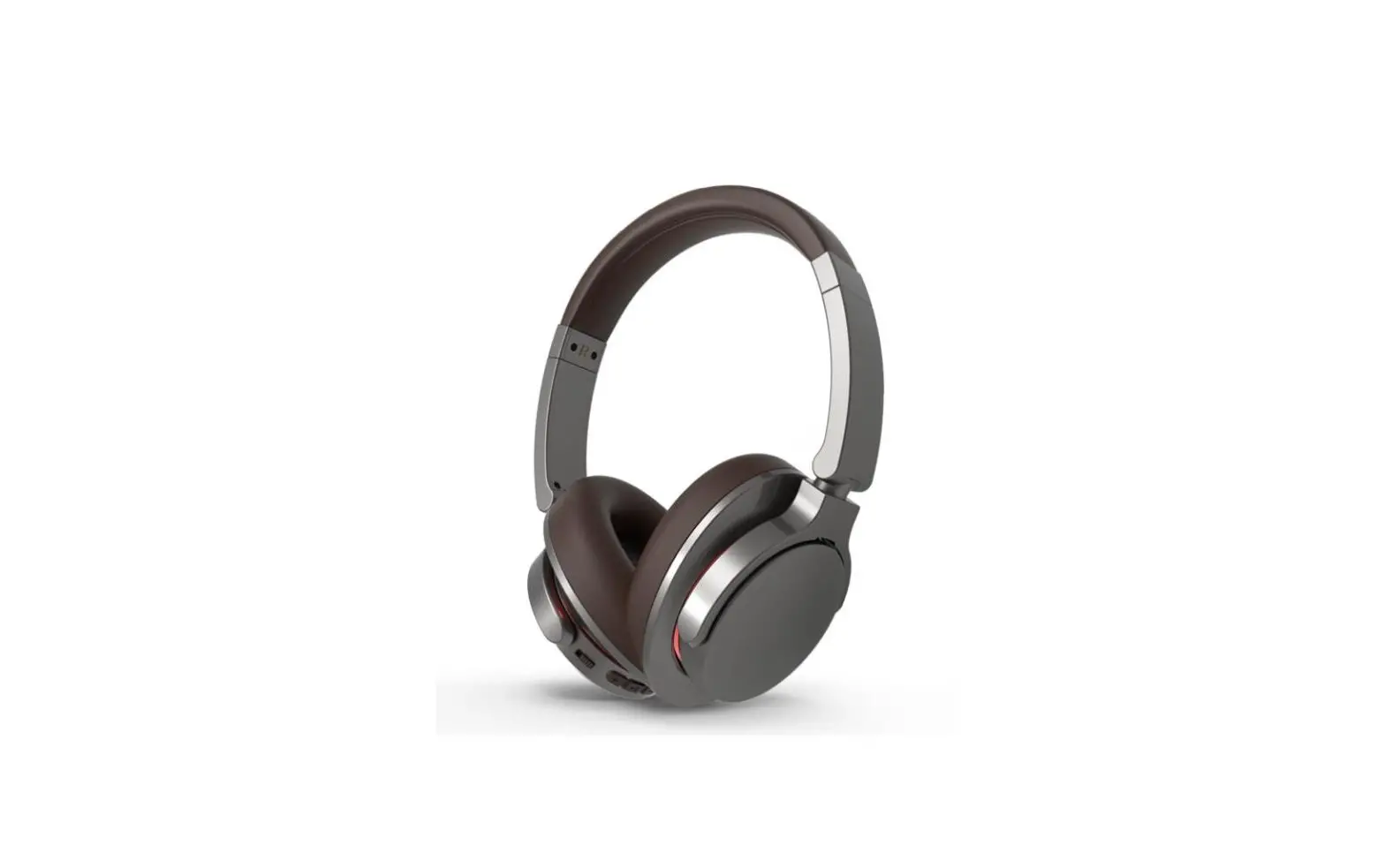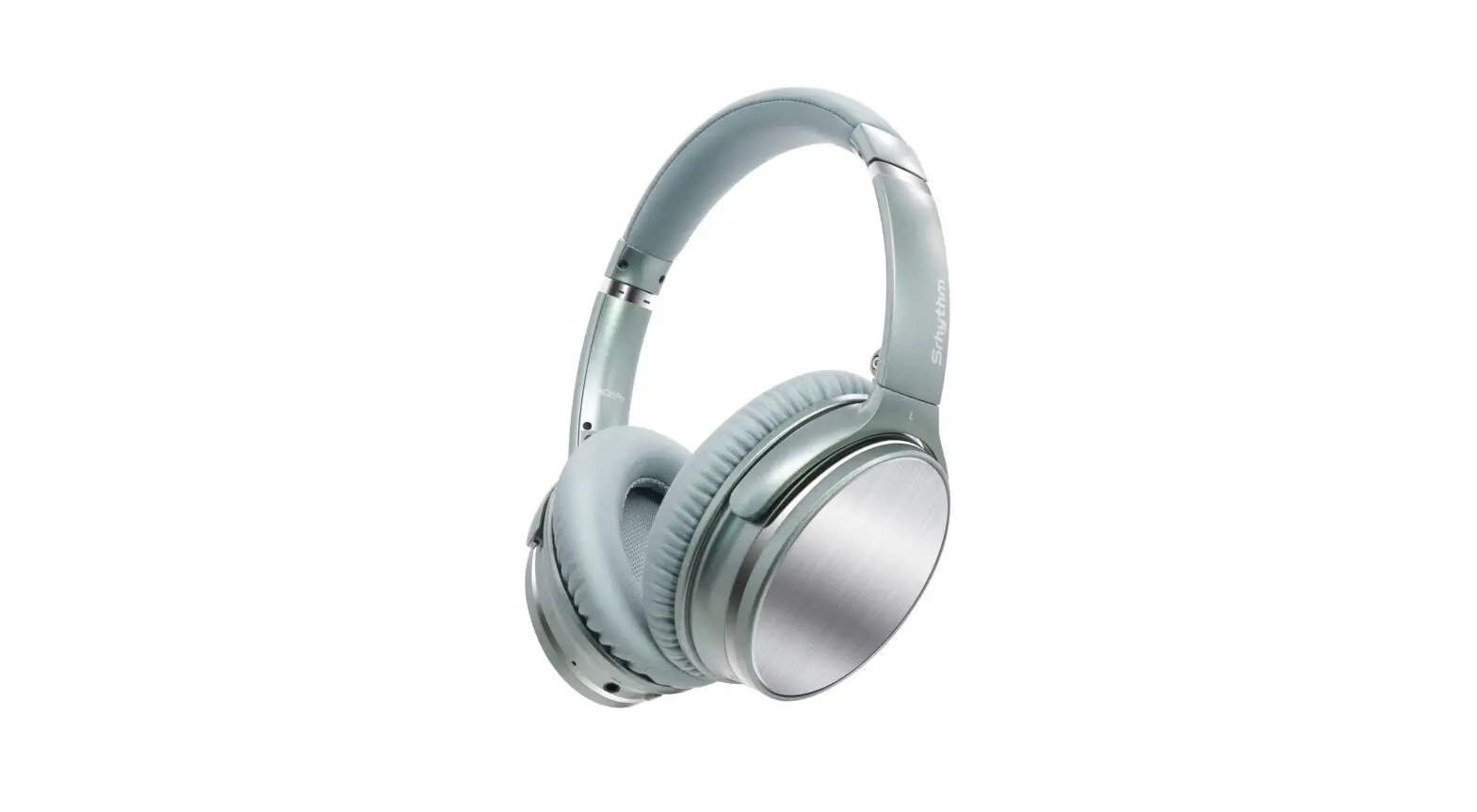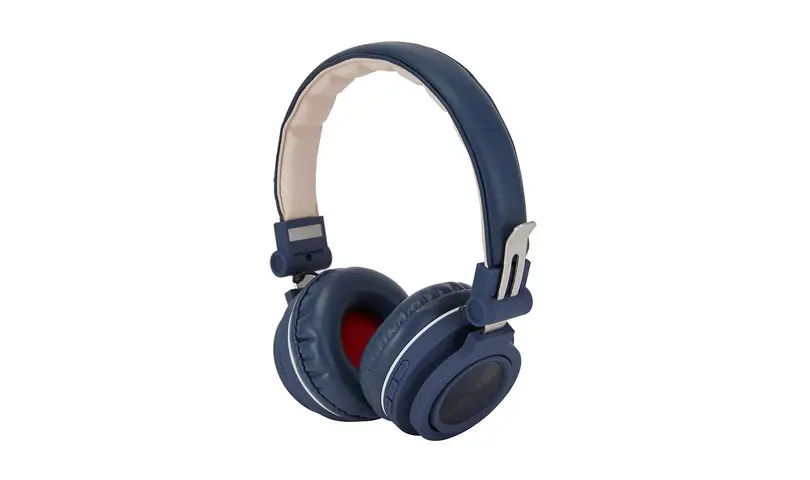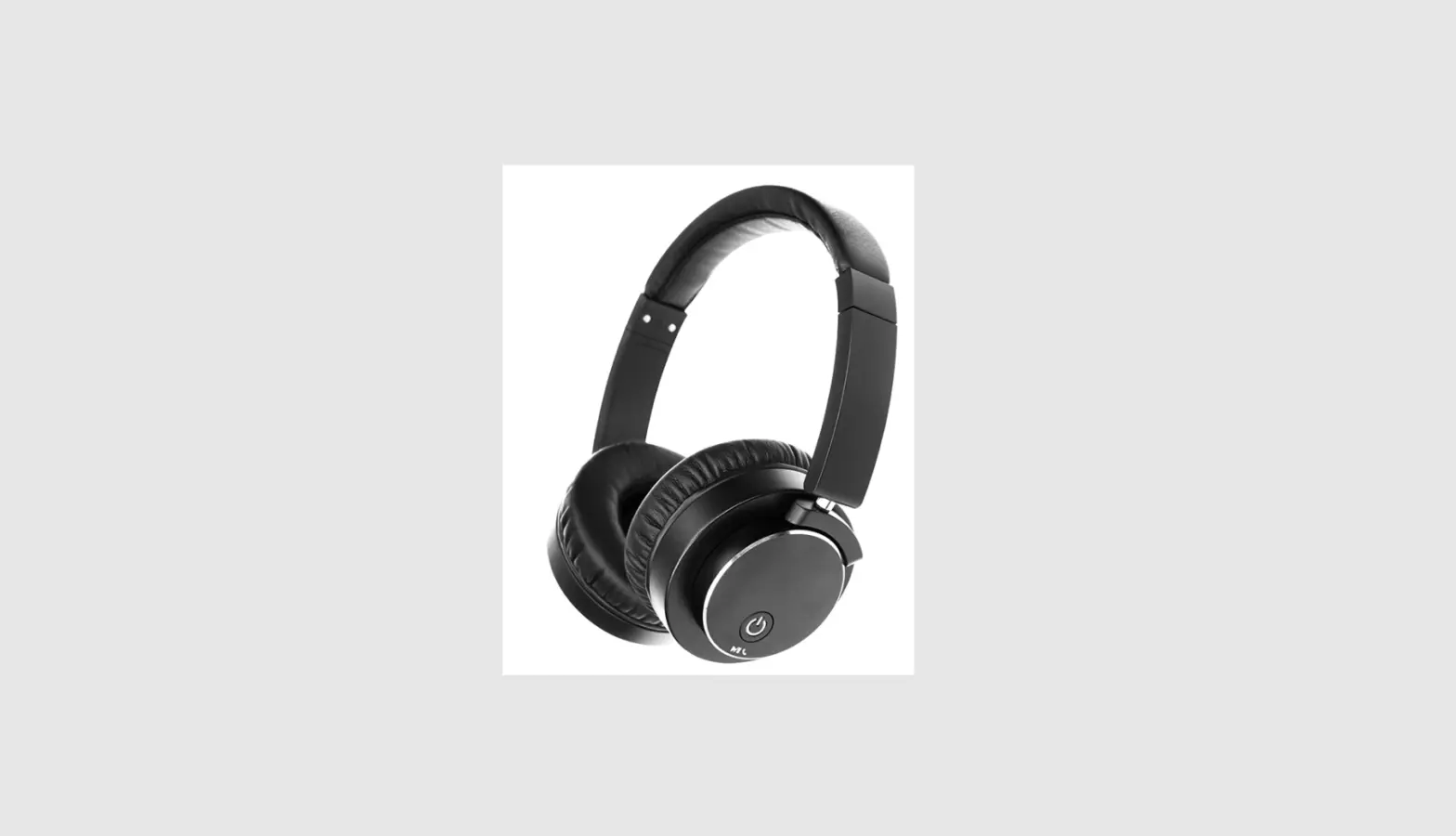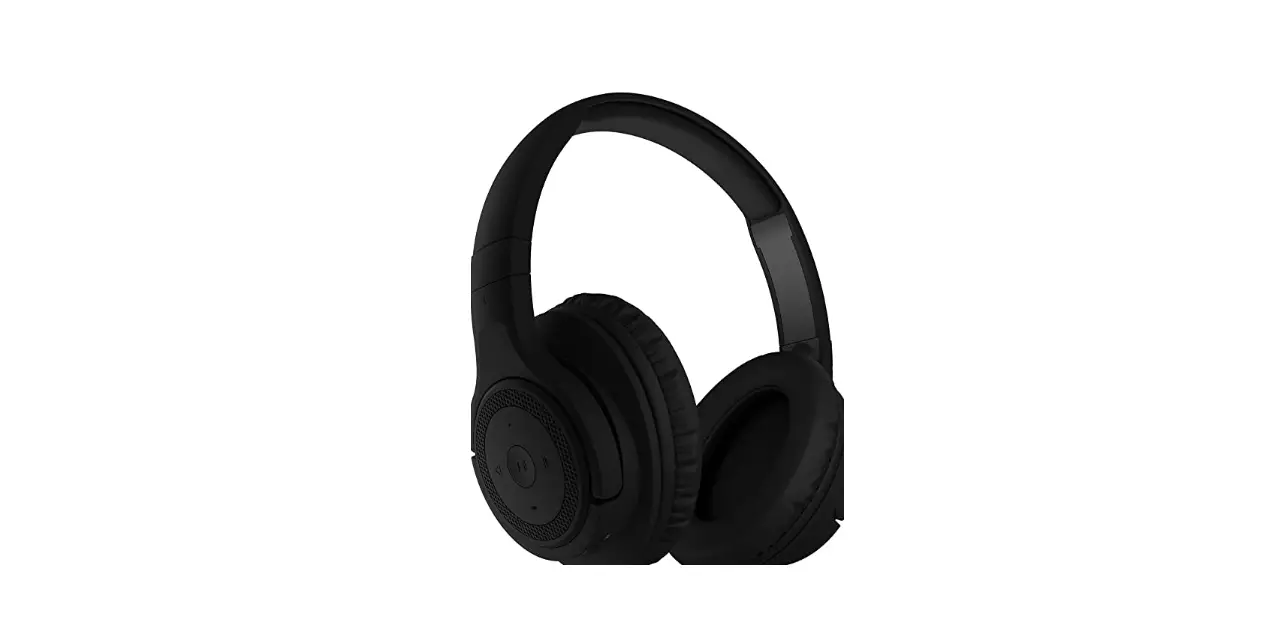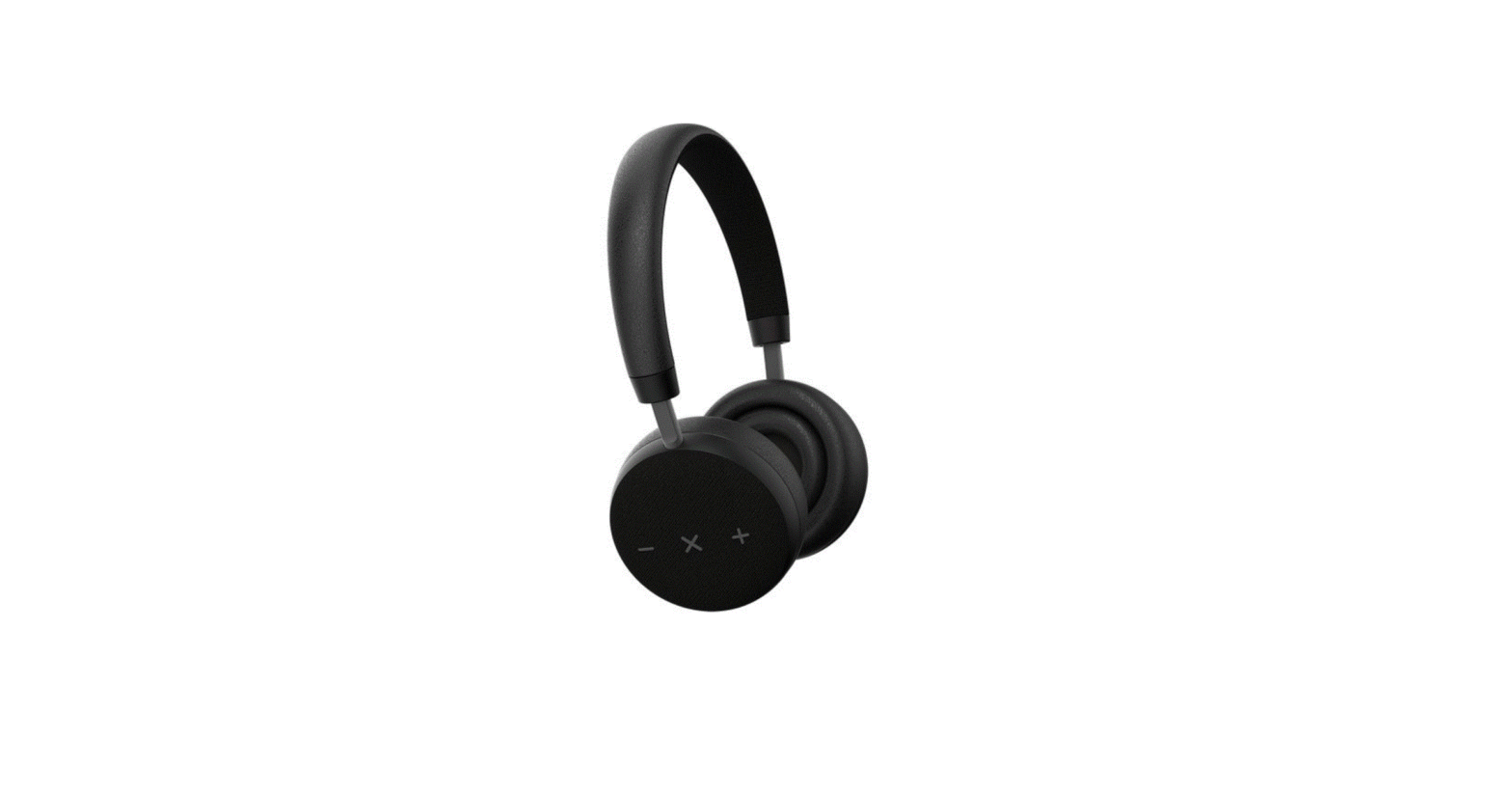

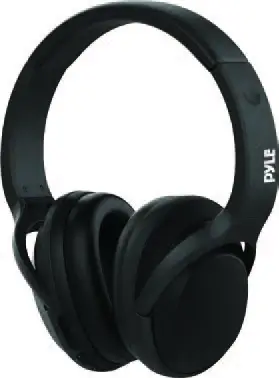
PYLE PBTNC50 Bluetooth Active Noise Cancellation Headphone
BLUETOOTH CONNECTION
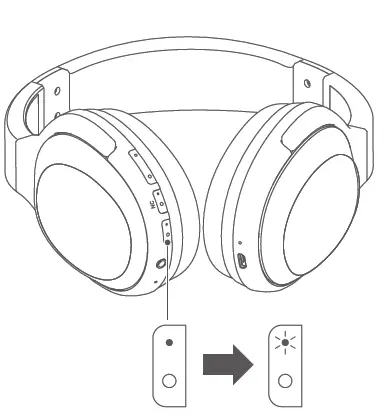
Step1 Power on power off
Press for 2 seconds until red and blue indicator, ashes alternatively, then enter the setting and switch on the Bluetooth in cell phone
Step2 Choose the device
Find the PyleUSA from the Bluetooth name list in the phone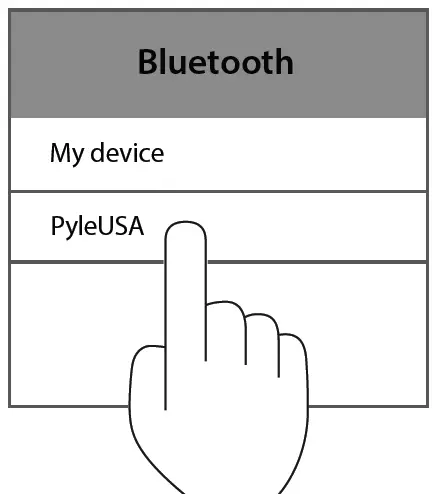
Step3 Connection Finish
If PyleUSA shows connected, the blue indicator will Flash which means the connection is successful You can now start to play music.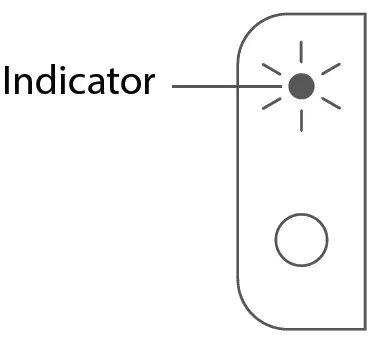
BASIC OPERATION
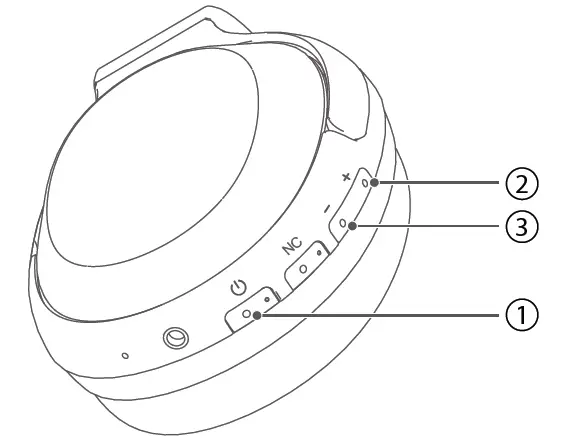
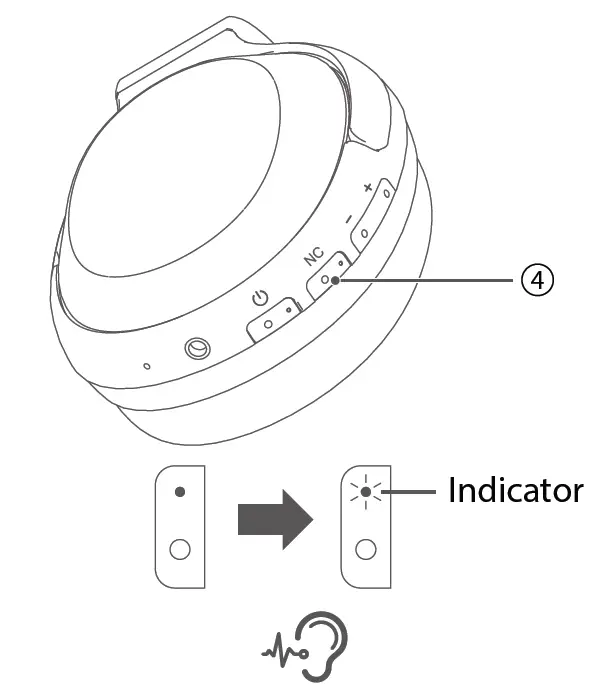
- Power/Multi-function button
- Short press for pause/play
- When a call is coming, short press to answer
- During call conversation, short press to hang off
- When a call is coming, double click to refuse the call
- Volume control buttons
- Short press 2 to turn up and long press to next track.
- Short press 3 to turn down and long press to the previous track.
- Press and hold 2 & 3 together for 2 seconds to disconnect the current pairing (under Bluetooth connection mode).
- Press and hold 2 & 3 together for 5 seconds to the default setting (under Bluetooth pairing mode).
PORTS DESCRIPTION
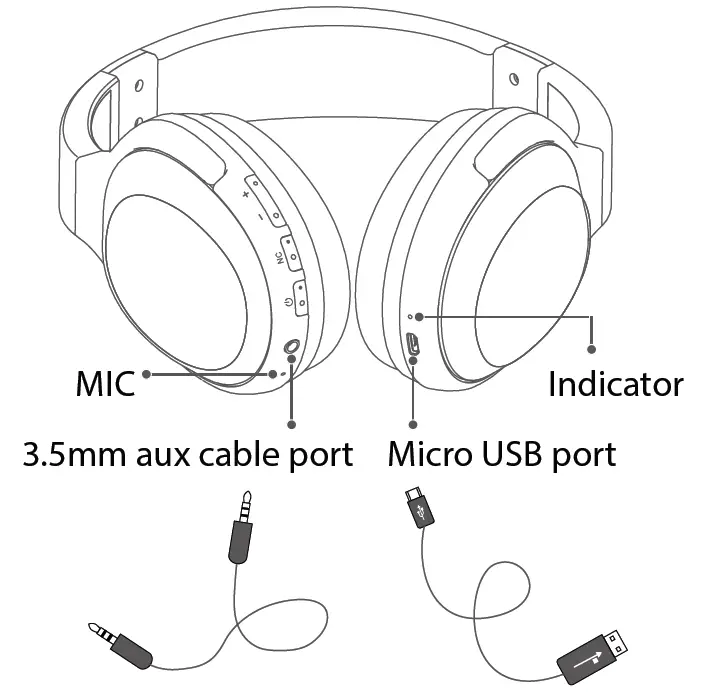
Charging LED Indicators:
- During charging, red LED is ON
- When charging is finished, green LED is on
- When the battery is low, red LED flashes slowly
PRODUCT SPECIFICATIONS
| Product name | Bluetooth Active Noise Cancellation Headphone |
| Model | PBTNC50 |
| Battery capacity | 500mAh |
| Phone call talking time | NC ON: 15~18Hs |
| NC OFF: 26 ~ 29Hs | |
| Music play time | NC ON: 12 ~ 14Hs |
| NC OFF: 18 ~ 23Hs | |
| Charging time | 2~3Hs |
| Battery Capacity | 500mAh |
| Battery voltage | 3.7V |
| Charging current | 5V/400mAh |
| Dimensions | 80 x 171.5 x 188mm |
| Weight | 222g |
SIMPLE TROUBLESHOOTING
When you meet below problems please refer to below instructions to solve, if the problems cant be solved please contact with the local distributors. Don’t fix by yourself. Avoid electric shock or enlarge the trouble scape.
- What if no sound from the headphone? To check if its connected and power on again.
- To check if the Line in status.
- What if the distortion happens when the volume is max.
• Check if the audio cable is not loose and make sure it is connected properly.
• Check if the audio cable is not loose and make sure it is connected
SAFETY NOTICE
PLEASE READ ALL INFORMATION AND FOLLOW INSTRUCTIONS CAREFULLY
Any sharp cutting edge, non-smoothy surface, metal accessories and the package will cause harm injury and bleeding, please be careful during use. Make sure to keep them out of reach of children.
Please don’t modify, fix or disassemble this product. The inappropriate handle may cause short-circuit, damage or fire. We will not accept devices for repair if disassembled by users.
Please don’t clean the speaker’s surface with detergent and any liquid, use only a dry cloth. Inappropriate adjustment of the volume (such as frequent adjustment) will affect the sound quality or may cause damage. DO NOT drop, clash or crack or use on dangerous environments (such as lab) that may cause interference.
If anything abnormal happens please stop immediately. It may cause an explosion under open fire and a high-temperature environment.