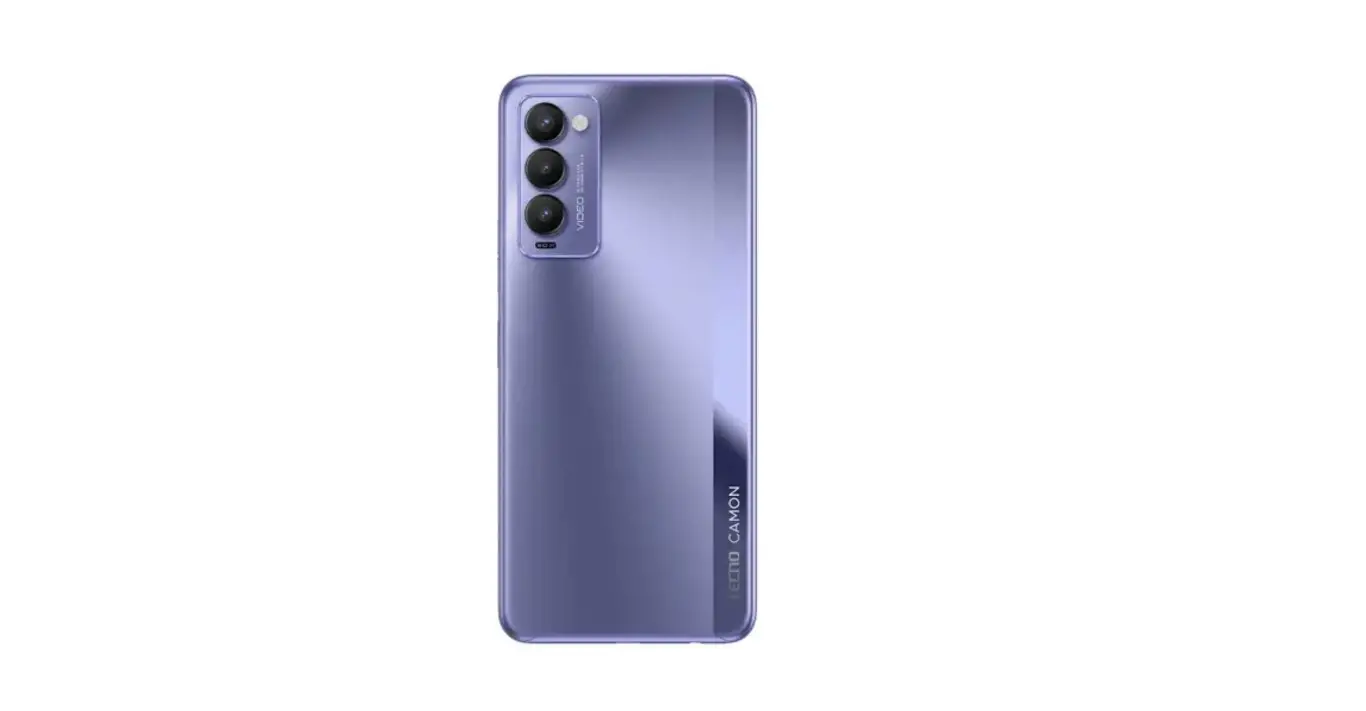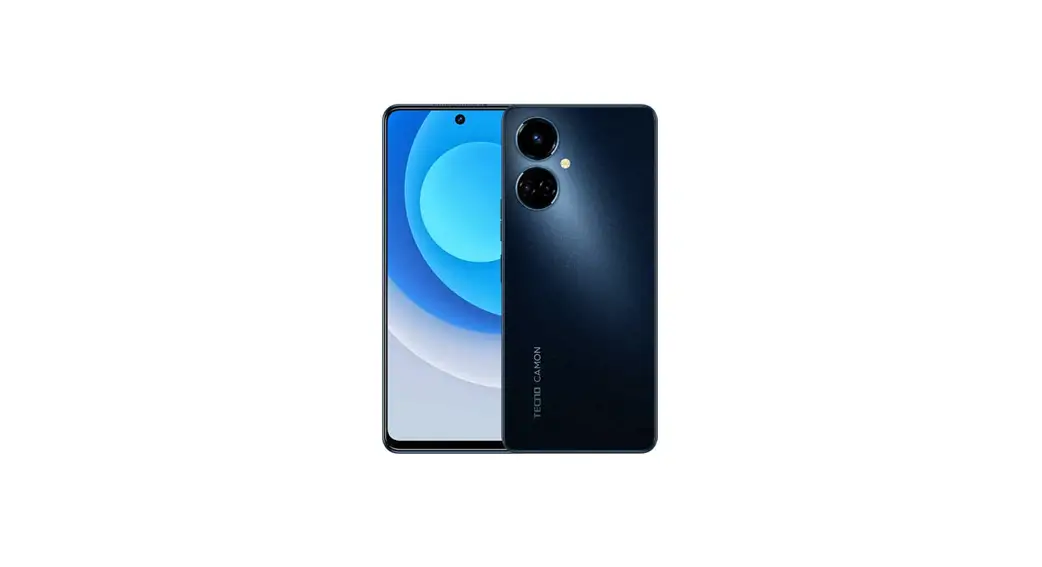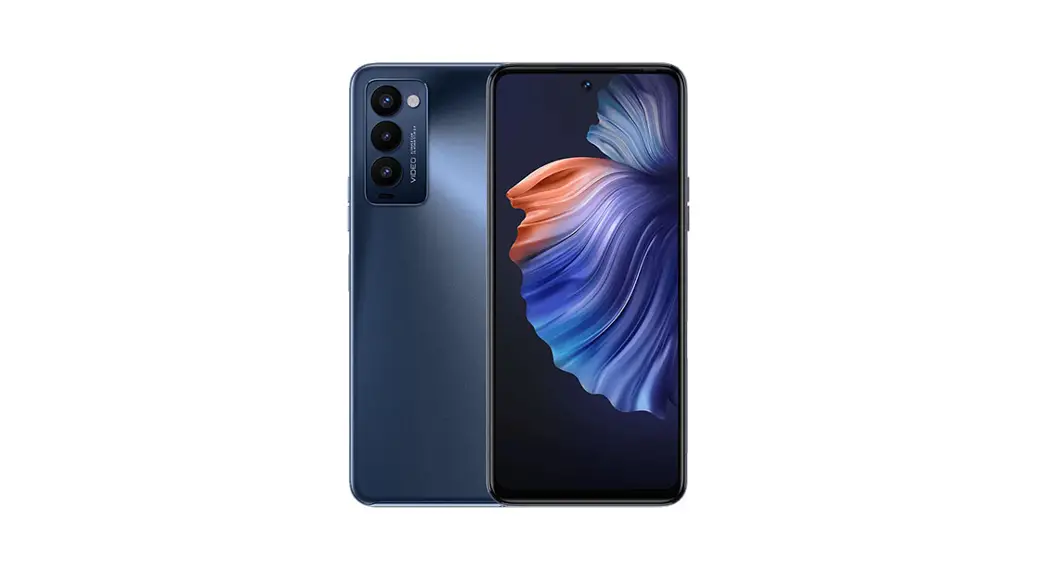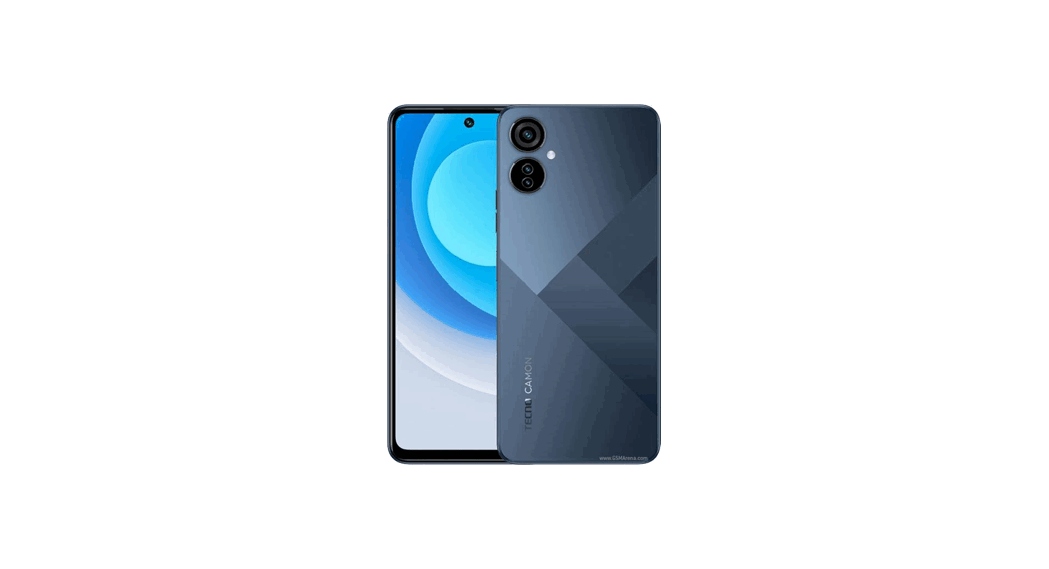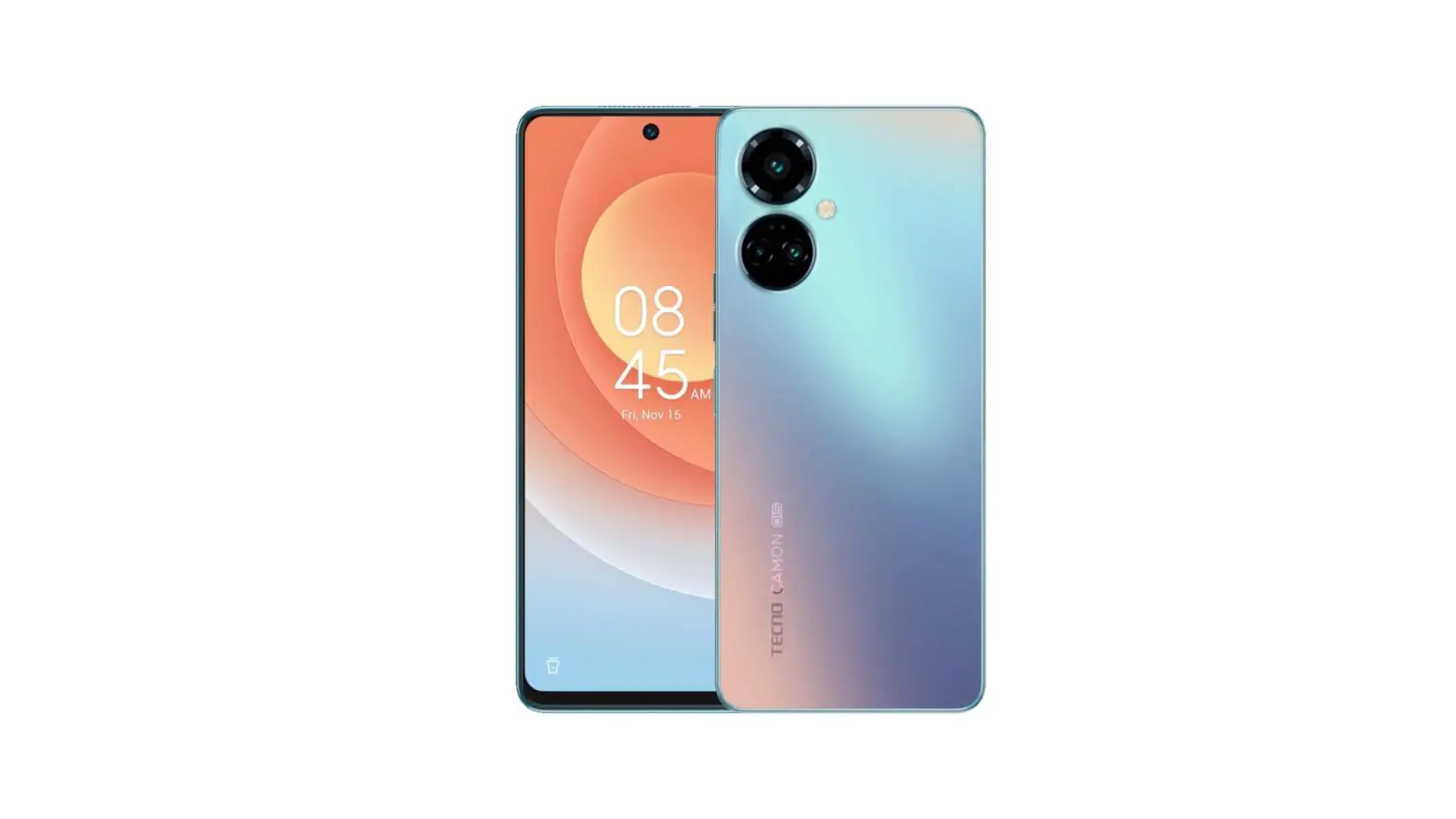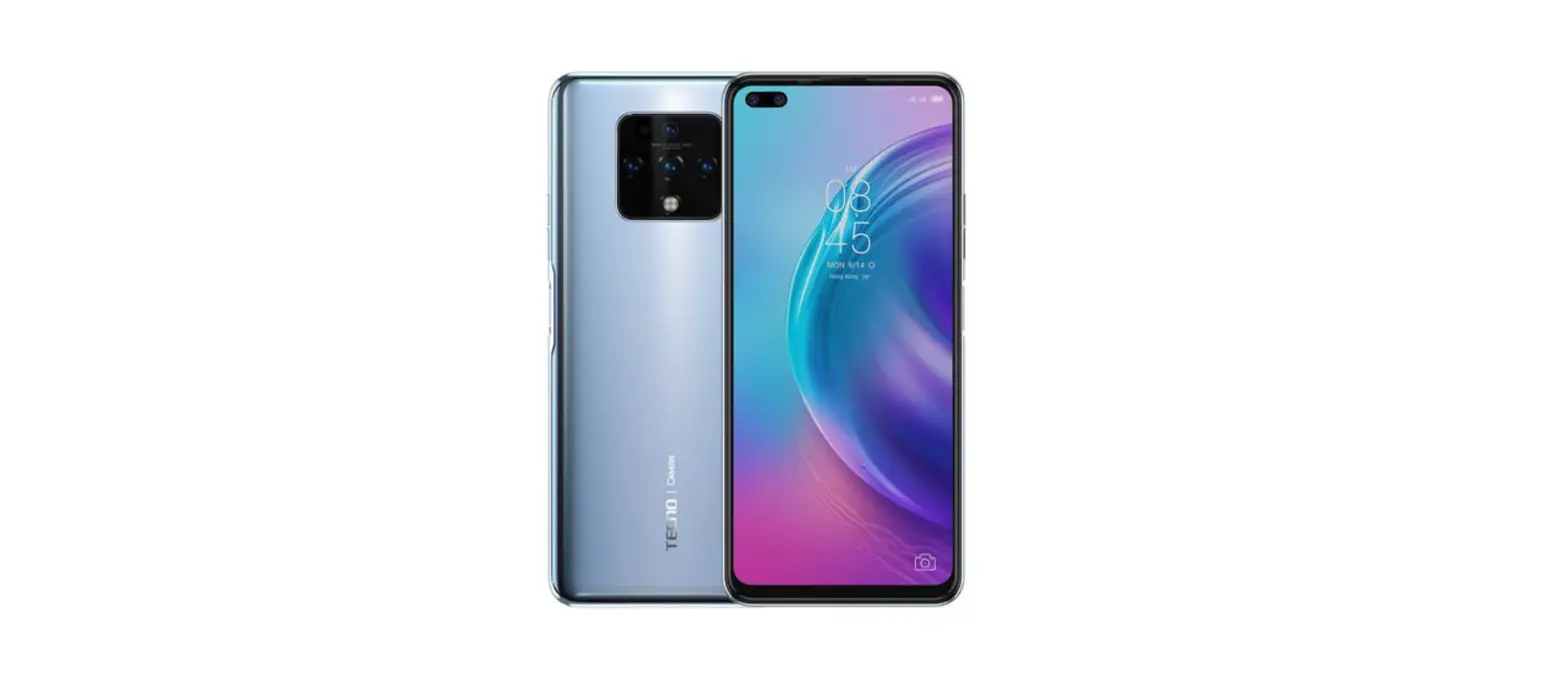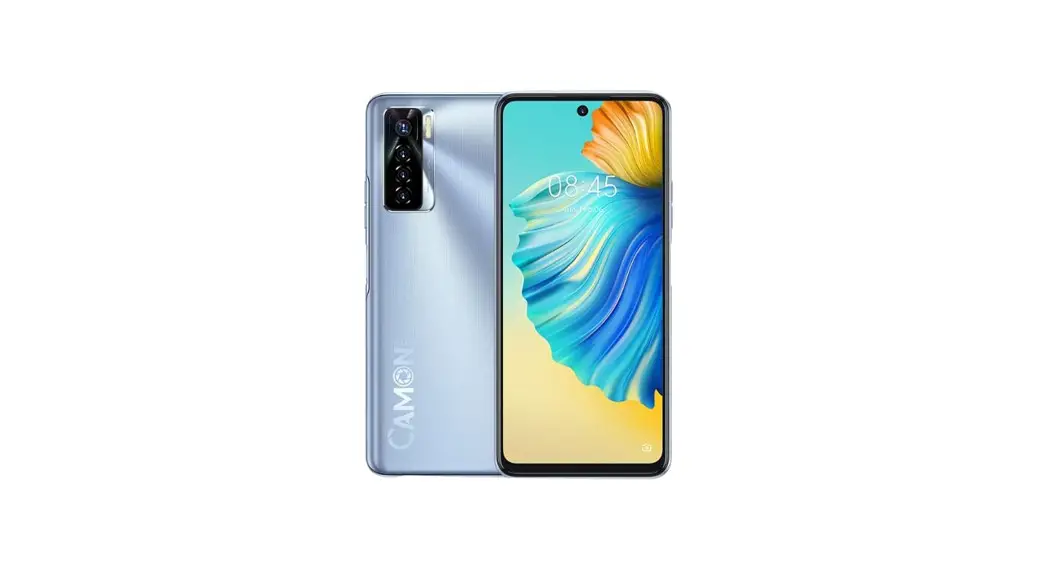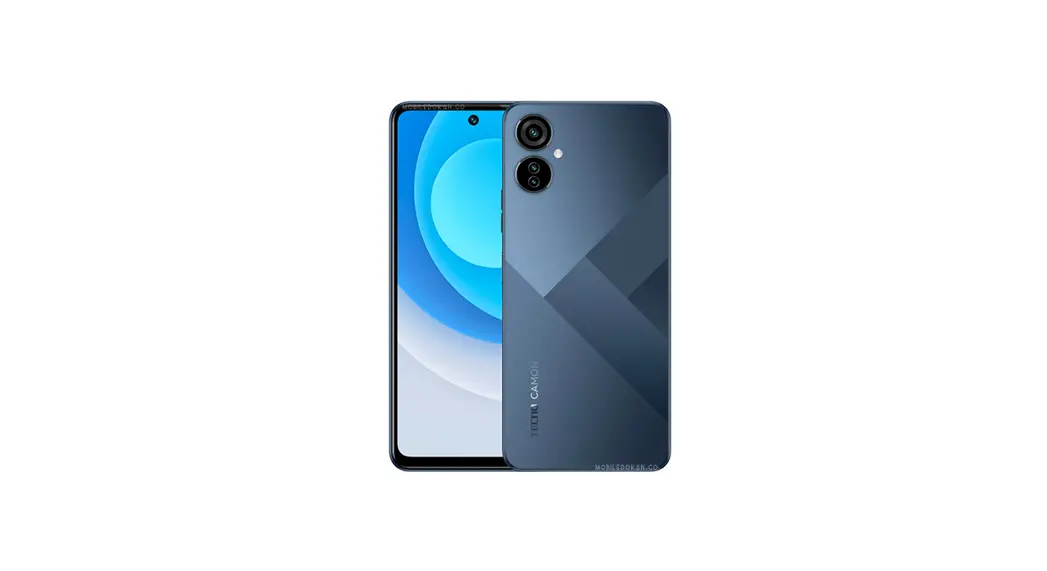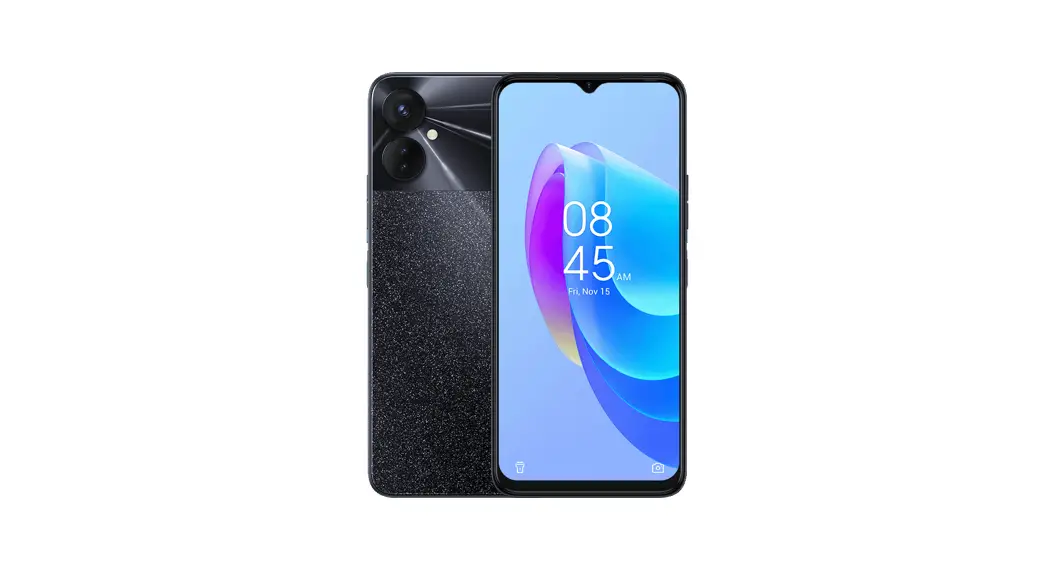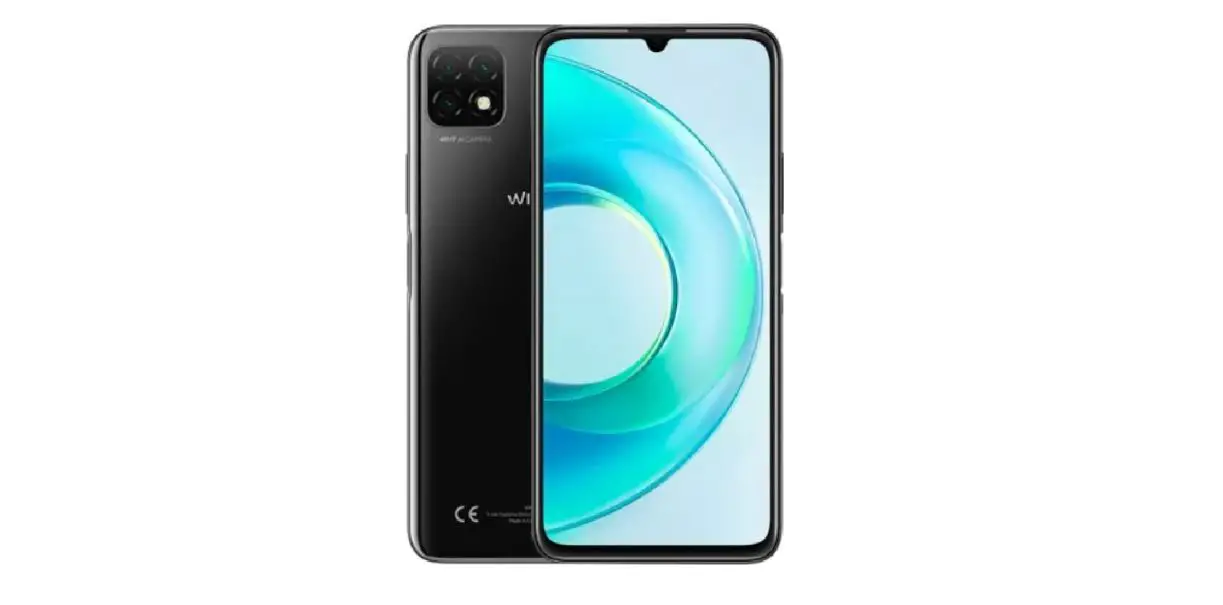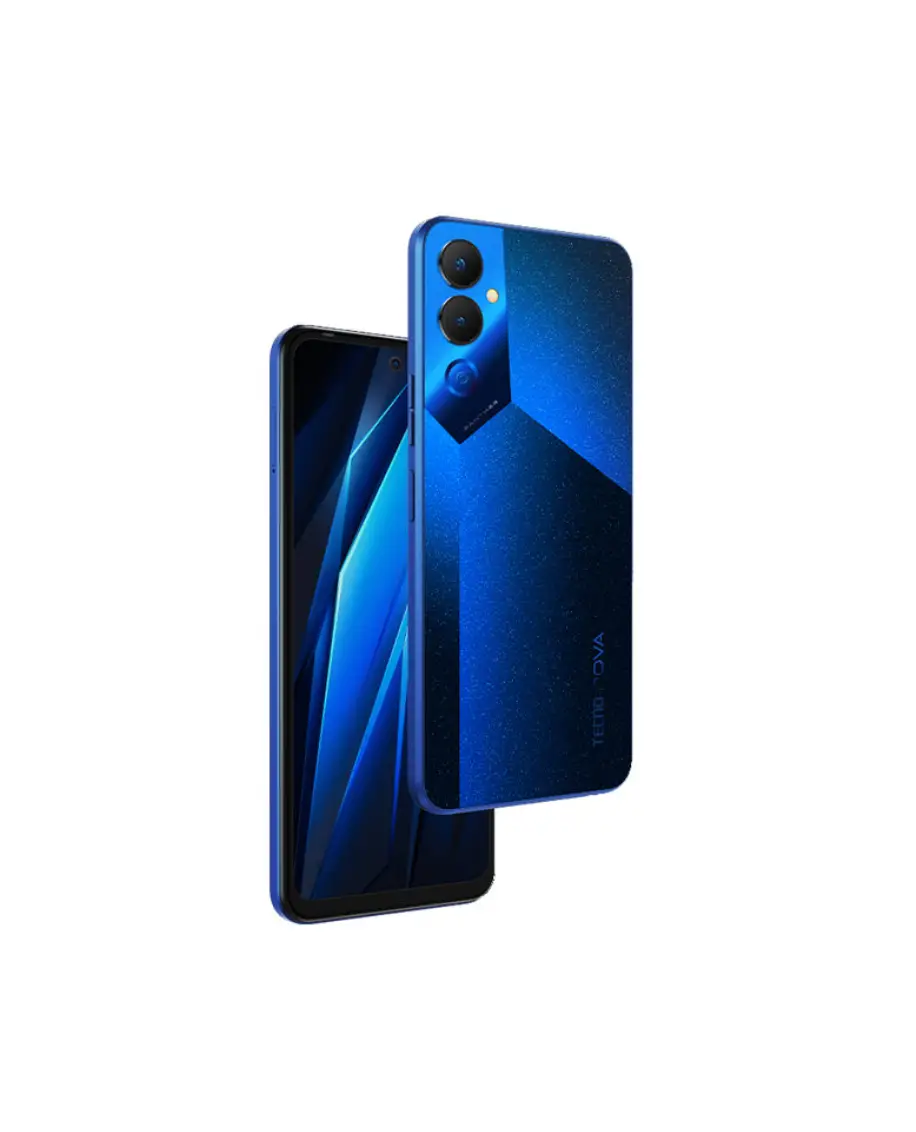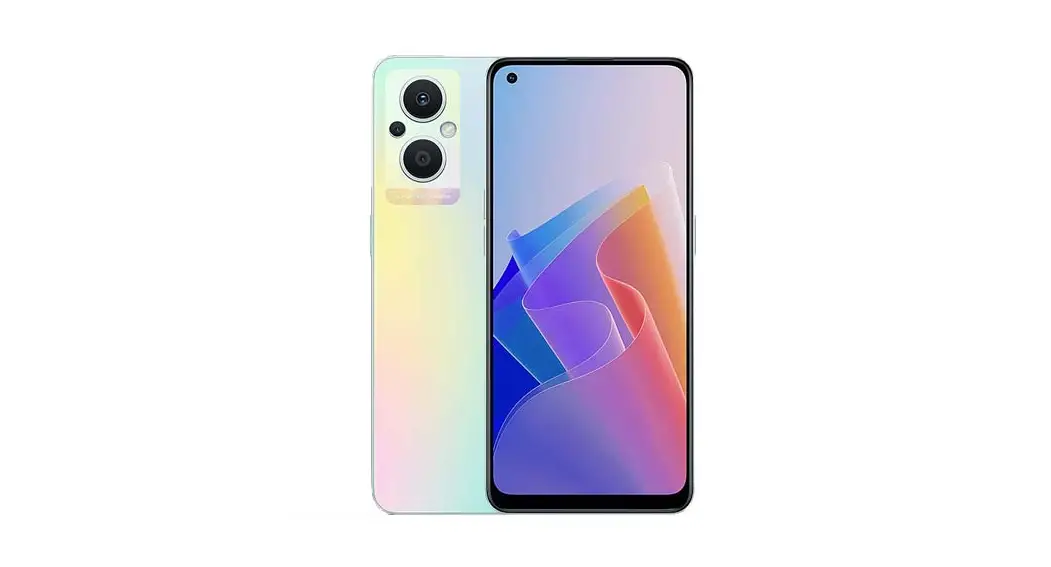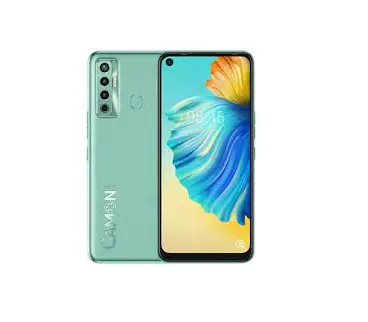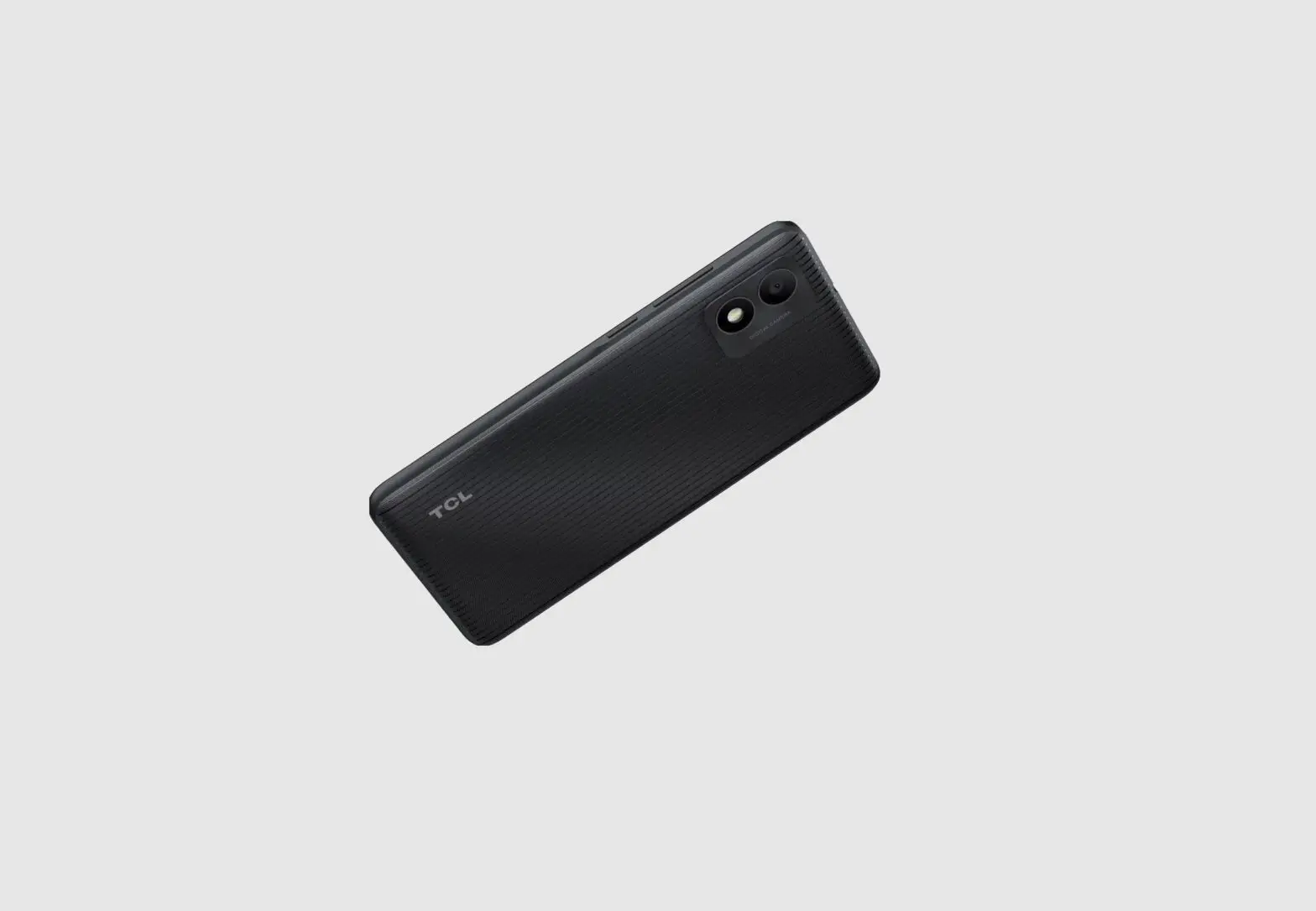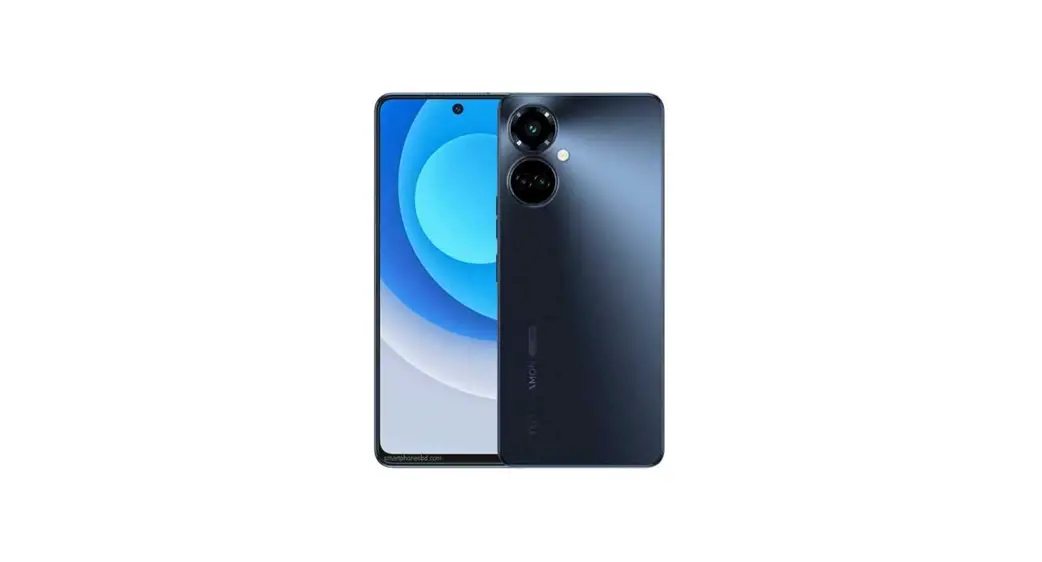
 Mobile Camon 19 Pro 5G Ci7N Dual Sim Smartphone
User Manual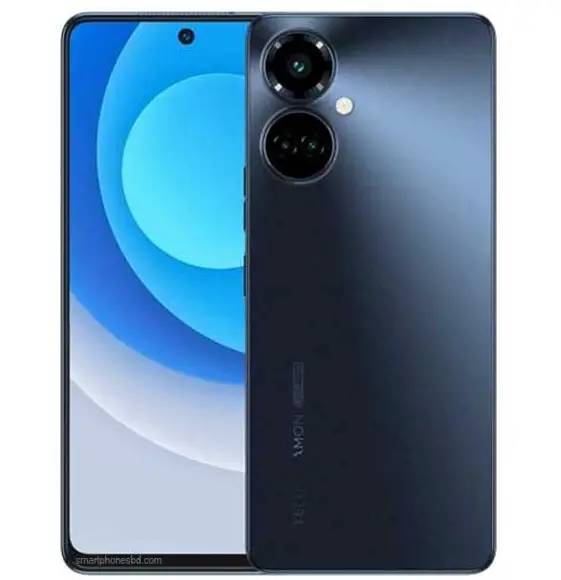
Camon 19 Pro 5G Ci7N Dual Sim Smartphone
| 1 | BAT-COVER | 2 | P-MC-SCREW |
| 3 | R-CAM-LENS | 4 | R-M-CAM-LENS |
| 5 | REAR-CAM-DECO | 6 | REAR-MAIN-CAM-DECO |
| 7 | CAM-RUBBER | 8 | NFC |
| 9 | UP-FRAME | 10 | FRAME-RADIATING-FIN |
| 11 | REAR-CAM-1 | 12 | REAR-CAM-2 |
| 13 | REAR-MAIN-CAM | 14 | FRONT-CAMERA |
| 15 | SHIELD-RADIATING-FIN | 16 | B-CAM-FRAME |
| 17 | R-CAM-RUBBER | 18 | LCM-RUBBER |
| 19 | BAT-RUBBER | 20 | F-CAM-COP-FOIL |
| 21 | REC-FPC | 22 | REC |
| 23 | B-MAIN_CAM-CON_FOAM | 24 | F-CAM-FRAME |
| 25 | MAIN-PCB | 26 | CARD-HOLDER |
| 27 | MI-HOUSING | 28 | LCM |
| 29 | COAXIAL-CABLE _1 | 30 | COAXIAL-CABLE _2 |
| 31 | SIDE-KEY | 32 | KEY-FRAME |
| 33 | SIDE-KEY-FPC | 34 | COAXIAL-CABLE-CEAL-MYLAR |
| 35 | MAIN-FPC | 36 | FM-COM_FOAM |
| 37 | SIDE_FOAM | 38 | FM |
| 39 | BATTERY | 40 | SUB-PCB |
| 41 | MOTOR | 42 | 5G-SMALL-PLATE |
| 43 | SPK-FPC | 44 | SPK |
| 45 | US-RUBBER | 46 | AJ-RUBBER |
| 47 | DOWN-FRAME | 48 | MC-SCREW |
Know your phone
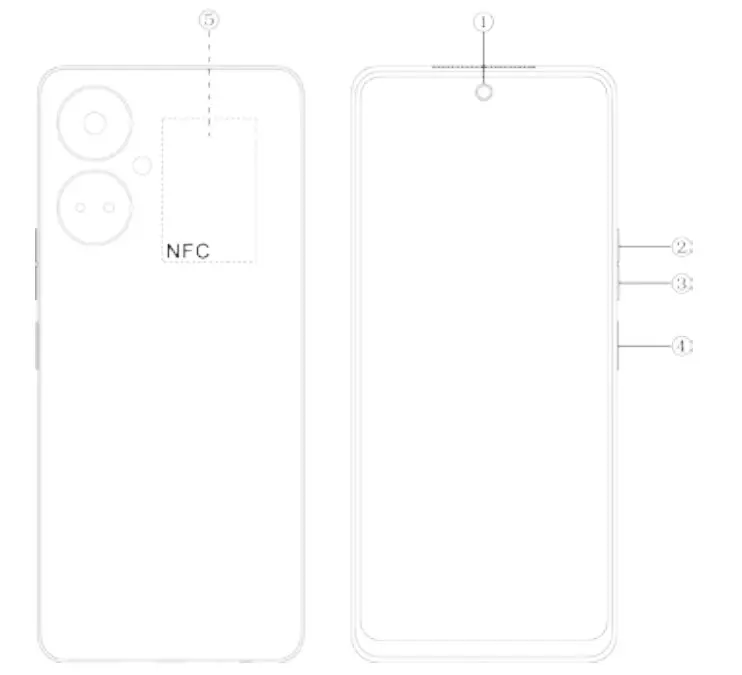
- Front Camera
- Volume + key
- Volume – key
- Power key & side fingerprint sensor
- NFC
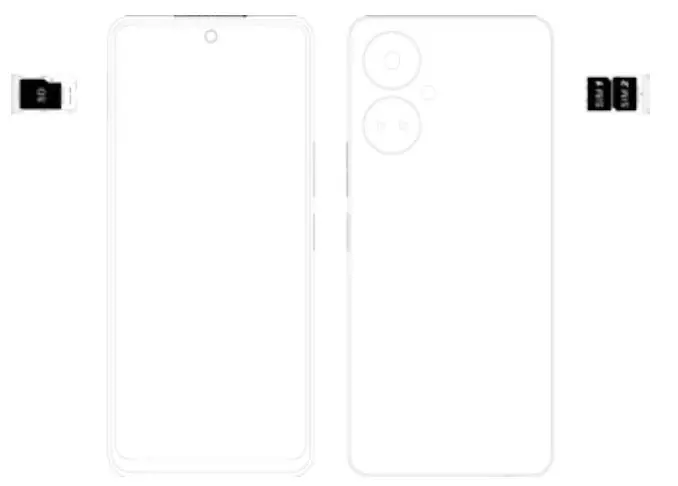
SIM/SD card installation
- Power off your mobile.
- Refer to the following picture for SIM / SD card installation.
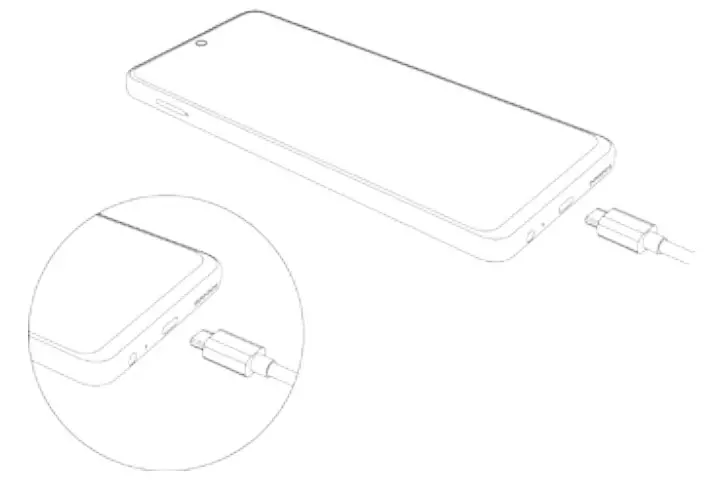
Charging the phone
You can charge your device using a charger or by connecting it to the computer using a USB cable (which comes with the phone).
Use only the TECNO charger and cables. Other chargers or cables may damage the device. This will invalidate your phone warranty.
FCC Statement
- This device complies with Part 15 of the FCC Rules. Operation is subject to the following two conditions: (1) This device may not cause harmful interference. (2) This device must accept any interference received, including interference that may cause undesired operation.
- Changes or modifications not expressly approved by the party responsible for compliance could void the user’s authority to operate the equipment.
NOTE:
This equipment has been tested and found to comply with the limits for a Class B digital device, pursuant to Part 15 of the FCC Rules. These limits are designed to provide reasonable protection against harmful interference in a residential installation.
This equipment generates uses and can radiate radio frequency energy and, if not installed and used in accordance with the instructions, may cause harmful interference to radio communications. However, there is no guarantee that interference will not occur in a particular installation.
If this equipment does cause harmful interference to radio or television reception, which can be determined by turning the equipment off and on, the user is encouraged to try to correct the interference by one or more of the following measures:
- Reorient or relocate the receiving antenna.
- Increase the separation between the equipment and the receiver.
- Connect the equipment to an outlet on a circuit different from that to which the receiver is connected.
- Consult the dealer or an experienced radio/TV technician for help.
SAR Information Statement
Your wireless phone is a radio transmitter and receiver. It is designed and manufactured not to exceed the emission limits for exposure to found under the Display Grant section of http://www.fcc.gov/oet/fccid after searching on
FCC ID: 2ADYY-CI7N Additional information on Specific Absorption Rates (SAR) can be found on the Cellular Telecommunications Industry
Association (CTIA) website at http://www.wow-com.com. * In the United States and Canada, the SAR limit for mobile phones used by the public is 1.6 watts/kg (W/kg) averaging over one gram of tissue. The standard incorporates a substantial margin of safety to give additional protection for the public and to account for any variations in measurements.
Body-worn Operation
This device was tested for typical body-worn operations. To comply with RF exposure requirements, a minimum separation distance of 10mm must be maintained between the user’s body and the handset, including the antenna. Third-party belt clips, holsters, and similar accessories used by this device should not contain any metallic components. Body-worn accessories that do not meet these requirements may not comply with RF exposure requirements and should be avoided. Use only the supplied or approved antenna.
HiOS runs on Android™ OS.
Android is a trademark of Google LLC.
 Federal Communications Commission | The United States of America
 CTIA - Home