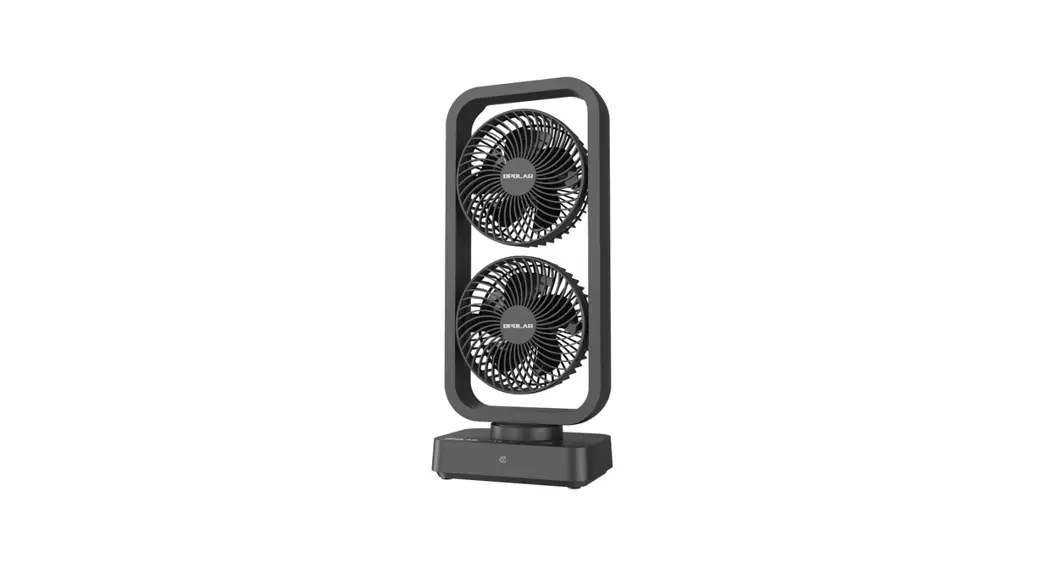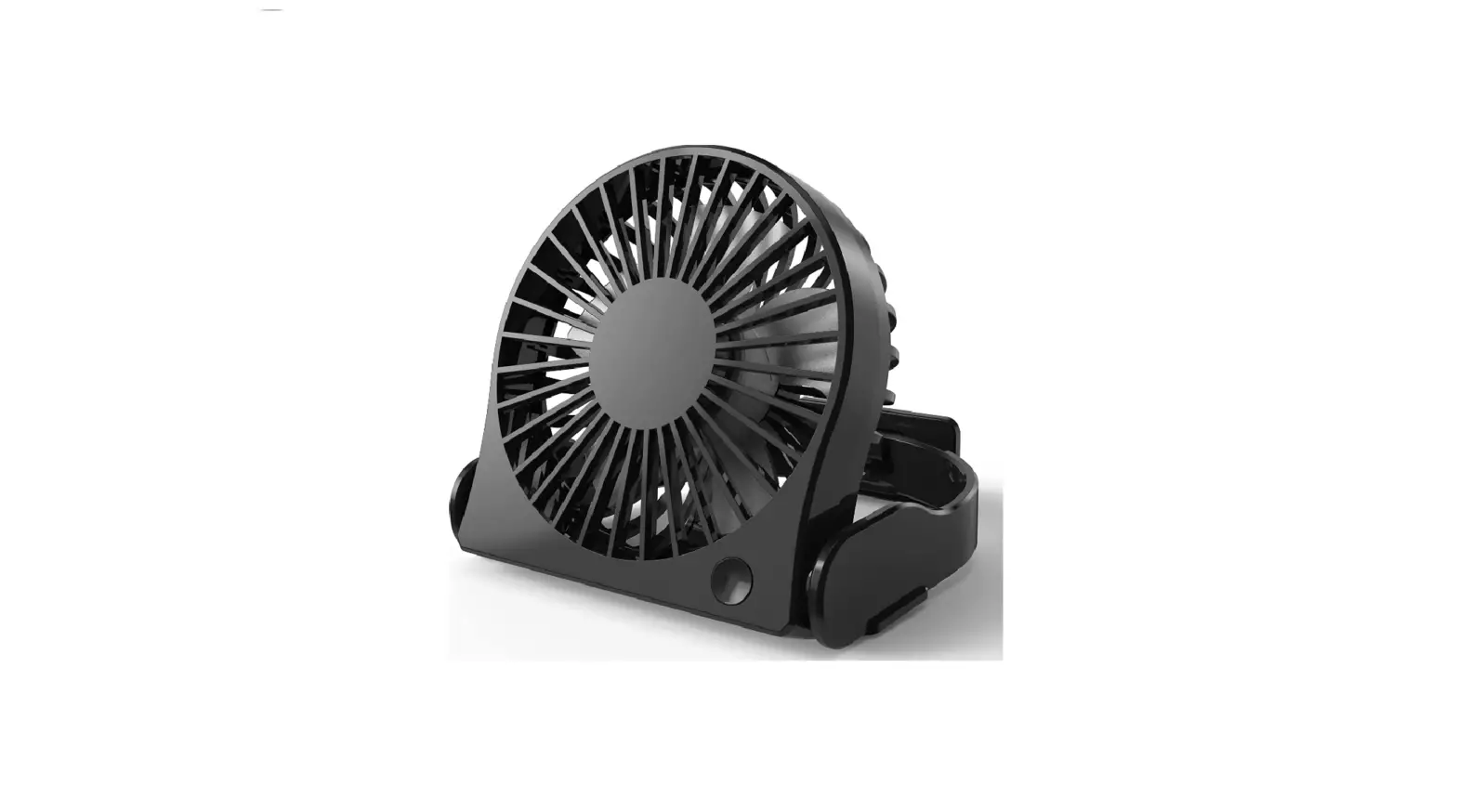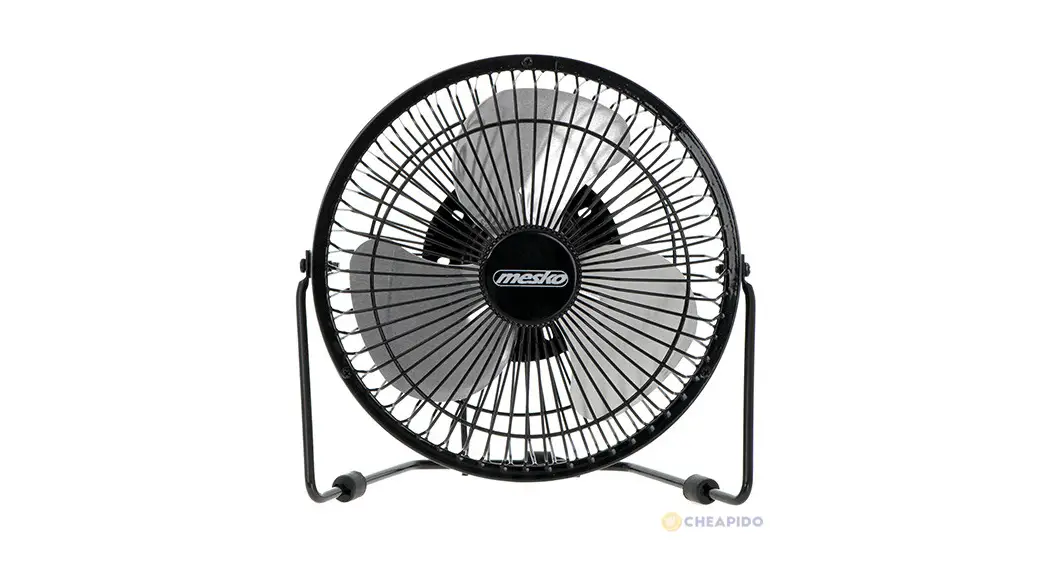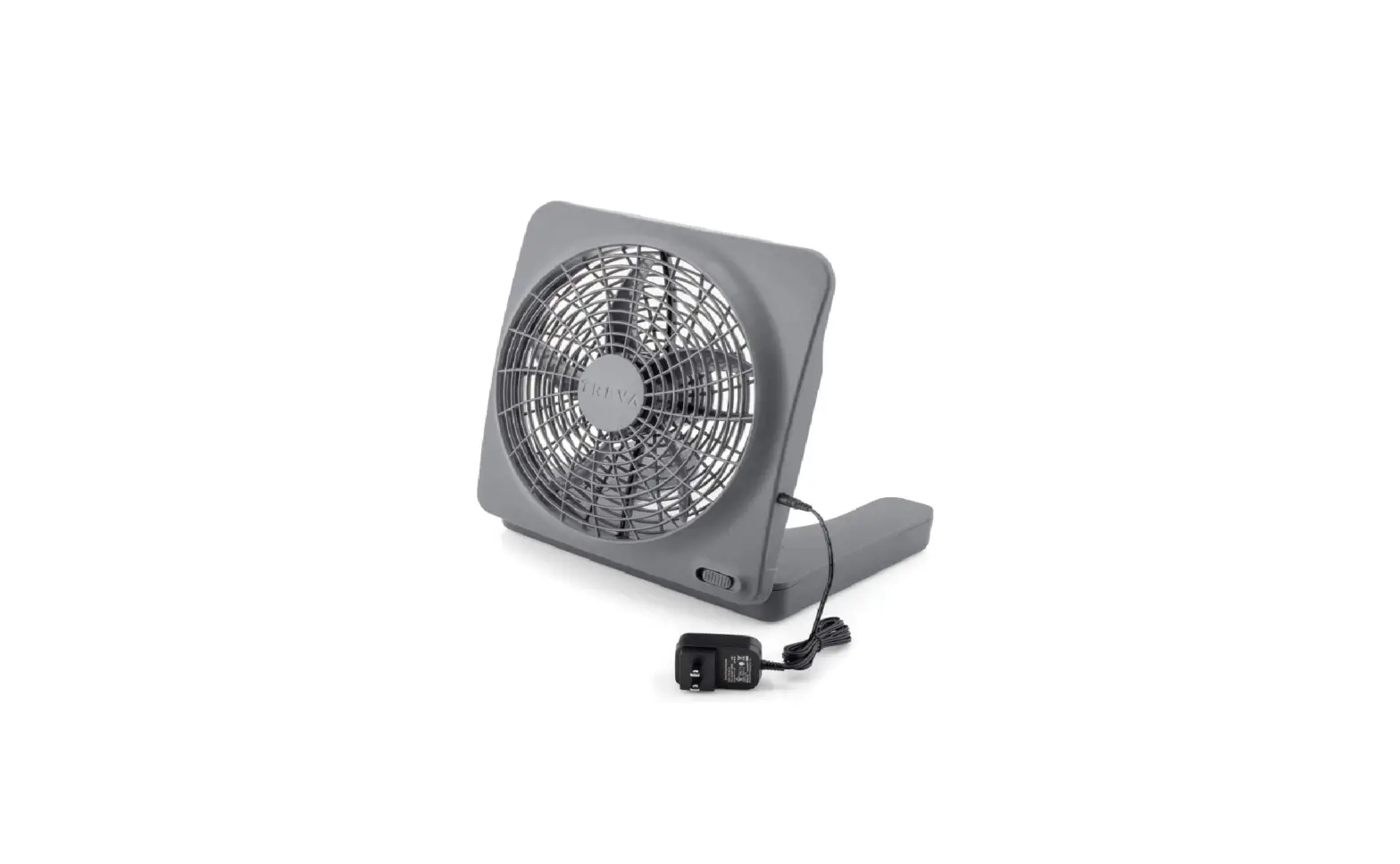

Portable Small Quiet USB Desktop Fan
Model No: TZ-TFO1
Quick Start Guide
INTRODUCTION
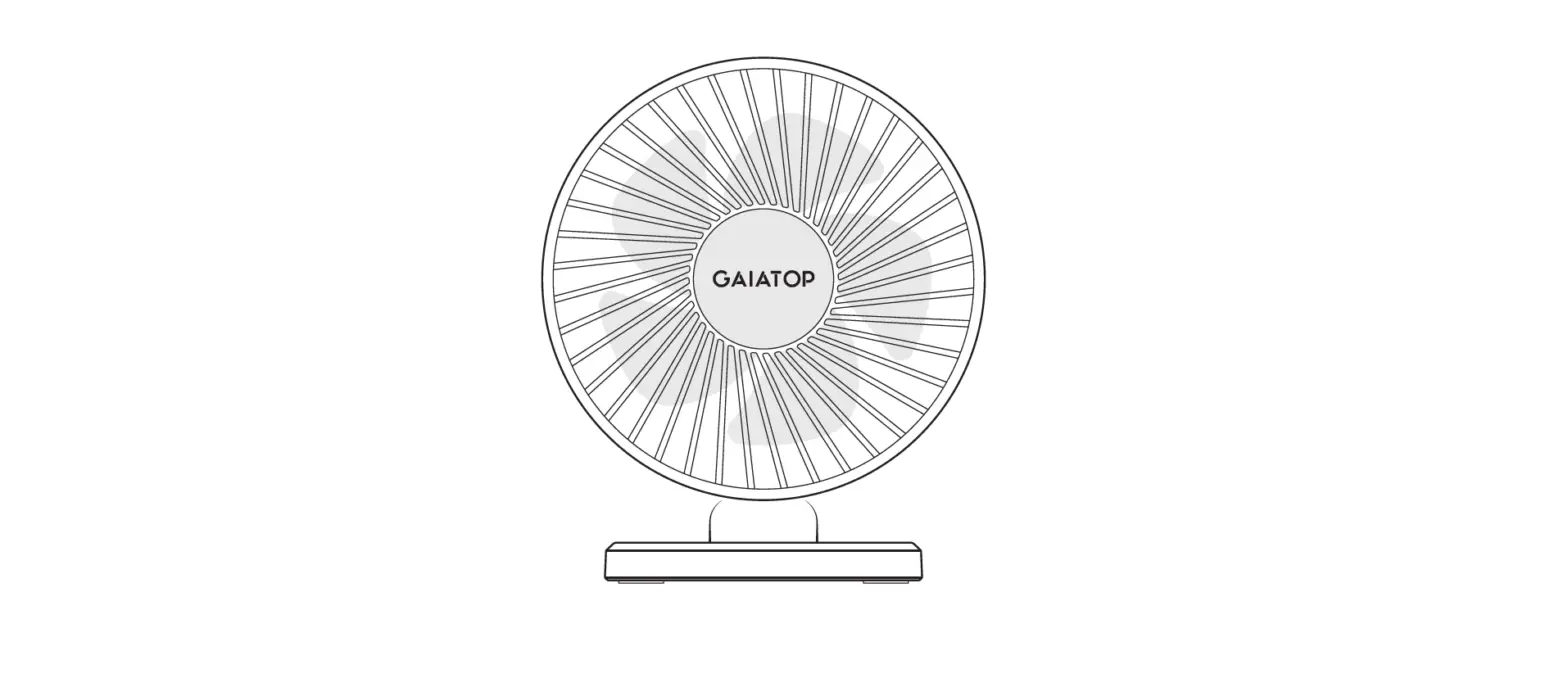
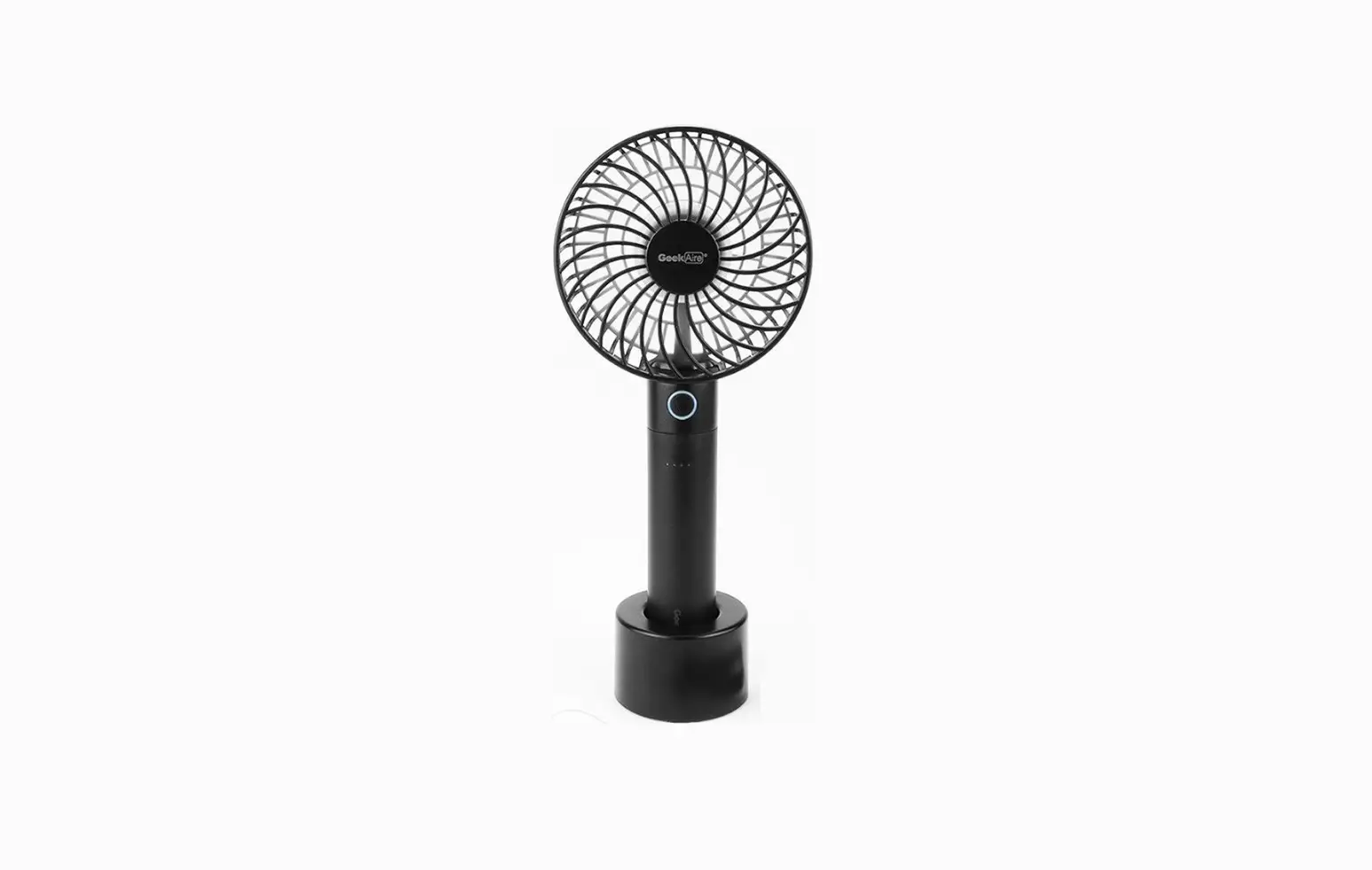
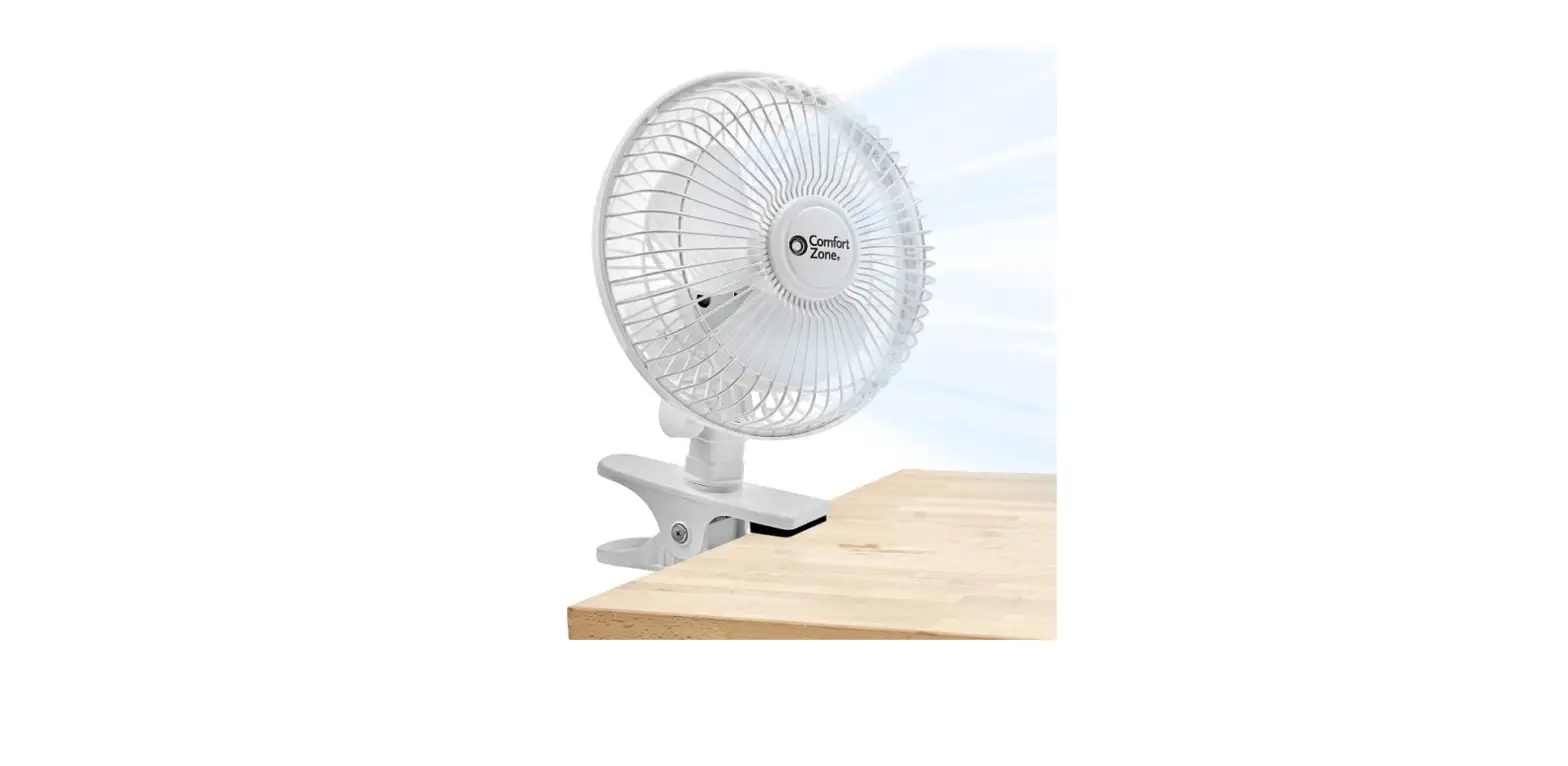
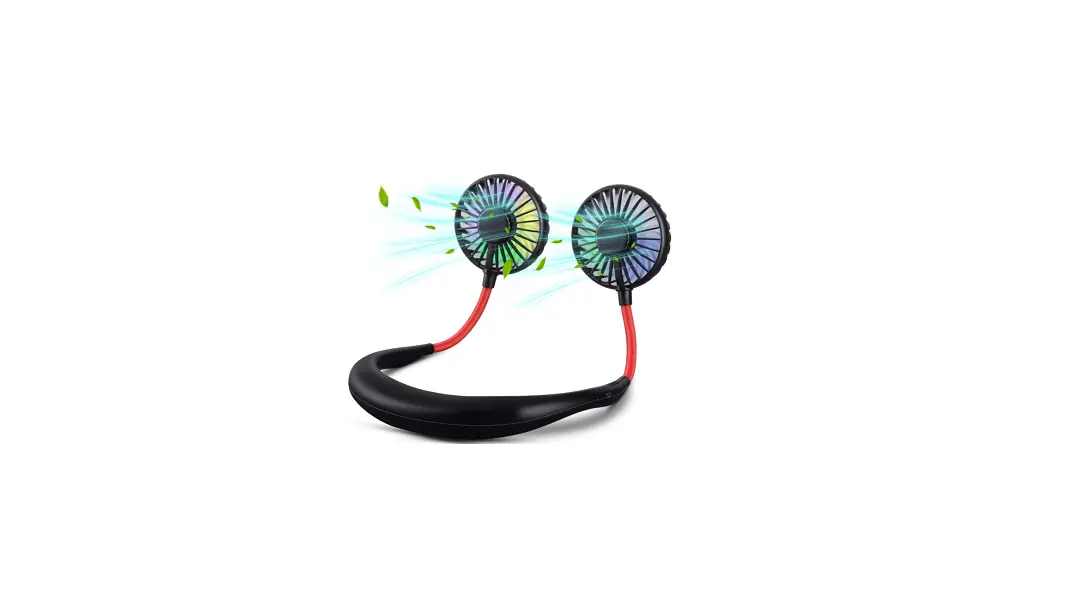
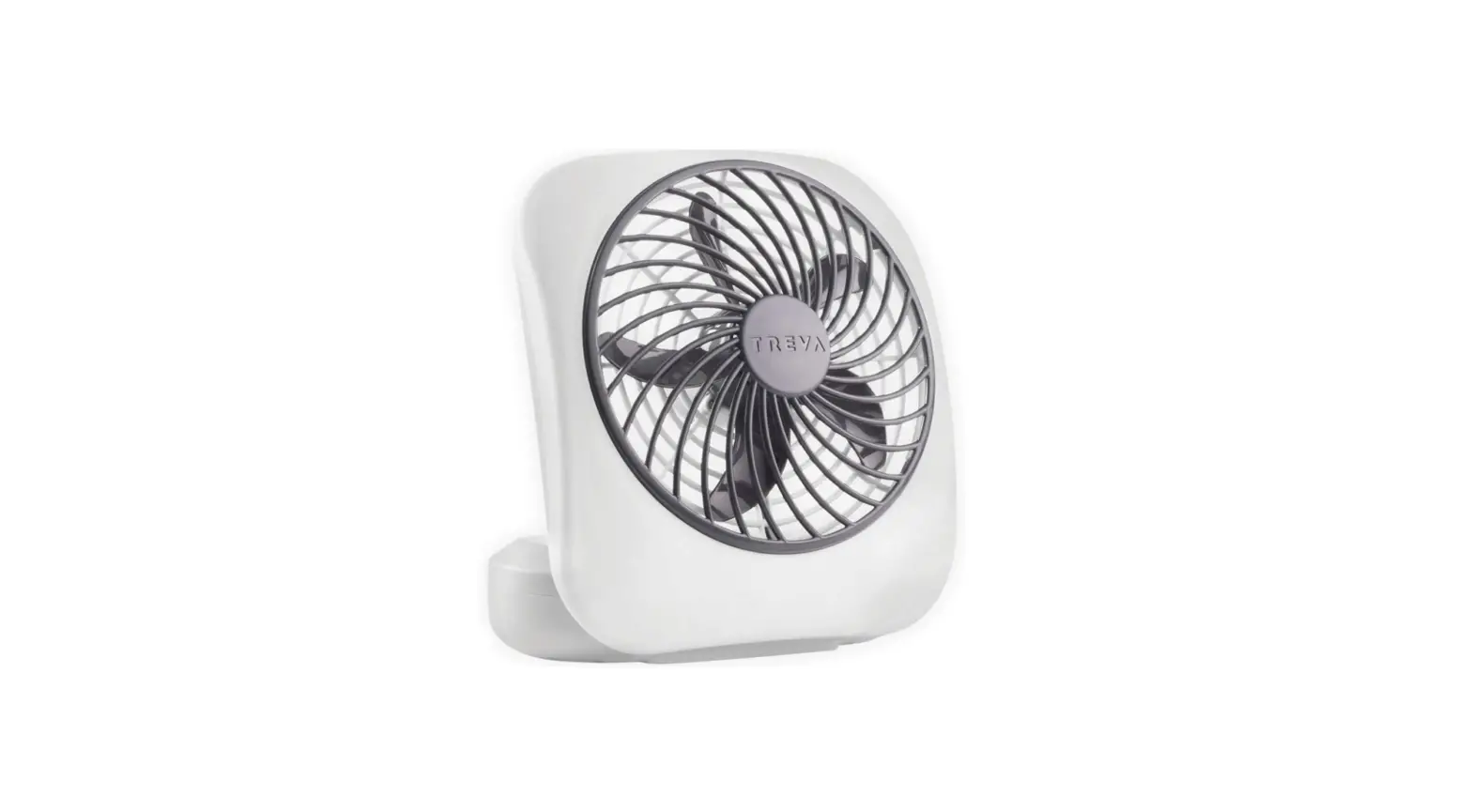
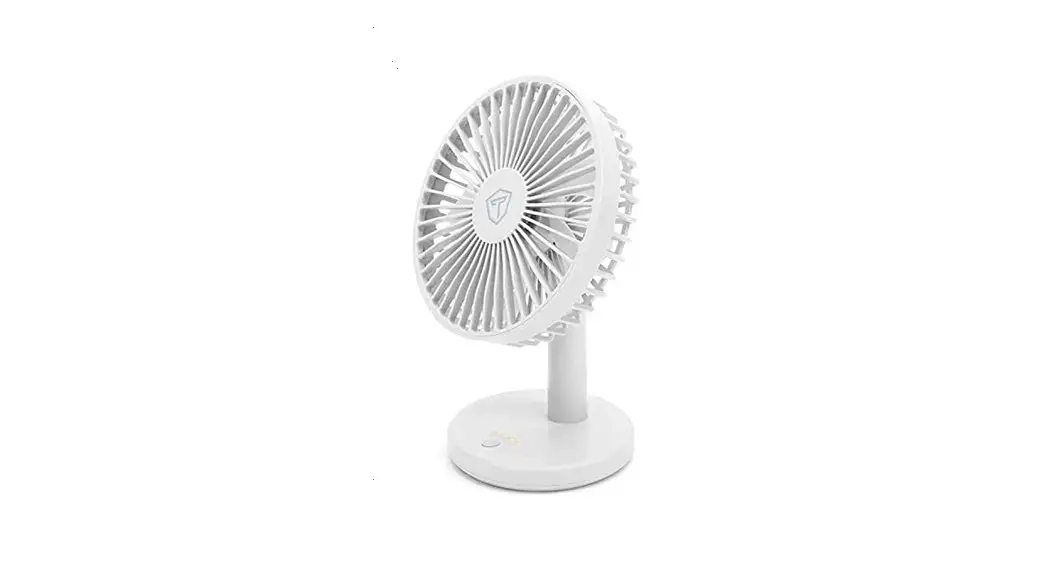
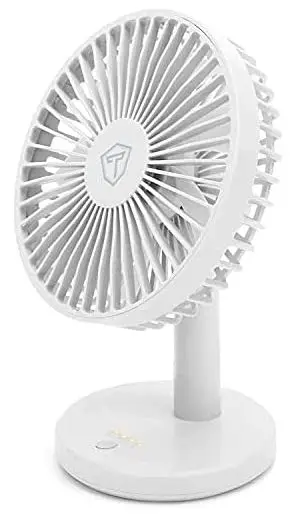
The Tukzer Portable Small Quite USB Desktop Fan is designed in a unique modern look. Made of Premium material that is durable. It’s ideal for your own use or aS a gift. thas an adjustable head to adjust angle of airflow. With a high-quality motor that features 4 speeds, to meet your needs. This fan is compact enough for a desk & powerful enough to provide comfortable cooling.
HOW TO USE
- At the base of the fan, you will see the Micro USB Charging port. Use a DC 5V/ 0.5A Power Adapter to charge the product. (It is advised to fully charge the
battery before 1st use for better battery performance and use the original charging cable to recharge the device.) - Use adjustable knob to adjust & set angle of airflow.
- Use Single Multi-function Button to Control Fan and Night Light.
Fan Control

LED Night Light Control
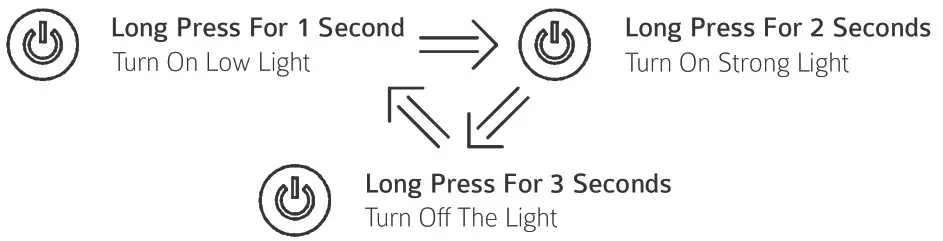
Work – Light Status
 | Not At Work |
 | First Gear Wind Speed |
 | Second Gear Wind Speed |
 | Third Gear Wind Speed |
 | Simulated Natural Wind |
SPECIFICATION
| Product Model | TZ-TF01 |
| Speed Regulation | 3-Level Wind Speeds + 1-Simulated Natural Wind Speed |
| Noise Level | s 51dB (Low) |
| Night Light | LED Panel with Warm Yellow Light 8 2 Brightness Levels |
| Power Source | Battery, USB 5V |
| Power Cable | Micro USB Cable (Length: 2.5 Feet, Included) |
| Power Interface | Micro USB Port at Back Side |
| Battery Type | 18650 Li-Ion Battery (Rechargeable) |
| Battery Capacity | 1200mAh (4.44Wh) |
| Battery Voltage | 3.7V |
| Recharging Current | 5V/0.5A |
| Charging Time | Up to 2-4 Hours |
| Working Time | Speed1: 90 Min I Speed2: 45 Min I Speed3: 30 Min |
| Standby Time | Up to 3 Days |
| Controller Type | Single Multi-function Button to Control Fan 8 Night Light |
| LED Status Indicator | For Battery Charging Status 8 Current Speed Level |
| Material | ABS, PP |
| Certification | CE, FCC |
| Color | White |
| Blade Diameter | 4.5-Inch |
| Product Dimensions | 125mm x 125mm x 213mm |
| Product Weight | 240g |
PACKAGE INCLUDES
1x Tukzer Portable Small Quiet USB Desktop Fan (TZ-TF0O1)
1x Rechargeable Battery
1x Micro USB Charging Cable
1x Quick Start Guide
PRECAUTIONS & MAINTENANCE TIPS
- Always unplug the fan from power supply before cleaning.
- Children must not play with the fan. Cleaning and maintenance shall not be made by children without supervision.
- The fan must be placed on a firm flat surface when use.
- Slowly rotate the front cover in anti-clockwise direction, to take it down. And slowly rotate in clock-wise direction, to put it back.
- Do not use water. Clean the fan with dry brush or dry cloth.
- Do not cover the grilles when use.
- Do not insert and object between the grilles and the fan blade.
- Do not use in excessively hot or humid environments.
- Store it in a dry place, away from sunlight and heat.