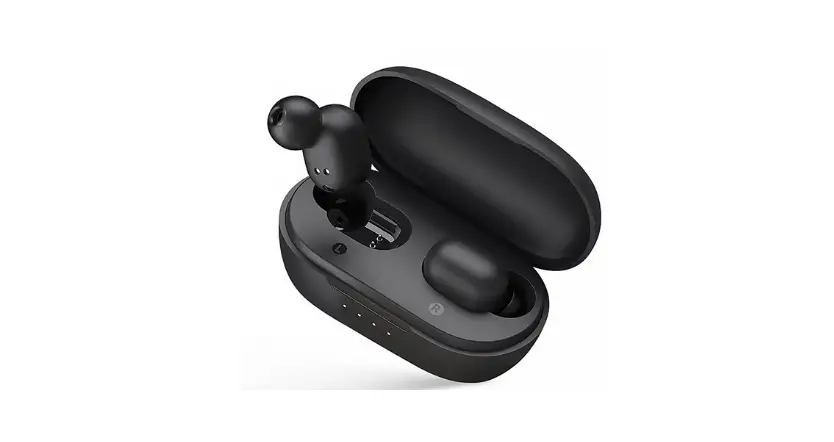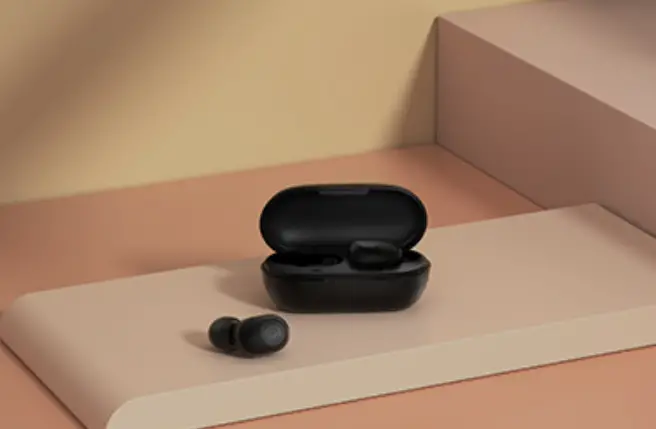
Haylou T15 (Android) Video
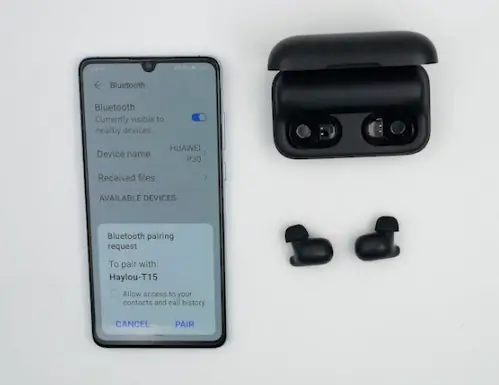
How to pair
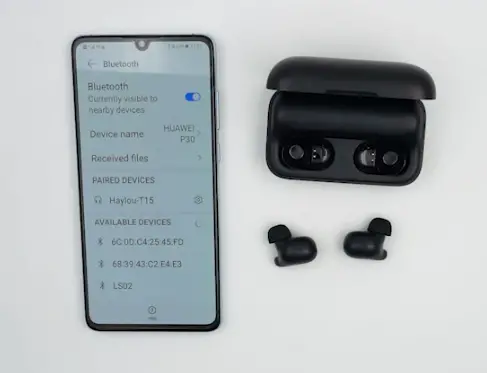
1. Take out both two earbuds, LED on one of them will blink white slowly.
2. On Phone, Tap Haylou-T15 to connect (White LED will turn off).
Master-Slave Switch
1. Put right earbud back into case and left one will auto enter mono mode.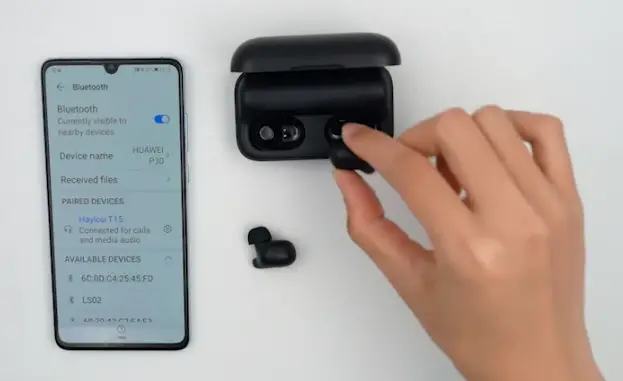
2. Take out it again earbuds will auto enter stereo mode
3. Likewise, Put Left earbud back into case and Right one will auto enter mono mode.
4. Take out it again earbuds will auto enter stereo mode
Music Control
When playing:
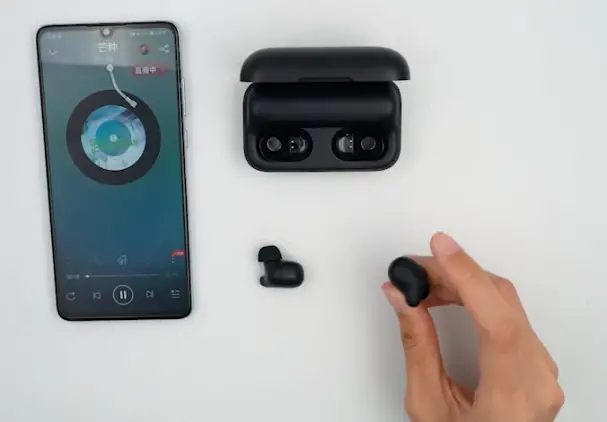
1. Touch panel on either earbud to pause/resume playing
2. Double touch panel on Right/Left earbud to Skip track forward/backward.
Voice Assistant
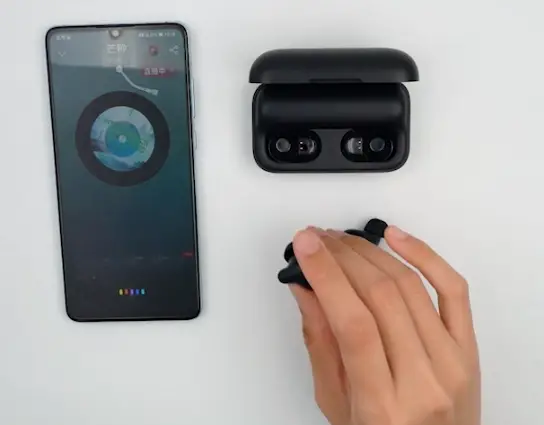
Triple touch panel on Left earbud to summon Voice Assistant, and say, Next Song to skip track.
Answer/End/Ignore Call
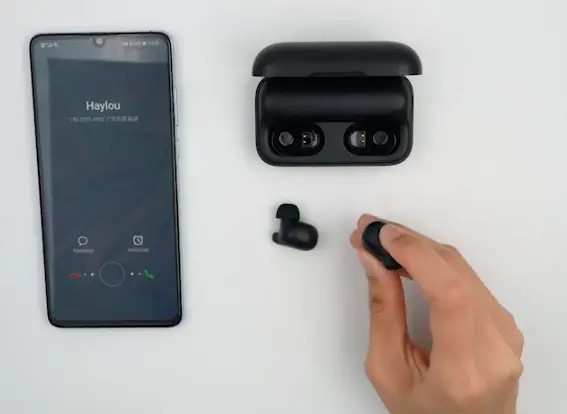
1. Double touch either panel to answer incoming call.
2. Double touch again to end or keep touching for 1s to ignore it.
Re-connecting
Take out both earbuds, (LED on either earbud will blink white) and they will auto Re-connect to your device, if Bluetooth is on, in phone.
Factory Setting
1. Keep touching panels for 5s to power off earbuds (LED will glow red for 2s).
2. Keep touching both earbuds for 15s to set earbuds to set factory (LED will blink red and white 3 times)
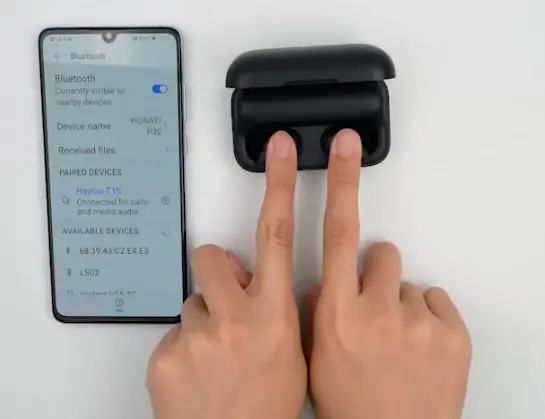
3. On Phone, delete relative connectivity records.
THANKS FOR WATCHING