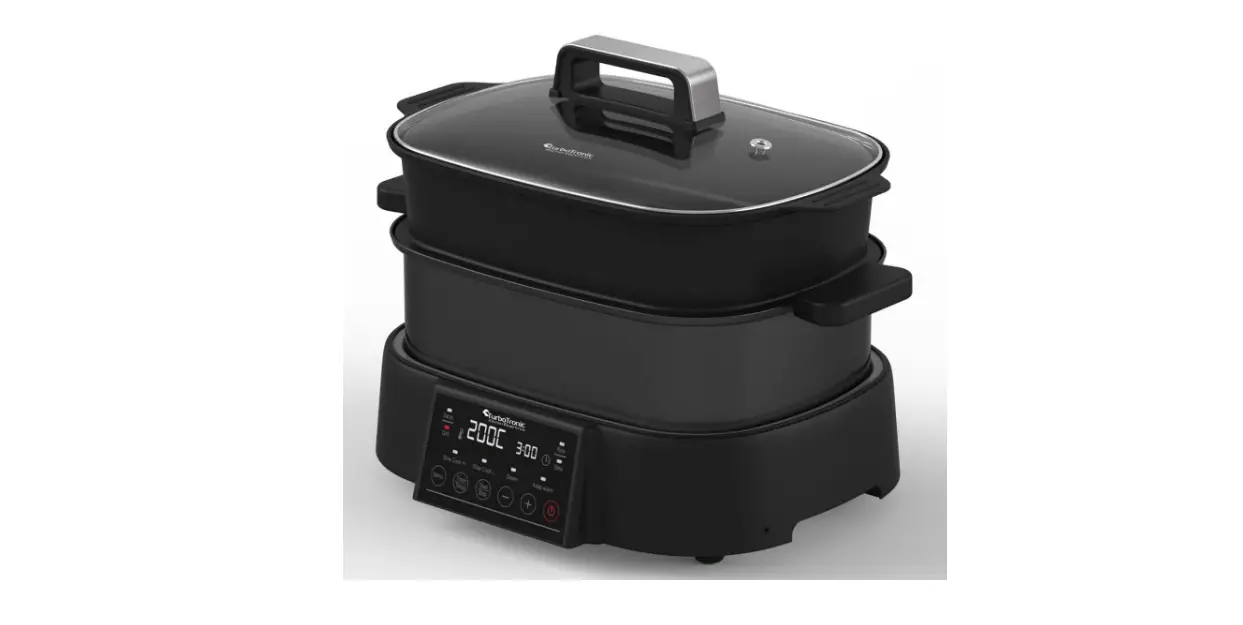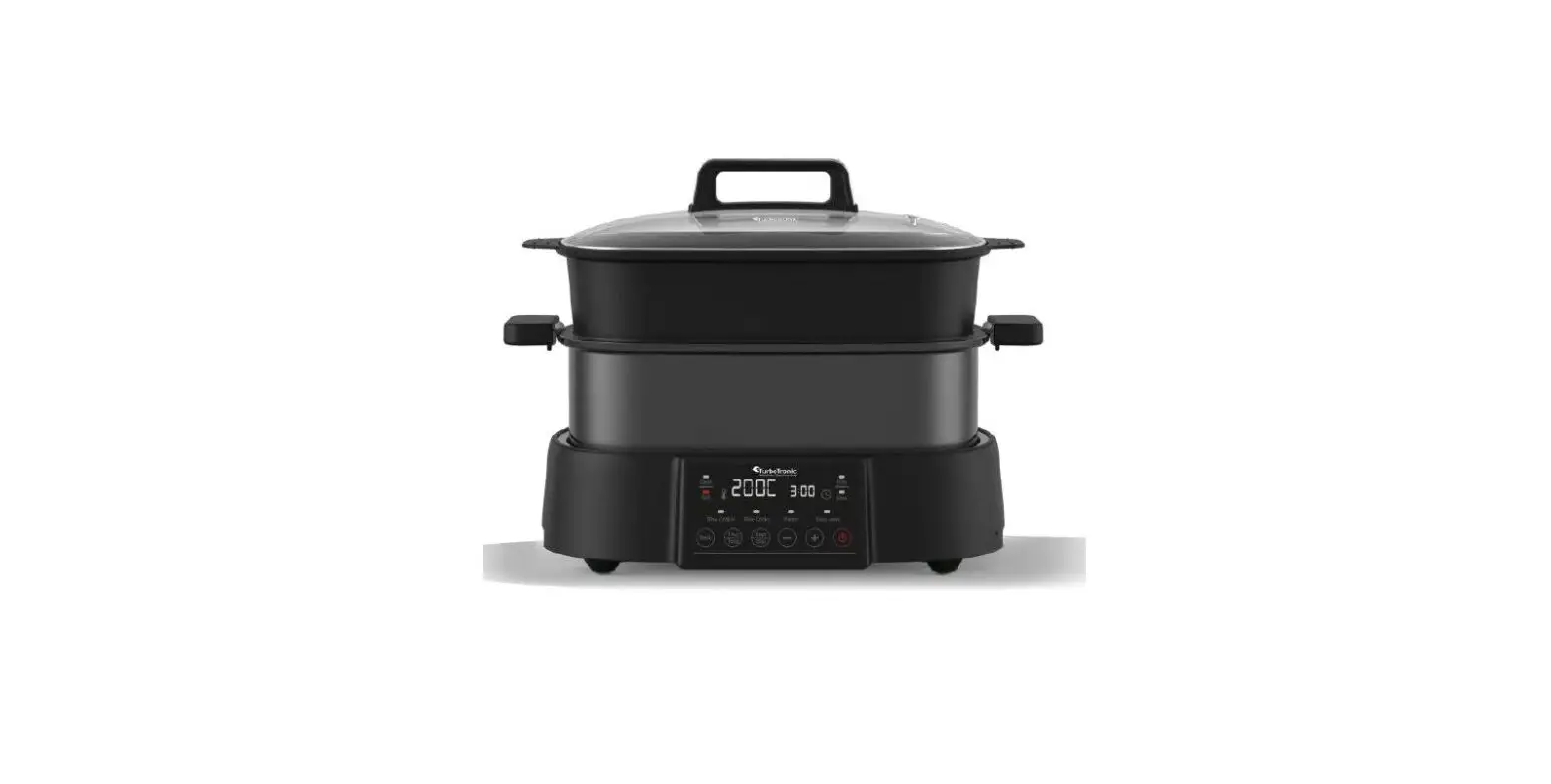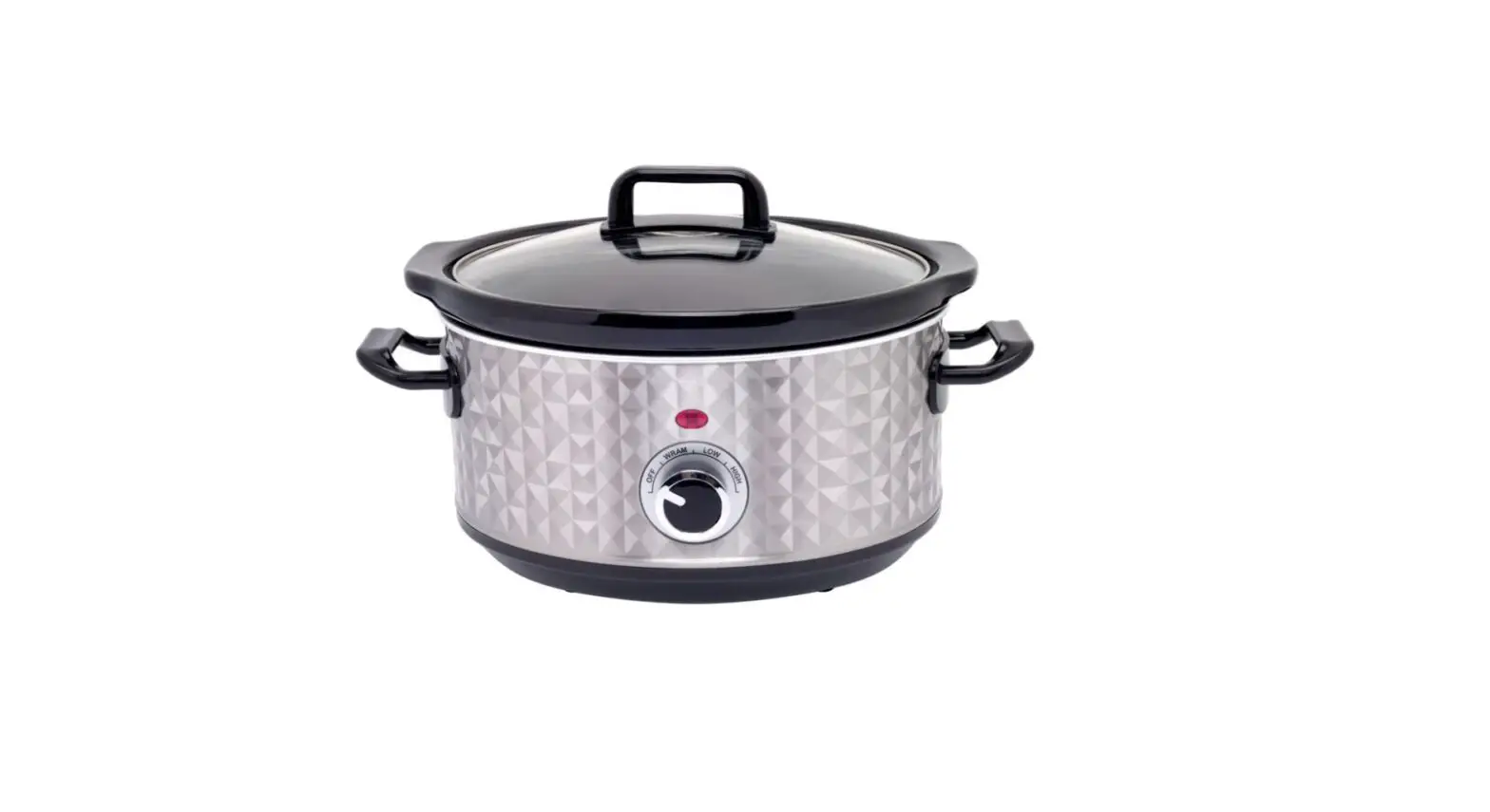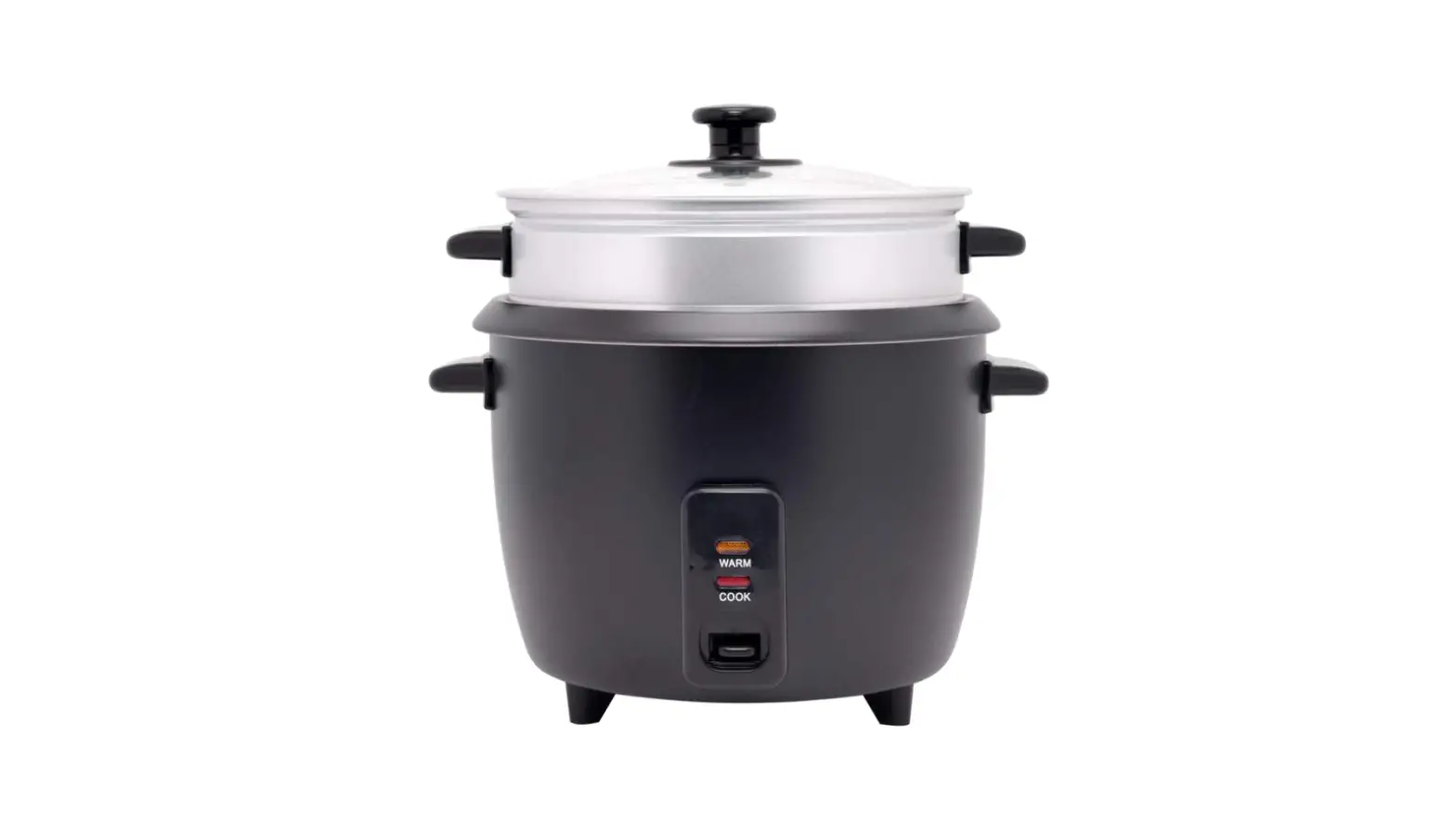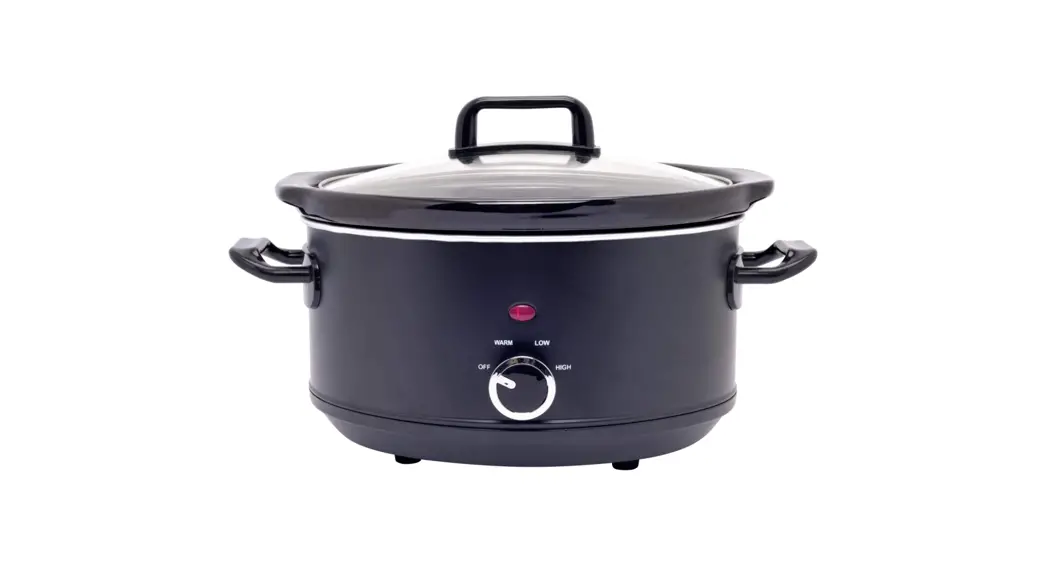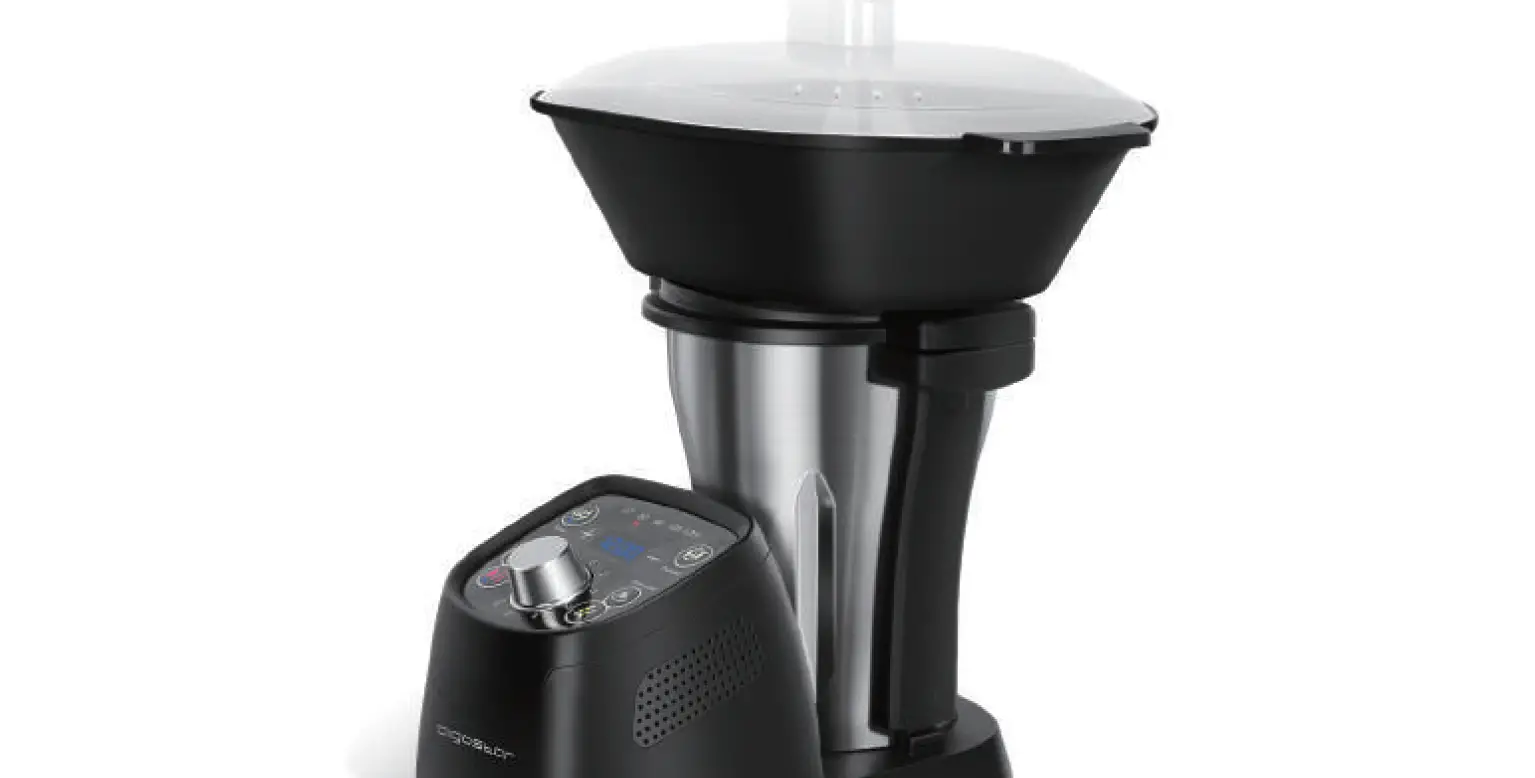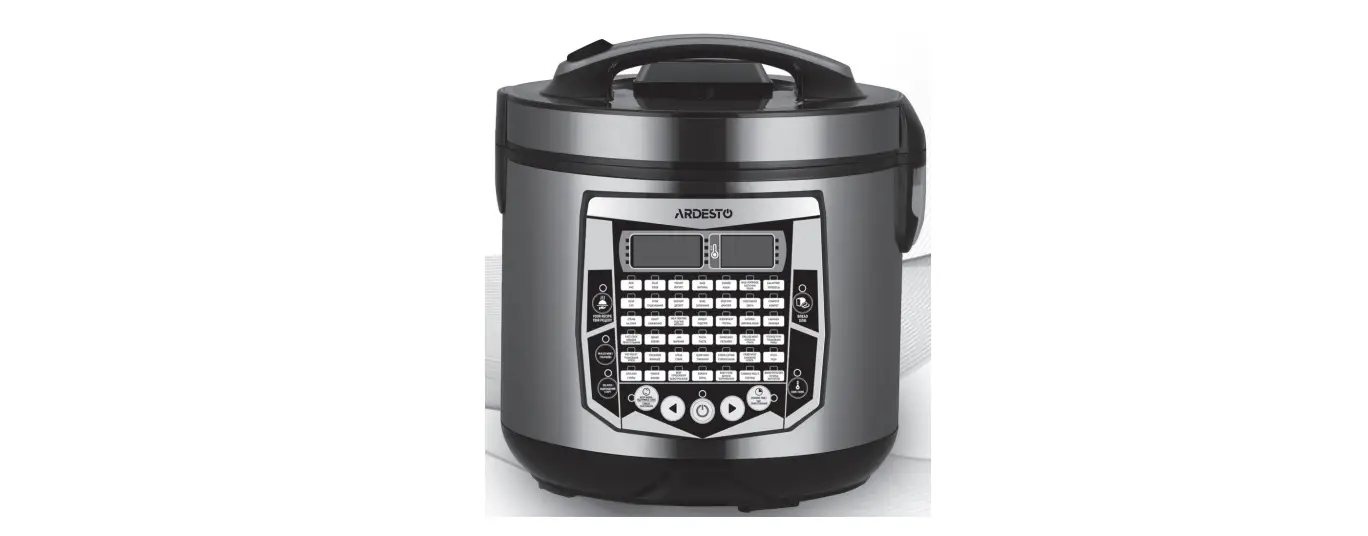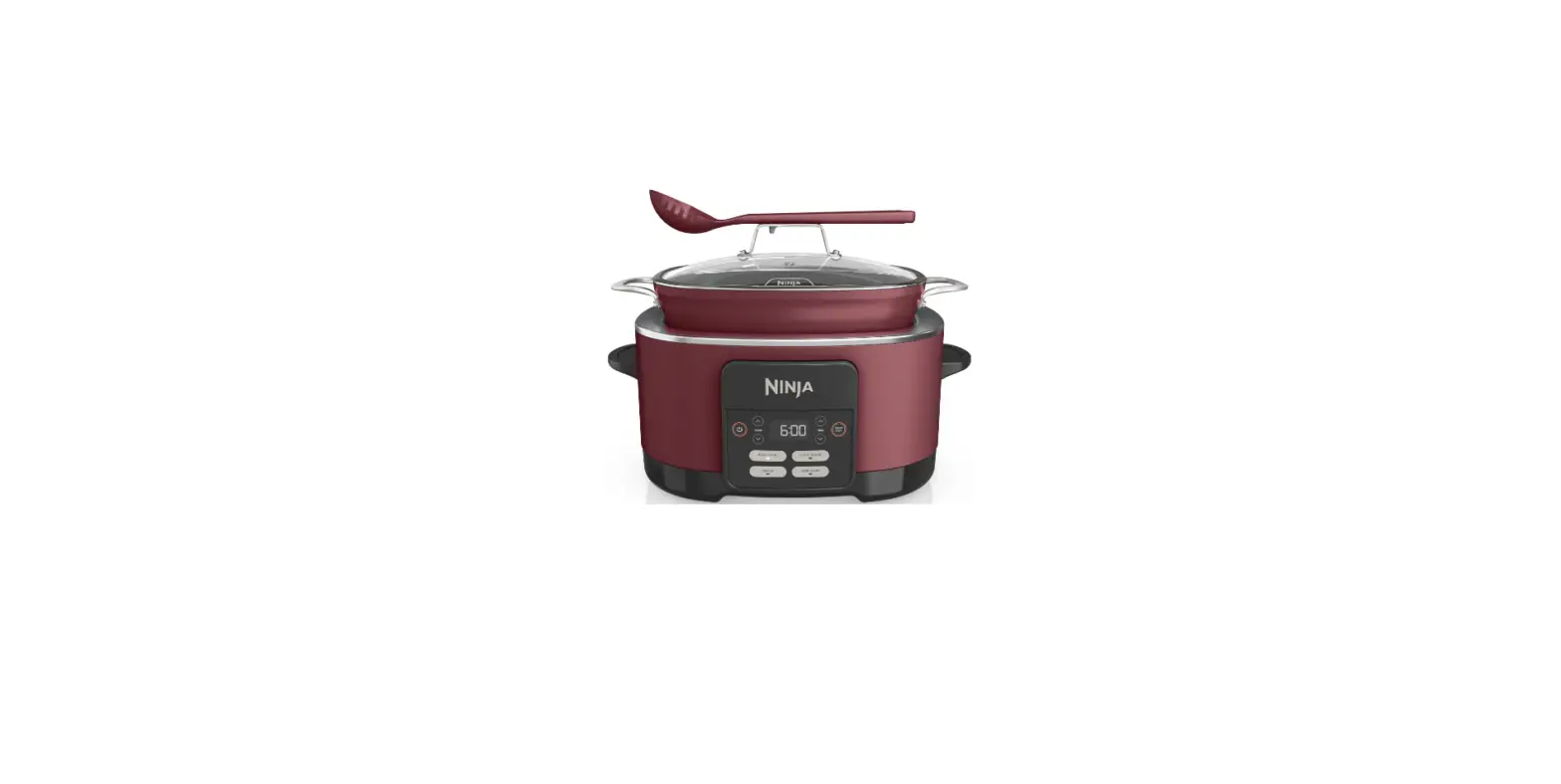

TurboTronic TT-MC51 Intelligent Multifunctional Cooker
Notice
| No Use of Inapplicable Container for Cooking | Place of Use (Location) | ||||||||||
| Use of inapplicable container for cooking may lead to poor heat conduction affecting the food quality, and even resulting in failure or any other unforeseen accident.
| It is not allowed to place this product on an unstable, gas oven or near to any other high-temperature article for avoidance of deformation which may result in functional failure. 。The inner pot is not allowed to be used with other heaters.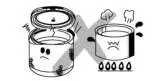 | ||||||||||
| Keep Inner Pot and Heater Clean | Storage and Protection of Power Wire | ||||||||||
| Keep the inner pot, heater and internal side of the cooker clean for avoidance of overburning which may result in failure or other unforeseen accidents.
| For use and storage of power wires, it is not allowed to process, damage, pull, twist, lengthen or allow any heavy object to press the power wires for avoidance of any failure or accident resulted from the damage of wire skin. In case the wire is damaged, please use the dedicated flexible cable or buy it from us or the appointed repair service center for replacement. | ||||||||||
| No Dishcloth or other Item Allowed to Cover this | Switch Operation or Shutdown of Power is Allowed | ||||||||||
| Product | During Cooking | ||||||||||
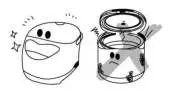
| During cooking or warm keeping, it is not allowed to cover air outlet with a dishcloth because it may lead to functional failure caused by the deformation of cooker body.
| Operation of switch or power shutdown may affect the food quality caused by uneven heating performance.
| ||||||||||

Notices of Use
| No Washing by Water | Do No Power when no Inner Pot Inside. | ||||||||||
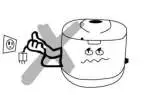
No washing by using water is allowed to clean the cooker body. It is not also allowed to immerse this entire cooker into water for avoidance of functional failure, electric shock or any other unforeseen accident.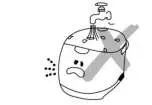 | It is not allowed to turn the power on when the cooler is not loaded or the inner pot hasn’t been put inside to avoid the fuse being burnt or any accident.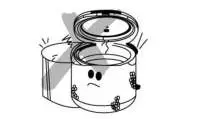 | ||||||||||
| High-temperature Steam when Cooking | Do make sure use with 220V power | ||||||||||
When cooking, steam may come from the air outlet, so it is not allowed to close your face or hands to the outlet and the upper lid for avoidance of scald.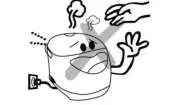 | If the voltage is less than 220V, the heater is unable to work normally leading to poor cooking performance; if the voltage is more than 220V, it may cause damage to the circuit resulting in fire or any other unforeseen accident.
| ||||||||||
| Don’t Share one Socket with Other Electric | Unauthorized Disassembly, Repair or | ||||||||||
| Appliances | Reconstruction not Allowed | ||||||||||
Sharing one socket with other electric appliances may lead to overheat of the socket causing fire or any other unforeseen accident.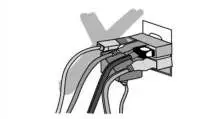 | Unauthorized disassembly or reconstruction may lead to unforeseen failure or accidents, causing serious breach of customer’s rights and interests. | ||||||||||
Put Inner Pot into Electric Cooker
| Put Inner Pot into Electric Cooker | |||
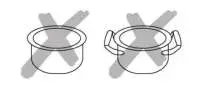
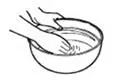
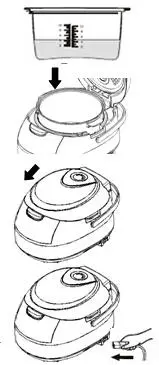
| Dry the inner pot and confirm there are no impurities on the heater. Put the inner pot in the electric cooker and then turn the inner pot around to allow the pot to be in full contact with the heater. Don’t fill water in the outer pot for avoidance of any failure or electric shock. |  | ||
Other Instructions
- Press the upper lid firmly for avoidance of poor cooking and heat insulation performance caused by poor sealing.
- After the inner pot is put inside the electric cooker, turn it around for full contact with the heater. Before selecting a working mode for cooking, please confirm that the inner pot with food is well placed inside the outer pot. (When the inner pot is not put in or not well placed, it is not allowed to start cooking for avoidance of any accident.
- For heat insulation, do not put the spoon into the pot for avoidance of poor heat insulation effect.
- If there is any corrosion caused by the deformed or damaged inner pot surface, please replace it with our appropriate pot. The inner pot is treated with non-adhesive coating, so it is not allowed to use hard or metal spoons or brush.
- For any failure caused by falling or impact from outside force, please check it for use.
- If you want to cancel the working mode you choose or stop cooking, you can press “Cancel” key during heat insulation to choose another working mode.
- After use of the electric cooker, cleaning should be done for next time. Use a piece of soft cloth together with some cleaner to clean the inner pot and accessories, then use water to wash them. (All the removable parts can be clean by dishwasher as well). For inside and outside part of the cooker, especially the inner lid and the sealing silicone, regular cleaning is necessary, but do remember not to use water to wash it.
- If you don’t use this product for a long time, just pull down the power plug and store it a in proper place after confirming that the cooker body is fully dry.
Main Parts & Accessories
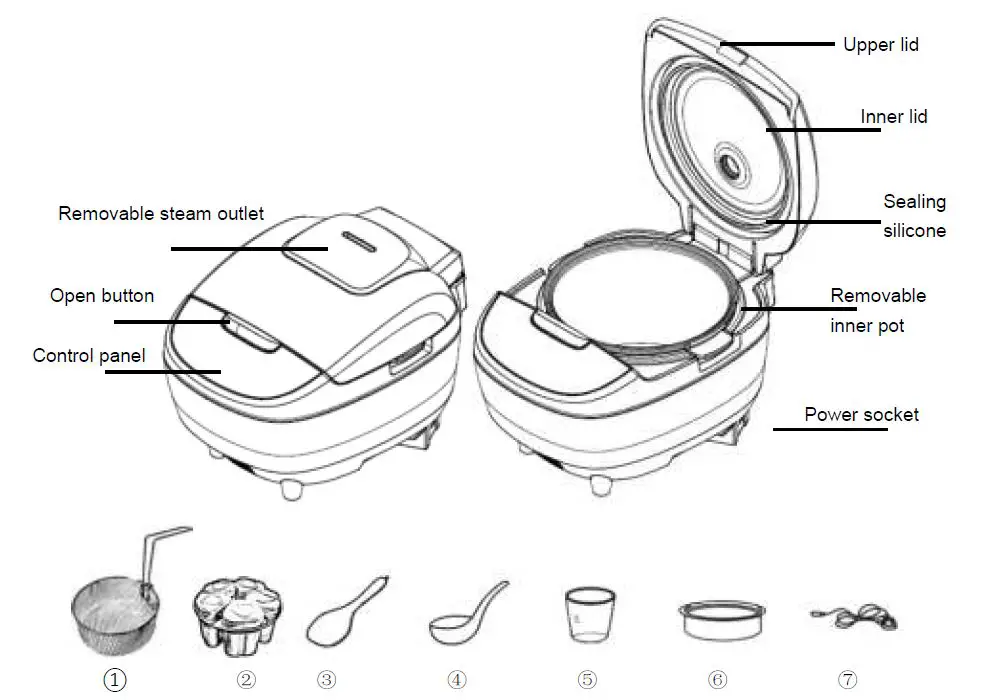
- Fry basket: use it when select FRY function. Can put the food into basket so that take out the food easily from oil.
- Yogurt cups set: use it when select YOGURT function. Put the ingredients into the cups then cover it well, put them into pot to make yogurt easily.
- Spoon: use it to stir or take out the food.
- Ladle: use it to take out the soup.
- Measure cup: use it to measure the liquid or rice as need.
- Steamer: use it for steaming food.
- Power cord: plug it in when using the cooker.
Specification
| ITEM NUMBER | TT-MC51 |
| voltage | 220-240V |
| power | 860W |
| capacity | 5.0L |
How to operate
Before first use
1 Take out all the accessories from the inner pot. Check carefully if anything is missing or deformed.
2 Clean the parts of the multi cooker and accessories thoroughly .
3 It’s better to boil some water before first use. (Put 1L water into pot, then choose DIY function , set the temperature in 100 degree and set the time in 15 mins. See below “how to use DIY function ” )
Preparations before cooking :(take cook rice as example)
- Measure the rice using the measuring cup provided and wash the rice thoroughly.

- It’s suggested to rinse the rice with other container and never use inner pot to Avoid risk of damage of non-stick coating or deformation
- Put the pre-washed rice in the inner pot. Add water to the level indicated on the scale inside the inner pot that corresponds to the number of cups of rice used. Then smooth the rice surface and no pile it up.
- Scale is just for reference because of different rice type.
- Wipe the outside of the inner pot dry, then put it correctly in the cooker.
- Press down the upper lid to close it well.

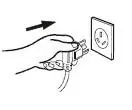
- Plug in the power cord to cooker correctly and plug the other to the socket.
- When connect to power source, the display will be lighted and in the original state
- Follow below instruction to choose the function and then start for cooking.

Control panel
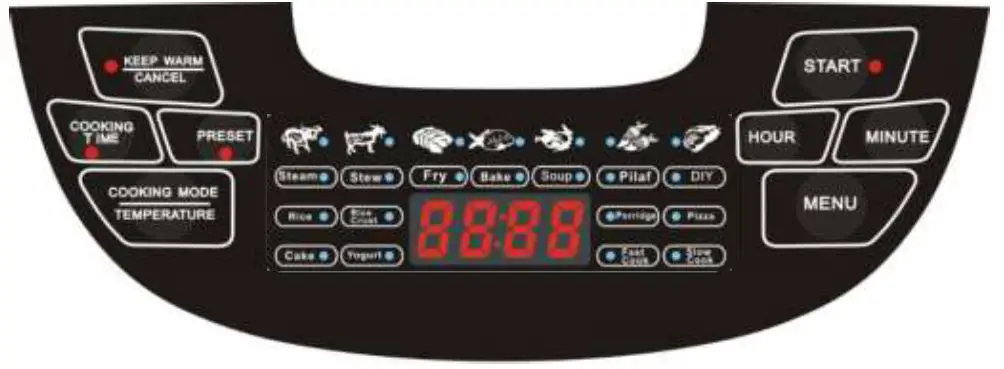
Display
When you choose the function, the light of the function will be light.
When cooking, the LED display will show remaining cooking time
When finished, the LED display will show “bb”, and keep warm automatically.
Functions
- 9 default cooking functions :
Rice , Rice Crust, Porridge, Pizza, Cake, Yogurt, Fast Cook, Slow Cook, DIY - 42 mixed functions-Cooking mode: 6 cooking way : Steam, Stew, Fry, Bake, Soup, Pilaf
7 food materials: beef, mutton, meat (pork), seafood, chicken, carrot, vegetables Example: steam beef, steam seafood, stew mutton, stew chicken, fry meat, soup carrot, etc.
Functions details
| function | default cooking time | adjustable cooking time | Default Temp. range | 24hours keep warm | 24 hours preset |
|
steam | beef 40mins |
5mins – 2 hrs 55 mins |
95-99 |
yes |
yes |
| lamb 35mins | |||||
| pork 30mins | |||||
| seafood 25mins | |||||
| chicken 20mins | |||||
| carrot 20mins | |||||
| vegetable 15mins | |||||
| stew | beef 90mins | 5mins – 2 hrs 55 mins | 95-98 | yes | yes |
| lamb 80mins |
| pork | 70mins | ||||||
| seafood | 50mins | ||||||
| chicken | 60mins | ||||||
| carrot | 45mins | ||||||
| vegetable 35mins | |||||||
|
fry | beef | 30mins |
5mins – 2 hrs 55 mins |
155-160 |
no |
yes | |
| lamb | 30mins | ||||||
| pork | 25mins | ||||||
| seafood | 20mins | ||||||
| chicken | 20mins | ||||||
| carrot | 15mins | ||||||
| vegetable 10mins | |||||||
|
bake | beef | 60mins |
5mins – 2 hrs 55 mins |
155-160 |
yes |
yes | |
| lamb | 55mins | ||||||
| pork | 50mins | ||||||
| seafood | 45mins | ||||||
| chicken | 40mins | ||||||
| carrot | 30mins | ||||||
| vegetable 25mins | |||||||
|
soup | beef | 90mins |
5mins – 2 hrs 55 mins |
95-98 |
yes |
yes | |
| lamb | 80mins | ||||||
| pork | 70mins | ||||||
| seafood | 50mins | ||||||
| chicken | 60mins | ||||||
| carrot | 45mins | ||||||
| vegetable 35mins | |||||||
|
pilaf | beef | 80mins |
5mins – 2 hrs 55 mins |
140-145 |
yes |
yes | |
| lamb | 75mins | ||||||
| pork | 65mins | ||||||
| seafood | 60mins | ||||||
| chicken | 55mins | ||||||
| carrot | 45mins | ||||||
| vegetable 45mins | |||||||
| DIY | 10 mins | 5mins – 9 hrs 55 mins | 35-160 (adjustable) | yes | yes | ||
| rice | 45 mins | 5mins – 2 hrs 55 mins | 115-118 | yes | yes | ||
| rice crust | 1 hour | 5mins – 2 hrs 55 mins | 153-159 | yes | yes | ||
| porridge | 1 hour | 5mins – 2 hrs 55 mins | 93-96 | yes | yes | ||
| pizza | 35 mins | 5mins – 2 hrs 55 mins | 155-160 | yes | yes | |
| cake | 50 mins | 5mins – 2 hrs 55 mins | 125-130 | yes | yes | |
| yogurt | 8 hours | 6 hrs – 12 hrs | 35-38 | no | yes | |
| fast cook | 30 mins | 5mins – 2 hrs 55 mins | 95-98 | yes | yes | |
| slow cook | 4 hours | 5mins – 9 hrs 55 mins | 90-95 | yes | yes |
Tips: When using FRY function, lid should be open and not closed.
Operation Step:
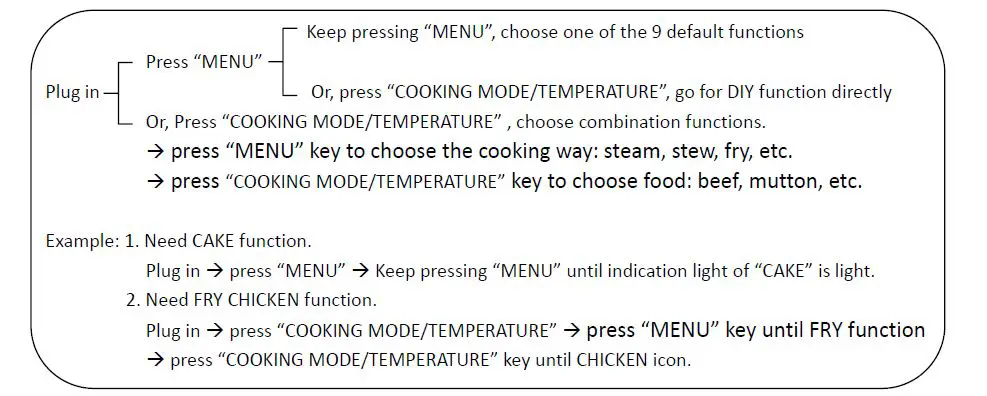
- Plug it the power cord to the socket first, then the big LED display will be lighted,
- Choose the function you want.
- If you want to choose anyone of the 9 default cooking functions, keep pressing the “MENU” key until the function you want. If you want to choose the DIY function, you can press “Cooking mode/Temperature” key directly after you press “MENU”.
- If you want to choose the mixed functions, press the “Cooking mode/Temperature” key to enter cooking mode state for selection. Then press “MENU” key to choose the cooking way and press “Cooking mode/Temperature” key to choose the food materials.

- When you are choosing the functions , you can press the “Hour/+” to forward or press the “Minute/-” to back , the function which you has chosen will twinkle..
- Before you choose the default or mixed functions, please confirm that the cooker is in the original state. Press “KEEP WARM/CANCEL” key , the cooker will back to original state.
- After you choose the function, press the START key.
The cooker will start to cook and the display will show you the remaining cooking time. - After cooking finished, it will keep warm automatically. (except FRY and YOGURT function)
The cooker will ring 5 beeps. The display will show you “bb” sign.- If you want to stop the cooking and turn to keep warm directly when the cooker is working,
you can press the “KEEP WARM/CANCEL” key, press one time, it will cancel and back to original state ,press again, it will enter keep warm mode.
- If you want to stop the cooking and turn to keep warm directly when the cooker is working,
Questions
- How to set cooking time ?
After you choose the function, the default cooking time will be shown on the display .Press the “cooking time” key , then adjust the HOUR key and MINUTE key to set the cooking time you want , then press START key . - How to pre-set ?
After you choose the function you need, press the “PRESET” key, then press “HOUR” or “MINUTE” to adjust the preset time, then press START key . The cooker will begin cooking after the delay set time has elapsed.
Eg: For example, if you want the cooker to start cooking after 2 hours and 30 minutes, press the “HOUR” and “MINUTE” key until the display shows 02:30, and then press the START button. - How to use DIY function?
When you choose the “DIY” function, press the “Cooking mode/Temperature” key , then press the “HOUR / +” and “MIN / -” to adjust the temperature you want, then set the cooking time or preset time (same operation as above 1 & 2) and press “START”, the cooker will work according to your settings.- When it is cooking, you can still press the “Cooking mode/Temperature” key to adjust the temperature again.
- The temperature only can be adjusted under DIY function.
- How to know how long time it will finish cooking?
When the cooker is working, the display will show the remaining cooking time.
Cleaning & Maintenance
- Unplug the multi cooker before starting to clean it.
- Wait until the multi cooker has cooled down sufficiently before cleaning it.
- Interior Part :
- Inside of the lid and the main body : Wipe with wrung out and damp cloth, make sure to remove all the food residues stuck to the multi cooker.
- Heating element : Wipe with wrung out and damp cloth, remove food residues with wrung out and damp cloth or toothpicks.
- Exterior Part :
Surface of the lid and outside of the main body: Wipe with a cloth damped with soap water.- Only use soft and dry cloth to wipe the control panel.
- Make sure to remove all the food residues around the control buttons.
- Accessories (Pot , spoon, ladle, steamer, measure cup, yogurt cups, fry basket, steam outlet)
- Soak in hot water and clean with sponge, or put them into dishwasher for cleaning. 3. Put the cooker and accessories in the dry place for storage.
Troubleshooting
If you encounter problems when using this multi cooker, check the following points before requesting service. If you cannot solve the problem, contact the service center in your country.
| Problem | Solution |
| The light on the button does not go on. | There is a connection problem. Check if the power cord is connected to the cooker properly and if the plug is inserted firmly into the power outlet |
| The light is defective. Take the appliance to service center to check. | |
| The rice is not cooked. | There is not enough water. Add water according to the scale on the inside of the inner pot. |
| You did not press the start button (Start) to start cooking. | |
| Make sure that there is no foreign residue on the heating element and the outside of the inner pot before switching the multi cooker on. | |
| The heating element is damaged, or the inner pot is deformed. Take the cooker to service center to check . | |
| The rice is scorched. | You have not rinse the rice properly. Rinse the rice until the water runs clear. |
| You did not choose the correct function for cooking. | |
| Water spills out of the multi cooker during cooking | Make sure that you add water to the level indicated on the scale inside the inner pot that corresponds to the number of cups of rice used. |
| Make sure the water does not exceed the first level (as max)on the scale , as this may cause the appliance to overflow during cooking. | |
| Food smells bad after cooking | Clean the inner pot with some washing detergent and warm water |
| After cooking, make sure the steam outlet , inner lid and silicone, inner pot are cleaned thoroughly. | |
| Error message (E1, E2, E3, or E4) appears on the display. | There is malfunction in your multicooker. Take the appliance to service center authorized to check. |
Environment
Do not throw away the appliance with normal household waste at the end of its life, but hand it in at an official collection point for recycling. By doing this, you can help to preserve the environment.
 ZLine-World | TurboTronic