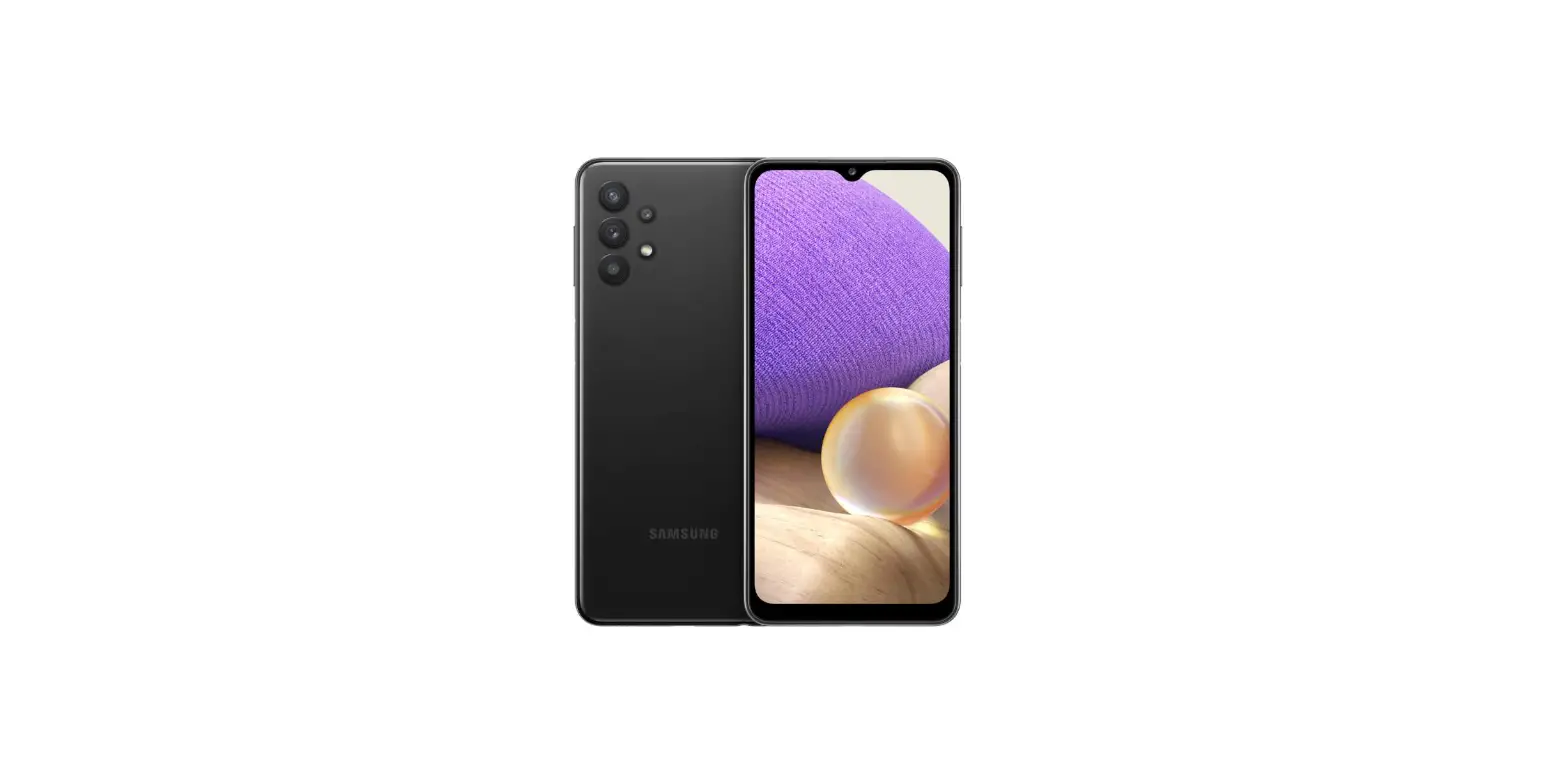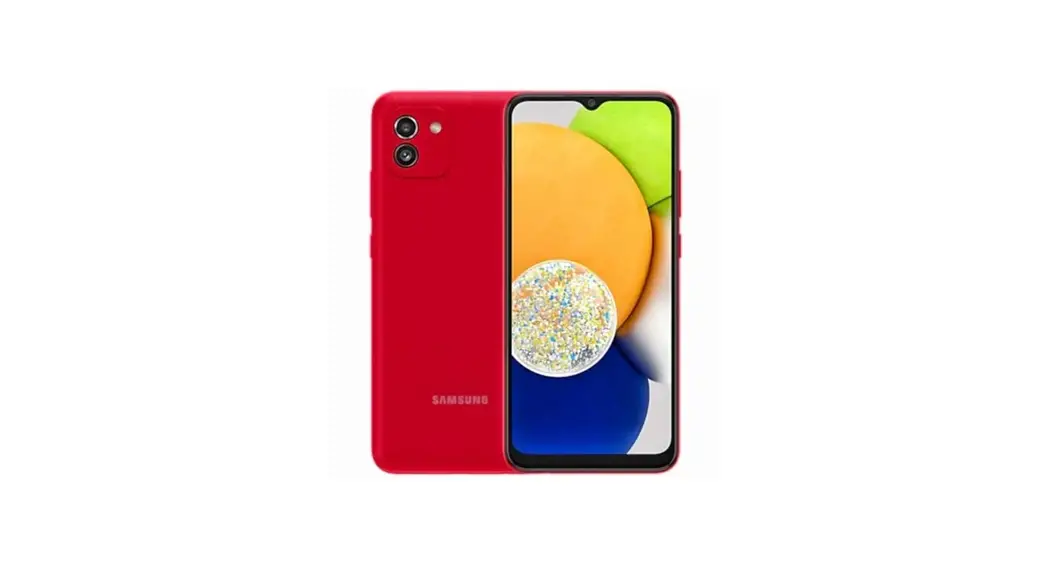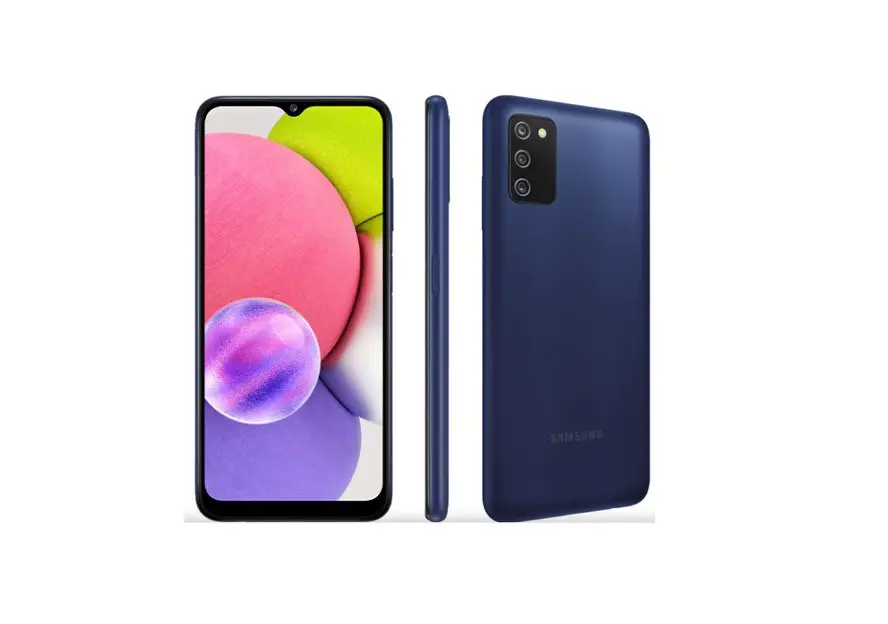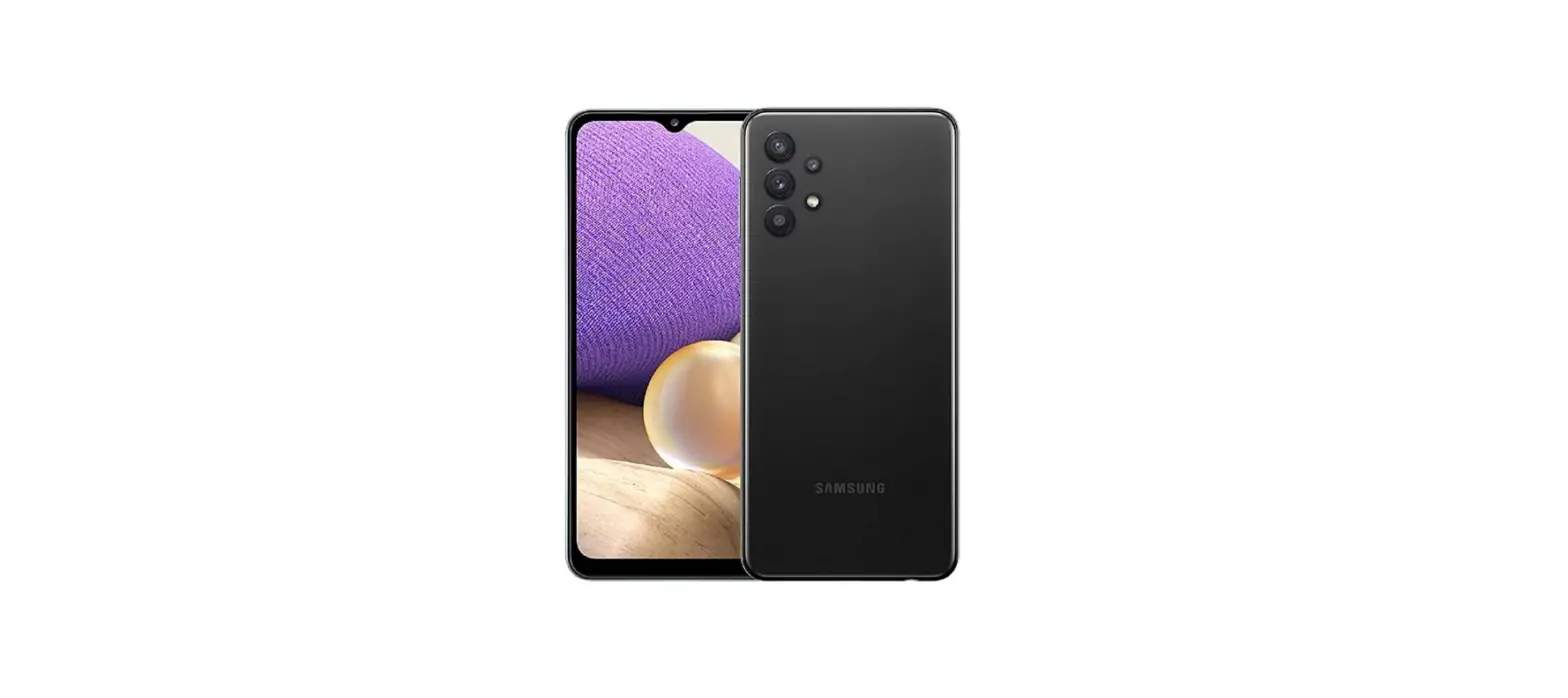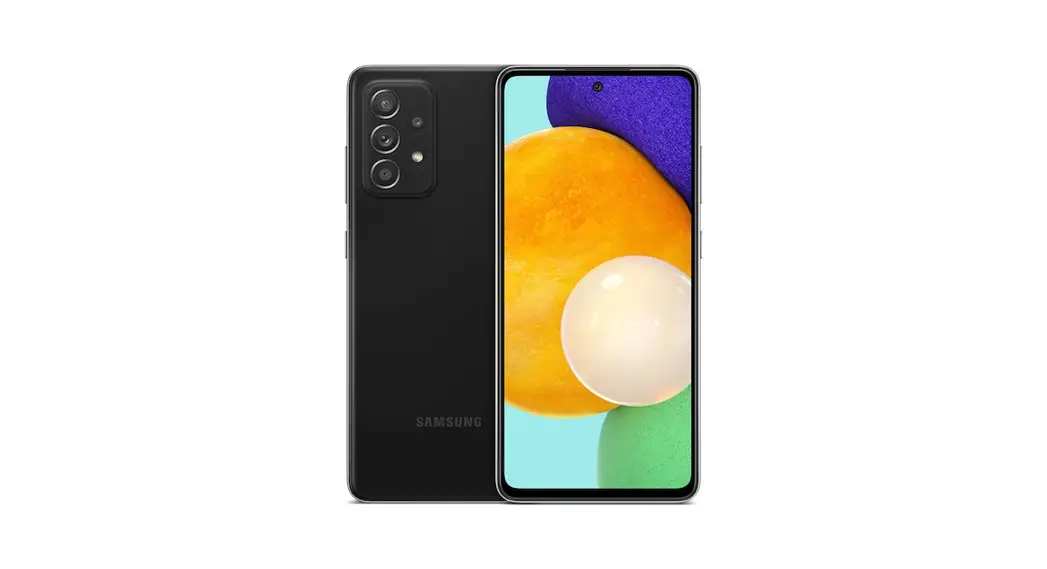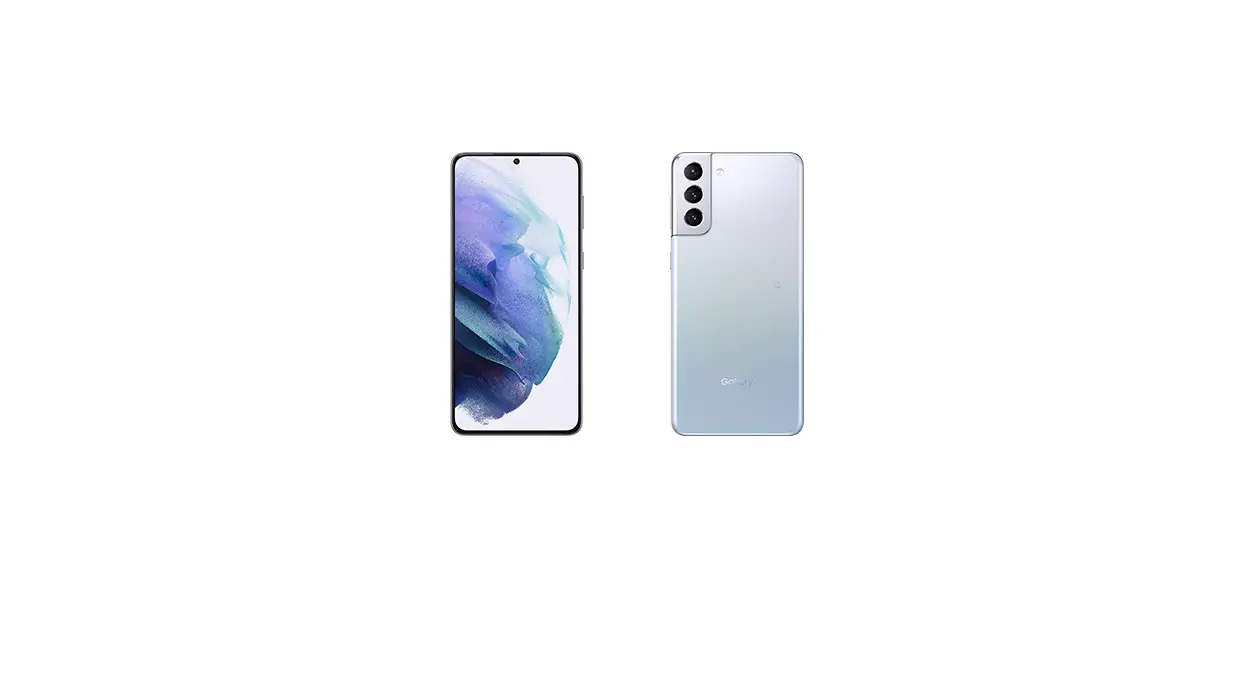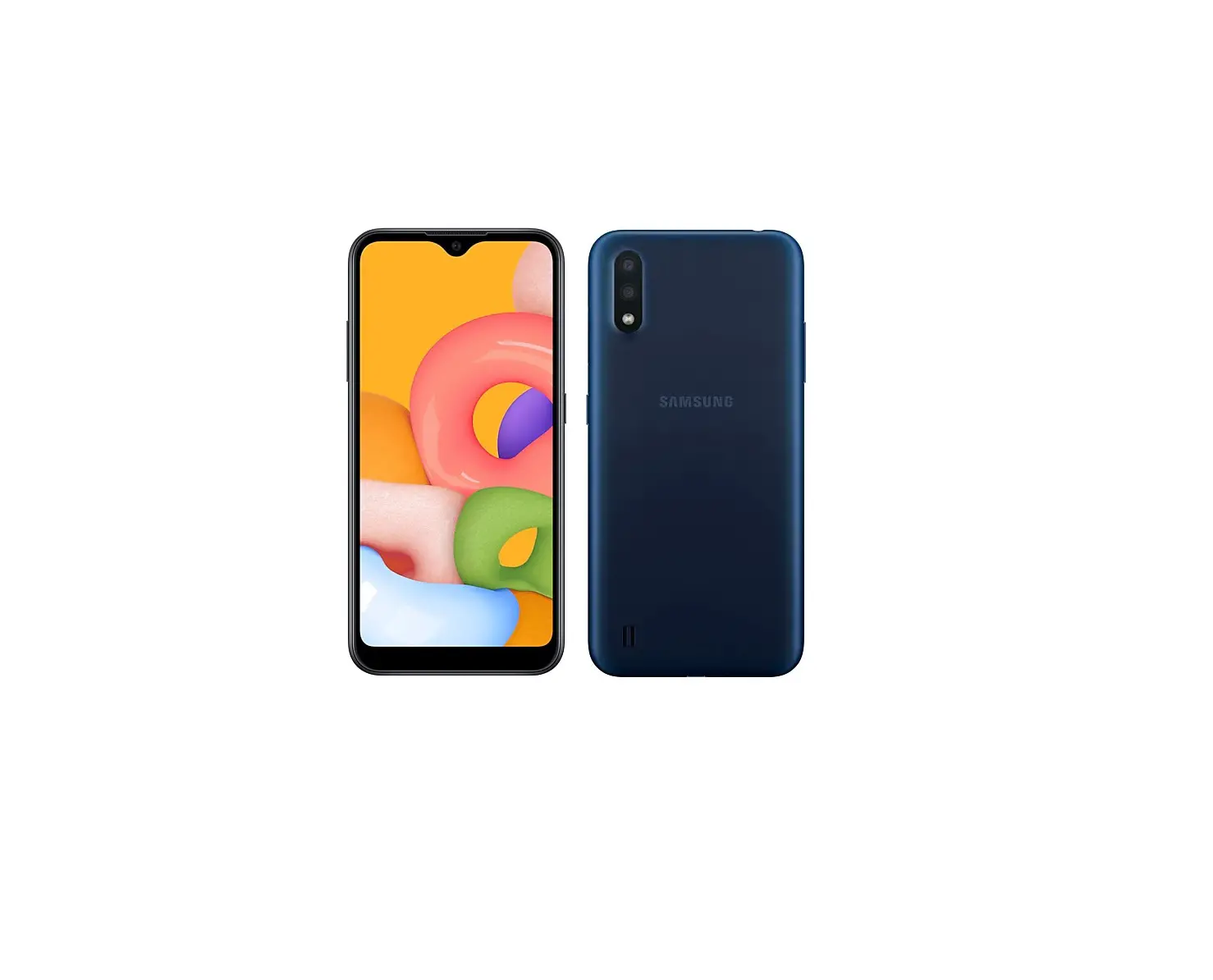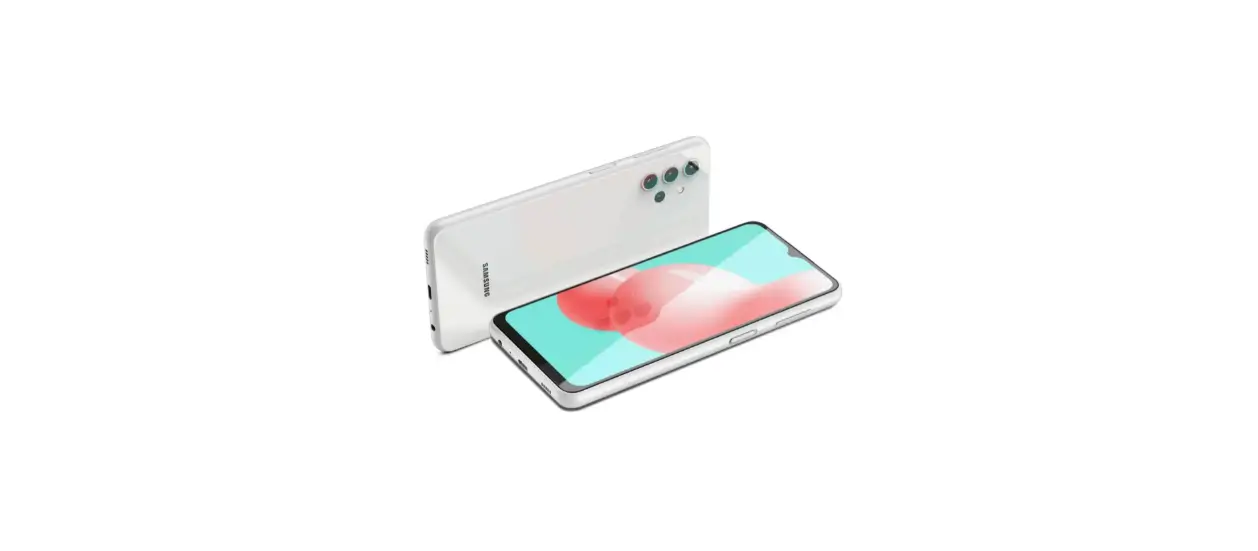
 SCV49 Galaxy A32 Smartphone
User Guide
List of Packaged Items
- Main unit
- SIM card removal tool (sample)
- Clear case (sample)
- (Quick Start Guide) (Japanese)
- (Notes on Usage) (Japanese)
 memo
memo
- Please use specified charging equipment (sold separately).
- The battery is built into the product.
- Illustrations used in this manual are just images for explanations. They may be different from the actual ones.
Attaching SIM Card
For this product, the software settings are determined by the SIM card when first attached.
When using this product for the first time, attach the SIM card of the mobile phone operator from which you purchased this product.* 1
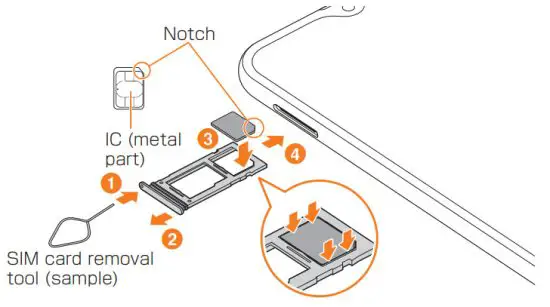
*1 If the SIM card attached for the first time is not from au, UQ mobile, or J: COM, the data may be initialized when attaching the SIM card again.
Turning the Power On
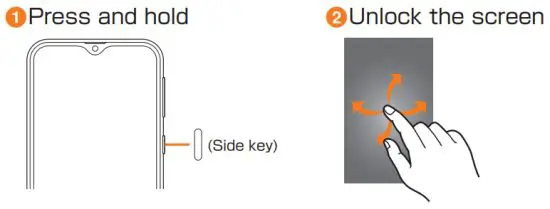
memo
- Press and hold (Side key) and lower side of the Volume key simultaneously for over 7 seconds to restart the product forcefully, when the power cannot be turned off in the
usual way or the screen freezes.
Names of Parts
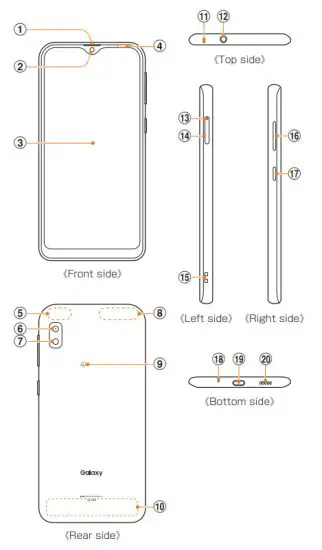
| 1 Receiver | 11 Mouthpiece/Microphone (upper)*3 |
| 2 Front camera | 12 Headset connection terminal |
| 3 Display (Touch panel) | 13 Tray eject hole |
| 4 Proximity sensor*1 | 14 SIM card/microSD memory card tray |
| 5 GPS antenna part*2 | 15 Strap hole |
| 6 Rear camera | 16 Volume key |
| 7 Flash/Light | 17 (Side key) |
| 8 Wi-Fi®/Bluetooth® antenna part*2 | 18 Mouthpiece/Microphone (lower)*3 |
9  mark mark | 19 USB Type-C™ connection terminal (external connection terminal) |
| 10 LTE antenna part*2 | 20 Speaker |
- Do not cover with the sticker, etc. Functions may not work correctly.
- The antenna is built into the product. Covering around the antenna by hand may affect calling quality/communication quality.
- Be careful not to cover over with your fingers, etc., while relevant functions are being used. In addition, do not insert the SIM card removal tool (sample) into the product since this might cause damage.
• For the latest information of the product, refer to the following website.
https://www.galaxymobile.jp/ (Japanese)
• The contents described in this manual may be different due to the version upgrade of the software of this product or the change/end of service. The content of this manual is subject to change without notice.
 Cell phone and PHS operators collect and recycle unused telephones, batteries, and battery chargers at stores bearing the logo regardless of brand and manufacturer to protect the environment and reuse valuable resources.
December 2020, 1st Edition
Imported by: SAMSUNG ELECTRONICS JAPAN Co., Ltd.
Manufactured by: Samsung Electronics Co., Ltd.
 Galaxy(ギャラクシー)ホーム | Galaxy公式(日本)