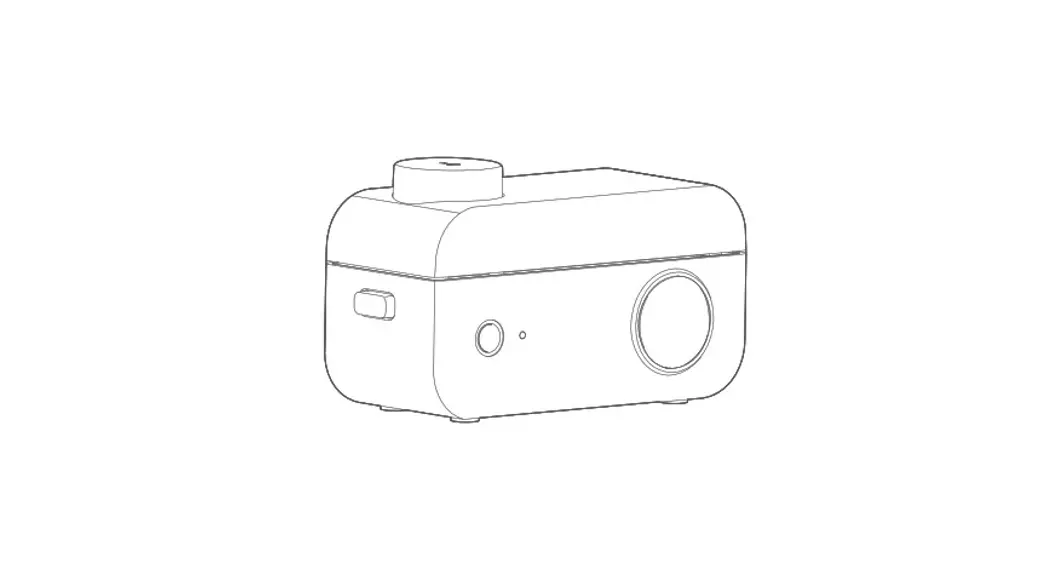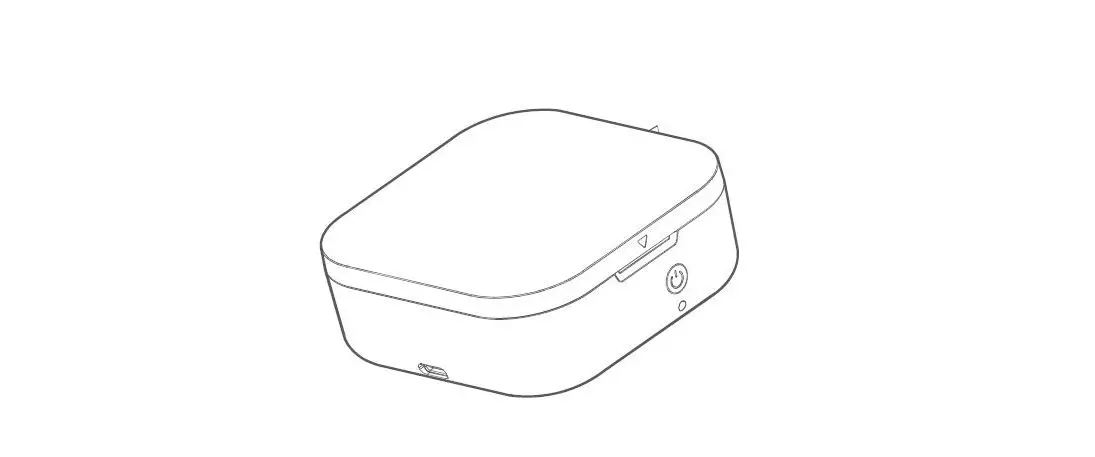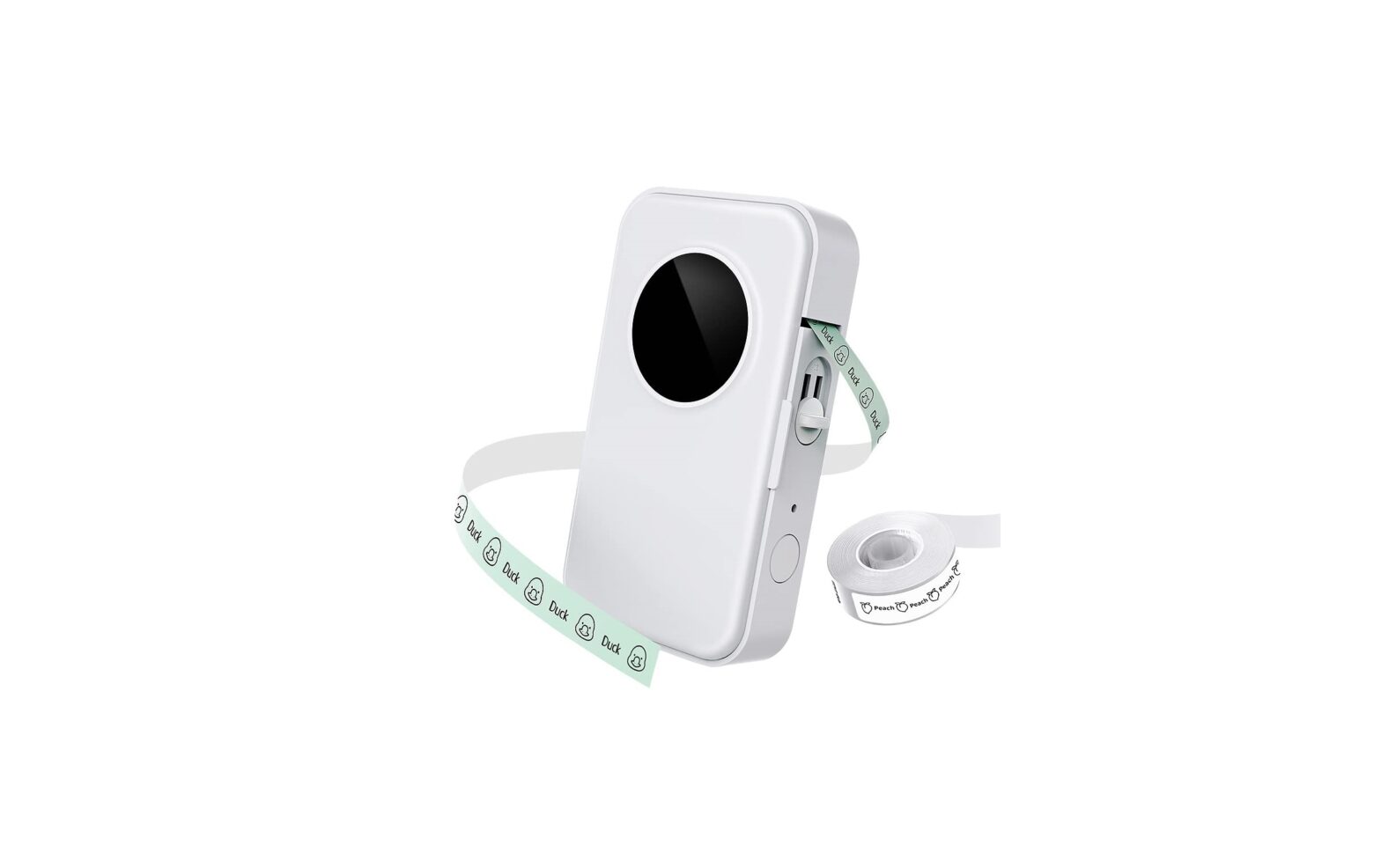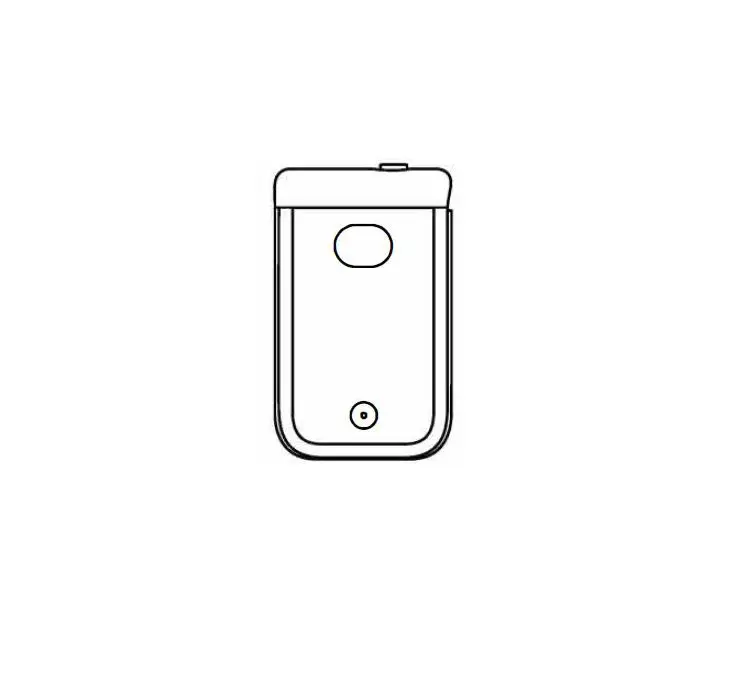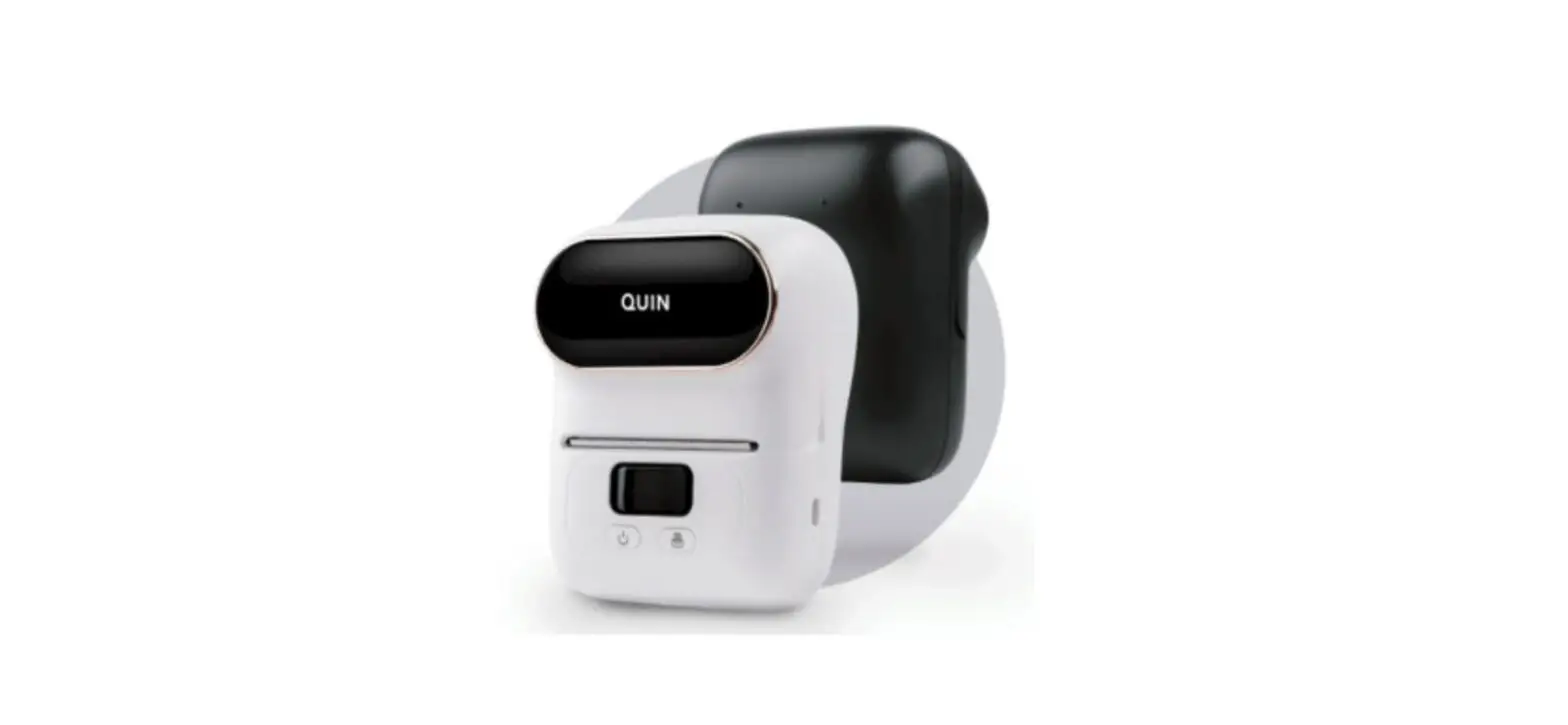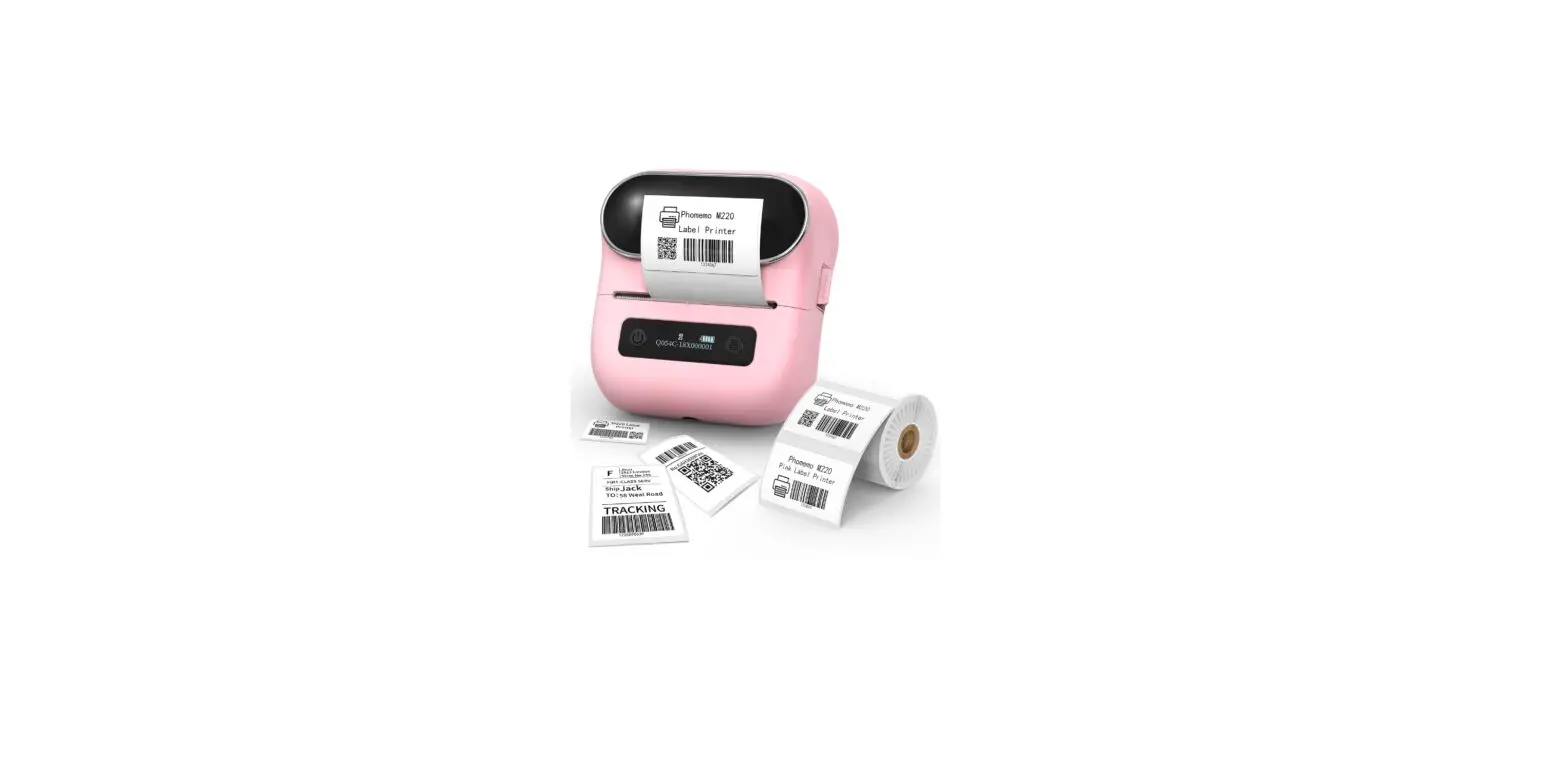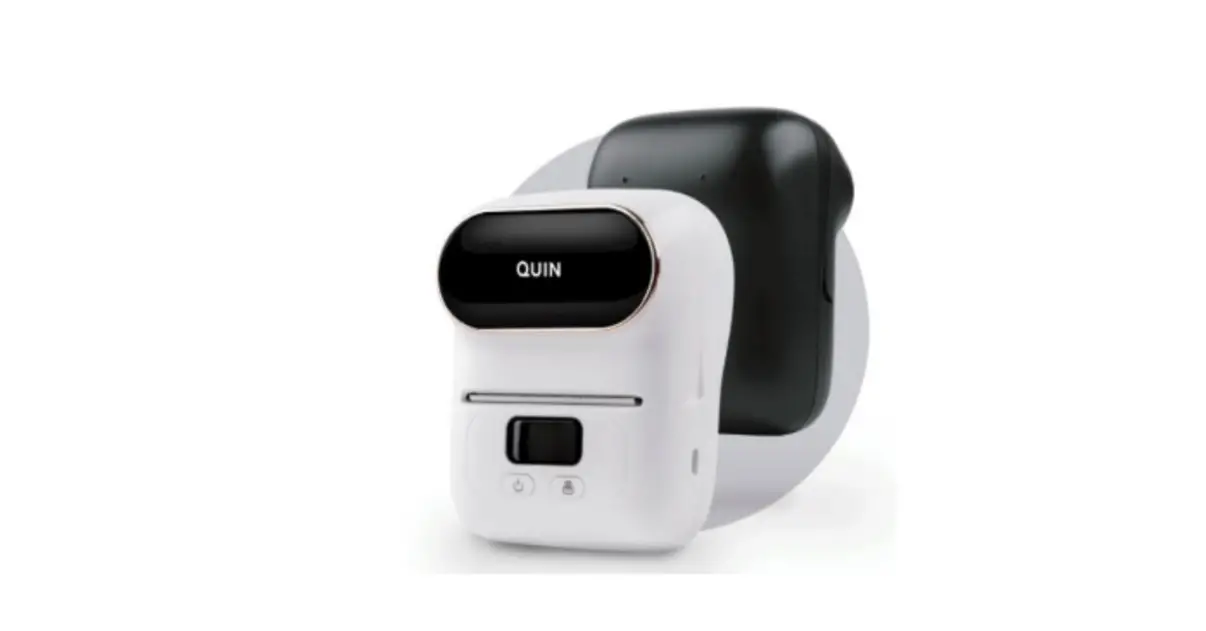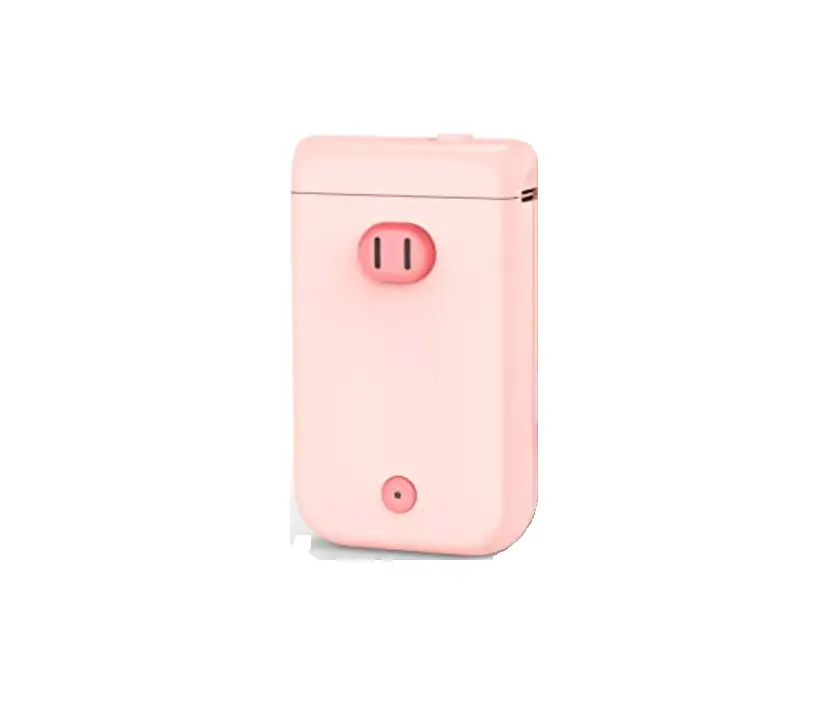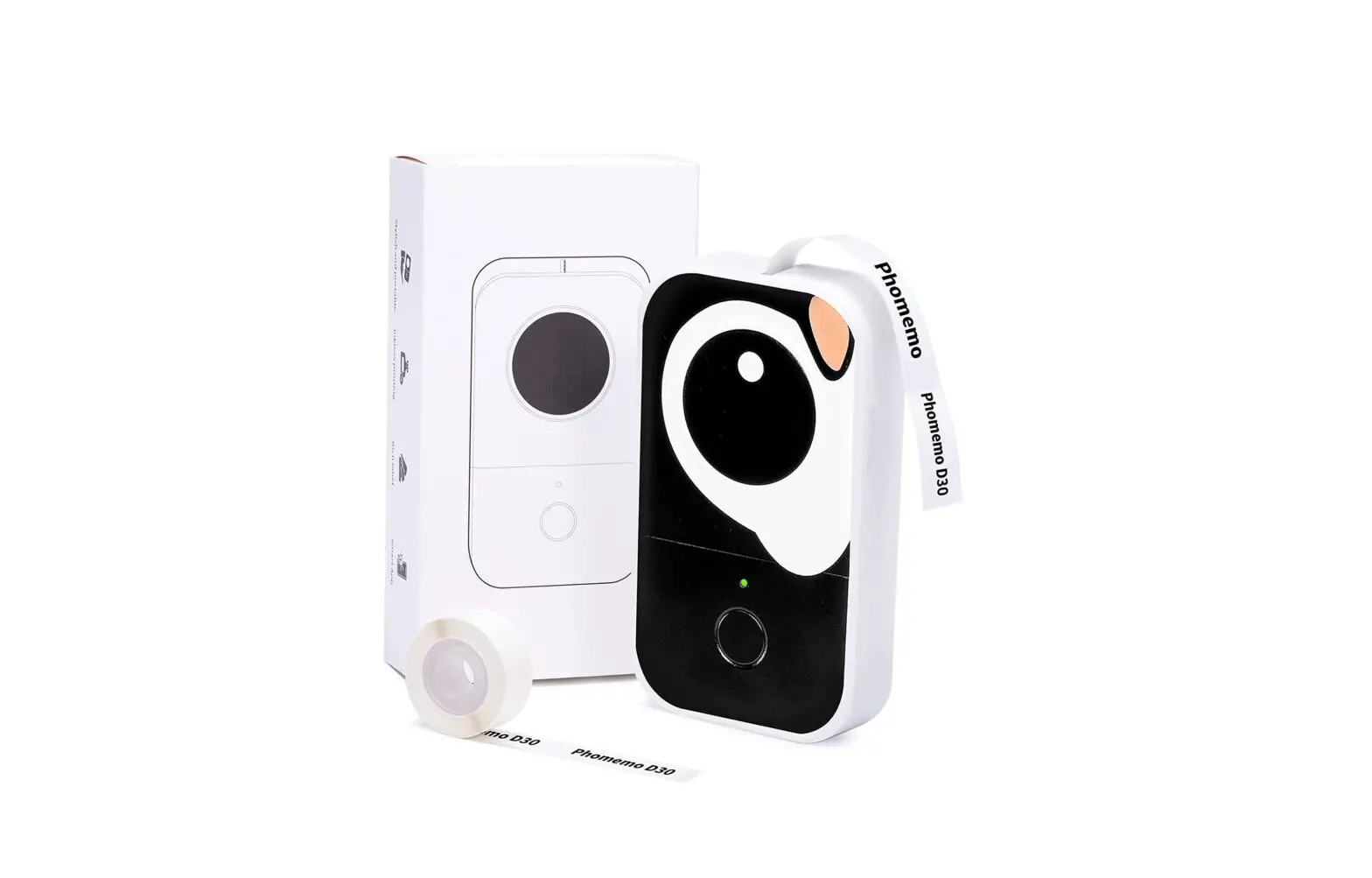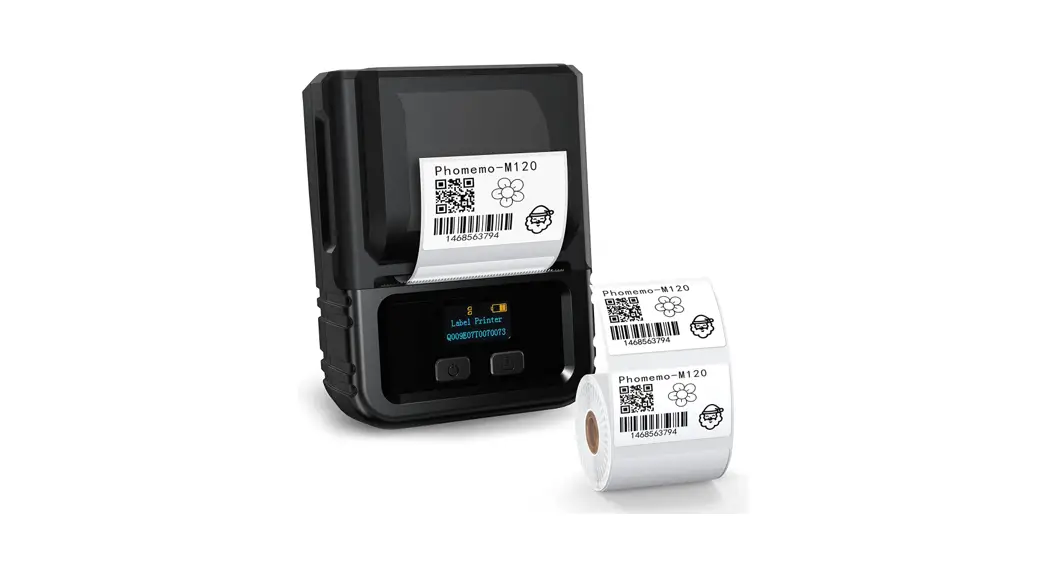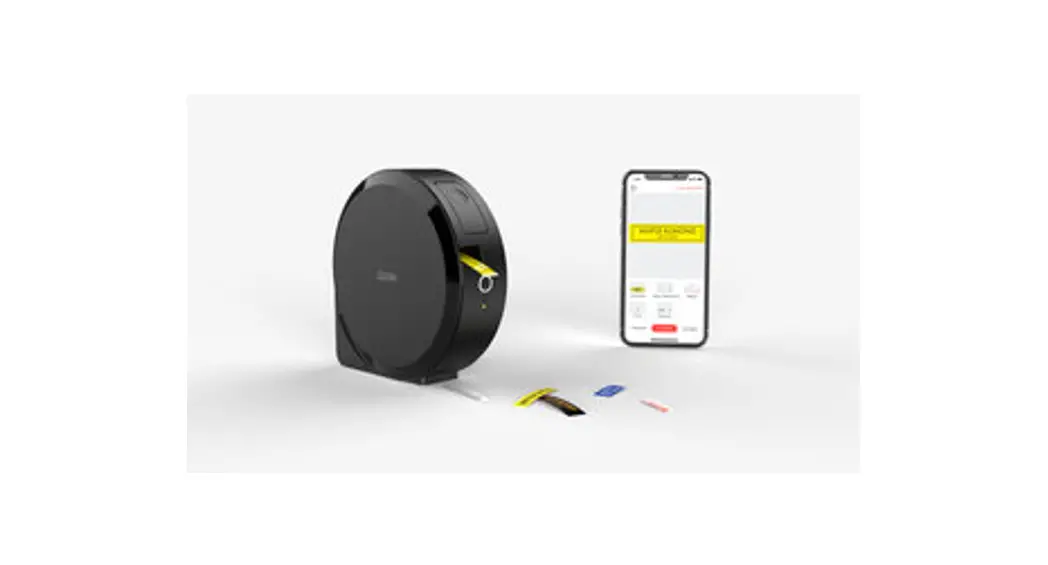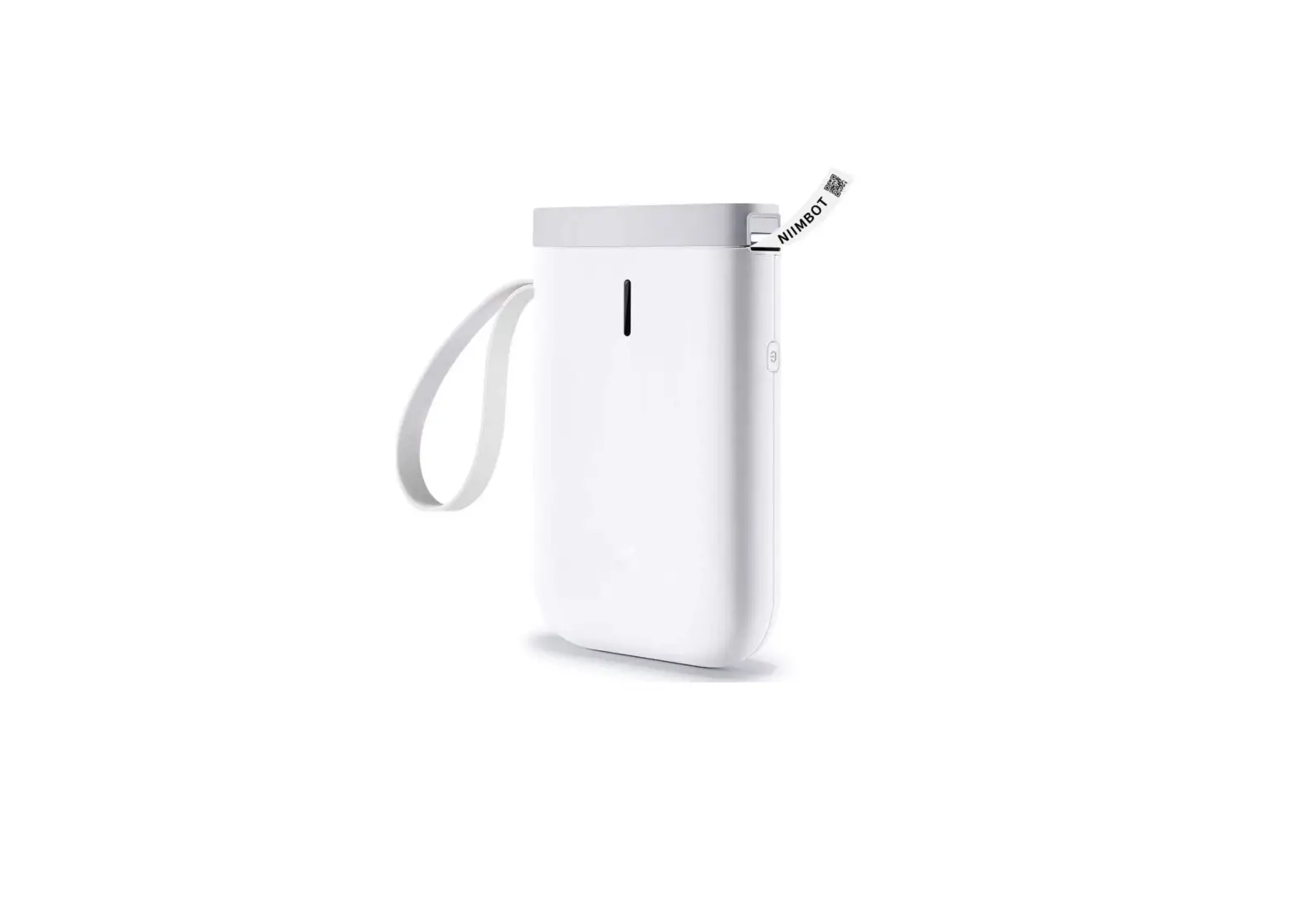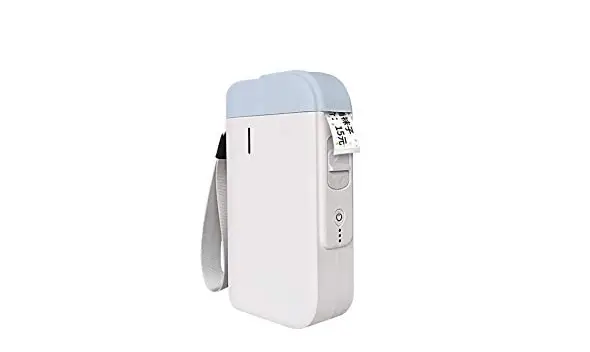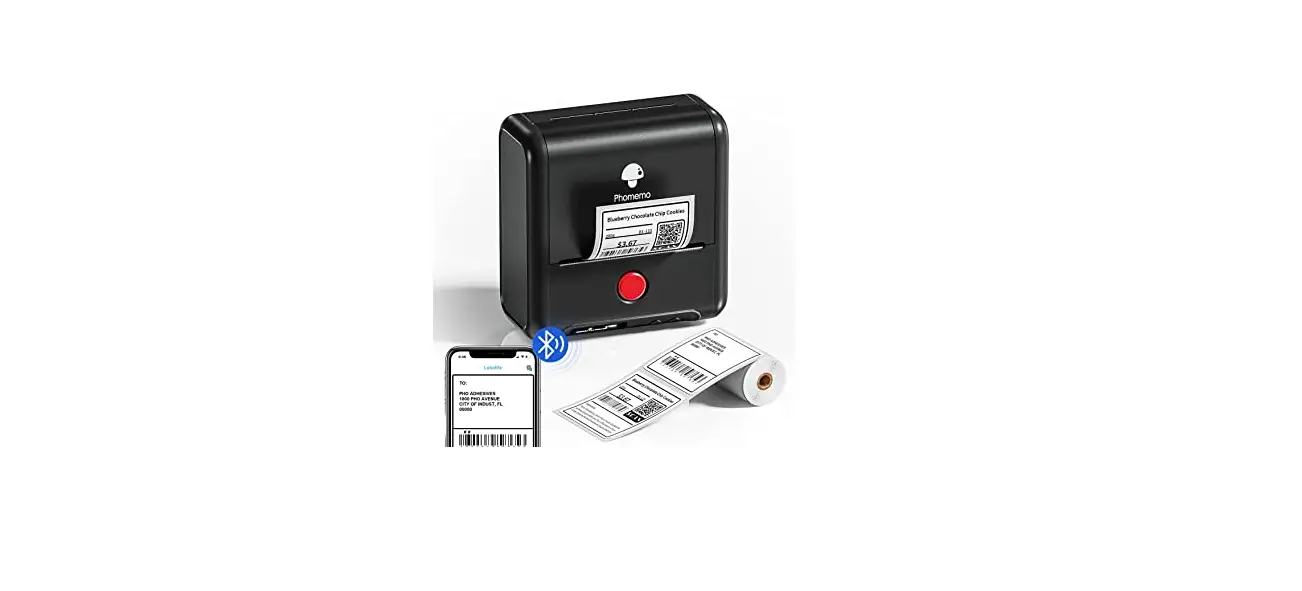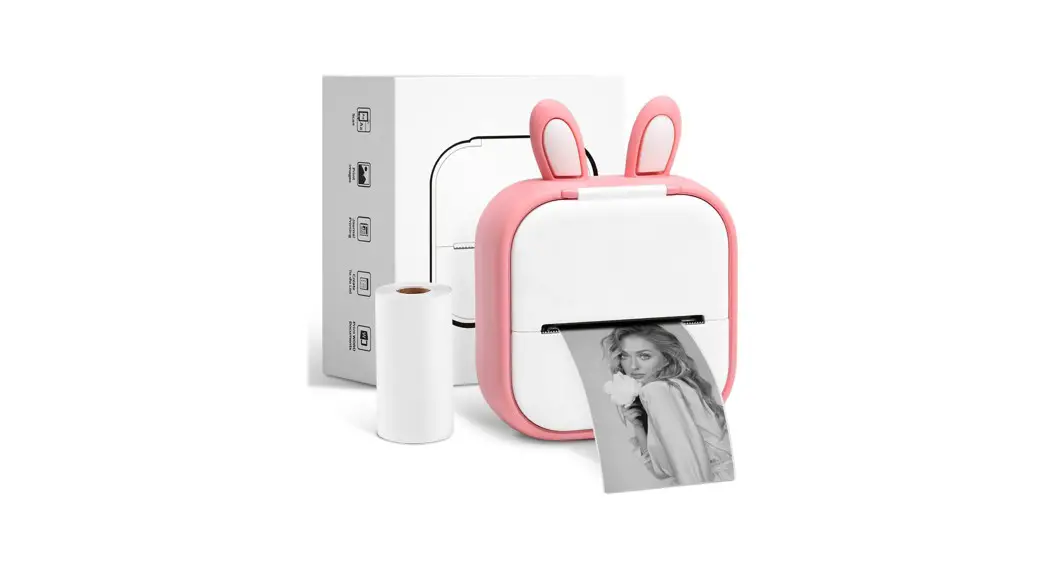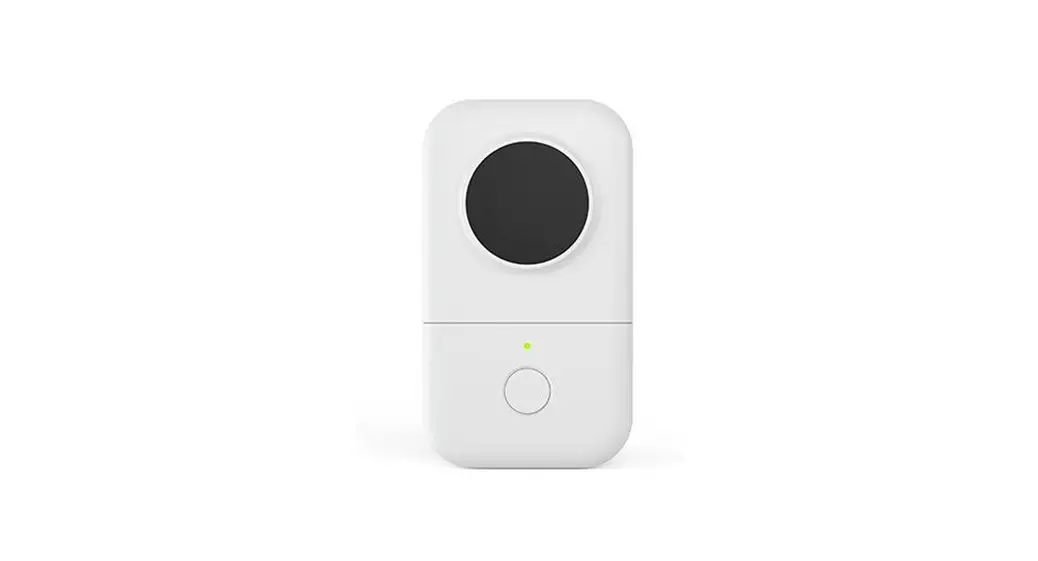
D30S Product Instruction
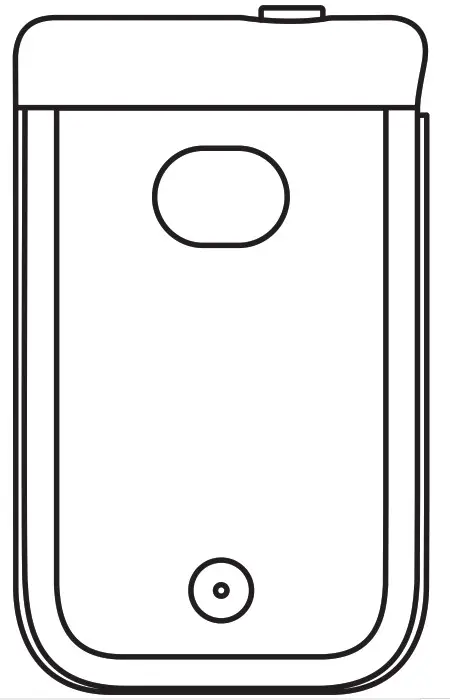
Please read this Instruction carefully
before using this product and keep it properly
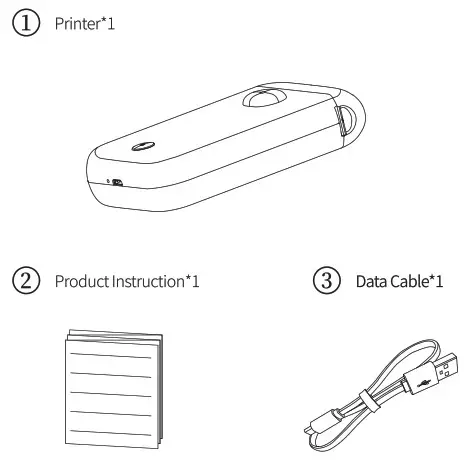
Packaging List
Device Parameter
| Product name | Smart Mini Label Maker |
| Product model | D3OS |
| Printing technology | Thermal printing |
| Effective printing width | 0.47 inch (12mm) |
| Supported consumables | Continuous paper / Interstitial paper / Black label paper |
| Printing density | Light, standard, dark |
| Printing resolution | 203dpi |
| Print head service life | 50KM |
| Communication interface | Bluetooth |
| Product size | 5.2.3.2″1.3inch(133.5’80.5*33.5mm) |
| Power input | 5V-2A |
| Power supply method | Micro USB |
| Lithium battery | |
| Supported operating system | Android |
| iOS |
Component Instruction
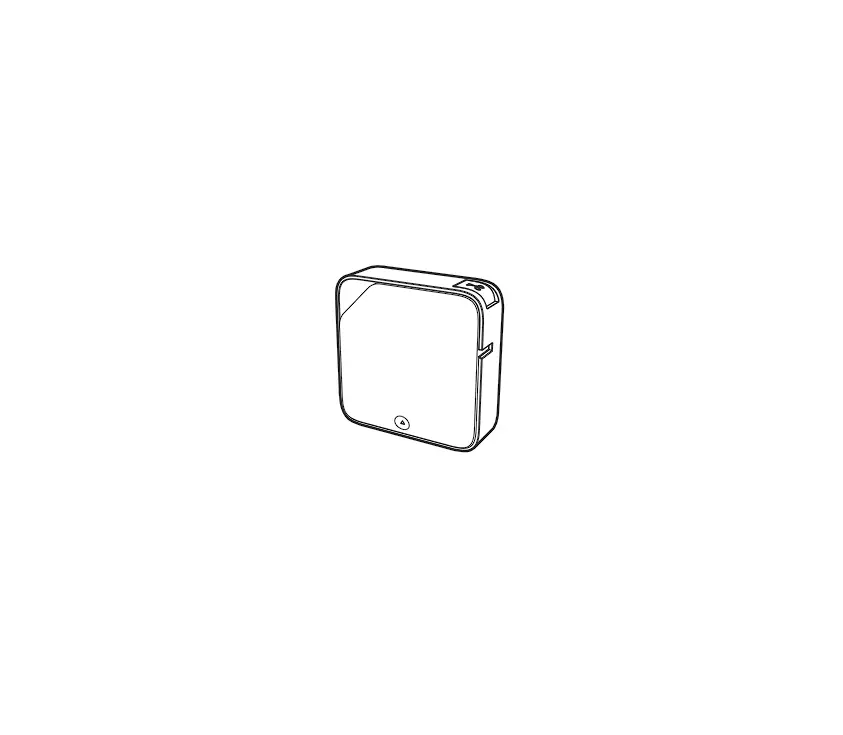
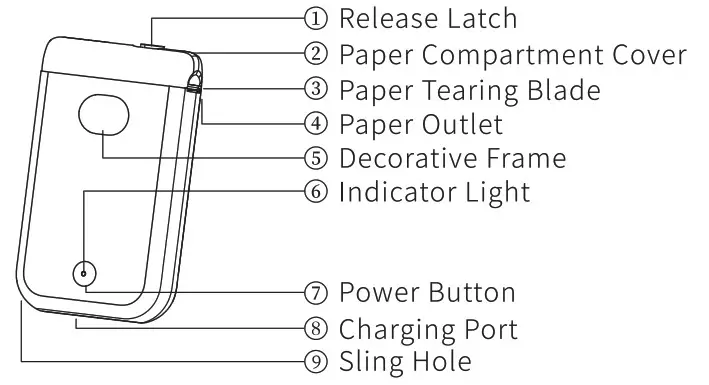
- Appearance Introduction

- Functions of the power button
| Operation method | Functions |
| Press and hold 2S | Turn on/off |
| Click | Print out the paper |
| Double click | Print the content of the self-test paper |
3. Power indicator status
| Lndicator Light | Status | Description |
| Green | Keep on | normal status (printing) |
| Flash slowly | Powered on & charging | |
| Flash quickly | Powered off & charging | |
| Red | Keep on | error (lack of paper, cover opened, high temperature) |
| Flash slowly | 10% of battery remaining | |
| Flash quickly | 5% of battery remaining |
Introduction of Paper Roll Installation
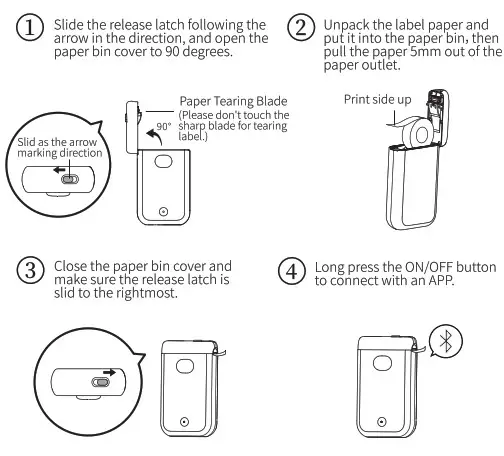
Guidelines for label paper positioning:
When installing or changing the label paper specifications for the first time, please click the power button to feed the paper. After the printer recognizes the label paper positioning, it starts printing.connect with an APP.
App Download Guide
| 1. Search “Print master” on APP Store or Google Play to get the app | 2.0r please scan the QR Code to download the App. |
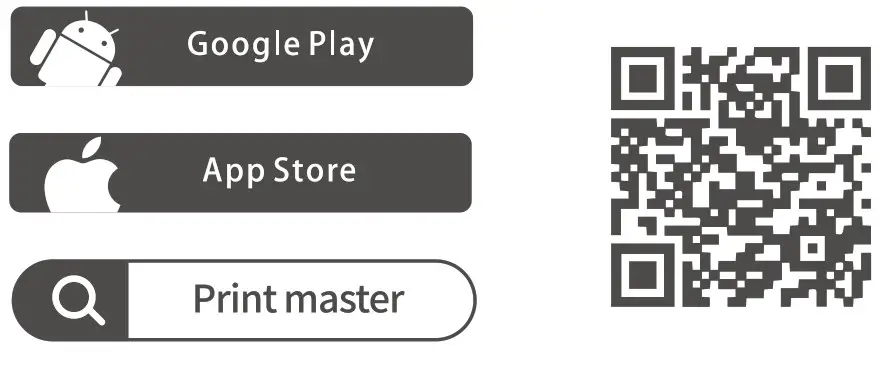 http://downloadapp.qu-in.com/M110-Print-master/ http://downloadapp.qu-in.com/M110-Print-master/ | |
Three Steps to Connect App
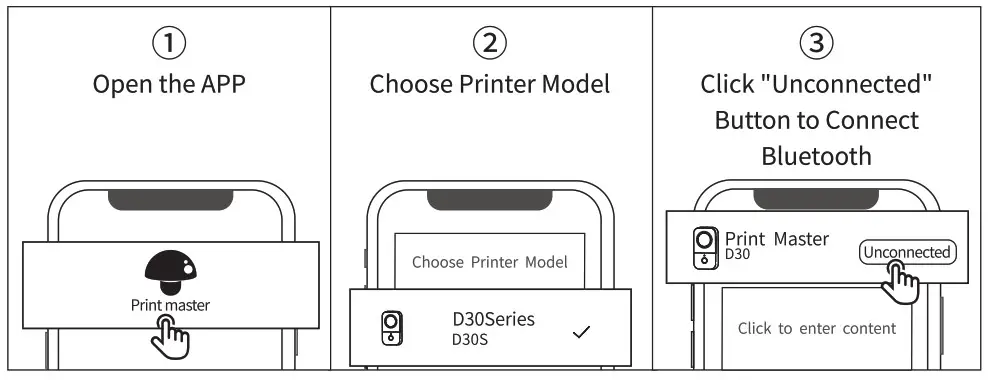
Note: Please select the correct print template to match the label size before edit.
Warranty
Thank you for choosing our Smart Mini Label Maker.
- Our warranty provides “Exchange/Return” services within one year of purchase.
- Please keep the warranty card in a safe location for future reference.
FCC Warning
This device complies with part 15 of the FCC Rules. Operation is subject to the following two conditions:
- This device may not cause harmful interference, and
- this device must accept any interference received, including interference that may cause undesired operation.
Any Changes or modifications not expressly approved by the party responsible for compliance could void the user’s authority to operate the equipment. This equipment has been tested and found to comply with the limits for a Class B digital device, pursuant to part 15 of the FCC Rules. hese limits are designed to provide reasonable protection against harmful interference in a residential installation. This equipment generates uses and can radiate radio frequency energy and, if not installed and used in accordance with the instructions, may cause harmful interference to radio communications. However, there is no guarantee that interference will not occur in a particular installation. If this equipment does cause harmful interference to radio or television reception, which can be determined by turning the equipment off and on, the user is encouraged to try to correct the interference by one or more of the following measures:
- Reorient or relocate the receiving antenna.
- Increase the separation between the equipment and receiver.
- Connect the equipment into an outlet on a circuit different from that to which the receiver is connected.
- Consult the dealer or an experienced radio/TV technician for help. The device has been evaluated to meet general RF exposure requirement. The device can be used in portable exposure condition without restriction.
Warranty / Maintenance Card
- Replace
- Return
- Repair
| User Information | Name: Gender: | Phone: |
| Address: | ||
| Product Information | Date of purchase : | |
| Product order number: | ||
| Product serial number: | ||
| Reason for Return (Replace/ Repair/ Request Maintenance) | Fault description : | |
| Maintenance Records: | Fault conditions: | Maintenance staff: |
| Processing situation : | Repair date: | |
| Repair ticket number: | Date of inspection : | |