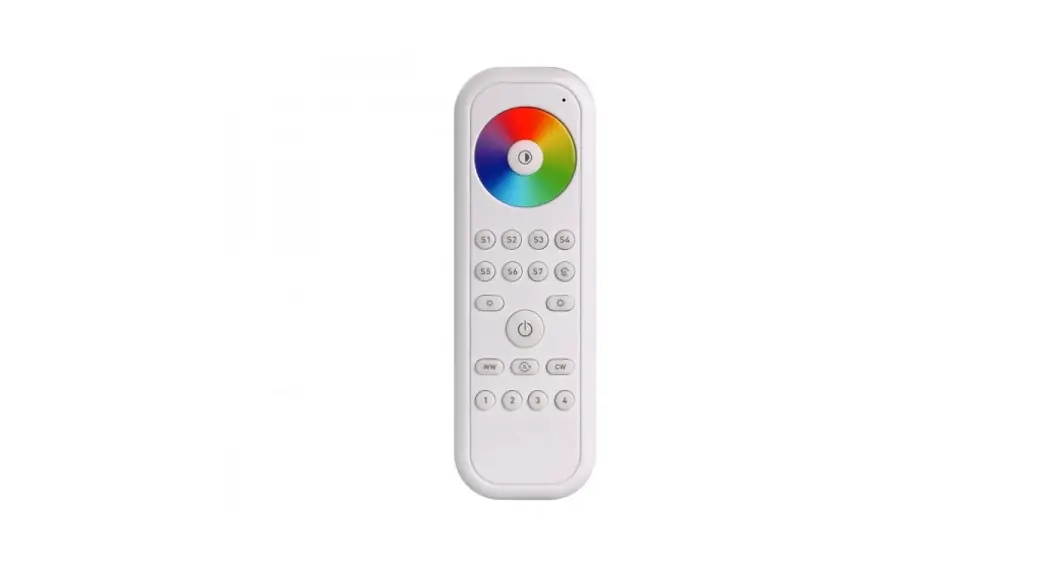
RDNA042C Remote Device
Product Information
Model No.: RDNA042C
Rated Voltage: 3VDC
Warnings and Cautions:
- Chemical Burn Hazard. Keep batteries away from children.
- This product contains a lithium button/coin cell battery. If a
new or used lithium button/coin cell battery is swallowed or enters
the body, it can cause severe internal burns and can lead to death
in as little as 2 hours. Always completely secure the battery
compartment. If the battery compartment does not close securely,
stop using the product, remove the batteries, and keep it away from
children. If you think batteries might have been swallowed or
placed inside any part of the body, seek immediate medical
attention. - The cells shall be disposed of properly, including keeping them
away from children. - Even used cells may cause injury.
- Reorient or relocate the receiving antenna.
- Increase the separation between the equipment and
receiver. - Connect the equipment into an outlet on a circuit different
from that to which the receiver is connected. - Consult the dealer or an experienced radio/TV technician for
help.
RF Exposure Statement: This equipment complies
with the FCC RF radiation exposure limits set forth for an
uncontrolled environment.
FCC Caution: Any changes or modifications to
this unit not expressly approved by the manufacturer could void the
user’s authority to operate the equipment.
Product Usage Instructions
Remote Control:
- Note: The battery of the remote control can be replaced.
- Battery model: CR2032.
Status Indicator Power Button
Dimming Button (UP)
Dimming Button (Down)
Battery Holder
Indicator Lights:
- Indicator lights white: Press any button once.
Dimming Button Instructions:
- Short press the dimming button once to decrease a level of
brightness when in ON status. - Long press the dimming button can continuously decrease the
brightness until release or reach the minimum brightness. - Continuous short press 2 times when in ON/OFF status to quickly
turn to the minimum brightness.
Accessory Information
Screw
Remote Control (1pc)
Junction box bracket (1pc)
Junction box auxiliary bracket (1pc)
Wall bracket (1pc)
Tools Needed To Install
- 5mm Philips Screwdriver
- Electrical Tape Cutter
- Test Pencil
- Plier
- Ruler
Installation
Installing the base to fix the remote control (Installation the
junction box with panel)
Junction Box Auxiliary Bracket
Junction Box Bracket
Junction Box
Panel Base
Wall
Expansion Screw
Screws
Remote Control Compartment
Panel Remote Control
Battery Holder
Old Battery
New Battery CR2032
Wall Installing without Panel
Peel off the wall bracket’s stripping layer of back adhesive and
attach the wall bracket to the wall.
User Instructions
for
Remote
IC Information
This device contains licence-exempt transmitter(s) that comply with Innovation, Science and Economic Development Canada’s licence-exempt RSS(s). Operation is subject to the following two conditions:(1) This device may not cause interference.and (2) This device must accept any interference, including interference that may cause undesired operation of the device. L’émetteur/récepteur exempt de licence contenu dans le présent appareil est conforme aux CNR d’Innovation, Sciences et Développement économique Canada applicables aux appareils radio exempts de licence. L’exploitation est autorisée aux deux conditions suivantes: 1. L’appareil ne doit pas produire de brouillage; 2. L’appareil doit accepter tout brouillage radioélectrique subi, même si le brouillage est susceptible d’en compromettre le fonctionnement.
Model No. Rated Voltage
RDNA042C 3VDC
! WARNINGSAND CAUTIONS
1.Chemical Burn Hazard. Keep batteries away from children. 2.This product contains a lithium button/coin cell battery. If
a new or used lithium button/coin cell battery is swallowed or enters the body, it can cause severe internal burns and can lead to death in as little as 2 hours. Always completely secure the battery compartment. If the battery compartment does not close securely, stop using the product, remove the batteries, and keep it away from children. If you think batteries might have been swallowed or placed inside any part of the body, seek immediate medical attention.
3.The cells shall be disposed of properly, including keeping them away from children.
4.Even used cells may cause injury.
FCC Information This device complies with Part 15 of the FCC Rules. Operation is subject to the following two conditions: This device may not cause harmful interference, and (2) This device must accept any interference received, including interference that may cause undesired operation. This equipment has been tested and found to comply with the limits for a Class B digital device, pursuant to part 15 of the FCC Rules. These limits are designed to provide reasonable protection against harmful interference in a residential installation. This equipment generates, uses and can radiate radio frequency energy and, if not installed and used in accordance with the instructions, may cause harmful interference to radio communications. However, there is no guarantee that interference will not occur in a particular installation. If this equipment does cause harmful interference to radio or television reception, which can be determined by turning the equipment off and on, the user is encouraged to try to correct the interference by one or more of the following measures:
– Reorient or relocate the receiving antenna. – Increase the separation between the equipment and
receiver. – Connect the equipment into an outlet on a circuit different
from that to which the receiver is connected. – Consult the dealer or an experienced radio/TV technician
for help.
RF EXPOSURE STATEMENT
This equipment complies with the FCC RF radiation exposure limits set forth for an uncontrolled environment.
This equipment meets the exemption from the routine evaluation limits in section 2.5 of RSS-102. Cet équipement est conforme à l’exemption des limites d’évaluation habituelle de la section 2.5 de la norme RSS-102.
FCC CAUTION Any changes or modifications to this unit not expressly approved by the manufacture could void the user’s authority to operate the equipment.
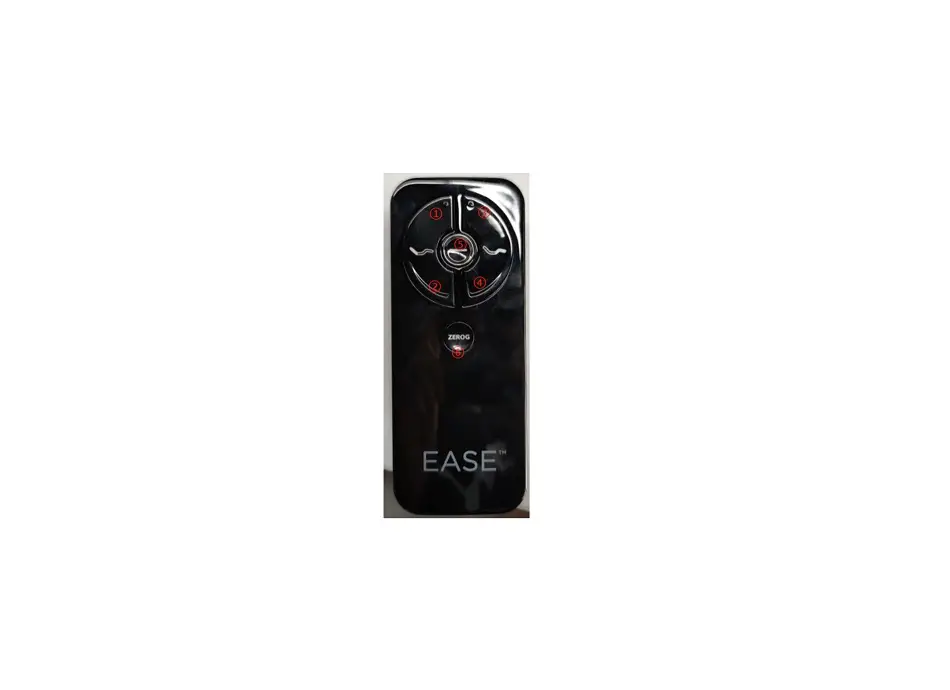
Remote Control
Note: 1. The battery of the remote control can be replaced. 2. Battery model: CR2032.
Status Indicator Power Button
Dimming Button (UP) Dimming Button (Down)
Battery Holder
Status Indicator 2.9.1 Indicator lights white: Press any button once.
Power Button 2.10.1 Turn on: Short press once when in OFF. 2.10.2 Turn off: Short press once when in ON. 2.10.3 Pairing mode of remote control: When the dimmer enters the pairing mode, press the power button (remote control) once within 15s. After the pairing is successful, the status indicator stops blinking. Dimming Button (UP) 2.11.1 Short press the dimming button once can increase a level of brightness when in ON status. 2.11.2 Long press the dimming button can continuous to increase the brightness until release or reach the max.brightness. 2.11.3 Short press the dimming button(up) 2 times continuously when in ON/OFF status to turn quickly to the max. brightness.
Dimming Button (Down)
2.12.1 Short press the dimming button once can decrease a level of brightness when in ON status. 2.12.2 Long press the dimming button can continuous to decrease the brightness until release or reach the min.brightness. 2.12.3 Continuous short press 2 times when in ON/OFF status to turn quickly to the min. brightness.
Accessory Information
Screw
Remote Control (1pc)
Junction box bracket (1pc)
Junction box auxiliary bracket
(1pc)
Wall bracket (1pc)
3.Tools Needed To Install
5mm Philips Screwdriver Electrical Tape Cutter
Test Pencil Plier Ruler
4.Installation
4.1.1 Installing the base to fixed the remote control (Installation the junction box with panel)
° Installation the Junction box auxiliary bracket on the Junction box bracket.
Junction box auxiliary bracket Junction box bracket
° Secure the junction box bracket securely with the mounting screws provided.
Junction Box Junction box bracket Screws
4.1.2 Installing the panel ° Installing the panel base on the Junction box bracket
and tighten with the matched screws.
Junction box bracket Panel base Screws
° Put the panel on the panel base , press gently to make it to make sure it installed firmly.
Wall
Expansion screw Junction box bracket Screws
4.2.2 Installing the panel ° Installing the panel base on the Junction box bracket
and tighten with the matched screws.
Wall Junction box bracket
Panel base Screws
° Mode two: according to the wall bracket hole, drill two holes on the wall, and into the expansion bolt, the wall bracket with mounting screws fixation. Wall
Expansion screw Wall bracket Screw Remote control
4.4 Remote control battery replacement ° Hold the card buckle both ends of the battery
compartment pull it out then remove the battery compartment.
Panel base
Panel Remote control
4.2.1 Wall installing with panel ° according to the junction box bracket hole, drill two
holes on the wall, and into the expansion bolt, with mounting screws to junction box support fixation.
° Put the panel on the panel base , press gently to make it to make sure it installed firmly. Panel base
Panel Remote control
Remote control
Battery holder
Battery holder
Remote control
Battery holder
° remove the old battery from the battery holder, change new battery (CR2032), Reinstall the battery box on the remote control.
Old battery
New batterycCR2032
Battery holder
Battery holder
4.3 Wall installing without panel
° Mode one :
Peel off the wall bracket’s stripping layer of back
adhesive and attach the wall bracket to the wall
and fix it firmly.
Wall
Adhesive surface
Wall bracket Remote control
Stripping layer
Remote control Battery holder