Apex Digital
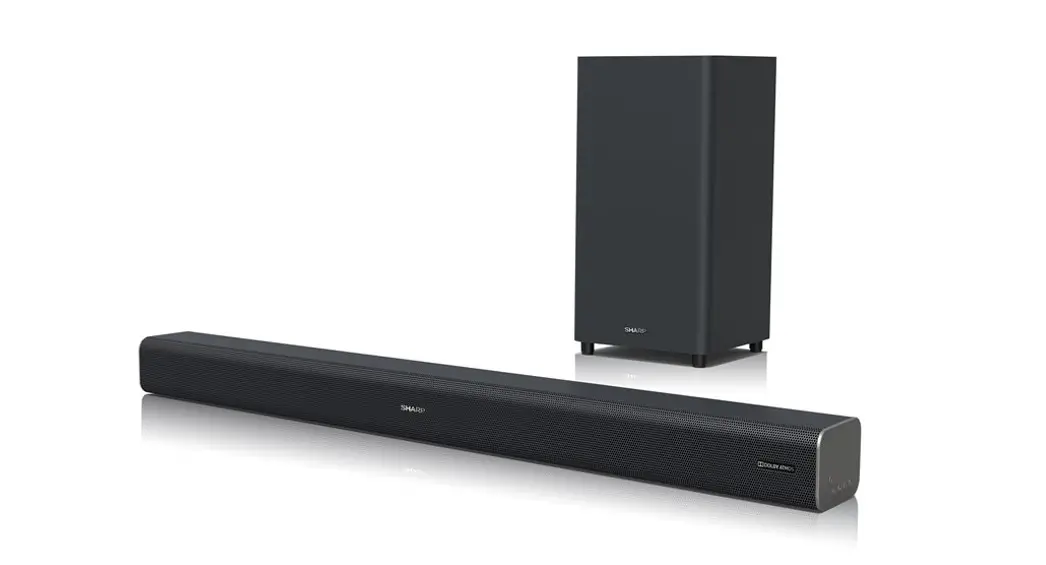
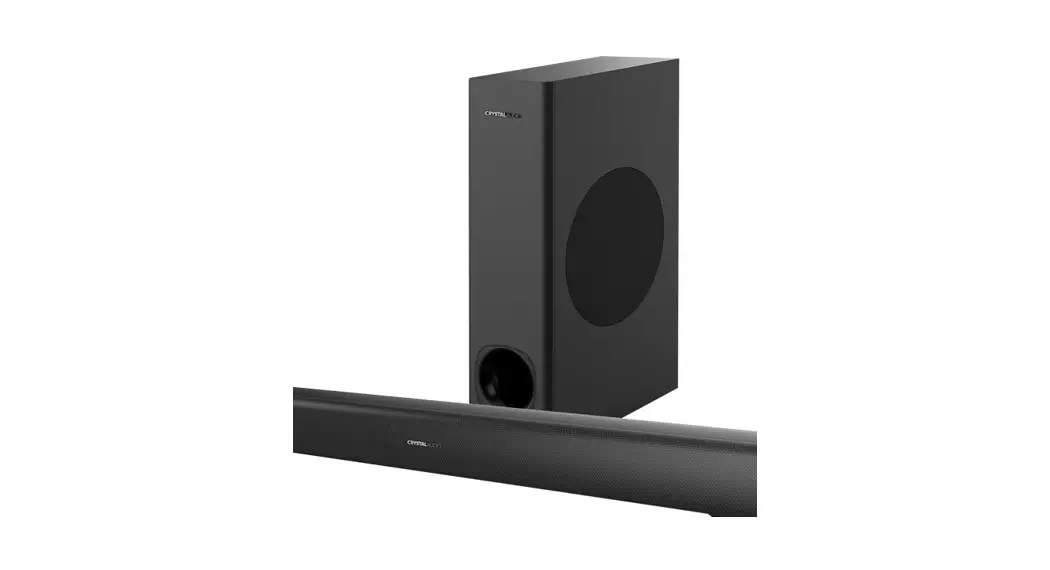
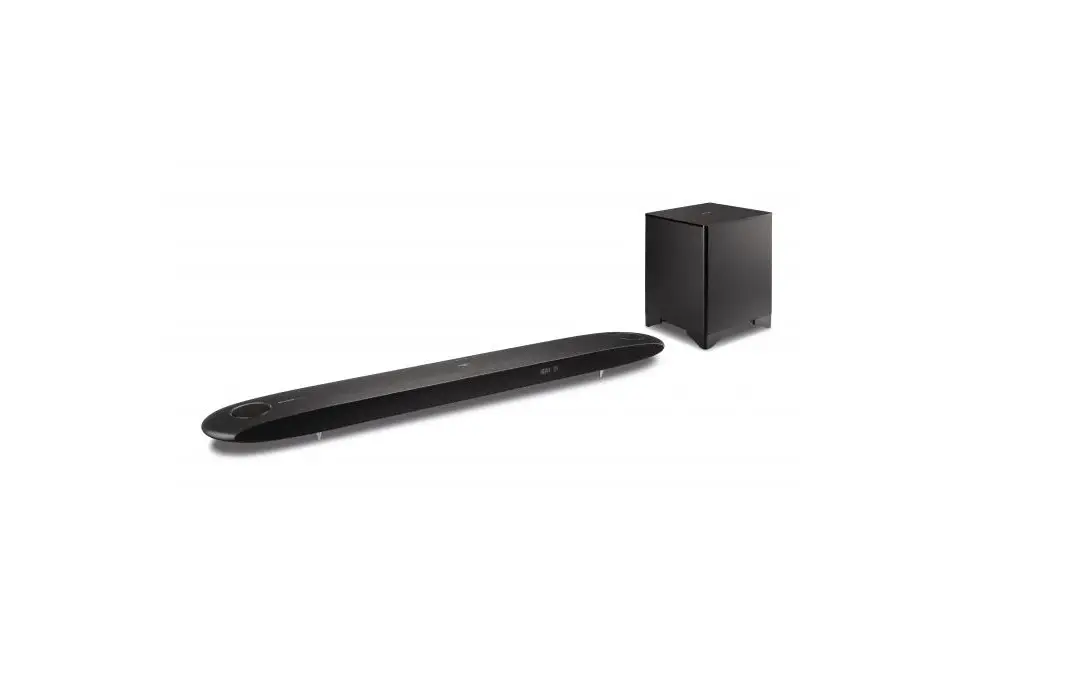
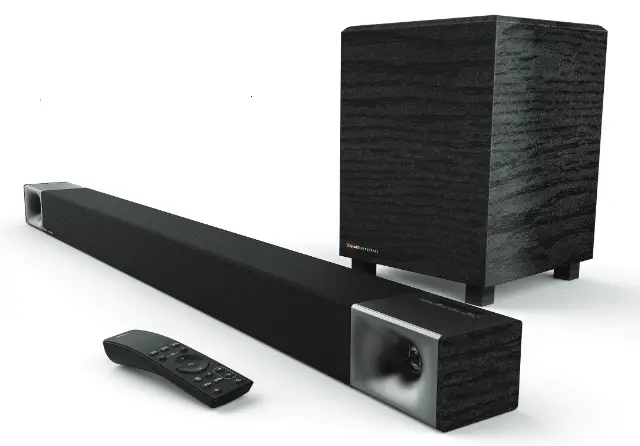
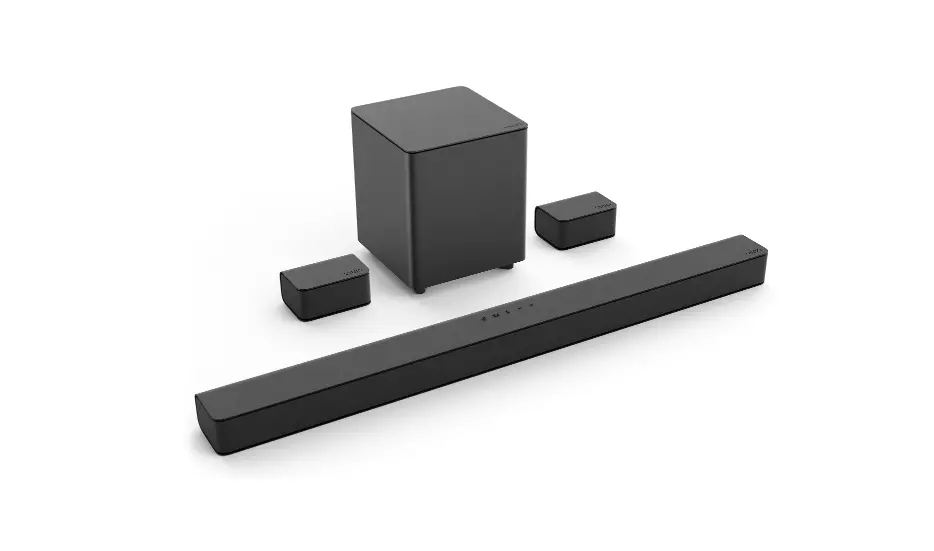
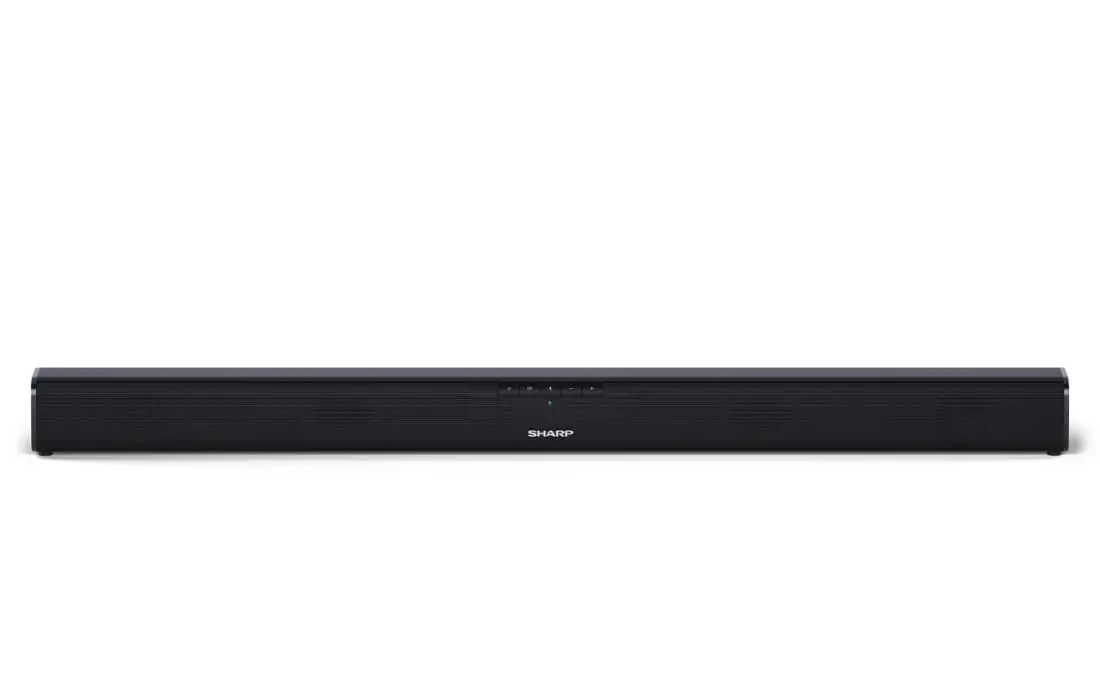
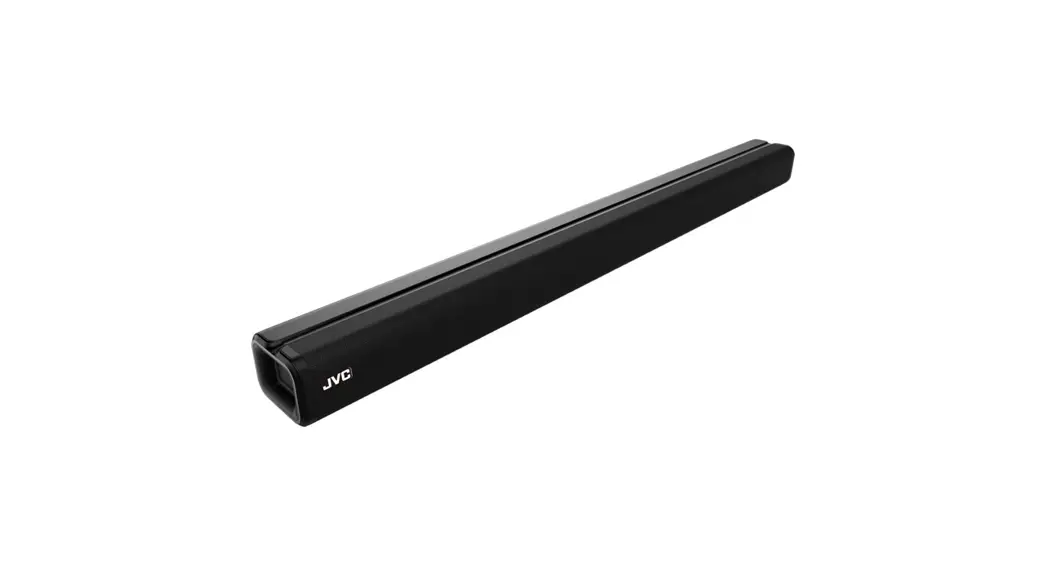
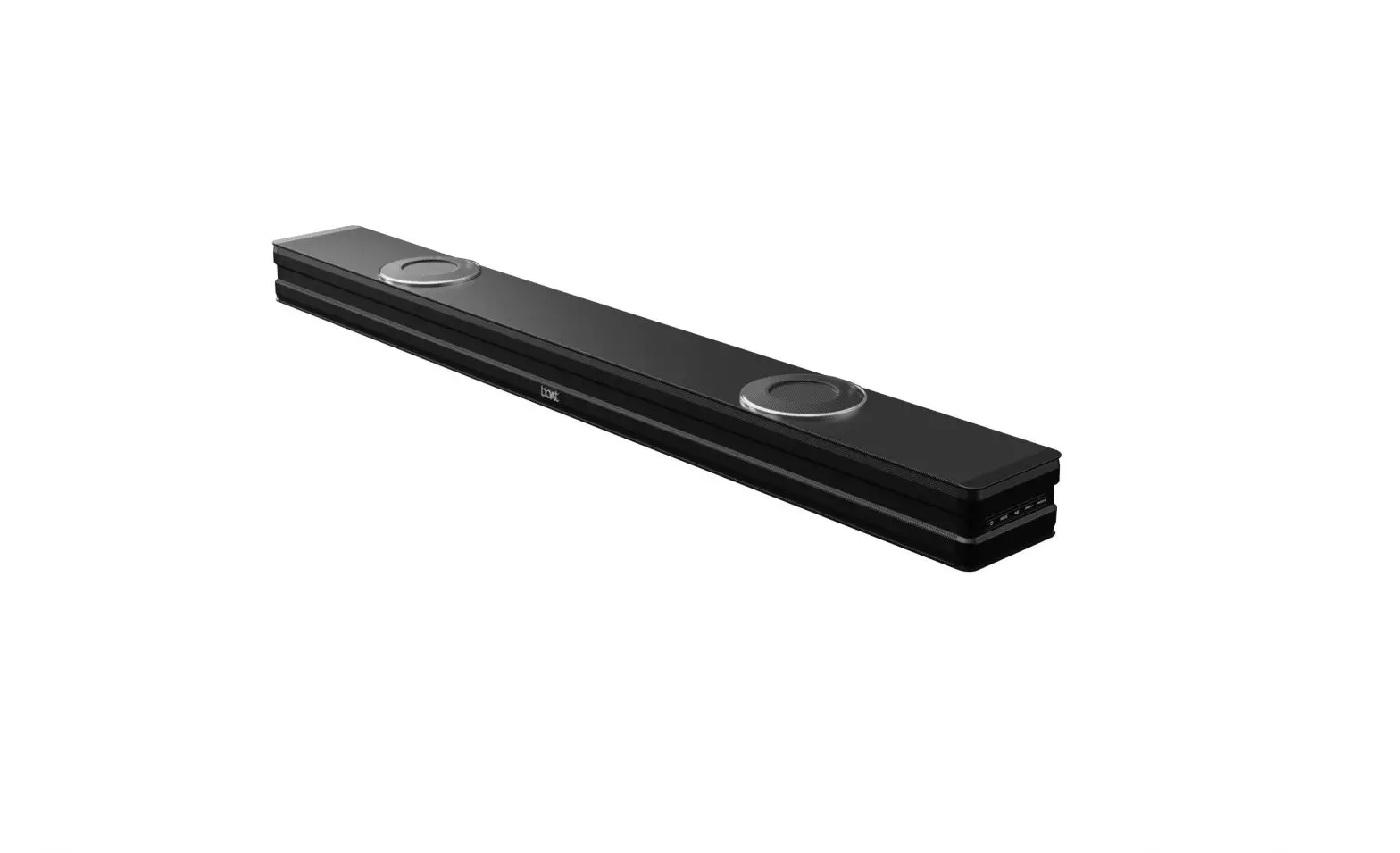
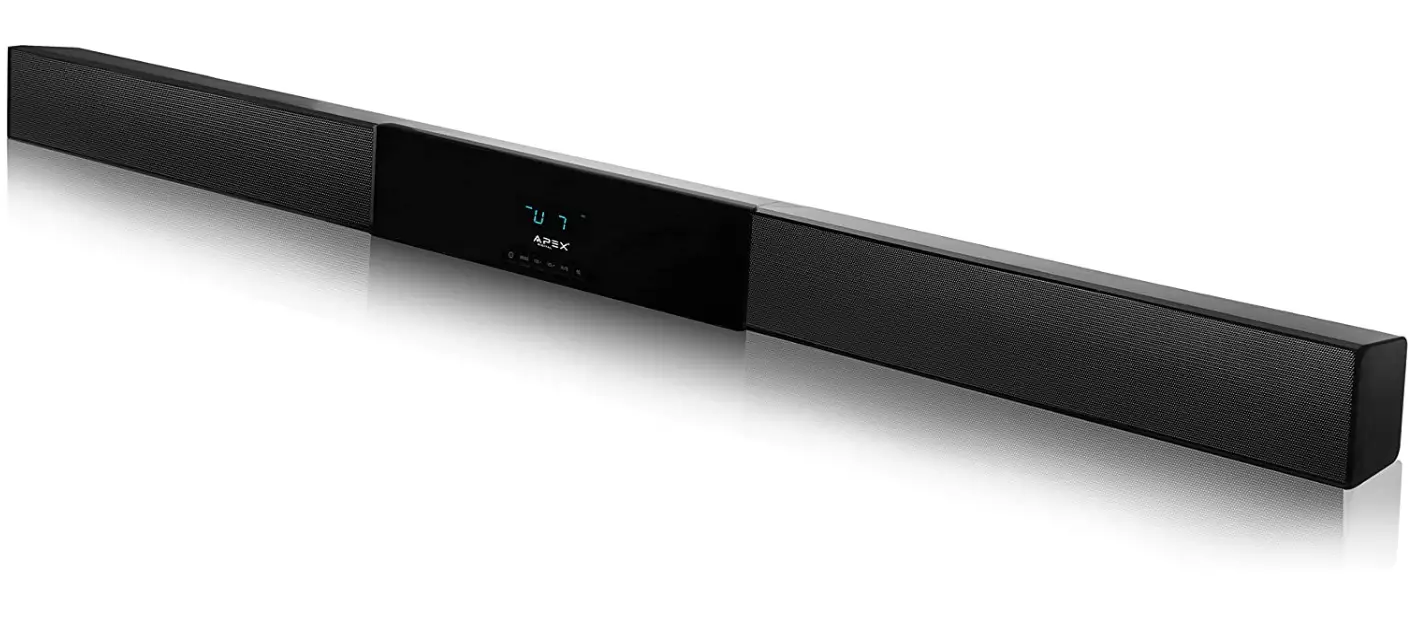
Apex Digital ASB 6000 HD Digital Home Theater Sound Bar
Specifications
- BRAND: Apex Digital
- MODEL NUMBER: ASB 6000
- SPEAKER TYPE: Soundbar
- SPEAKER MAXIMUM OUTPUT POWER: 350 Watts
- CONNECTIVITY TECHNOLOGY: Bluetooth
- SPEAKER NOMINAL OUTPUT POWER: 175 watts
- ITEM WEIGHT: 11 pounds
- PRODUCT DIMENSIONS: 59 x 3 x 3.82 inches
- ITEM MODEL NUMBER: ASB 6000
- BATTERIES: 2 AAA batteries
Introduction
The ASB-6000 is a top-of-the-line 60 “home theatre sound bar that will produce HD sound of the highest caliber. This robust system will be configured for a 60 “or a larger HDTV. The sound is automatically perfectly symmetrical with the inbuilt satellite speaker, and using it with your TV is simple to set up and enjoyable.
HOW IT WORKS
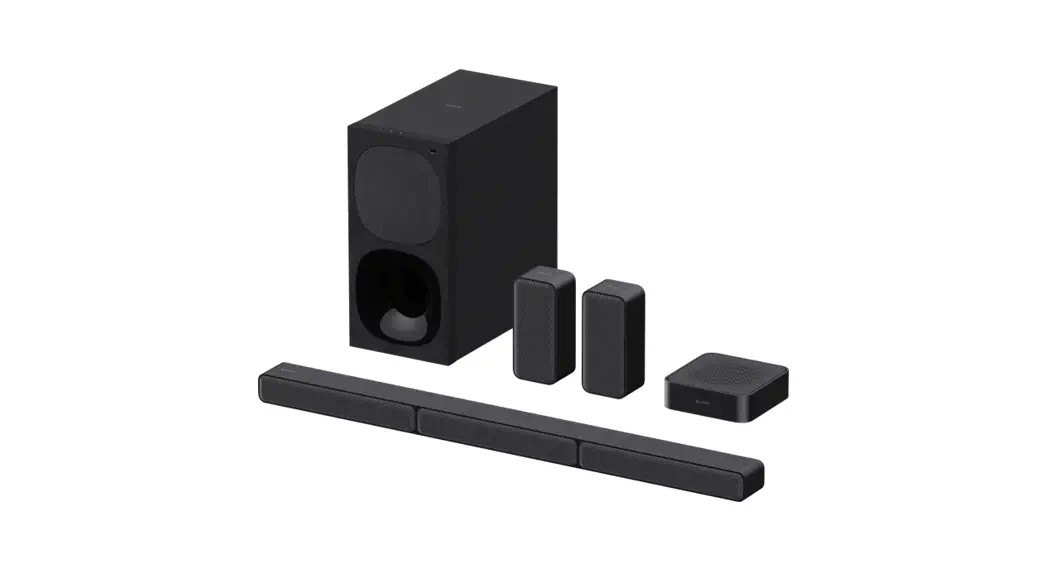
A soundbar connects to your TV without a receiver and contains many speakers as well as the electronics that power them. Some feature back speakers to make a full surround-sound system, while others have a wireless independent subwoofer.
HOW TO CONNECT TO TV
- One end of the HDMI cable (available separately) should be connected to the TV’s HDMI IN port.
- The sound bar’s TV OUT (ARC) port should be connected to the other end.
- Next, join an optical audio cable from your TV’s optical digital audio out to your sound bar’s optical in (this is necessary to hear the TV audio).
HOW TO TURN IT ON WITHOUT REMOTE
Connecting and syncing the sound bar to the TV is another way to turn it on. After connecting the two with an optical or HDMI connection, switch on the TV. Go to the TV’s settings, choose CEC, and turn on HDMI. The TV remote will now have power as a result.
HOW TO RESET
For more than five seconds, press and hold the Soundbar’s (power) and (-) buttons. Disconnect the AC power cord. Reconnect the AC power cord, and then turn on the device by pressing the (power) button.
Frequently Asked Questions
Don’t get us wrong, a soundbar does produce excellent audio for movies as well, but it still falls short of home theatre speakers in terms of depth. Soundbars are the ideal choice, though, if you prefer the music to be directed at you from the front.
A sound bar is an integrated speaker system that produces high-quality TV sound without taking up as much room as a home theatre receiver and surrounds sound speaker setup, and it is also less expensive. Two or more speakers are housed in the long, narrow cabinet of a sound bar, which can produce stereo or surround sound.
As long as you use a “passive” soundbar, such one from James or Leon, these speakers can operate trouble-free for up to 16 years.
A subwoofer is not necessary for a soundbar to sound nice. Soundbars include numerous internal speakers that can provide amazing sound on their own, but many soundbars struggle to produce low frequencies without the assistance of a subwoofer.
A soundbar connects to your TV without a receiver and contains many speakers as well as the electronics that power them. Some feature back speakers to make a full surround-sound system, while others have a wireless independent subwoofer.
In general, any soundbar will work with any TV. However, you must confirm that the devices have compatible connections if you want to ensure that they will function well together.
You can use a soundbar without a TV as long as it has more input options than just HDMI. The majority of soundbars have a variety of inputs that can be utilized to connect a variety of gadgets to your speaker.
Most soundbars can be placed on walls. A soundbar can be positioned below or over a wall-mounted TV. The sound is better focused toward the listener when mounted beneath the TV. A paper wall template or hardware are frequently included with soundbars.
Even a cheap soundbar can significantly enhance the audio quality of your TV viewing.
An HDMI cable is the ideal connection method for your soundbar and TV. Due to the fact that HDMI sends audio digitally, it will be unprocessed and raw. The best soundbars, including those that feature surround sound, may be connected to computers using HDMI cables.