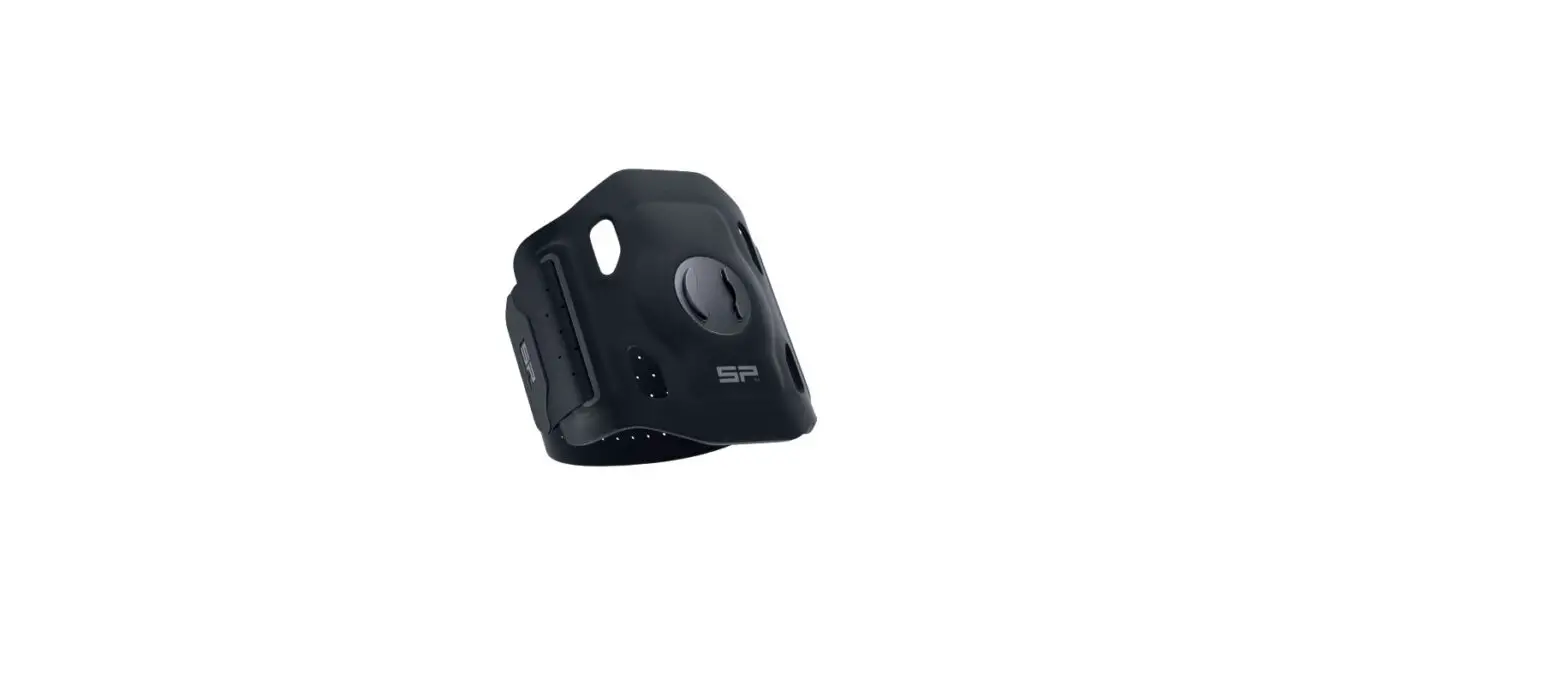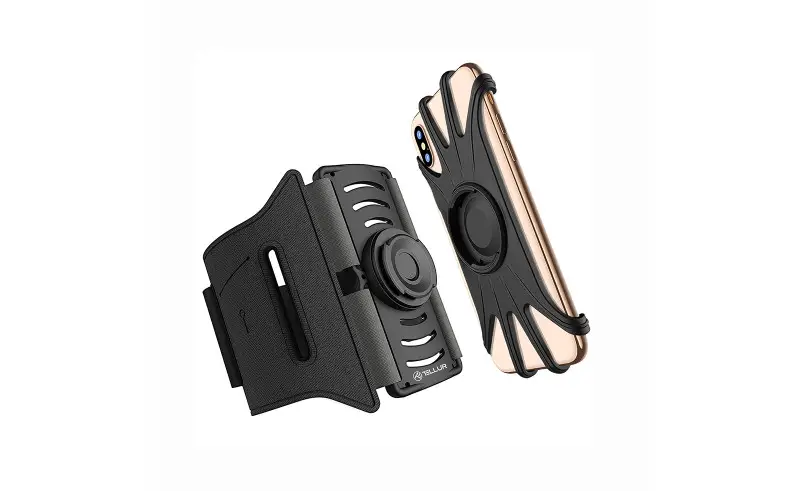

Detachable phone armband
TLL191031
User guide
This manual is available in more languages at www.tellur.com
INTO YOUR FUTURE
Specifications
- Material: PC, Silicone
- Compatibility: 4″ – 6.5″
- Detachable design: Yes
- Characteristics: Easy to Install & Uninstall, 360° rotatable design
- Weight: 70g
- Color: Black
Installation instructions
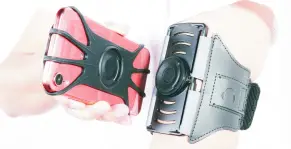
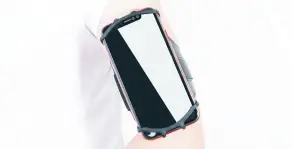
- Put on the armband and adjust the strap for comfortable wear.

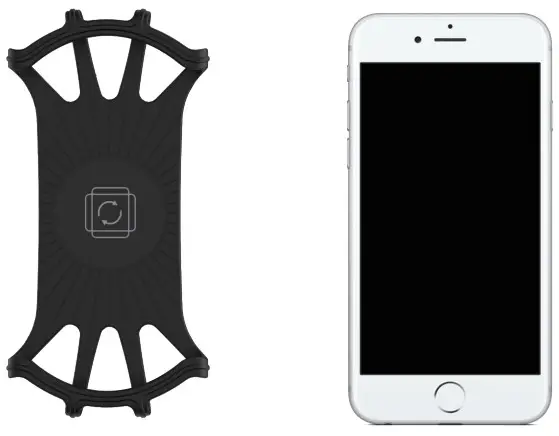
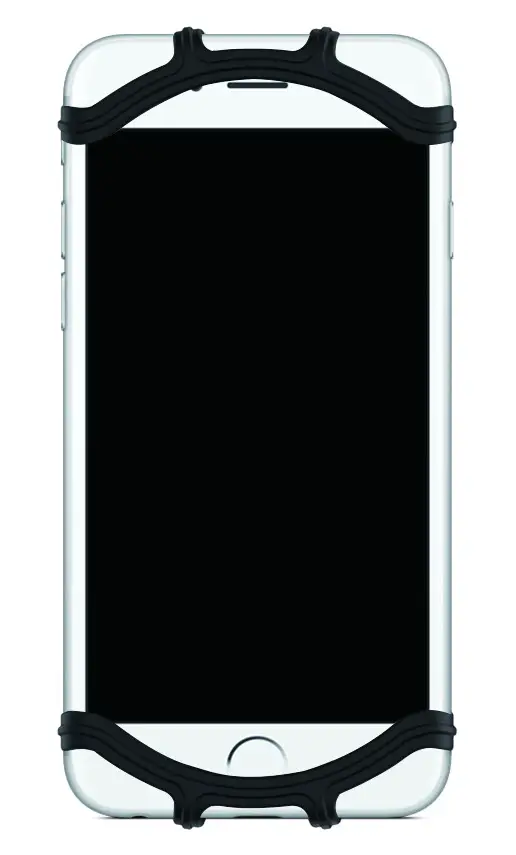
- Align your phone with the silicone holder (it can fit phones between 4”and 7”.

- Fit your phone into the silicone holder and adjust it in order to have unhindered access to all controls and buttons.

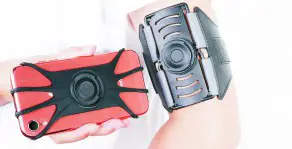
- When mounting the silicone holder on the armband’s base, make sure you align the raised, circular joint from the back of the holder with the concave position of the armband’s base.

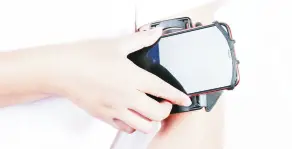
- Keeping the phone silicone holder perpendicular to the armband, press it hard downward by 2mm and rotate the phone counterclockwise by 90°, then release.
- After fixing the silicone phone holder to the armband’s base, you can rotate and position your phone to any angle you want.
Note! Do not press the phone downward while rotating its position.
Removal instructions
To remove the holder from the armband’s base, press the phone silicone holder hard downward and rotate clockwise by 90°.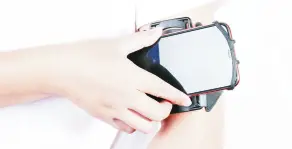

ABN Systems International Str. Marinarilor, nr.29 Sector 1, Bucuresti, Romania
 0 004.021.233.09.95
 [email protected]
[email protected]

 Home - Tellur