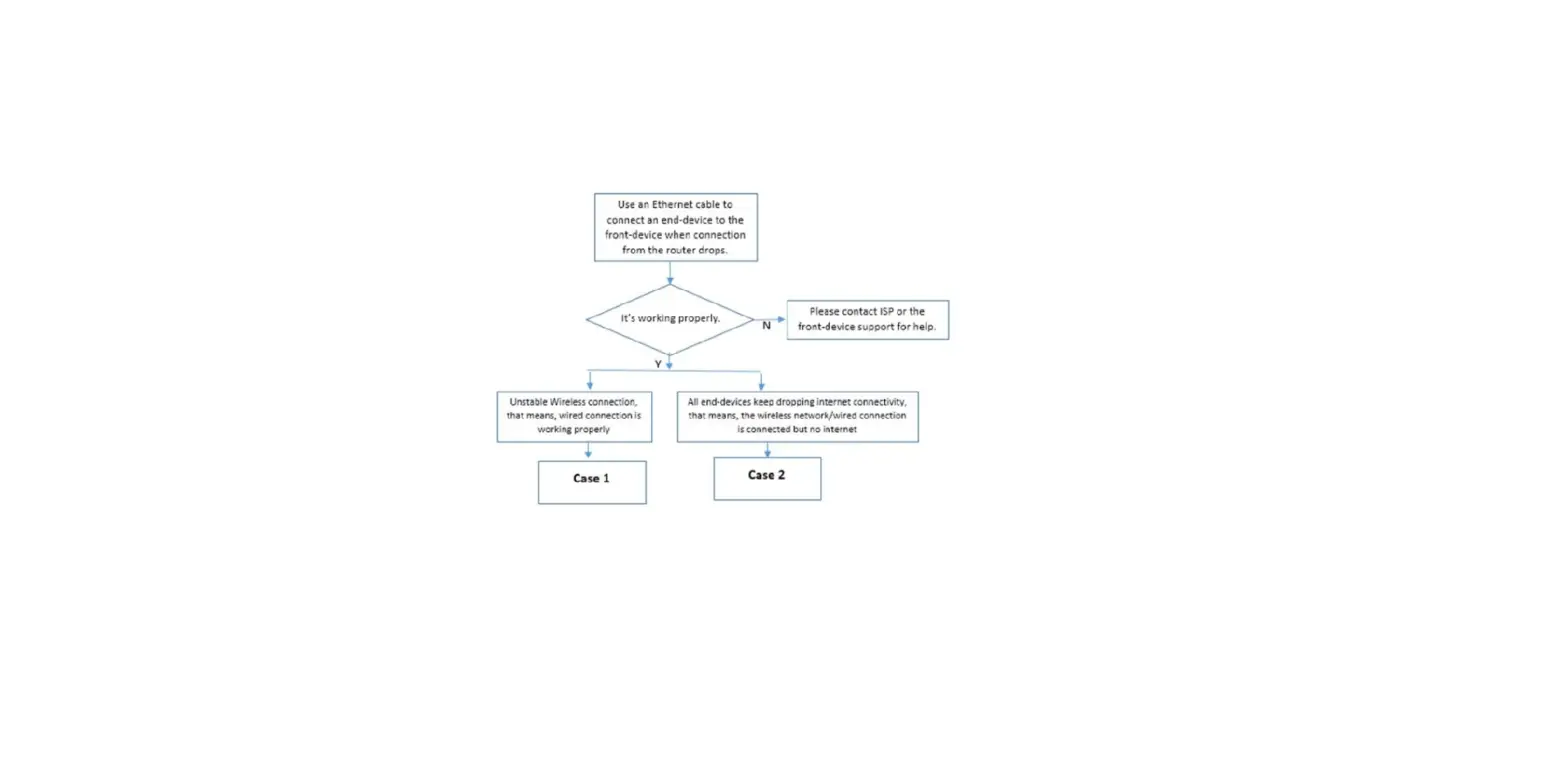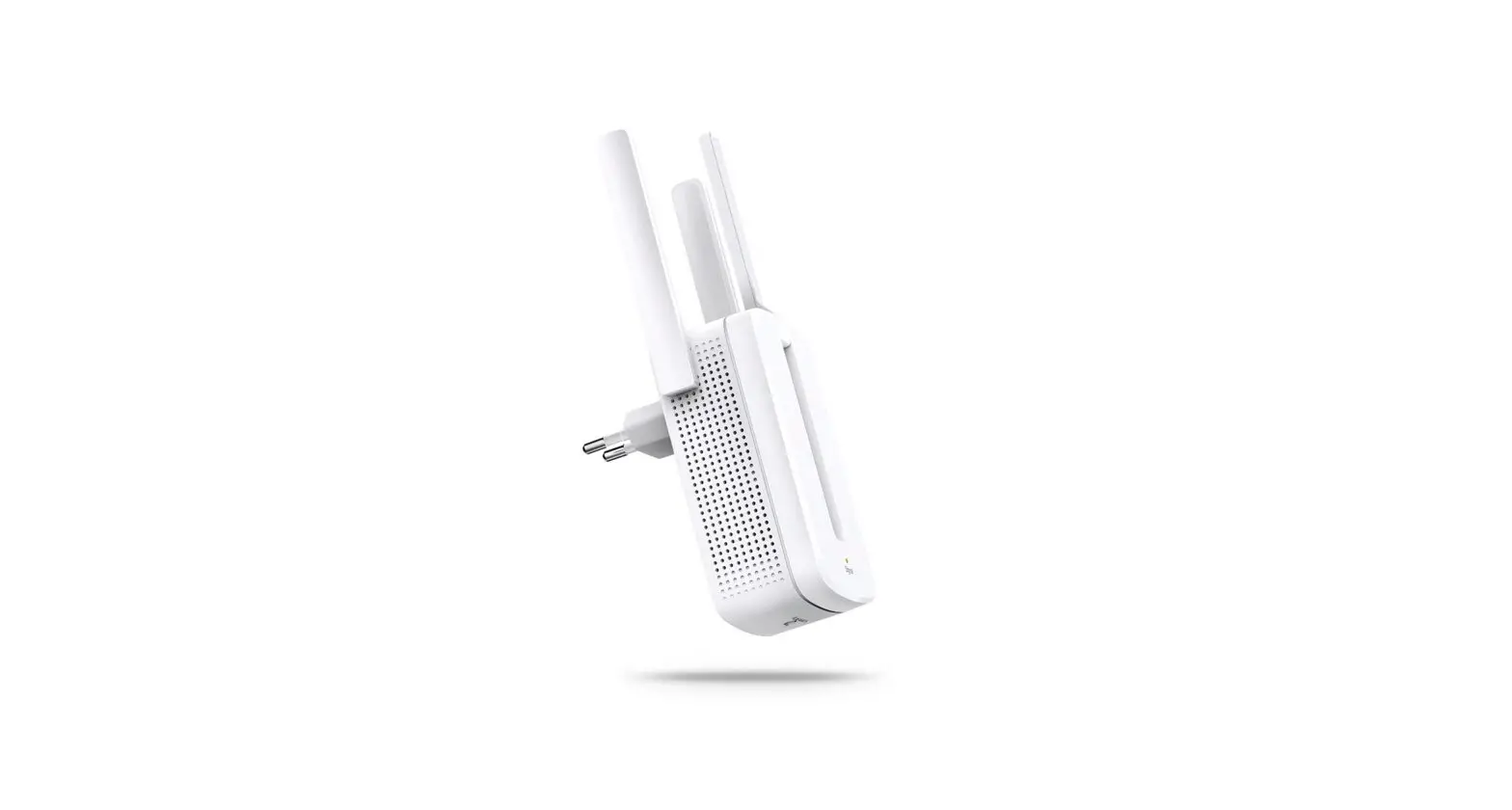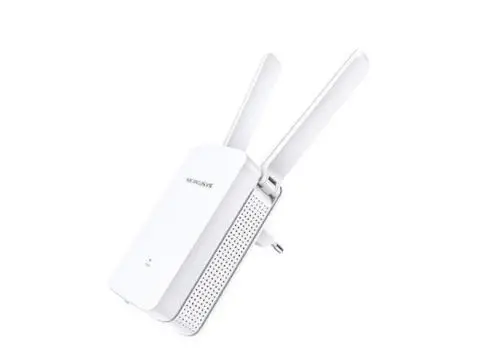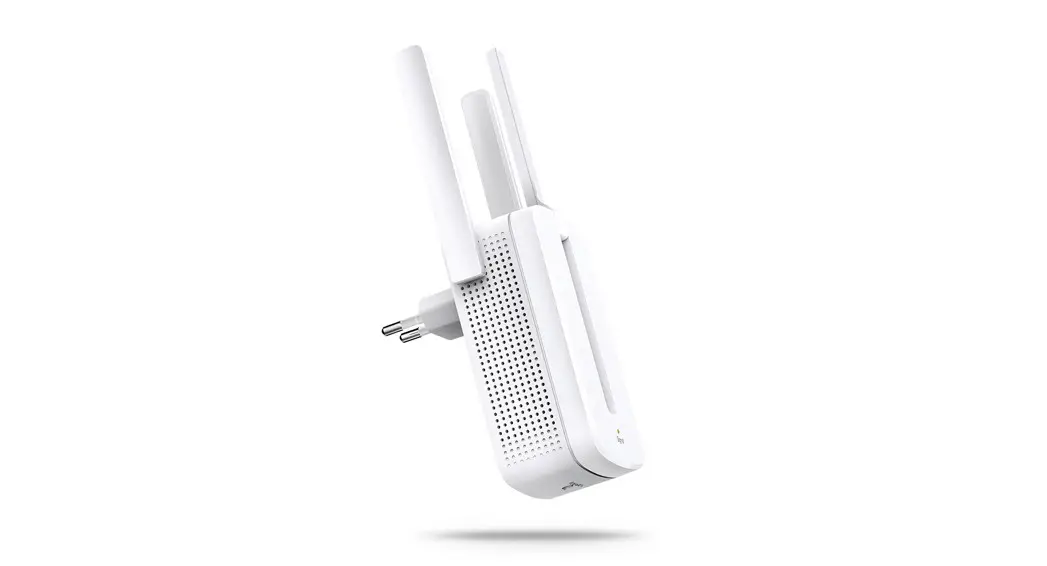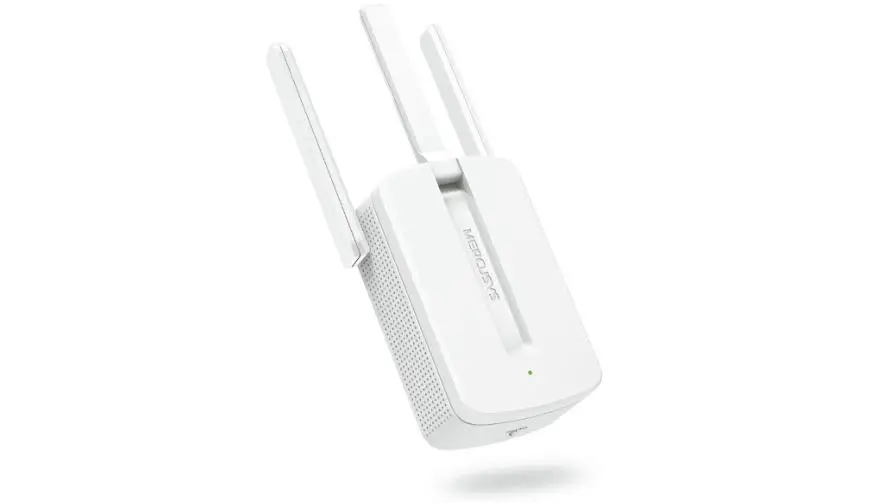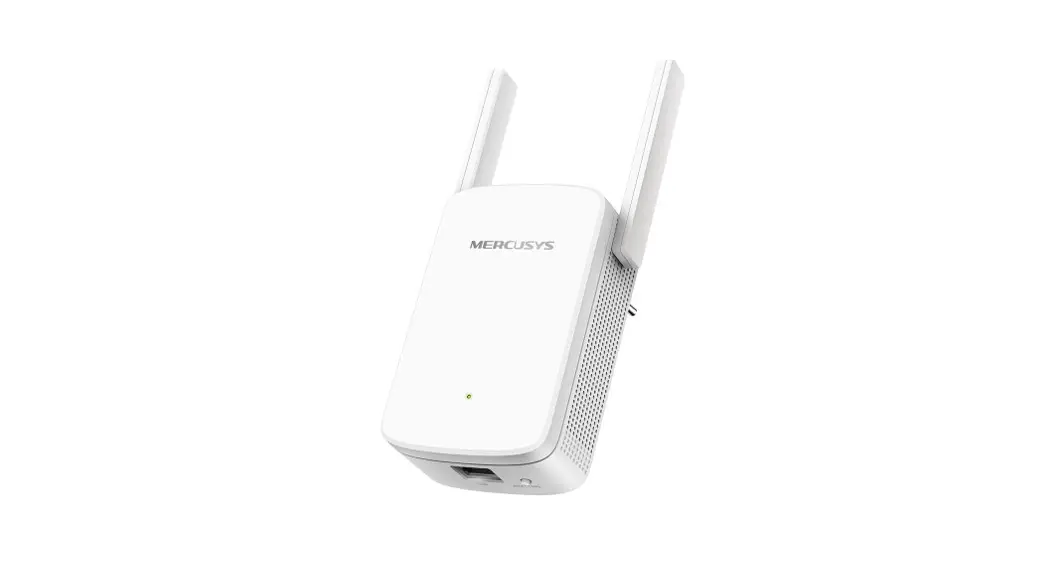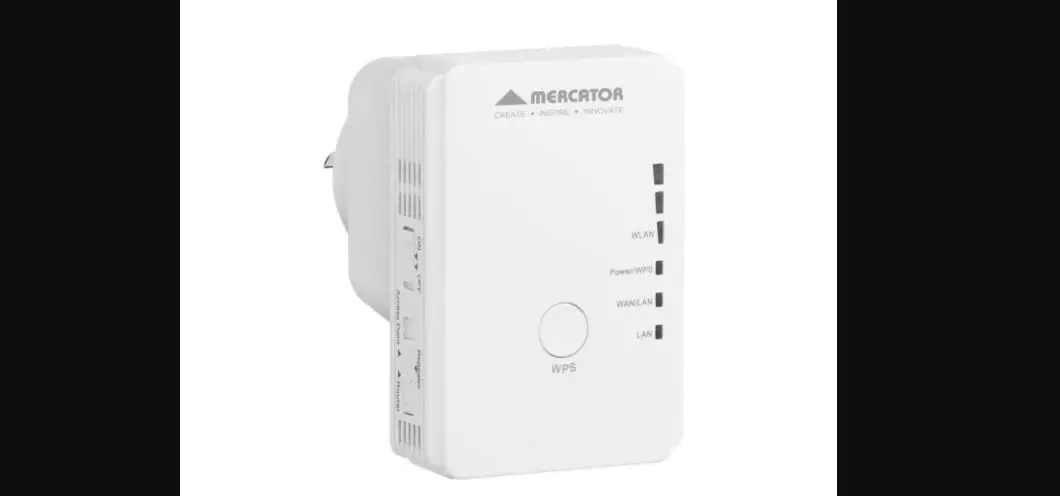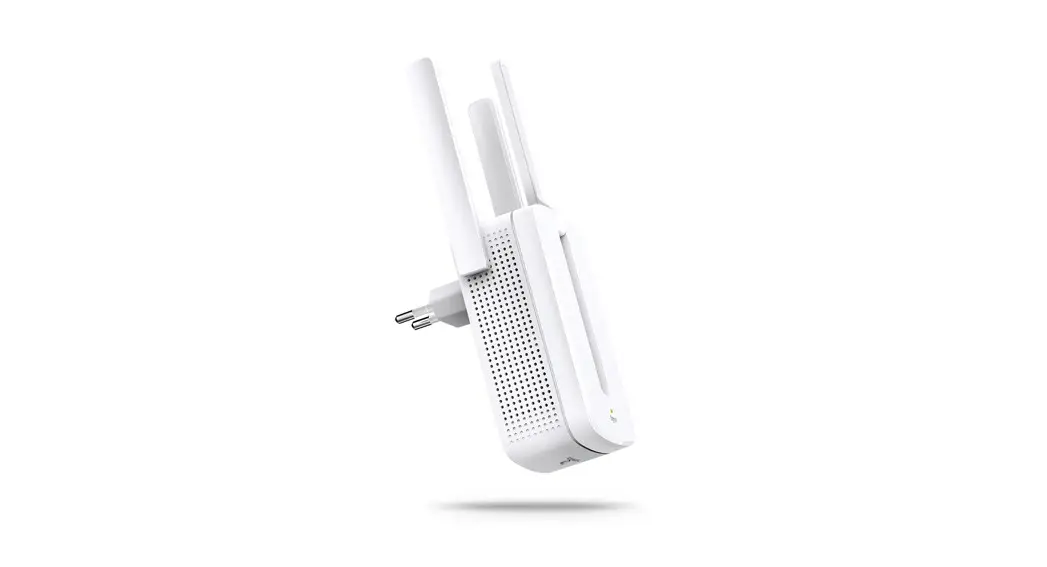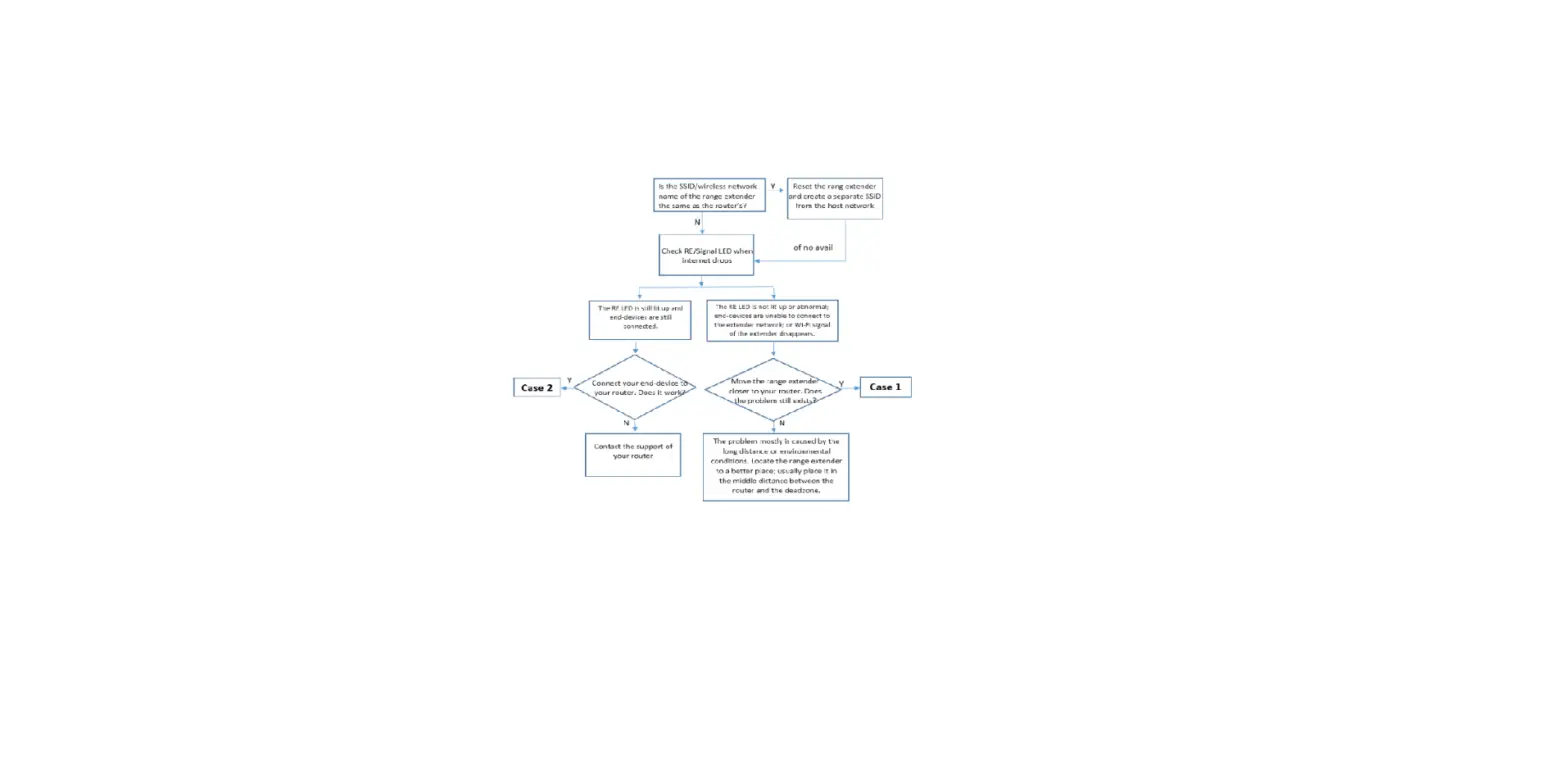
The range extender may extend Wi-Fi signal but it does not maintain the connection. This FAQ will guide you to do some tests to exclude possibility caused by router other elements beside the range extender.
End-device means computer, laptop, mobile phone, etc.
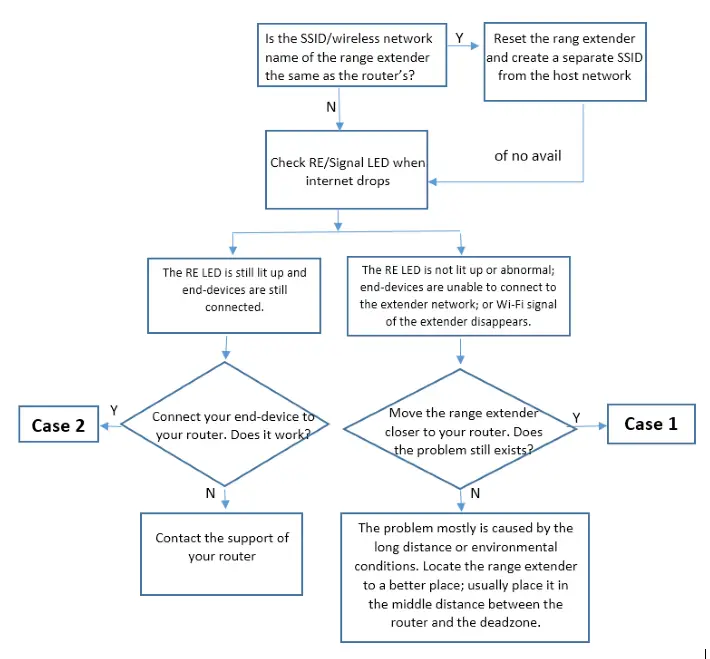
Note: Refer to UG to get detailed info of the LED status.
Case 1
Step 1
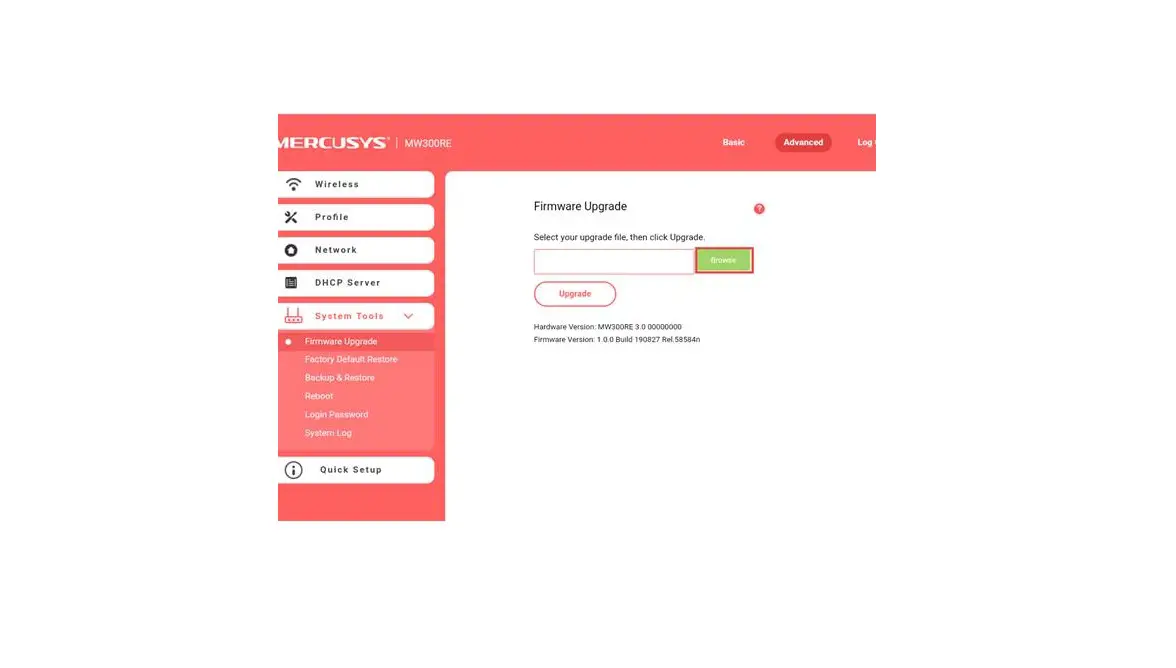
Update the range extender to latest firmware. Click here.
Step 2
Contact Mercusys support with model number of your router and let us know the problem occurs on 2.4GHz or 5GHz.
Case 2
Step 1
Update the range extender to latest firmware. Click here.
Step 2
Disable then enable the wireless network connection of the end-device.
Step 3
To figure out the problem please place the RE near to the router to see whether the problem still exists.
Step 4
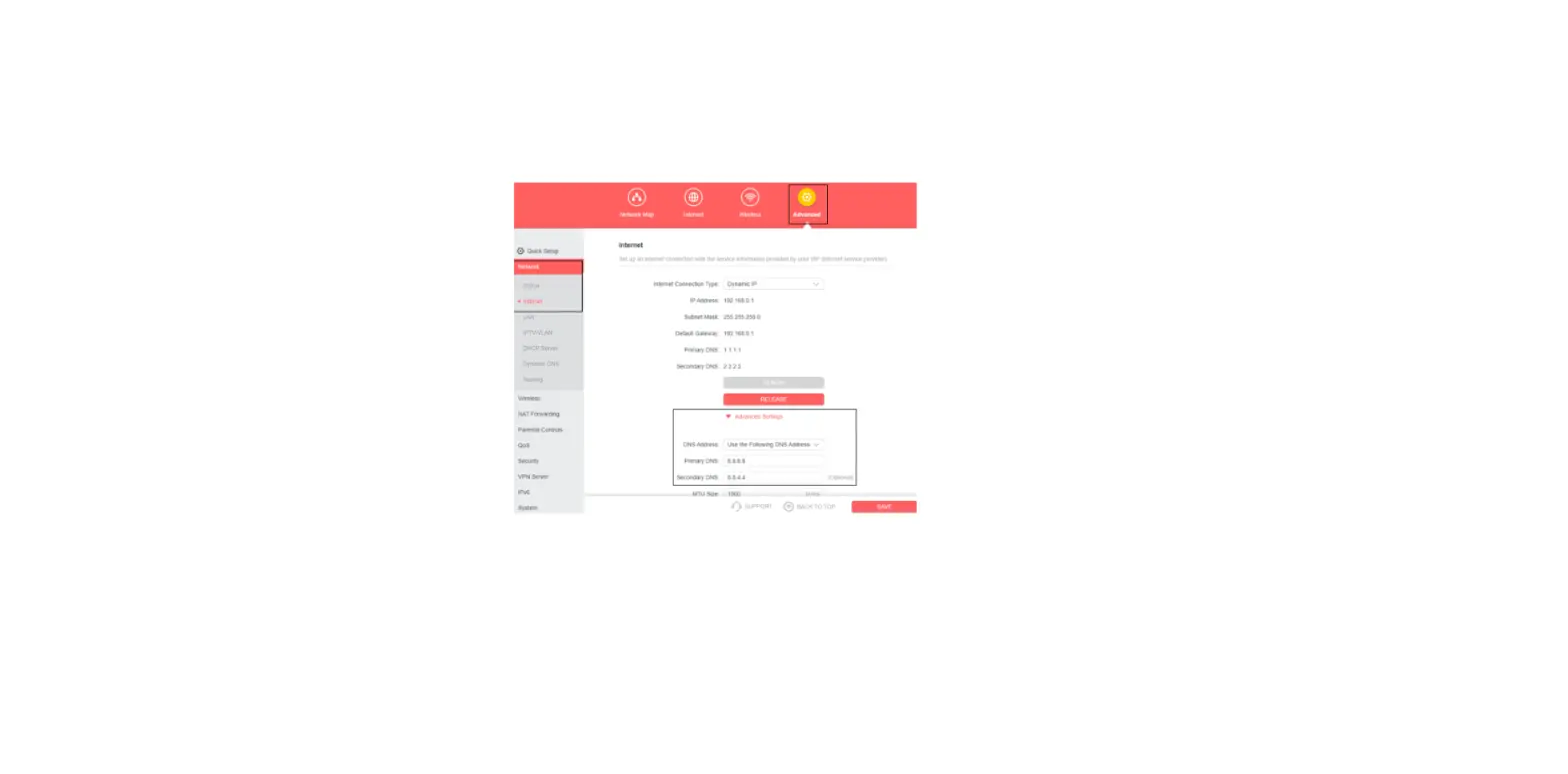
Check and record IP address, Default Gateway and DNS of the end-device (click here) when the range extender loses connection.
Step 5
Contact Mercusys support with the results above, model number of your router and let us know the problem occurs on 2.4GHz or 5GHz.